

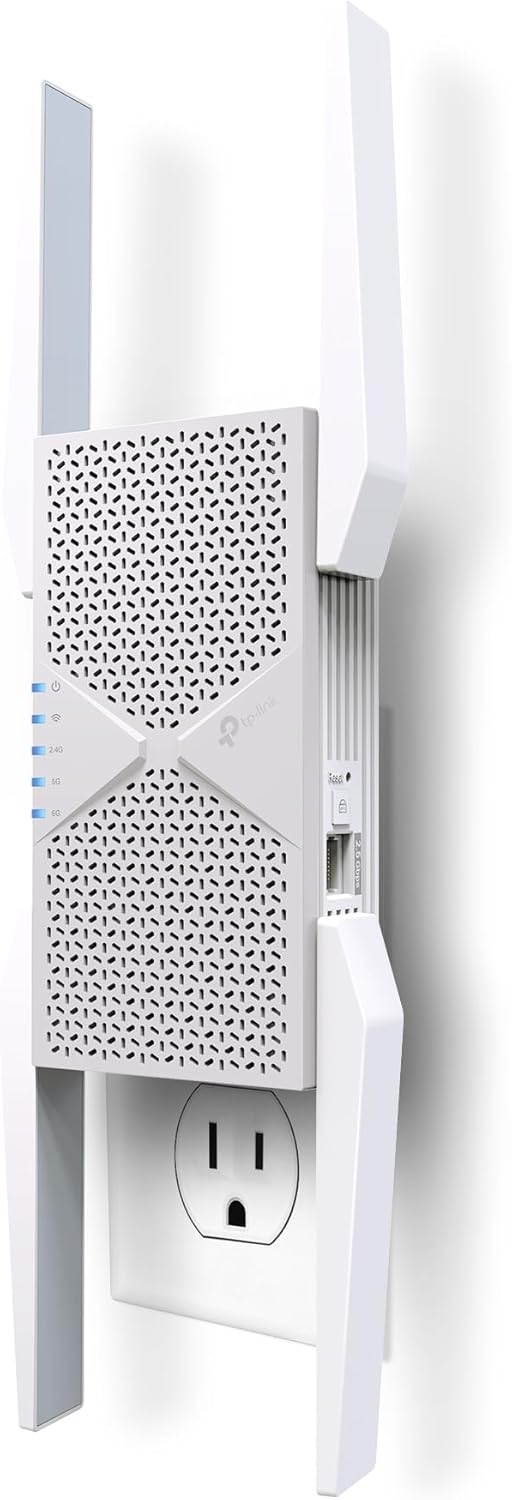
TP-Link BE10000 RE653BE Wi‑Fi 7 Extender 10 Gbps
Reviews
Price
Product description
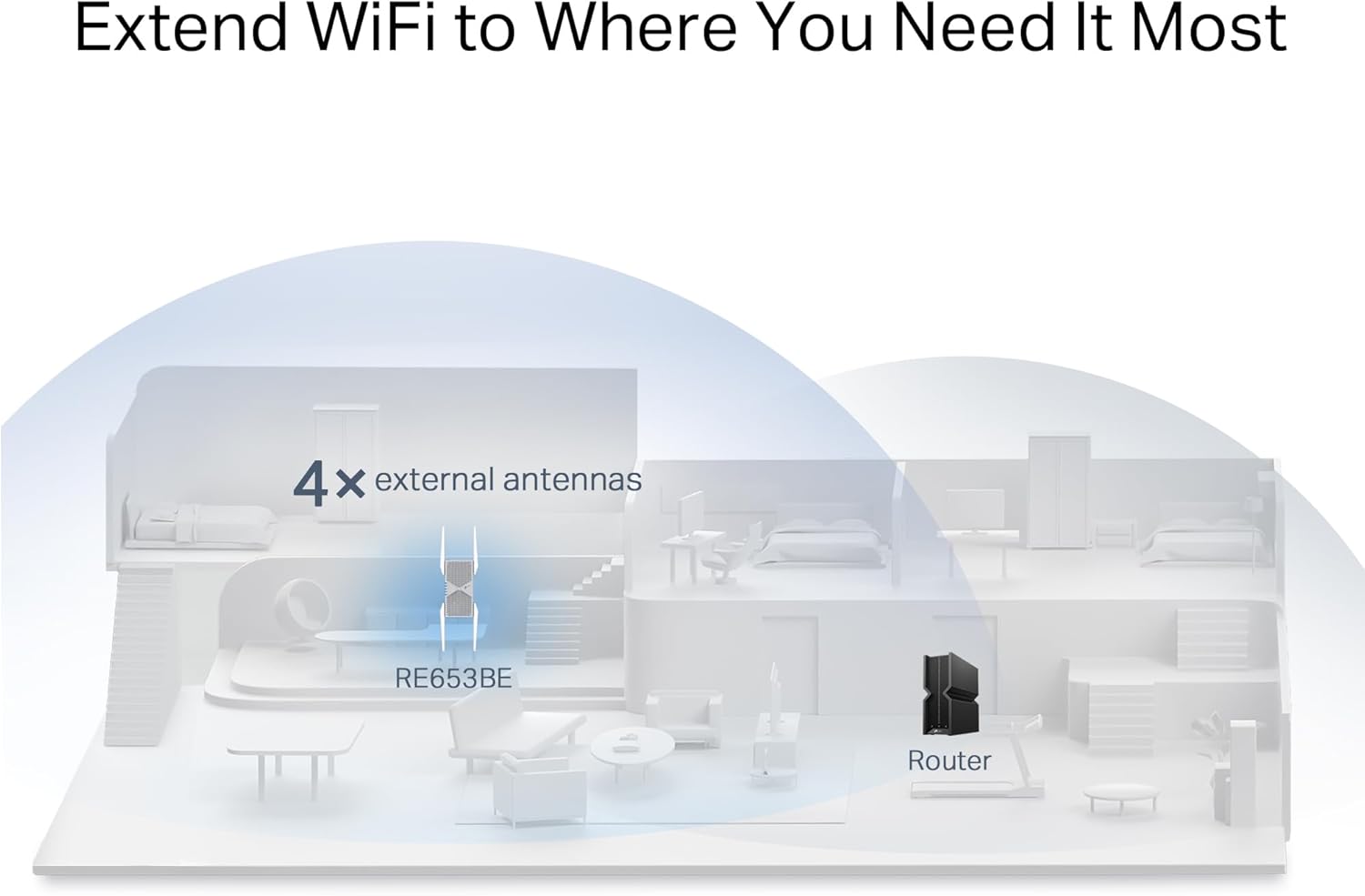
This Wi‑Fi 7 range extender from TP‑Link boosts home coverage and reduces dead zones while supporting the latest wireless features for faster, more reliable connections. It combines tri‑band wireless throughput, a 2.5 Gbps Ethernet port, and EasyMesh compatibility to extend networks across apartments and houses up to approximately 2800 sq. ft., with capacity for many connected devices.
Key Points
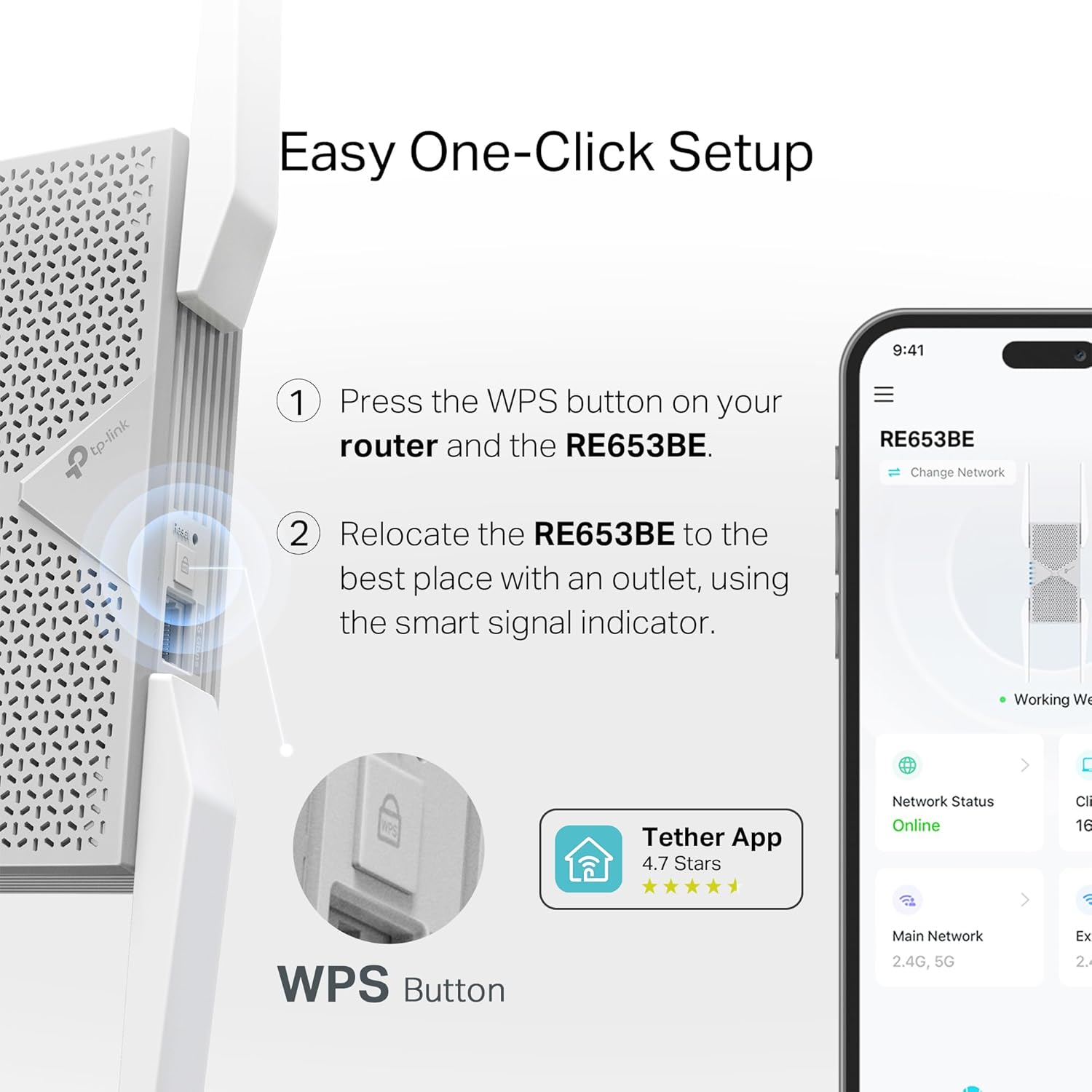
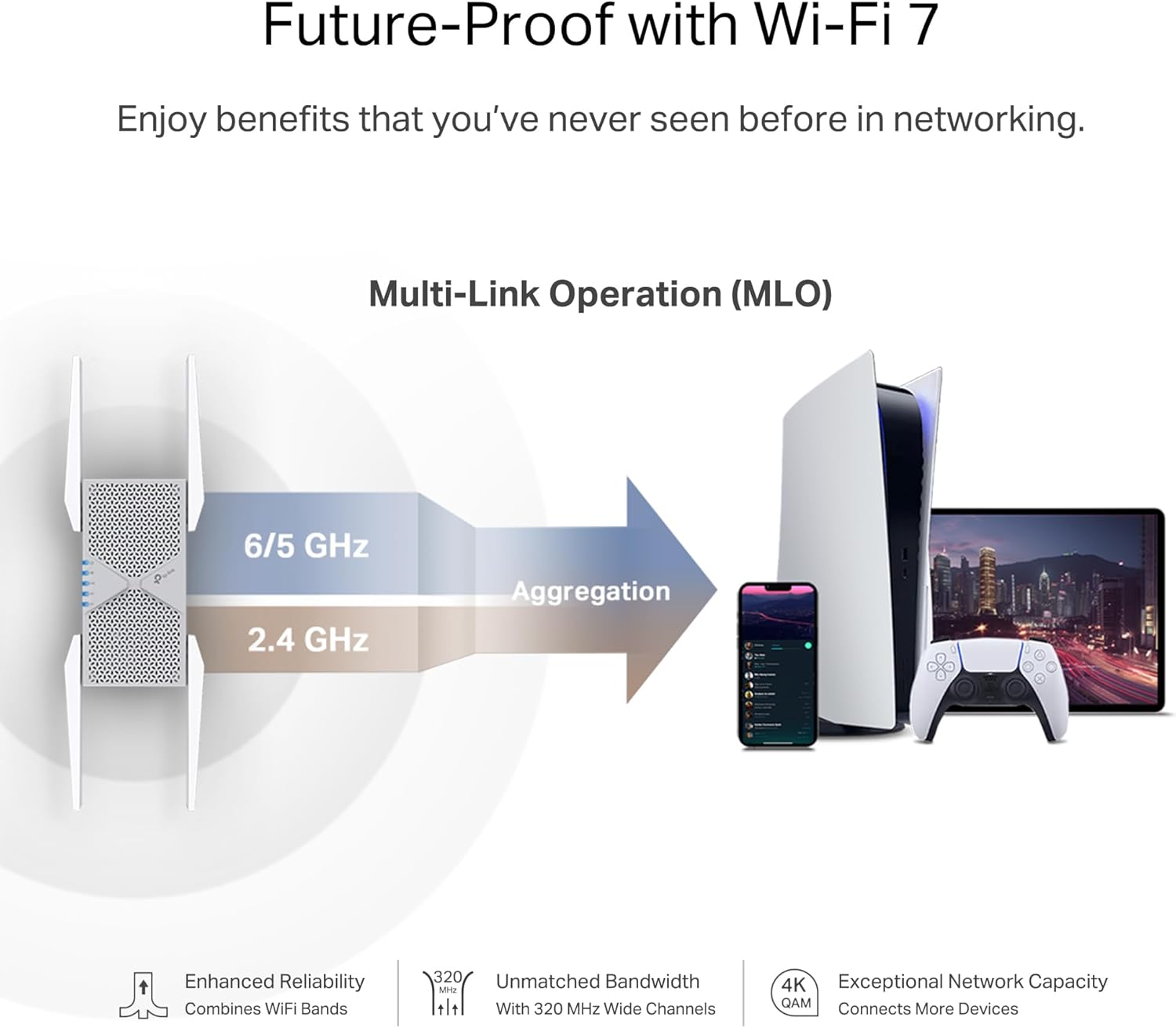
The extender takes advantage of the new 6 GHz band and Multi‑Link Operation (MLO) when paired with a Wi‑Fi 7 router, which helps lower congestion and provides more clean channels for high‑bandwidth tasks like 8K streaming and AR/VR gaming. It includes beamforming with four high‑gain directional antennas to focus signal strength toward devices, improving reliability across multiple rooms. Setup is designed to be straightforward using the Tether app, and an intelligent signal indicator helps find the best placement. According to the manufacturer, security is a priority and TP‑Link is a signatory of the security by design commitment promoted by CISA.
Technical Specifications
- Name: TP‑Link BE10000 Wi‑Fi 7 Range Extender RE653BE
-
- Wireless bands: 6 GHz, 5 GHz, 2.4 GHz
- Maximum theoretical speeds: 5188 Mbps (6 GHz), 4320 Mbps (5 GHz), 688 Mbps (2.4 GHz)
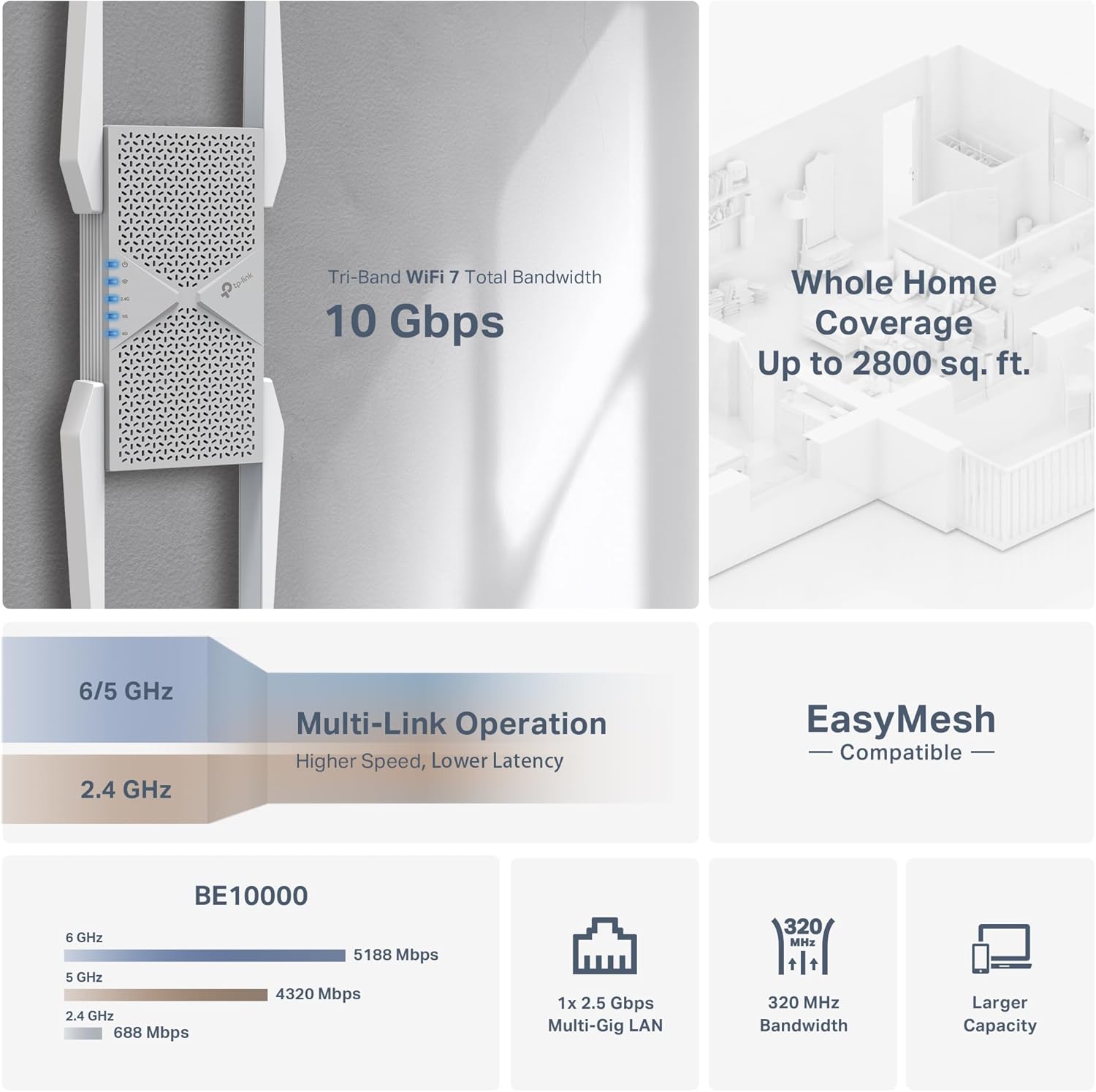
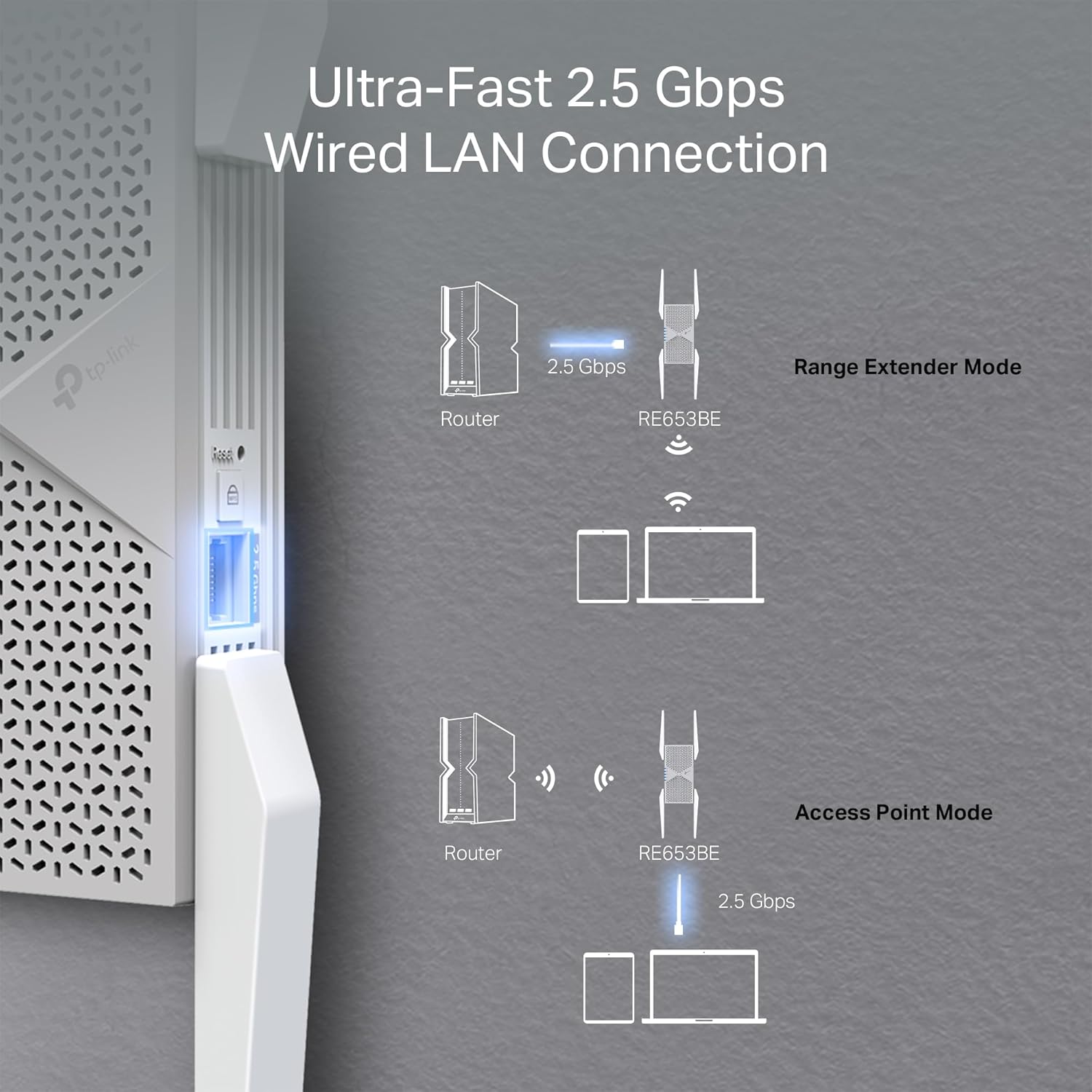
- Ethernet: 2.5 Gbps LAN port
- Coverage: up to 2800 sq. ft. and support for up to 128 devices
- Advanced features: Multi‑Link Operation (MLO), 4K‑QAM, EasyMesh compatibility
Benefits
Extending to the 6 GHz band reduces interference from older Wi‑Fi devices and crowded networks, which can improve latency and throughput for modern Wi‑Fi 7 clients. The 2.5 Gbps LAN port lets a wired device such as a game console or a multigig modem take advantage of faster internet plans, which is useful for large file transfers and cloud backups. The device also supports automatic handoff to the strongest access point while moving through the house, helping maintain stable connections for video calls and streaming.
Usage Recommendations
Place the extender roughly halfway between the router and coverage area that has weak signal, and use the signal indicator to fine‑tune location. For best multiband performance pair it with a Wi‑Fi 7 router to enable MLO and Multi‑RU features, noting that end‑to‑end Wi‑Fi 7 benefits require compatible client devices. The Tether app simplifies setup and basic network management. Keep in mind that extenders increase coverage rather than directly raising the peak speed of a router, so observed throughput can vary depending on placement, interference, and the capabilities of connected devices.