

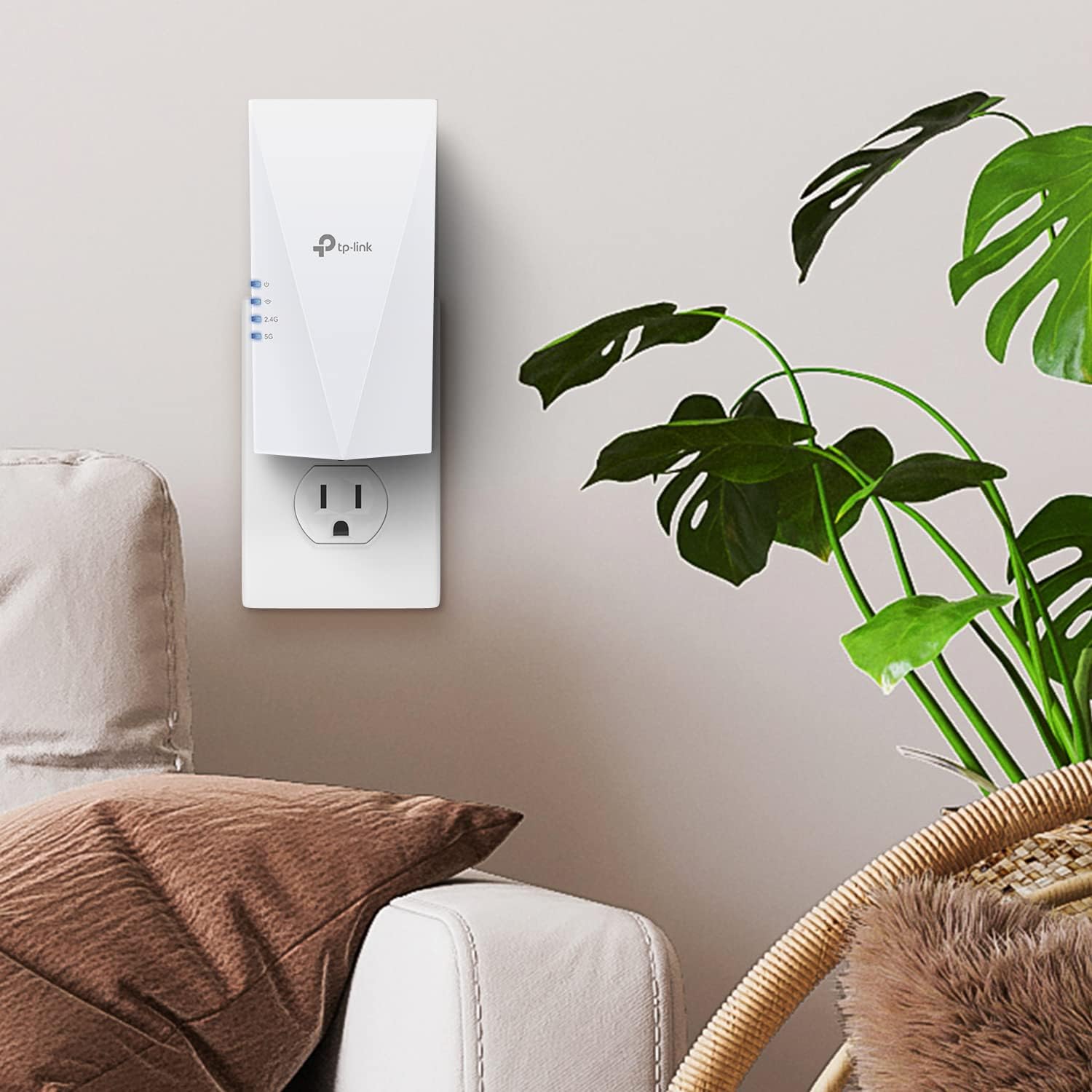
TP-Link RE600X AX1800 WiFi 6 Extender Internet Booster (OneMesh compatible, Gigabit Ethernet)
Product description
The essentials
If your WiFi router struggles to reach certain rooms, the TP-Link RE600X AX1800 WiFi 6 extender is built for that exact kind of home problem: weak signal, dead zones, and devices that drop back when they’re far from the router. On paper, it’s a dual-band WiFi 6 repeater/extender designed to boost coverage with smoother streaming and gaming support in the places where your signal is thin.
A detail worth keeping in mind: wireless extenders are intended to improve coverage and reliability, not to magically “increase internet speed.” In some setups, improving signal strength can still change overall throughput depending on your home layout and how much wireless traffic is being repeated.
Key points
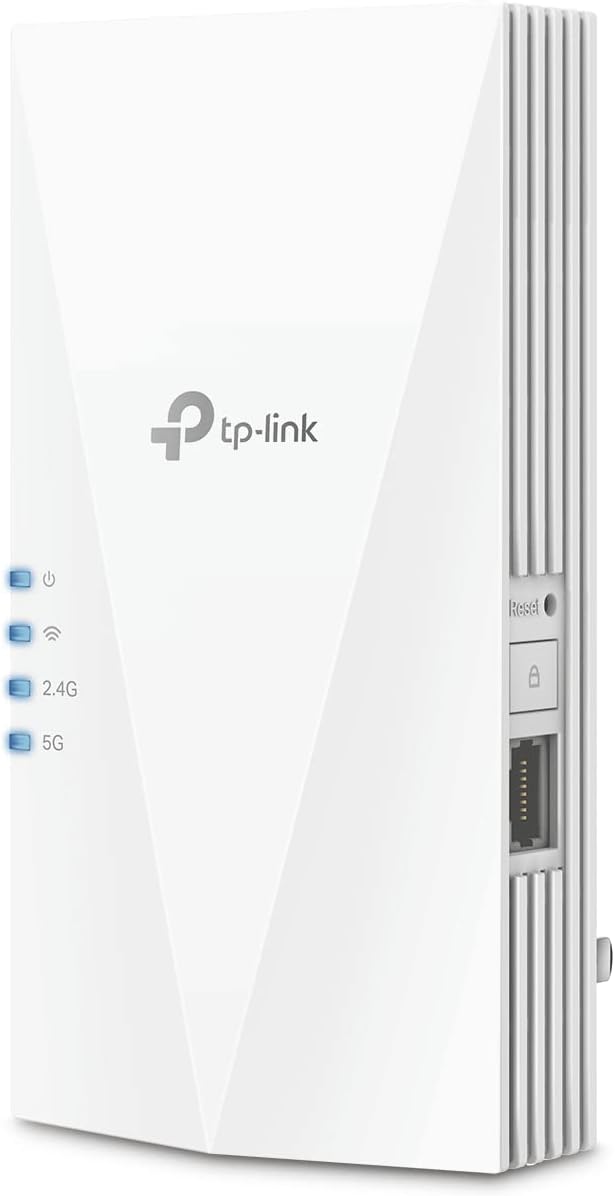
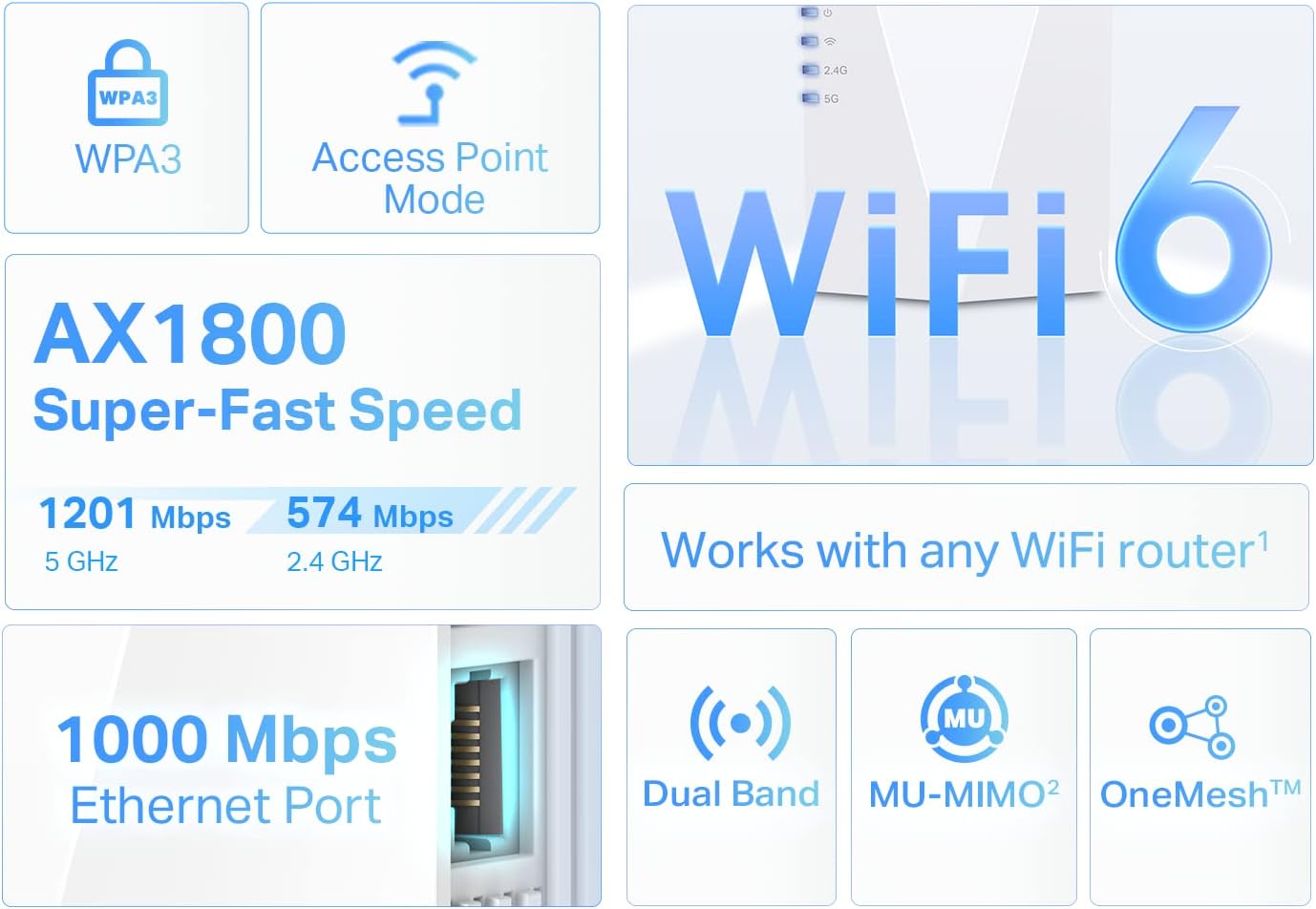
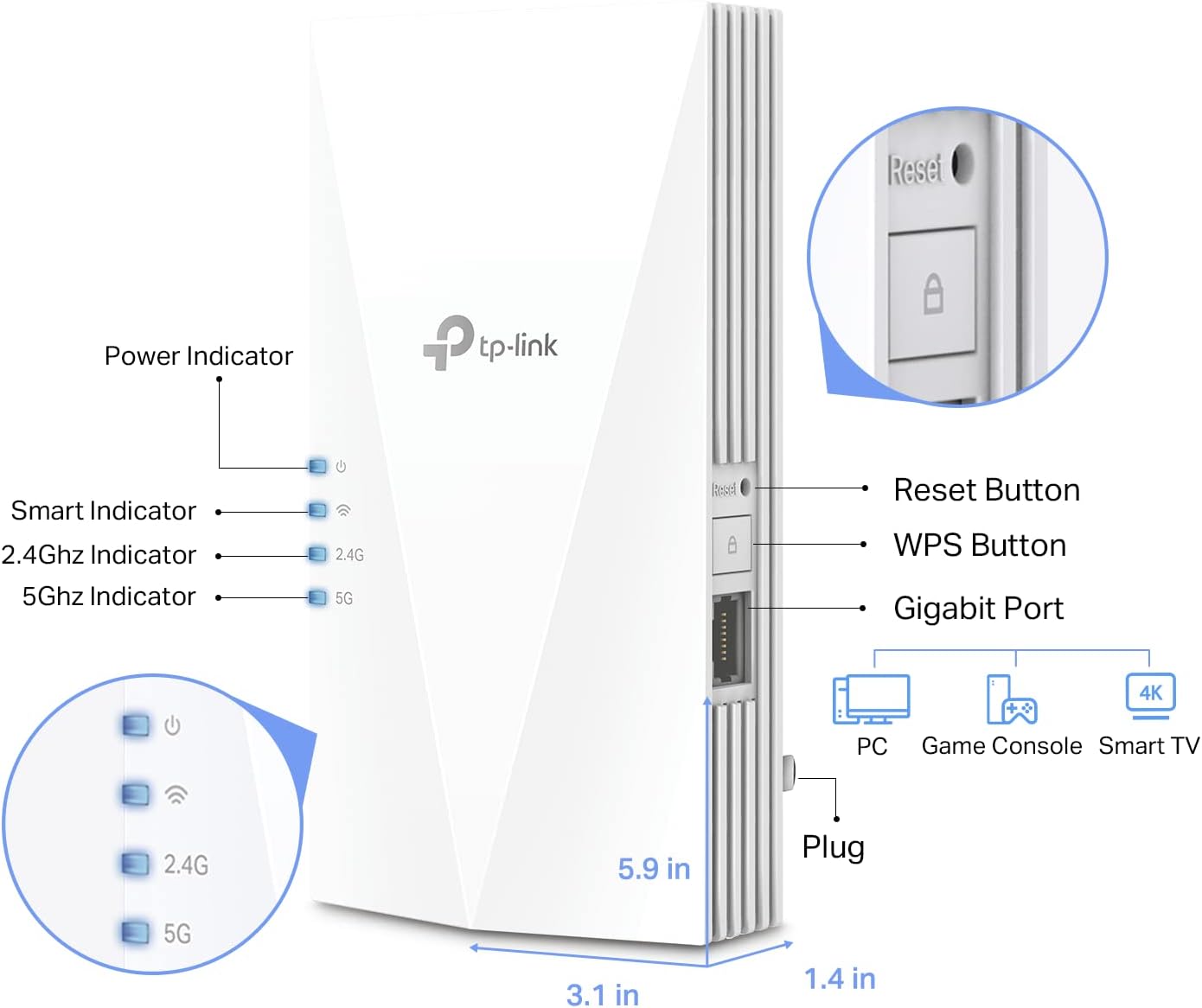
This model is set up to extend your existing router’s WiFi using dual-band performance up to AX1800. It also includes a Gigabit Ethernet port, which is handy if you want to plug in a device like a PC, smart TV, or a gaming console for a more stable wired connection in a room where WiFi can be flaky.
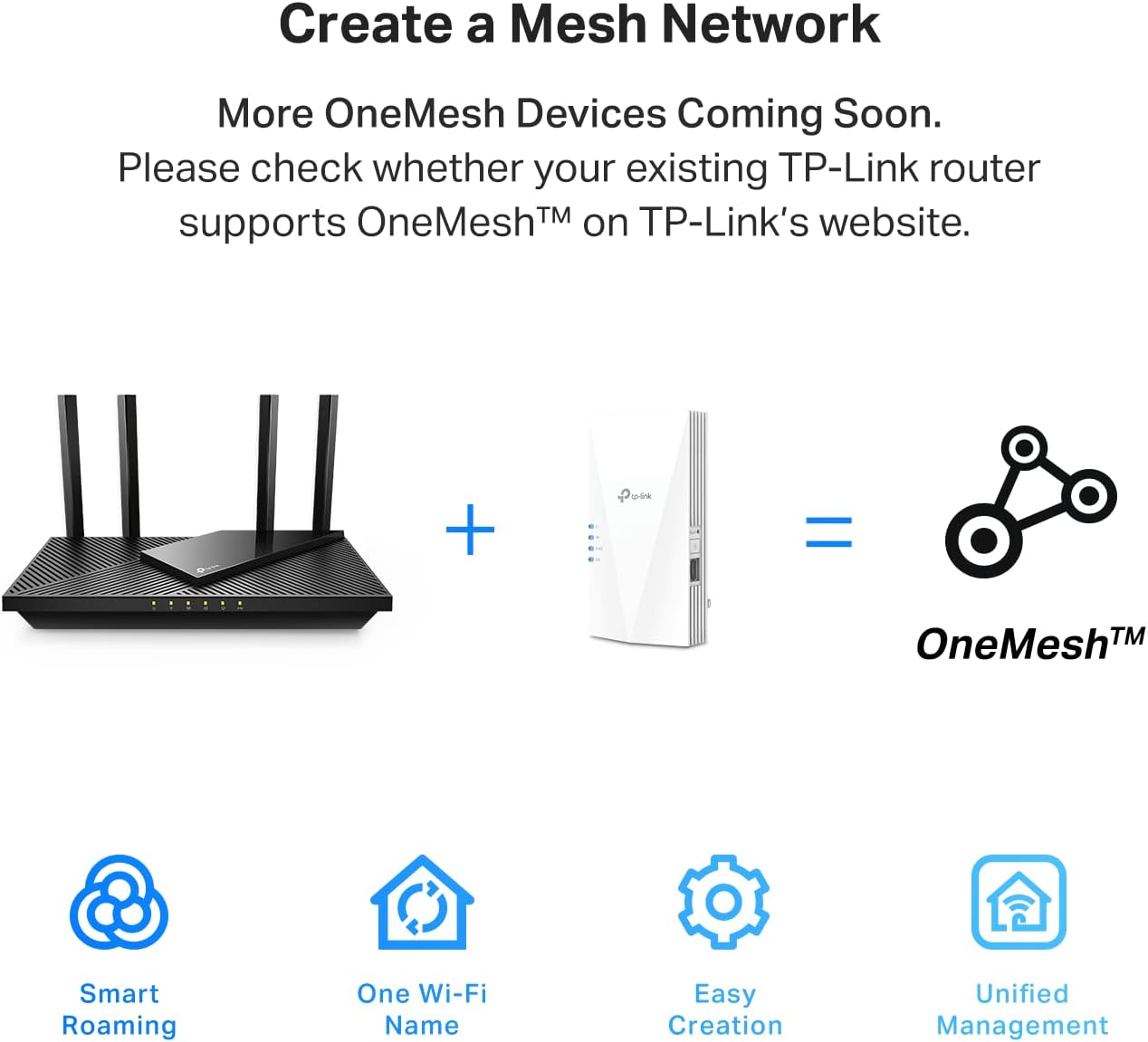
Another standout concept is OneMesh compatibility. If you have a compatible TP-Link OneMesh router, you can build a mesh network that uses a single network name and password, making it easier to roam from room to room without manually switching networks.
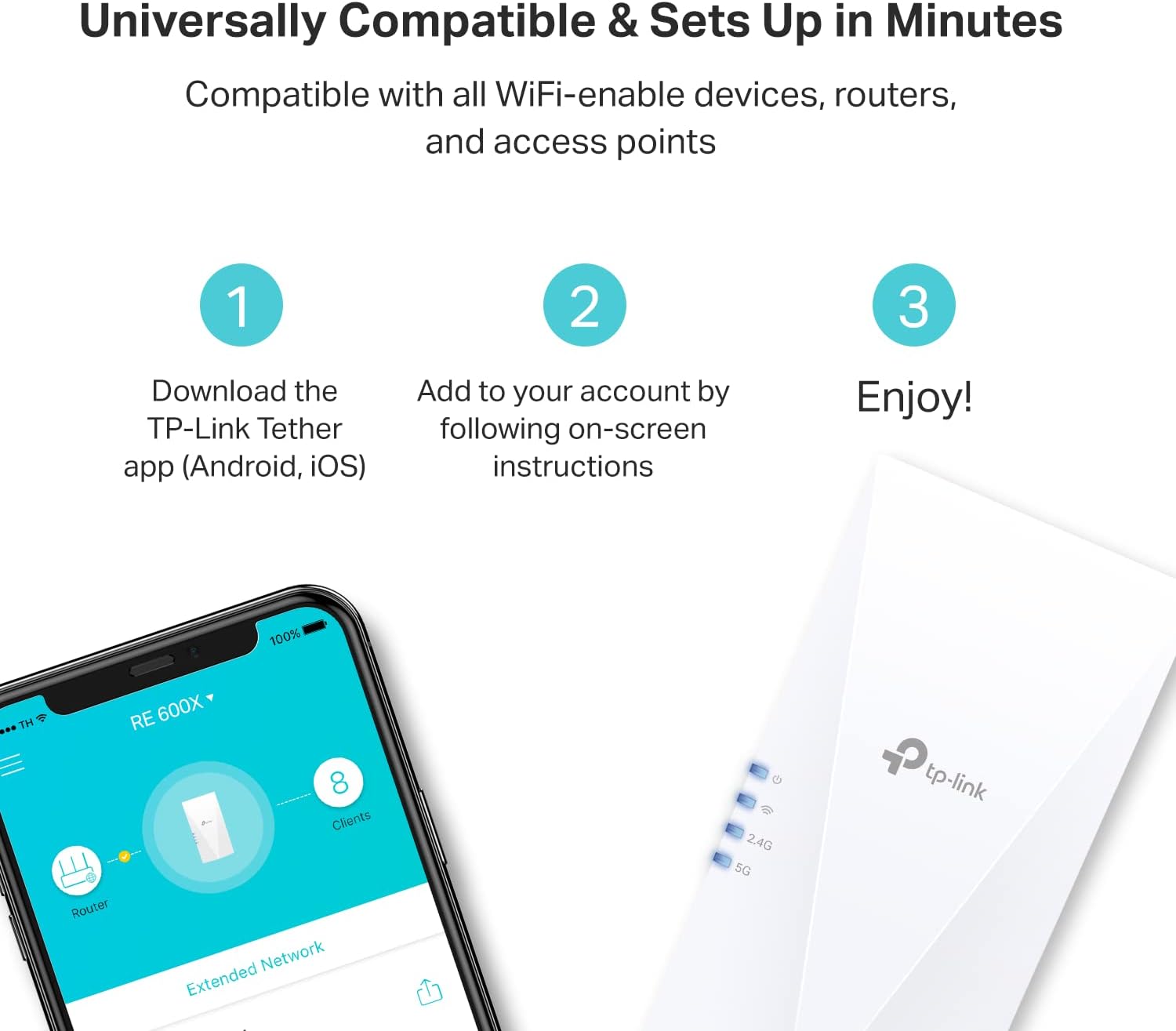
And for the “where do I place it?” question, the Tether app is meant to guide you toward a better location using an intelligent signal indicator concept, so you don’t just guess and hope.
What to know before buying
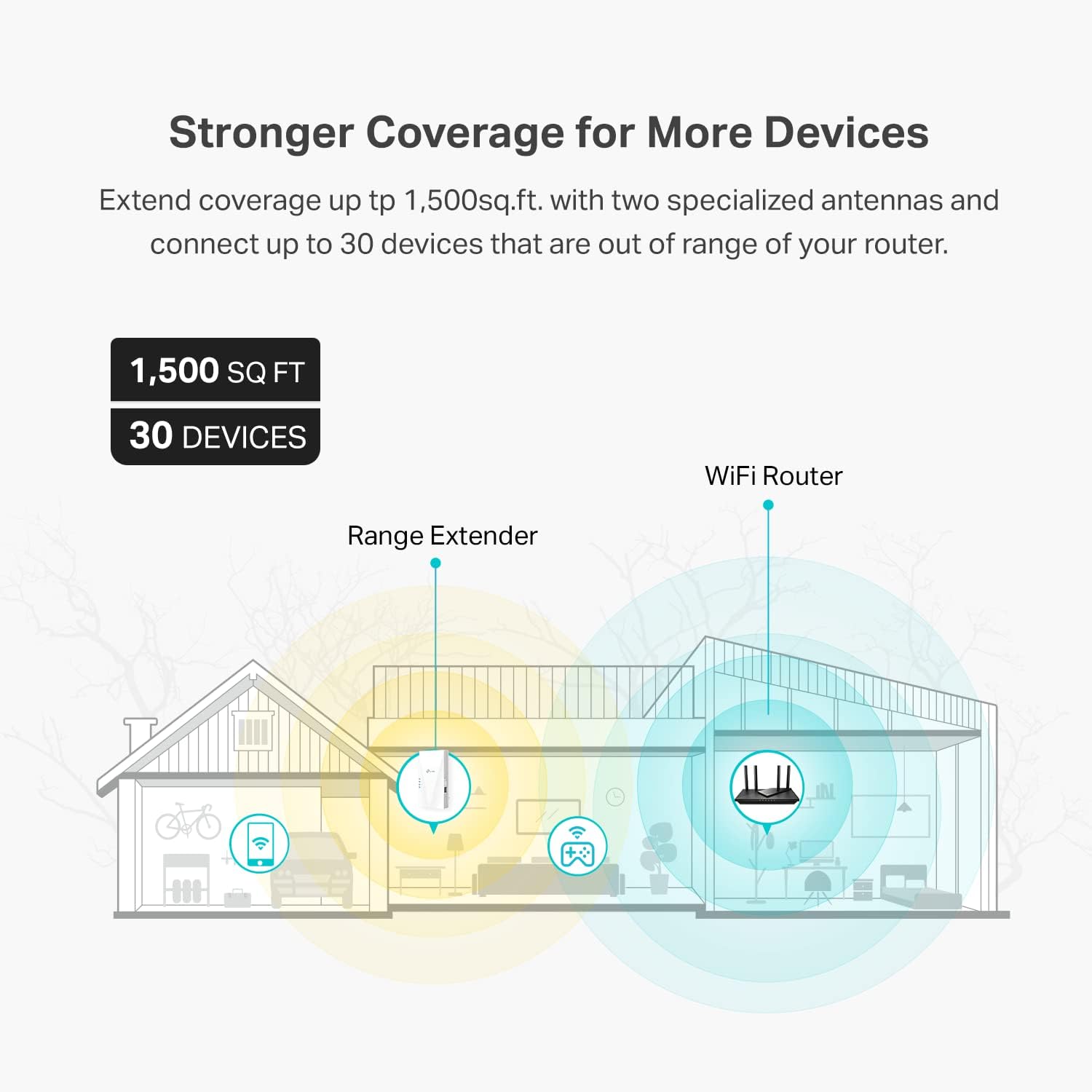
This extender is designed for coverage, but your results will depend quite a bit on your home’s layout. Thick walls, distance, and where the extender sits between the router and the problem room can make the difference between “noticeably better” and “fine, but not dramatic.”
Also, while the product listing mentions it can connect up to 30 devices, that doesn’t automatically mean every device will feel consistently fast in every scenario. Real-world performance tends to vary with how many devices are active and whether the extender’s backhaul is also being used heavily.
It might not be the best fit if your goal is only to increase speed in a single room without addressing weak coverage. For pure speed gains, you’d generally want to look at options that improve the main network itself rather than relying on repeating.
Where it shines in everyday use
Imagine you’ve got a router in the living room, but your bedroom and home office keep buffering during streaming or lag during online gaming. With RE600X, you’d place the extender so it can “see” the router well, then use the extended WiFi for those far rooms.
If your smart TV or gaming console is near an outlet, the Gigabit Ethernet port can let you run a wired connection from the extender to that device—often a practical way to reduce WiFi variability. It’s the kind of small improvement that can feel bigger than it sounds when you’re trying to keep playback smooth.
Tech specs
- Type: WiFi 6 extender / signal booster / repeater (OneMesh compatible)
- Bands: Dual band
- Rated wireless speeds: up to 1.8 Gbps (1201 Mbps on 5 GHz and 574 Mbps on 2.4 GHz)
- Coverage: up to 1500 sq.ft
- Device support: up to 30 devices
- Wired connection: Gigabit Ethernet port
- Setup and management: TP-Link Tether app (Android, iOS)
Who it’s for—and who should skip it
Worth considering if you want a straightforward way to eliminate dead zones and strengthen WiFi in areas far from your router, especially if you also want an Ethernet option for a console/TV/PC. It’s also a solid match if you’re already using a TP-Link OneMesh router and you like the idea of one network name and easier roaming.
It might not suit you as well if your main concern is getting a major internet-speed boost rather than improving signal reach. And if your home is very small but you still want “better WiFi everywhere,” you may be spending money where a better router placement (or another main-network approach) could have fixed more.
Is it worth it?
Yes, it’s worth a look if your WiFi problem is coverage-related—weak signal rooms, dead zones, and devices that don’t hold up when they’re far from the router. The RE600X is clearly aimed at making streaming, gaming, and downloading feel more consistent in those areas, and the Gigabit Ethernet port adds a useful “fallback” for wired reliability.
You may want to pass if you’re chasing bigger speed increases as the primary goal, since extenders are built to extend coverage and reliability rather than directly increase internet speed. In many homes, the best way to get good results is placing the extender carefully (that’s where the Tether app guidance is meant to help).
If you want something you can set up quickly, extend coverage to about the stated size, and possibly keep roaming seamless with OneMesh, this one fits the brief.
Mini FAQ
Can this extender increase my internet speed?
Not in the direct sense. The listing frames extenders as tools that improve coverage and signal reliability, which can affect overall throughput depending on your setup.
Do I need a TP-Link OneMesh router to use it?
The product is described as OneMesh compatible, and it’s specifically positioned for creating a mesh network when paired with a TP-Link OneMesh router.
What devices can I connect?
The listing states it can support up to 30 devices and that it can connect devices out of range from your main router. It also mentions using the Gigabit Ethernet port for a PC, smart TV, or gaming console.
Where should I place the extender?
The Tether app is mentioned for helping you find an optimal location using an intelligent signal indicator concept, which is a good clue that placement matters.