

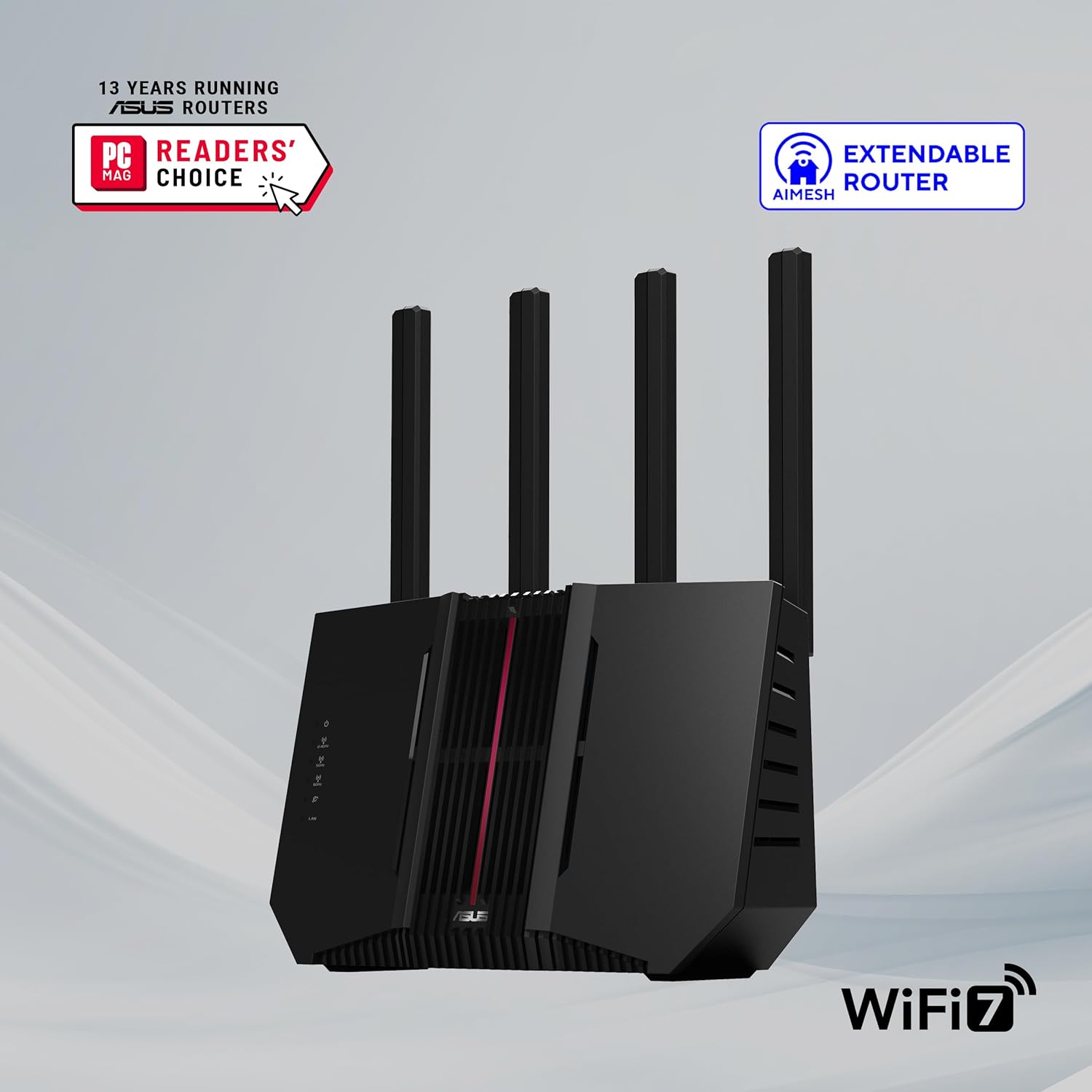
ASUS RT-BE9700 Tri-Band WiFi 7 AiMesh Router
Product description
The essentials
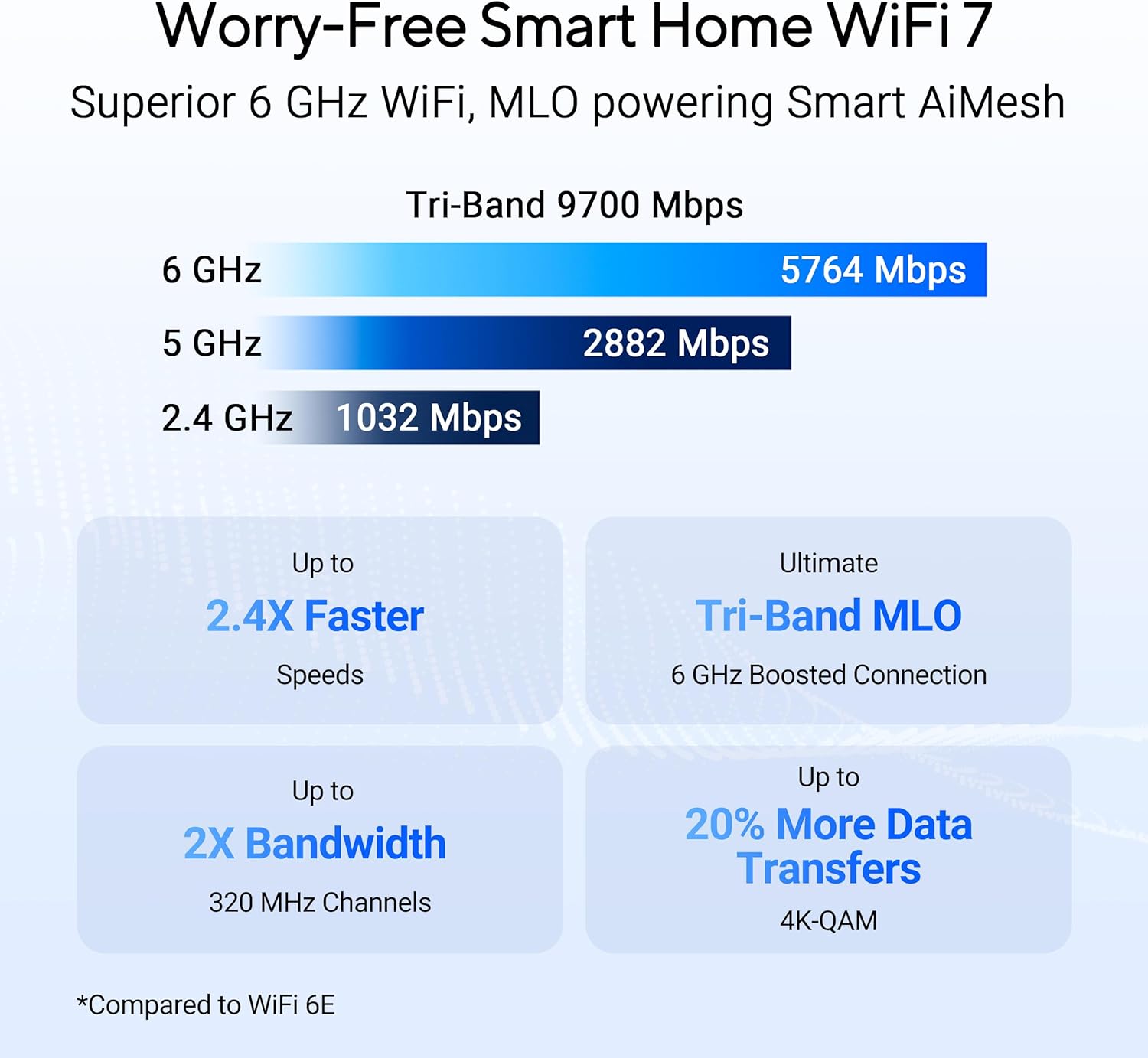
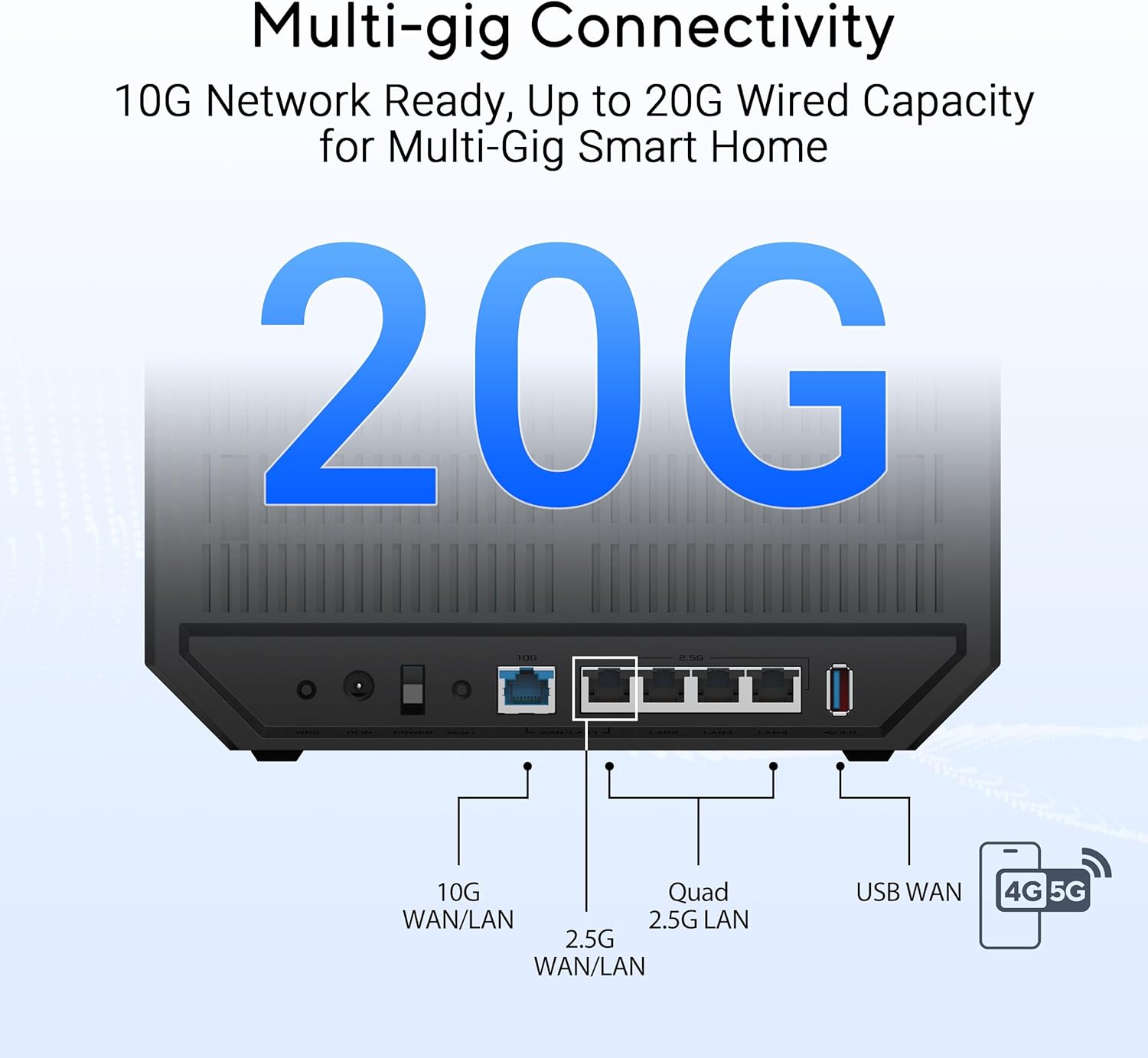
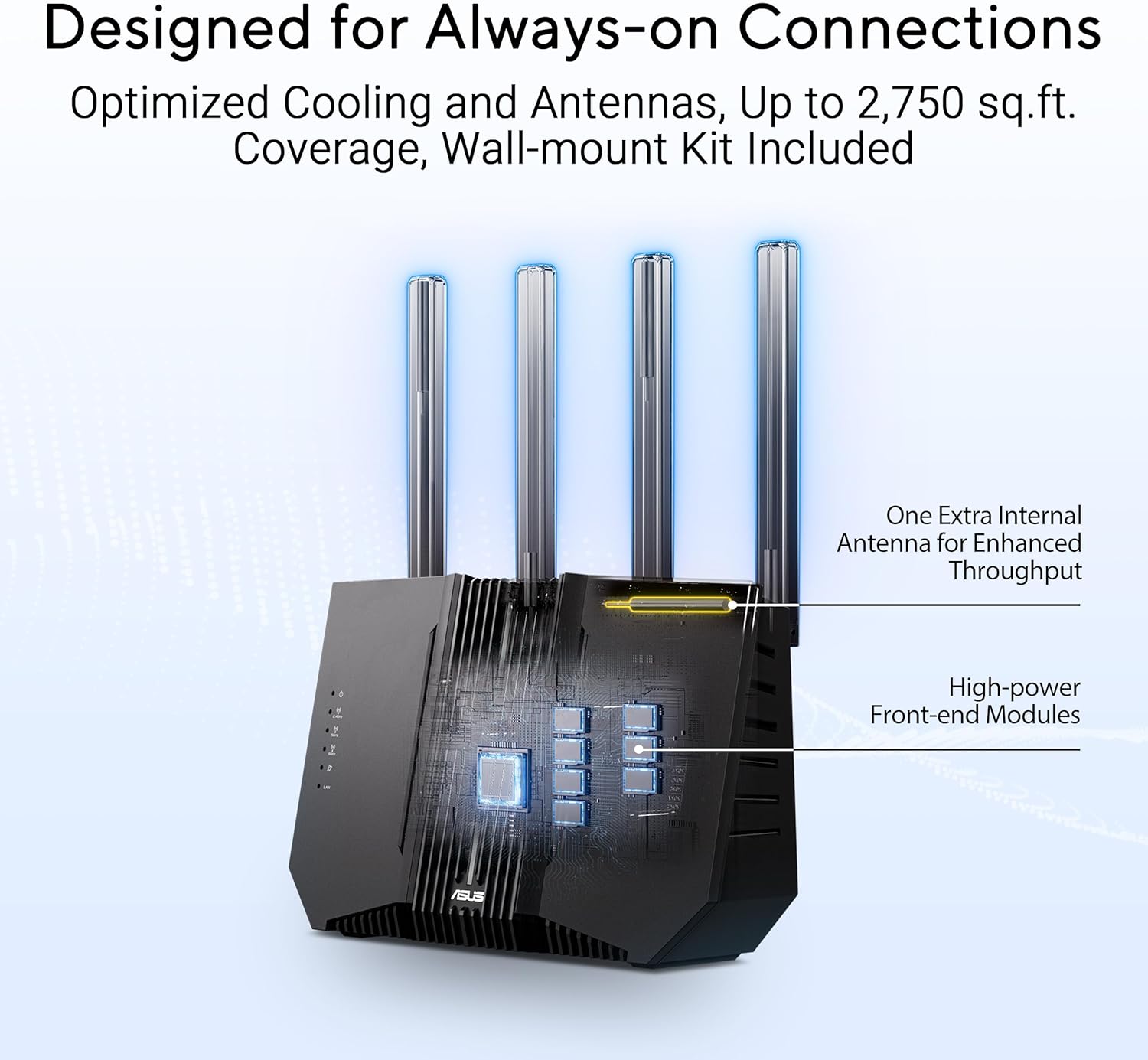
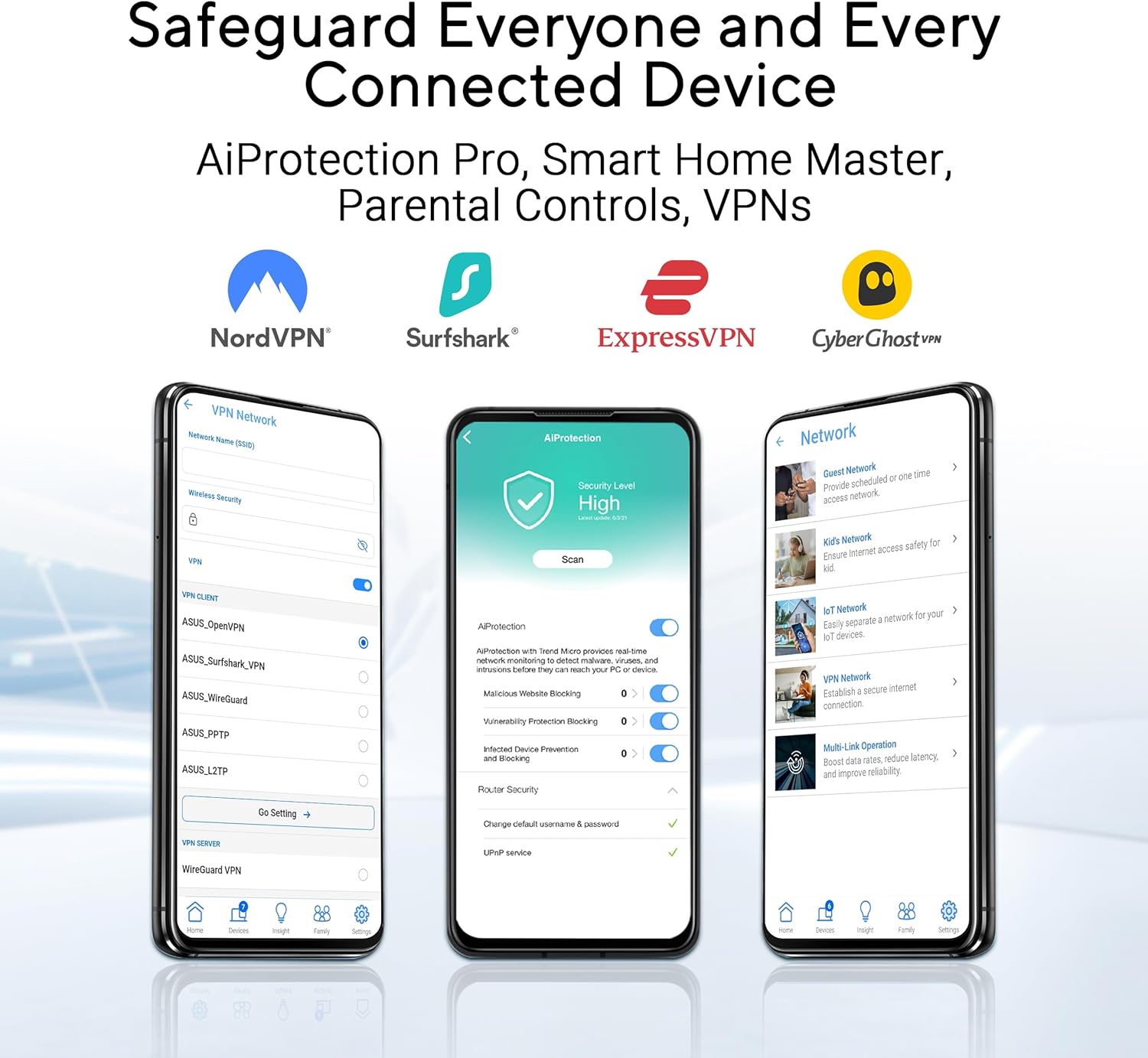
If you’re chasing a robust whole-home network, the ASUS RT-BE9700 aims to deliver on WiFi 7 speed and AiMesh extendability. On paper, it supports tri-band operation with 9700 Mbps total throughput and Link to multiple bands simultaneously, which can help stabilize connections as devices burst data. It also offers a flexible WAN setup with AI WAN detection and a USB port for potential 4G/5G tethering, which may be useful if your primary line goes down. This model includes comprehensive security layers and VPN features that are designed to keep traffic safe across home or small-office networks.
What it is and who it’s for
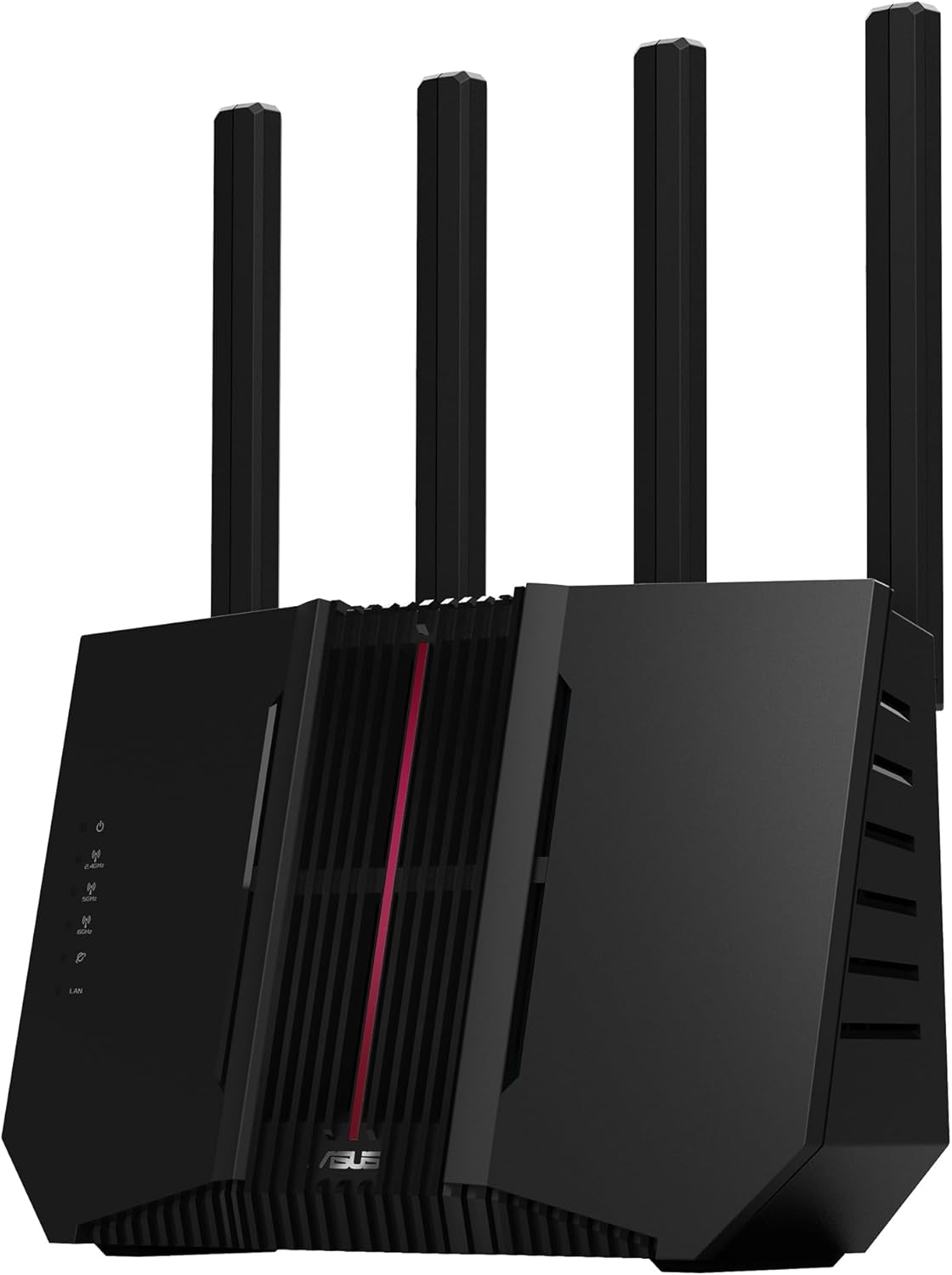
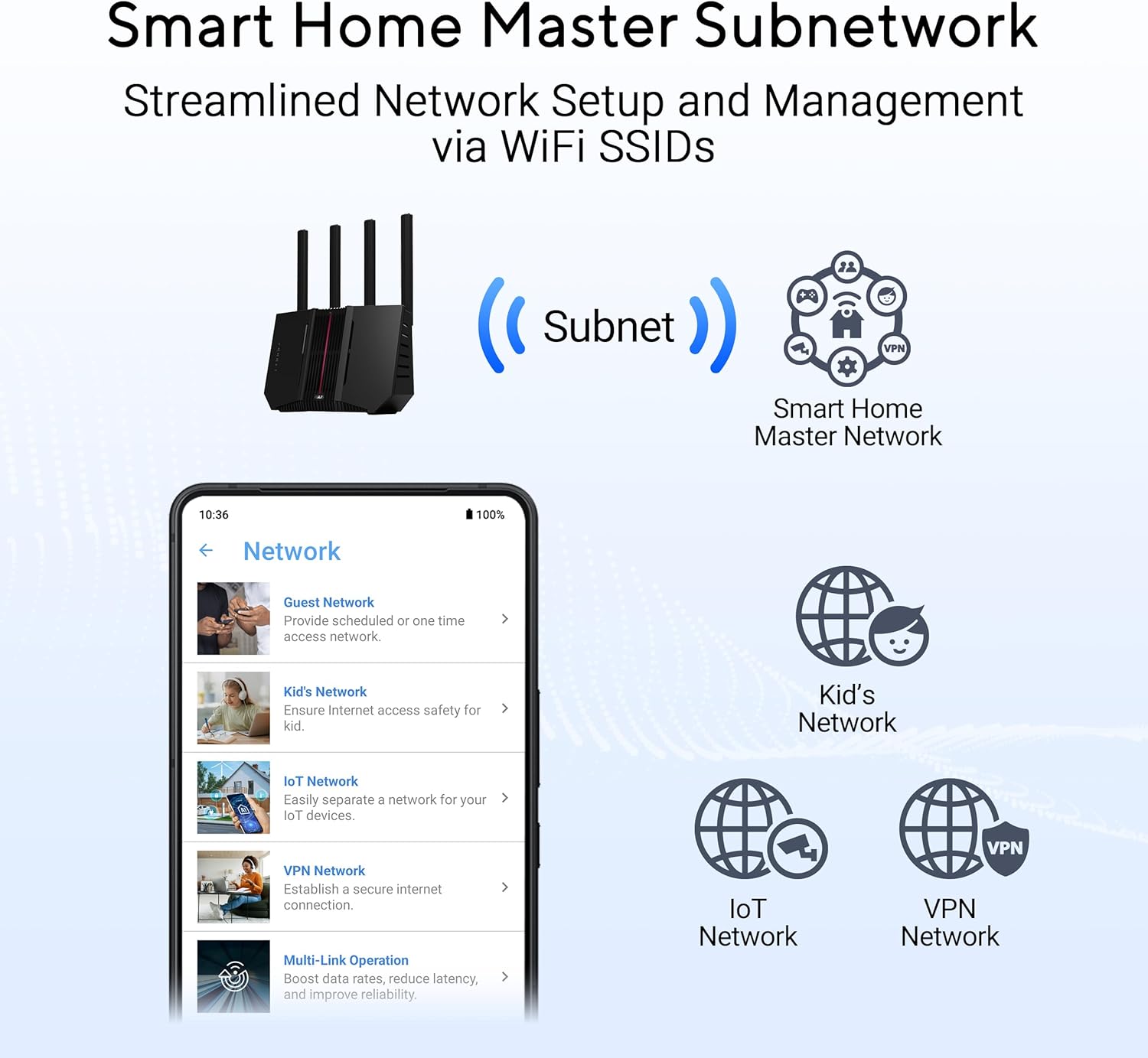
This is a high-end router designed for households with several connected devices, 4K streaming, gaming, and work-from-home needs. The AiMesh extendable architecture suggests you can expand coverage later without starting from scratch. It’s positioned more toward users who want advanced capabilities like site-to-site VPN and enterprise-grade security without paying for a separate firewall appliance.
What stands out in use
On the positive side, the potential for higher capacity with WiFi 7 and 320 MHz channels could translate to better performance in dense environments, especially once client devices support those features. The AI-powered WAN detection and USB tethering option can be a practical safety net for internet continuity. The VPN features and triple-level protection offer a focused security stance that goes beyond basic parental controls.
Limitations to consider
There are a few caveats. Real-world speeds depend heavily on client device support and home wiring quality. WiFi 7 is moving into broader adoption, but not every device will immediately leverage 320 MHz channels or 4096-QAM, which means you might not see peak figures everywhere. The security and VPN features are useful, but they require some configuration effort, if you’re not comfortable managing network-level VPNs, setup could feel daunting. Also, the upfront investment is higher, and if your space isn’t large or device-dense, you might not need tri-band power.
How it fits different needs
- If you prioritize seamless roaming and future-proofing for a crowded home, AiMesh extendability is compelling.
- If you mainly need solid everyday WiFi for a small apartment with a few devices, the extra features may be more than you require.
- If security and remote access are top concerns, the built-in VPN and cloud protection provide meaningful benefits—yet they rely on proper setup and ongoing maintenance.
What to check before buying
- Ensure your client devices support WiFi 7 to take advantage of the higher channel bandwidths.
- Consider the value of AI WAN and how you’ll integrate your current internet setup with the USB tethering option.
- Think about whether you’ll actively use VPN features or if they’re a supplementary peace of mind.
- Confirm whether your space benefits from AiMesh expansion, or if a single router would suffice.
Practical use case in mind
Imagine a home office streaming 4K for a video call while kids game online and a smart TV streams in another room. AiMesh can keep devices connected with fewer drops, and VPN access could allow secure access to remote resources when traveling or using public WiFi.
The decision: Final verdict
Final verdict: It’s worth considering if you’re aiming for future-proof performance, meaningful security features, and room to grow with AiMesh. If your usage is lighter or you don’t need VPN and security services at the edge, you might prefer a simpler, more affordable setup.
Quick FAQ
- Do I need WiFi 7 devices to benefit? It helps, but many devices will still connect via standard bands, peak gains require compatible clients.
- Is AiMesh easy to set up? It can be straightforward, but advanced VPN and security features may require careful configuration.
- Can I use it without AI WAN? Yes—the router supports flexible WAN configurations, including traditional setups.
- Will it improve gaming latency? Potentially, due to higher throughput and efficient multi-band coordination, though real results depend on network conditions and client devices.