

Stylus Pen for iPad (2018–2025) with Tilt Sensitivity, Palm Rejection, and Fast Charge (Black)
Product description
What it is and what you’re buying
This Stylus Pen for iPad is a pencil-style input tool designed for iPads released in 2018 or later. The big idea behind it is simple: get responsive writing and drawing with tilt behavior, while still being able to rest your hand on the screen without accidental touches (thanks to palm rejection).
It’s also built for day-to-day convenience. Instead of Bluetooth pairing, it uses a double-click action on the top of the stylus to turn it on/off. So if you want a pen that’s quick to get started, this approach is one of its more practical selling points. Still, it’s not perfect for everyone—compatibility is limited to supported iPad models, and it does not support pressure sensitivity.
Key takeaways before you order
The compatibility list in the product notes is the first thing to verify. It’s meant for iPads (2018+) and specifically calls out models like iPad A16/10th/9th/8th/7th/6th, iPad Pro 13" (M5/M4) and 12.9" (3rd/4th/5th/6th), iPad Pro 11" (all generations), iPad Air M3/M2/5th/4th/3rd gen, and iPad mini A17 Pro/6th/5th gen.
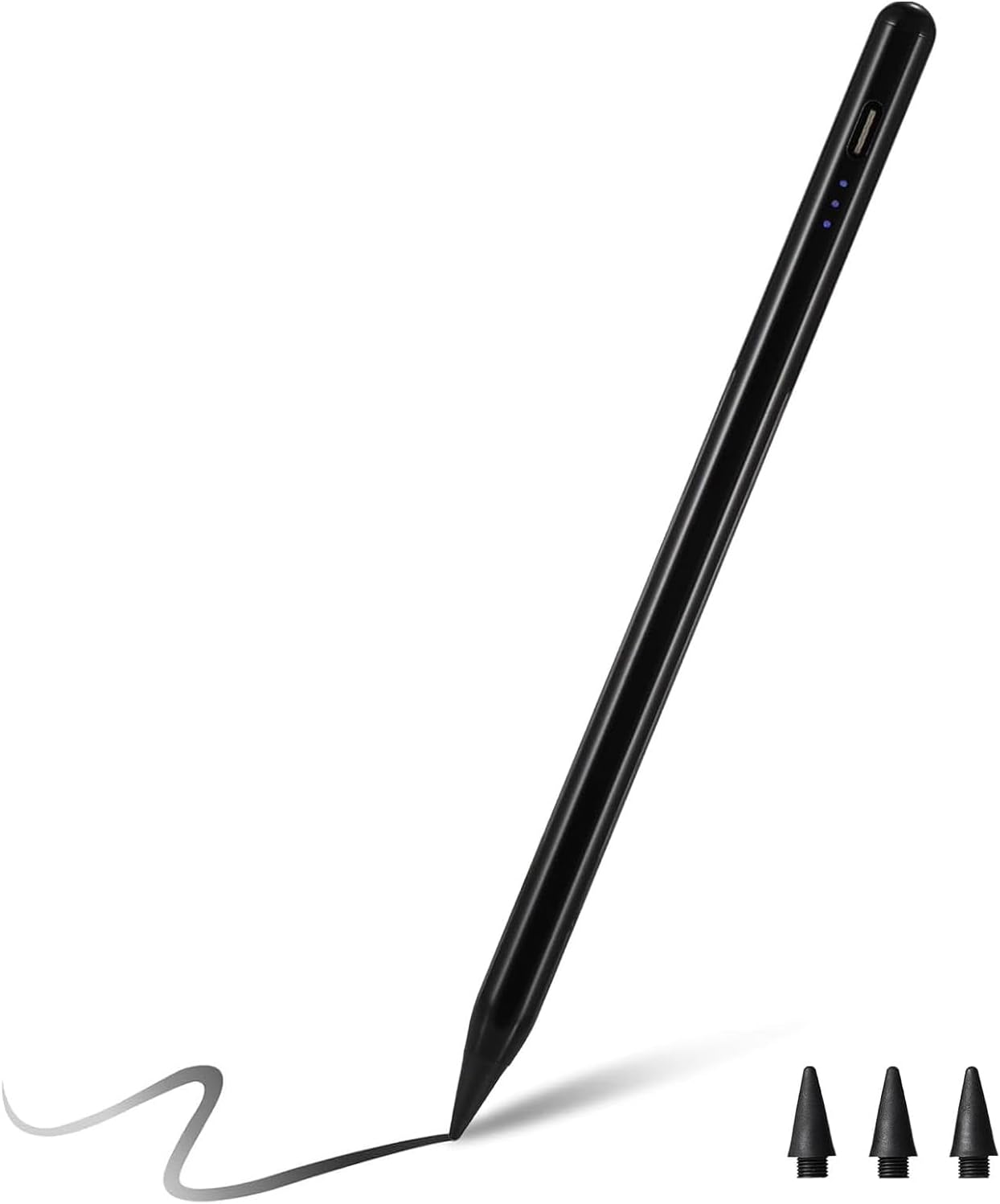
There’s also a clear system detail: the instructions say you should confirm your iPad model under Settings > General > About before placing an order. That’s a small extra step, but it matters here because the pen isn’t described as universal across all iPads.
The essentials: tilt, palm rejection, and what you’ll notice
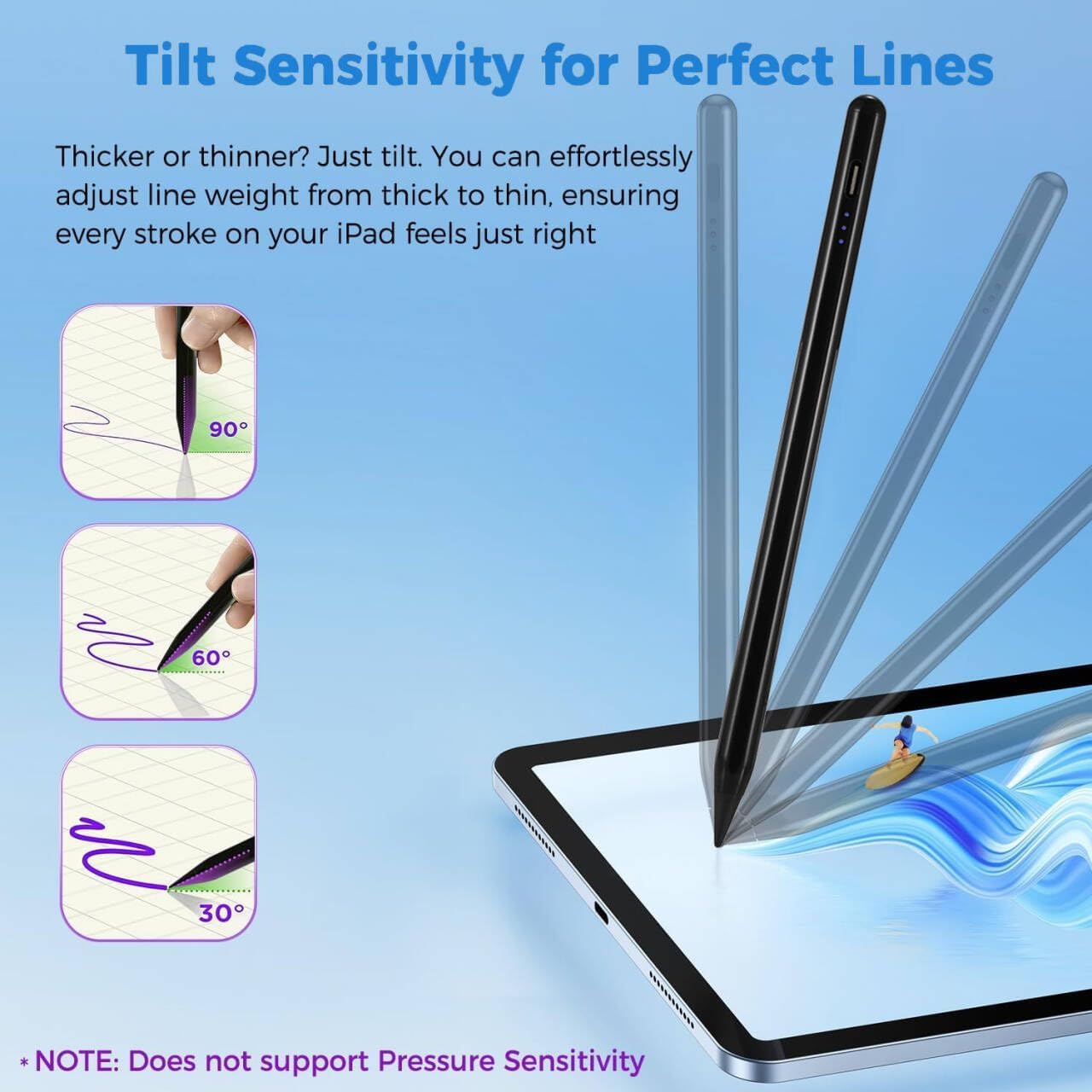
This stylus includes tilt sensitivity, which lets you draw lines with different thicknesses depending on how you hold the stylus (based on the angle of the pencil). That’s a meaningful upgrade over basic “straight-line” passive styluses, especially for sketching, note-taking styles that vary by angle, or quick character/detail work.
On the other hand, the product specifically notes that it does not support pressure sensitivity. So if you’re expecting pressure-based brush dynamics (where harder pressing changes line width or opacity), this may feel limiting.
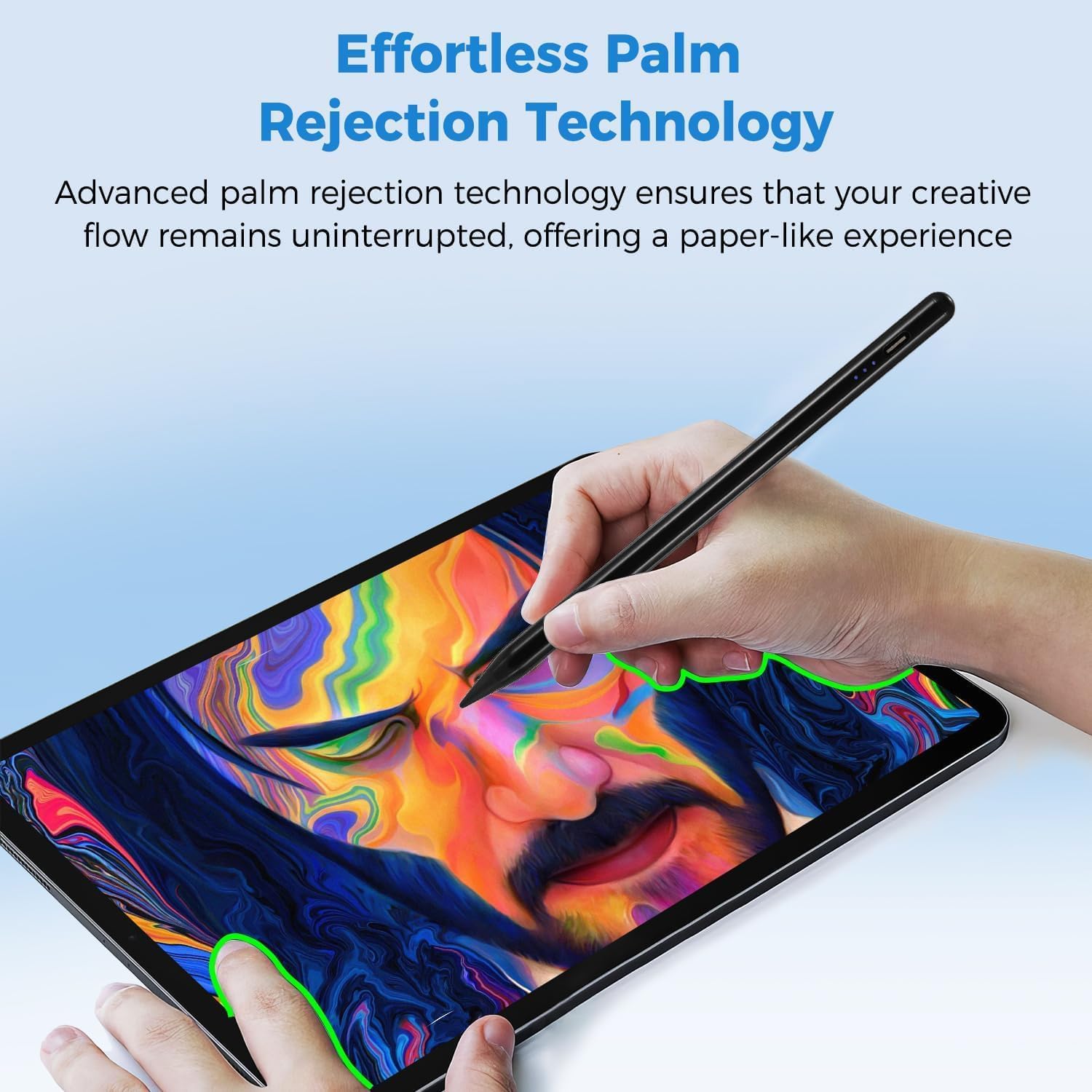
Palm rejection is another day-to-day quality-of-life feature. Over time, it can help you draw or write without needing special glove habits. You can rest your hand on the screen while you work, which is exactly where most people feel the difference between a finicky setup and a pen that behaves naturally.
Charging and power display: convenience you’ll actually use
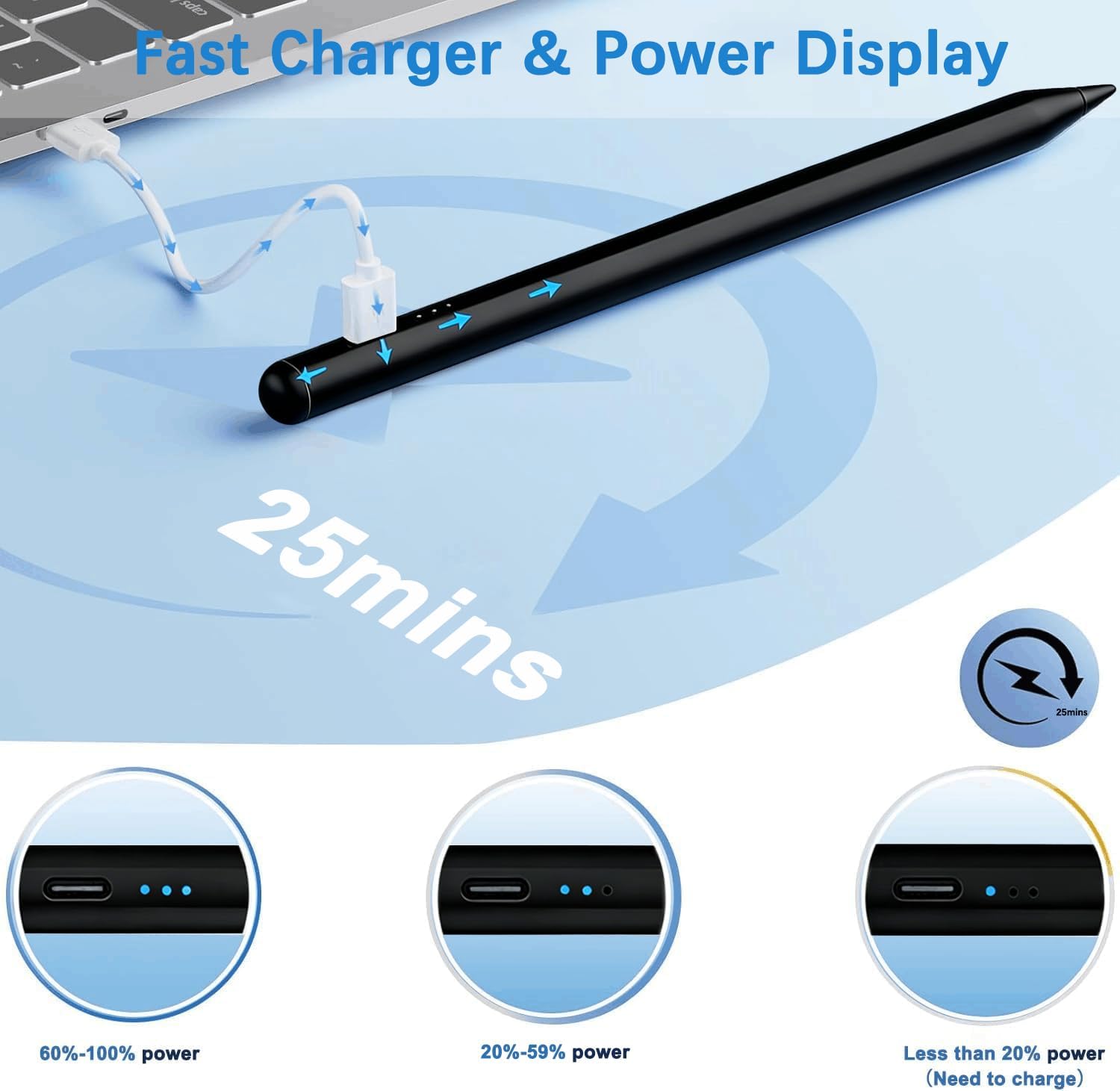
For fast turnaround, it claims full charging in 25 minutes. It also states up to 10 hours of continuous use. There’s an auto shutoff after 5 minutes of inactivity, and it flashes during the last minute of sleep mode and stops when picked up.
One detail that’s easy to overlook until you need it: there’s a built-in power indicator light with three lighting ranges. The indicator is meant to help you see remaining power at a glance—60%–100% with three lights, 20%–59% with two lights, and less than 20% with one light.
Pairing and Bluetooth: what to know (and the one potential snag)
This stylus doesn’t have Bluetooth, and it turns on/off through double-clicking the top of the stylus. That removes a whole layer of setup for many users.
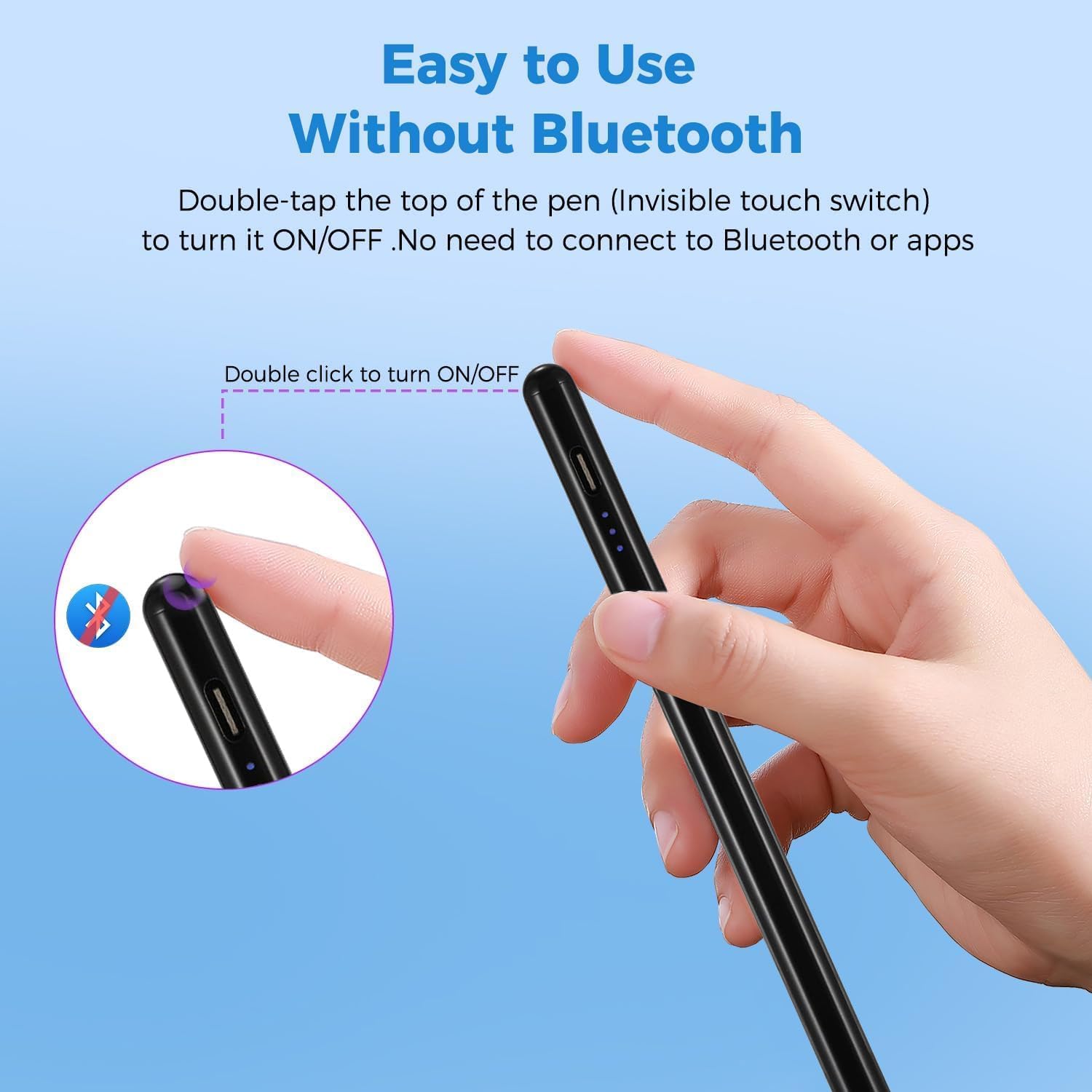
However, the instructions include troubleshooting guidance if it doesn’t work after turning on. It suggests turning off Bluetooth on your iPad, or disconnecting/forgetting the Bluetooth connection between your iPad and the pencil via Settings > Bluetooth > Pencil > tap “i” > Forget this device.
Worth noting: if you already rely on Bluetooth accessories and you’ve never had to manage Bluetooth “connections” for a pen before, that troubleshooting step might feel odd. But it’s explicitly mentioned as part of getting the stylus working.
Tech specs
- Size: 1.5mm tip
- Charging: fully charges in 25 minutes
- Battery life: up to 10 hours of continuous use
- Auto shutoff: after 5 minutes of inactivity (with a flashing last minute)
- Power display: 3-light indicator (60%–100%, 20%–59%, under 20%)
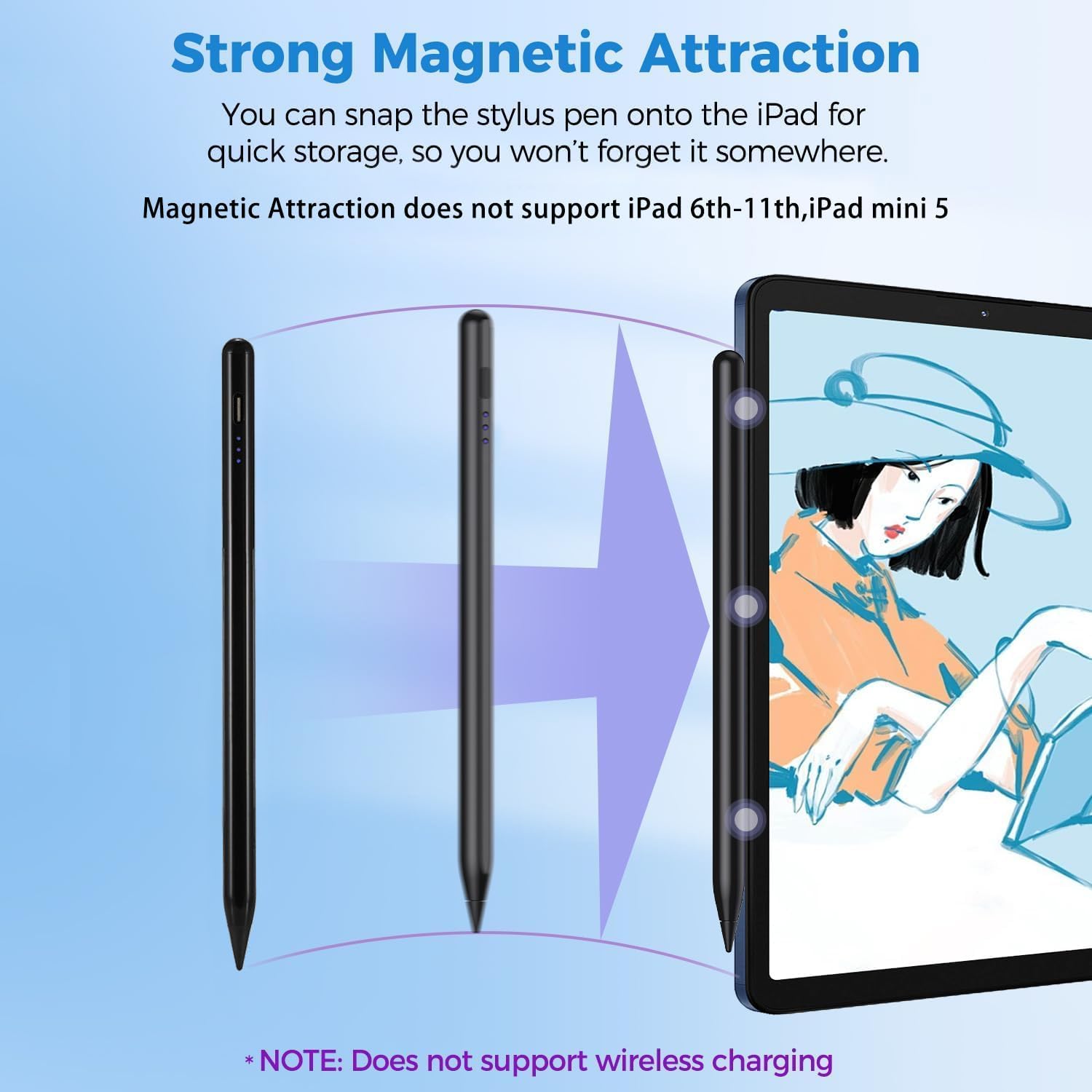
- Functions: tilt sensitivity, palm rejection, magnet attachment for portability
- Compatibility requirement: compatible with iPads released in 2018 or later (verify model in Settings > General > About)
- Pressure sensitivity: not supported
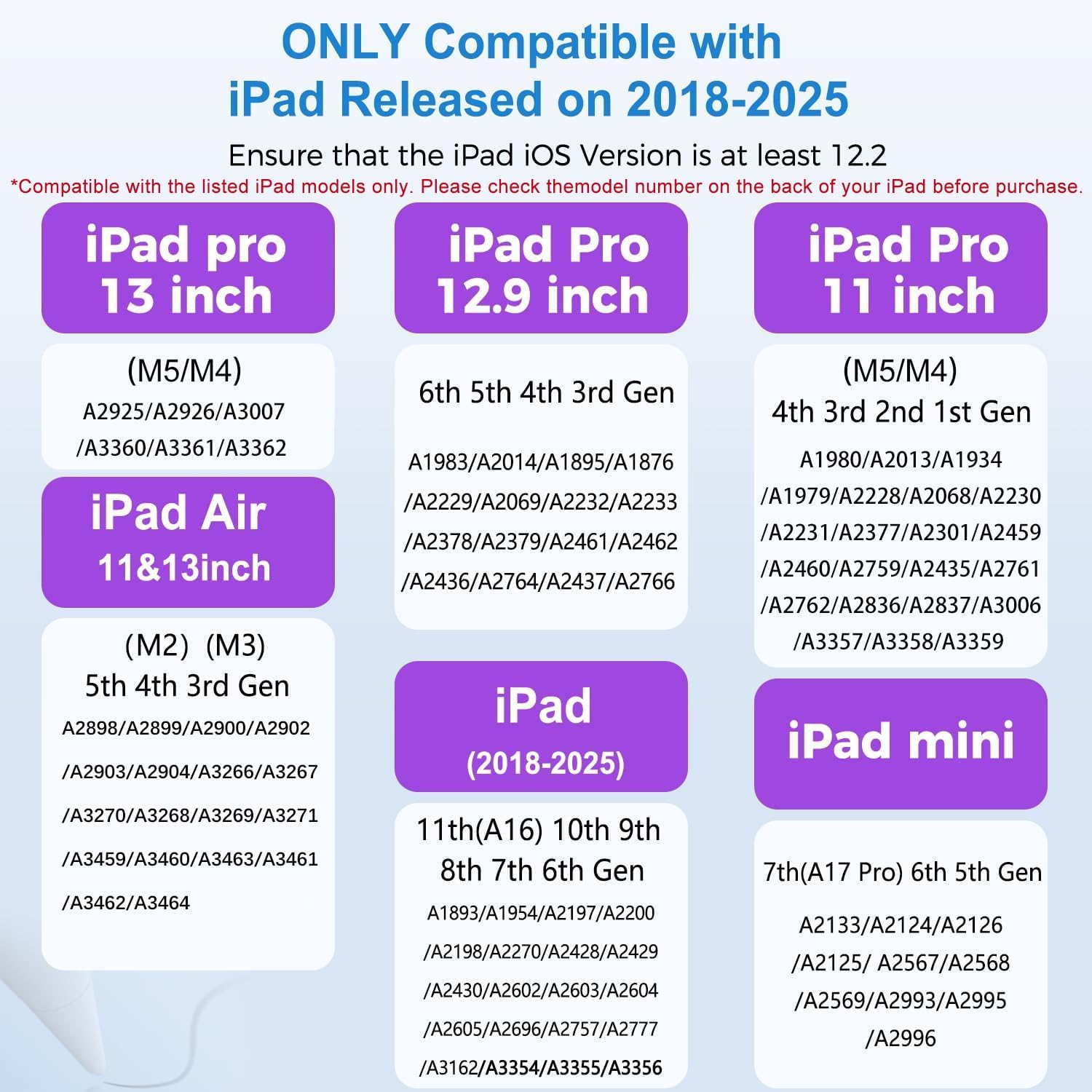
- Included extras: 3 replacement nibs
Who it suits—and who should skip it
It’s a solid fit if you want a tilt-capable stylus for an iPad you already own (2018+), and you care about fewer hassles—no Bluetooth pairing, plus the on/off method is designed to be quick.
It may not suit you if pressure sensitivity is a must for your workflow, like certain digital art styles that depend on pressure dynamics. It also might not be ideal if you’re unsure your exact iPad model is on the supported list—because the product instructions emphasize checking the model before ordering.
A practical example: if you’re taking class notes and you like using slightly thicker lines for headings and thinner strokes for small text, the tilt feature is the kind of thing you’ll feel in the first few minutes. If you switch to a pressure-dependent sketching style, though, you may hit the limitation quickly.
Is it worth it?
Buy it if your iPad is on the supported 2018+ list and you want a responsive, tilt-sensitive stylus with palm rejection and fast charging. It’s the kind of everyday accessory that makes writing and sketching feel more natural because you can rest your hand and vary line thickness by angle.
Skip it if you specifically need pressure sensitivity, or if you can’t (or don’t want to) confirm your exact iPad model in Settings > General > About before purchasing. In that case, you’ll likely spend more time troubleshooting compatibility than actually drawing.
FAQ
Does it require Bluetooth to work?
No. The product notes say there’s no Bluetooth, and you use a double-click on the top to turn the stylus on/off. If it doesn’t work, the instructions suggest managing your iPad’s Bluetooth settings as part of troubleshooting.
Is it compatible with older iPads?
It’s only described as compatible with iPads released in 2018 or later. You should check your specific iPad model before ordering.
Does it support pressure sensitivity?
No. The listing explicitly states it does not support pressure sensitivity.
How long does it take to charge?
It claims a full charge in 25 minutes.
How many replacement nibs are included?
It includes 3 replacement nibs.