

FUWANG Touch Keyboard Case for iPad (A16) 11th Gen & iPad 10th Gen 10.9-inch (A2757/A2777/A2696) — 360° Rotating Backlit Keyboard Case, Black
Product description
The essentials
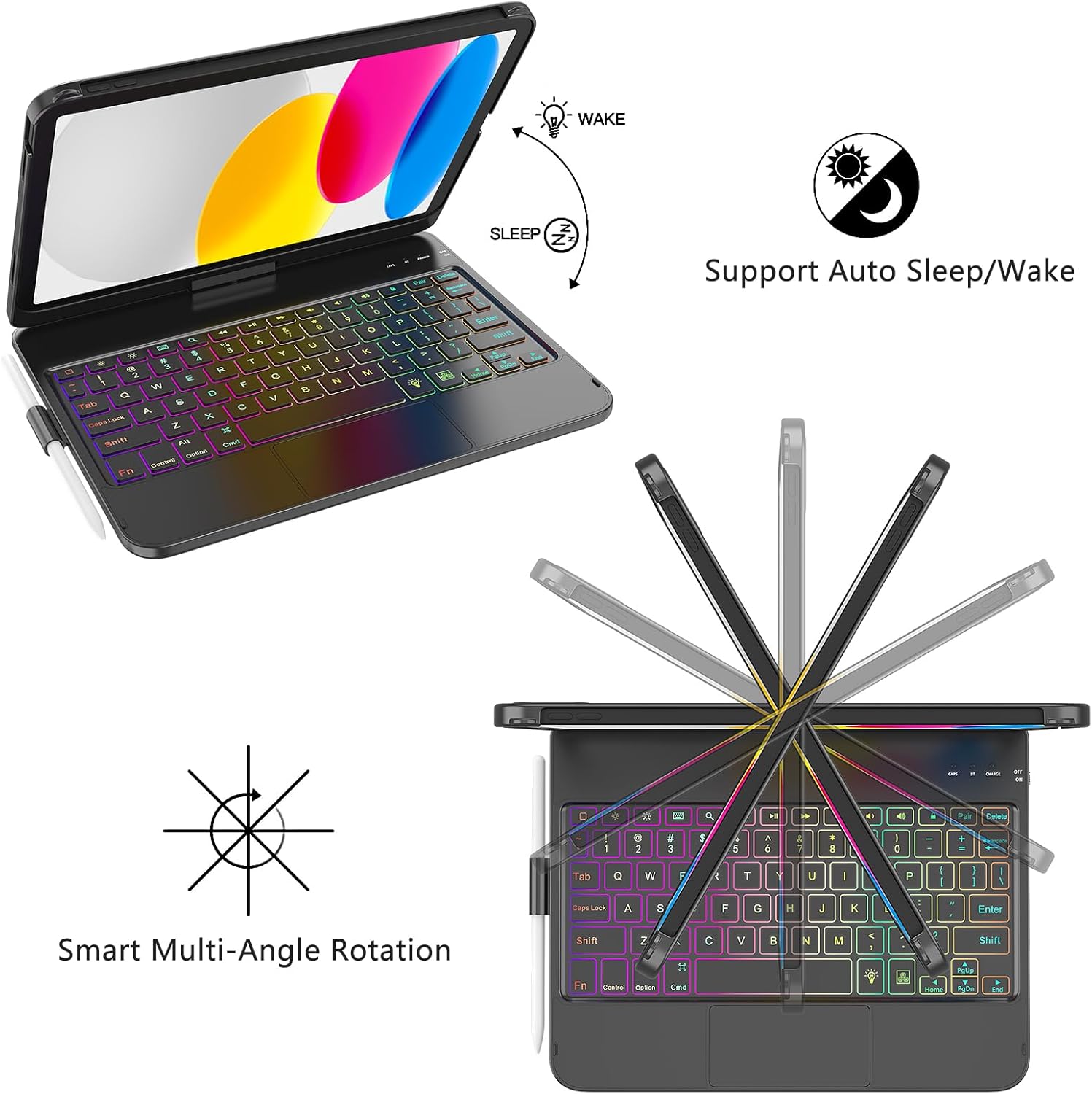
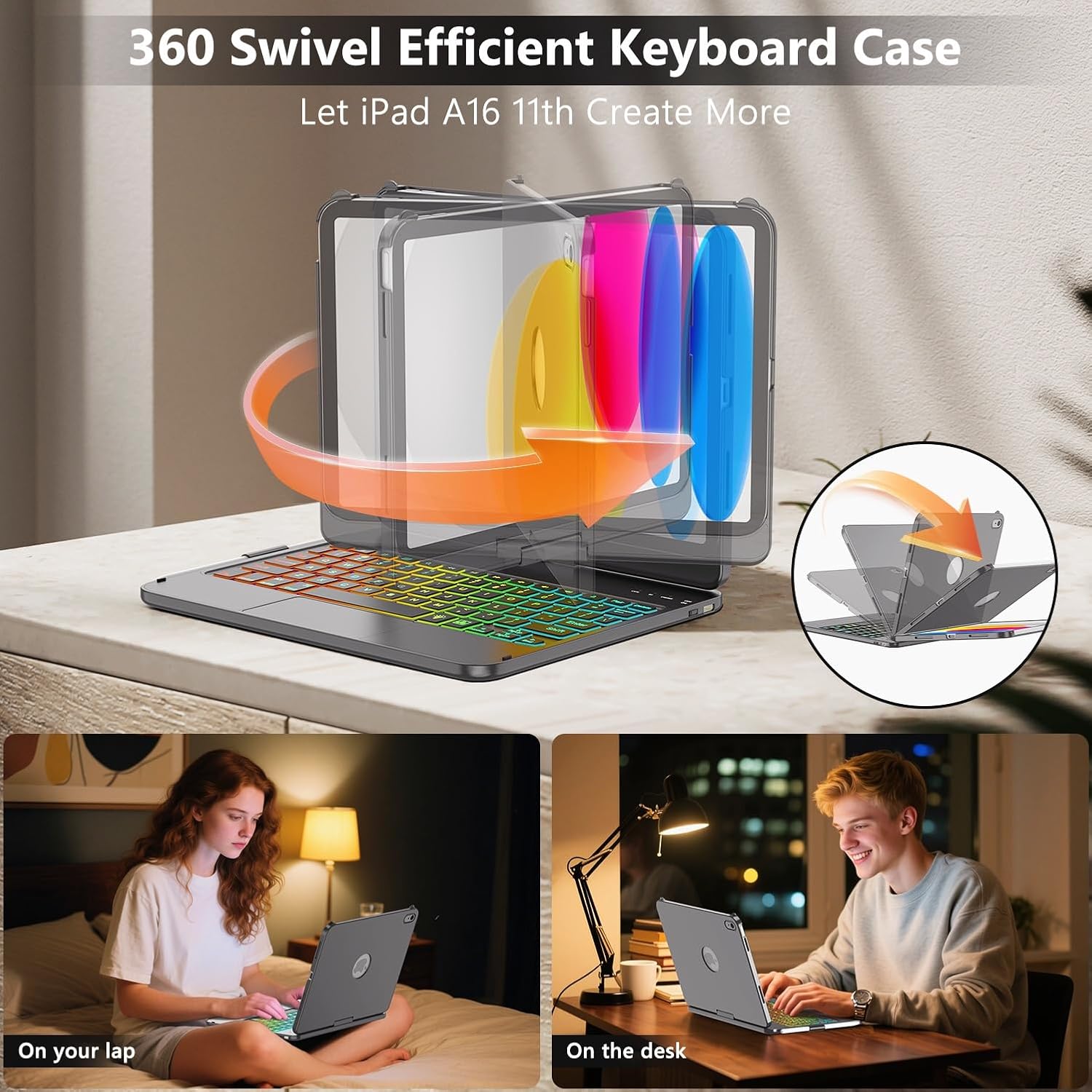
If you want your iPad to feel more like a small laptop, this FUWANG Touch Keyboard Case is built for that exact workflow. The standout idea here is the 360° rotation, so you can shift the case into a typing-friendly position for work or writing, then rotate it back for easier reading or watching.
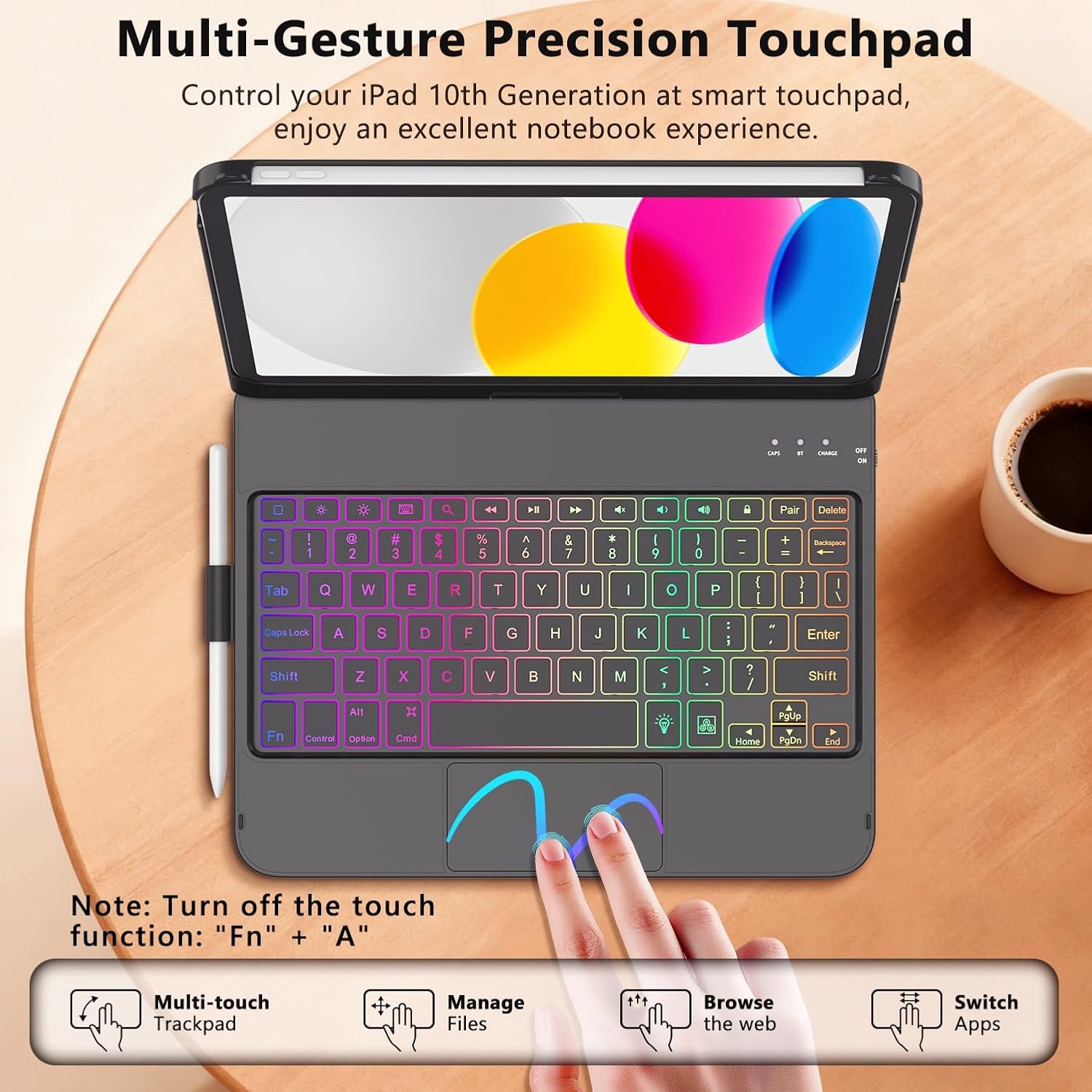
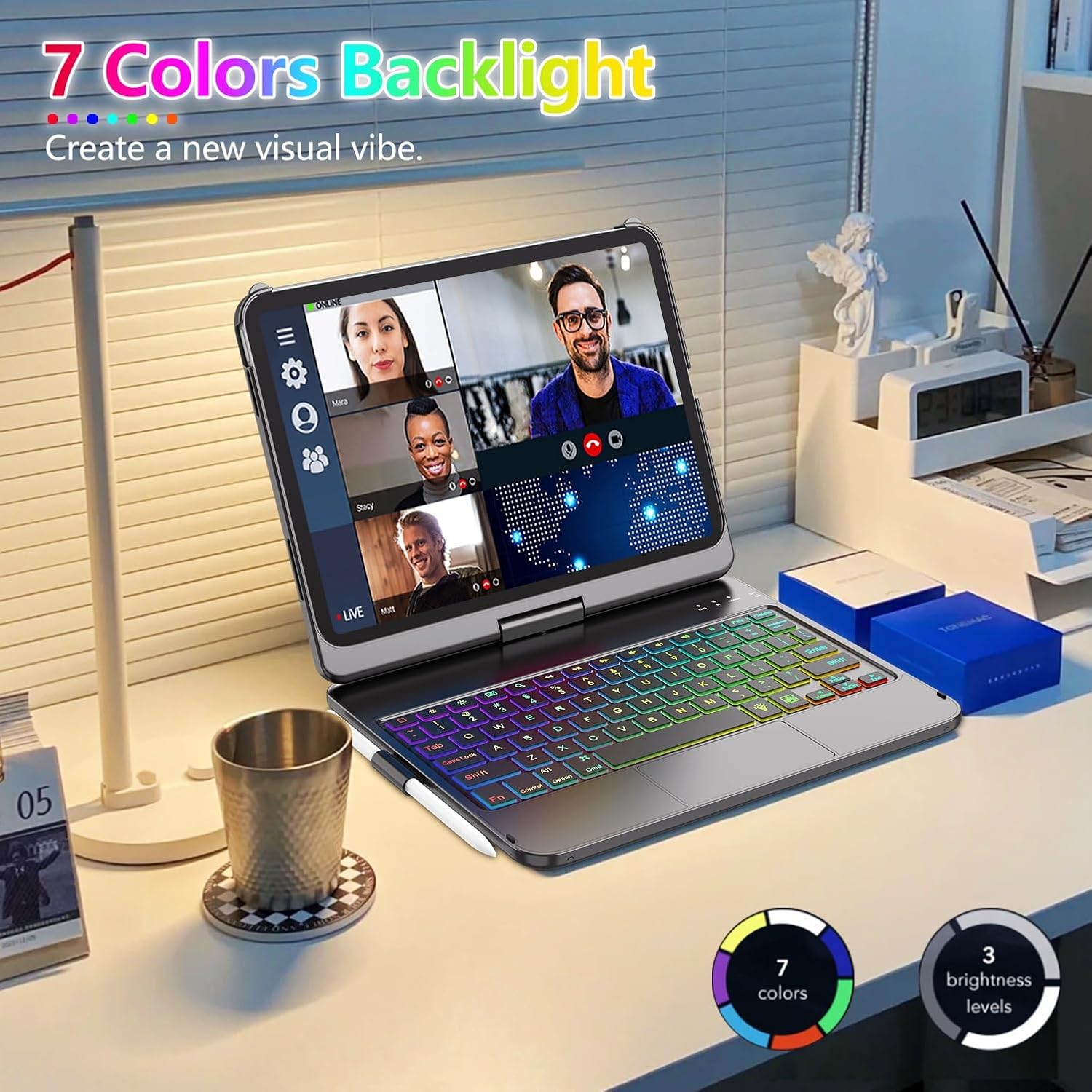
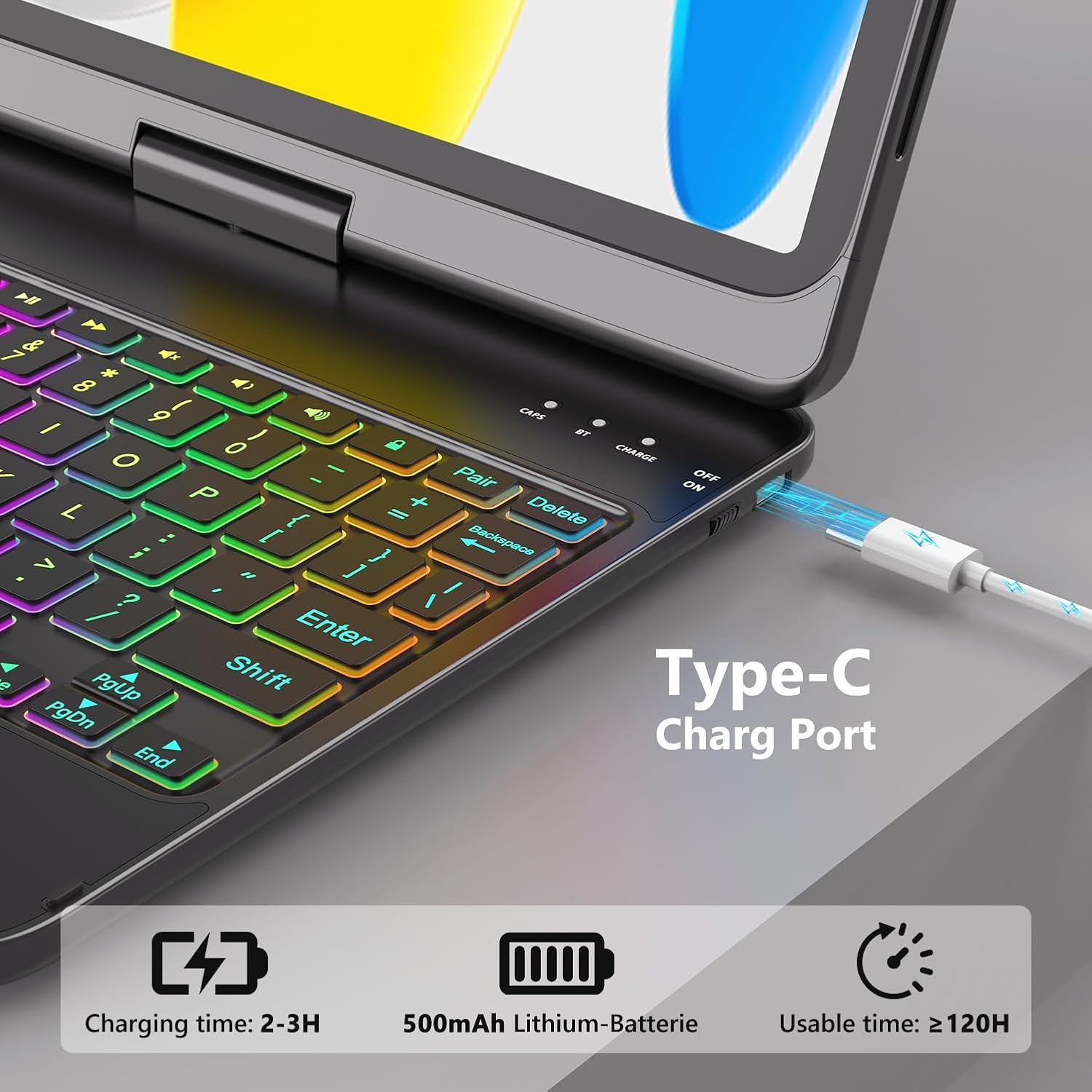
It also includes a backlit keyboard with 7 colors, plus an auto sleep/wake behavior when the keyboard cover is opened or closed. On paper, it’s aiming at people who type a lot on their iPad and don’t want a separate keyboard setup taking up space. That said, there are a couple of practical things to keep in mind—especially charging (the box includes a micro USB cable but no charger) and the fact that “touchpad for iPad 10th generation case with keyboard support” suggests the trackpad experience may not match the feel you’re used to on a full laptop.
What you’ll notice day to day
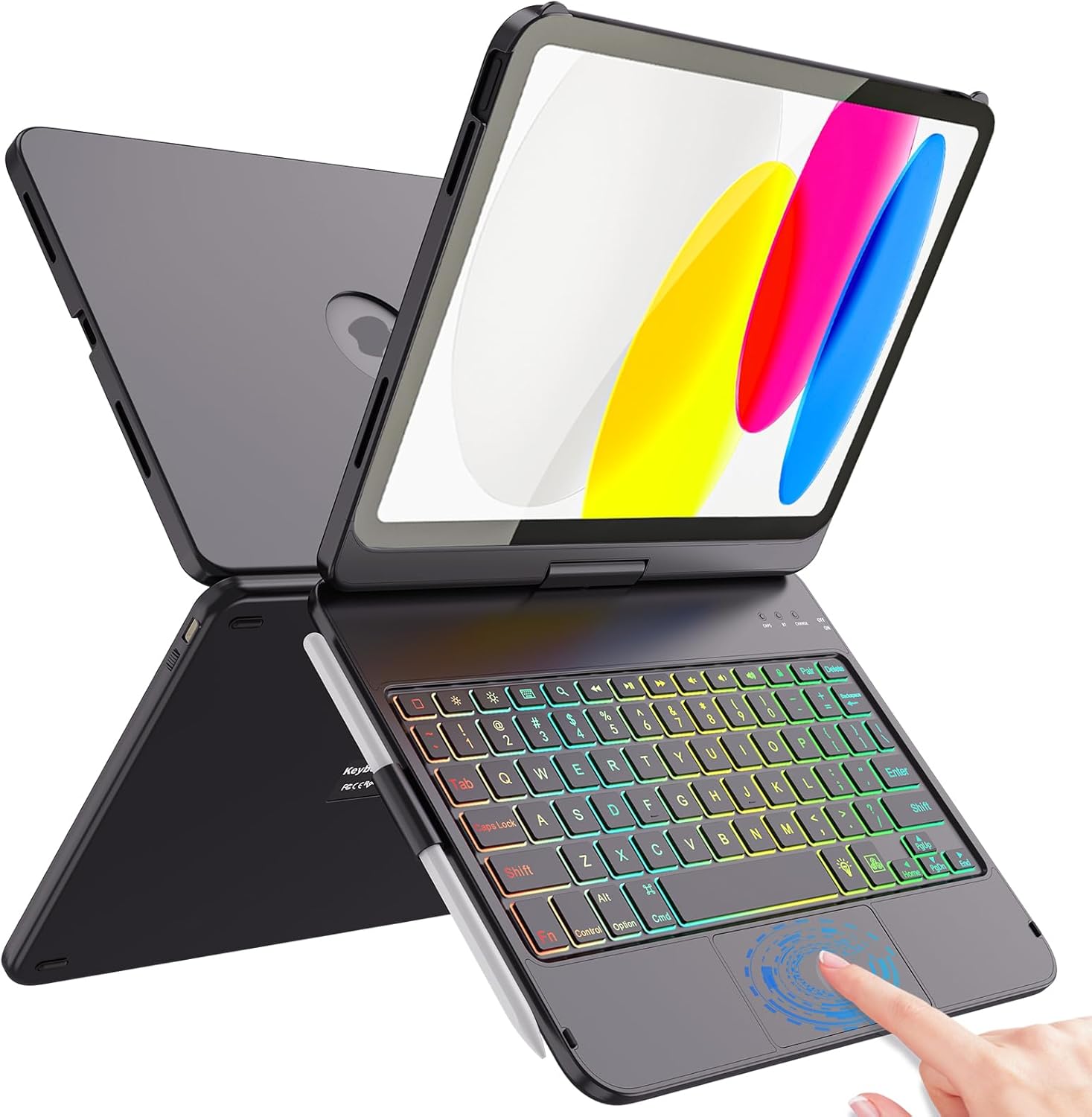
The keyboard case is designed to help you switch between “tablet mode” and “laptop mode” quickly. The pitch is that it takes only a few seconds to rotate into place, which matters if you’re constantly moving between quick notes, email replies, or longer documents.
The backlit keys are adjustable with 7 RGB-style color options. If you work in lower light, that can be the difference between squinting and typing comfortably. Plus, the case uses smart cutouts and a hard-shell style frame intended to protect the sides of the iPad.
One more detail that’s easy to overlook until you live with it: there’s a pencil holder built in, so your stylus isn’t just rolling around in a bag. It’s a small win, but for many iPad owners, that’s exactly the kind of “daily friction” this case tries to remove.
Key points for fit and compatibility
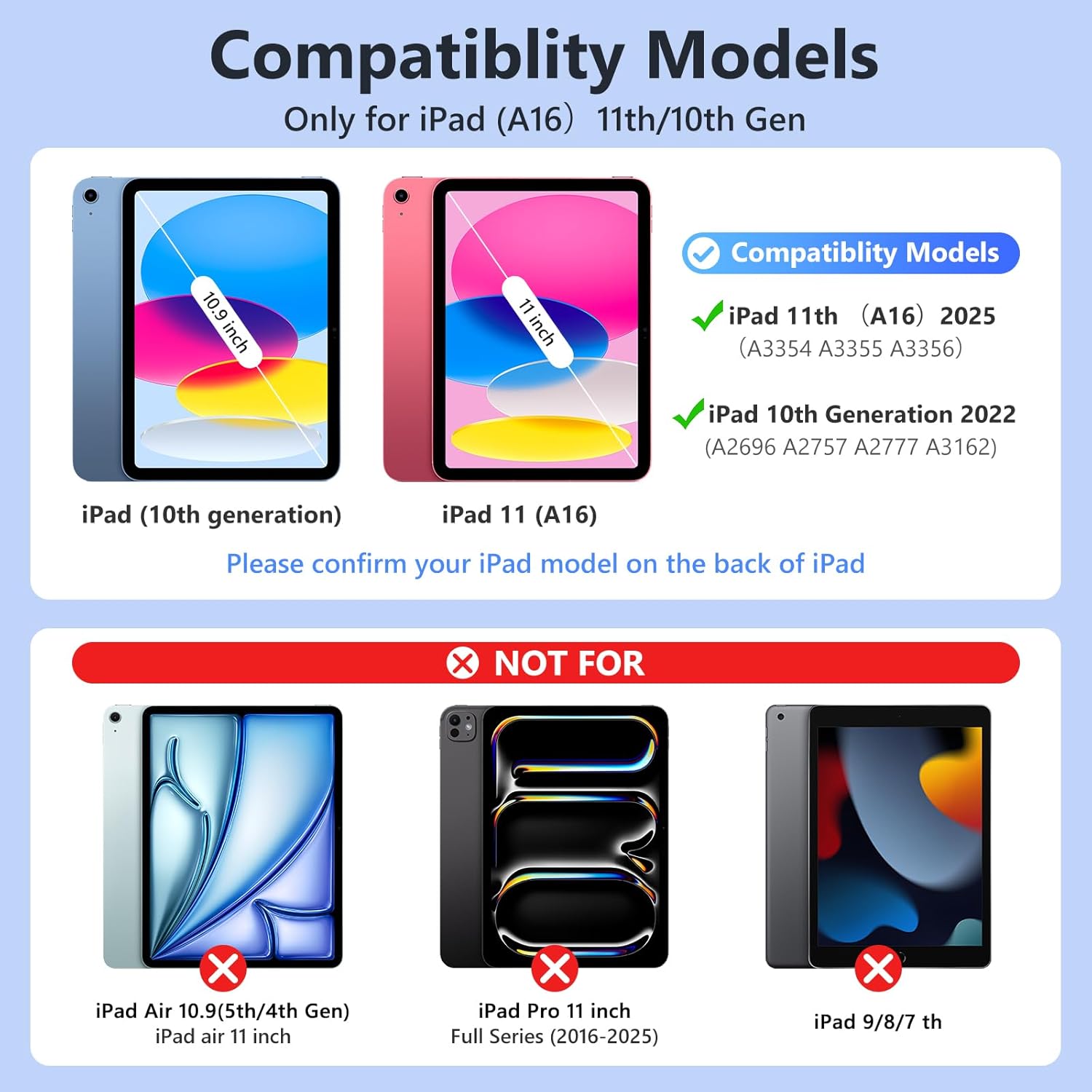
This case is targeted at two iPad sizes/models: - iPad 10th generation (10.9-inch, model numbers A2757, A2777, A2696, released in 2022) - iPad A16 11th generation (11-inch, model numbers A3354/A3355/A3356, released in 2025)
The limitation is simple: you should check your iPad back model number before buying. Touch keyboard cases are only “universal” in marketing—real compatibility is usually tied to the model.
Key specifications
- Name: FUWANG Touch Keyboard Case for iPad (A16) 11th Generation 11 inch 2025 & iPad 10th Generation 10.9 inch 2022
- Type: Keyboard case with touchpad support and 360° rotation
- Rotation: 360° rotatable
- Backlit keyboard: 7 colors RGB LED backlight
- Auto sleep/wake: Yes, when opened/closed
- Pencil holder: Included
- Included in the package: 1 keyboard case, 1 micro USB charging cable (no charger), user manual
- Color: Black
Who it’s for (and who should skip it)
This is a sensible pick if your iPad use includes typing-heavy tasks—like drafting notes, working on documents, or replying to messages—where a physical keyboard improves speed and comfort. The 360° rotation and auto sleep/wake are also helpful if you toggle between reading and typing often.
It might not suit you as much if you’re expecting the keyboard feel to be identical to a premium laptop, or if you’re extremely picky about trackpad precision. Also, if you don’t already have a compatible micro USB setup at home, you may find the “no charger included” detail a bit inconvenient.
Worth considering if you prioritize: - quick switching between tablet and typing positions - a keyboard you can use in dim lighting (thanks to the adjustable backlight) - a case that also handles pencil storage
Careful buying checklist
Before you commit, double-check: - your iPad model number on the back (A2757/A2777/A2696 vs. A3354/A3355/A3356) - that you’re okay with charging via micro USB (the cable is included, but the charger is not) - whether you actually want a rotating keyboard setup, since it can be great for desk use but may not be the most minimal option for travel
It’s not the kind of accessory that “solves everything,” but for the right iPad owner, it can make daily iPad tasks feel faster and more comfortable.
Mini FAQ
1) Does the keyboard case automatically save battery when closed?
It’s designed with auto sleep/wake that activates when the keyboard case is opened and closed.
2) Is the keyboard backlit?
Yes. The keyboard has an adjustable 7-color RGB LED backlight.
3) Will it fit any iPad with 10.9 or 11 inches?
Not safely based on size alone. The listing calls out specific model numbers, so checking the model on the back matters.
4) What’s included for charging?
A micro USB charging cable is included, but no charger is listed.
Is it worth it?
Buy it if you want an iPad keyboard case that’s meant for real typing sessions: 360° rotation for quick mode changes, a backlit keyboard for low-light use, and auto sleep/wake to reduce battery drain when you close it. Skip it if your priority is a no-hassle, ultra-minimal setup, or if you’re not comfortable verifying your exact iPad model number first. For anyone who types regularly on their iPad and wants that “laptop-like” setup on demand, this one is worth a close look—just go in with the compatibility check and charging detail in mind.