

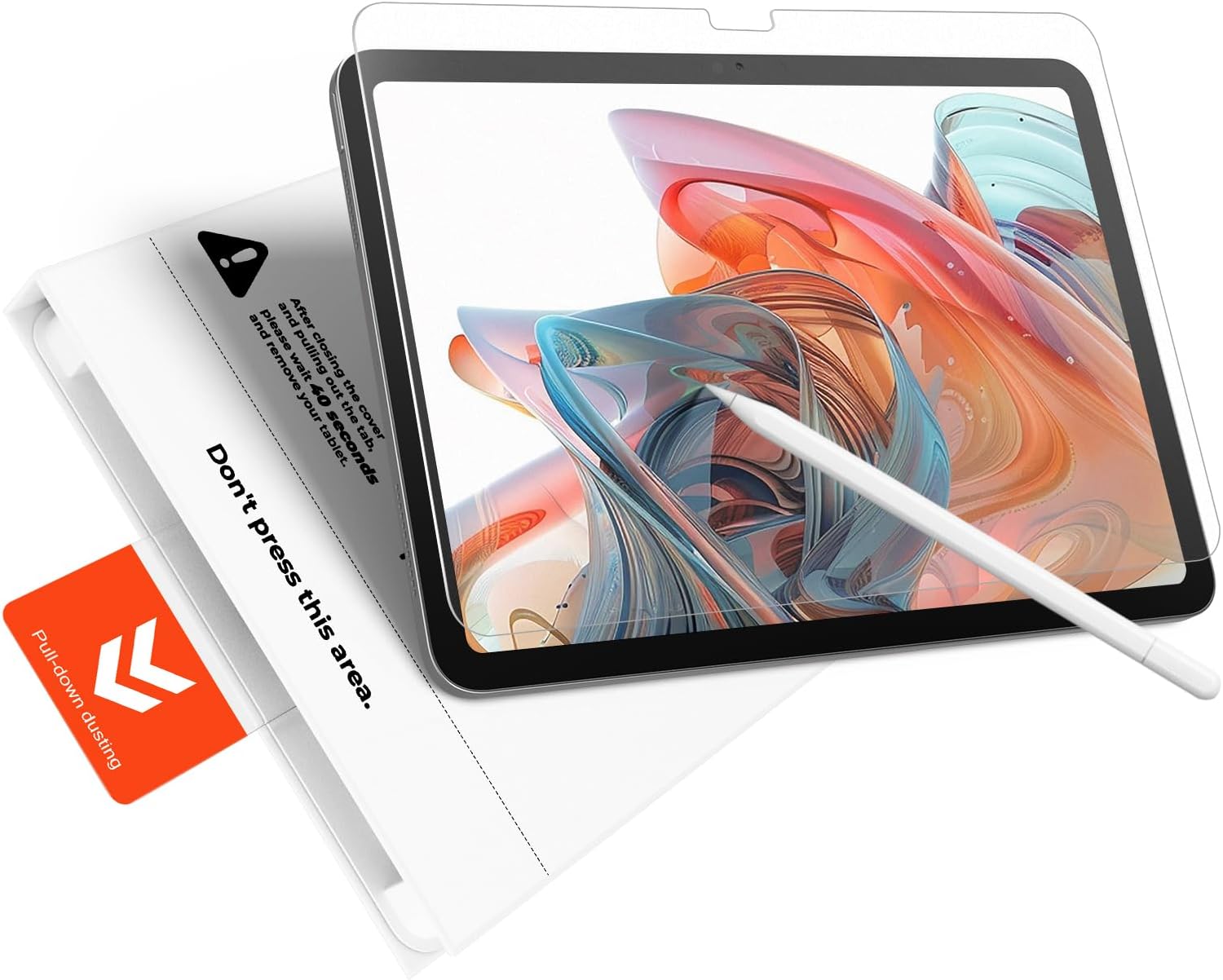
KCT 2-Pack Paperfeel Matte Tempered Glass Screen Protector for iPad Air 13-Inch (M4/M3/M2)
Reviews
Price
Product description
The essentials (what you’re really buying)
This KCT 2-pack is a tempered glass screen protector made for iPad Air 13-inch models in the M4/M3/M2 lines. The big idea here is to protect the display while keeping a more “paper-like” writing feel and reducing reflections. On paper, it hits a sweet spot for people who write, sketch, or annotate a lot—especially if you’re tired of the slick glass feel and the annoying glare that comes with clear protectors.
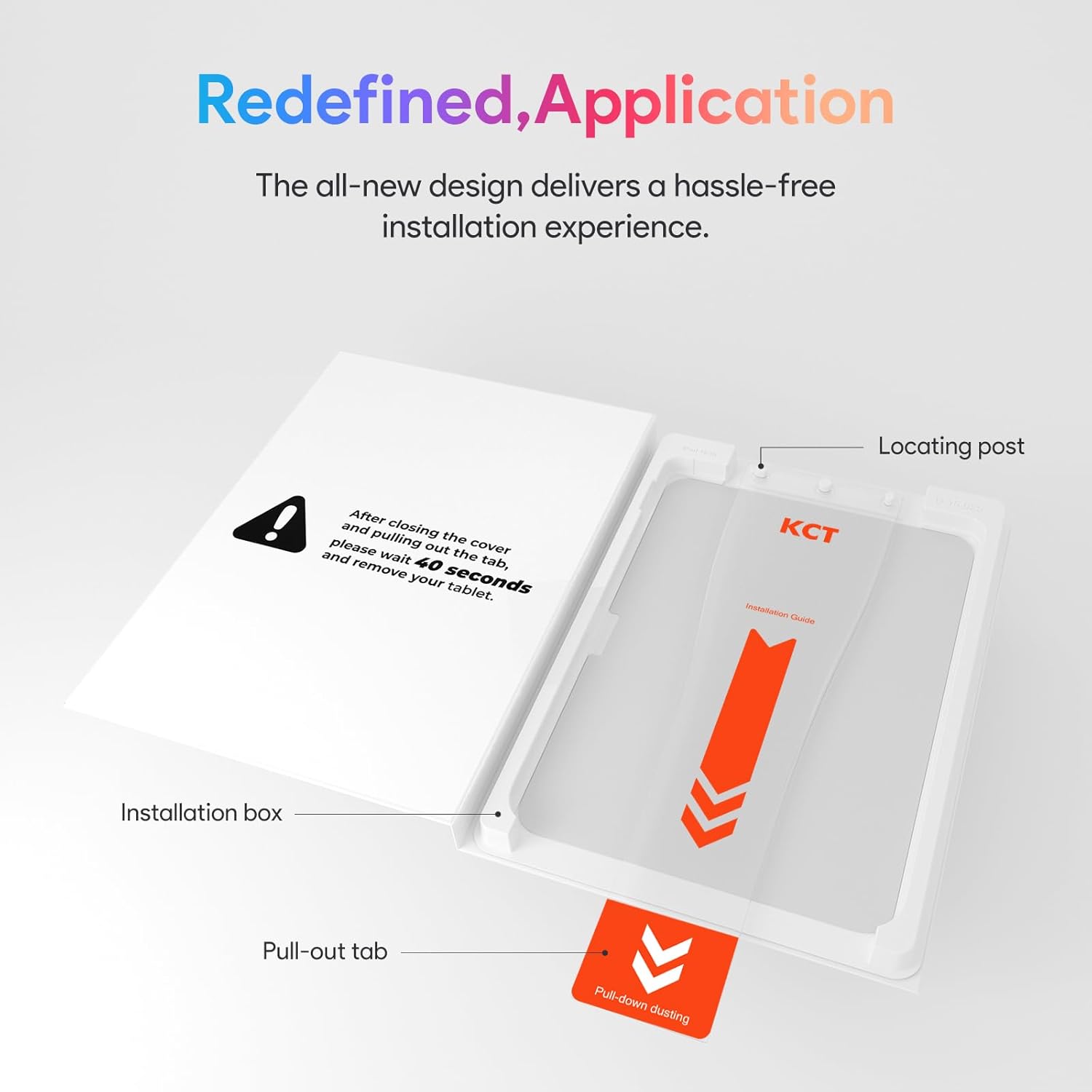
The install approach is also designed to be low-stress. Instead of relying entirely on careful lining up, it uses a “Press & Pull” tab system with a bubble-free installation tray, aiming to help you align and apply in about a minute.
What stands out in everyday use
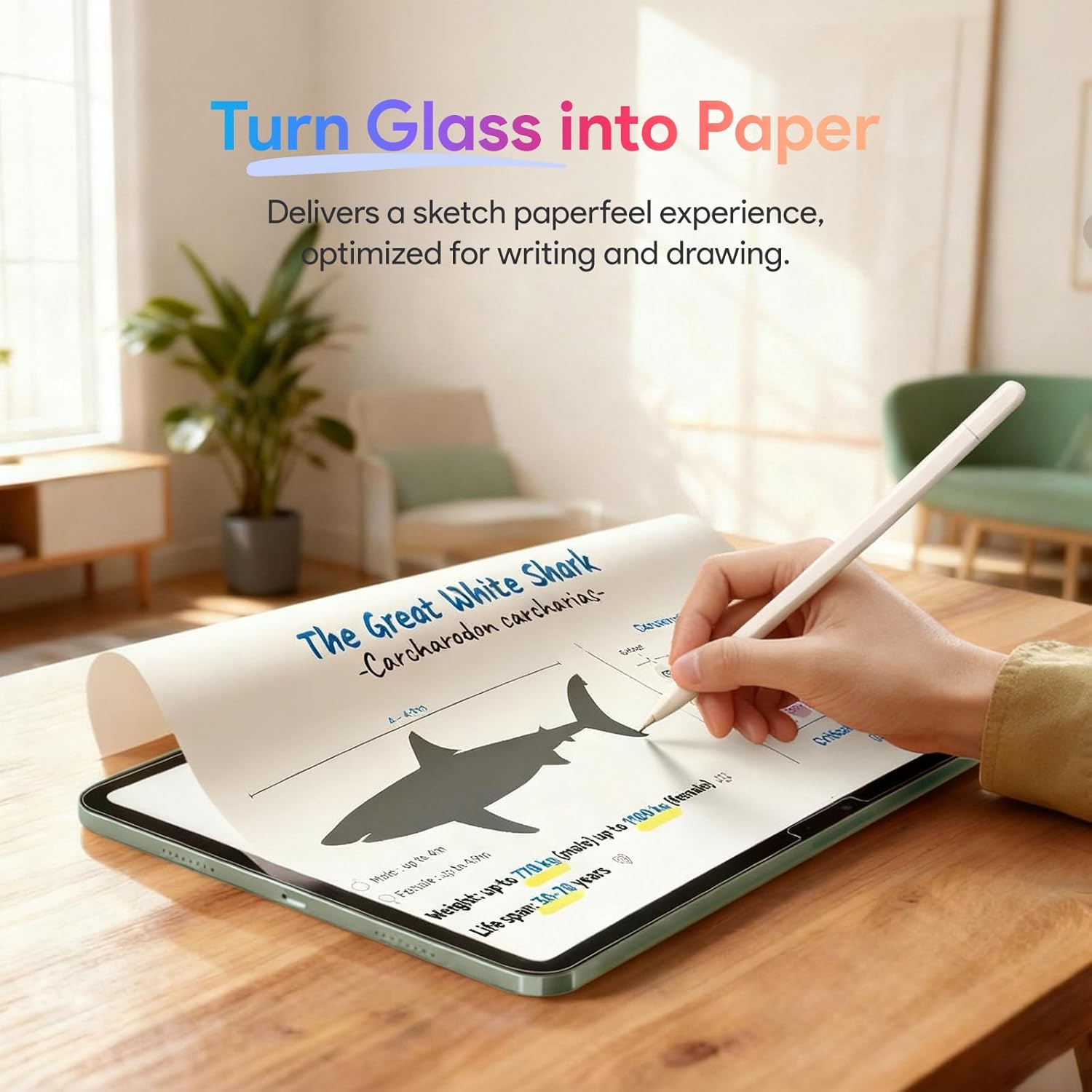
The most noticeable difference vs a basic clear protector is the matte, micro-textured “Paperfeel” surface. It’s meant to add natural friction so your stylus (including Apple Pencil users) feels closer to writing on paper. It also targets two common complaints with glossy glass protectors: a slippery glide and the “clicking” noise.
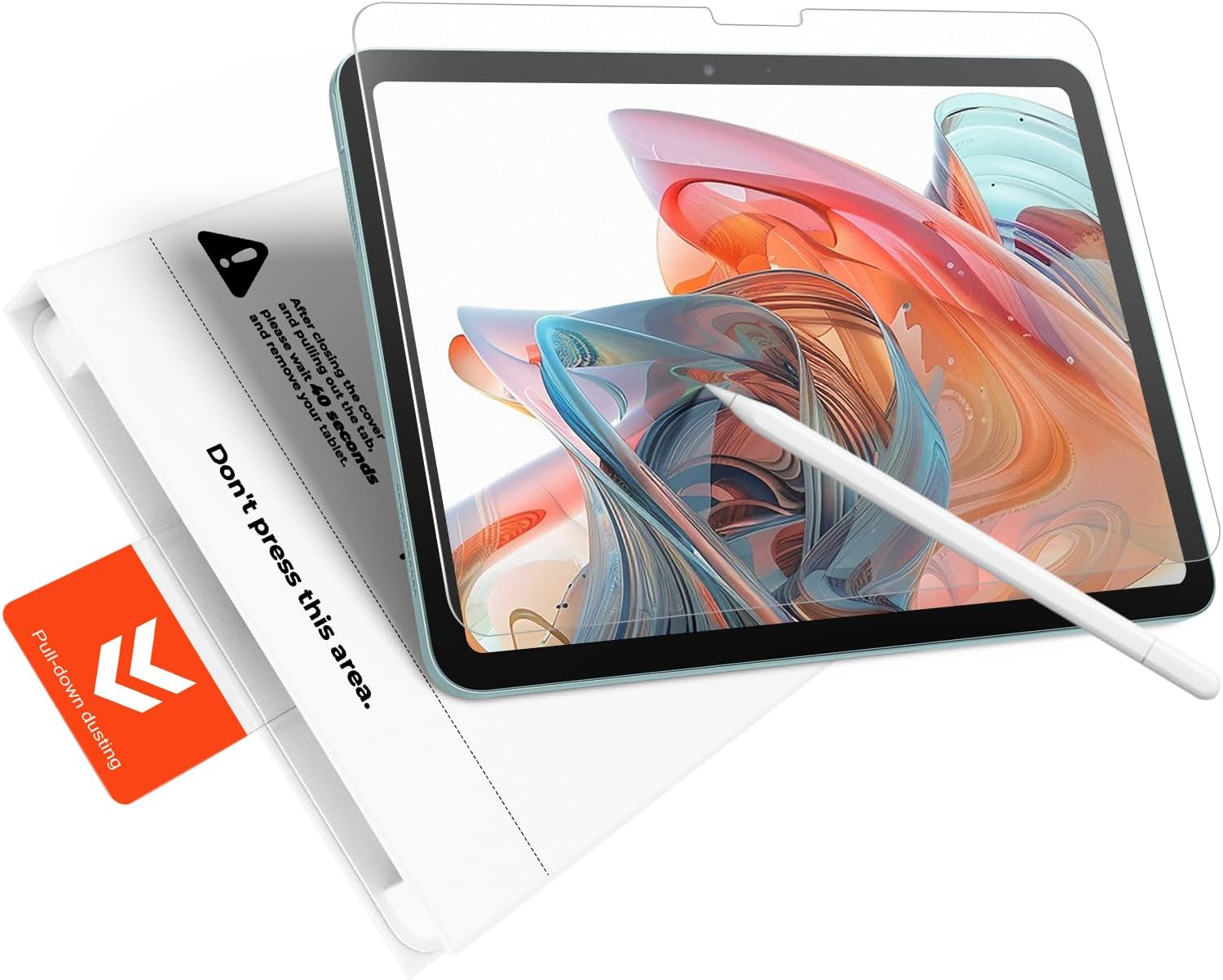
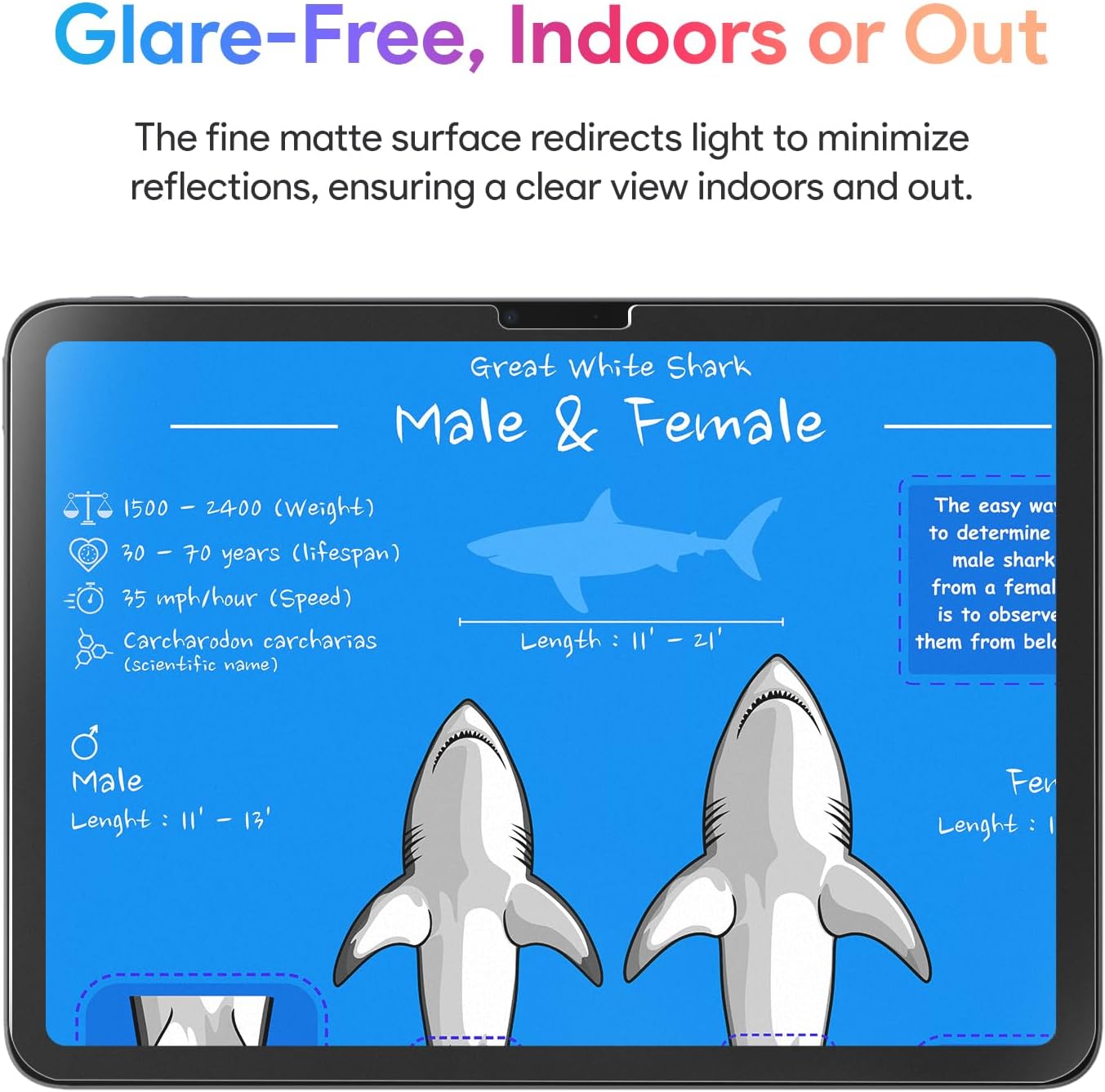
If you sketch outdoors or work near bright windows, the matte coating is also meant to cut down harsh glare and reflections. That doesn’t make the screen magical in direct sun, but it should help reduce the mirror-like look you’d get from a clear protector.
Here’s a practical example: say you’re doing note-taking during a class session. With this kind of matte finish, your pen strokes tend to feel more controlled, and you’re less likely to fight glare when the projector light or sunlight hits your screen.
Installation and fit: where the product tries to earn trust
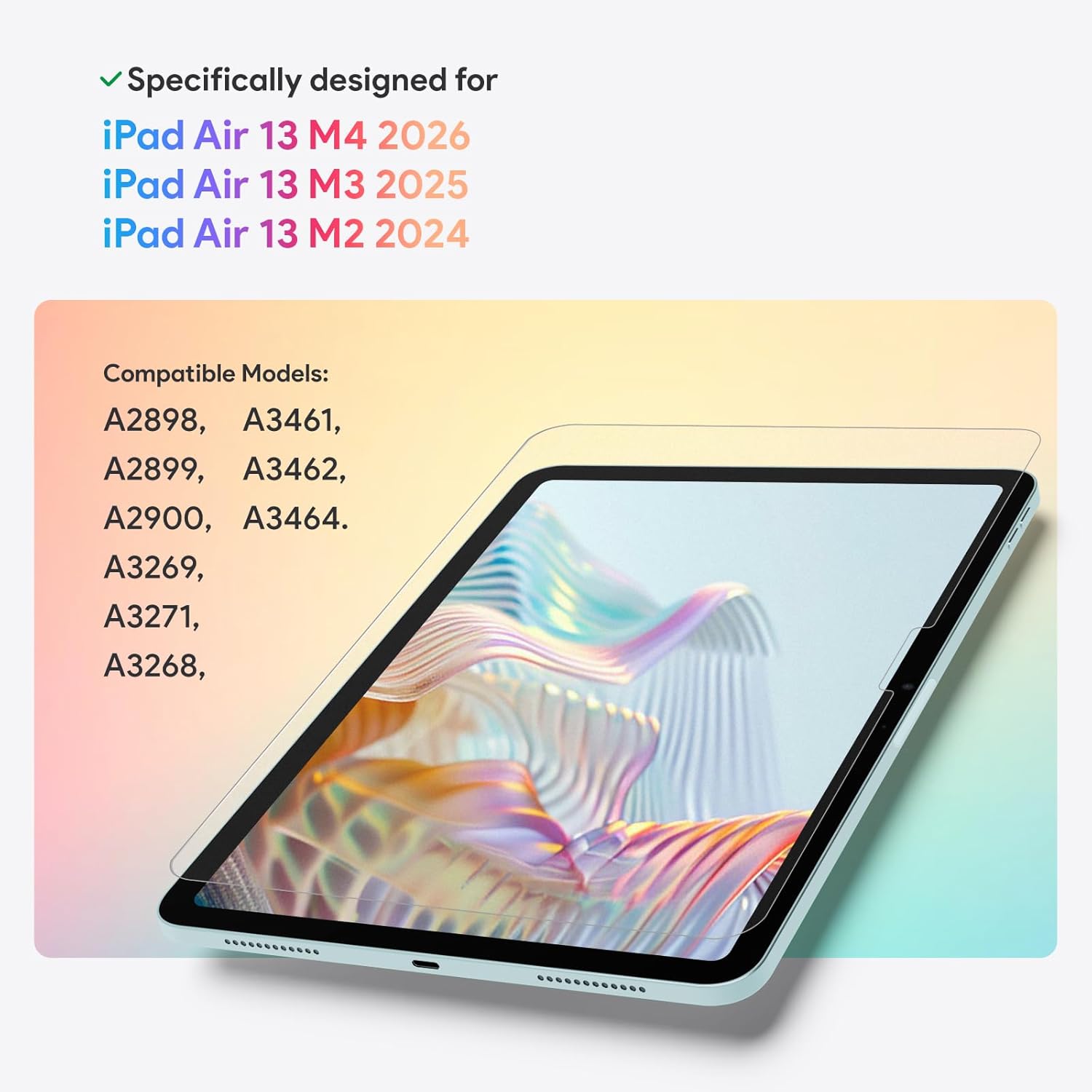
KCT positions this as a “perfect fit” protector for iPad Air 13-inch models (including specific M3 and M2 model numbers listed in the description). The claim is full-coverage alignment around the iPad’s contours and cameras.
The application process sounds straightforward: press, pull, done. The “Press & Pull” tab system is designed to reduce alignment headaches—because you pull the tab and the protector self-aligns and adheres automatically. Combined with the bubble-free installation tray, the goal is a smooth, bubble-free result without turning the process into a slow, careful ritual.
That said, bubble-free installs are still sensitive to conditions (like dust on the screen or screen cleanliness). So it’s worth taking your time with prep, even if the system is meant to make it easier.
Protection level: tempered glass with a shatter-hold design
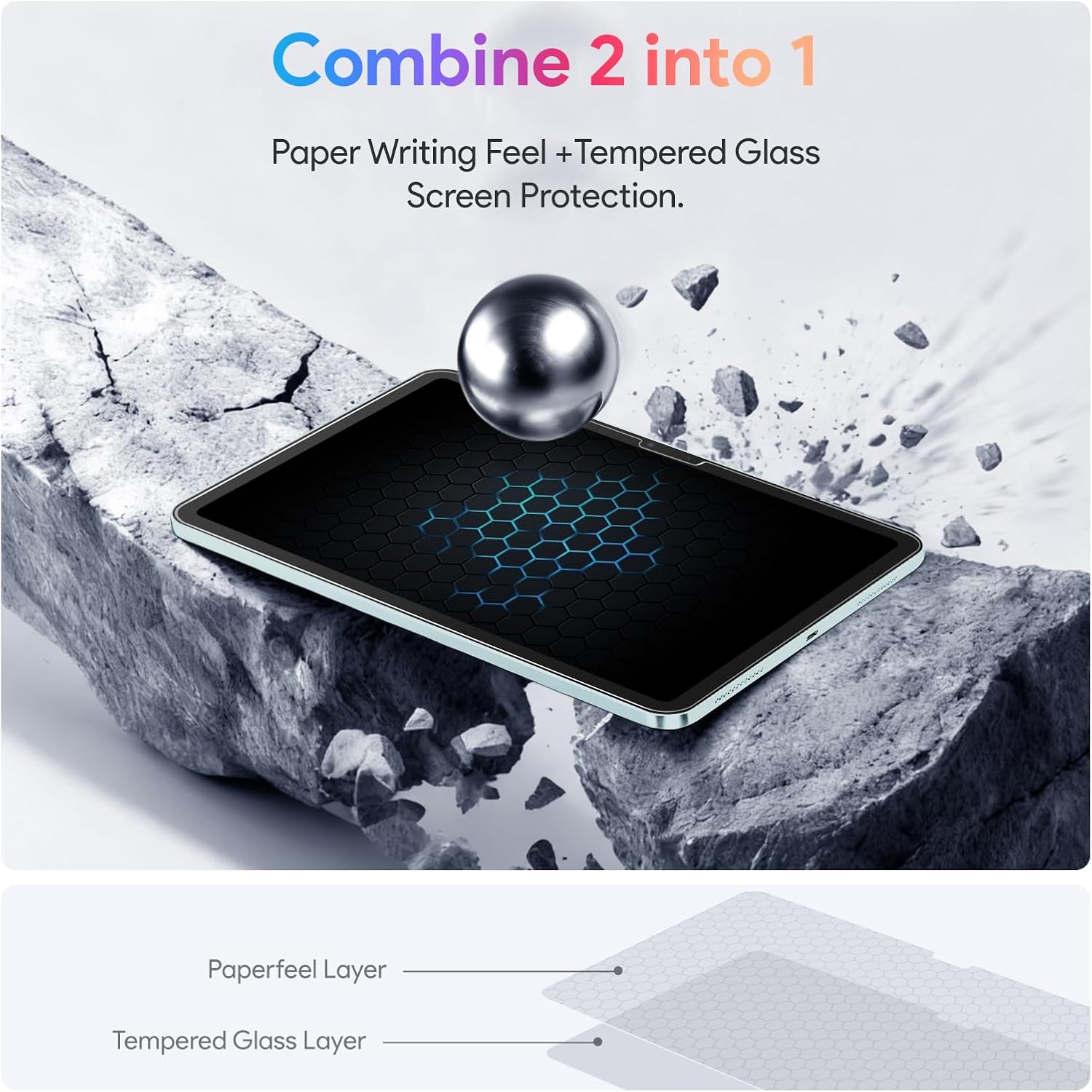
This protector is made from tempered glass and is described as shatterproof. The “shatterproof” part matters in the real world: if the protector cracks, it’s designed to hold together in a tight, web-like pattern to help prevent sharp shards from scattering.
Is it a substitute for being careful? No. But as an extra safety layer for your iPad’s original display, it’s a sensible approach for everyday risk—drops, bumps, and that one moment your device slips out of your grip.
Key specifications (quick tech reality check)
- Type: Tempered glass screen protector (matte surface)
- Fit: Compatible with iPad Air 13-inch models in the M4/M3/M2 lines (specific model numbers listed in the product description)
- Finish: Paperfeel micro-textured matte
- Installation method: “Press & Pull” tab system with bubble-free installation tray
- Protection approach: High-hardness tempered glass, described as shatterproof with a web-like hold if cracked
- Glare: Matte coating intended to reduce most harsh glare and reflections
Pros, cons, and who it’s best for
What you’ll likely like: - The matte “paper-like” writing and drawing feel is the main selling point. - Better control for note-taking, sketching, and document annotation. - Less glare than clear glass, which can help in bright offices or near sunny windows. - Installation design that’s meant to reduce alignment frustration.
What to keep in mind: - Matte finishes can make screens look slightly less crisp than very glossy/clear options, depending on your lighting and preference. - Since it’s explicitly targeted for iPad Air 13-inch models (and even lists specific model numbers), double-check compatibility before buying—using the wrong size/model is the fastest way to end up disappointed.
Worth considering if: - You use your iPad for writing, drawing, or studying and want a more paper-like surface. - You’re annoyed by glare and reflections during outdoor use or bright indoor work. - You want tempered glass protection without going full “clear glass mirror.”
Not the best choice if: - You prefer the slick feel of glossy screen protectors. - You’re trying to maximize maximum screen “pop”/sharpness and you’re extremely sensitive to matte coatings.
Is it worth it?
It’s worth buying if your priority is protecting your iPad Air 13-inch while keeping a matte, paper-like experience for stylus work—and you also care about cutting glare. The tempered glass + shatter-hold concept is a practical layer of protection, and the Press & Pull install system is designed to reduce the usual stress of aligning screen protectors.
You may want to skip it if you strongly dislike matte finishes, or if you’re not sure your exact iPad Air 13-inch model matches the listed compatibility details. In that case, the “perfect fit” promise won’t help you.
Finally, if you’re the type who’s careful with screen cleaning and likes a guided installation process, this KCT 2-pack setup makes a lot of sense for day-to-day creators and students.
Mini FAQ
Will this feel like writing on paper?
It’s designed for a “paper-like” tactile response through a micro-textured matte “Paperfeel” surface, aiming to improve control and reduce the slippery glide and glass clicking noise.
Does it help with glare?
Yes—its matte coating is described as scattering ambient light to eliminate most harsh glare and reflections, which should help for indoor brightness and outdoor use.
Is the installation really bubble-free?
The packaging emphasis is on bubble-free results using a bubble-free installation tray and a Press & Pull self-aligning tab system. Still, screen cleanliness and dust conditions can affect real-world outcomes.
What if the protector cracks?
The tempered glass is described as shatterproof, designed to hold together in a web-like pattern so sharp shards don’t scatter.
What should I double-check before buying?
Confirm your iPad Air 13-inch model number matches the compatibility details provided for this M4/M3/M2 set, since this product is positioned specifically for that 13-inch lineup.