

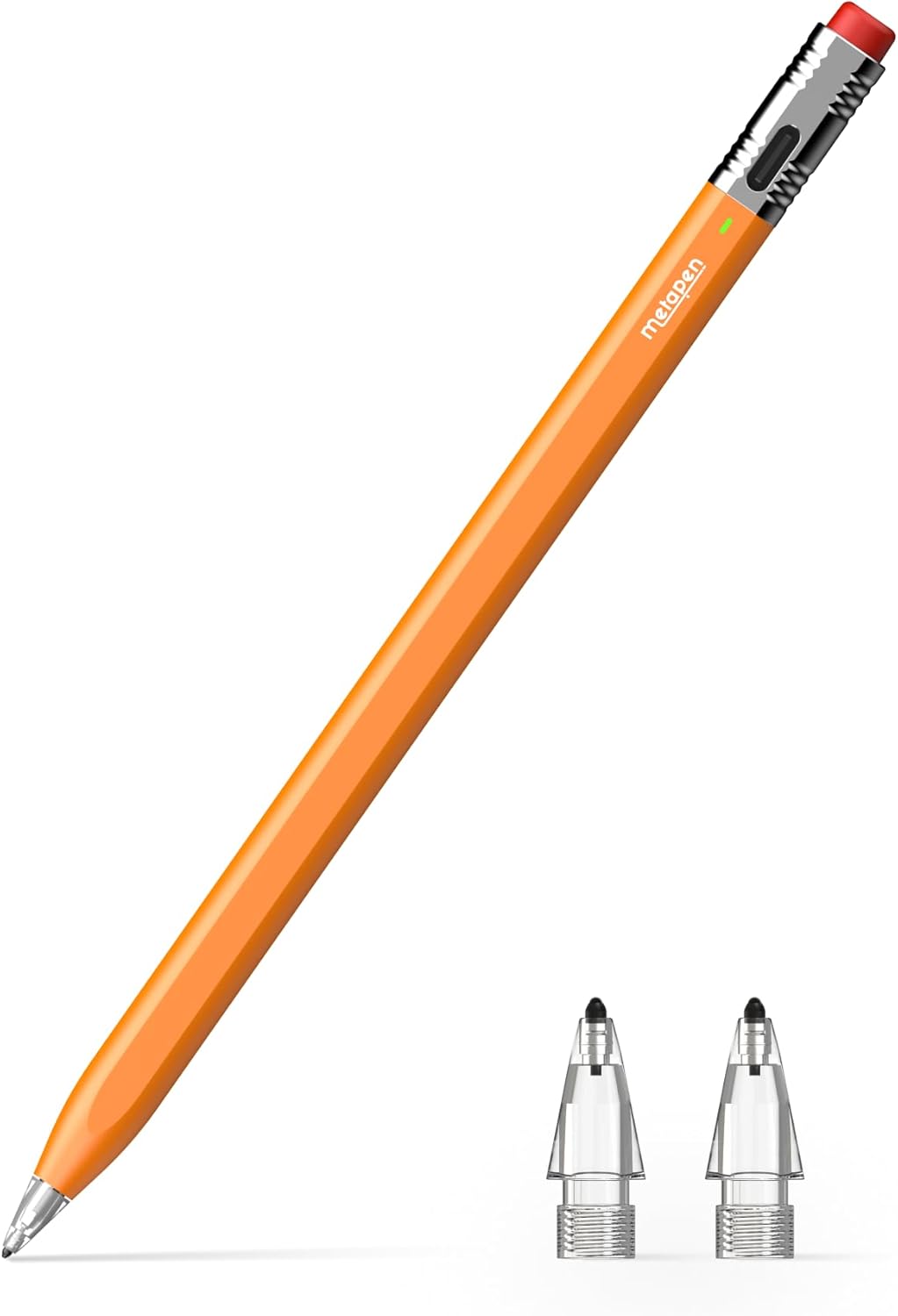
Metapen Air 8 Pro X Pencil for iPad (2018–2026) — Ultra-Quiet, Palm Rejection Stylus Pen
Product description
If you want a stylus that feels more like writing on paper—without turning your iPad into a noisy sketchbook—Metapen’s Air 8 Pro X is built around that idea. It also skips Bluetooth setup, which matters if you just want to grab it and start drawing, taking notes, or marking up documents.
That said, it’s not a one-size-fits-all pencil. It’s designed for specific iPad models, and it doesn’t support pressure or tilt sensitivity. So the real question isn’t whether it’s “good”—it’s whether it matches your iPad and your drawing style.
The essentials
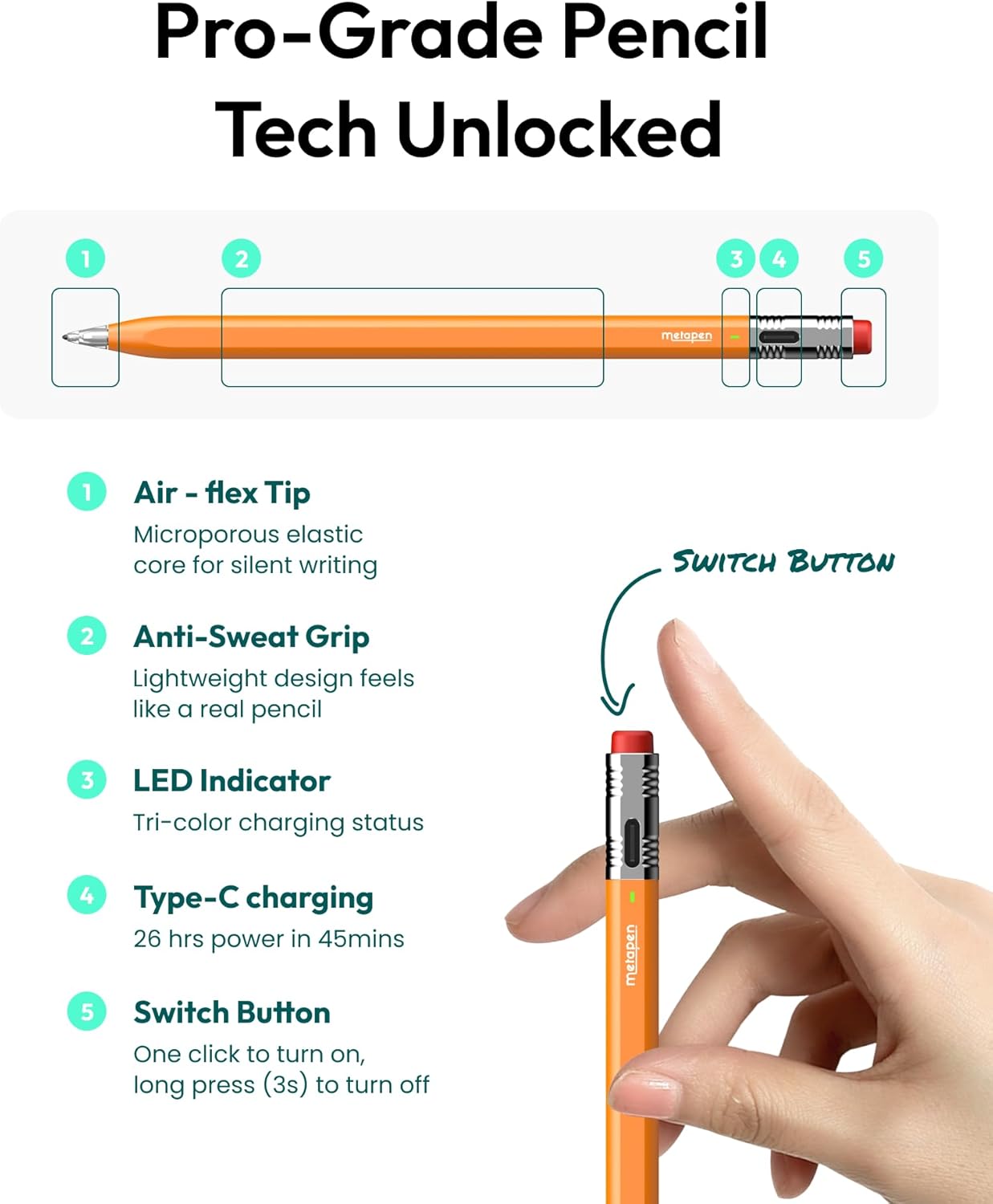
Metapen Air 8 Pro X is a palm-rejection stylus for compatible iPads, positioned as a practical alternative to more specialized stylus experiences. You get a softer, air-cushioned tip experience (called Air-Flex) intended to create a paper-like feel and keep sound low. The pen also includes a simple power workflow with an LED battery indicator, so you’re not guessing.
On the use side, it’s aimed at everyday creators: students taking notes, designers doing quick edits, and anyone who needs reliable handwriting and sketching during long sessions.
What stands out day to day
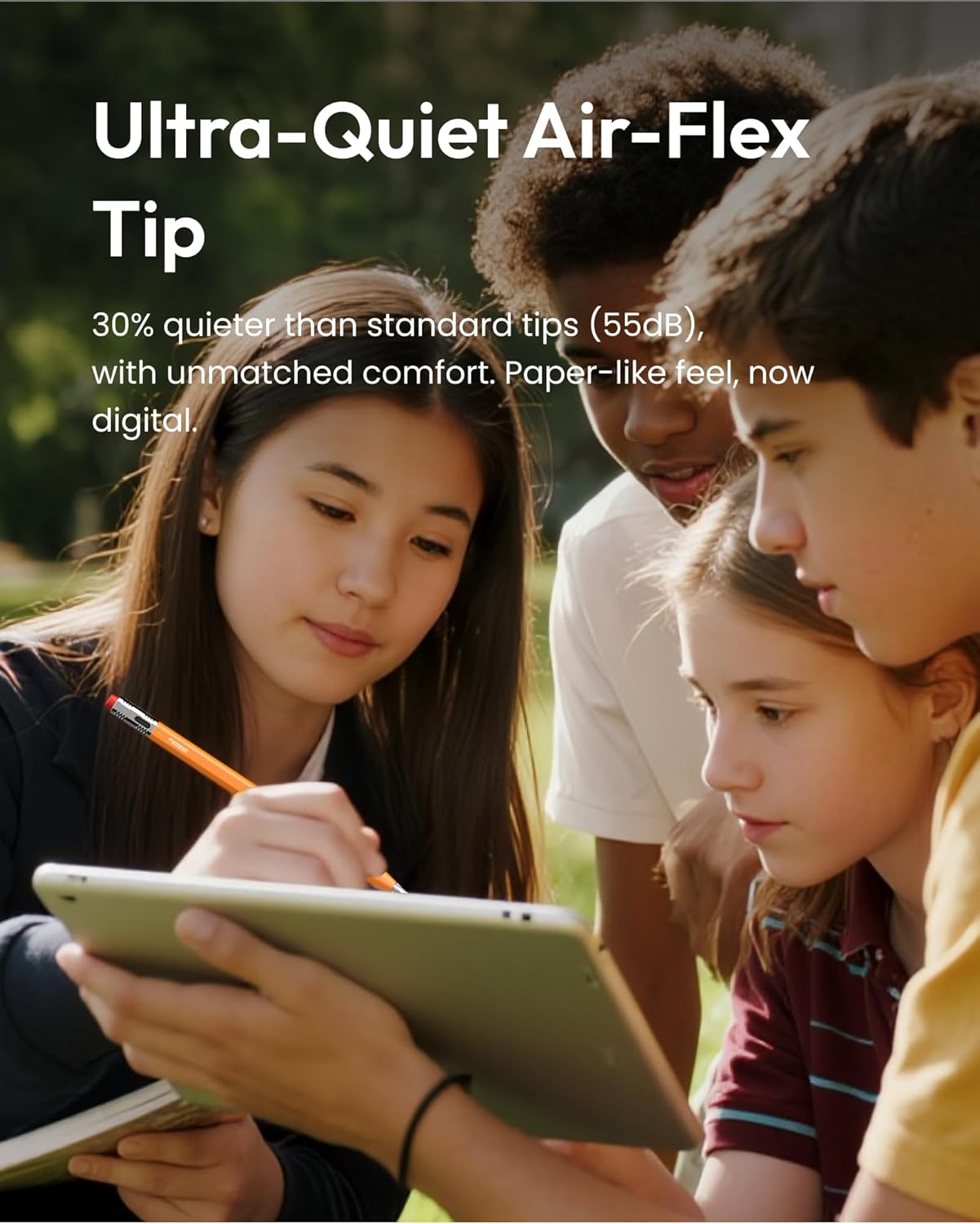
The “paper-like” claim here is tied to the Air-Flex tip with micro air chambers, designed to provide a lighter resistance as you write. Over time, that can make a big difference compared to hard tips that feel scratchy or too slick. Metapen also lists ultra-quiet operation at 35 dB, which is the kind of detail you notice if you write in quiet spaces or share a room.
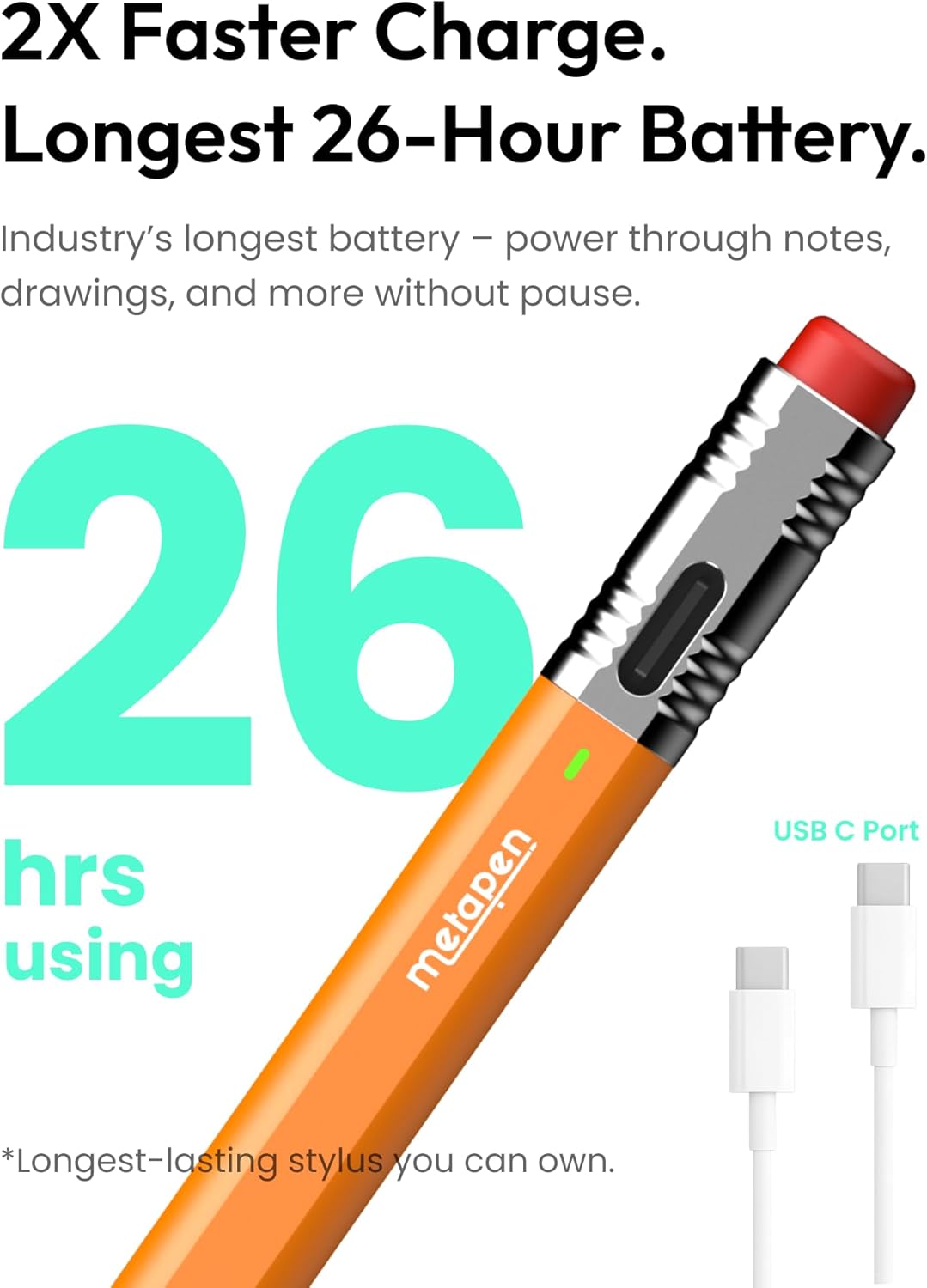
The battery story is also straightforward: up to 26 hours of use, and a full charge in about 45 minutes. There’s also a quick boost—5 minutes of charging for 4 hours of use—useful when you remember you’re low right before class or a work session.
One more practical thing: it doesn’t require Bluetooth connection. It’s more “take it out and go” than “pair it, configure it, troubleshoot it.”
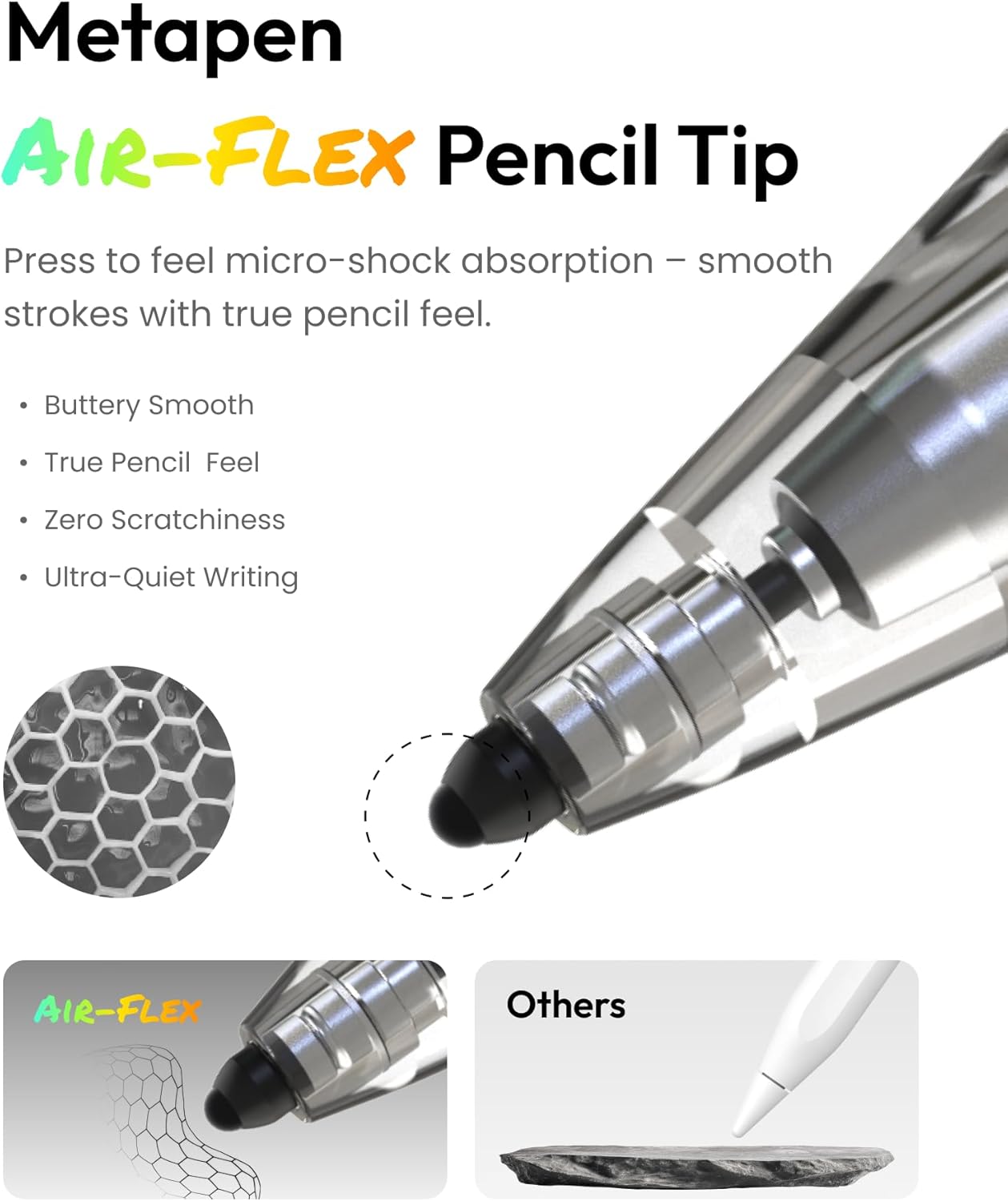
And yes, palm rejection is included, so you can rest your hand on the screen while writing without constantly fighting accidental touches.
Key limitations to consider before buying
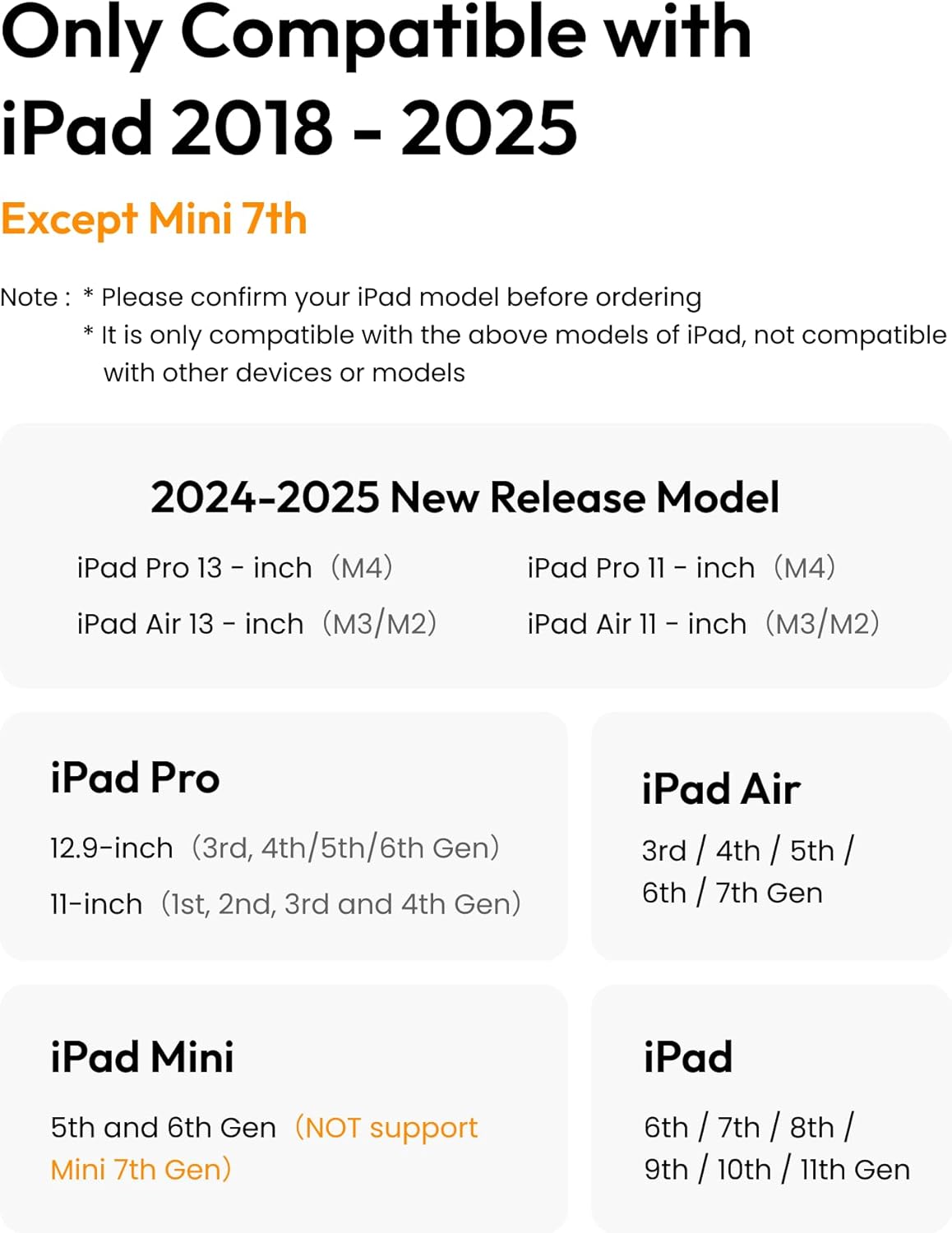
Here’s where you should slow down. This stylus only works with specific iPad models from 2018 onward (as listed by Metapen), and it explicitly isn’t compatible with iPads earlier than 2018. It also says it’s not compatible with iPad mini 7.
Also important: it does not support tilt sensitivity or pressure sensitivity. If you rely on those advanced behaviors for brush variation, expressive line weight, or certain art workflows, this may feel more basic than what you’re used to.
Finally, Metapen notes it charges via USB-C to C and does not have magnetic charging. It includes an adhesive pencil holder for storing it in your iPad case, which helps, but it’s still not the same as built-in snap-and-charge setups.
Tech specs
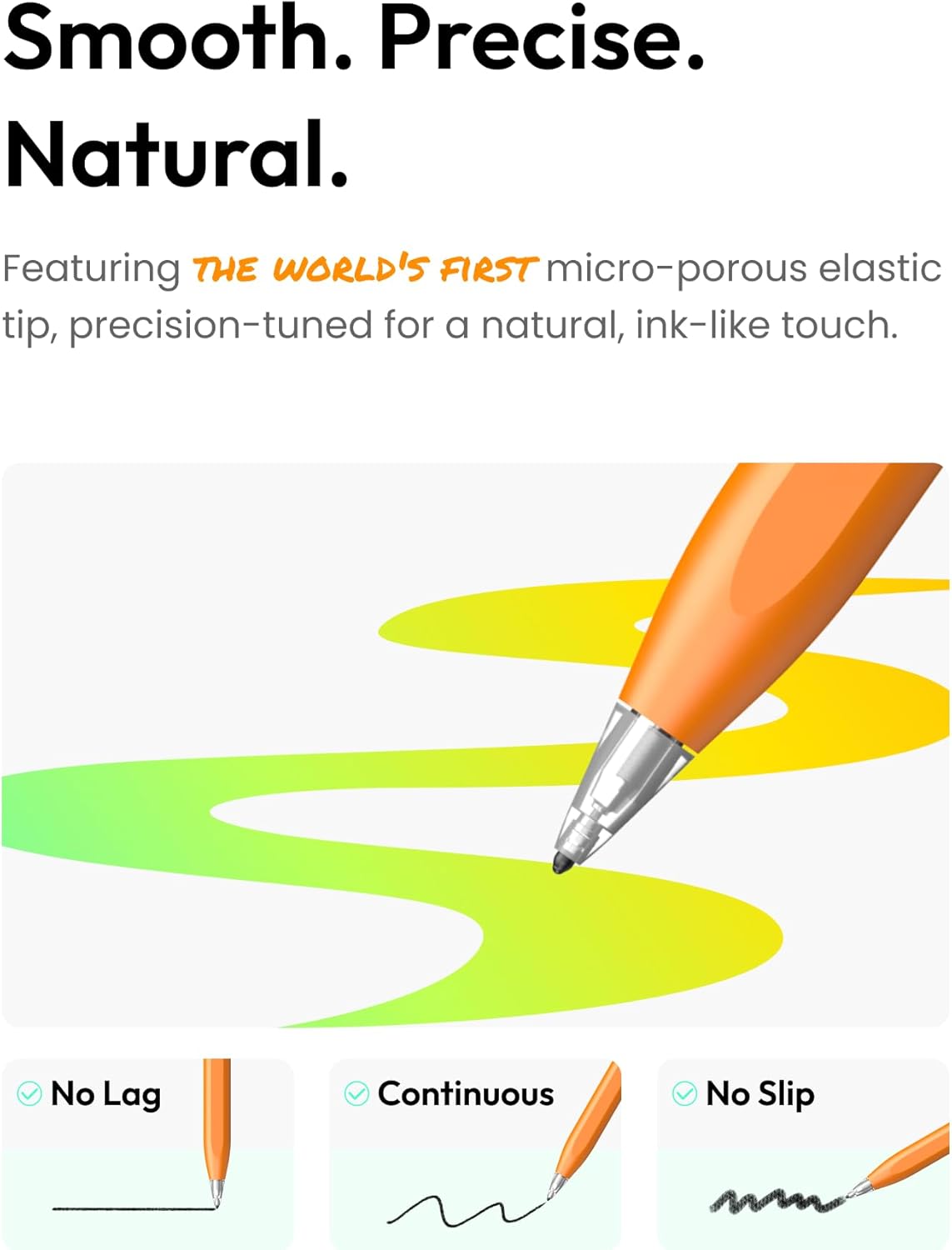
- Name: Metapen Air 8 Pro X Pencil for iPad
- Type: Palm rejection stylus pen
- Noise level: 35 dB
- Battery life: up to 26 hours
- Charging time: full charge in 45 minutes
- Quick charge: 5 minutes = 4 hours of use
- Charging method: USB-C to C (no magnetic charging)
- Power/controls: single press to turn on, press and hold to turn off
- Auto power-off: after 5 minutes of inactivity
- Weight: 11 g
- Tip: Air-Flex soft tip with air micro chambers
- Compatibility (per Metapen): iPad 11 A16/10/9/8/7/6th Gen, iPad Pro 13-inch M4, iPad Pro 11-inch 1/2/3/4/M4, iPad Pro 12.9-inch 3/4/5/6th Gen, iPad Air 3/4/5/M2/M3/M4, iPad mini 5/6th Gen
Who it’s for (and who should skip it)
It’s a solid pick if you want a quiet stylus with a softer writing feel, and you’re using a compatible iPad model from the supported list. You’ll probably appreciate it most if you do a lot of handwriting, note-taking, highlighting, or basic sketching where palm rejection and low noise improve comfort.
It may not suit you if you specifically need pressure sensitivity or tilt sensitivity for advanced drawing effects. It’s also not for you if your iPad model falls outside the 2018–2026 compatibility window Metapen lists.
Getting the most from it
A practical way to judge fit: try it for 20–30 minutes of “real life” tasks—class notes, annotating a PDF, or drawing a simple grid and then a few curved lines. The Air-Flex tip is meant to feel smoother and less harsh, so you should be able to tell quickly whether the resistance feels right for your hand.
Also, because it relies on USB-C charging, get into the habit of keeping the charging cable handy. The LED indicator helps with battery awareness, but magnetic convenience isn’t included.
Final verdict
Worth it if your iPad model is on Metapen’s compatible list and you value a soft, low-noise writing experience with palm rejection. The battery life and quick-charge setup are also genuinely useful for day-to-day use, and skipping Bluetooth pairing reduces friction.
Skip it if you need pressure or tilt sensitivity, or if your iPad is older than what Metapen supports. In those cases, you may be happier with a stylus that matches those specific drawing behaviors.
Mini FAQ
Does this stylus connect via Bluetooth?
No. Metapen says there’s no Bluetooth connection required.
Is it magnetic charging?
No. It charges via USB-C to C and does not have magnetic charging.
Does it support pressure or tilt?
No. It does not support tilt sensitivity or pressure sensitivity, according to the product notes.
What’s the noise level like?
Metapen lists 35 dB for the tip writing sound, aiming for quieter sessions.
What iPads is it compatible with?
Metapen provides a specific supported model list. It also notes it’s not compatible with iPads earlier than 2018 and not with iPad mini 7, so checking your exact model number is important.