

SSAWiFiFrame 32GB 10.1-Inch WiFi Digital Picture Frame
Product description
What it is
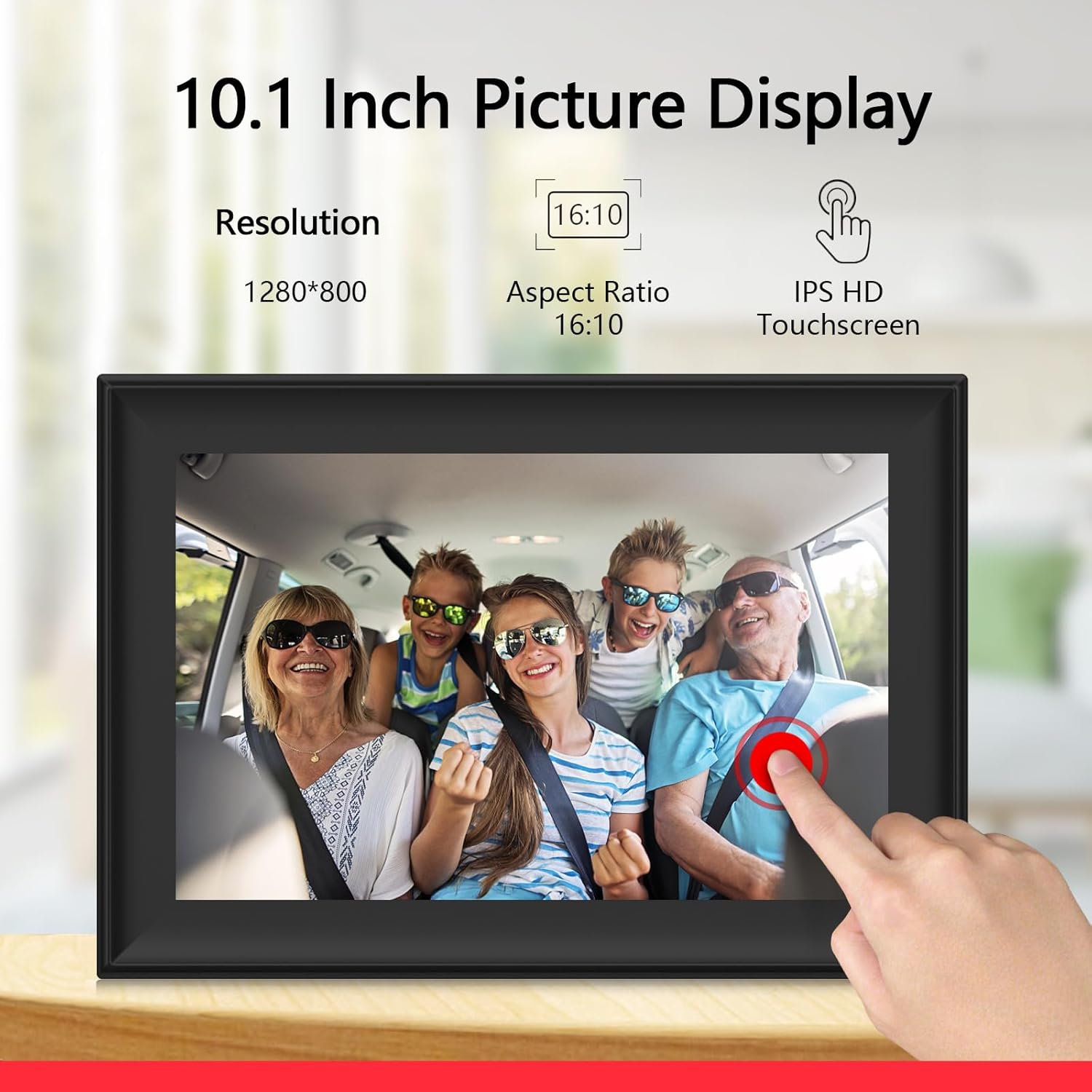
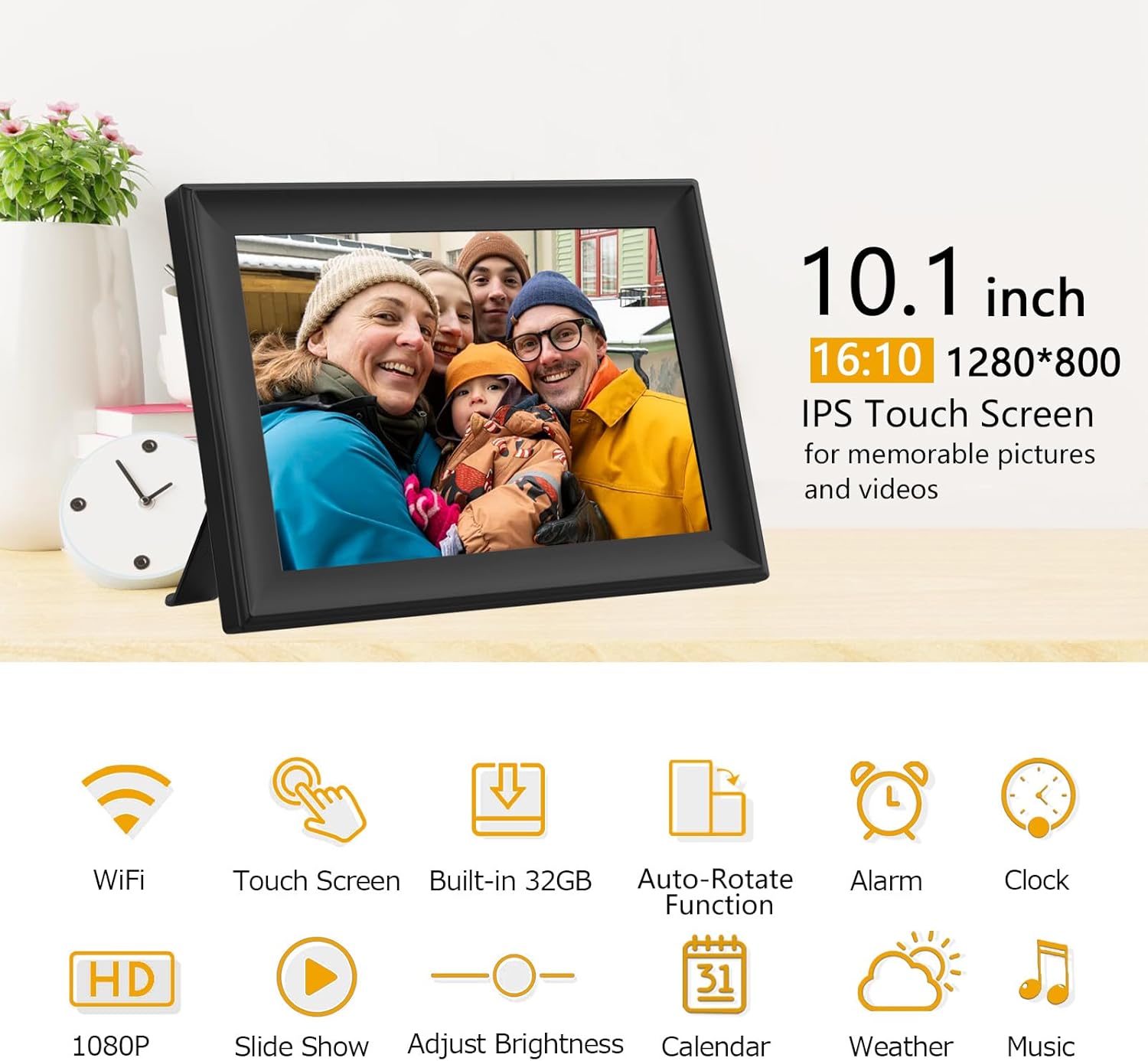
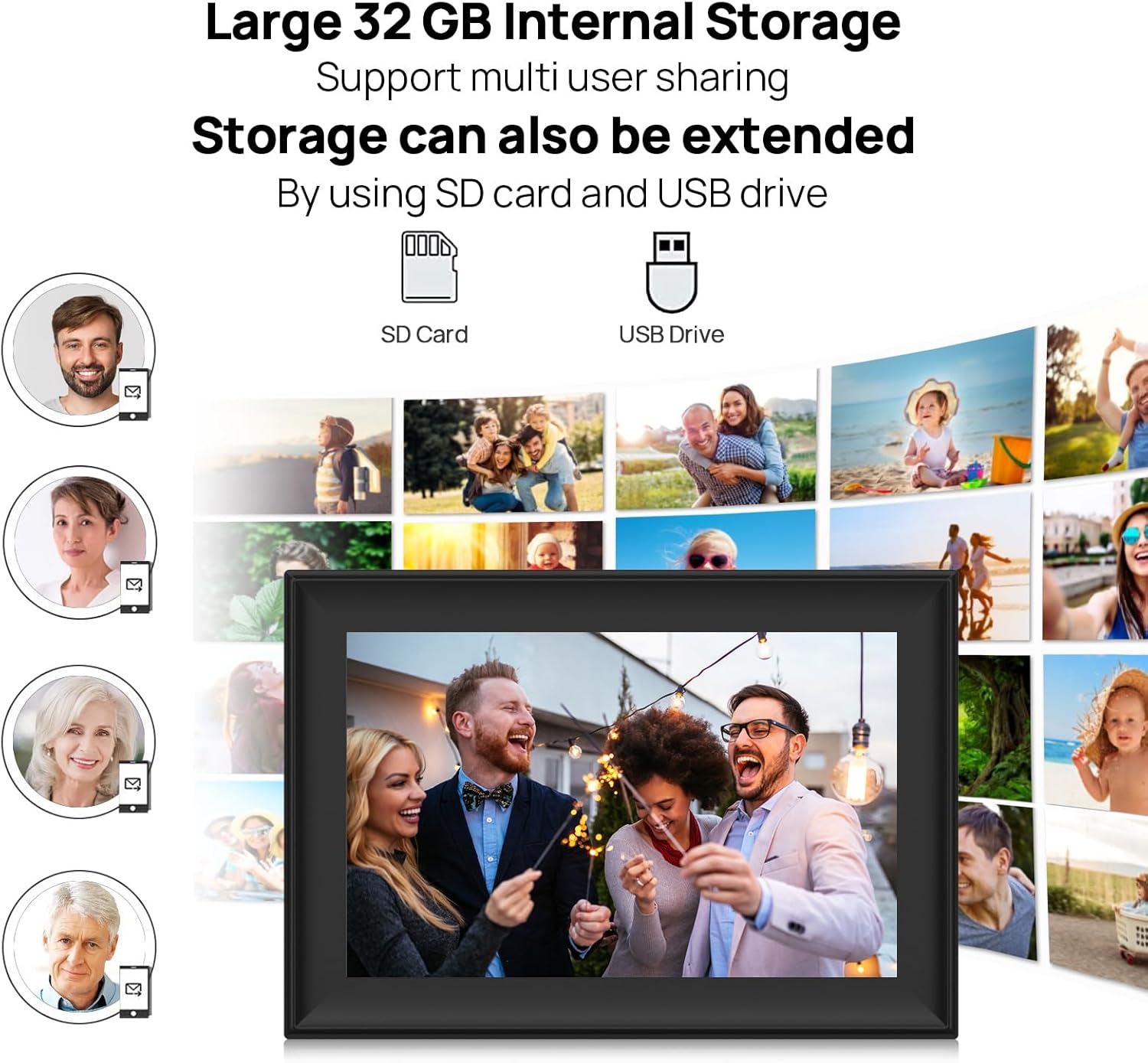
The SSAWiFiFrame is a 10.1-inch WiFi digital picture frame with a 1280x800 IPS touch screen and built-in 32GB memory. It supports photos and videos, can be extended via USB drive or SD card, and offers private sharing through the SSAWiFiFrame app or email. It’s designed to display your moments in a connected, safe way, so family and friends can see updates from anywhere.
Who it’s for
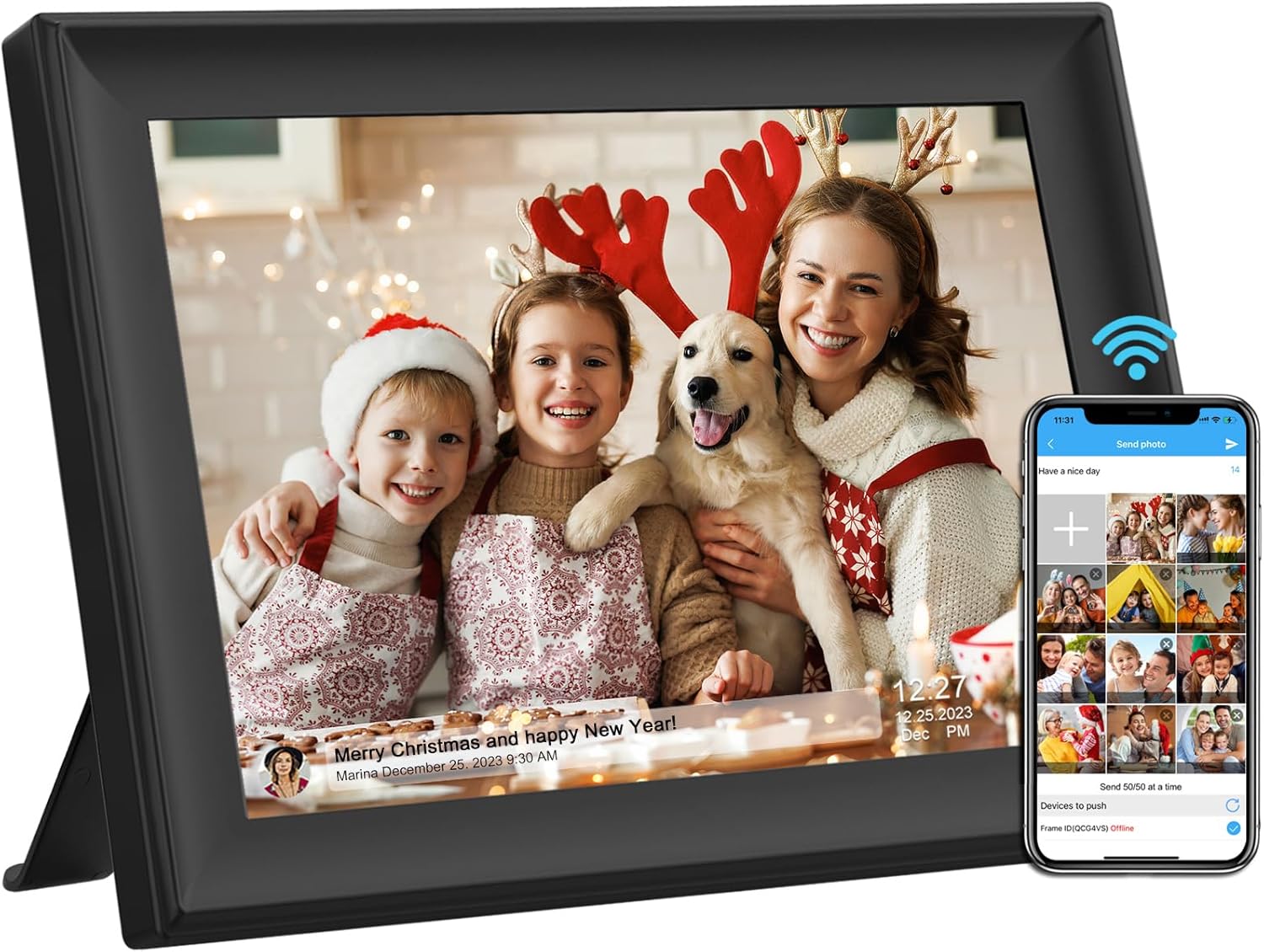
If you want a dedicated place to showcase memories without crowding your phone gallery, this frame targets households that value quick, shared access to photos and videos. It’s also a practical option for grandparents or busy families who prefer a simple, wireless way to stay in touch with loved ones through images and short clips.
How it performs (on the page)
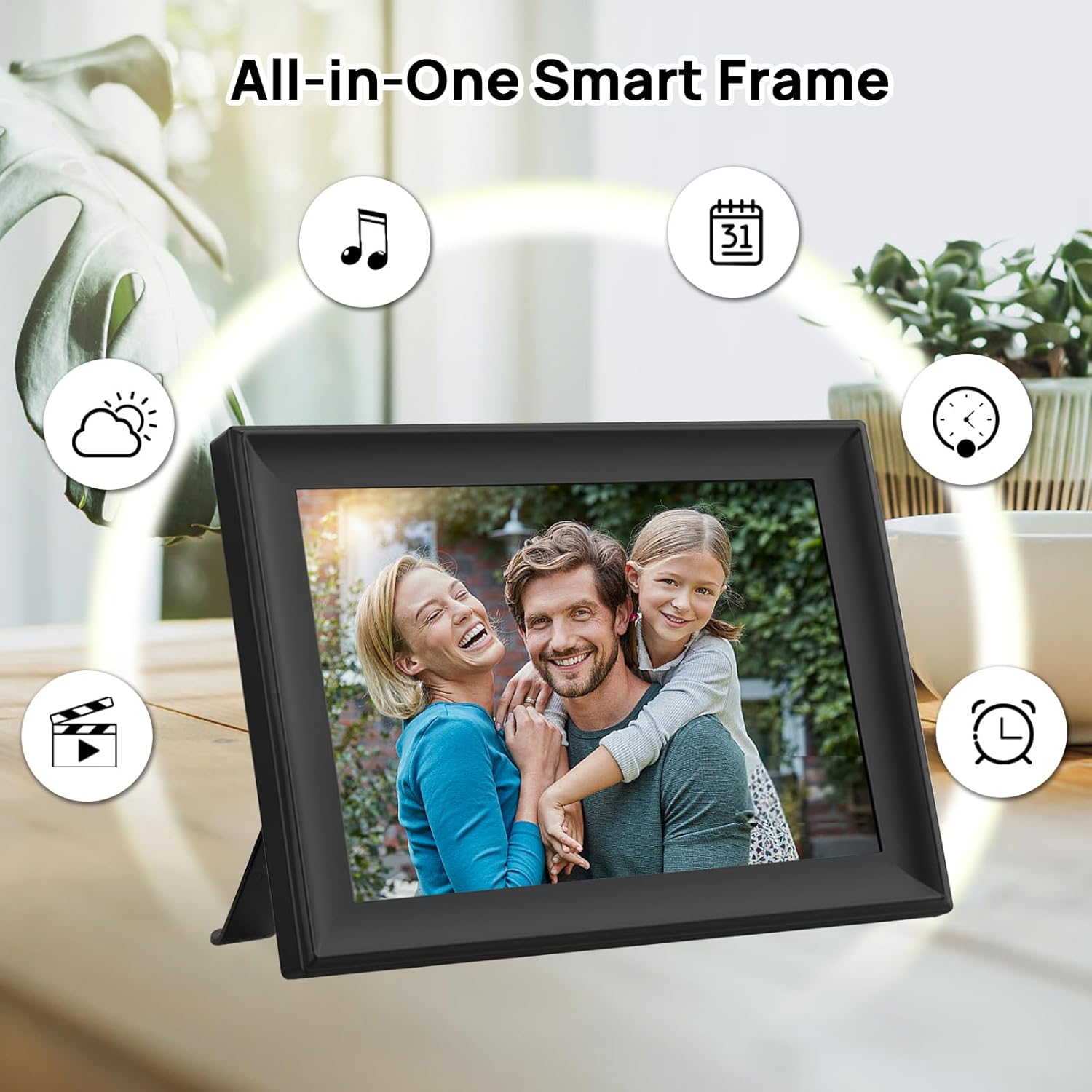
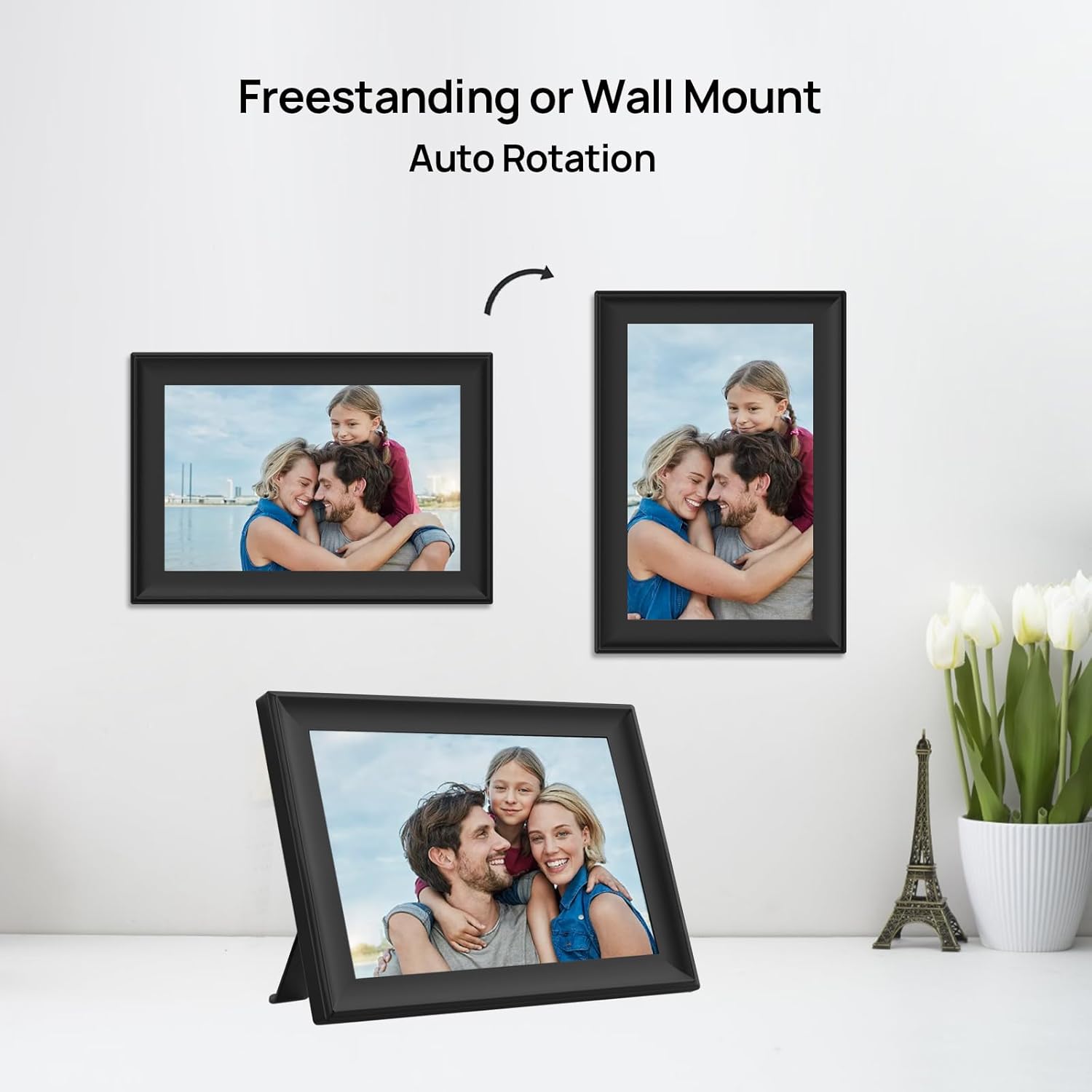
On the front, you get a glare-free viewing experience from any angle thanks to the IPS panel. The frame can auto-rotate photos, supports portrait or landscape display, and offers a detachable stand for flexible placement. In use, you can run slide shows, play videos, and access basic widgets like calendar, weather, alarm, and clock.
What stands out
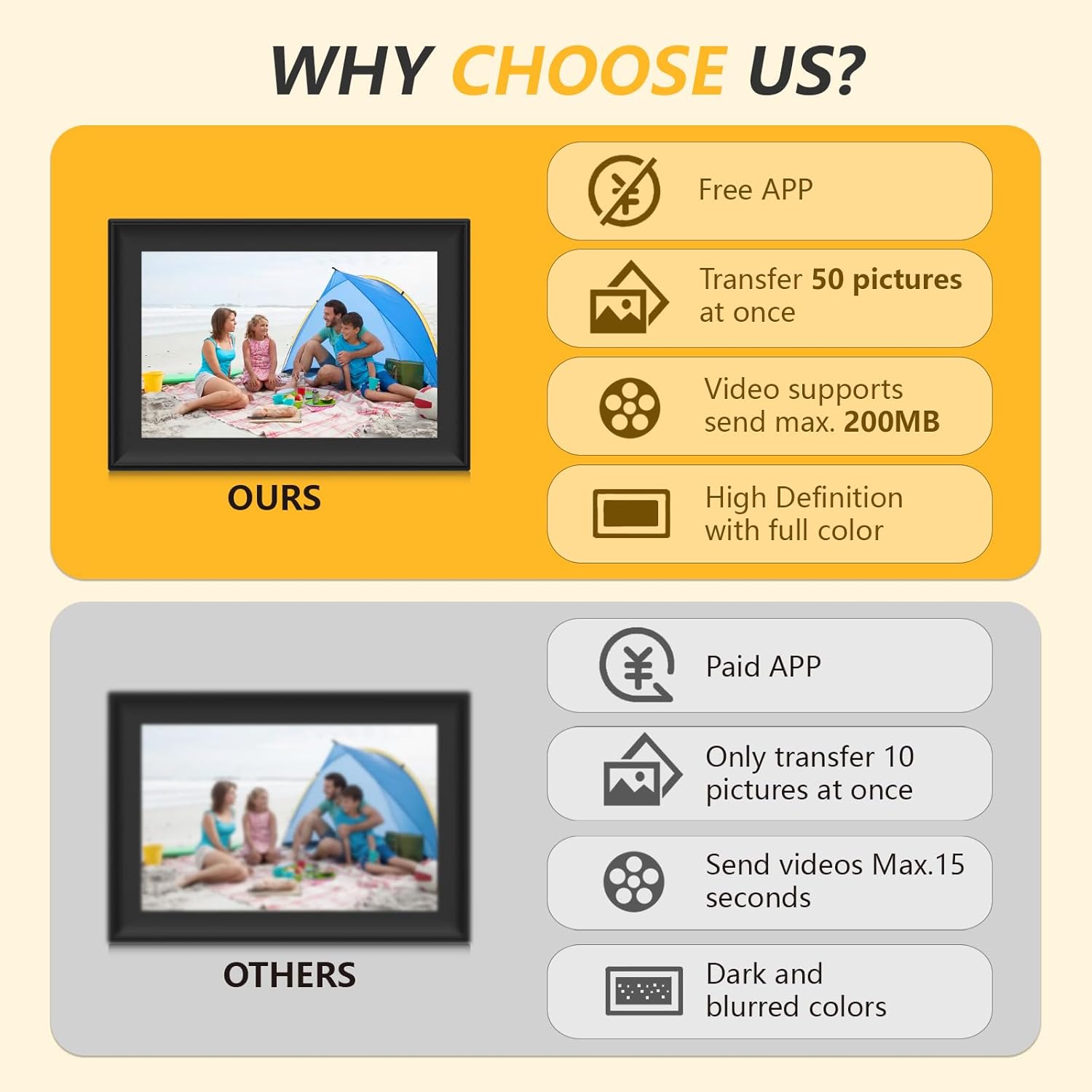
The built-in 32GB memory helps you start without immediate storage expansion. The ability to send up to 50 photos at once, plus video transfers up to 200MB, makes it convenient for quick sharing with recipients who have the frame linked to their account. The option to import/export pictures or videos via USB drive or SD card adds a backup/transfer path beyond wireless sharing.
Limitations to note
Connectivity is time-bound: the connection code is valid for 12 hours, which means you’ll need to reauthorize sharing periodically. The maximum video size when sending is 200MB, which could limit longer clips. If you rely heavily on ultra-high-resolution video, you may notice some constraints compared to higher-end displays.
How to use it day to day
Setup is described as user-friendly, with a simple interface and touch screen that’s meant to be approachable for all ages. You can view photos in portrait or landscape, enable auto on/off, adjust brightness, and customize play order or captions. If you’re new to smart frames, expect a shorter learning curve thanks to clearly labeled options and straightforward navigation.
Practical use case
Imagine a family birthday backdrop: you send a batch of 50 photos to the frame, and the party keeps feeling connected even for relatives who can’t be there in person. The frame can sit on a shelf or be wall-mounted, and it rotates as you switch between portrait and landscape pictures.
Should you buy it? When it makes sense
- You want a dedicated, wireless way to share memories with loved ones without relying on phone-centric sharing.
- You value a compact, wall-mountable screen with basic smart features (calendar, weather, alarm) and easy setup.
- You don’t need ultra-high video fidelity or extremely large storage out of the box.
When it may not be the best choice
- If you expect to store and view very large video files or require long, high-bit-rate clips due to the 200MB sending limit.
- If you need a frame that can handle heavy multitasking or advanced smart-home integrations beyond basic widgets.
What to check before buying
- Confirm the frame’s wireless setup is compatible with your home network and the recipient devices.
- Consider whether 32GB internal storage and supported USB/SD expansion meet your typical photo/video library size.
- Think about placement: wall mounting is supported, but you may want to ensure there’s a nearby power source and stable Wi‑Fi.
Quick comparison context
This frame sits in the entry-to-midrange space for digital picture frames: it emphasizes private sharing and ease of use over ultra-high-end display specs. If you value a simple, social-friendly experience with straightforward setup, it’s a reasonable fit, if you need cinema-grade video playback or sophisticated cloud features, you may prefer a higher-tier option.
Final verdict
Is it worth it? It’s worth considering if your goal is a discreet, user-friendly way to display and share photos and short videos with family, without requiring a smartphone-centric workflow. It may not be ideal if you expect long videos or require robust, feature-rich smart features.
FAQ
- Can I send photos and videos to the frame from anywhere? Yes, via the SSAWiFiFrame app or email.
- How many photos can I send at once? Up to 50 photos per send, videos have a 200MB limit when sent.
- Do you need a computer to use it? No, setup is designed to be user-friendly with a touchscreen, however, USB/SD options are available for offline storage or transfer.