

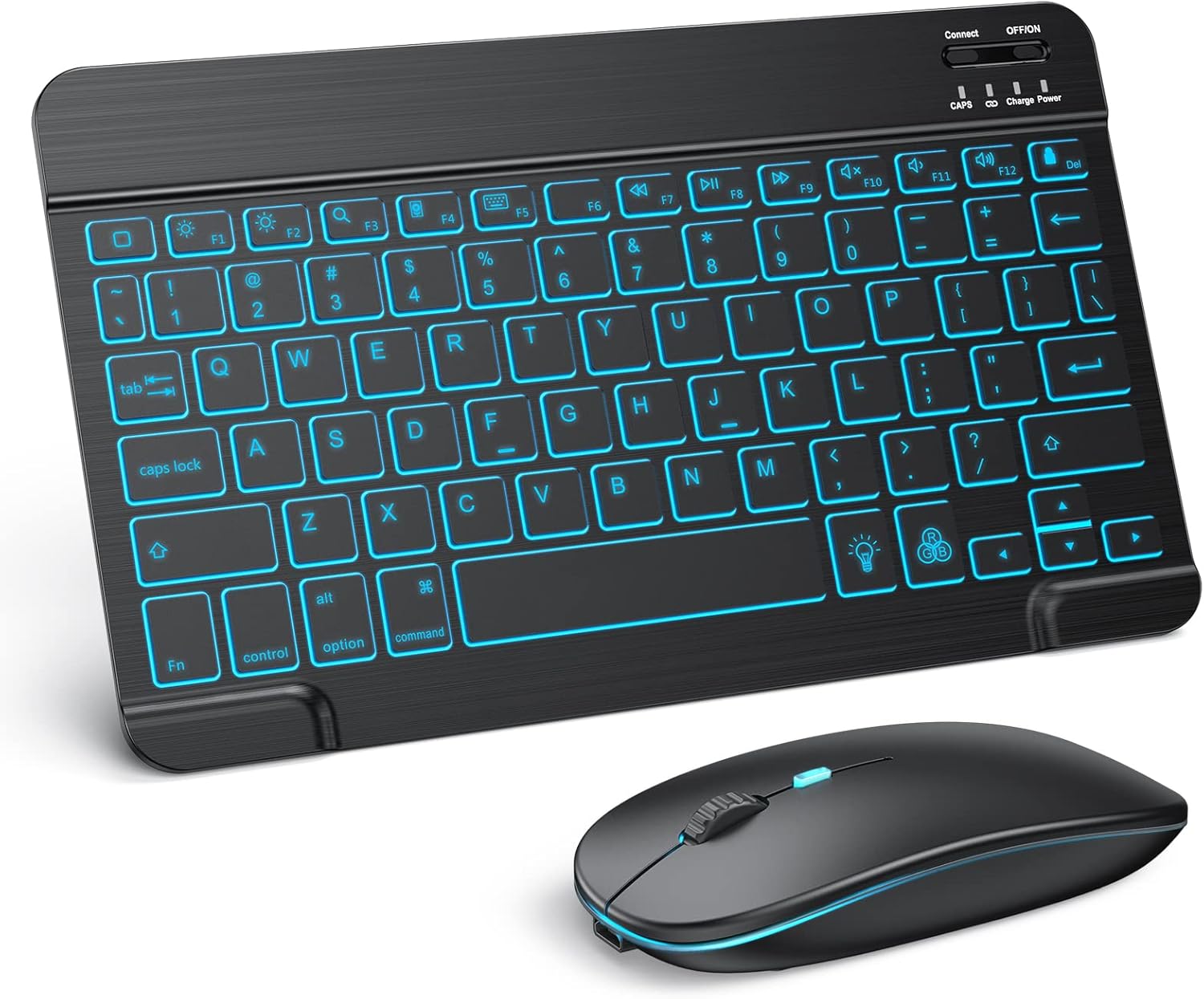
TECURS Bluetooth Keyboard and Mouse Combo for iPad (Rechargeable, 7-Color Backlit) – Black
Reviews
Price
Product description
What it is and why people buy it
If you’ve ever tried to get real work done on an iPad using the on-screen keyboard, you already know the trade-off: it’s quick for notes, but it can feel slow when you want typing speed and more comfort. This TECURS Bluetooth Keyboard and Mouse Combo for iPad is built for that “desktop feel” on the go—keyboard plus a quiet wireless mouse in one set.
On paper, the value here is pretty clear: wide iPad compatibility, a 7-color backlit keyboard for dim rooms, and a rechargeable setup so you’re not constantly buying batteries. The mouse also adds adjustable DPI (three levels) for more controlled cursor movement, which matters if you’re switching between basic browsing and more precise tasks.
Key compatibility notes to check first
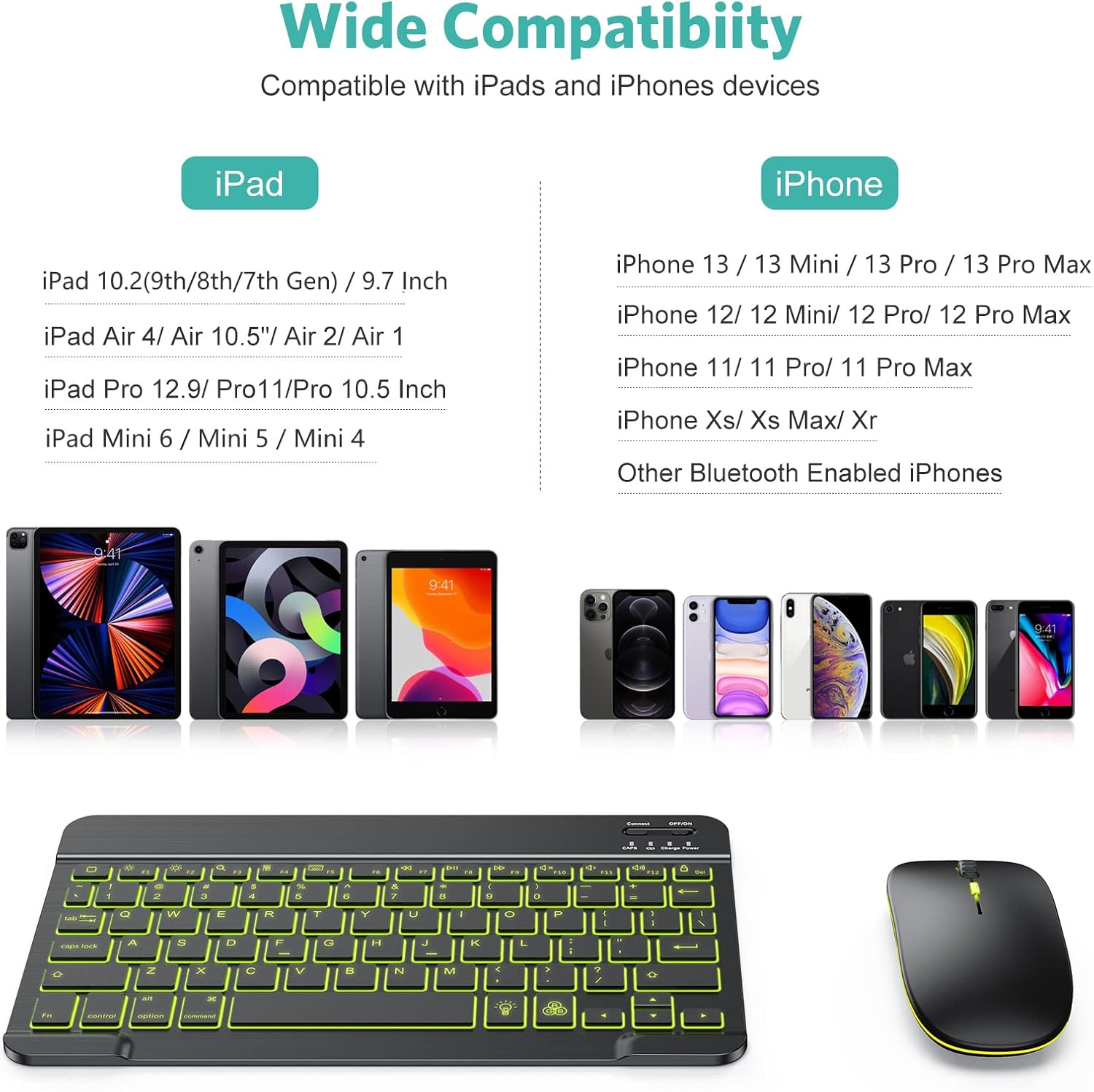
This combo is described as compatible with multiple iPad models, including iPad 10.2, iPad mini, iPad Air, and iPad Pro (with additional compatibility listed for iPhone 15/14/13 Pro). There’s also an important system requirement: the system needs to be updated to iPadOS 13 and above.
That note is easy to overlook, so it’s worth treating it like a real checklist item before you buy. If your iPad is on an older iPadOS version, the setup may not go the way you expect. Also, you’ll want to confirm your exact iPad model is on the supported list if you’re buying for a specific device.
Where the keyboard actually helps (backlight + typing feel)
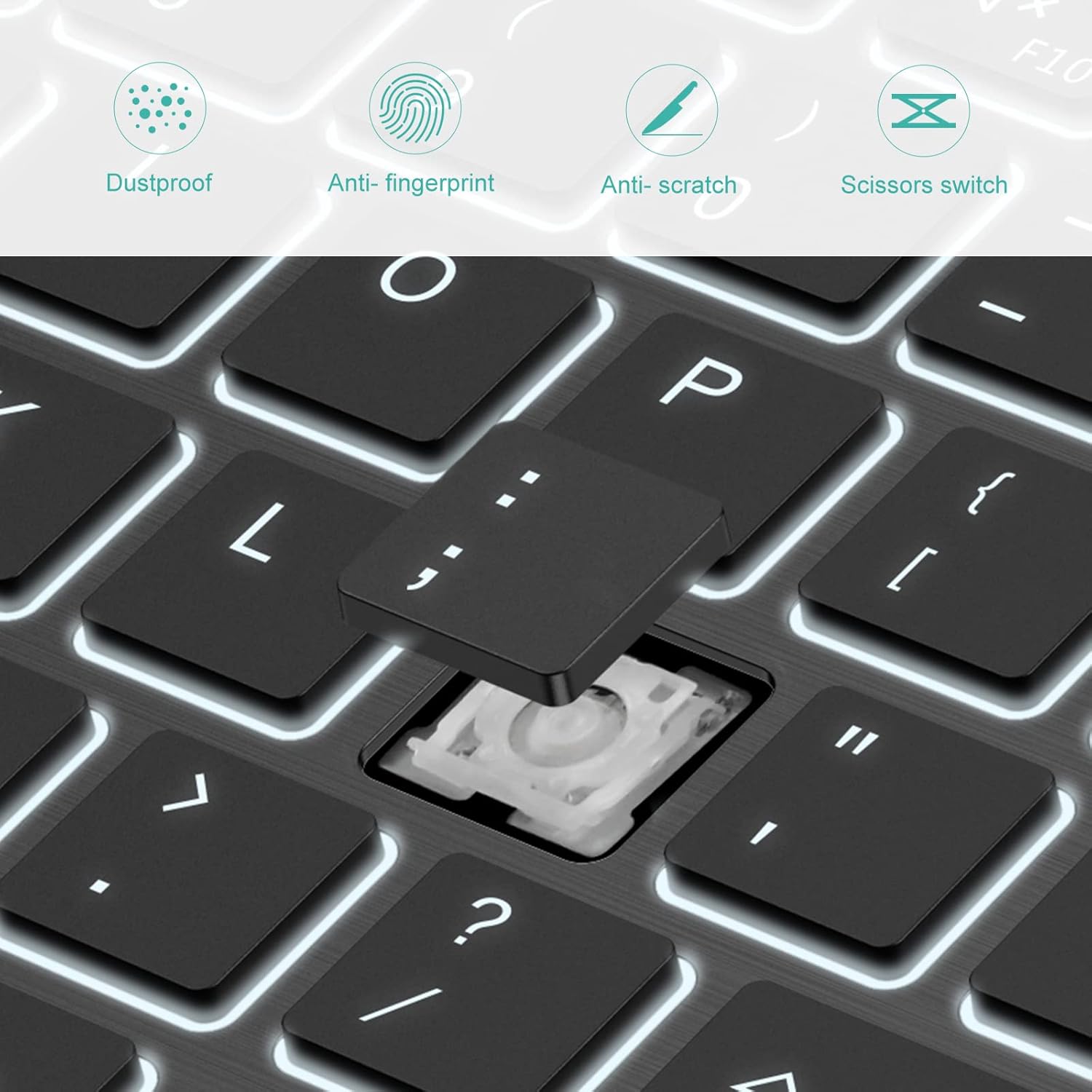
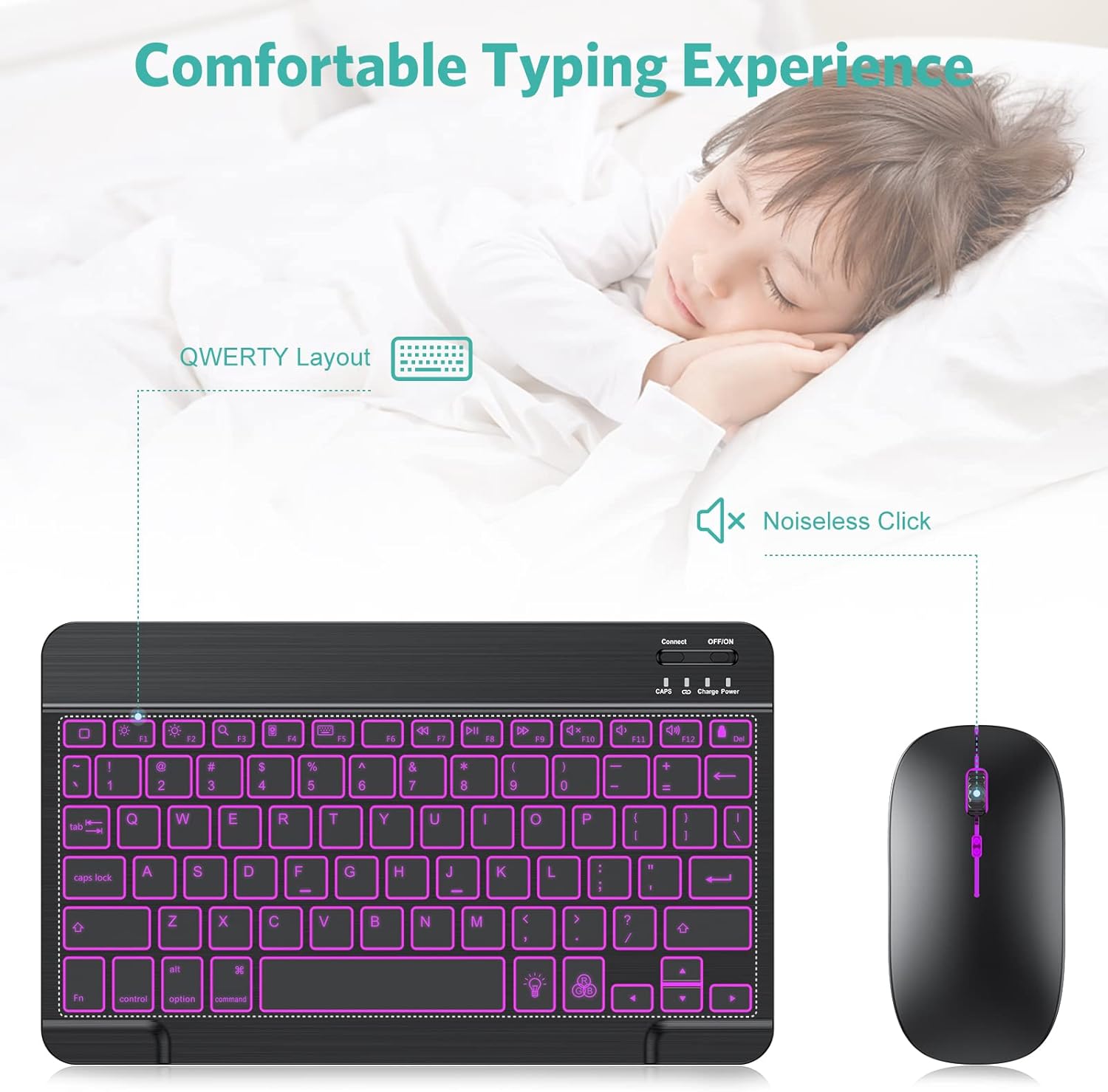
The keyboard uses a scissors switch design, which is typically chosen to keep typing comfortable and quieter than many basic membrane-style options. If you tend to type in low light—late-night couch sessions, dim offices, or travel—having 7 switchable backlight colors is more than just aesthetics. It’s practical: you can see the keys without turning on every lamp.
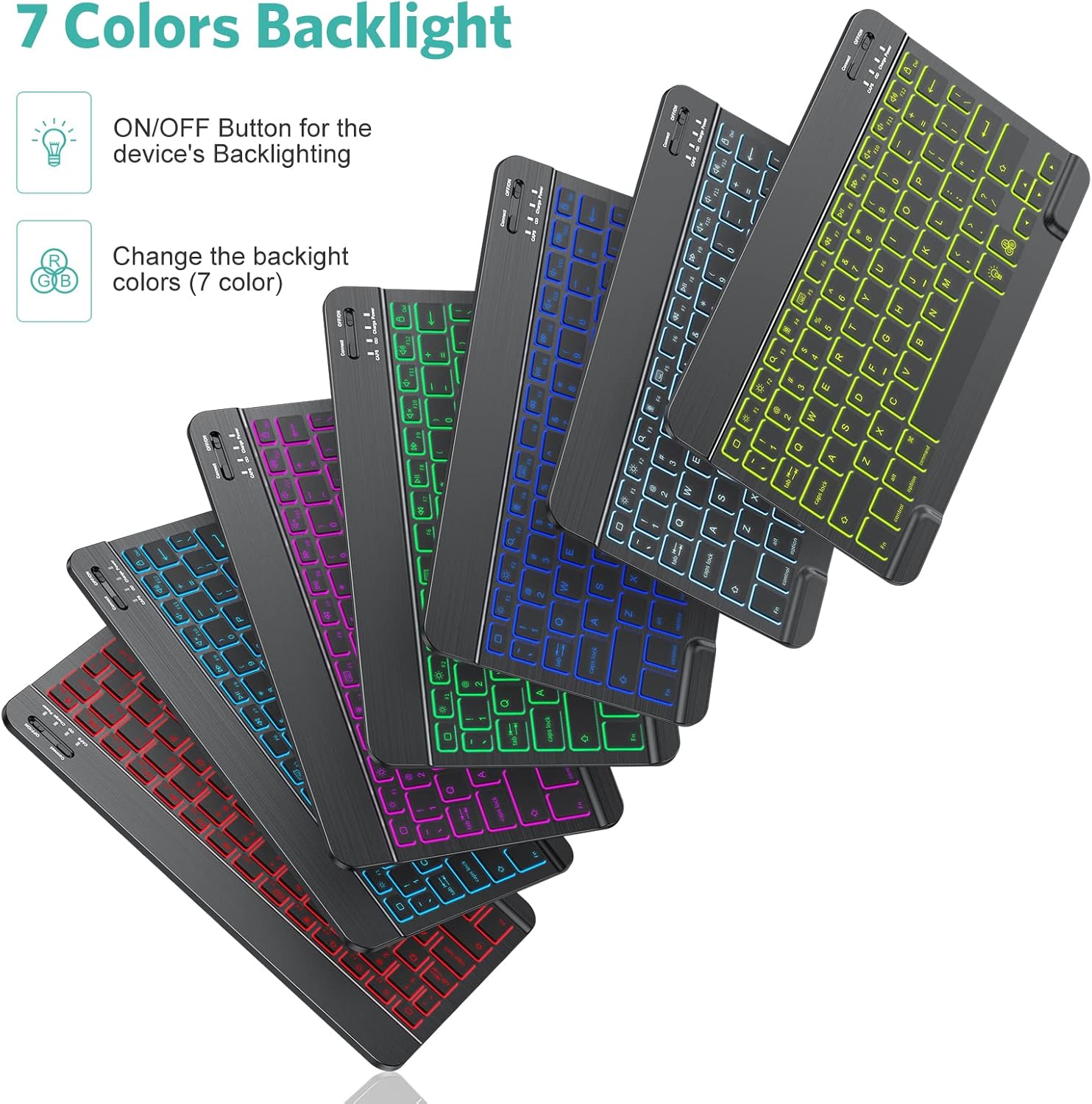
A good micro-scenario: imagine you’re writing an email draft on your iPad in the evening. With the backlight, you don’t have to squint at the keys, and the physical layout can make longer writing sessions feel less tiring than tapping on glass.
Mouse experience: silent design and adjustable DPI
The mouse is described as silent, which is a big deal if you’re using it in a quiet office or around others. It also includes three adjustable DPI levels (800/1200/1600). More DPI can help with faster cursor movement, while lower DPI can feel steadier for precision.
If you’re the type who uses your iPad for spreadsheets, form navigation, or editing documents, those DPI steps can make the setup feel more controllable. It’s not claiming to be a hardcore gaming mouse, but for everyday navigation it’s a sensible feature set.
Portability and power: rechargeable battery matters
This set is ultra-thin and lightweight, so you can pack it into a briefcase, handbag, or backpack without it feeling bulky. That portability is one of the reasons combos like this sell well—most iPad keyboard users want something that works at a small desk or on a trip.
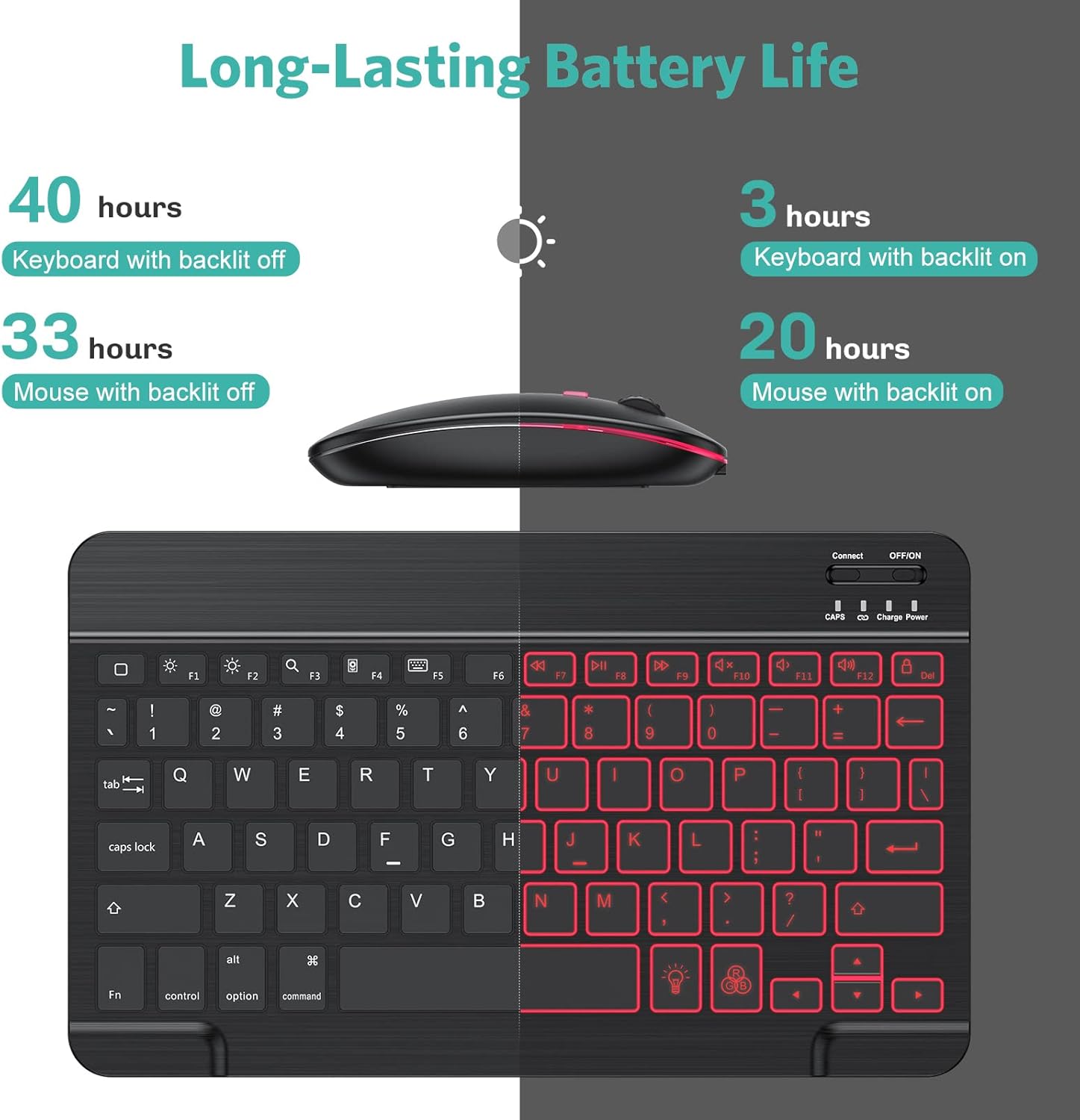
Power-wise, the keyboard includes a built-in rechargeable 400mAh lithium battery. The listing says it can work for 40 hours without the backlight, or stand by for more than 3 months on a single charge. It also includes a USB cable, so you’re not forced into an extra charger-buying cycle.
Keep in mind one limitation: the real usage time will depend on how much you use the backlight. If you keep it on constantly, you may not see the “no backlight” runtime.
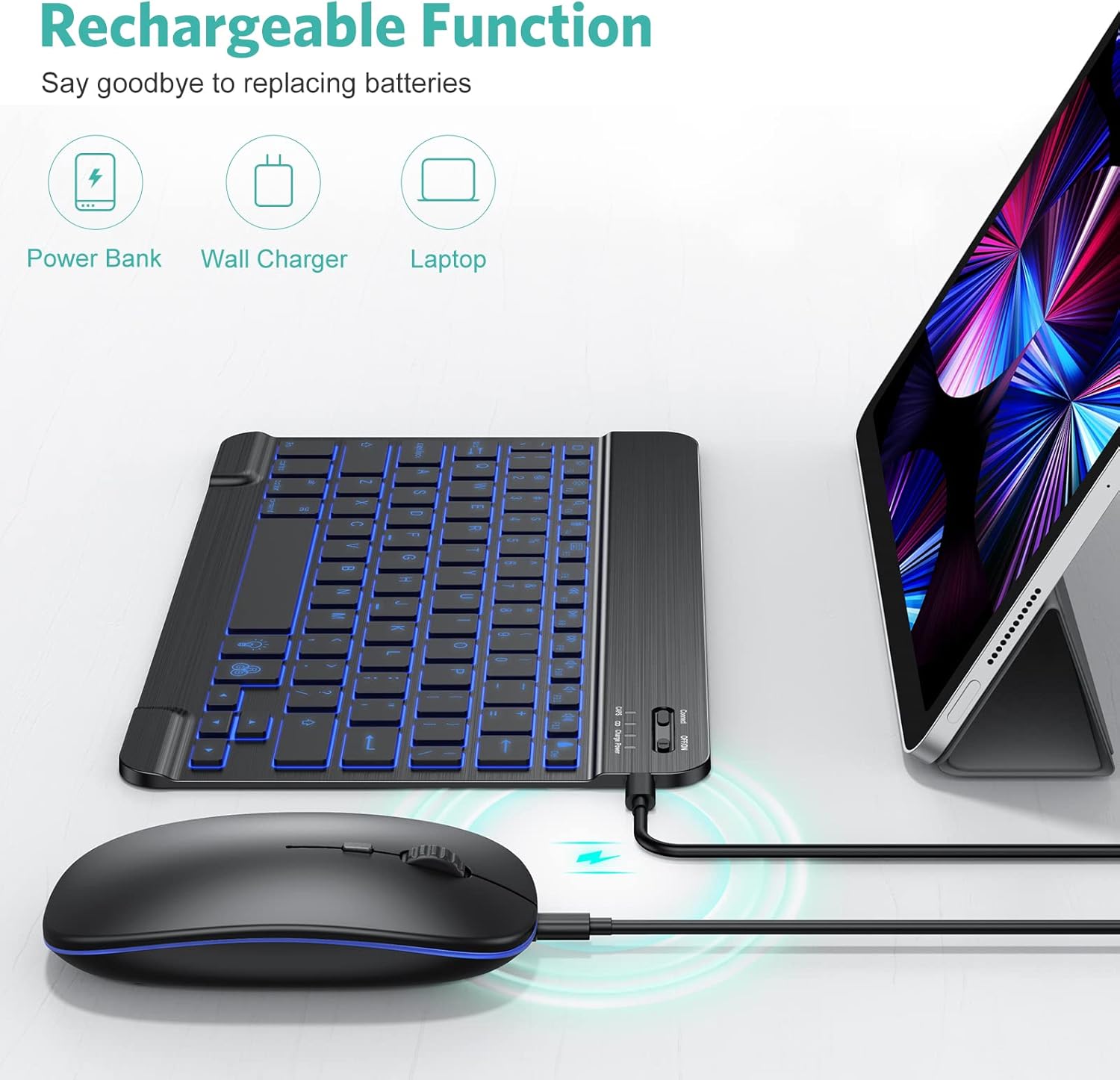
Who it suits best (and who should be cautious)
It’s a solid pick if you want an iPad-focused keyboard-and-mouse setup for productivity or entertainment, and you care about seeing the keys in low light. It also makes sense if you prefer rechargeable gear over replacing batteries.
It may not be the best match if you’re expecting a top-tier, premium workstation-style typing/mouse experience—this combo reads more like a practical, mid-range accessory aimed at daily use rather than something designed to “feel” like the most expensive desk setups. Also, if your iPad can’t run iPadOS 13+, you may want to pause until you can confirm compatibility.
Key takeaways before you buy
Check your iPad model against the compatibility list, and verify you’re on iPadOS 13 or above. Then decide how important the backlit keys are to you—if you mostly type in bright rooms, the backlight becomes less of a deciding factor. Finally, consider whether you need mouse control in addition to a keyboard, if you mainly type and rarely navigate, you might not get full value from the combo.
Is it worth it?
Worth buying if you want a rechargeable Bluetooth keyboard and mouse combo for supported iPad models, especially for use in darker environments where the 7-color backlight can help, and if you’ll appreciate a silent mouse with adjustable DPI for everyday cursor control.
Better avoided if your device can’t be updated to iPadOS 13+, or if you’re chasing a truly premium typing and precision mouse feel—this set is more about convenient functionality and comfort for daily iPad use than about “best-in-class” performance.
Quick overview FAQs
Does this keyboard and mouse combo work on iPads and iPhones?
The listing includes iPad compatibility and also mentions compatibility with iPhone 15/14/13 Pro. You should still verify your exact device model before purchasing.
Do I need to buy batteries for the keyboard?
No—according to the listing, the keyboard has a built-in rechargeable battery and comes with a USB cable.
How long does it last on a charge?
The listing states it can work for about 40 hours without backlight, and stand by for more than 3 months on a single charge. Backlight usage can affect real runtime.
Is the mouse loud?
It’s described as a silent design, which is meant to be less distracting in quiet environments.
Can I adjust how fast the cursor moves?
Yes. The mouse has three adjustable DPI levels: 800/1200/1600.