

UANTIN 2-Pack DP to HDMI Cable (6ft) — Unidirectional, 4K/HD audio, braided
Product description
What it is
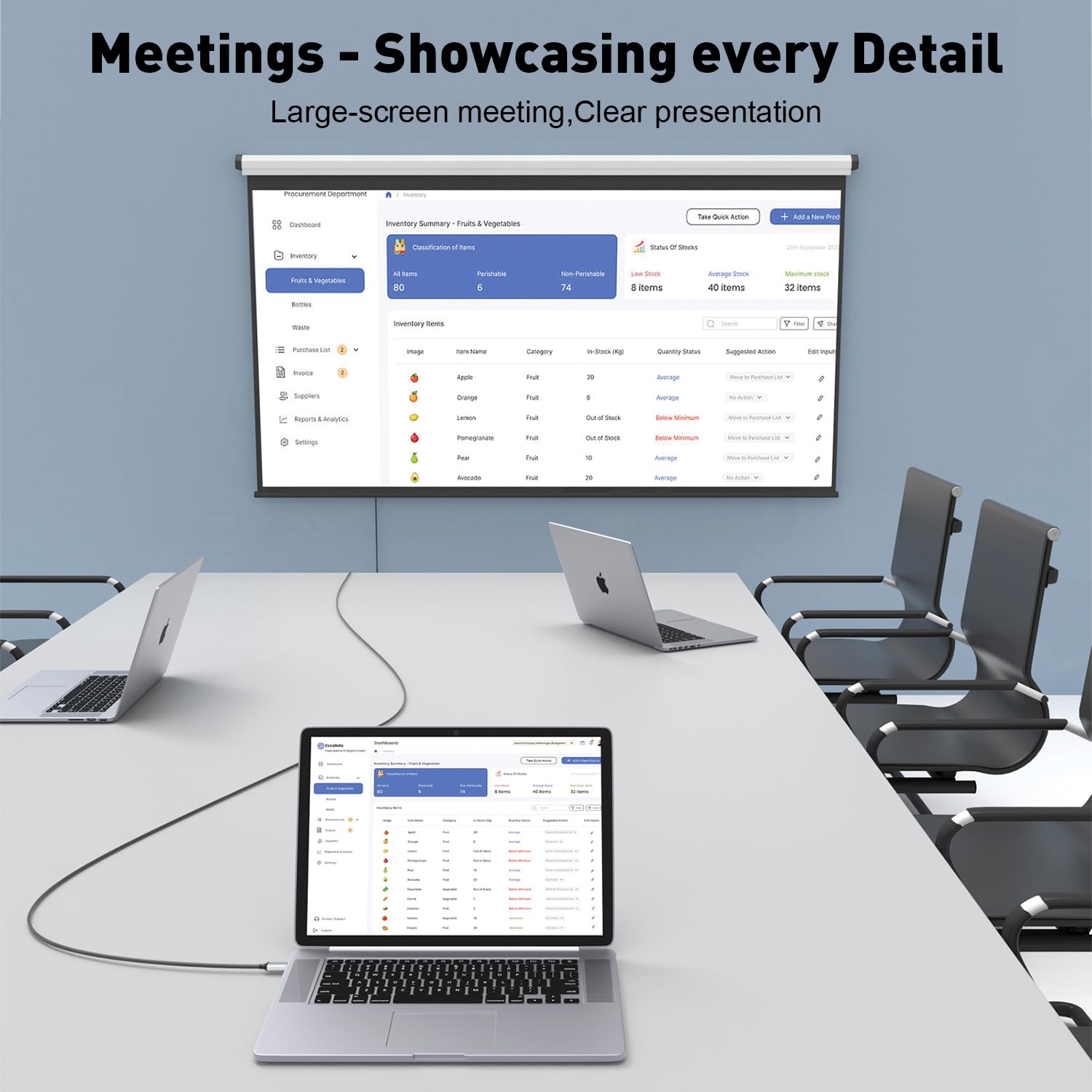
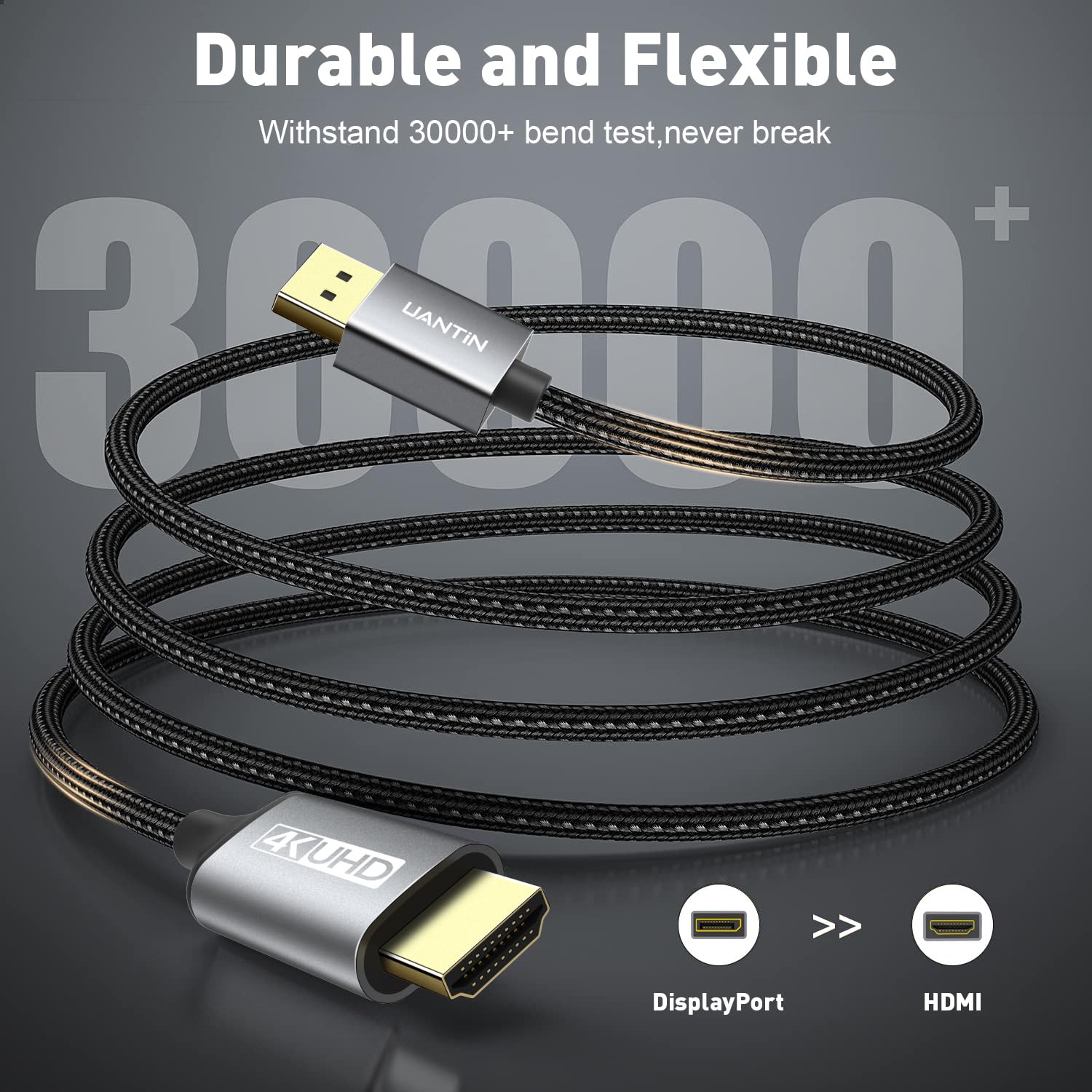
The UANTIN 2-Pack is a pair of DisplayPort to HDMI cables designed to transfer video and audio from a computer with a DP output to an HDMI display. They are unidirectional (DP to HDMI) and aim to provide a straightforward, plug‑and‑play solution for extending or mirroring a desktop setup.
What it solves
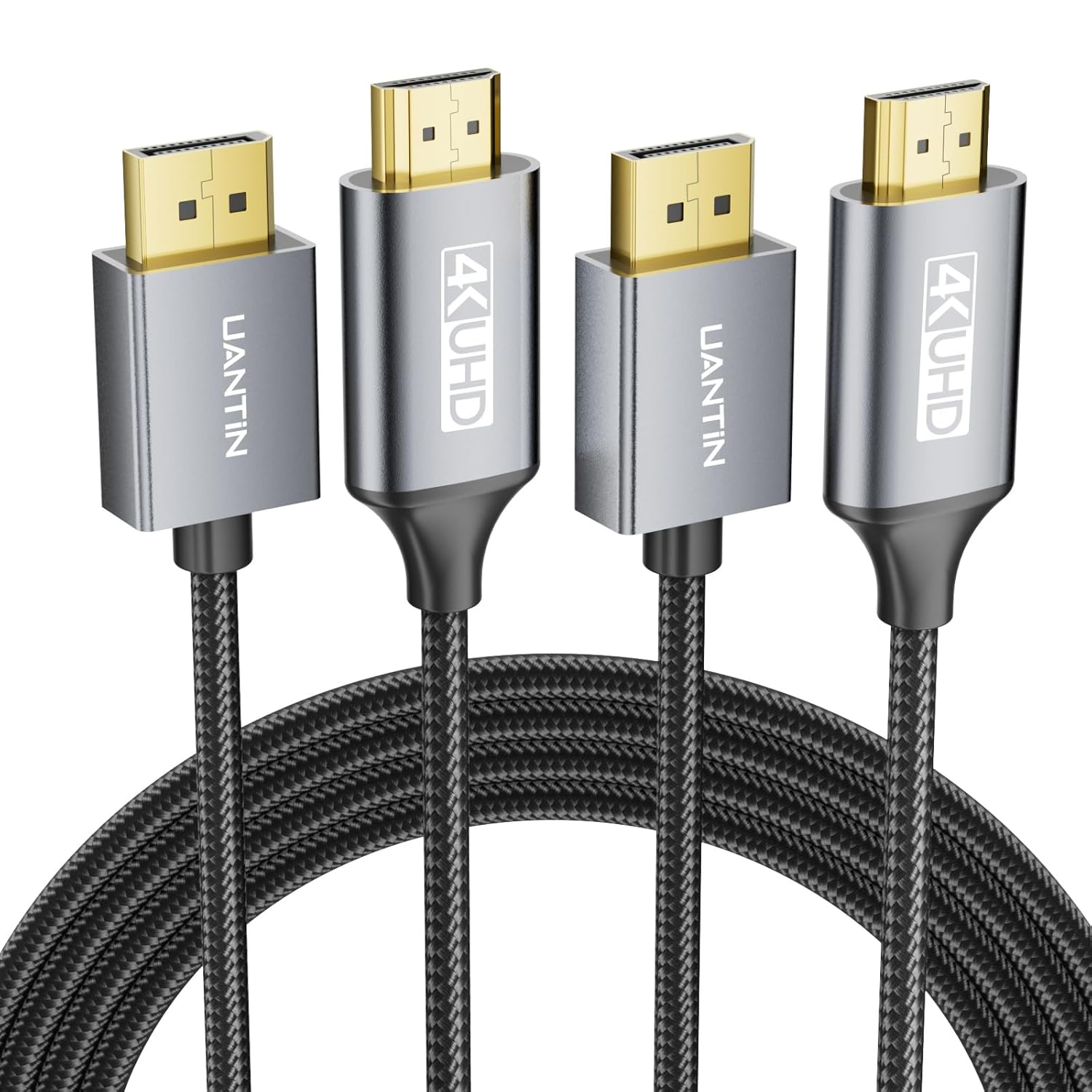
If your goal is to connect a PC or GPU with DisplayPort to an HDMI monitor without extra adapters, these cables offer a simple route to deliver video and HD audio over a single, durable cord. They’re useful for desk setups, home offices, or media stations where a dedicated DP output needs to drive an HDMI screen.
Key features in practice
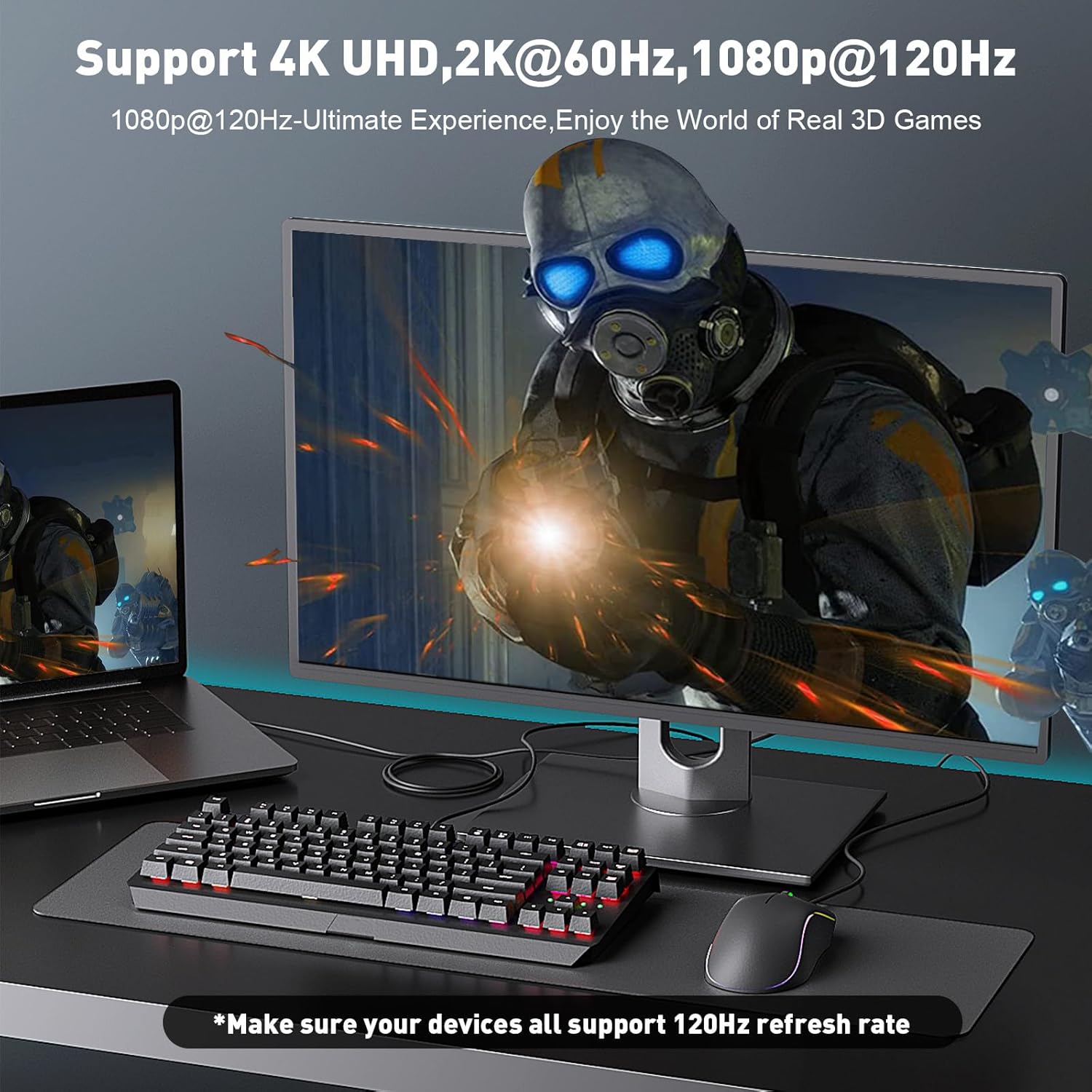
The cables support 4K resolution at 30 Hz, with backward compatibility to 1440p at 60 Hz and 1080p at 120 Hz. They use a one-piece aluminum housing and gold-plated connectors for durability, and the braided nylon outside helps resist wear from regular plugging and unplugging. The design also emphasizes shielding to minimize interference and signal ghosting.

Pros and what stands out
- Simple, driver-free operation: you won’t need extra software or power supply to get video and audio through to the HDMI display.
- Durable build: aluminum enclosure with braided cord and gold-plated connectors, which should hold up to frequent use.
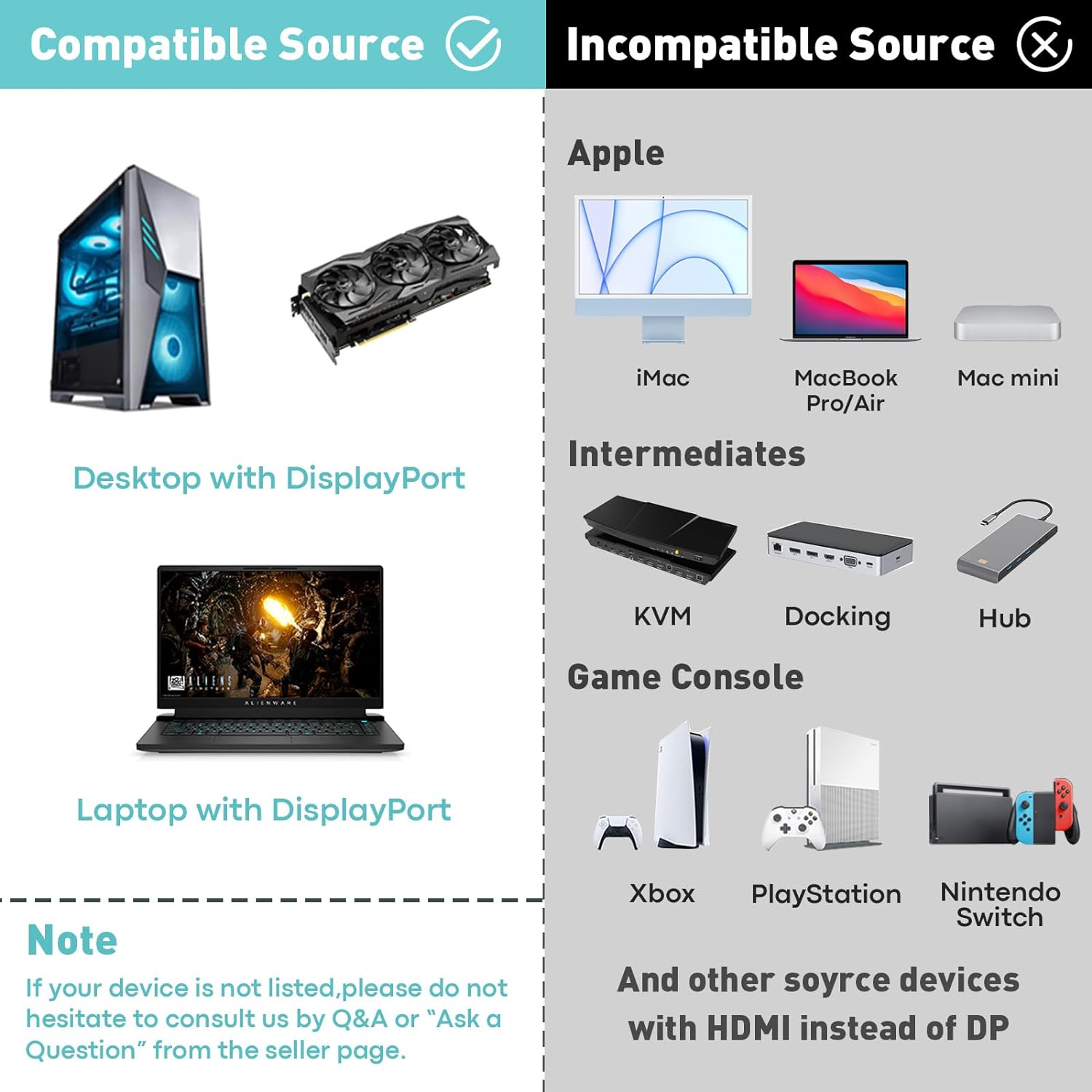
- Clear compatibility statement: works with DP/DP++ sources and typical desktop/laptop GPUs, including many HP/Dell/Lenovo setups and AMD/NVIDIA graphics cards.
- Practical length: 6 feet provides enough slack for most on-desk or under-desk arrangements.
Limitations and what to watch
- It’s unidirectional: not suitable for HDMI sources feeding DisplayPort displays. If you need HDMI to DP, this cable won’t help.
- Frame rates: while 4K at 30 Hz is adequate for video and casual use, it isn’t designed for high-frame-rate gaming at 4K. For fast-paced gaming or professional 4K work, you may want to consider higher refresh options.
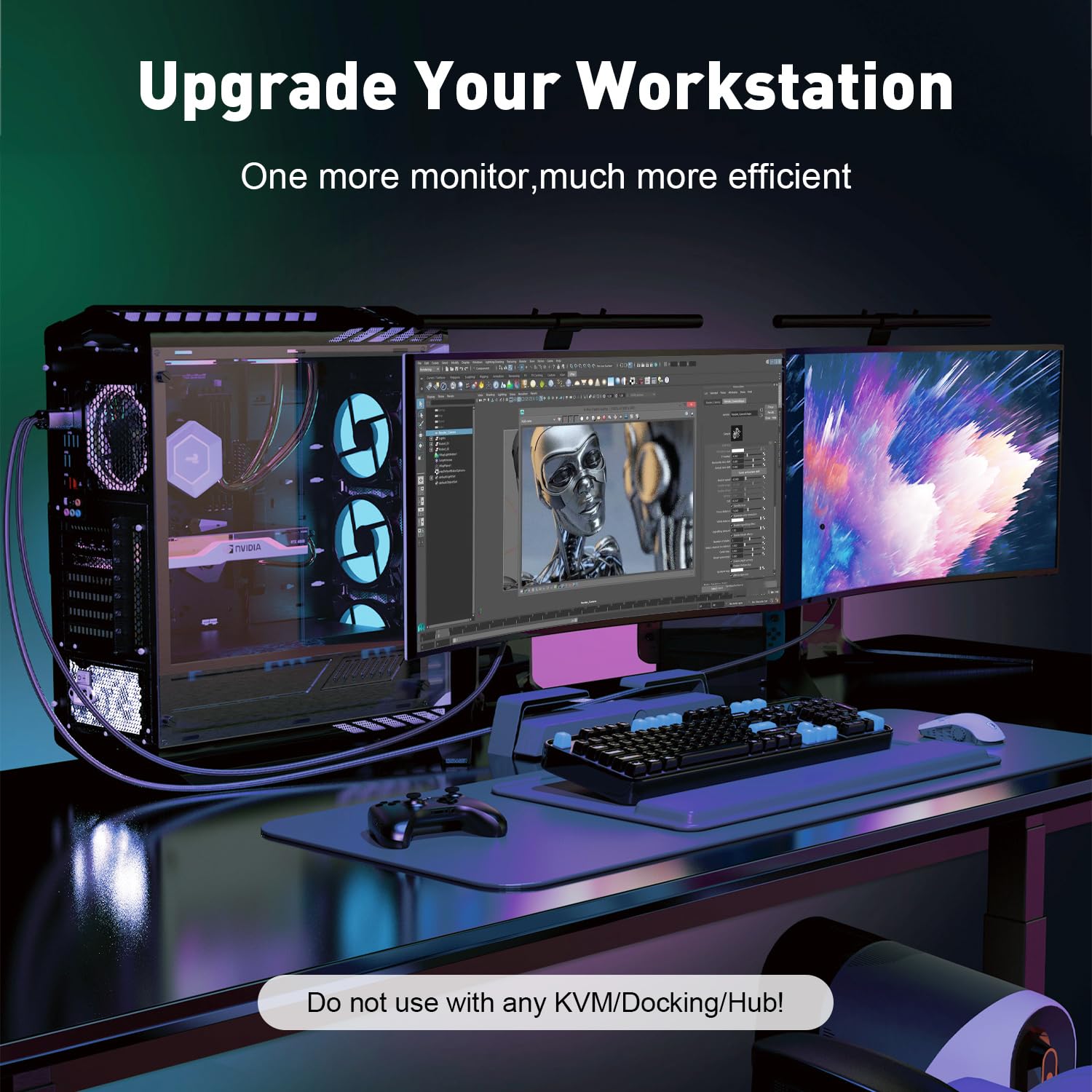
- No hub/docking compatibility: the notes warn against using with hubs, docking stations, or KVMs if you’re planning a complex setup.
Who it’s for
This cable set fits users who need a straightforward DP-to-HDMI path from a computer or GPU to an HDMI monitor, especially in home offices or workstations where a simple upgrade or extension is desired without extra software or adapters.
Who it’s not ideal for
If you require HDMI-to-DP, high 4K60+ performance, or multi-monitor docking setups with KVMs, this product isn’t the best fit. Also, it may fall short for users chasing ultrahigh refresh rates or HDR at 4K.
When to buy
If your display is HDMI and your computer provides DisplayPort output, and you’re aiming for a clean, plug‑and‑play connection without buying additional adapters, this kit can be a sensible choice—especially if you already value a braided, durable build.
What to check before buying
- Confirm your source device is DP/DP++ and that you’re connecting to an HDMI display.
- Expect 4K output at 30 Hz, if you need 4K60 or higher, this may not meet that need.
- Ensure the 6 ft length fits your desk layout, longer or shorter options might be preferable depending on setup.
Practical use example
Imagine a workstation where a tower PC with a DisplayPort outputs to a 4K HDMI monitor on the desk. You can set up an extended desktop to keep windows on the large screen while keeping peripherals nearby, and you’ll get synchronized video and audio without extra adapters. It’s fine for video streaming and light productivity, gaming at 4K60, though, would likely require a different configuration.
FAQ (based on available data)
- Does it work with HDMI sources? No, this is a unidirectional DP to HDMI cable and won’t convert HDMI to DisplayPort.
- Can I use this with a gaming console or laptop that only has HDMI output? No, since it requires a DisplayPort source.
- Is there any driver installation required? No, it’s plug-and-play with no drivers.
Final decision
Is it worth it? Worth considering if you need a simple DP-to-HDMI path for a desktop setup and you’re okay with 4K at 30 Hz. It’s a practical, budget-oriented option for extending or mirroring a display, with a durable build and straightforward use. If your priorities include 4K60 gaming, higher refresh rates, or HDMI-to-DP versatility, you may want to explore other options.