

SD Card Reader 2TB
Product description
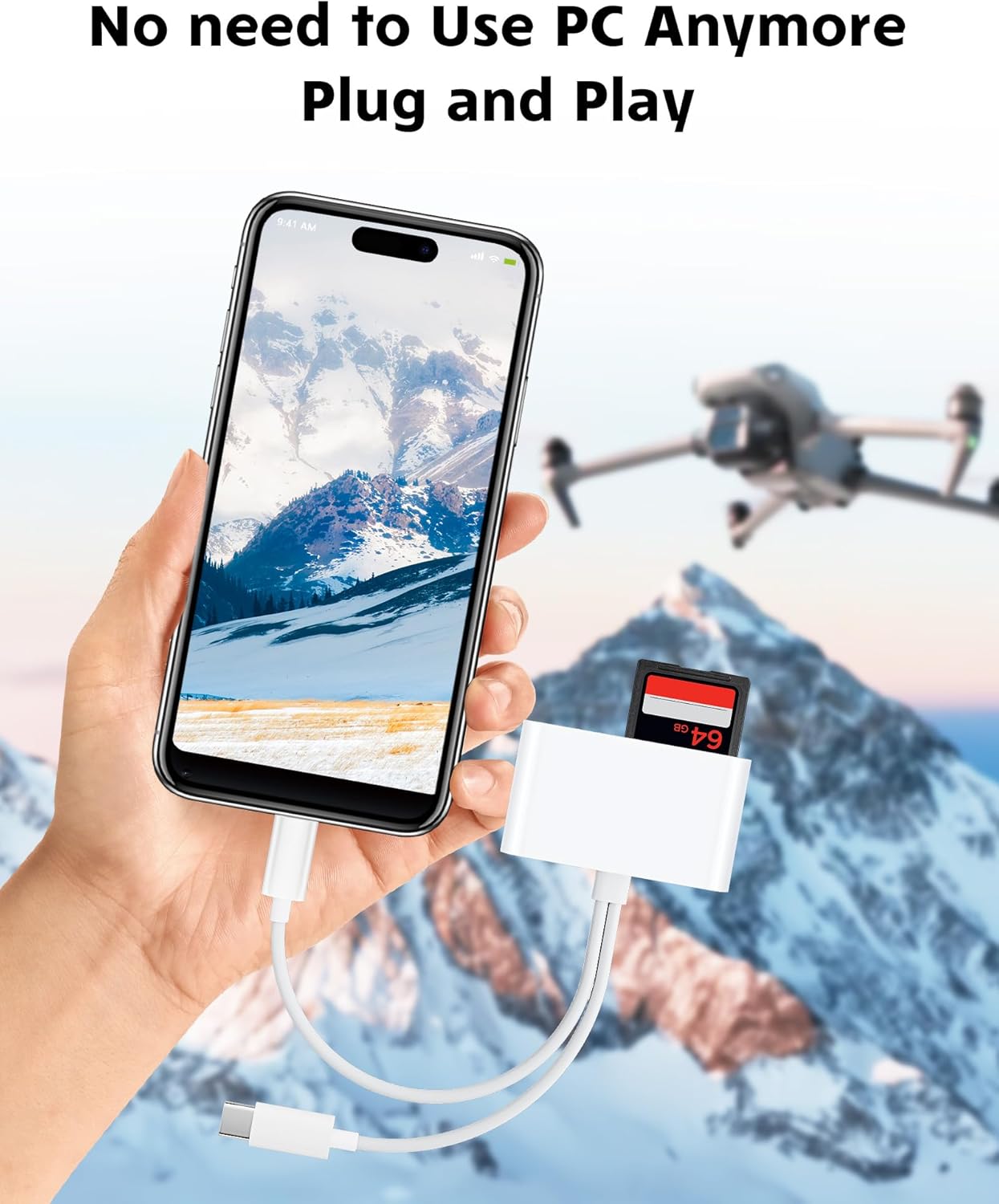
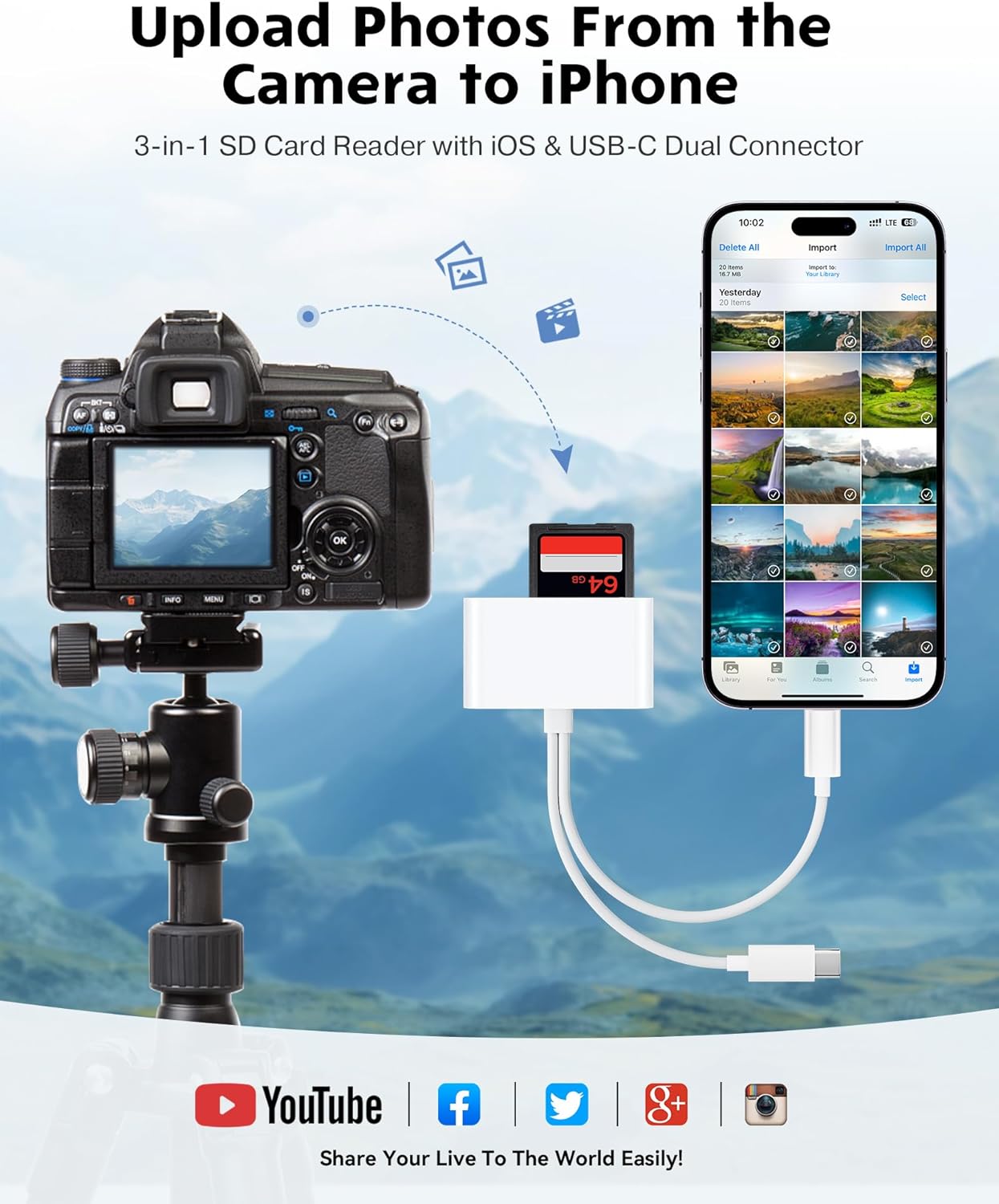
This compact SD card reader answers the common friction of moving photos and videos from cameras to phones quickly and without a computer. If you often shoot on a camera or trail cam and need to show or edit content on the go, the SD card reader for iPhone iPad delivers a simple plug and play workflow and frees you from extra cables and apps. The reader supports SD and micro SD cards and works with a wide range of devices for fast transfers and immediate sharing.
Key features
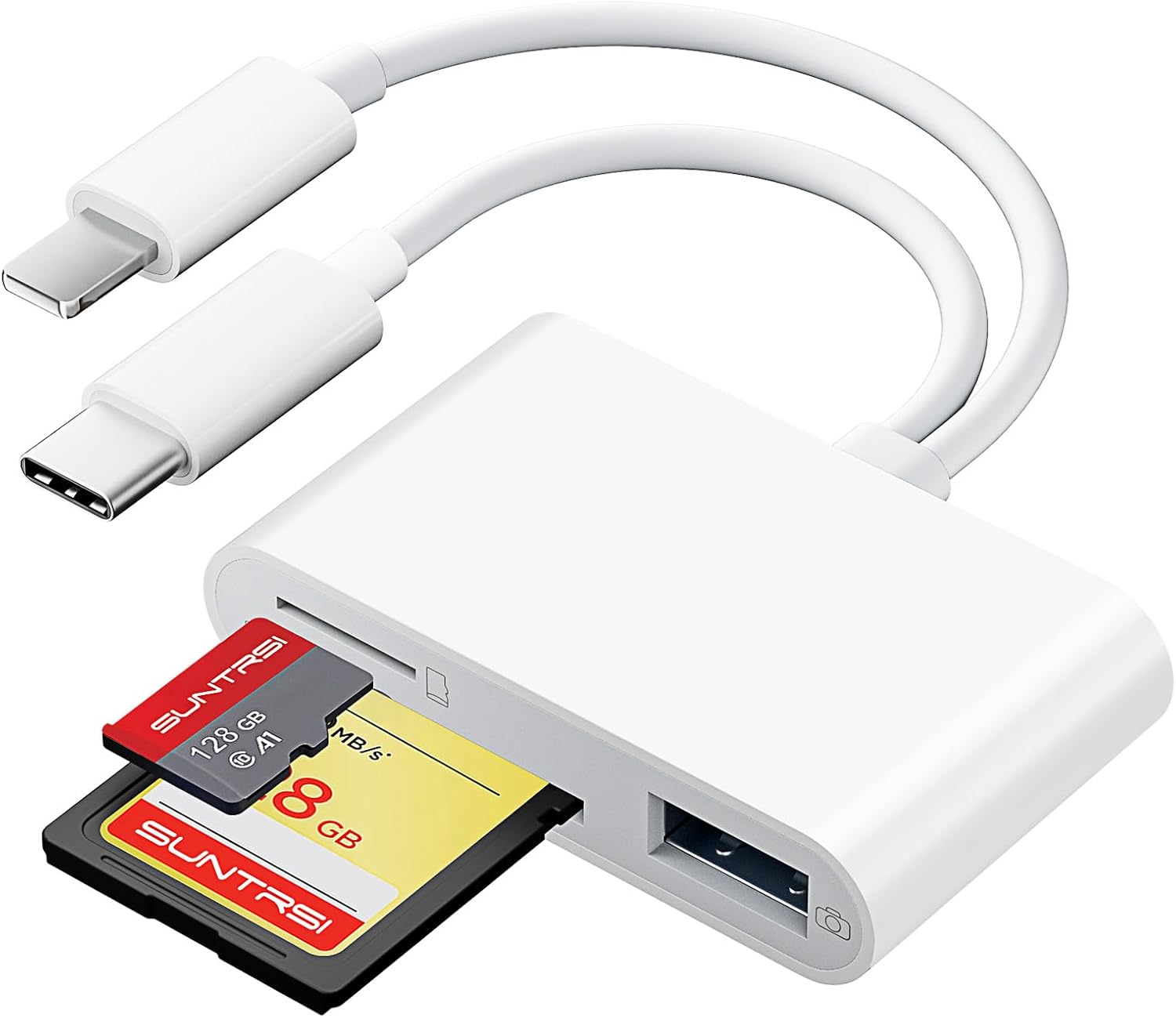
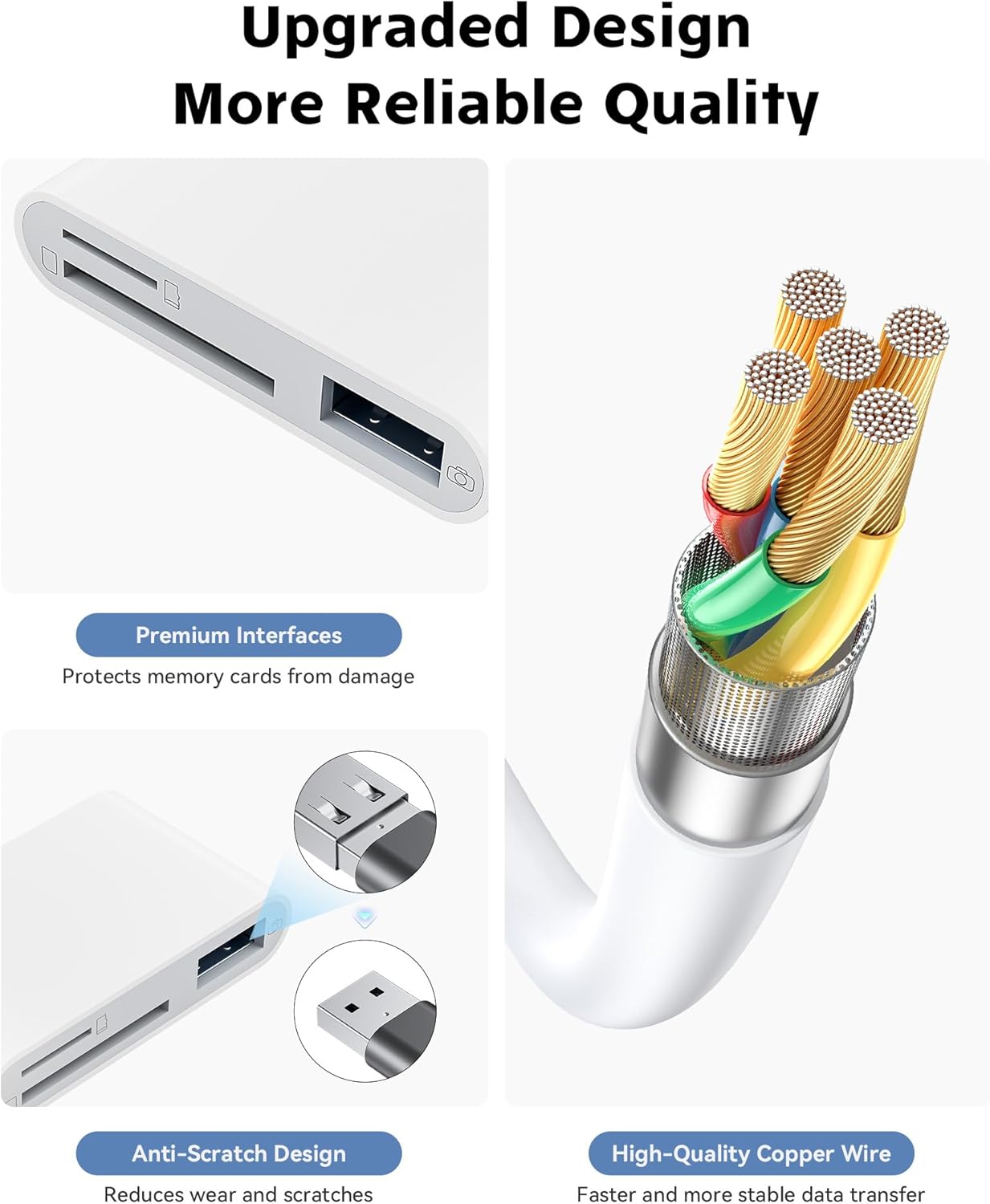
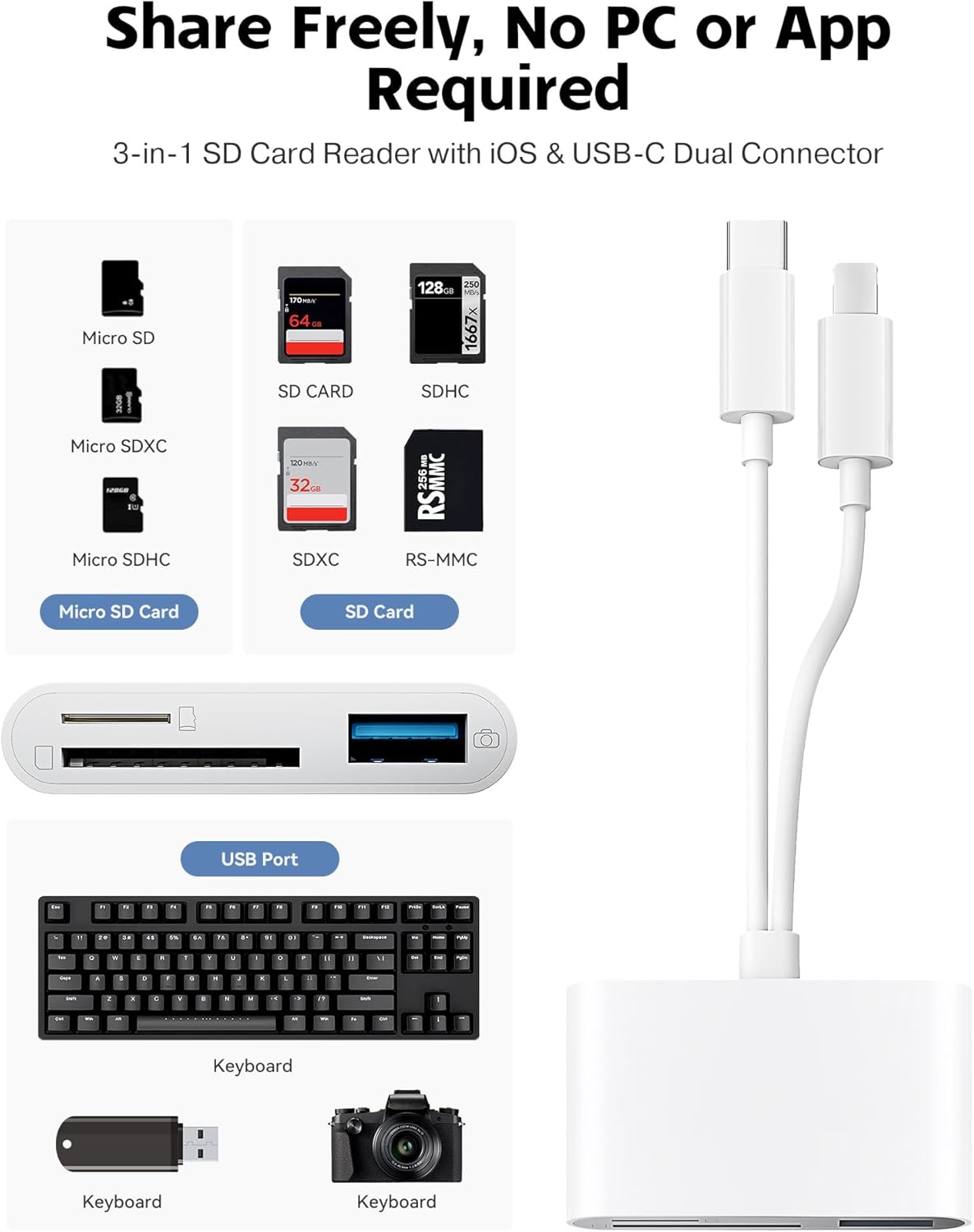
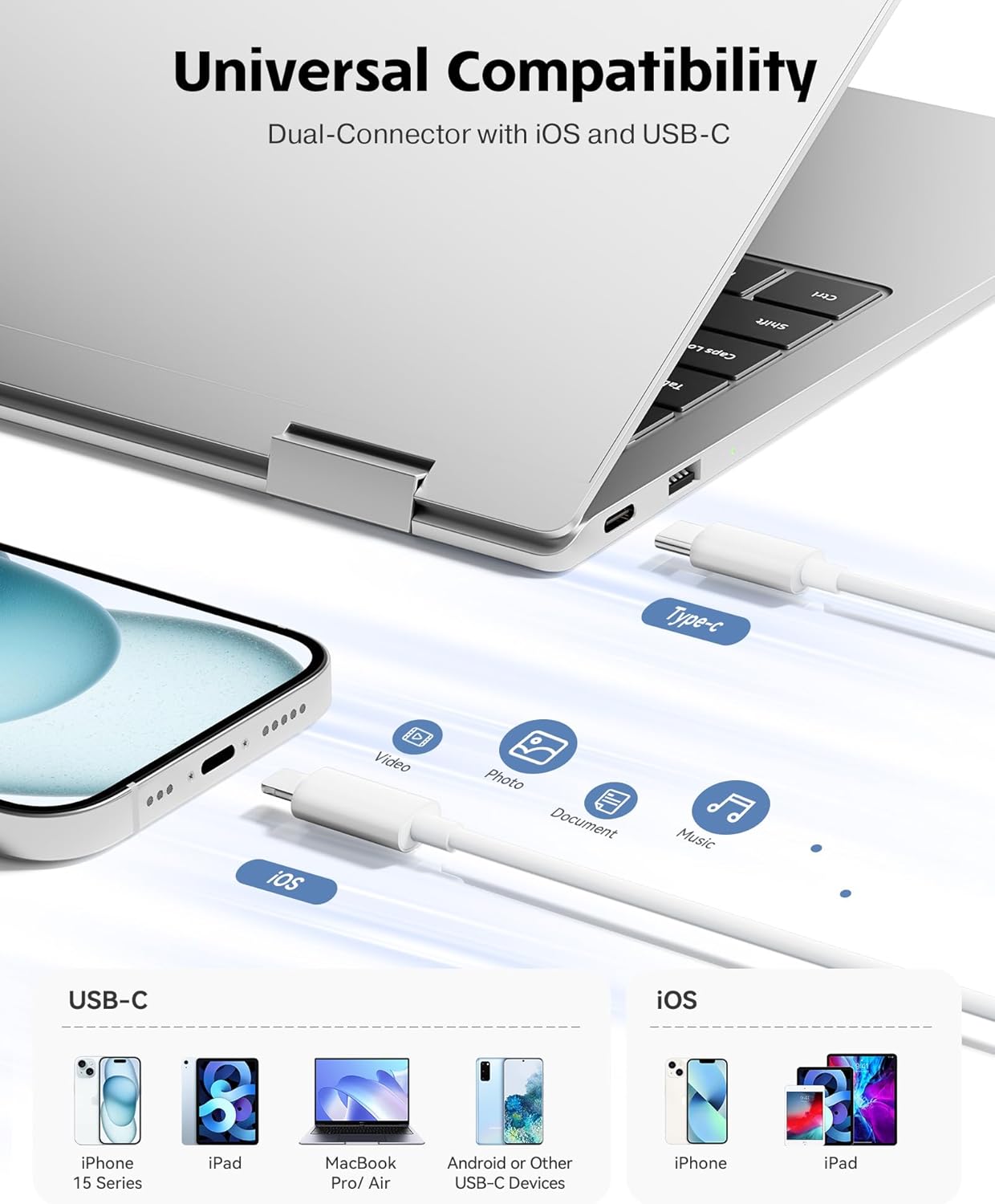
The device provides a practical double card slot design that accepts standard SD cards and micro SD cards. It includes both an iPhone connector and a USB C connector so you can plug it into iPhone models from iPhone 5 to 14 and into USB C devices such as iPhone 15 and 16, iPad, MacBook and many Android phones. The reader is plug and play, so you do not need to install apps, just wait a few seconds after connecting and files are available. SD Card Reader for iPhone iPad Camera supports common photo formats including JPEG and RAW and standard video codecs like H.264 and MPEG 4, which helps when you transfer clips straight from cameras for editing or sharing 😊.
Tech specs
- Name: SD Card Reader for iPhone iPad Camera
- Compatibility: iPhone iOS 9.2 and up, iPad iOS 8.0 and later
- Connectivity: iPhone connector and USB C, USB 3.0 interface
- Capacity: 2TB maximum supported
- Transfer speed: 20–30 MB/S
Who it’s for
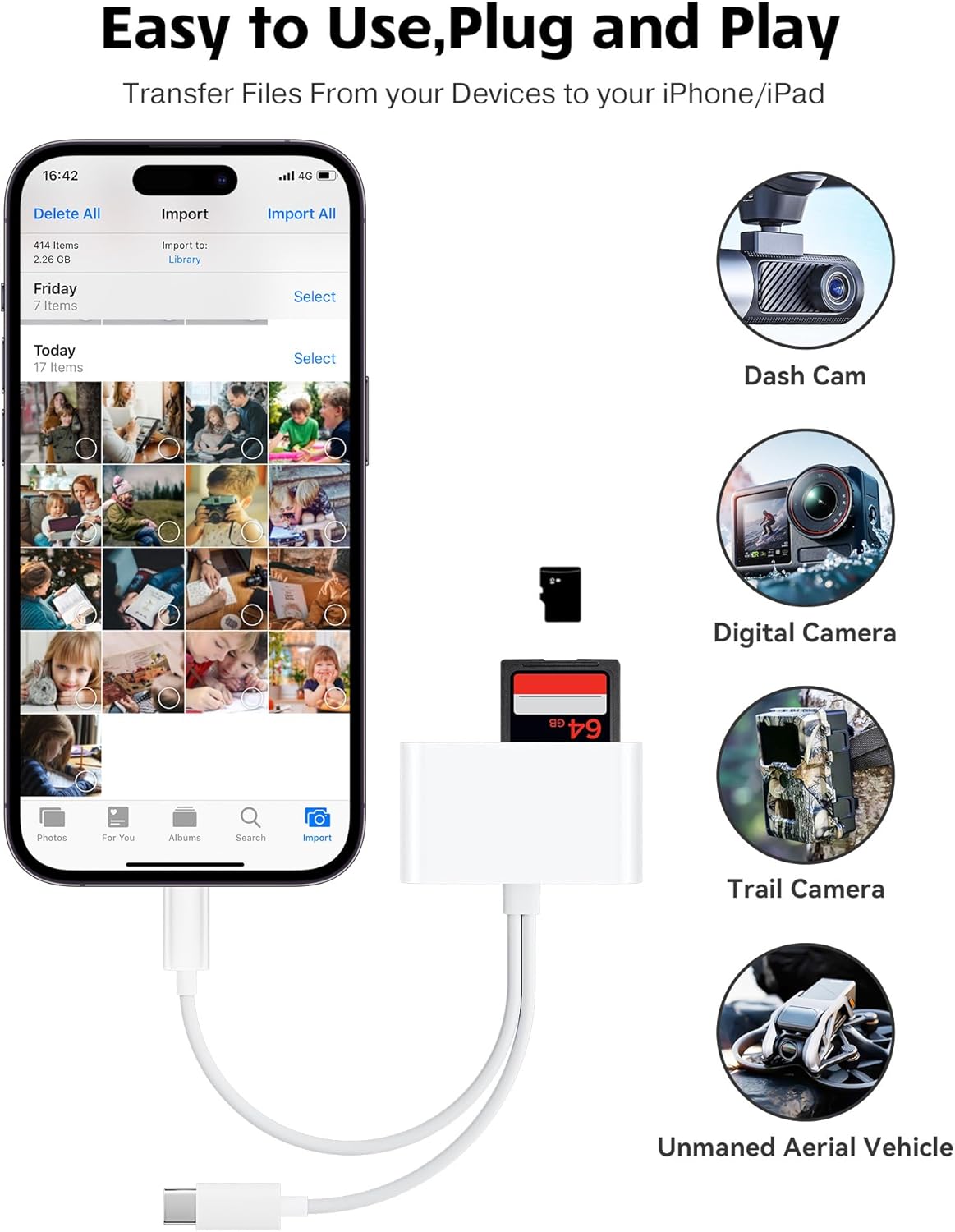
It makes sense if you shoot on a compact camera or trail camera and want to move files quickly to a phone for editing or posting, you will save time on downloads and avoid carrying a laptop. You’ll appreciate it if you need a portable solution that handles both SD and micro SD formats and works across iPhone and USB C devices. You may want to skip it if you require sustained high speed transfers above the listed 20–30 MB/S or if your workflow depends on proprietary camera formats not listed here. 😎
Getting the most from it
In practice the reader shines for weekend shoots, travel and field work where speed and portability matter. If you prioritize absolute top transfer rates, consider checking device speed with the specific card you use, because card performance also affects results. Plug the reader in, allow a few seconds for device recognition, then browse and copy files with the native Photos or Files app on iOS and iPadOS. Enjoy quick sharing and fewer cables on your shoots. 📸.