

KTC 25M1 400Hz Gaming Monitor 24.1": Fast TN, Hooded Shield, and 400Hz for Esports
Product description
What it is
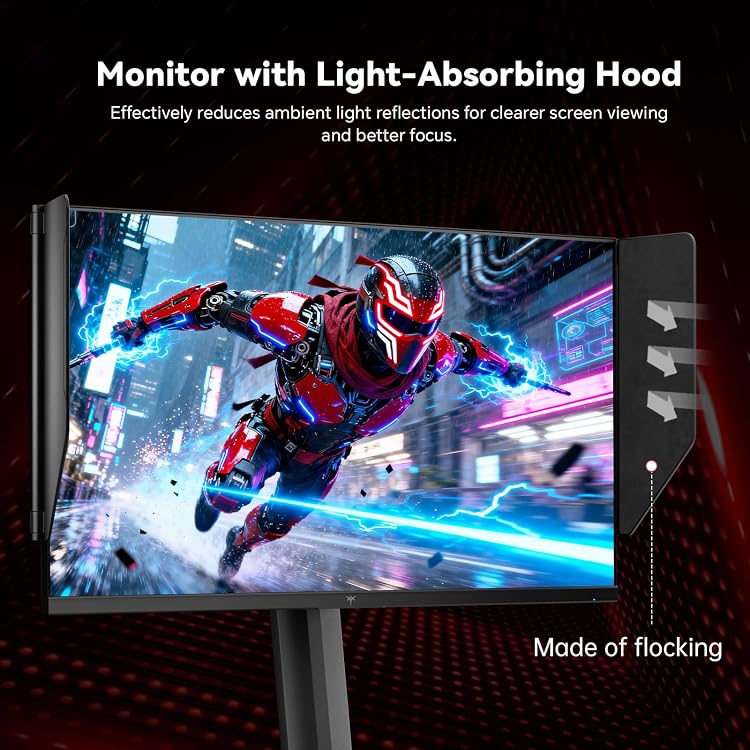
The KTC 25M1 is a 24.1-inch gaming monitor built around a fast TN panel. It’s designed to deliver crisp motion and reduced blur for esports and fast-paced titles, with a shielded hood to minimize reflections in bright setup environments.
How it helps in gaming
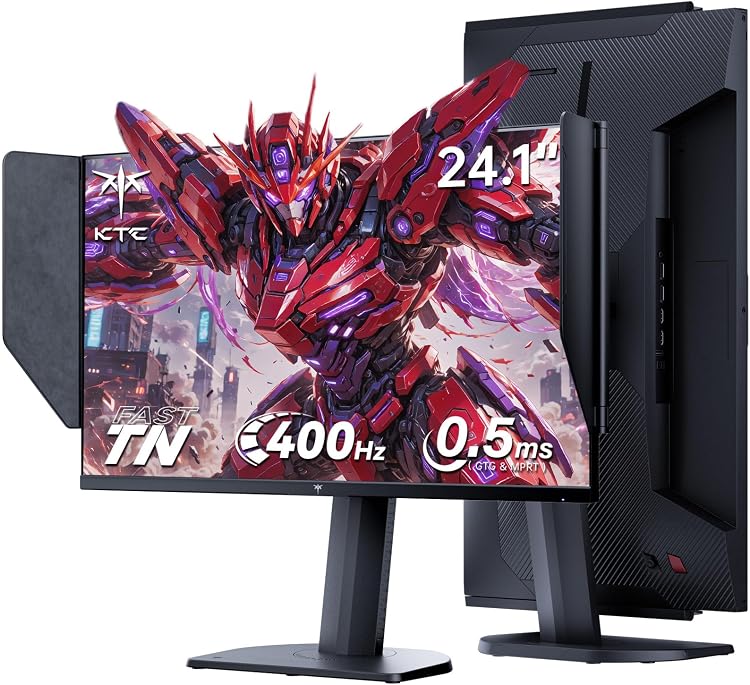
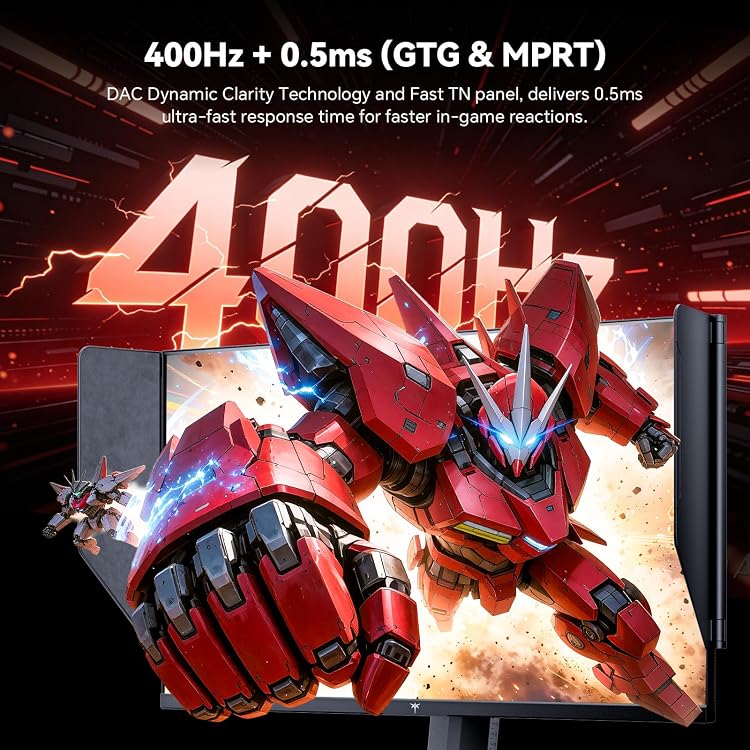
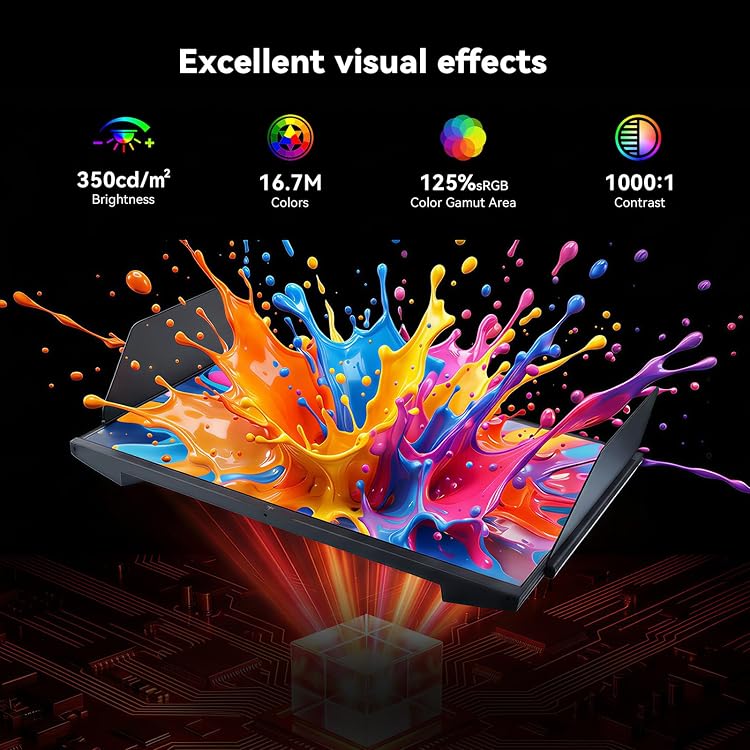
With a 400Hz refresh rate and 0.5ms GTG response time, this monitor prioritizes ultra-smooth frames and rapid input responsiveness. Adaptive-Sync helps minimize tearing, while HDR10 support adds depth to dark and bright scenes. The high-contrast, color-accurate performance (125% sRGB, ΔE < 2) aims to keep visuals vibrant and consistent during intense matches.
Display quality and visuals
It’s a Full HD (1080p) panel delivering up to 350 cd/m² brightness. The combination of a fast TN panel and HDR10 can provide quick, punchy visuals, though color accuracy and viewing angles won’t match higher-end IPS panels. The included anti-glare shield reduces stray reflections, which can help when you’re gaming in bright rooms.
Ergonomics and comfort
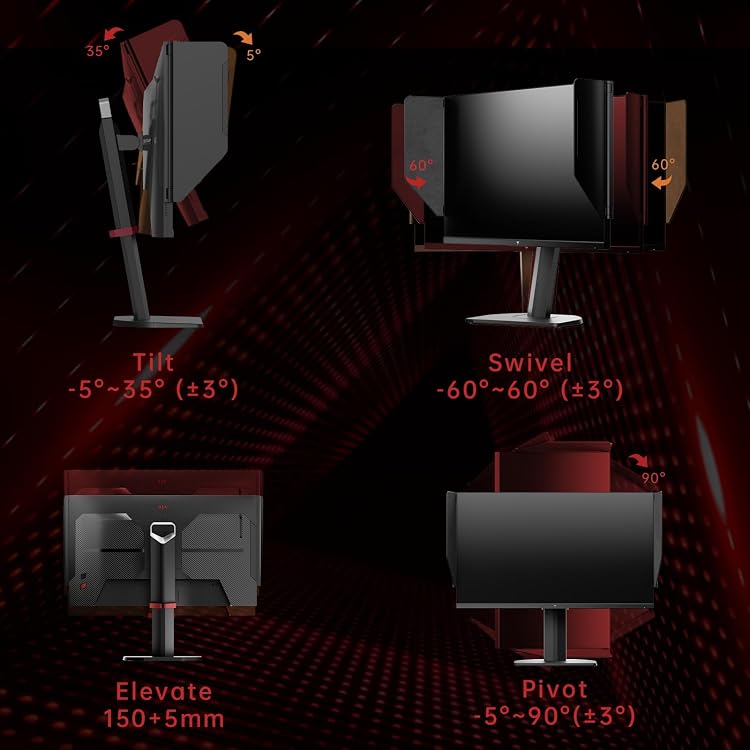
Ergonomics are covered with height adjustment up to 150±5mm, tilt from -5° to 35°, swivel ±60°, and a pivot from -5° to 90°. These adjustments enable long sessions with a posture that minimizes neck and eye strain. The flicker-free mode and low blue light options further support extended play.
Connectivity and control
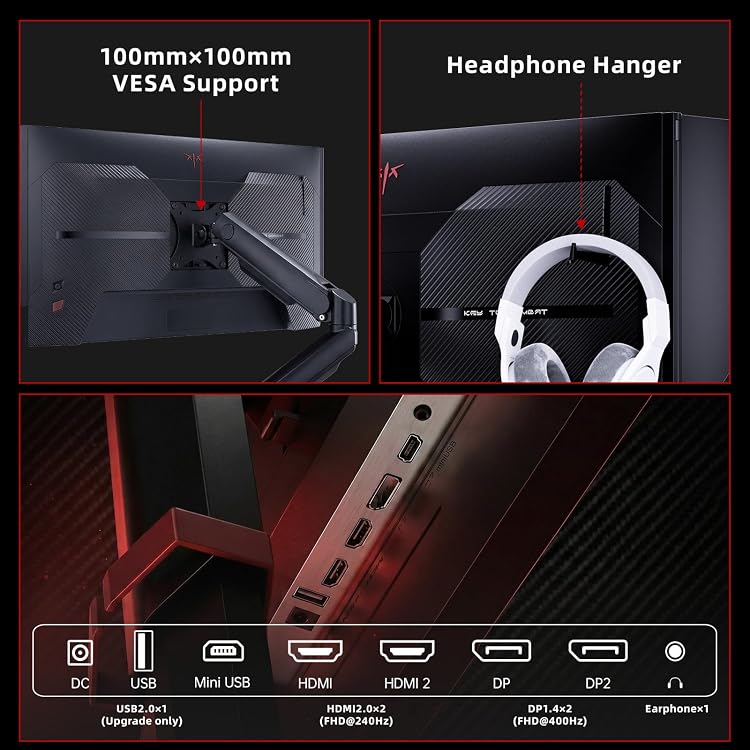
Ports include 2× HDMI 2.0 (240Hz) and 2× DP 1.4 (400Hz), plus USB 2.0 and mini-USB. An external controller allows quick mode switching to optimize the display for different games or devices, which can be handy if you’re juggling PC, console, and streaming setups.
What stands out
- Very high refresh potential (up to 400Hz) and fast 0.5ms response deliver smooth motion for competitive play.
- Hooded shield reduces reflections, which helps in bright environments or with strong lighting.
- Strong build on ergonomics with adjustable height, tilt, swivel, and pivot for a comfortable viewing posture.
Potential trade-offs
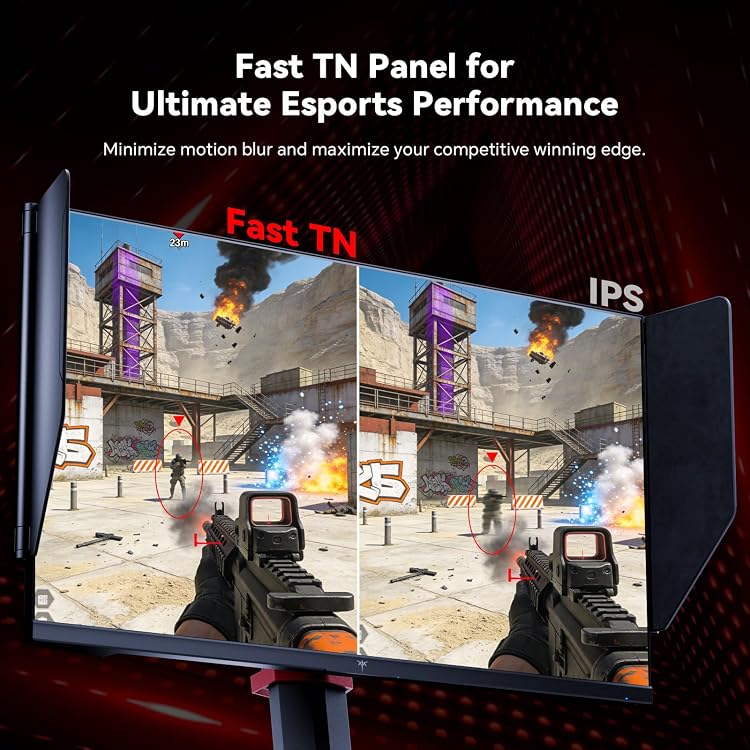
- It uses a fast TN panel, which typically trades off color viewing angles and some color consistency for speed and contrast.
- While HDR10 is present, the brightness ceiling and overall color depth may not match higher-end HDR-enabled displays.
- The high-end refresh claims are compelling, but you may not notice a practical 240–400Hz advantage in all titles depending on system performance.
Who it’s for
This monitor is a solid fit for esports players, streamers, and enthusiasts who value ultra-fast motion and the option to customize viewing angles for long sessions in bright rooms. If you prioritize speed and reflex-driven gameplay over ultimate color accuracy or wide viewing angles, this could be a good match.
When it might not be the best choice
If you’re after the most accurate colors or wide viewing angles for co-op games with friends in front of a single screen, an IPS-based panel could be more suitable. Also, if you don’t plan to run at high frame rates or don’t have the hardware to push 240–400Hz, the advantage may be less noticeable.
What to review before buying
- Confirm your GPU and console setup can benefit from multiple HDMI 2.0 and DP 1.4 ports and the external controller for quick mode switching.
- Check your room lighting to determine whether the anti-glare shield and brightness meet your needs.
- Consider whether a TN-based panel aligns with your expectations for color work or media consumption beyond gaming.
Practical usage example
Imagine hopping into a competitive shooter with a familiar map. You’ll likely notice smoother enemy movements and reduced motion blur as you peek and flick to targets. The shield hood helps keep glare down during daytime gaming, while the adjustable stand lets you align the screen to your eye level after a long warm-up session.
FAQ (brief)
- Is 400Hz truly necessary for casual play? It depends on the title and your hardware, for many players, high frame rates thresholds are most beneficial in fast-tpaced games.
- Does the TN panel affect color accuracy? TN panels typically trade some color accuracy and viewing angles for speed, this device aims for strong color with ΔE < 2 but isn’t a color-focused panel.
- Can I use it with a console? Yes, via HDMI 2.0 ports, the quick-mode controller helps optimize on-the-fly for different devices.
Decision & final thoughts
Should you buy it? If your priority is ultra-fast motion handling and you value a shielded viewing area plus flexible ergonomic adjustments, this monitor makes sense. It’s a specialized tool for speed-focused gaming, not a universal-display upgrade for color-critical tasks. Consider your room lighting, the importance of HDR brightness, and whether a fast TN panel aligns with your broader use cases.