

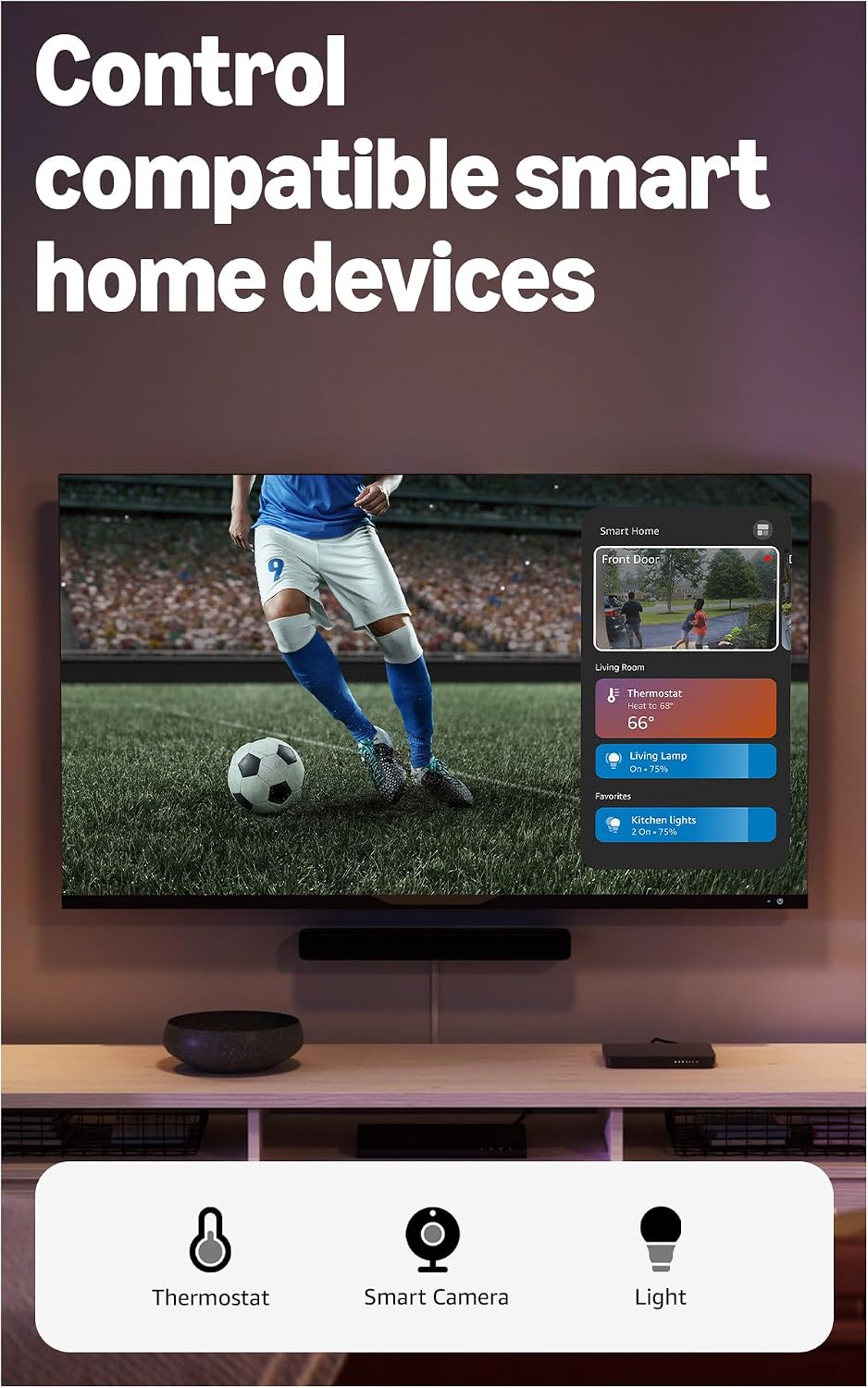
Amazon Fire TV Stick 4K Plus (newest model) with AI-powered Fire TV Search
Reviews
Price
Product description
What to know
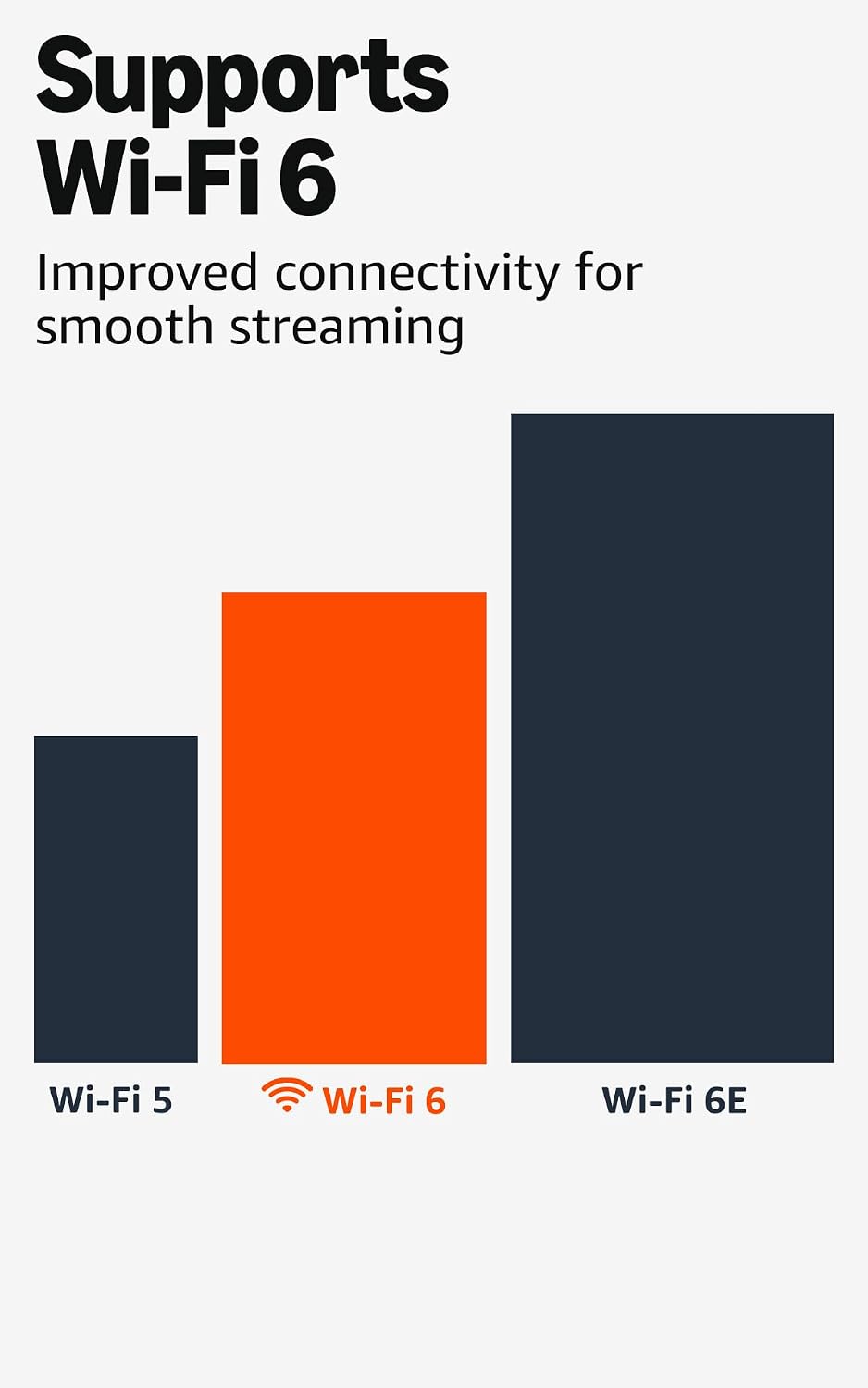
The amazon Fire TV Stick 4K Plus is a compact streaming device that aims to elevate 4K entertainment through a refreshed Fire TV experience and AI-assisted search. It supports 4K Ultra HD with Dolby Vision, HDR10+, and Dolby Atmos audio, which helps movies and shows feel more cinematic on a compatible TV. The device runs over Wi-Fi 6 for smoother streaming, especially on crowded networks, and ships with an Alexa-enabled voice remote for hands-free control.
The essentials
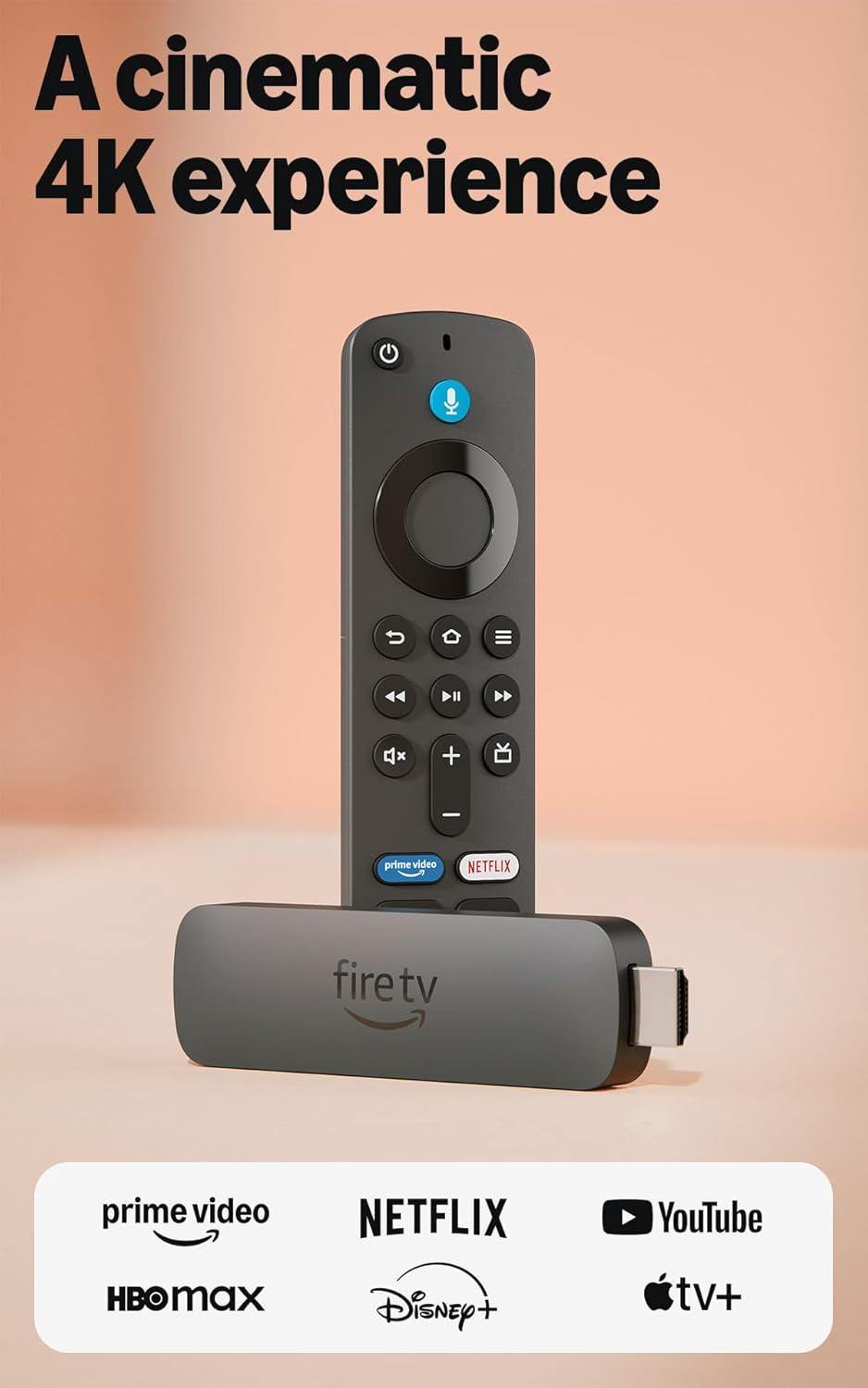
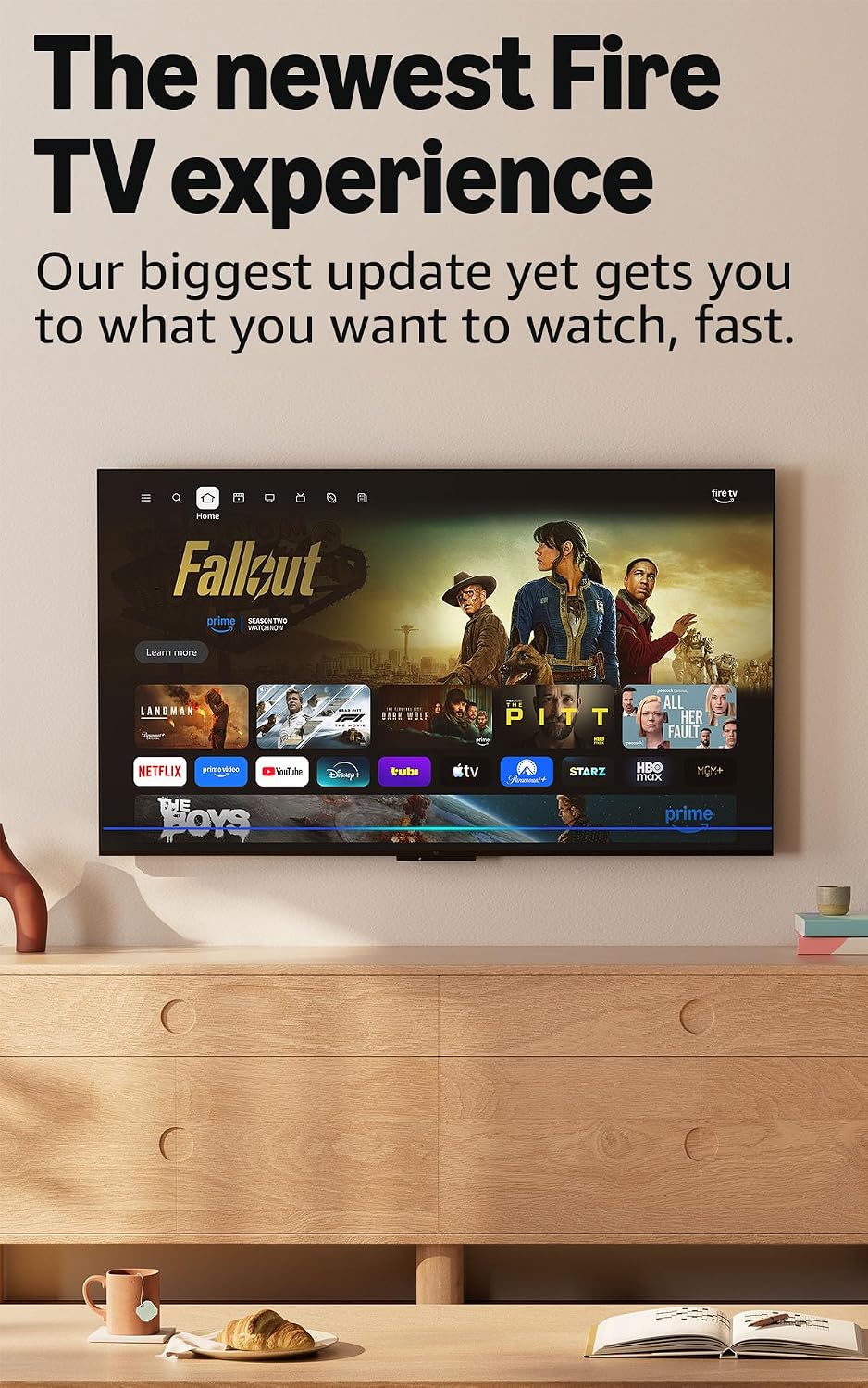
On paper, this model emphasizes a faster interface, easier navigation, and quicker access to apps and recommendations via Alexa+. It also introduces the ability to play cloud-based Xbox games through Game Pass, expanding beyond traditional streaming. There’s a significant emphasis on free and live TV through ad-supported channels and popular services, plus the option to pin favorite apps for quicker reach. If you’re already in the Amazon ecosystem, the integration with smart-home tasks and routine voice commands can feel convenient.
Where it shines
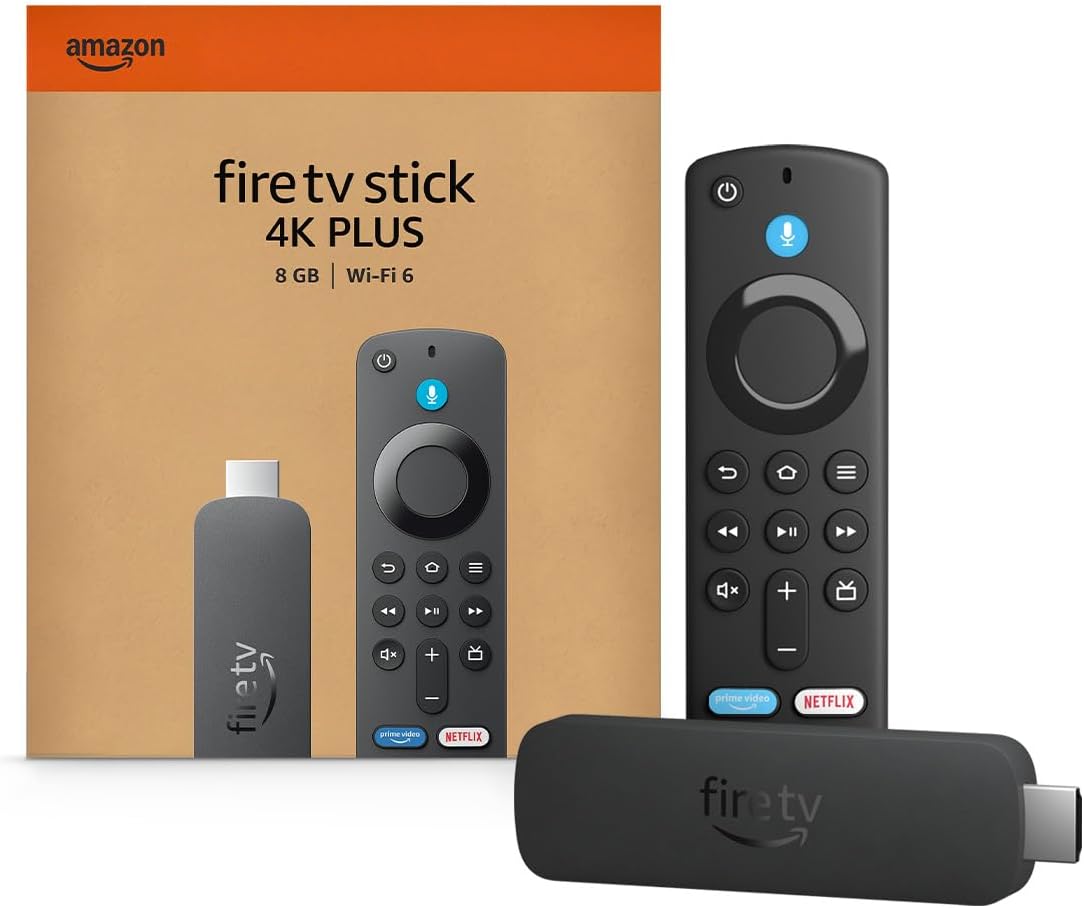
If you prioritize a fast, modern Fire TV experience with 4K visuals and diverse entertainment sources, this is a reasonable pick. The Wi-Fi 6 support and new design are framed as real improvements for reducing buffering and navigation lag, which matters if you balance multiple devices on a single network.
Where it might fall short
No device lives in a vacuum: performance depends on your network and TV compatibility. While cloud gaming with Xbox Game Pass is highlighted, you’ll need a compatible service and sufficient bandwidth to truly enjoy it. Also, some features rely on subscription services that may affect overall value if you don’t already subscribe.
Who it’s for

This is sensible for someone who wants a single streaming stick with 4K output, a modernized Fire TV experience, strong voice control, and the flexibility to explore free channels or sign into apps. It’s particularly appealing if you’re already using Alexa-powered routines or own other Fire devices.
Who it’s not for
If your main goal is a budget 1080p setup or you’re not leveraging 4K or Alexa integration, you might find other options that fit your needs more tightly. If cloud gaming isn’t a priority, some features may feel like overkill for a simple streaming box.
Before you buy: what to review
- Confirm your TV supports 4K and Dolby Vision to maximize the device’s capabilities.
- Check your home Wi‑Fi setup and router’s capability to ensure Wi‑Fi 6 benefits take effect.
- Consider whether you’ll use Xbox Game Pass cloud gaming and any required subscriptions.
- Review which apps you rely on most and whether you can pin them for quick access.
- Think about whether you want live TV and ad-supported streaming as part of your everyday viewing.
Practical use example
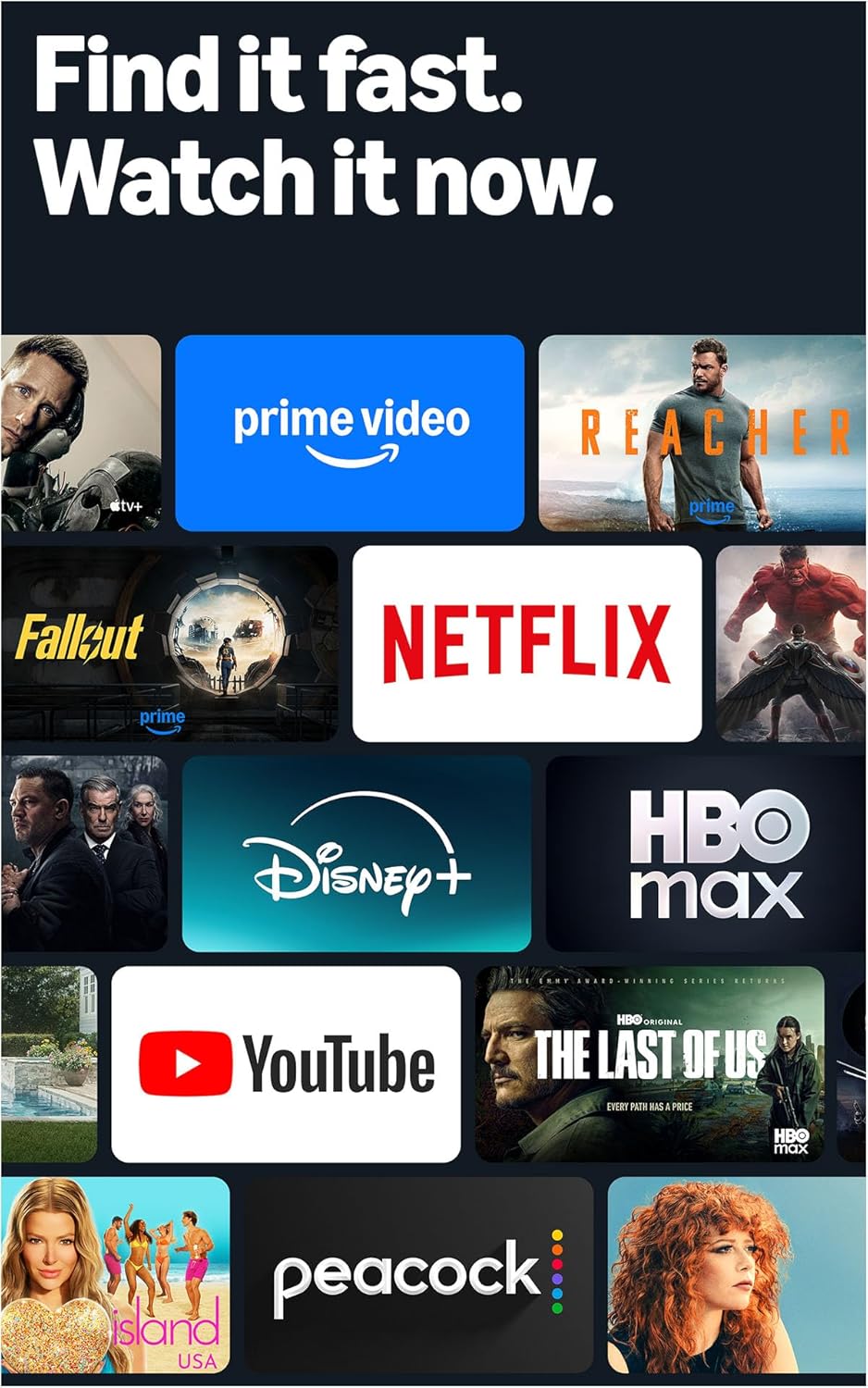
Imagine coming home after a busy day and asking, “Alexa, find sci-fi on Fire TV.” The search now pulls from multiple apps, and you’re watching in 4K with Dolby Vision without navigating through menus. You can dim the lights with a single voice command and even check the weather while the TV loads your next show.
Quick comparison mindset
If you want a straightforward streaming stick with solid 4K output and strong voice control, this model fits. If you prefer a cheaper basic streamer or you don’t care about 4K or Alexa-led navigation, you might explore simpler options. For households already invested in the Amazon ecosystem, the integration depth and content variety can be a meaningful upside.
Final decision
Final verdict
Is it worth it? If you value a refreshed Fire TV experience, 4K visuals, robust voice control, and the option to explore free channels plus cloud gaming, this model makes sense to consider. It’s a solid mid-to-upper tier pick for those who want an all-in-one streaming solution with smart-home compatibility. If your usage skews toward basic streaming or you’re not invested in Alexa or 4K, you may want to evaluate simpler alternatives.
FAQ
- How does Wi‑Fi 6 improve streaming? It helps maintain smoother 4K playback when multiple devices are on the network.
- Do I need Xbox Game Pass to play cloud games? Yes, cloud gaming is available through Game Pass via the Fire TV stick, but a subscription is required.
- Can I access live TV for free? Yes, there are ad-supported options like Fire TV Channels, Tubi, and Pluto TV, in addition to subscription services.