

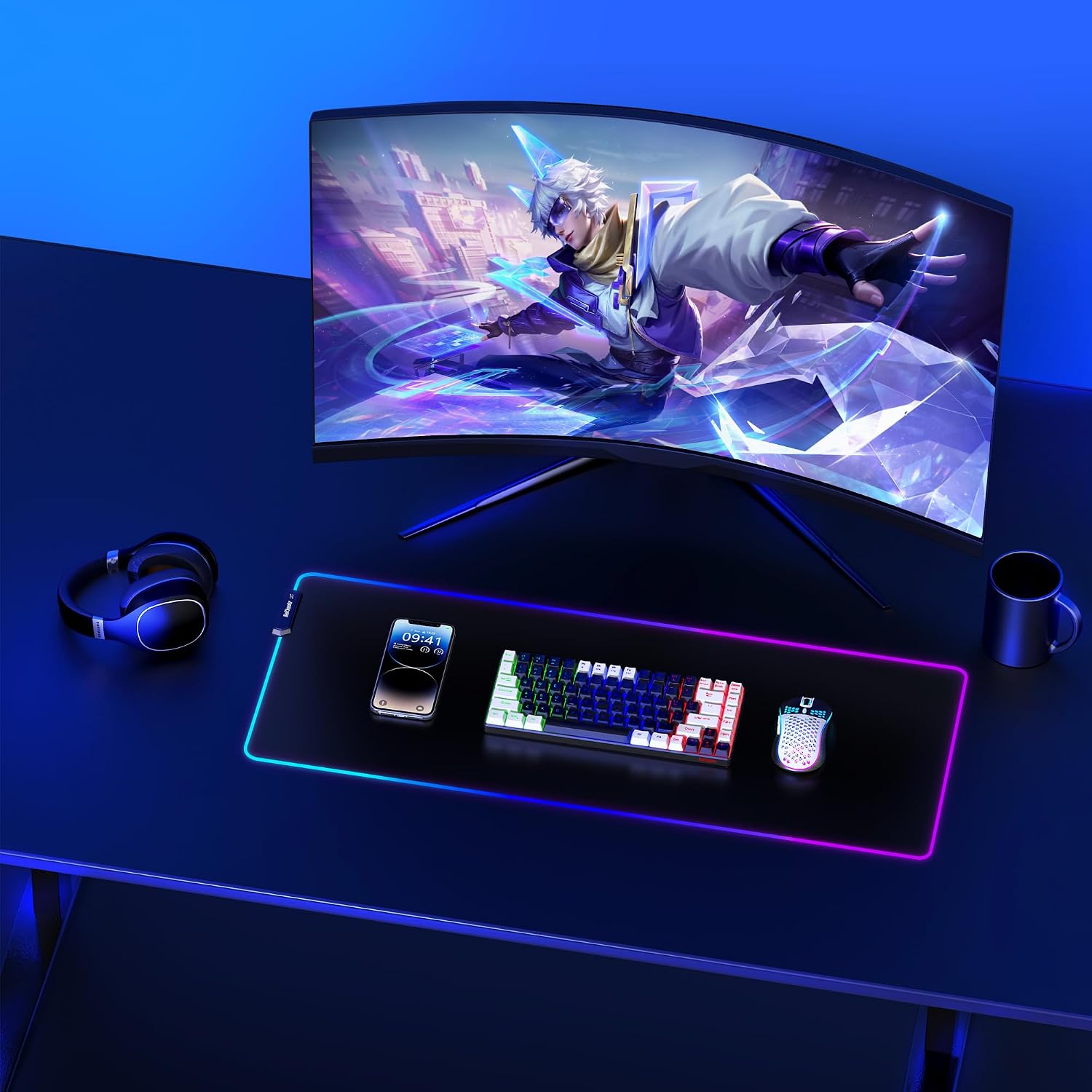
RedThunder K84 Wireless Keyboard and Mouse Combo: 75% Compact Keyboard + Ultra-Light Honeycomb Mouse
Product description
What it is and who it’s for
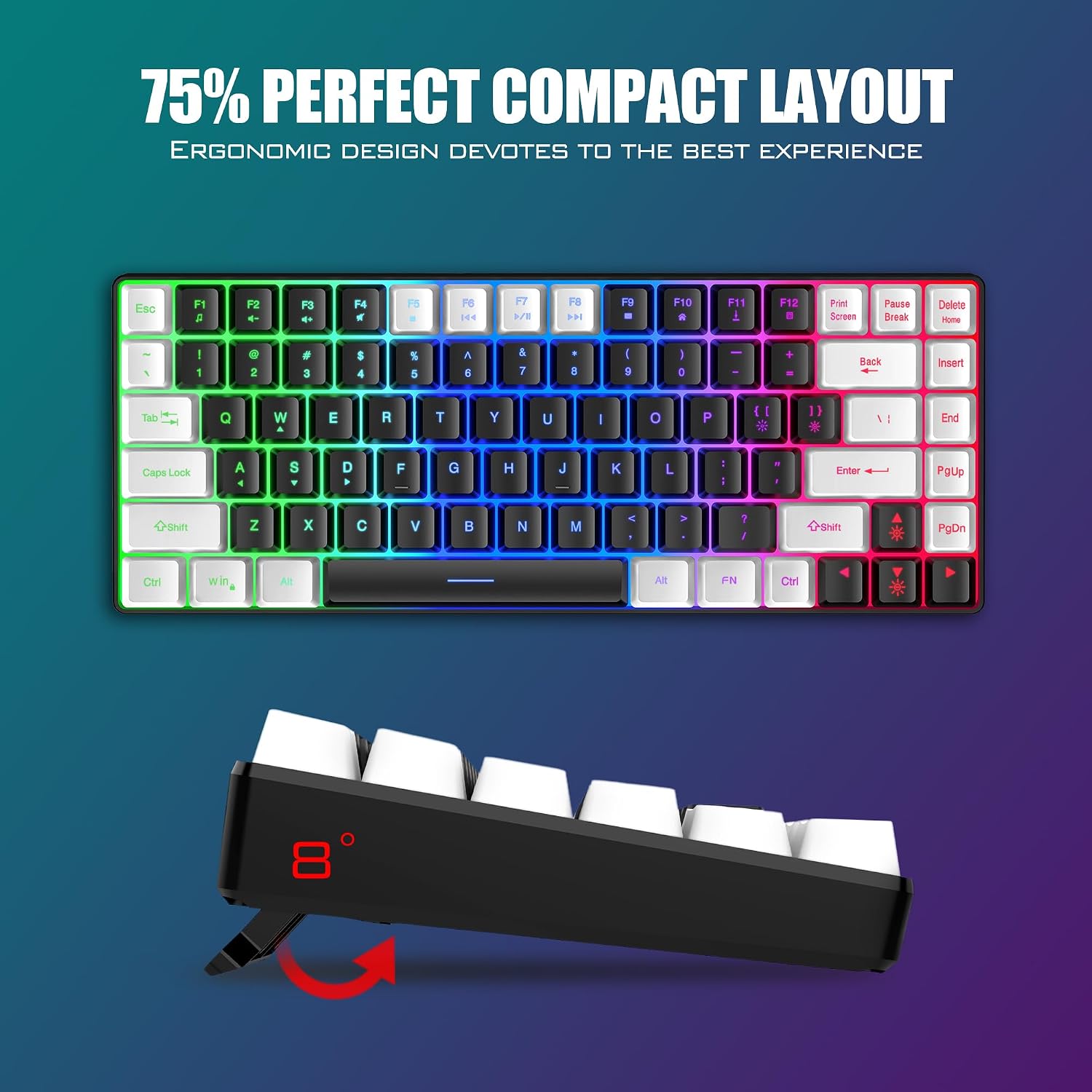
The RedThunder K84 is a compact wireless keyboard and mouse combo designed to balance desk real estate with responsive gaming and everyday productivity. With a 75% (84-key) layout, it keeps essential media and navigation keys while trimming bulk, which makes it appealing for tight setups or travel-friendly desks. If you’re after a space-efficient pairing that can handle both work tasks and casual gaming, this bundle presents a practical option.
Design and comfort
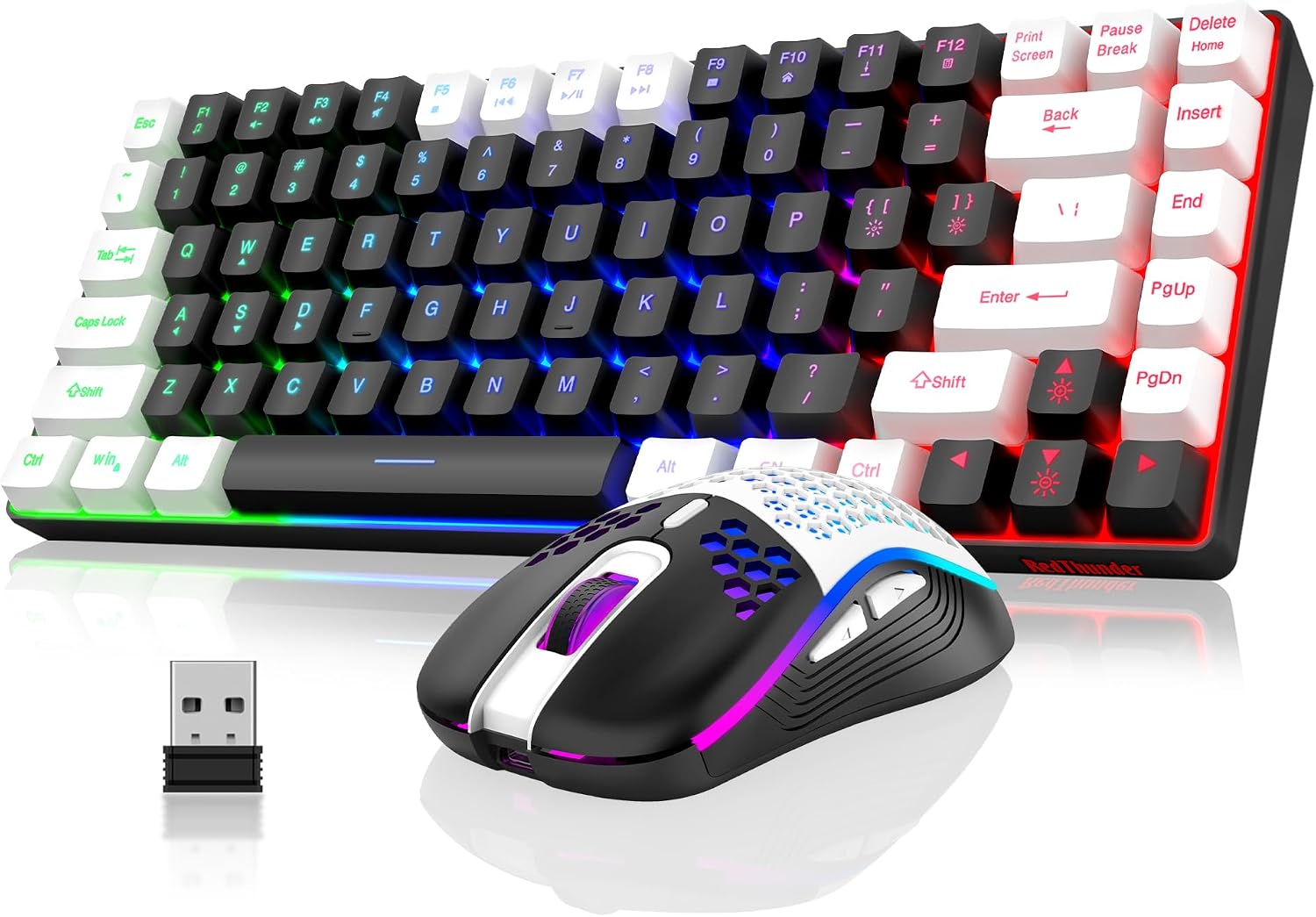
The keyboard uses a slim, low-profile chassis and retains dedicated media controls and arrow keys, which is a plus over smaller 60% layouts. The honeycomb shell on the accompanying mouse is notably light, around 65 grams, which helps reduce hand fatigue during longer sessions. The keycaps use a two-color injection process that aims to resist character fading over time. If your sessions involve extended typing or precision aiming, the lighter mouse can feel snappy and easy to maneuver.
Performance and latency
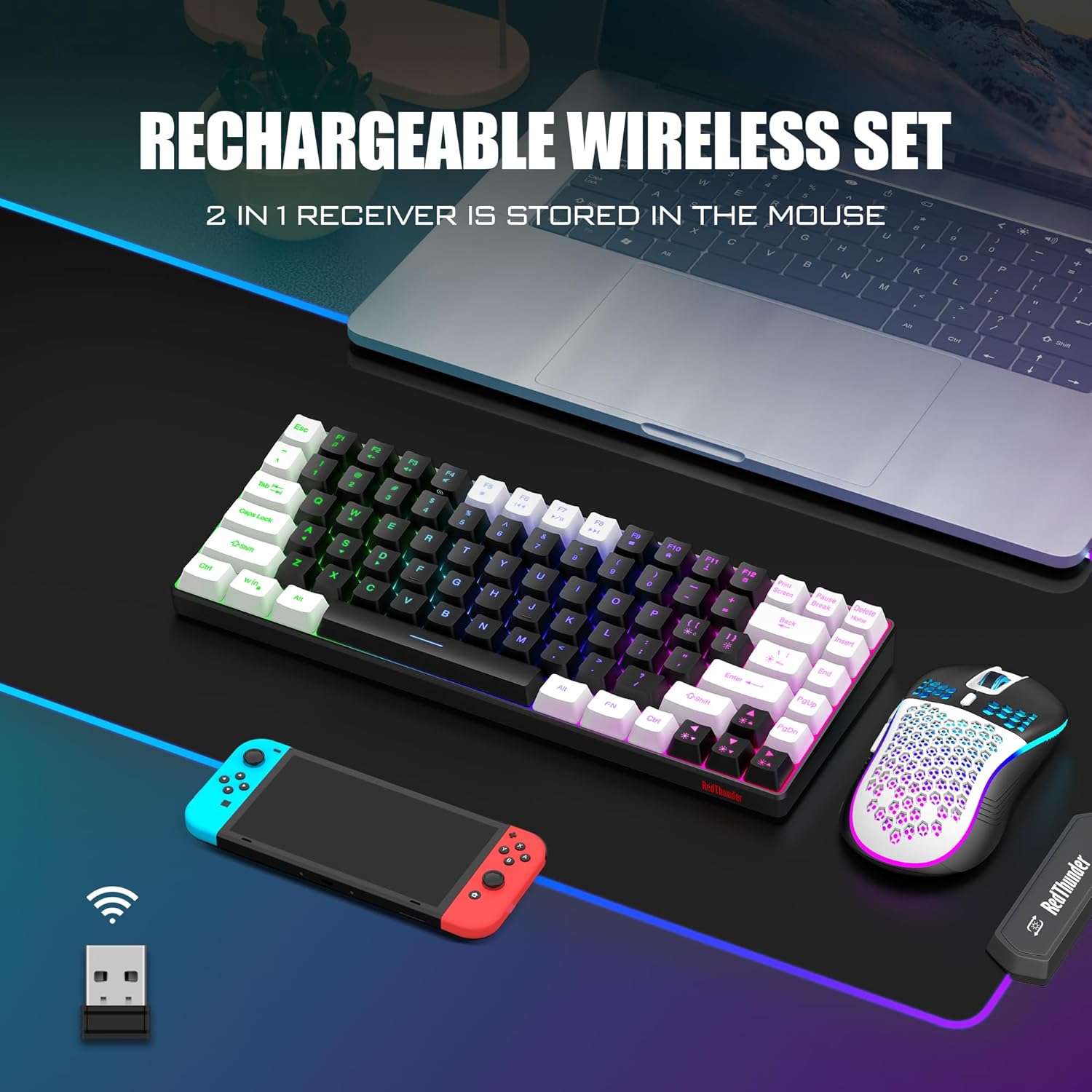
Communication relies on a 2.4G wireless connection, advertised as high-speed and stable for intense gaming moments. The package includes a single USB receiver that both keyboard and mouse use, simplifying setup. On the surface, this kind of arrangement works well for standard gaming and productivity tasks, but real-world latency can vary depending on your PC and USB port quality.
Battery life and charging
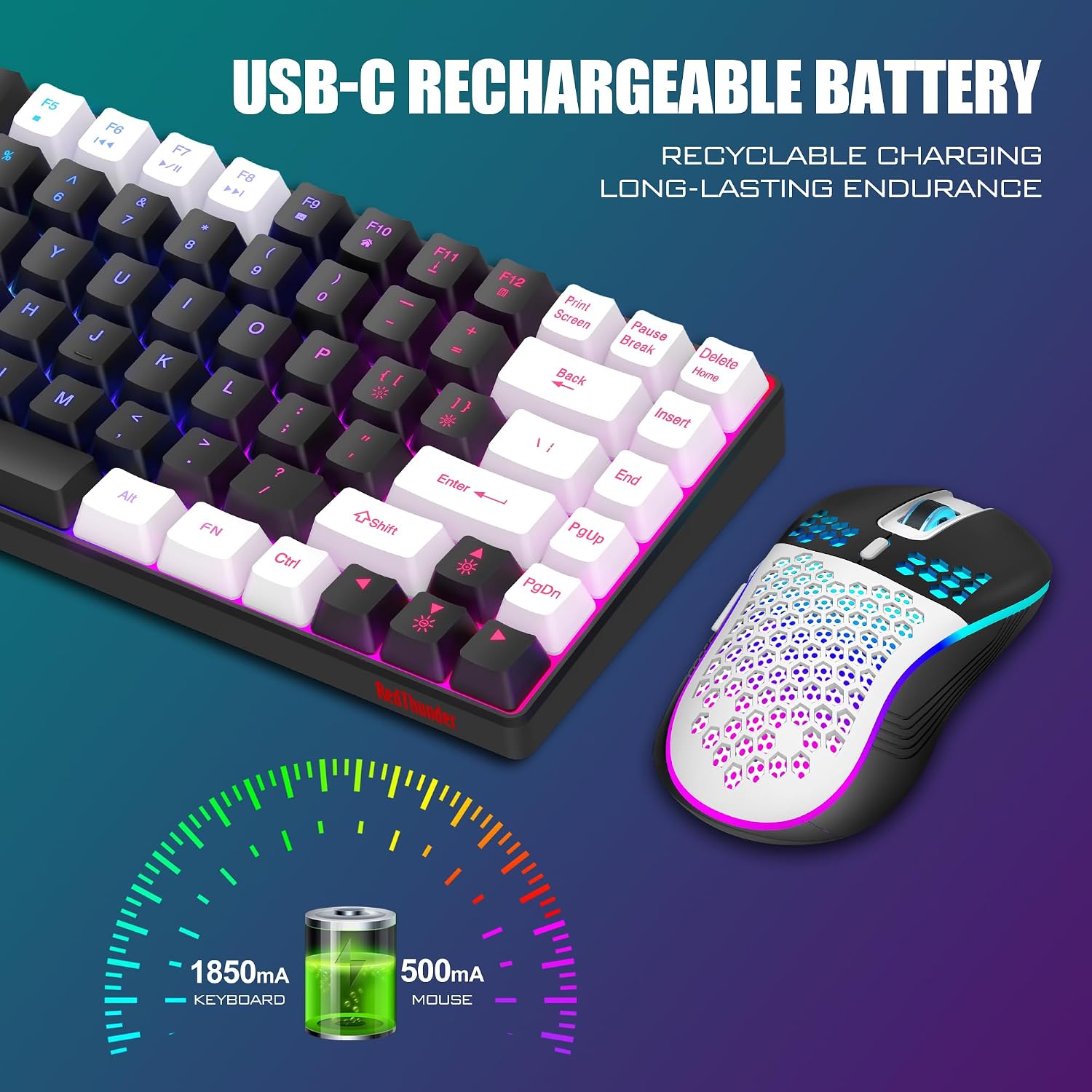
The keyboard houses an 1850 mAh battery, while the mouse carries a 500 mAh cell. The claim of up to 8 hours of continuous use with lighting enabled suggests decent daily uptime for a compact kit, though actual longevity will depend on lighting usage and workload. A practical note: the mouse lighting cycles through colors automatically and isn’t user-adjustable. The keyboard supports smart sleep to save power after two minutes of inactivity, waking with any key press.
Lighting and indicators
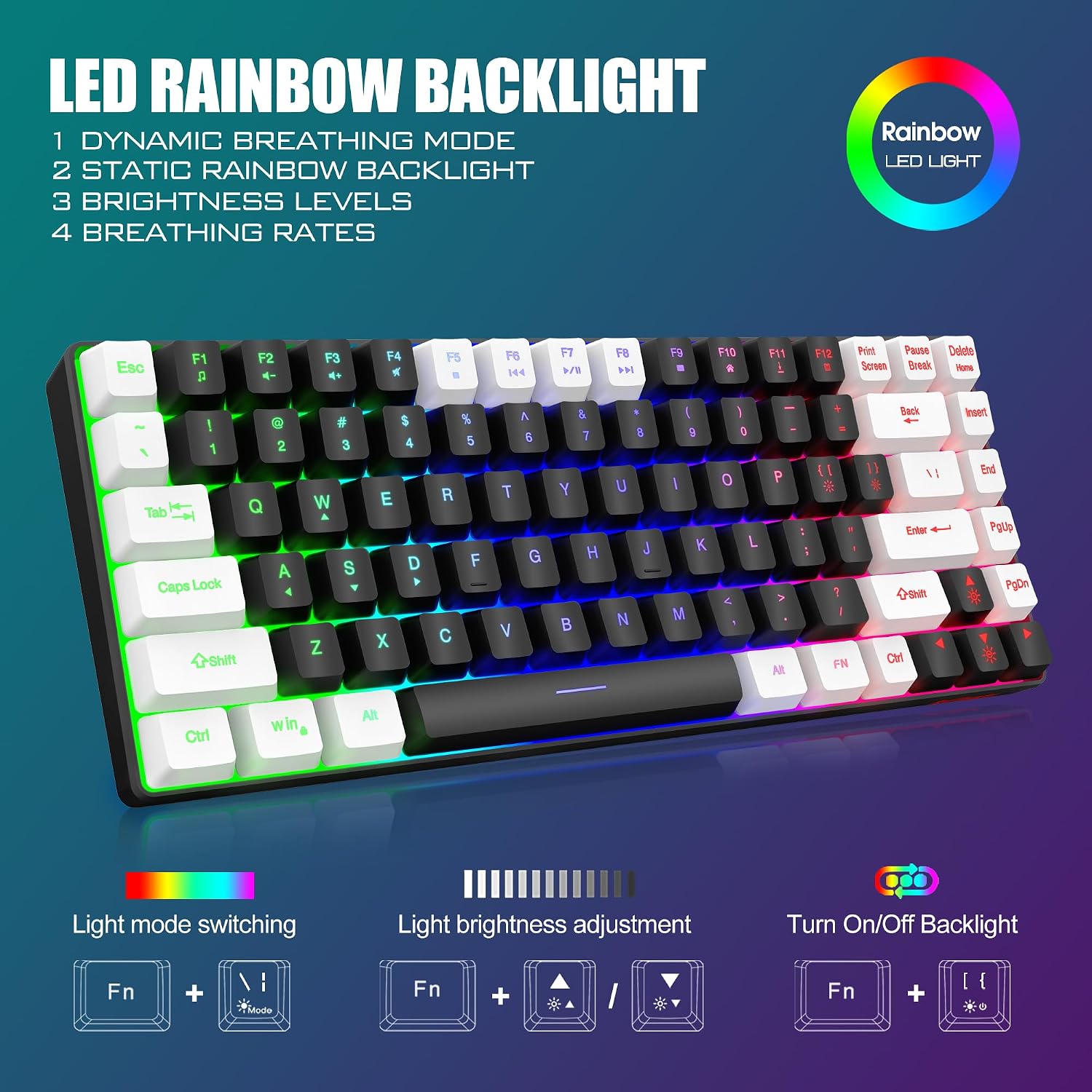
Backlighting adds a bit of ambiance and can help locate keys in low light. The keyboard offers four dynamic backlight modes plus seven solid colors and rainbow effects. On the keyboard, status indicators for Caps Lock, FN+F11 Lock, and WIN Lock are visible via green LEDs, aiding in avoiding mis-presses during fast-paced play. The mouse light is more of a visual accent, designed to cycle through colors rather than provide functional status cues.
Durability and build quality
Key switches reportedly withstand up to 10,000,000 keystrokes, a conservative durability claim that bodes well for long-term use. ABS keycaps with two-color injection help maintain legibility over time. The overall build focuses on a balance between lightweight design and reliability, which is typical for a compact gaming setup. If you’re picky about grind-heavy gaming or heavy-handed typists, this combo may feel a touch like “good enough” rather than premium.

Setup, compatibility, and day-to-day use
Setup is described as plug-and-play with a single USB receiver, you should be able to get up and running quickly by plugging in and powering on. If you ever lose the connection, the brand notes that you can reset pairing or contact support for help. The shared receiver means fewer USB ports used, which is convenient on minimalist rigs, but it also means you’re reliant on wireless stability and interference conditions in your environment.
Who it’s for (and who it isn’t ideal for)
This kit fits users who want a compact, travel-friendly desk setup that doesn’t sacrifice the feel of a full keyboard or the quickness of a lightweight mouse. It’s especially appealing if you value space efficiency, a shared USB receiver, and moderate backlighting for ambiance. It may not be the best option if you demand top-tier wireless latency for high-end competitive gaming, or if you strongly prefer a mouse with configurable lighting or a heavier, more grounded feel.
What to check before buying
- Confirm you’re okay with a Rainbow/RGB lighting scheme and non-adjustable mouse lighting.
- Consider your typical desk layout to ensure the 84-key form factor aligns with your preferred key placement and space.
- If you rely on a wired setup for critical tasks, this wireless pair will require regular charging and may introduce small latency depending on interference.
Practical example of use
Imagine you’re at a small gaming night, needing to switch between typing messages, navigating menus, and performing quick in-game keystrokes. The K84’s compact footprint frees up your mouse space, while the keyboard’s arrow keys and media controls stay within easy reach. The honeycomb mouse shape feels light in hand, enabling swift swipes during fast rounds, and the backlighting helps you spot keys in a dim room without breaking immersion.
Alternatives and what to consider
If you want a more traditional full-size keyboard or a heavier mouse with adjustable lighting, this combo might feel limited. On the other hand, for a desk with limited space or for users who travel often, the compact form and single-receiver design offer tangible convenience. The product sits in a middle ground between ultra-compact 60% keyboards and bulkier gaming sets, leaning toward practicality over absolute performance in either domain.
Final decision
Is it worth it? It depends on your setup priorities. If you prioritize a compact footprint, ease of setup, and a light, affordable wireless pair for everyday gaming and work, the RedThunder K84 offers a reasonable balance. If your main goal is peak gaming latency or premium build feel, you may want to explore higher-end options. For most casual gamers and space-conscious users, this combo is worth considering if you’re comfortable with its lighting limitations and the shared USB receiver.
FAQ
- How many USB receivers are included? One receiver is shared by both keyboard and mouse.
- Does the mouse have adjustable DPI? The description lists a 3200 DPI mouse, exact adjustability details aren’t specified beyond the spec—consider testing DPI feel in real use.
- What happens if the wireless connection drops? Re-pairing is possible, or you can contact support for assistance.