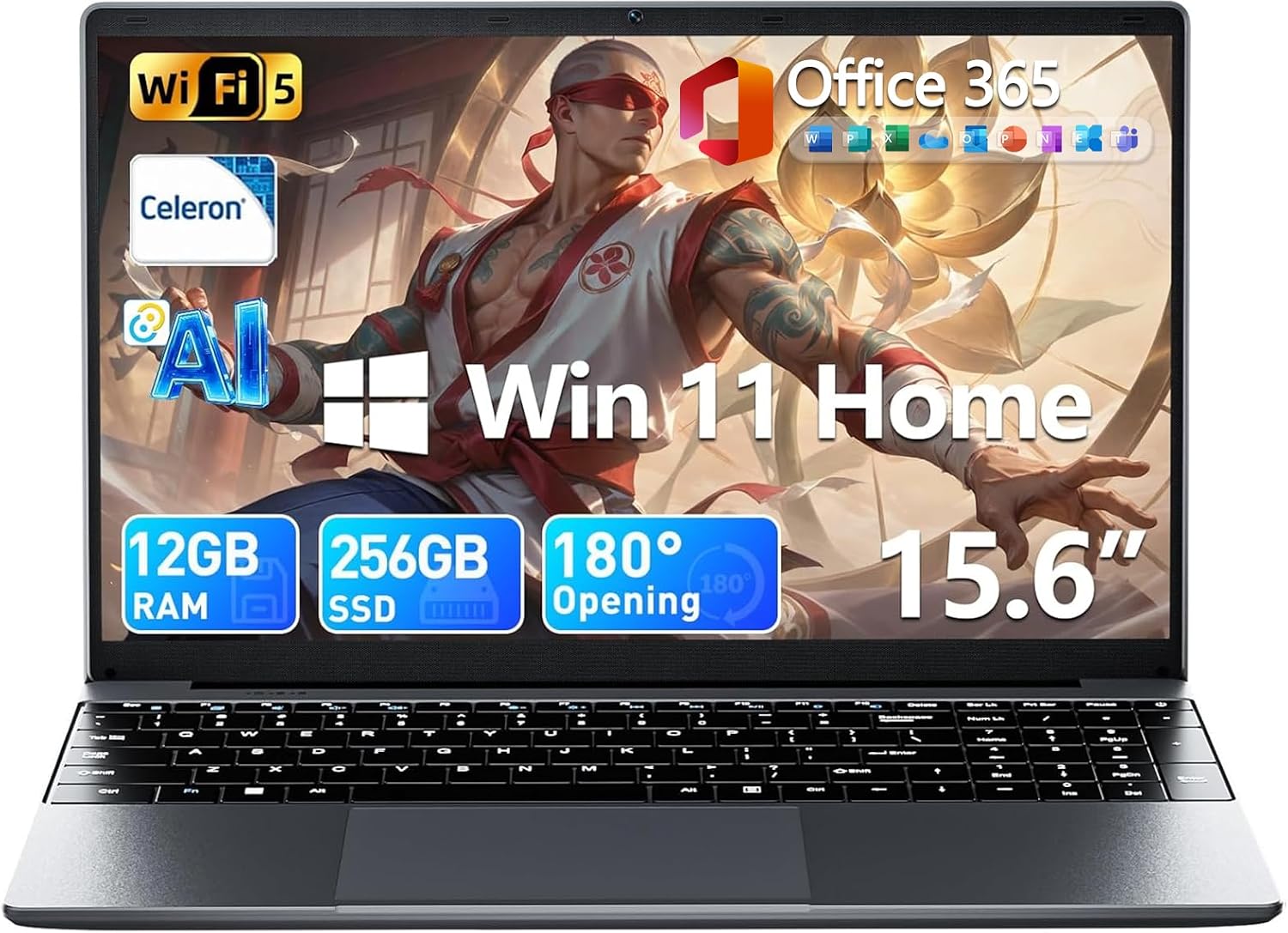
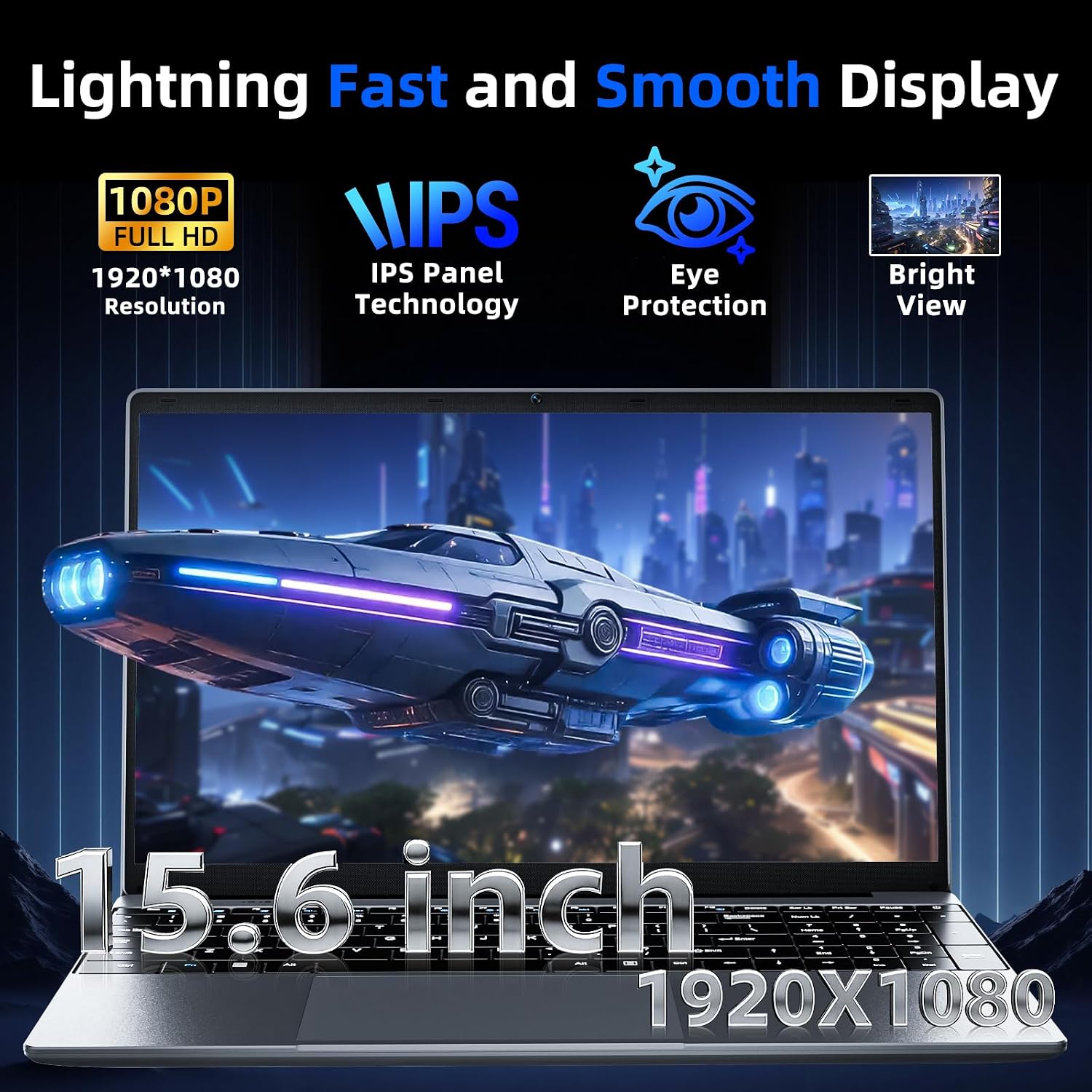
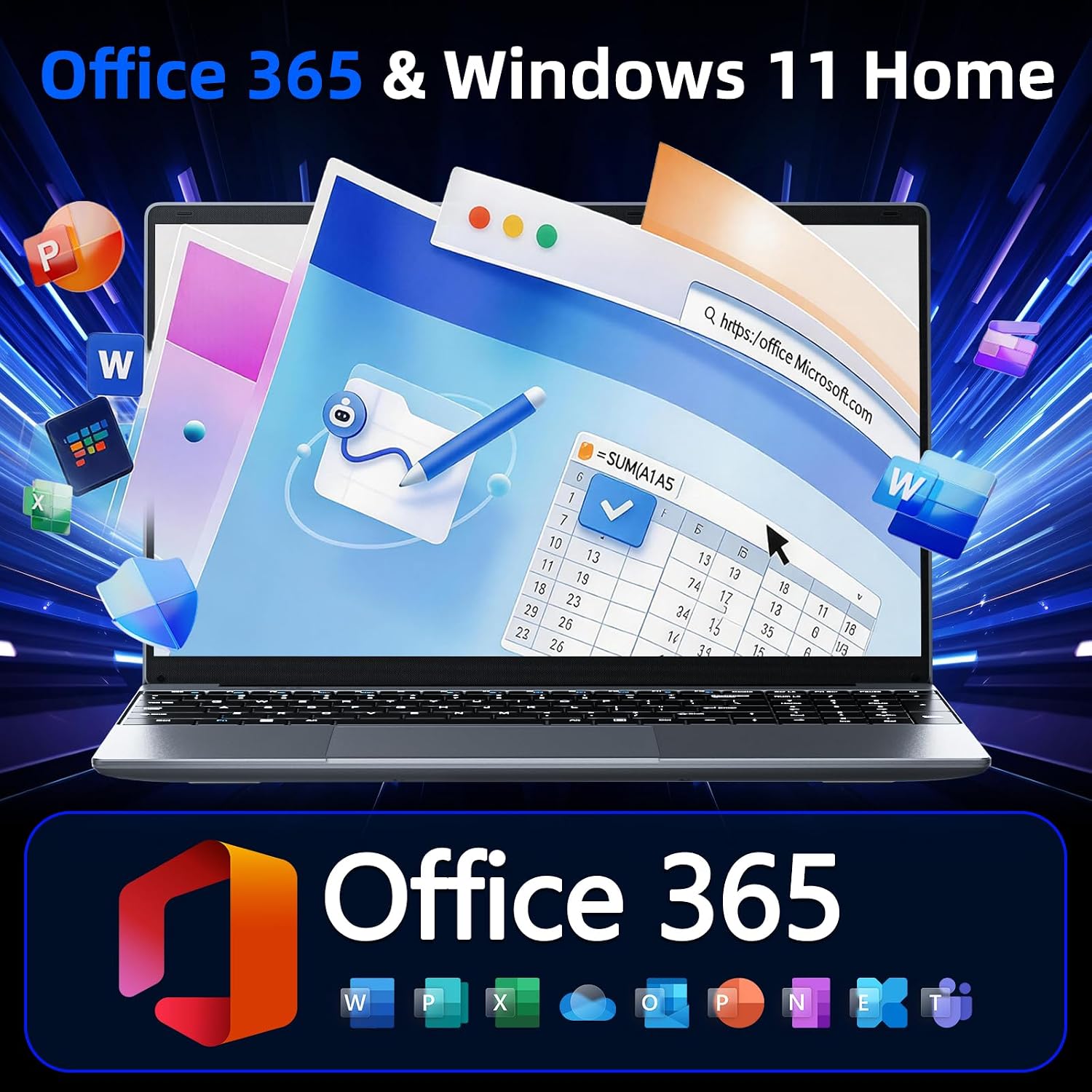
What it is and what it solves\nThe MELIUNA 15.6" laptop is a budget-friendly all‑rounder designed for students and everyday productivity. It pairs a 15.6 inch Full HD IPS display with a modest yet capable set of internals to handle daily tasks like word processing, web browsing, and light multitasking. If you’re looking for a portable workhorse that arrives with Office 365 and AI features pre-installed, this model aims to deliver a smooth enough experience for routine schoolwork or office work without breaking the bank.\n\n## What stands out on paper\nKey specs include a Celeron J4105 processor, 12GB DDR4 RAM, and a 256GB M.2 SSD, plus potential expansion via SSD up to 2TB and TF card up to 1TB. The all‑day battery rated at 7000mAh supports long classes or meetings, and the 180° hinge is helpful for sharing content in group settings. Connectivity covers USB 3.2, Type-C, Mini HDMI, a 3.5mm jack, plus WiFi 5 and Bluetooth 4.2. The model ships with Windows 11 Home and comes with Office 365 pre-installed, which can be convenient for immediate use.\n\n## Real-world performance and limitations\nOn the practical side, a quad‑core setup with 12GB RAM should manage multitasking for typical productivity apps and browsing with multiple tabs. However, don’t expect flagship performance for demanding professional software or modern gaming. The 1920x1080 IPS panel will deliver decent color and viewing angles, but brightness and color accuracy aren’t specified, so it may miss the higher end of the spectrum. If you prioritize fast, heavy software workflows, this device may feel limited.\n\n## Who it’s for\nThis laptop targets students, remote workers, and anyone who wants a ready-to-use machine with Windows 11 and Office 365 out of the box. It’s a sensible pick if you want a cost‑effective device for note-taking, writing, spreadsheets, and light media consumption. The hinge and 180° layout suit collaborative settings where you need to share the screen easily.\n\n## Who it isn’t for\nIf you rely on intensive multitasking with large datasets, video editing, or modern gaming at high settings, this model may not be the best fit. Also, if you need ultra-fast storage or longer battery life under heavy use, you might weigh other options.\n\n## What to check before buying\n- Confirm the storage configuration and expansion options (SSD up to 2TB, TF card up to 1TB) align with your needs.\n- Consider screen brightness and color accuracy if you’ll use it outdoors or for media work.\n- If you rely on Office and AI features, verify the specifics of the pre‑installed suite and any subscription terms.\n\n## How it compares to other approaches\nFor pure portability and immediate productivity, this laptop sits in the entry-to‑mid range. It’s a reasonable compromise between cost, utility, and convenience, especially if you value pre‑installed Office 365 and Windows AI features. If you need stronger performance, you’d typically look at higher‑tier CPUs or larger RAM configurations and faster storage.\n\n## Contents and care notes\nIncluded features cover a full keyboard experience, a Type-C port for newer peripherals, and standard ports for legacy devices. As with any budget device, care tips include regular software updates, mindful charging to preserve battery longevity, and careful handling of the display to avoid pressure on the lid.\n\n## Usage ideas to get going\nA practical day-to-day workflow could be: open your document in Office, browse research material in a browser, and use AI-assisted writing features to draft outlines or summaries. The 180° hinge makes it easy to share a presentation with classmates or coworkers without needing to crowd around the screen.\n\n## Final decision (Is it worth it?)\nFinal verdict: It makes sense if you want a ready-to-use Windows laptop with Office 365 for school or light work, at a budget price, and you value a screen that’s easy to share and a form factor you can carry all day. It may not be the best choice if your tasks require heavy multitasking, advanced content creation, or top-tier speed.\n\n## FAQ (quick answers)\n- How much RAM does it have? 12GB DDR4.\n- Is Office 365 included? Yes, pre-installed with the subscription.\n- Can storage be expanded? Yes, SSD expansion up to 2TB and TF card up to 1TB is supported.\n- What about battery life? It’s described as all-day with a 7000mAh battery, but real-world endurance will vary with workload.\n- Does it have a USB-C port? Yes, Type-C for peripherals and charging in some configurations.