


F FORITO Magnetic Privacy Screen Protector for 2026 MacBook Neo 13-inch (A3404) with A18 Pro
Product description
What this privacy screen is for
If you often work in cafés, on flights, or anywhere people can catch a side glance, a privacy screen protector is one of those small accessories that can change how comfortable your work feels. The F FORITO Magnetic Privacy Screen Protector is designed for a specific MacBook Neo 13-inch model from 2026 (A18 Pro chip, Model A3404). It’s meant to narrow viewing angles, so only the person directly in front can clearly see what’s on the display.
It also leans into “work longer, strain less” with anti-glare and anti-blue-light claims. And because it’s a magnetic screen shield with installation that’s described as taking about two seconds, it’s built for people who don’t want a fussy accessory they’ll avoid using.
Key takeaways: the real-world impact
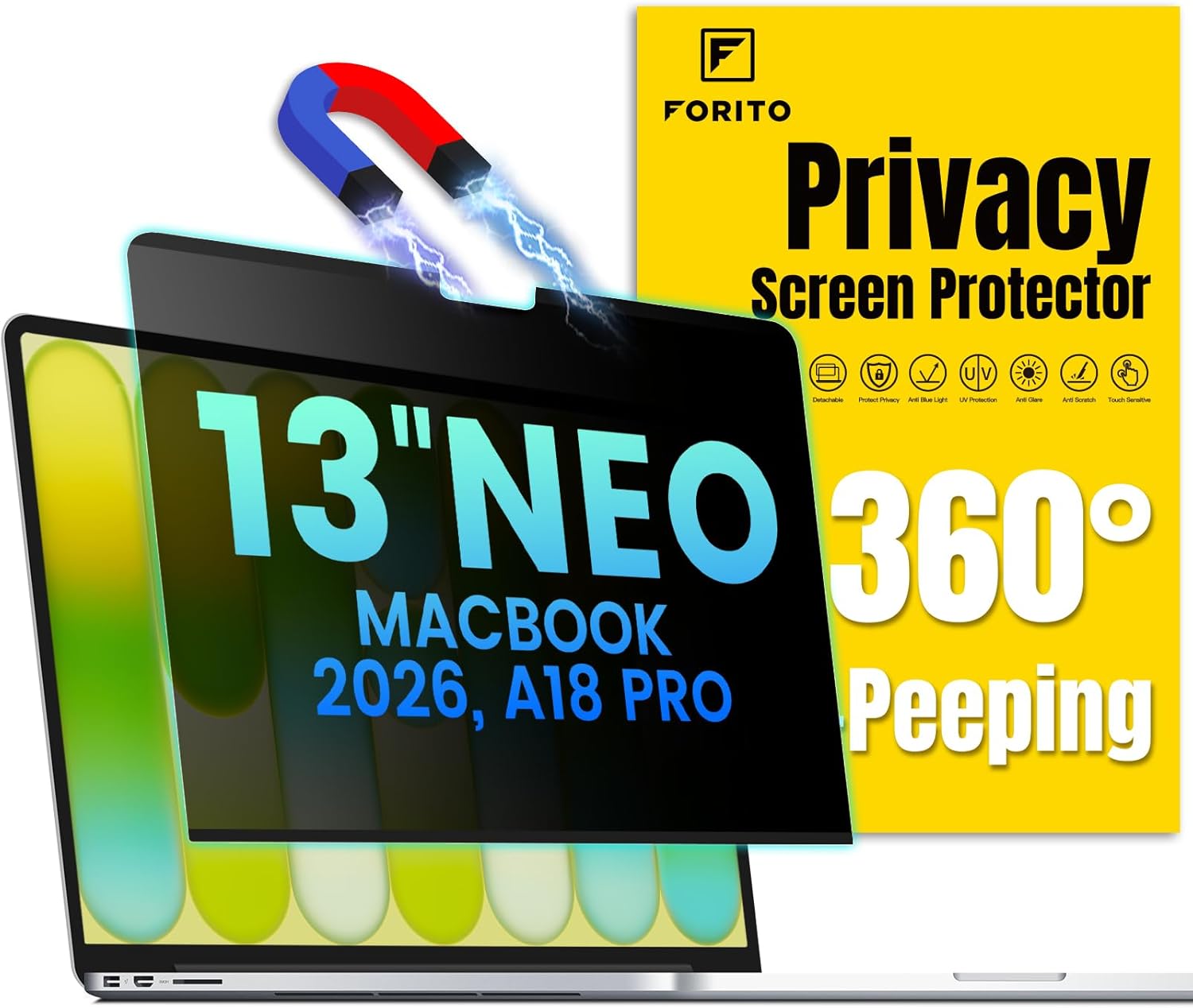
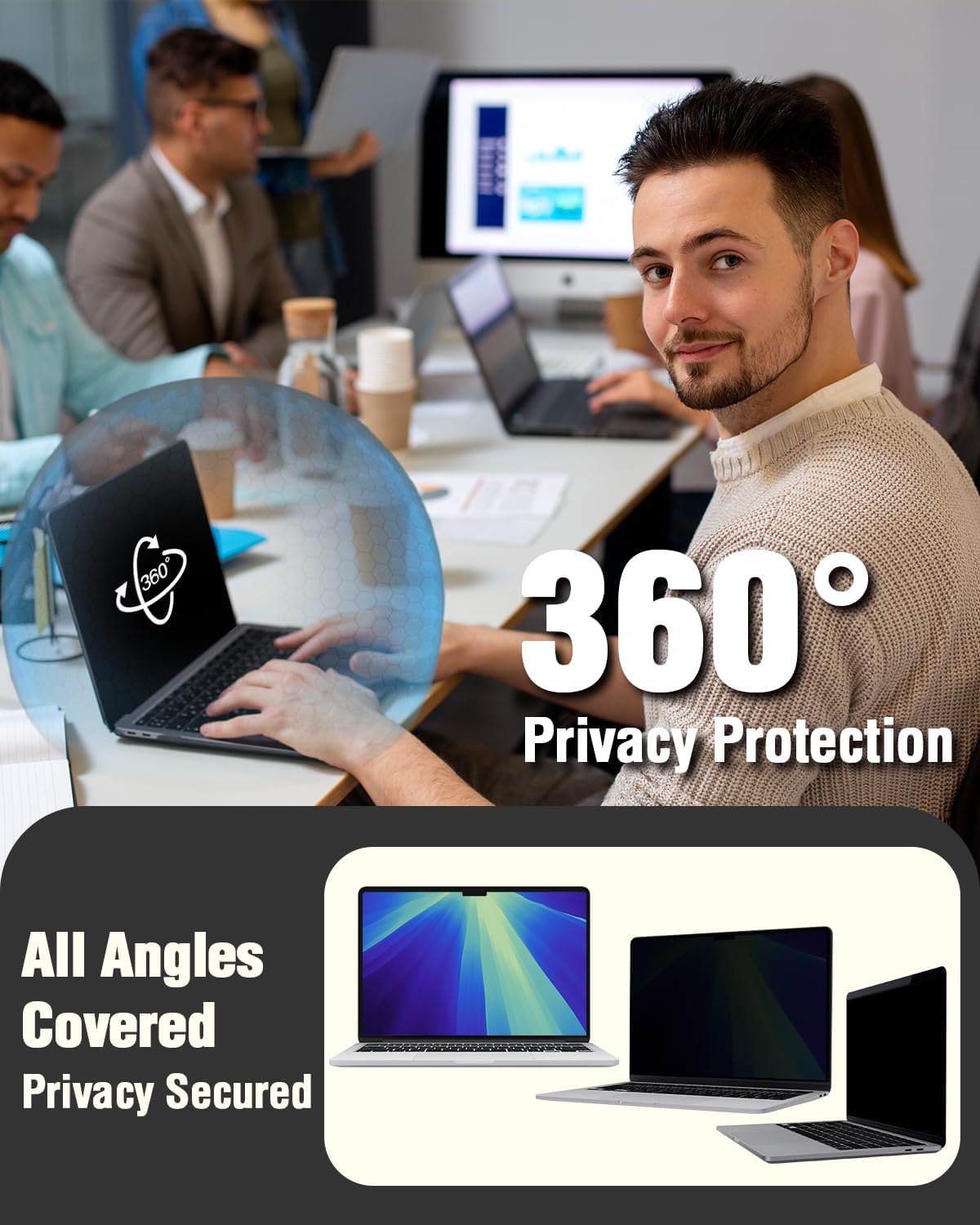
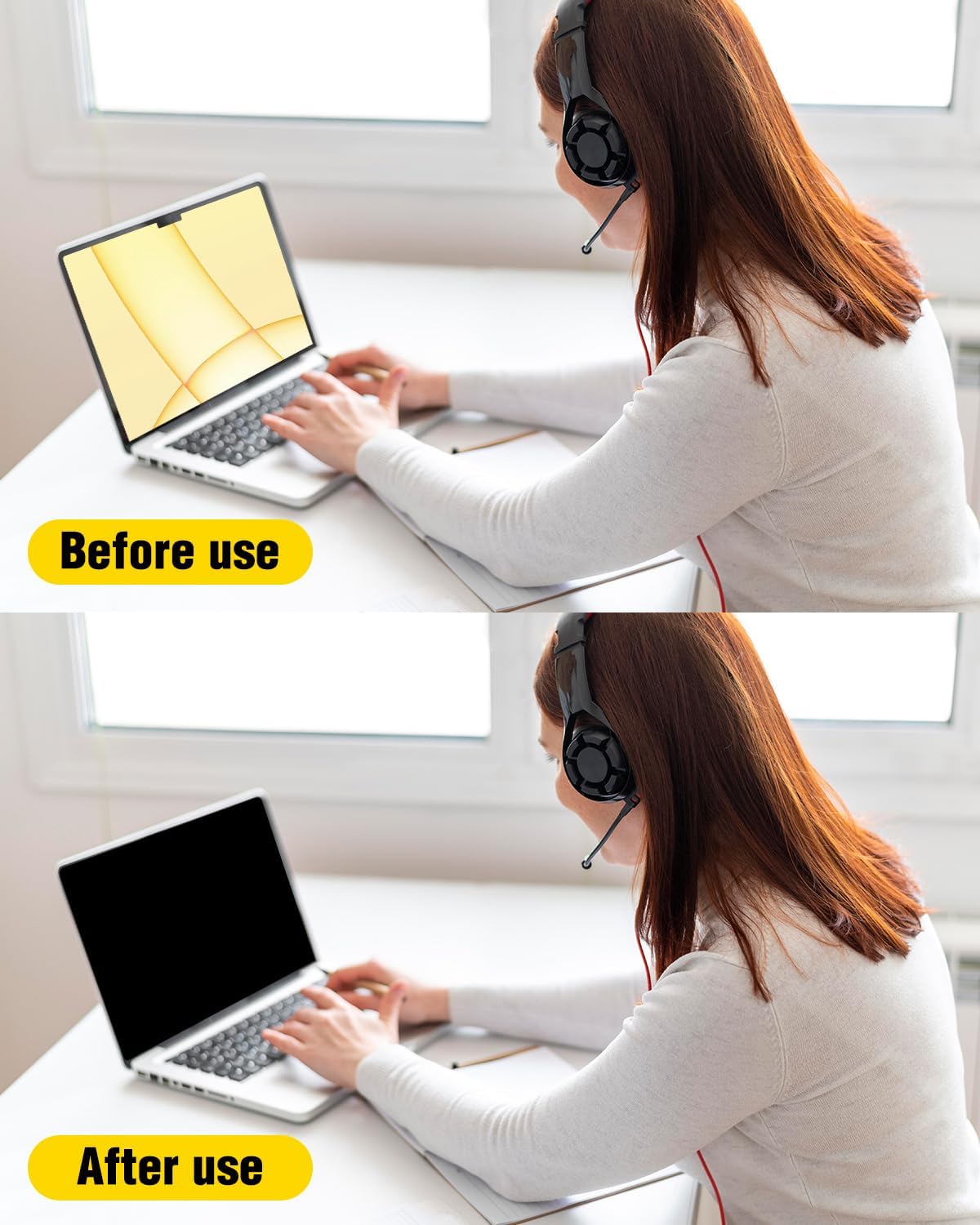
The headline here is the 360° privacy concept: the protector is supposed to restrict what others can read from the sides. On paper, that matters most in busy shared spaces—places where you can’t control the seating angle, but you still want your documents, emails, or spreadsheets to stay yours.
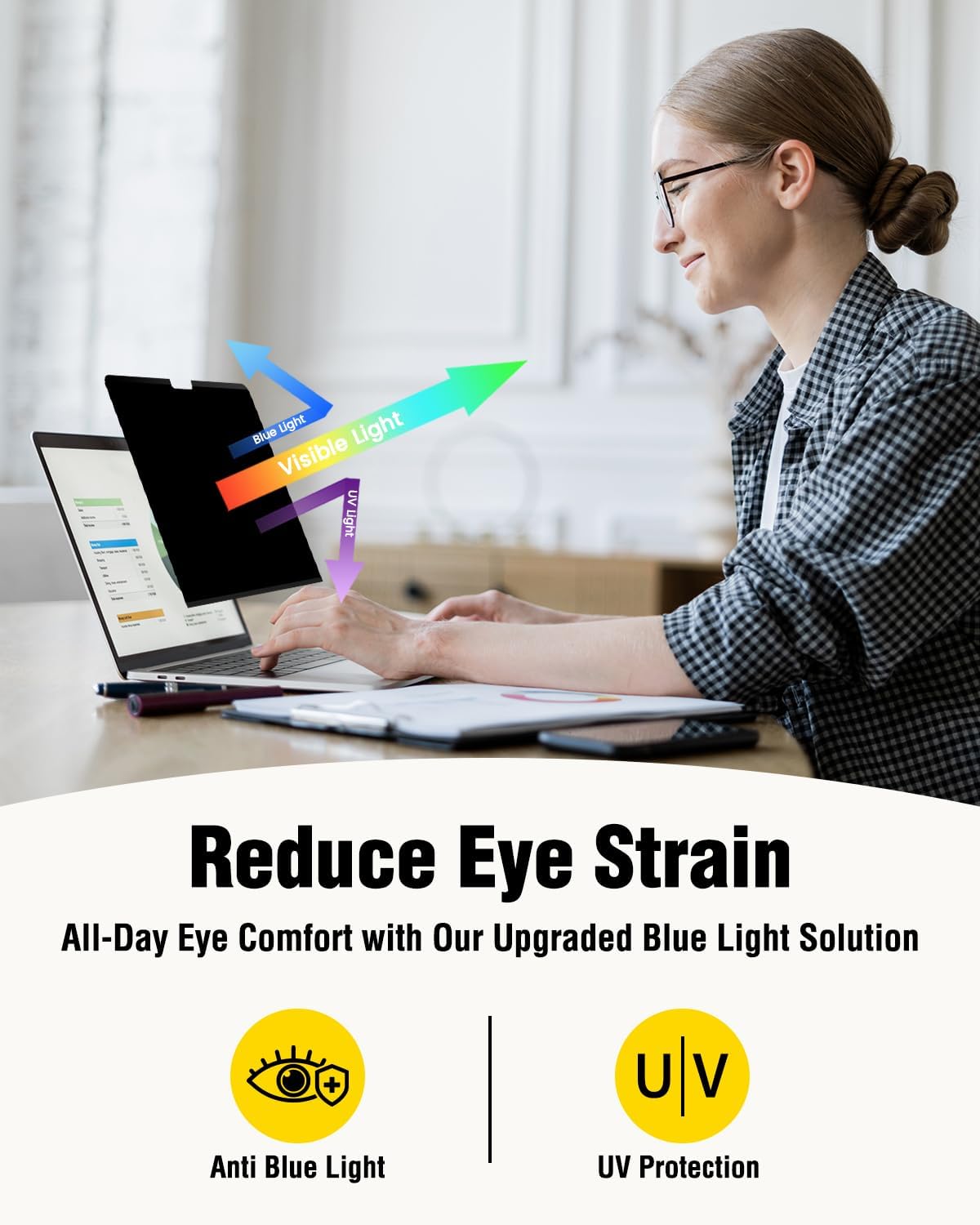
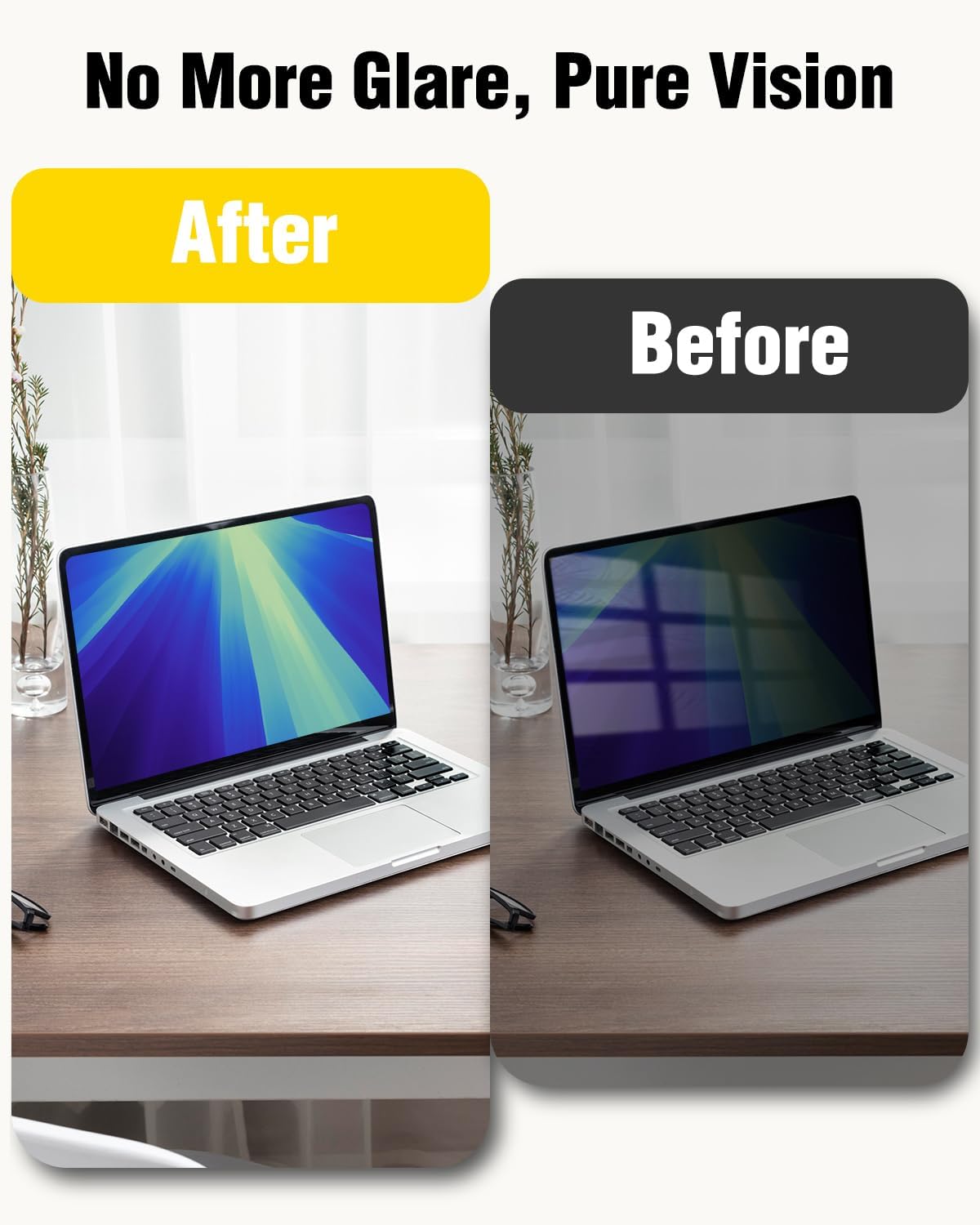
For day-to-day use, anti-glare and anti-blue-light features may help reduce discomfort during longer sessions. That doesn’t mean it magically fixes eye fatigue for everyone, but if you tend to notice glare or you’re sensitive to screen light, it’s a reasonable direction.
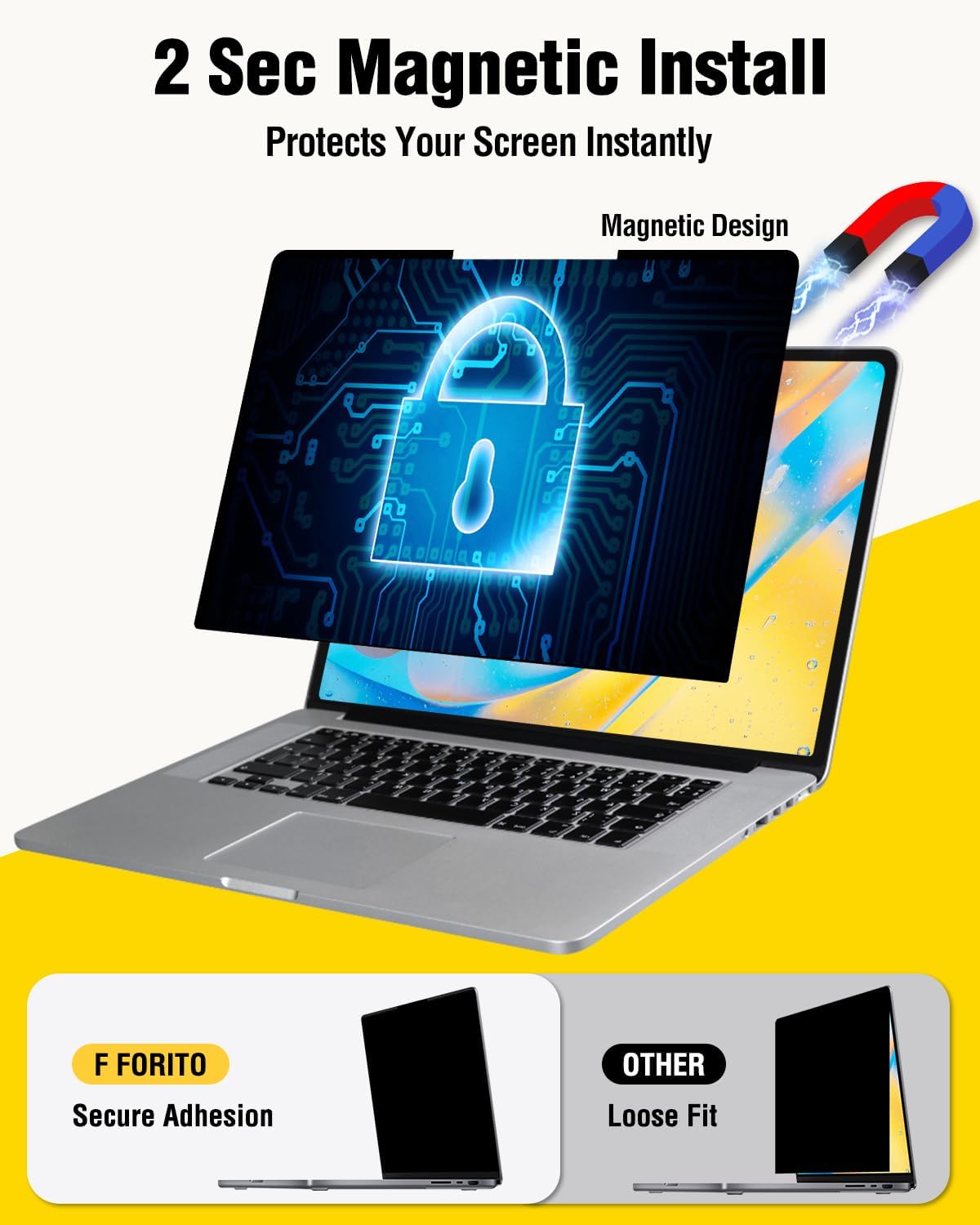
One more practical angle: the product uses a magnetic design on top plus enhanced adhesive on the bottom, and it’s positioned as easy to remove. So if you switch between private focus and normal viewing, you’re not stuck with one “always on” setup.
Where it stands out (and where it may feel limiting)
What you’ll likely notice first is the privacy effect. With a privacy screen, the trade-off is usually visibility from angles—great for privacy, less ideal if you regularly share your screen with someone sitting next to you.
The listing also emphasizes crystal-clear viewing and an ultra-thin profile with precision cutouts. That’s important because a protector that’s too bulky or misaligned can interfere with closing the lid or create a gap. Here, the intent is a seamless fit that lets your MacBook close flawlessly and keeps full functionality with touch-screen features (as stated).
Still, keep expectations realistic: “crystal clear” and “eye-friendly” are hard to guarantee without your specific lighting, viewing habits, and sensitivity. If you’re the type who shares your screen often from an angle, or you need wide viewing angles for collaboration, a privacy screen can feel like an unnecessary compromise.
Tech specs
- Name: F FORITO Magnetic Privacy Screen Protector
- Type: Laptop privacy screen shield
- Format: Magnetic privacy screen protector
- Size: Compatible with MacBook Neo 13 inch (2026)
- Compatibility: Model A3404 with A18 Pro chip
- Installation: Magnetic on the top, enhanced adhesive on the bottom
- Privacy design: 360° anti-peeping (restricts viewing angles)
- Display effects: Anti-glare and anti-blue light
- Fit: Precision cutouts, ultra-thin profile
- Functionality: Allows the laptop to close without interference, compatible with touch screen functions
- Mobility: Includes a protective storage folder/kit for travel
Setup and everyday use (quick tips)
Installation is described as effortless—about a two-second process—thanks to the magnetic top attachment plus adhesive on the bottom. In practice, that means you can take it out from the folder, align it, and apply it without turning it into a project.
A concrete scenario: imagine working on a sensitive document on a flight. You can slide the privacy screen into place before you open your laptop, and it helps reduce what side-seat passengers can read. When you get off and go back to normal use, the listing suggests it’s removable and easy to take off, so you’re not permanently changing your viewing setup.
Two small things to keep in mind: first, compatibility is model-specific. The listing asks you to verify the model number on the back of your MacBook Neo, which is worth doing before you commit. Second, if you frequently want a wider angle view for others, you may find the privacy restriction more annoying than helpful.
Should you buy it?
This privacy screen protector makes sense if your MacBook Neo 13-inch (2026) is the A3404 model and you want an accessory that’s explicitly built around side-angle privacy plus anti-glare/anti-blue-light comfort.
It’s also a good fit if you travel a lot. The included protective storage folder is the kind of detail that actually helps, because it keeps the screen protected when it’s not on your laptop.
You may want to skip it if you often share your screen with someone sitting slightly off to the side, since privacy screens inherently reduce off-angle readability. And if you’re not sure about your exact MacBook Neo model number, don’t guess—this product is meant for a specific configuration.
Mini FAQ
Is this compatible with every MacBook Neo 13-inch?
No. The listing states compatibility with 2026 MacBook Neo 13-inch with A18 Pro chip, Model A3404. Check the model number on the back to avoid compatibility issues.
How easy is it to install and remove?
It’s described as a hassle-free setup, with a magnetic design on top and enhanced adhesive on the bottom, aiming for a quick installation and easy removal.
Does it affect touch-screen functionality?
The listing says it allows full touch-screen compatibility.
Will it stop all viewing from the sides?
The design is described as 360° privacy that restricts viewing angles, allowing only the person directly in front to see content. Like any privacy filter, it’s designed for reduced readability rather than absolute guarantees.
Final verdict
If you match the exact model (A3404) and you care about side-angle privacy for work in public spaces, the F FORITO magnetic privacy screen protector is a practical, travel-friendly add-on. Just be aware it’s more about personal viewing and privacy than about shared, wide-angle screen readability.