

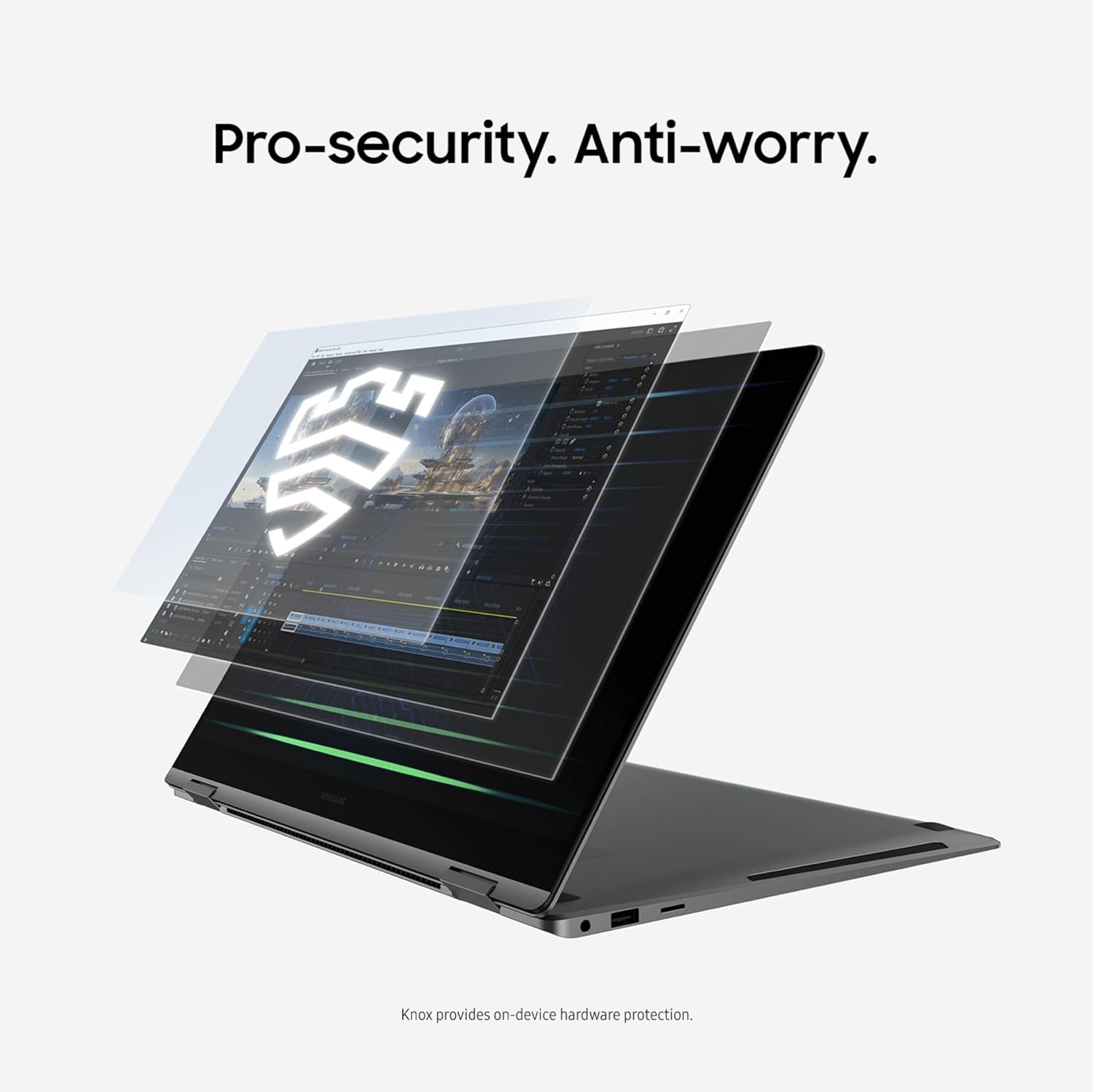
Samsung Galaxy Book5 Pro 360 Copilot+ (2025) — 16" 3K AMOLED Touch, Intel Core Ultra 7, 32GB/1TB, Windows 11 Pro
Product description
Quick overview
If you want an AI-forward business laptop that still feels built for travel, the Samsung Galaxy Book5 Pro 360 is designed for exactly that mix. It’s a 16-inch 2-in-1 with a responsive 3K AMOLED touchscreen, a fast refresh rate, and an included S Pen experience for note-taking and sketching. On top of the hardware, Samsung positions it around Copilot+ PC features and an Intel Core Ultra 7 platform with an NPU for on-device AI tasks.
One important thing to keep in mind: a “Copilot+ PC” label is only useful if you actually plan to use Copilot and the related AI workflows (writing help, summaries, transcription-style tasks). If that’s not part of your day-to-day, you may not get full value from the extra AI emphasis.
Key points
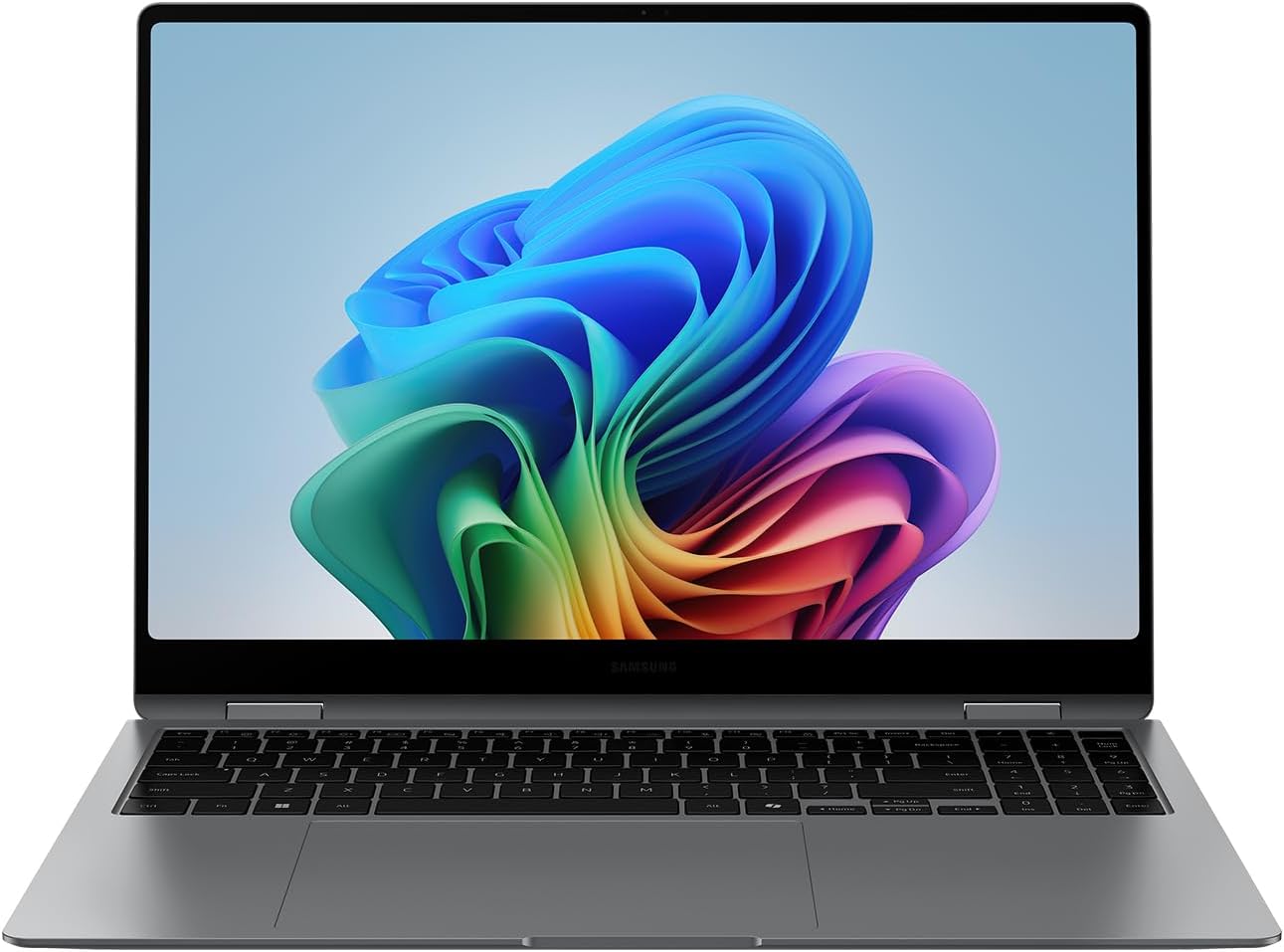
This model is aimed at people who live in meetings, docs, and mobile devices at the same time. The 360-degree hinge and touch-first interface mean you can flip from laptop mode to tablet mode without thinking too hard about it. The thin, light-and-durable build (CNC aluminum) also helps if your setup is split between home, office, and on-the-go days.
What really stands out on paper is the “multi-device” direction: Samsung’s Phone Link plus Galaxy AI features are meant to connect your Galaxy phone workflow with your PC. Add in Transcript Assist for turning recorded lectures/meetings into notes, then translating and summarizing—this is the kind of functionality that can save time after long sessions, especially when you don’t want to rebuild everything from scratch.
The essentials
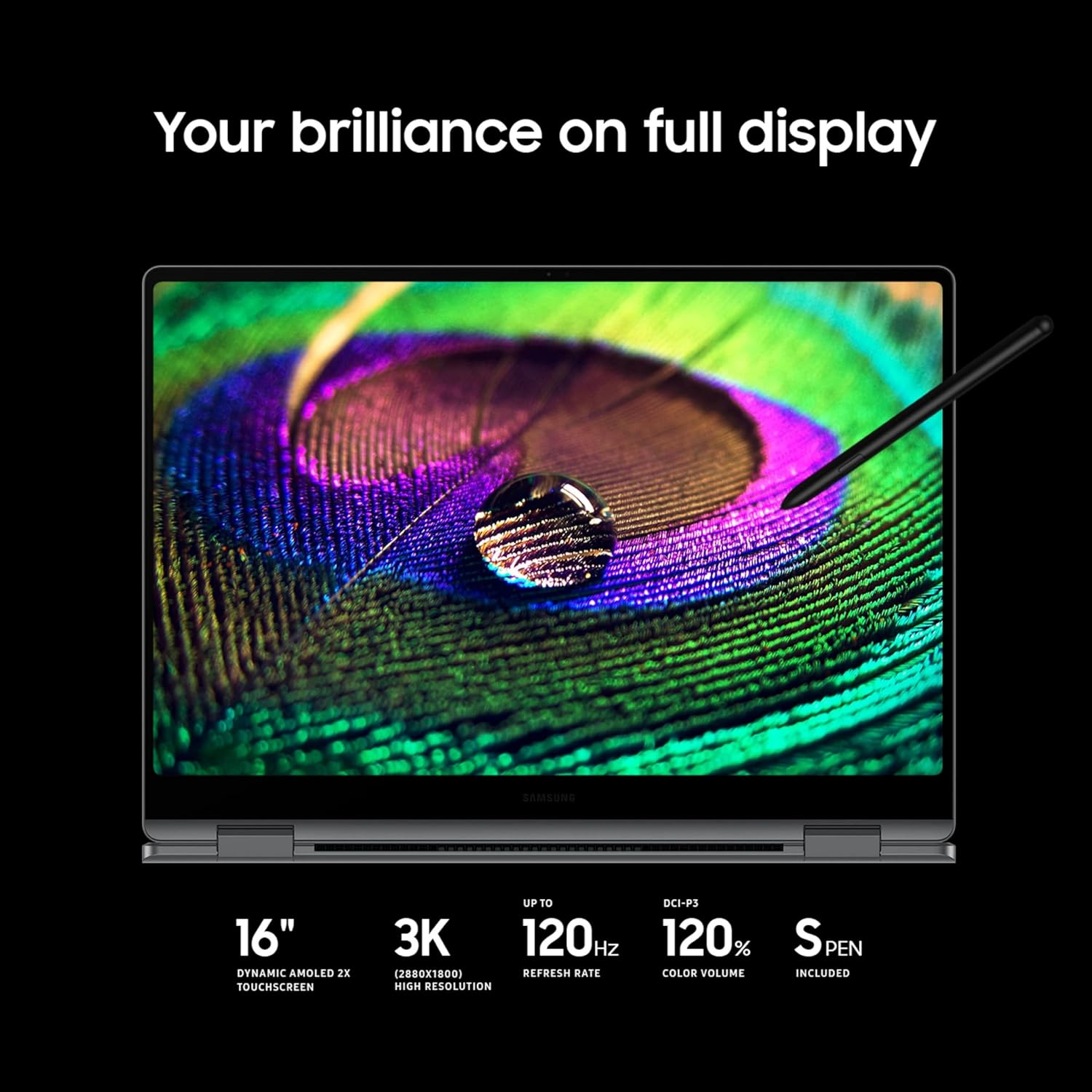
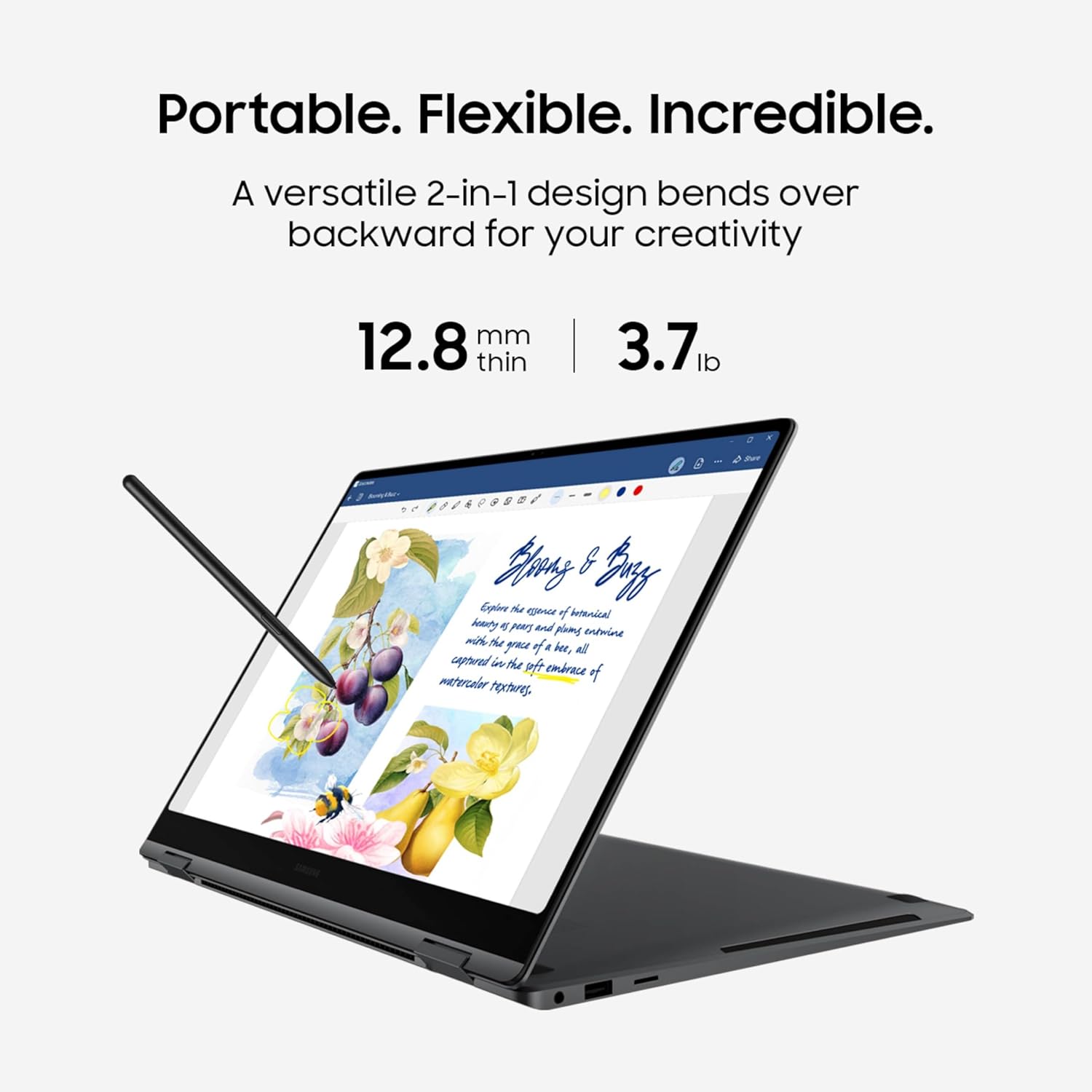
The essentials for this laptop are pretty straightforward: strong display experience, real creative input via the included S Pen, and an AI-centric compute setup. The 3K AMOLED touchscreen with a 120Hz refresh rate supports smooth interaction for writing, scrolling, and general UI use. It’s also described as having enhanced tilt sensitivity and multi-touch gestures, which is what you’d want if you do handwritten notes, annotate documents, or simple design sketches.
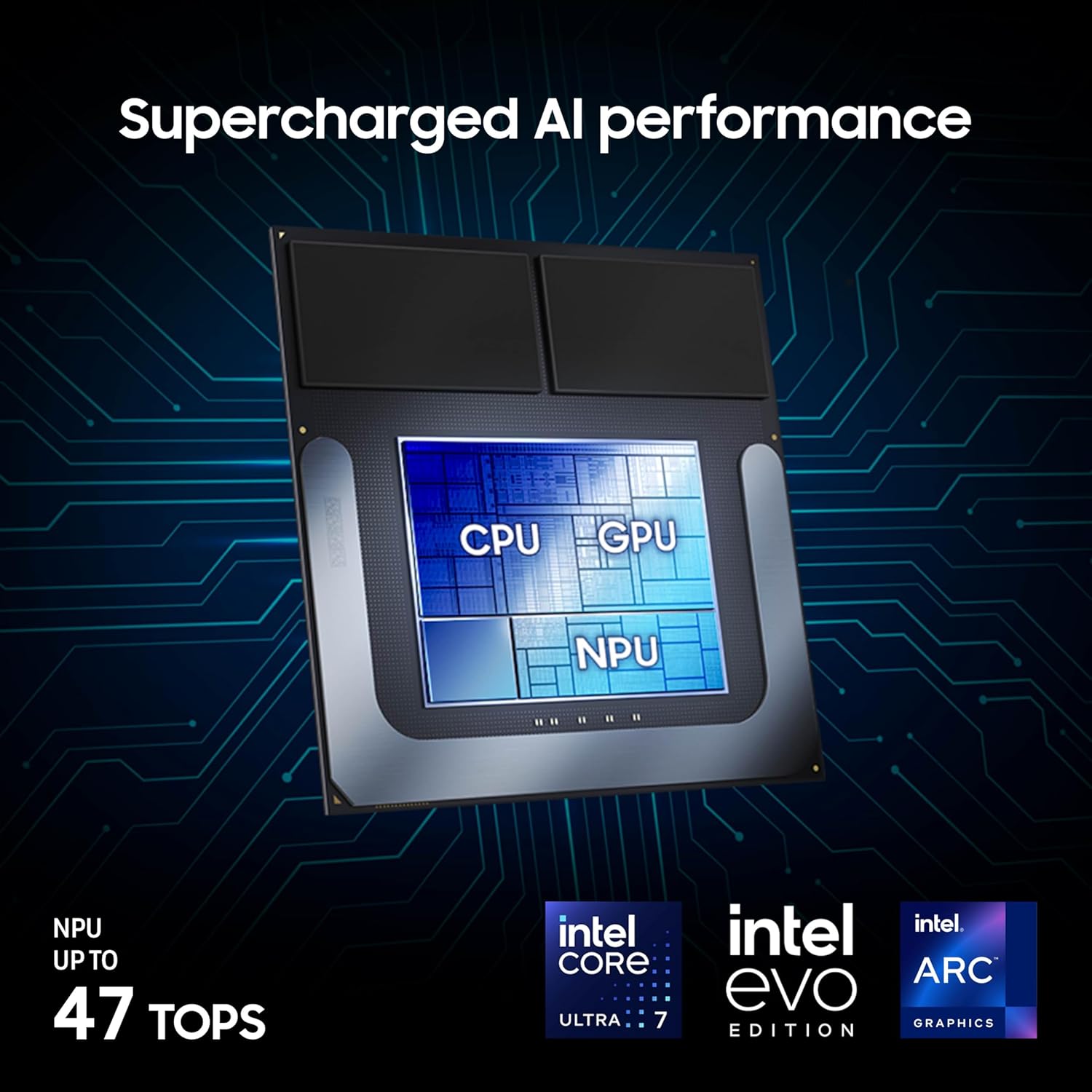
Performance claims in the listing are framed around the Intel Core Ultra 7 processor and Intel ARC graphics plus an AI neural processing unit (NPU) that “reaches as high as 47 TOPS.” That’s a technical headline, but the practical takeaway is: it’s built to run AI tasks as part of the Copilot+ PC experience.
What you’ll notice day to day
In everyday use, the “Pro 360” concept shows up in small moments: taking quick notes during a meeting, flipping to tablet mode for review, and using the touchscreen without fighting the interface. The inclusion of a dedicated AI key is also one of those design choices that can matter—when you’re in a rush, fewer steps to start Copilot-style help is genuinely convenient.
There’s also the Phone Link workflow. The listing claims you can sync your Galaxy phone to access AI features, call, text, and more without touching your phone. If you’re the type who constantly reaches for notifications or needs quick call/text access while working, this is exactly where the feature is supposed to help.
A micro example: imagine you record a class session or a brainstorming meeting, then later use Transcript Assist to turn it into written notes. From there, the listing says you can translate and summarize quickly—so instead of re-watching clips, you start with a draft summary you can refine.
Limitations to consider
This is one of those devices where the “AI business laptop” pitch comes with a condition: you’ll want to be using Copilot+ PC features and Samsung’s Galaxy AI workflows. If your work is mostly offline spreadsheets, basic email, and standard document editing, the AI emphasis could end up feeling like you paid for features you rarely touch.
Also, while the listing states it’s “lightest” within the Galaxy Book5 Series lineup and highlights durability and CNC aluminum, it doesn’t spell out specific durability testing details. So if you’re extremely rough on gear (frequent drops, heavy field work), it’s still worth thinking about your actual environment.
Tech specs
- Name: Samsung 16” Galaxy Book5 Pro 360 Copilot+ PC (2025 model) NP964QHA-KG2US
- Type: 2-in-1 touchscreen business laptop (Copilot+ PC)
- Processor: Intel Core Ultra 7 258V
- Memory: 32GB
- Storage: 1TB
- Display: 16" 3K AMOLED touchscreen
- Refresh rate: 120Hz
- Operating system: Windows 11 Pro
- Weight: 3.72 lbs
- Thickness: 12.7mm
- Material: CNC aluminum
- Color: Gray
- Graphics: Intel ARC graphics (as described)
- AI hardware: NPU (up to 47 TOPS as stated)
Who it’s for (and who should skip it)
It makes sense if you want a premium-feeling 2-in-1 with a top-tier screen, you’ll use a stylus for writing/drawing, and you’re actively interested in Copilot+ and Galaxy AI workflows. If your day involves meetings, lectures, multilingual notes, or lots of content drafting, Transcript Assist and the Copilot-style assistance are the kind of “time saved” features that can add up.
It might not be the best match if you mainly need a basic laptop for spreadsheets and web browsing, or if you don’t plan to use AI assistance regularly. In that case, you could end up paying for a lot of extra compute and AI software capabilities you won’t rely on.
Care & maintenance
Because it’s built around a touchscreen and S Pen note-taking experience, you’ll want to treat the display like the main interface it is. Use a soft microfiber for cleaning and avoid harsh chemicals on the screen. The aluminum body is the right material type for everyday travel, but keeping it clean from fingerprints (especially on the touchscreen) will help it stay responsive visually and tactically.
Is it worth it?
Buy the Samsung Galaxy Book5 Pro 360 if you value a 16-inch 3K AMOLED 120Hz touchscreen, want a genuine stylus workflow with included S Pen, and plan to use Copilot+ PC and Galaxy AI features like transcription-style notes and AI assistance. The portability plus durable CNC aluminum build is also a strong match for hybrid work.
Don’t buy it if you’re not likely to engage with Copilot+/Galaxy AI beyond occasional curiosity, or if your needs are strictly basic. In that scenario, the AI-first direction can feel like overhead rather than a daily benefit. A quick check of your real workflow—meetings, notes, and drafting versus simple tasks—will tell you whether this one fits.