


HP OmniBook 3 16-inch Laptop PC (16-by0199nr) with 2K Touchscreen
Product description
What it is
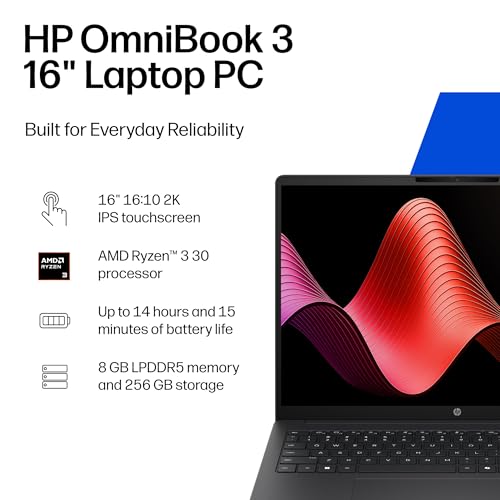
The HP OmniBook 3 16-inch Laptop PC is a compact, everyday Windows 11 machine designed for juggling work, streaming, and light creative tasks. With a 16-inch 2K IPS touchscreen, Ryzen 3 30 processor, 8 GB RAM, and a 256 GB PCIe NVMe SSD, it aims to balance responsiveness with enough storage for everyday use.
How it performs
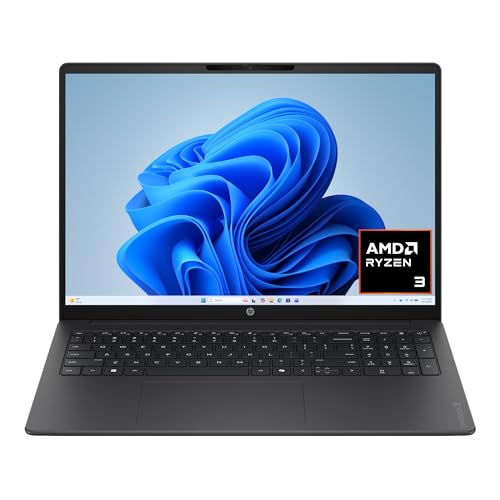
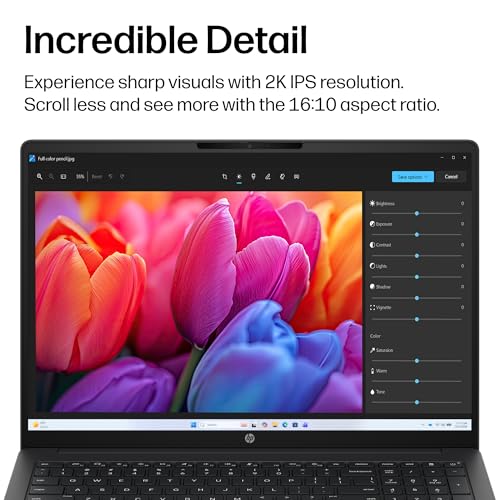
On paper, the Ryzen 3 30 delivers steady multitasking and casual productivity, while the Radeon 610M GPU adds smoother visuals for media and light gaming or photo edits. The 2K touchscreen promises crisp detail and wide viewing angles, which helps when browsing, editing, or consuming media. Storage is brisk with the 256 GB SSD, and RAM is ample for day-to-day tasks, though you may notice limits with very large projects or a heavy browser load.
Battery life and charging
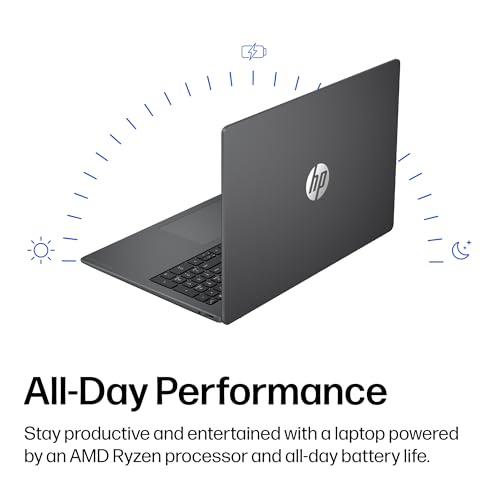
You can expect up to 14 hours and 15 minutes of battery life under typical usage, with HP Fast Charge capable of going from 0 to 50% in about 45 minutes. This makes it a practical choice for commuting or long study sessions, but real-world endurance will depend on brightness, workload, and wireless usage.
Graphics and display notes
The integrated AMD Radeon 610M graphics provide smoother entertainment and adequate performance for streaming and multitasking. If you prioritize color accuracy and a responsive touch experience for everyday tasks, the 2K IPS panel is a meaningful upgrade over standard HD displays in this segment.
Memory, storage, and upgradability
With 8 GB of LPDDR5 RAM, the laptop handles everyday tasks comfortably and benefits from the fast NVMe SSD for snappy boot and load times. However, workloads that involve heavy multitasking or large local libraries may feel constrained over time, and you’ll want to manage background processes to keep workflows smooth.
Connectivity and software
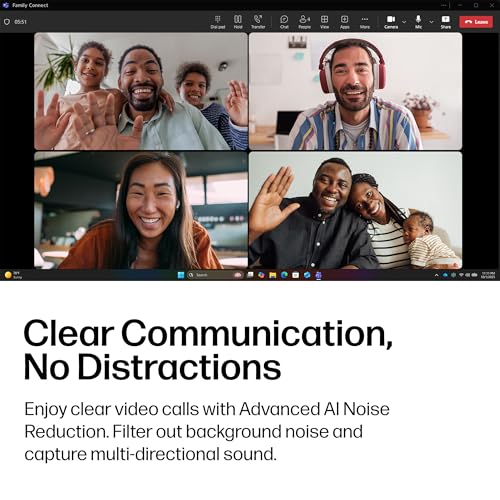
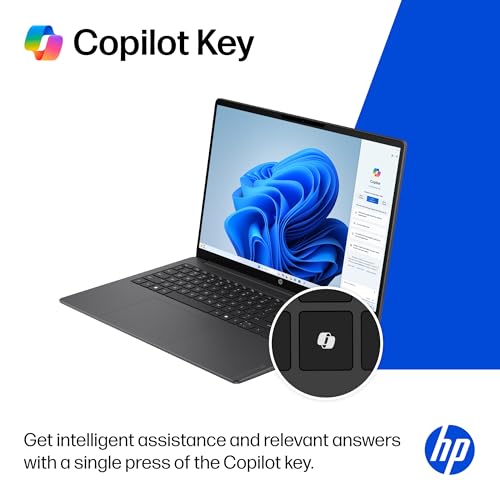
Built-in Wi‑Fi 6 and Bluetooth 5.4 support speeds and range for modern networks and accessories. It ships with Windows 11 Home and includes a Copilot key for quick access to AI-powered features. The AI noise reduction and conference-call optimizations can help keep calls clear, though performance depends on ambient noise and mic placement.
Design and build context
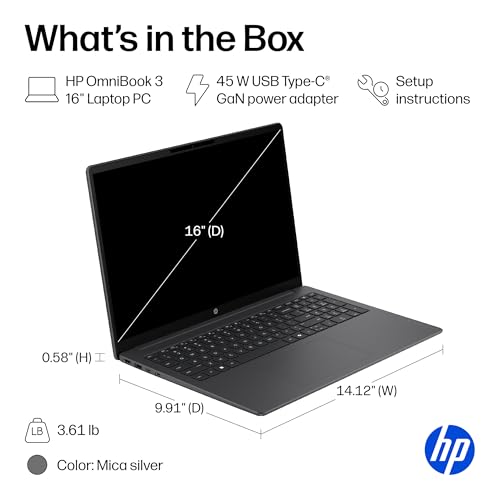
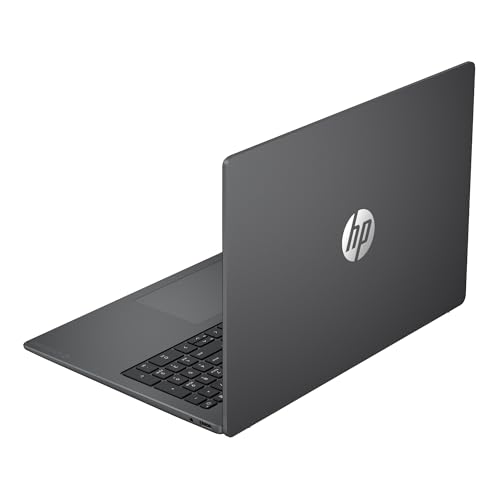
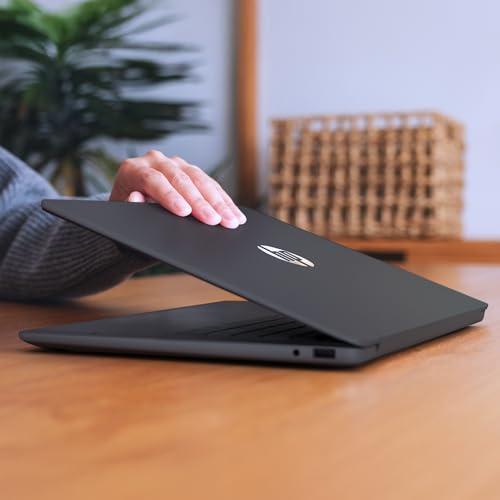
The Mica Silver finish gives it a clean, modern look, while the 16-inch form factor strikes a balance between workspace real estate and portability. As with most entry-to-midrange laptops, consider a protective sleeve or a dedicated storage bag if you transport it daily.
Who it’s for (and who it isn’t)
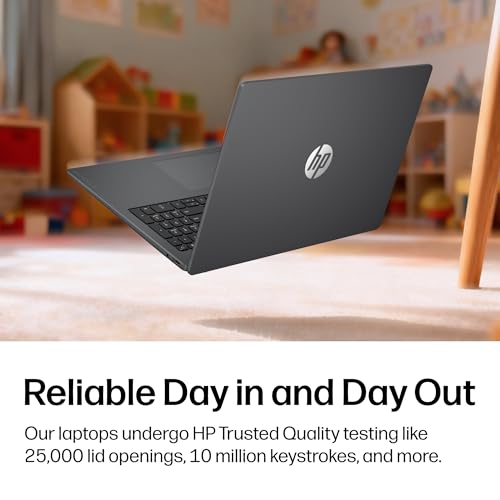
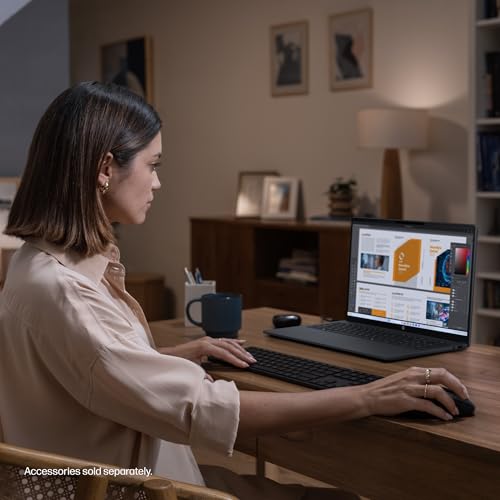
This model is a reasonable fit for students, remote workers, and casual creators who want a larger touchscreen experience without stepping up to a premium price. If your workflow leans heavily on sustained, heavy-duty multitasking, advanced rendering, or large local media libraries, you may want to look for more RAM or a model with a higher-performance processor.
What to check before buying
- Verify that you’re comfortable with 8 GB RAM for your typical multitasking load.
- Confirm that the 256 GB SSD aligns with your storage needs, consider external storage if you have large media collections.
- If you rely on battery life for full-day sessions, run through your typical usage profile to gauge real-world endurance.
- Ensure the display meets your expectations for brightness and color in your usual environments.
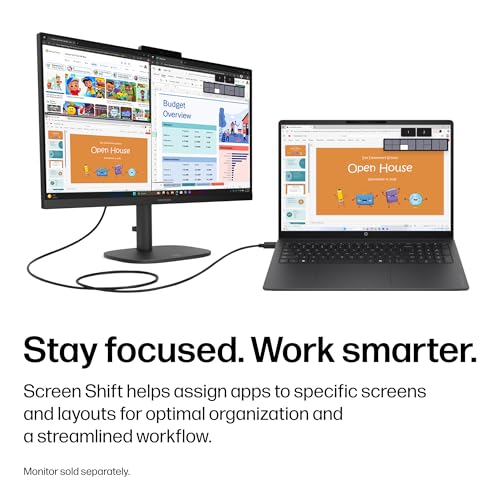
Practical usage snapshot
Imagine editing photos for a weekend project while streaming a playlist in the background. The 2K touch panel makes navigation smooth, and the laptop handles light editing and browsing without noticeable stuttering. When you’re in a coffee shop with spotty Wi‑Fi, the Wi‑Fi 6 module helps keep you connected more reliably than older laptops.
FAQ (driven by available data)
- Does the 2K touchscreen affect battery life? Battery life is listed up to 14h15m, but actual life will vary with display brightness and task mix.
- Is 8 GB RAM enough for daily use? For everyday tasks and light multitasking, yes, heavy multitasking or large local libraries may demand more headroom.
- Can I upgrade storage or memory later? The base data doesn’t specify upgrade options, plan based on current specs and your storage needs.
Final buying decision
Is it worth it? It makes sense if you want a larger touchscreen daily driver with solid battery life for typical productivity, media consumption, and light creative work, and you’re comfortable with entry-level RAM. If you need sustained heavy multitasking or professional-grade graphics work, you may want to consider models with more RAM and a more powerful CPU.