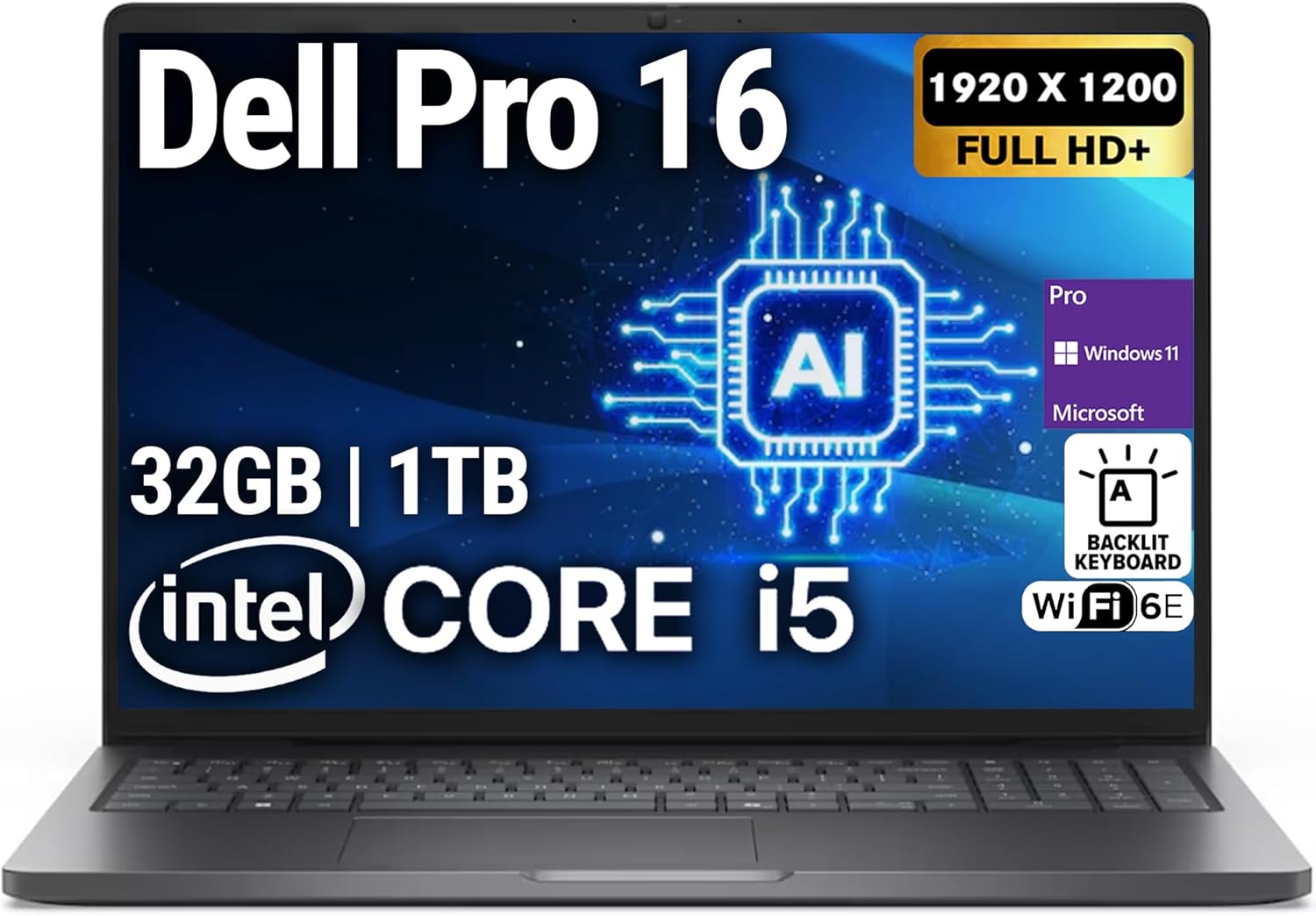
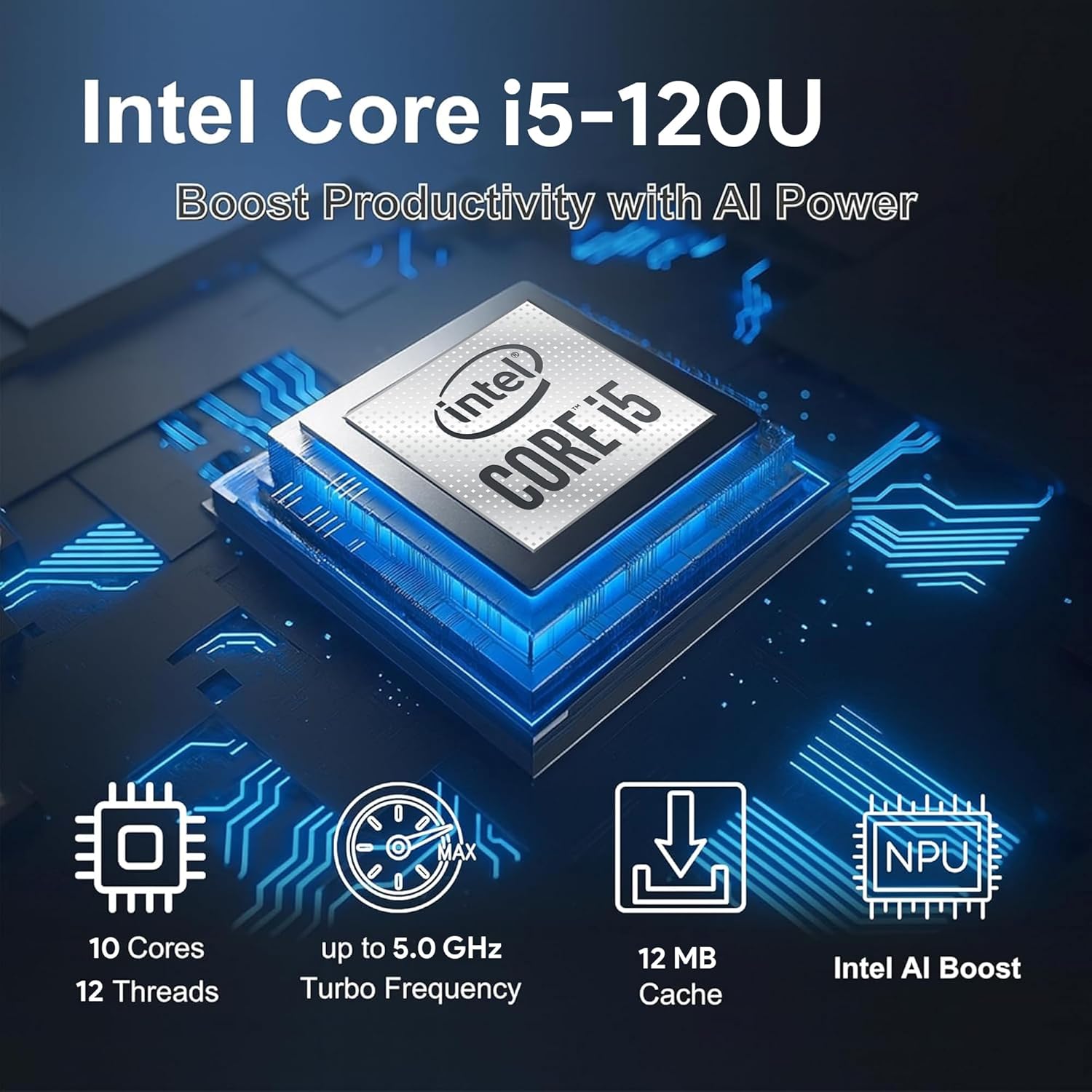
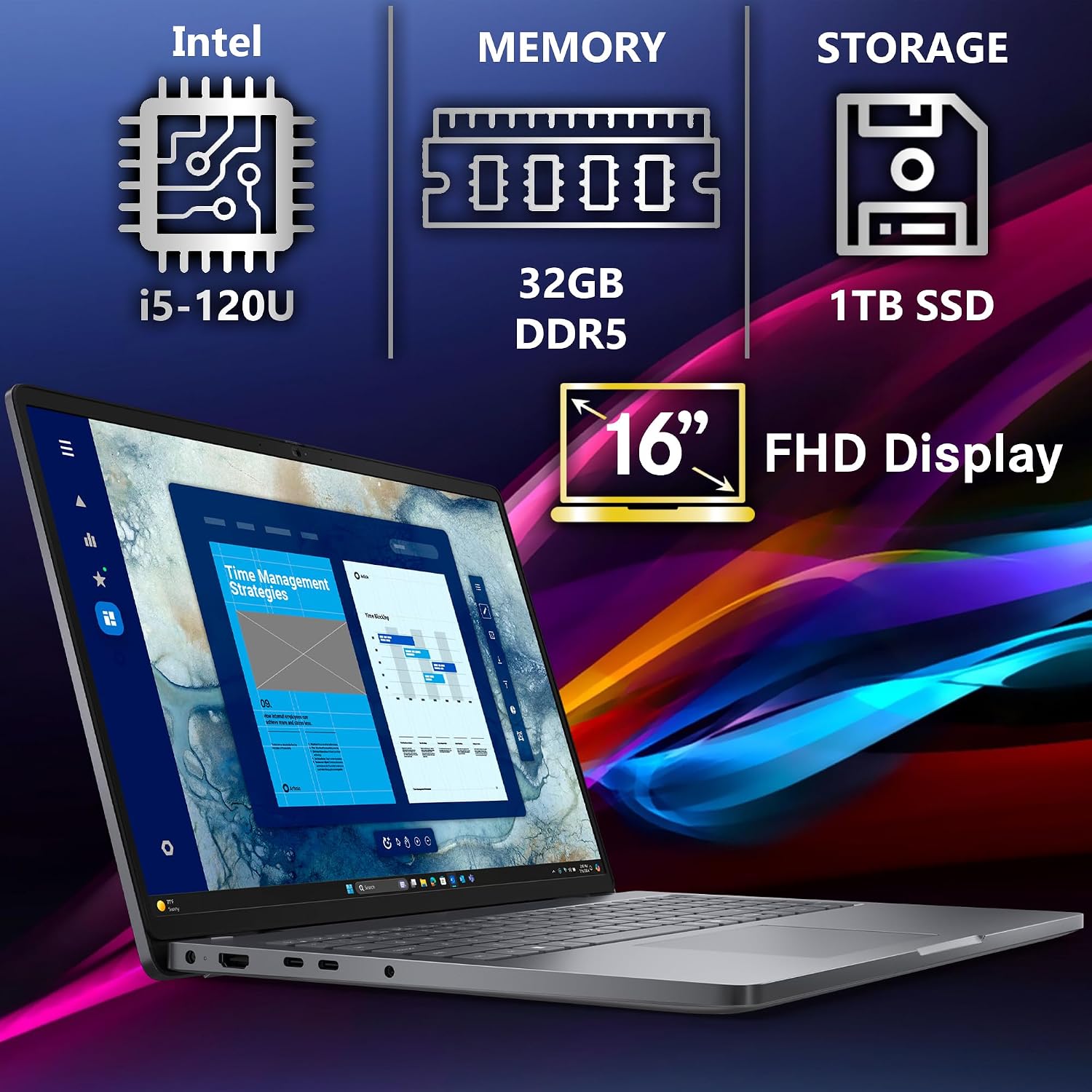
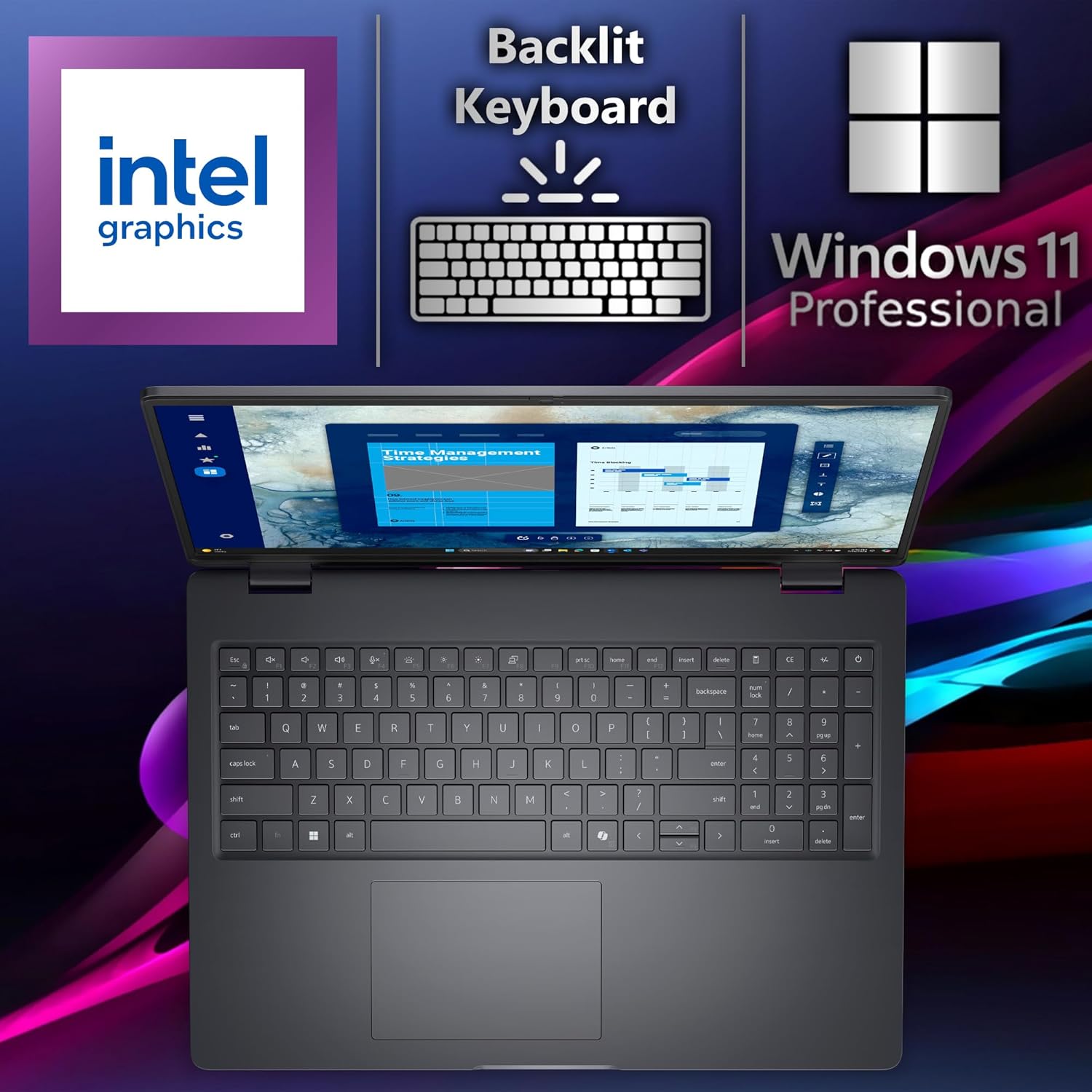
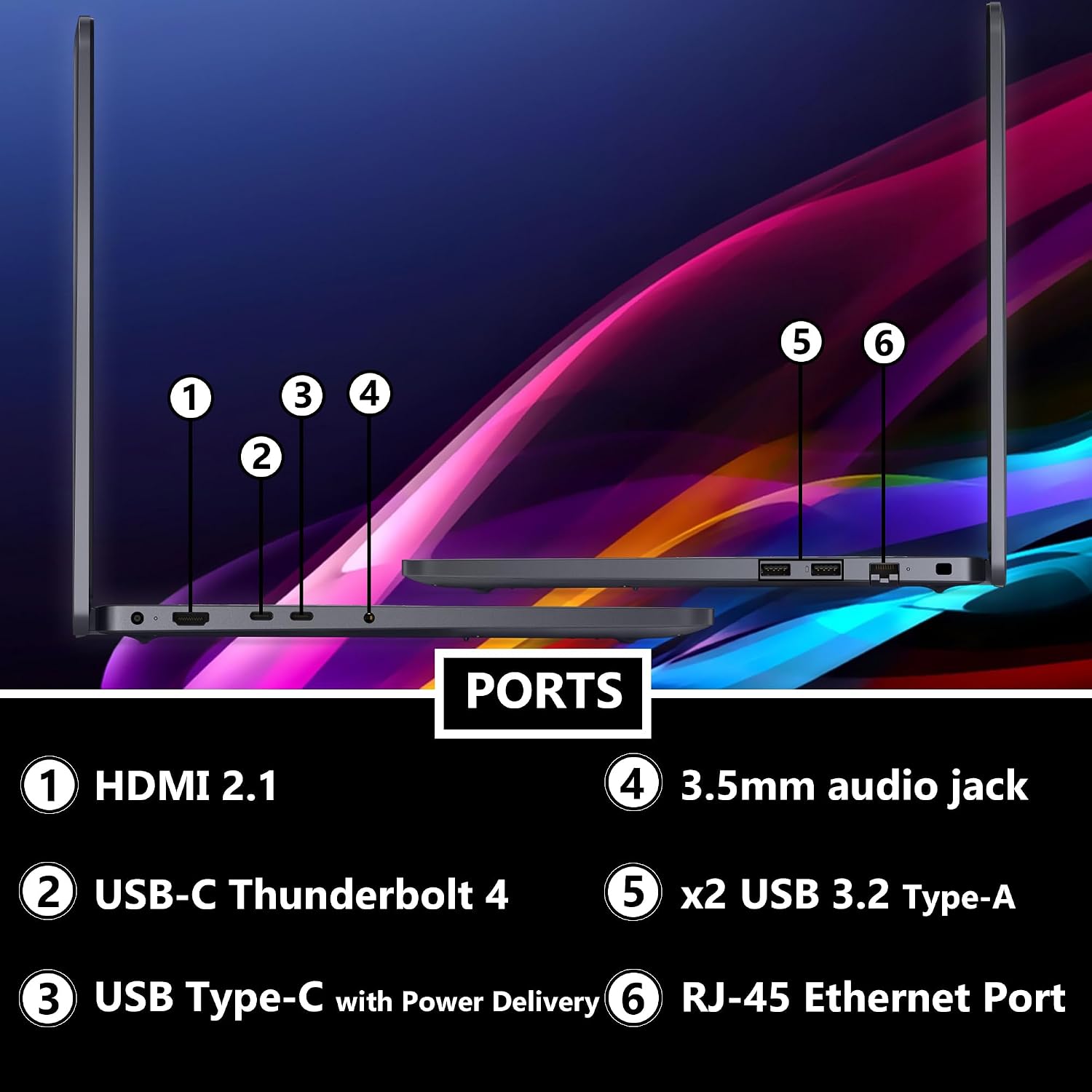
What this is and what it aims to solve\n\nThe Dell Pro 16 (Next-gen Latitude 3550) is a business-focused 16-inch laptop designed to keep professionals productive across multitasking, conferencing, and everyday computing. On paper, it pairs a capable Intel Core i5-120U processor with 32GB of DDR5 RAM and a 1TB NVMe SSD, offering solid headroom for typical office workloads, data-heavy tasks, and light creative work. The 16" FHD+ display (1920 × 1200) promises clearer visuals with improved brightness and contrast for long work sessions, presentations, and video calls. If your day revolves around documents, spreadsheets, video meetings, and rapid file access, this model is positioned as a practical all-rounder rather than a dedicated creative powerhouse.\n\n## How it feels in everyday use\nThe laptop emphasizes responsiveness and multitasking efficiency. With 32GB DDR5 RAM, switching between multiple apps or browser tabs should feel smoother than lower-RAM configurations, and the 1TB NVMe SSD is designed to cut boot times and reduce wait times when opening large files. The inclusion of Windows 11 Pro aligns with business needs like security, virtualization, and remote work, while Wi-Fi 6E and Bluetooth provide modern wireless connectivity. A backlit keyboard helps in low-light environments, and the HD webcam plus dual-array microphones support online meetings with clearer voice capture.\n\n## Strengths you’ll notice day to day\n- Ample memory and storage for heavy multitasking and local file storage.\n- Large 16" display offers more screen real estate for spreadsheets, dashboards, and multitasking layouts.\n- Modern wireless stack (Wi-Fi 6E) aims at stable connections in busy environments.\n- Windows 11 Pro supports business features like BitLocker, virtualization, and enterprise management.\n- Backlit keyboard and good webcam setup help with after-hours calls and remote work.\n\n## What could be a limitation\nThis is not a high-end graphics machine, so expect integrated graphics to handle everyday visuals and light design work, but it isn’t aimed at GPU-heavy tasks or advanced 3D work. Depending on your use case, you might still want to optimize for battery life or portability if the 16" chassis becomes a constraint on the go. Also, exact warranty terms beyond “1-Year Manufacturer” are not detailed here, so verify coverage specifics if extended protection matters to you.\n\n## Who it’s for\n- Business professionals and hybrid workers who need solid multitasking, fast local storage, and reliable conferencing capabilities.\n- Educators and students who handle large datasets, virtual classes, and collaborative projects locally.\n- Small teams seeking a durable laptop with modern wireless and security features for everyday productivity.\n\n## Who it’s not ideal for\n- Users prioritizing top-tier graphics performance or gaming.\n- Those who require ultra-compact travel-friendly form factors or longer battery life in mobile scenarios, given the 16" size.\n- Buyers who want exhaustive warranty details up front without asking for vendor confirmation.\n\n## When it makes sense to buy\nIf you value a balanced suite: a big display for productivity, plenty of RAM and fast storage for smooth multitasking, and robust conferencing and security features, this model can be a sensible pick. It’s particularly reasonable if your work involves frequent Zoom meetings, desktop-style documents, and local file workflows where speed matters.\n\n## When you might want to pass\nIf you need dedicated GPU power for design, video editing with heavy effects, or gaming, you’ll probably outgrow the integrated graphics. If portability and battery life are your top priorities, consider alternative configurations or models with a smaller footprint.\n\n## What to check before buying\n- Confirm the exact display brightness and color accuracy if visuals matter for your tasks.\n- Review the warranty terms and any available extensions or business-focused services.\n- Consider your typical remote work setup: does the port selection (RJ-45, USB-C/USB-A, etc.) align with your peripherals?\n- Assess battery expectations based on your daily workload and how often you’ll be unplugged.\n\n## Practical usage example\nImagine opening a project in multiple apps: a data-heavy spreadsheet, a browser with research tabs, a video call, and a design reference image all visible at once. with 32GB RAM, you should experience smooth switching, data access from the 1TB SSD is snappy, and the bright 16" screen helps keep details legible through long work sessions and meetings.\n\n## Technical snapshot (brief)\nThe device ships with an Intel Core i5-120U processor, 32GB DDR5 RAM, 1TB NVMe SSD, and a 16" FHD+ display. It supports Wi-Fi 6E + Bluetooth, a backlit keyboard, HD webcam, stereo speakers, dual-array microphones, and Windows 11 Pro.\n\n## Final verdict\nFinal verdict: If you’re seeking a well-rounded business laptop with strong multitasking capability and a comfortable display size, the Dell Pro 16 (Next-gen Latitude 3550) offers a compelling balance of speed, storage, and connectivity. It competently covers everyday professional needs, though it’s not marketed as a premium creator or gaming device. It’s worth considering if your workflow benefits from ample RAM, fast storage, and a robust conferencing setup.\n\n## FAQ (quick answers)\n- Does it support upgradeable components beyond what’s listed? The provided specs emphasize 32GB RAM and 1TB SSD, check with the seller for upgrade options.\n- Is Windows 11 Pro necessary for my workflow? For business features like security management and virtualization, Pro is advantageous, home-use features may be sufficient for lighter tasks.\n- How does the 16" display impact portability? It enhances productivity but adds weight and footprint, evaluate your travel needs against desk-based work.\n