


HP OmniBook 3 17.3-Inch Laptop PC (17-dp0199nr) Review
Reviews
Price
Product description
What it is and who it’s for
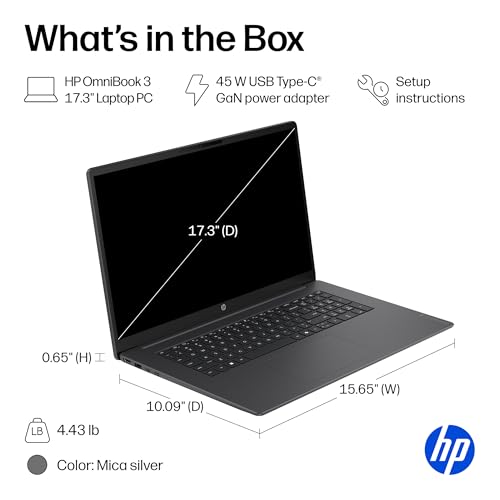
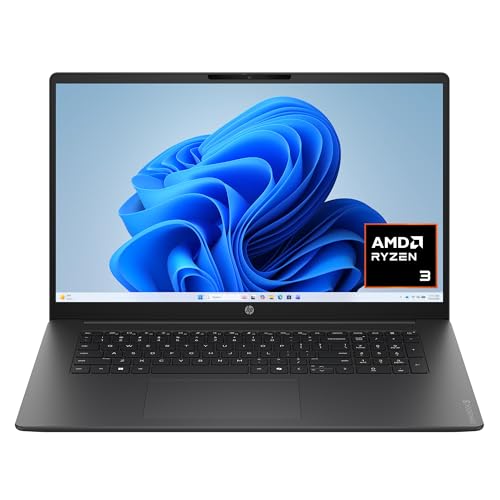
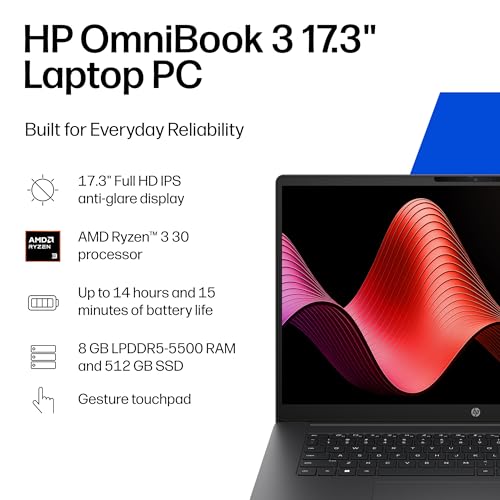
The HP OmniBook 3 is a 17.3-inch Windows 11 Home laptop designed for everyday multitasking, media streaming, and light photo editing. With a Ryzen 3 30 processor, 8 GB of RAM, and a 512 GB PCIe NVMe SSD, it targets users who want a large screen for productivity and casual entertainment without stepping into high-end performance territory.
What stands out
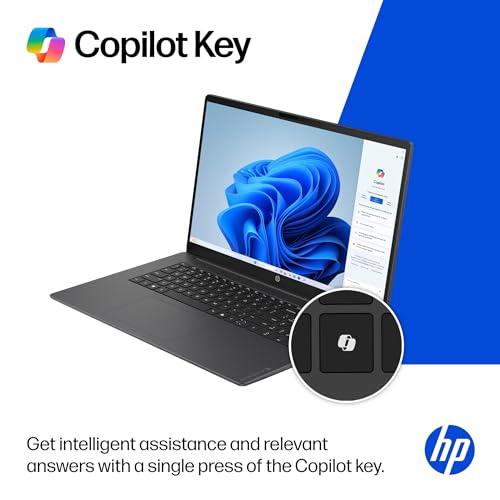
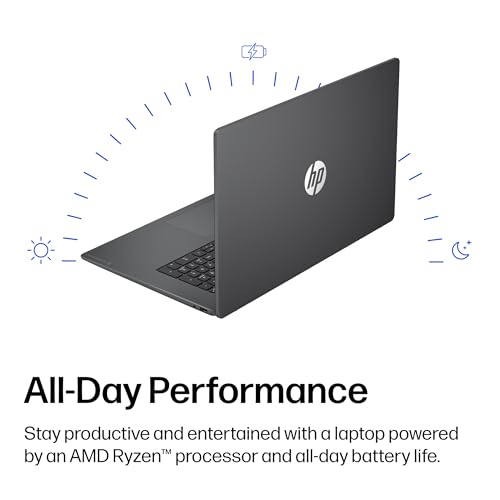
On paper, the combination of a 17.3" Full HD IPS display and the Radeon 610M graphics promises smooth video playback and everyday visuals. The battery life claim of up to 14 hours and 15 minutes offers a strong promise for all‑day use away from power outlets. Fast charging helps you get back to work quickly, and Wi‑Fi 6 plus Bluetooth 5.4 support keeps connectivity snappy for video calls and streaming. The machine ships with Windows 11 Home and a Copilot key for quick access to AI-assisted features.
Everyday performance and usability
The Ryzen 3 30 processor plus 8 GB RAM is suitable for web browsing, office suites, and casual multitasking. The 512 GB SSD contributes to faster boot times and snappy file access compared with traditional hard drives. However, 8 GB RAM may feel tight if you routinely run many heavy apps or browser tabs. The Radeon 610M graphics are capable for streaming and light creative work, but this setup isn’t meant for demanding gaming or GPU‑accelerated workloads.
Display, input, and multimedia
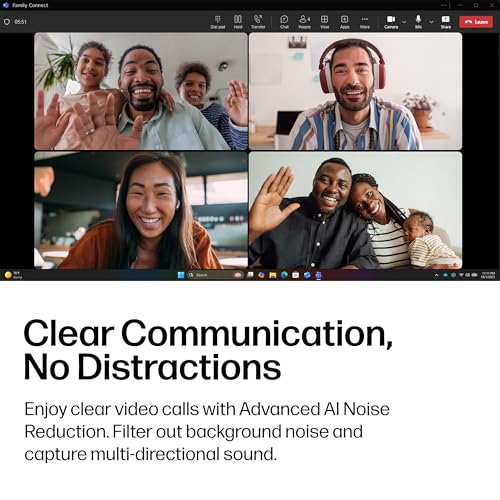
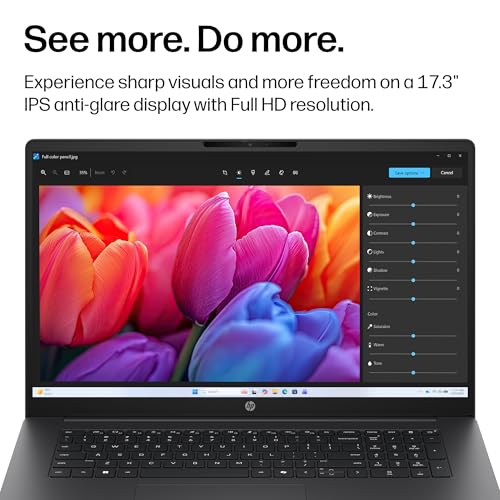
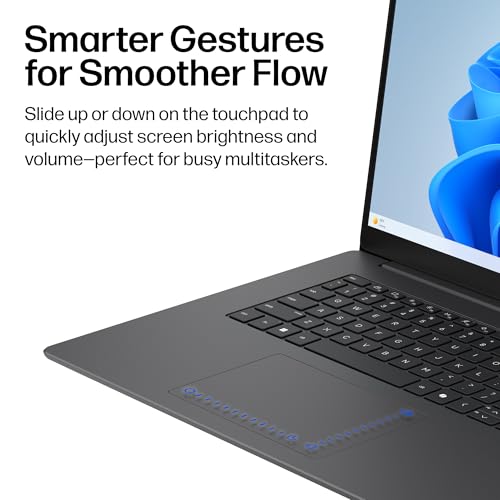
A 17.3" Full HD IPS panel provides wide viewing angles and clear images, which helps with video calls and collaborative work. The built-in FHD camera with HDR auto-switch aims to balance color and contrast during video conferencing. The keyboard and trackpad should support comfortable typing sessions, though long hours may reveal the familiar trade-off of a laptop this size in portability.
Battery life and charging
Claimed battery life of over 14 hours positions this model for long days away from outlets. HP Fast Charge promises a 0–50% recharge in about 45 minutes, which can be a real advantage during busy travel days or back-to-back meetings. Real-world endurance will depend on screen brightness, workload, and background apps.
Storage, memory, and expandability
With 512 GB of PCIe NVMe storage, you get fast startup times and reasonable capacity for documents, media, and apps. The 8 GB RAM configuration handles typical productivity tasks, but heavy multitaskers may benefit from an upgrade if available on this model. Check whether there are easy upgrade paths or whether RAM is soldered.
Connectivity and software
Wi‑Fi 6 and Bluetooth 5.4 enable modern wireless performance for videoconferencing and streaming. Windows 11 Home brings a modern interface and Copilot integration for assisted workflows. If you rely on specific enterprise features or certain software suites, verify compatibility with Windows 11 Home on this device.
Pros and cons at a glance
- Pros: Large display for productivity and media, solid battery life with rapid charging, capable integrated graphics for casual use, fast storage, modern wireless connectivity, AI-assisted features via Copilot key.
- Cons: 8 GB RAM may feel limiting for heavy multitasking, not ideal for demanding creative or gaming workloads, real-world performance depends on cooling and sustained workloads, upgrade options may be constrained.
Who it’s for and who should look elsewhere
This laptop fits someone who values screen real estate for work, video calls, and light multimedia at a reasonable price point. It’s appealing if you’re often mobile and want long battery life without regular recharging. If your typical tasks include heavy photo/video editing, 3D rendering, or modern gaming, you’ll likely want more RAM and stronger GPU options.
When it makes sense to buy
- You need a large screen for document review, spreadsheets, or media consumption.
- You want long battery life and fast charging for travel or commuting.
- You prefer a straightforward Windows 11 Home setup with AI assistance features.
When to reconsider
- If you routinely run memory-intensive apps or multiple heavy programs simultaneously.
- If you require high-end graphics performance for demanding creative or gaming tasks.
- If upgrade options are a deciding factor and you need more RAM or storage flexibility.
What to check before buying
- Confirm RAM upgrade options and any limitations for this specific model.
- Check real-world battery life reports (brightness setting, Wi‑Fi usage, video playback).
- Ensure the keyboard and trackpad feel comfortable for your typing pace and grip.
- Consider how you’ll manage portability given the 17.3" form factor and weight.
Practical use example
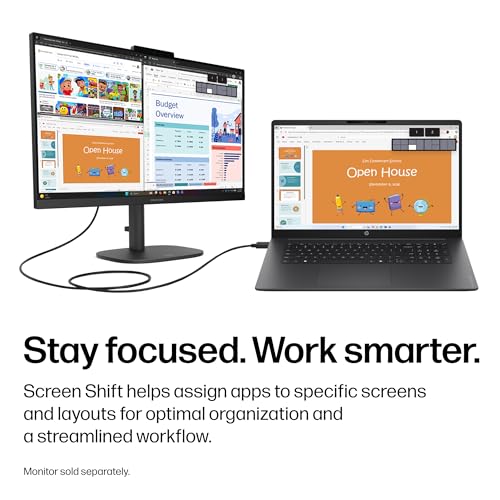
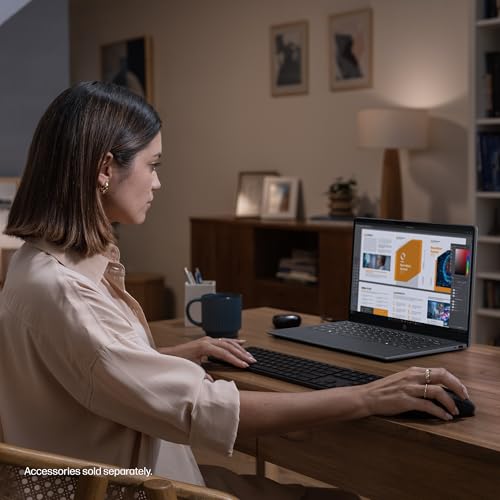
Imagine a day of back-to-back virtual meetings, a spreadsheet-heavy work session, and a movie in the evening. The OmniBook 3’s big display makes it easy to view complex spreadsheets side by side with chat windows, while the Fast Charge feature helps you squeeze in a quick top-up during a lunch break. The FHD camera with HDR helps you look more natural on calls, though you may notice some fan activity if you push multitasking to the limit.
FAQ
- How does the AMD Radeon 610M handle casual gaming and streaming? It handles everyday streaming and casual games smoothly, but don’t expect high frame rates on modern titles.
- Is 8 GB RAM sufficient long-term? For light to moderate multitasking, yes, if you multitask heavily or keep many browser tabs open, an upgrade could help.
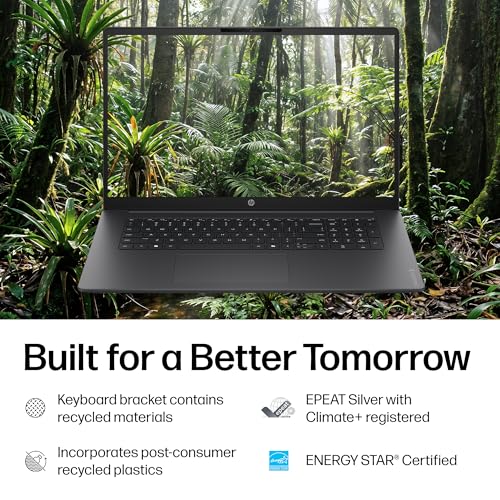
- What’s the general durability and build like? The model notes emphasize energy efficiency and climate considerations, but real-world durability depends on handling and usage patterns.
Is it worth it?
A solid pick if you prioritize a large display, long battery life, and a balanced everyday performance for daily work and media consumption. It may fall short for users who need advanced multitasking with many heavy applications or high-end graphics work.