

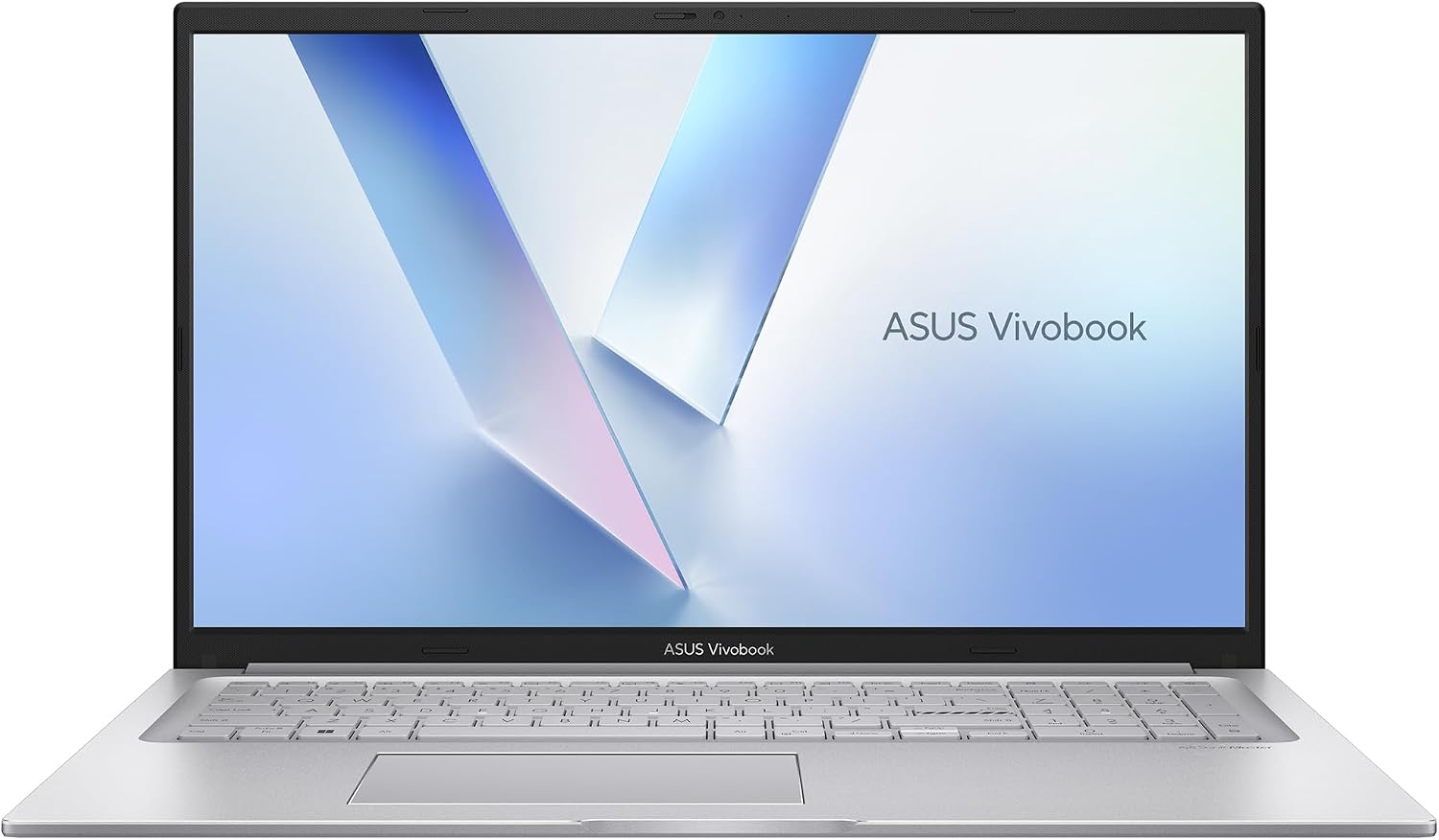
ASUS Vivobook 17 Laptop (F1704VAP-ES77) – 17.3” FHD, Intel Core 7 150U, 16GB RAM, 1TB SSD, Windows 11 Home
Product description
What it is
The ASUS Vivobook 17 is a 17.3-inch laptop designed to handle everyday tasks with a focus on speed, comfort, and practicality. With an Intel Core 7 150U processor, 16 GB of RAM, and a 1 TB SSD, it aims to balance performance for work, study, and entertainment on Windows 11 Home. The 17.3” Full HD display promises clear visuals for reading, streaming, and light creative work, while a broadband set of ports and wireless connectivity support a flexible work-from-anywhere setup.
Performance and daily use
On paper, the combination of a capable CPU, ample memory, and fast storage should deliver smooth multitasking for typical daily routines—web browsing, document editing, video playback, and light photo or video editing. If you regularly juggle several apps or tabs, the 16 GB RAM helps keep interruptions to a minimum. However, it’s worth keeping expectations aligned with the target use: this configuration is solid for everyday life rather than power-heavy workloads that demand sustained compute or professional-grade rendering.
Display and visuals
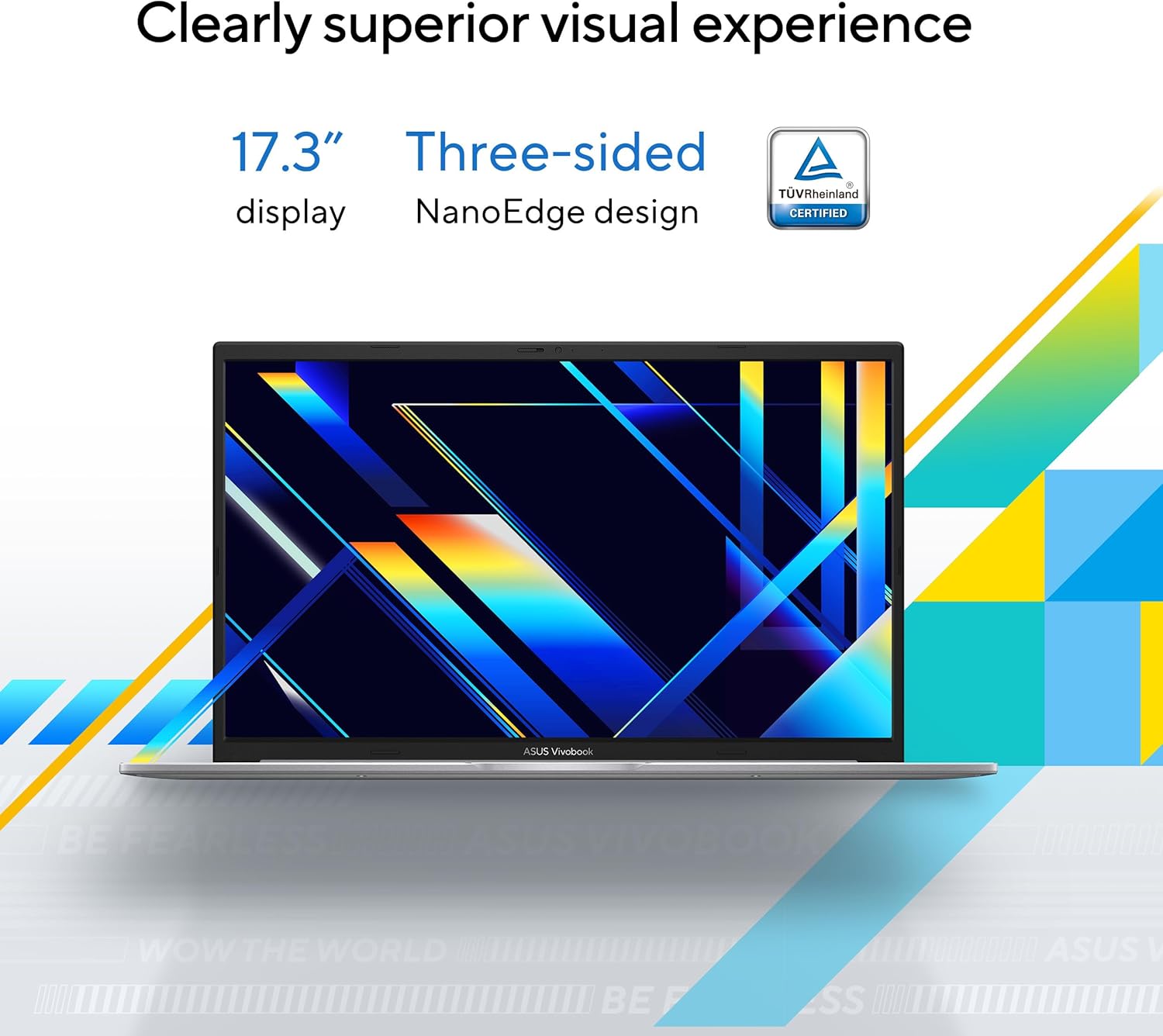
The 17.3” FHD panel offers a comfortable viewing footprint for long sessions and collaborative work. The slim-bezel design helps maximize screen real estate, which can feel more immersive when watching videos or following along with tutorials. TÜV Rheinland eye-care certification is a practical signal that the display is tuned to reduce eye strain during extended use. If you’re sensitive to color accuracy for photo workflows, know that this is a consumer-focused panel rather than a color-critical creator screen.
Audio and multimedia
Audio is described as clear, with a fuller soundstage thanks to tuned amplification. For casual movie nights, video calls, or gaming, the combination of display and audio quality should offer a balanced, engaging experience—without needing external speakers in most rooms.
Keyboard and input
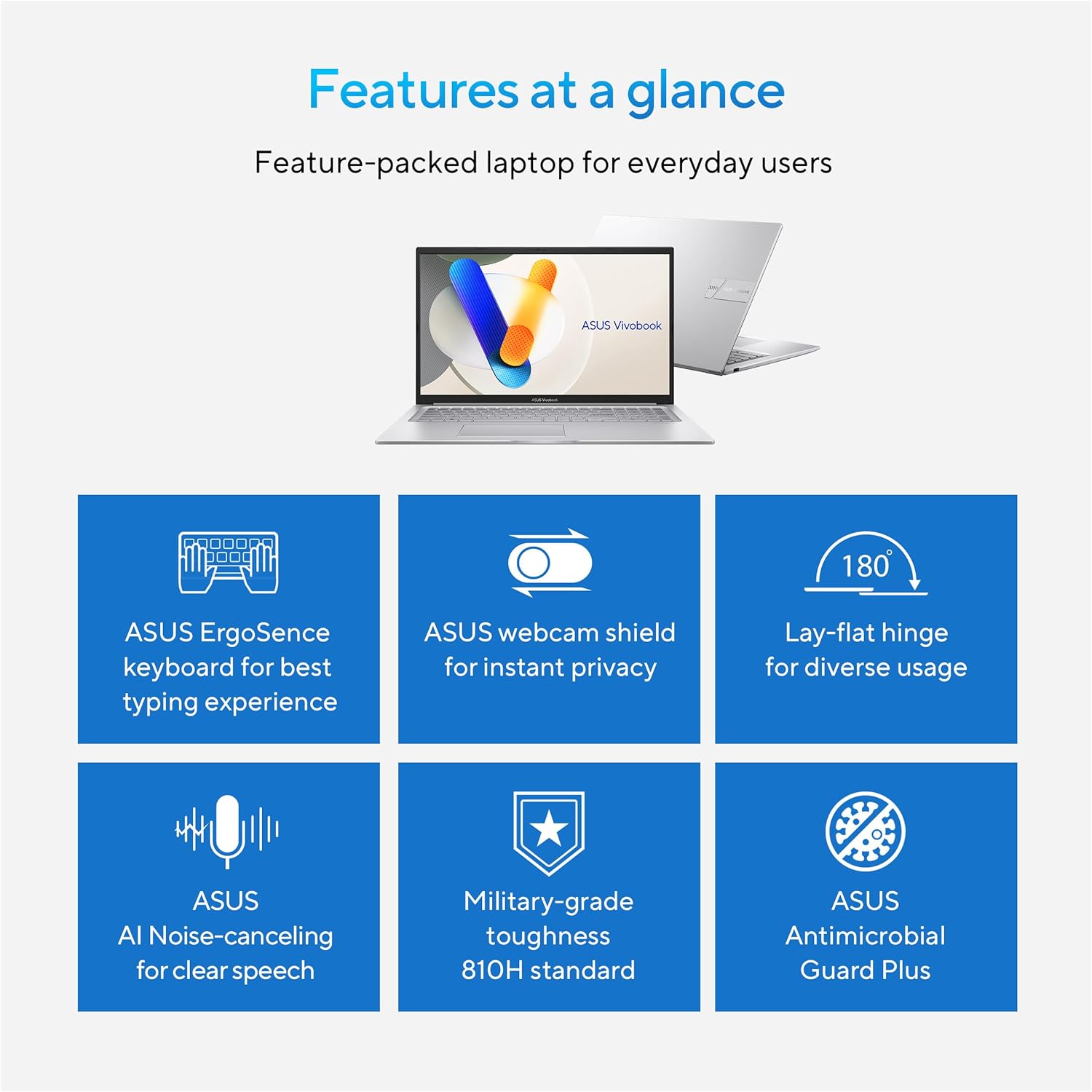
The ErgoSense keyboard emphasizes comfortable key bounce and travel, plus numeric keys, which can speed up data entry and numeric-heavy tasks. The layout aims to feel natural for extended typing sessions, though real-world comfort depends on your personal touch and preferred key height.
Design and durability
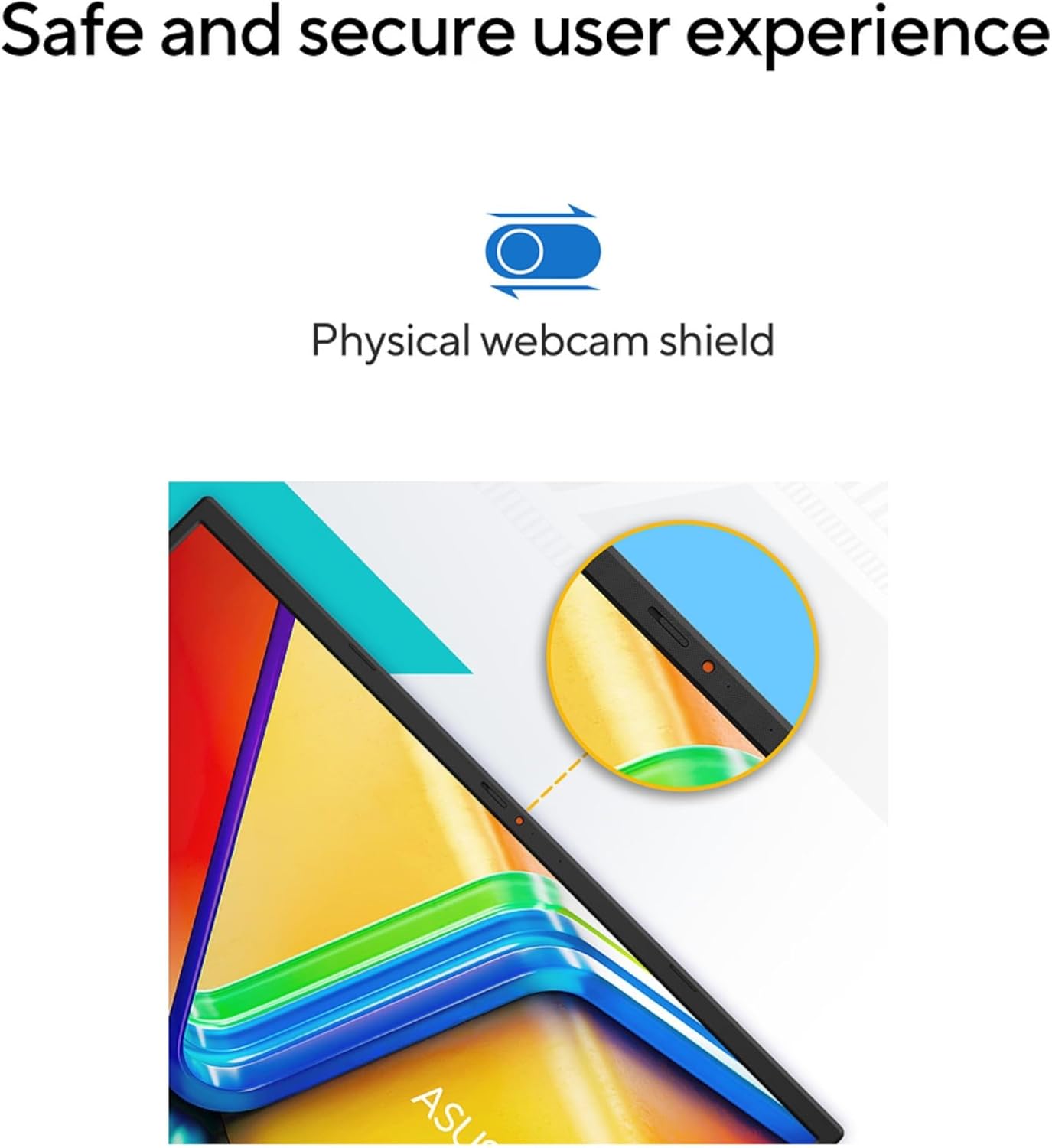
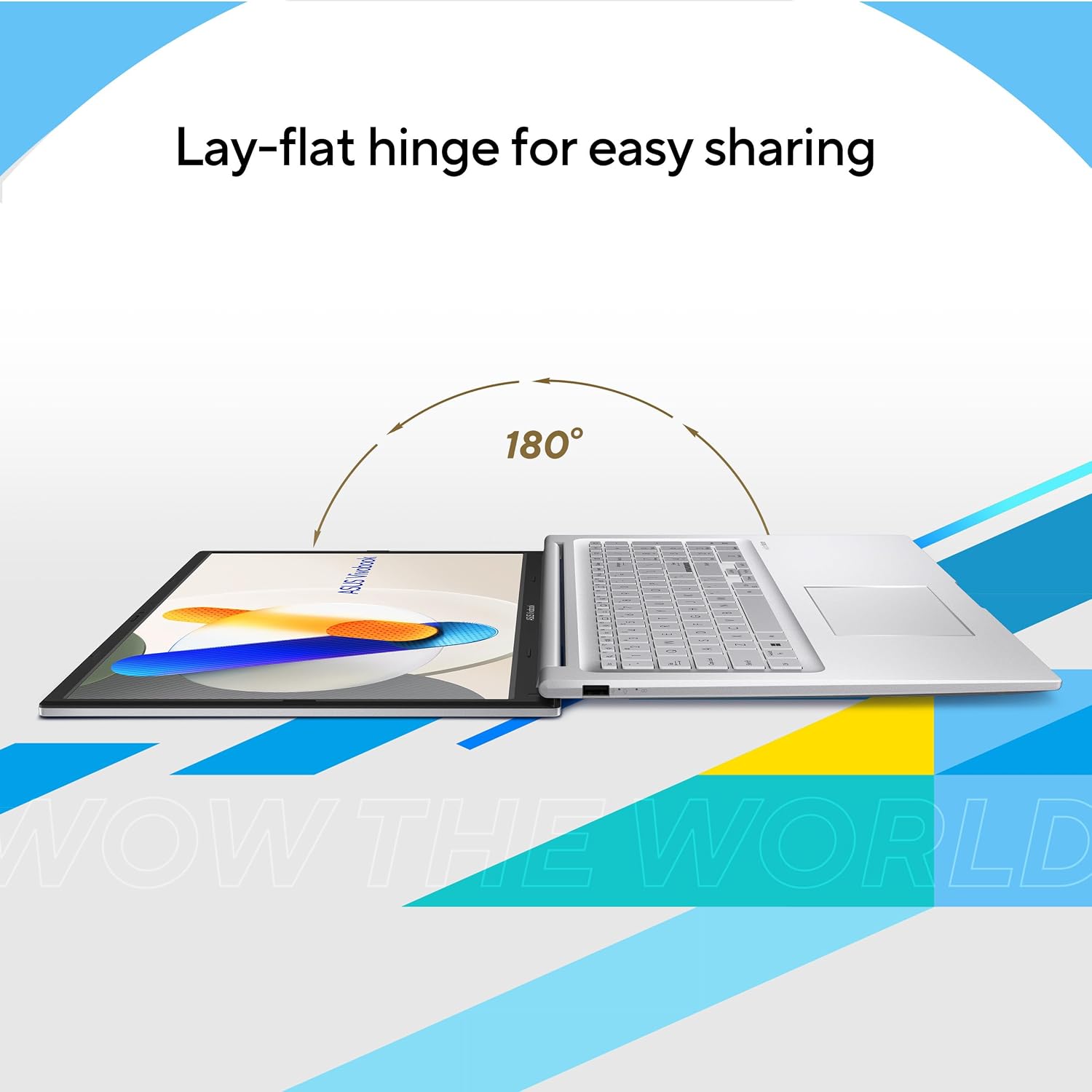
The VivoBook line emphasizes a practical, everyday design. It’s built to withstand regular use and the form factor is generally portable for a 17-inch class laptop. The description notes a lay-flat hinge and webcam privacy cover, which contribute to collaborative use and privacy without extra accessories.
Connectivity and expandability
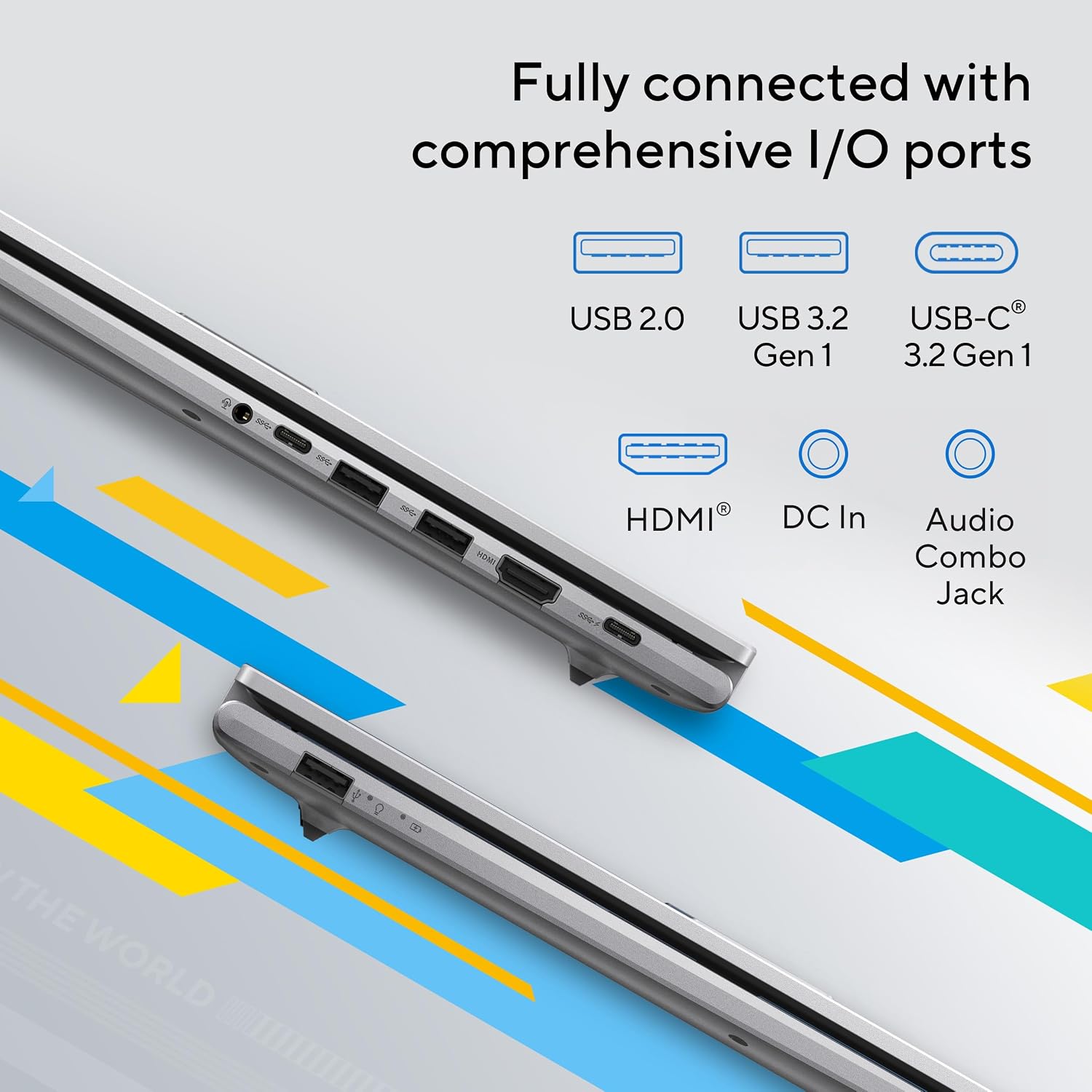
A flexible mix of USB Type-A and Type-C ports, along with HDMI, a combo audio jack, and DC-in, supports a straightforward setup with multiple displays or peripherals. If you rely on external drives or docks, the Gen of ports is typically adequate for a home or student workspace. Speedy Wi-Fi 6 helps with smooth video calls and streaming on busy networks. It may not be the lightest option for frequent travel, given the 17-inch footprint, but it trades portability for a larger screen and comfortable typing.
Who it’s for
This machine seems well-suited for students, home office users, and everyday multimedia fans who want a large screen, solid multitasking capability, and a straightforward Windows 11 experience. If you prioritize a large display for documentation, spreadsheets, or casual content creation and don’t need extreme portability, this model aligns with that use case.
When it may fall short
If your work involves sustained professional workloads like advanced 3D rendering, large-scale video editing, or heavy data analysis, you may notice limits in thermal headroom and sustained CPU performance. Also, color-critical tasks (professional photo or video work) might prefer a display with stronger color calibration and accuracy. Real-world battery life will depend on usage, but a 17-inch laptop of this class often prioritizes screen real estate over all-day mobility.
What to check before buying
Inspect the display for uniform brightness and aging, test the keyboard comfort for your typing style, and confirm the ports align with your peripheral needs. Consider how you’ll use it: if you often work away from outlets, you’ll want to estimate battery life for your typical workload. Review the webcam cover and privacy features to ensure they meet your privacy expectations during calls.
Practical use example
Imagine you’re compiling a semester-long project with multiple sources open, several spreadsheets, and a video to edit in a light editor. The large screen helps keep windows accessible side-by-side, while 16 GB RAM keeps apps from stepping on each other. When you need to transfer large files, the 1 TB SSD reduces wait times compared to older hard drives, and Wi-Fi 6 keeps downloads and cloud syncing snappy.
FAQ
- How does the display affect eye comfort during long sessions? The TÜV Rheinland eye-care certification suggests reduced eye strain during extended use, especially in brighter environments.
- Is the keyboard comfortable for long typing sessions? The ErgoSense design aims for good key bounce and travel, with numeric keys for faster data entry, though comfort varies by user.
- Can it handle everyday tasks plus light multitasking? Yes, for typical daily use—web, documents, media—with 16 GB RAM providing a smoother multitasking experience than models with less memory.
Is it worth it?
Worth considering if you prioritize a large screen, comfortable typing, and a balanced all-around spec for everyday productivity and entertainment. It may not be the best pick if you need sustained high-end performance or color-critical display work. For buyers who value a straightforward Windows 11 experience with practical storage and fast connectivity, this model offers a sensible blend of features.