

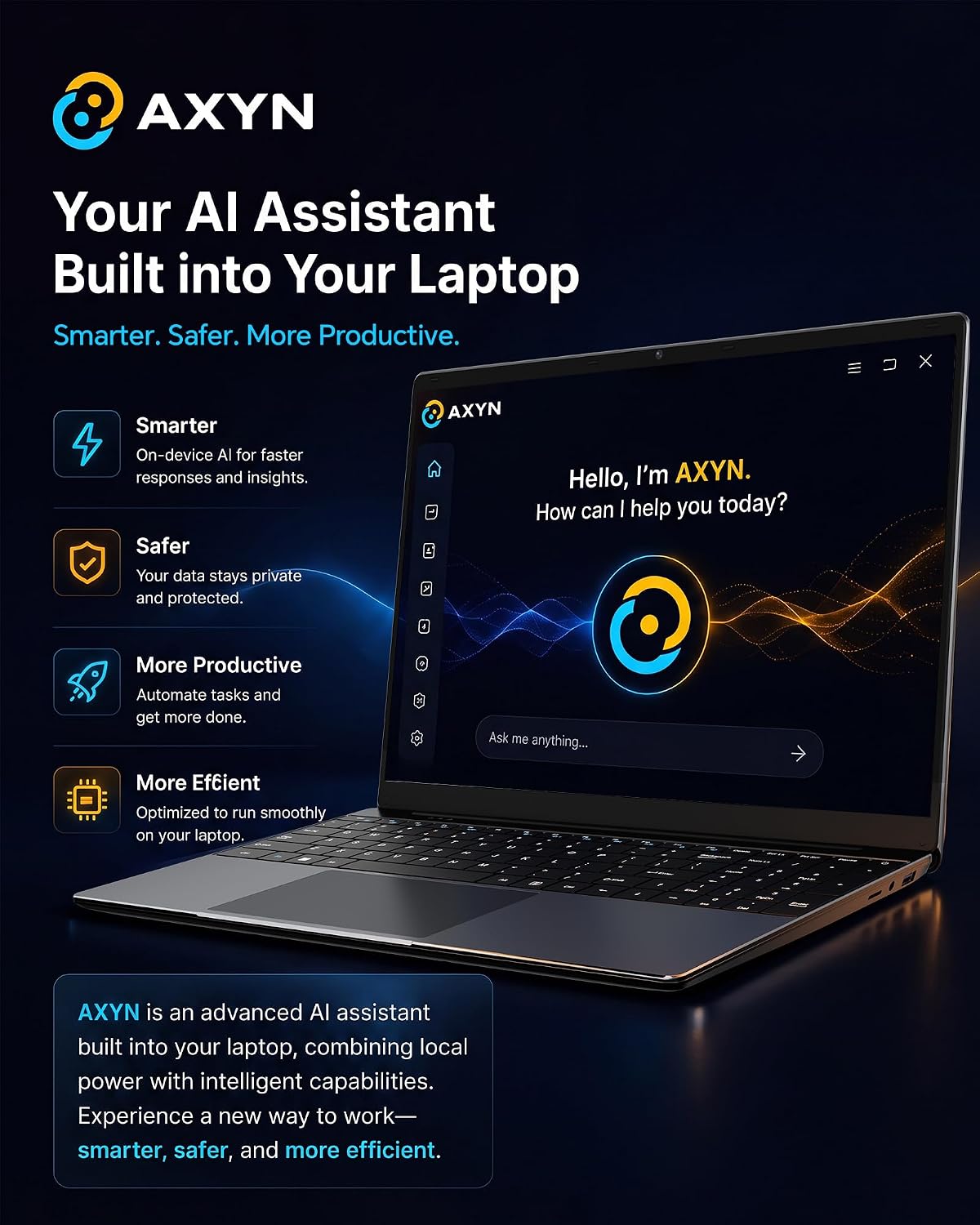
AKCHART 15.6-Inch AI Laptop with Office 365, 6GB RAM, 128GB SSD
Product description
What it is
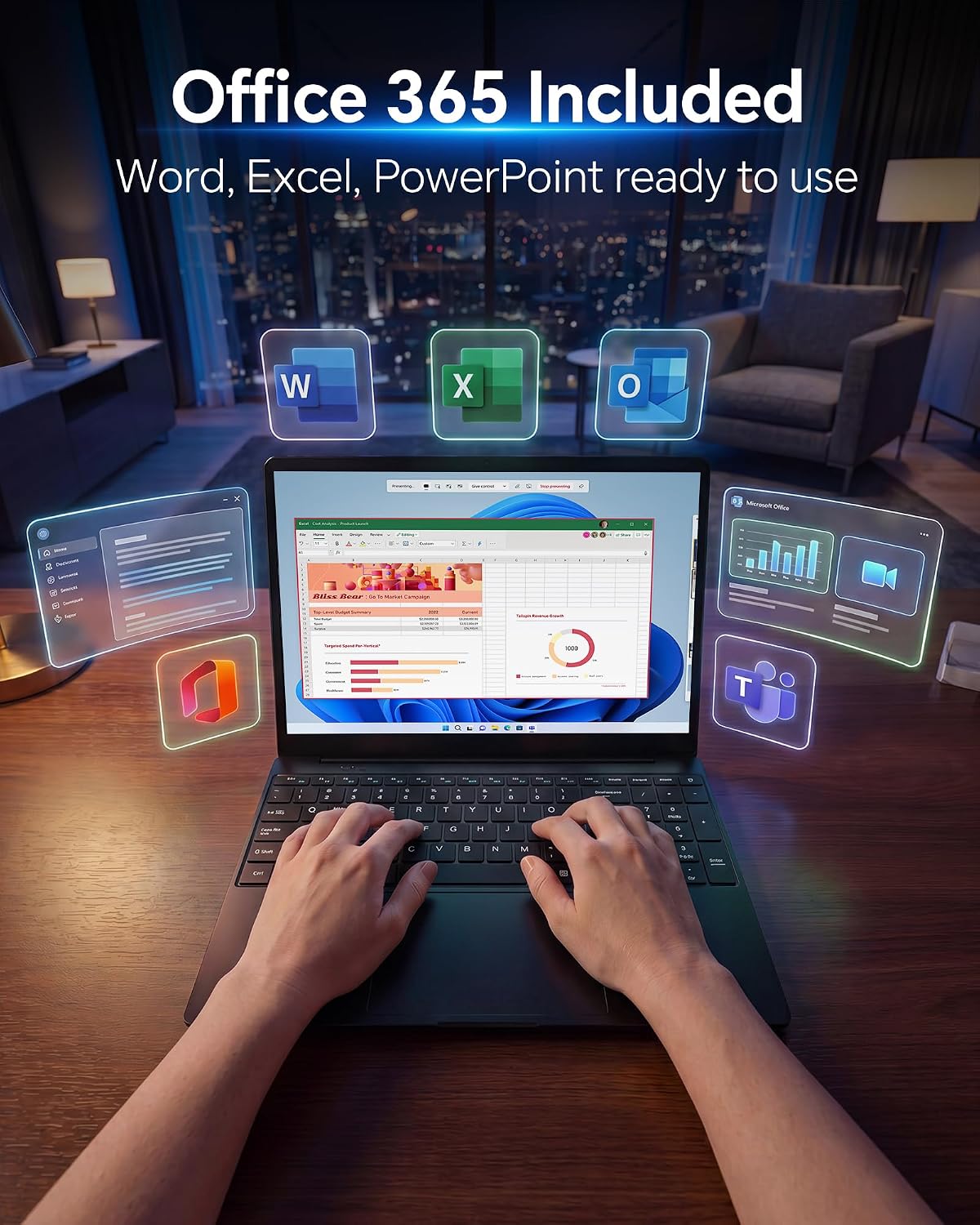
The AKCHART 15.6-inch laptop is a compact, everyday computer designed for students and light productivity tasks. It runs Windows 11 Home, comes with Office 365, and emphasizes AI-assisted features to help with writing, summarizing, and task management. The chassis is a slim gray body housing a 15.6" FHD IPS display for decent color and wide viewing angles.
The core specs you’ll notice
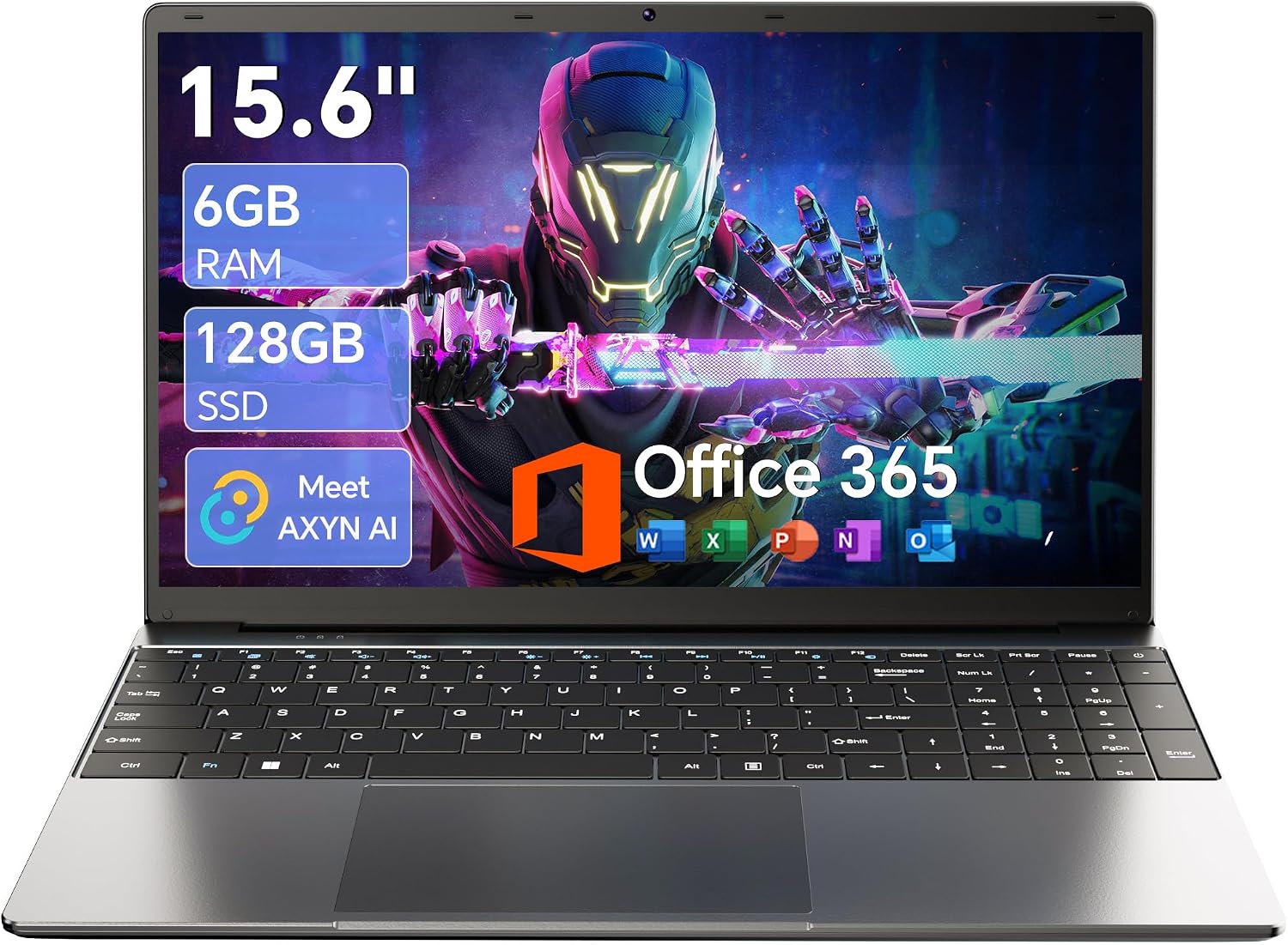
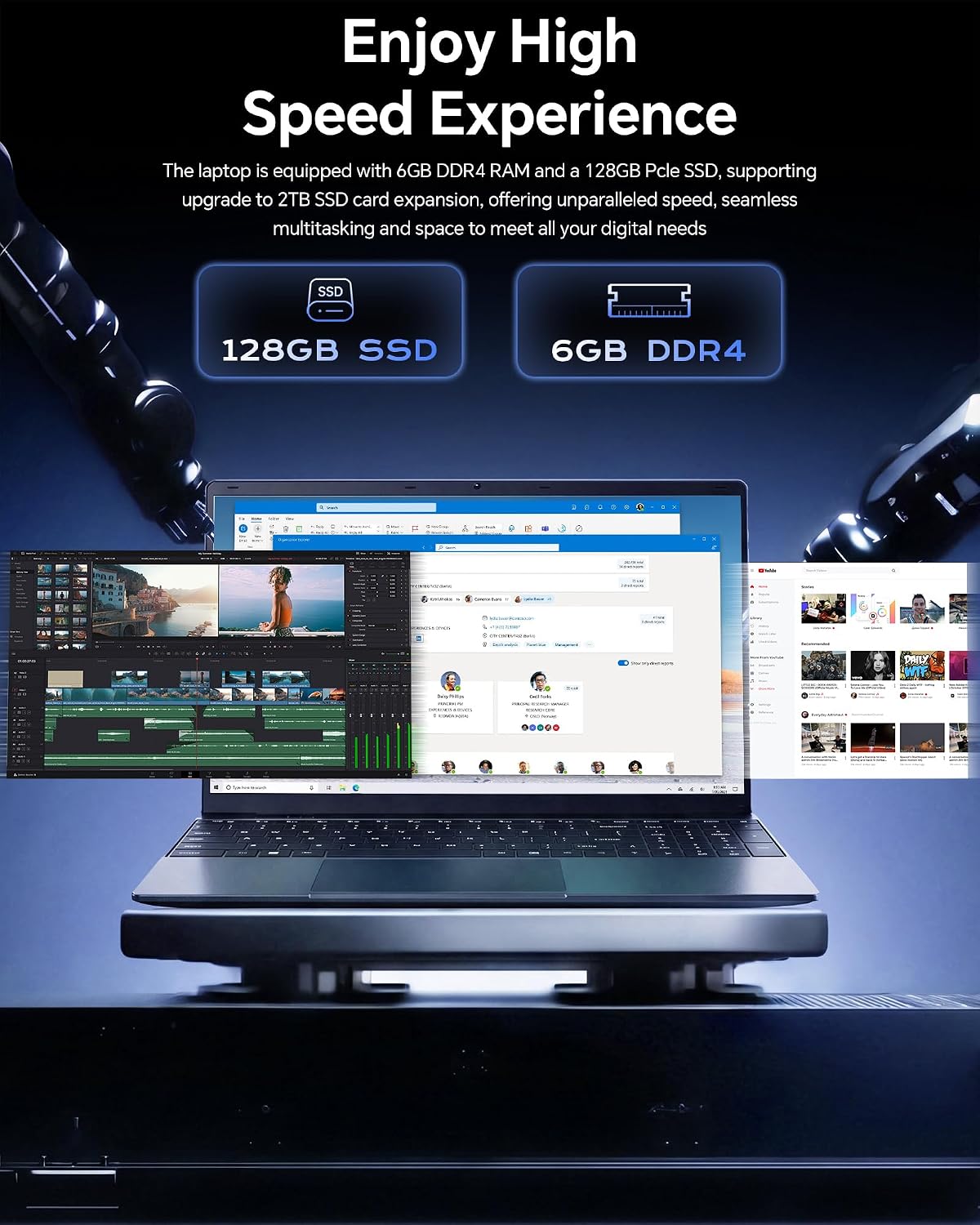
Under the hood, you’ll find a Celeron J4105 processor paired with 6GB of DDR4 memory and a 128GB M.2 SSD. That trio is aimed at basic multitasking, light browsing, document work, and media consumption. The drive can be expanded up to 2TB, with TF card expansion up to 1TB, so you won’t be as constrained by storage if you’re juggling documents and projects.
Why the AI angle matters
Pre-installed with Windows 11 and Office 365, this laptop leans into AI-powered features intended to boost productivity—think smarter writing and task management right in the OS ecosystem. It’s a practical add-on for students or professionals who want a ready-to-use setup out of the box.
How it performs in everyday use
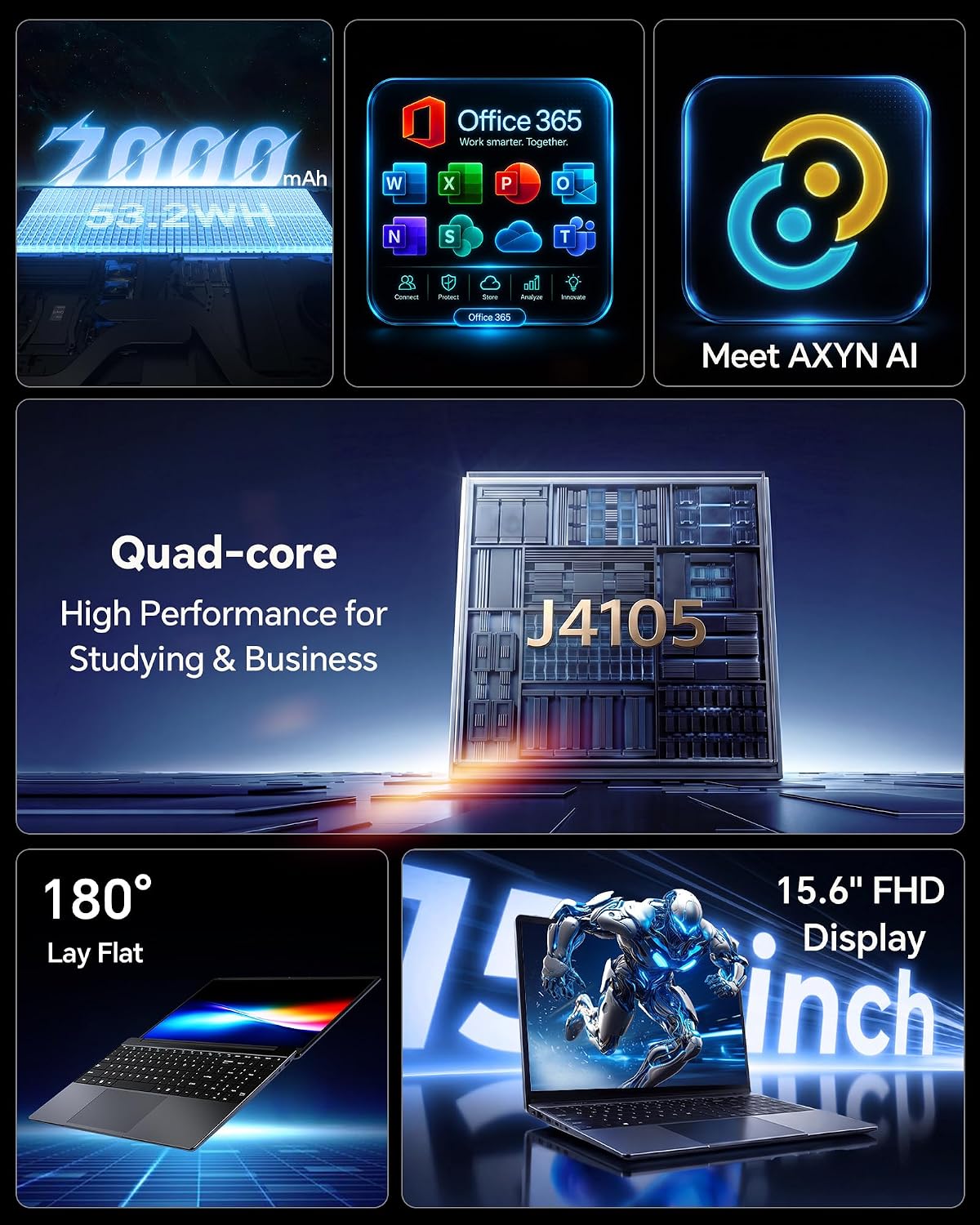
Expect smooth enough multitasking for routine tasks like word processing, light spreadsheets, video calling, and streaming. The 7000mAh battery is designed for a full day of classes or meetings, but real-world endurance will depend on workload and brightness settings. The 180° hinge is handy for sharing a screen during presentations or group study sessions.
What’s strong, what may fall short
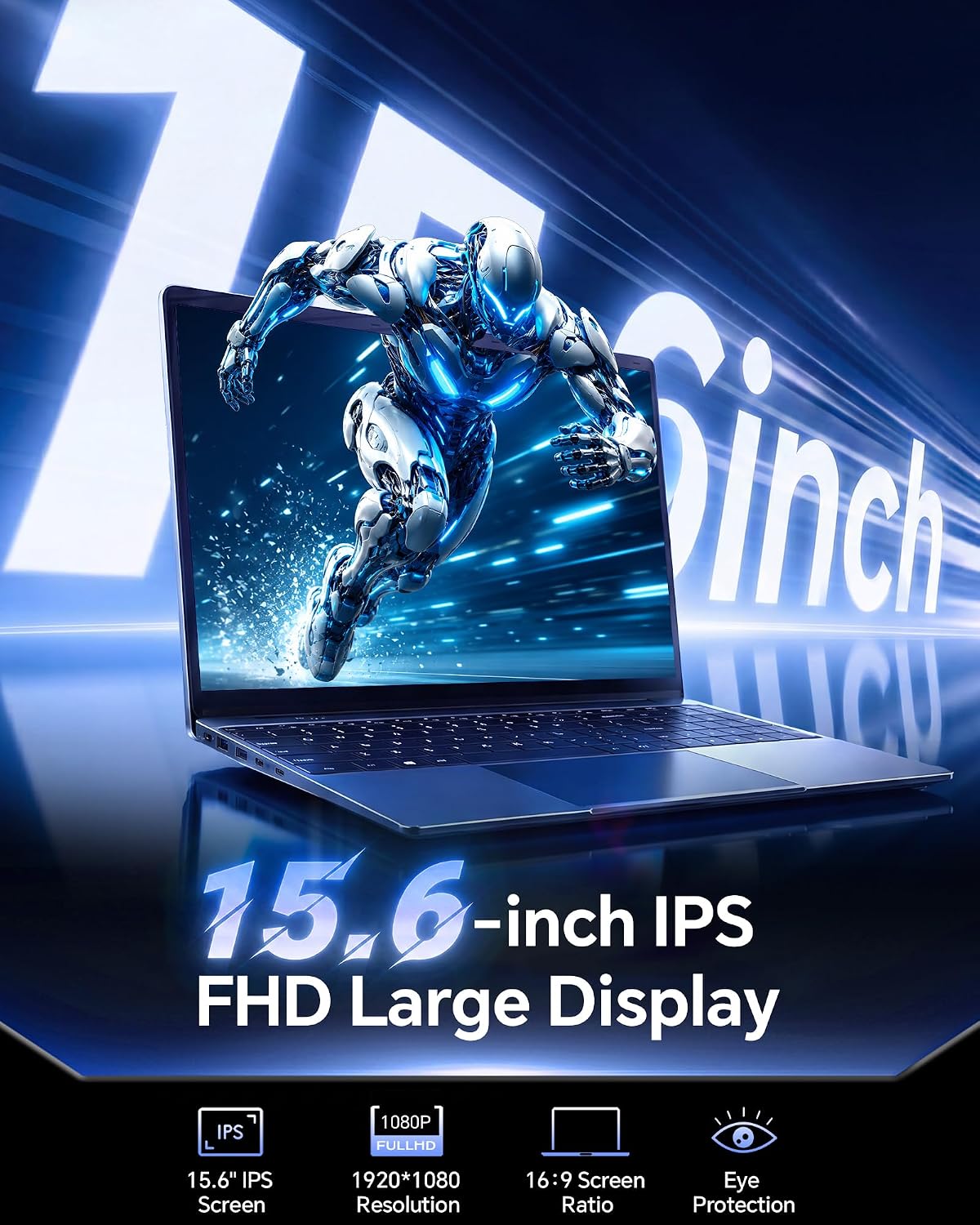
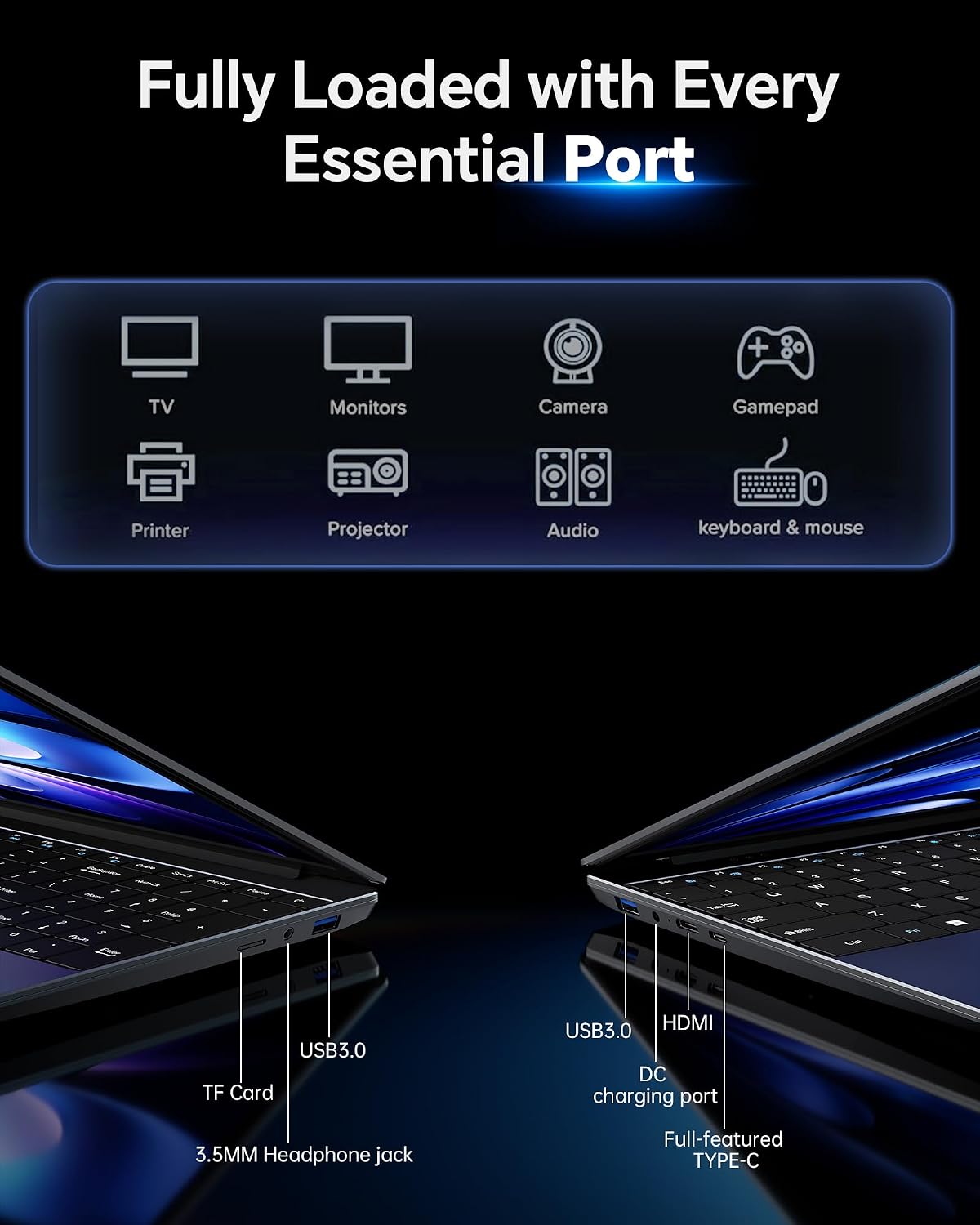
What stands out: the all-in-one software package (Windows 11 + Office 365) and the AI features intended to streamline common tasks. The 15.6" IPS display offers solid viewing angles for group work, and the I/O options (USB 3.2, Type-C, Mini HDMI, and 3.5mm audio) provide flexible connectivity. What may be limiting: 6GB RAM can feel tight with heavier multitasking or multiple browser tabs, and the Celeron J4105 is a budget-oriented processor, so you’ll notice the performance isn’t aimed at demanding workloads or modern gaming.
Who it’s for
If you’re a student or a casual user who prioritizes affordability, a ready-to-use software bundle, and a portable all-day device for note-taking, video calls, and document work, this model fits the use case well. It’s especially appealing if the AI features and Office 365 access align with how you work or study.
Who should reconsider
If your daily routine involves intensive photo/video editing, large spreadsheets, virtualization, or heavy multitasking, this isn’t the strongest option. You may also want to consider options with more RAM or a faster processor if longevity and speed are critical.
When it makes sense to buy
Choose this AKCHART model if you value immediate access to Windows 11, Office 365, and AI-assisted productivity tools at a lower price point, alongside a light-weight, travel-friendly chassis. The option to expand storage later helps address growing file needs without a big upfront investment.
What to check before buying
Confirm the storage you need fits your workflow and plan for expansion if you anticipate big file libraries. Consider how you’ll use AI features and whether the 6GB RAM will handle your typical tab count and apps. If you rely on high-speed wireless or future-proof features, note the model lists WiFi 5 and Bluetooth 4.2, which may be slower than newer standards.
Practical use case
Imagine a campus day: you carry the AKCHART, join a lecture, take notes with AI-assisted summary prompts, and still have enough battery to stream a lecture later. When you’re in a library or classroom, the 180° hinge helps you share slides with a neighbor without fiddling with the device orientation.
What alternatives or purchase approaches you might consider
If your budget allows, you could look for models with more RAM or a faster processor to improve multitasking, or with newer wireless standards for faster connectivity. For basic tasks, this AKCHART can be a practical entry point that pairs software value with a low upfront price.
Decision: Is it worth it?
Is it worth it? It makes sense if you want an affordable Windows 11 machine with Office 365 pre-loaded, plus AI-assisted productivity features, for light daily work and study. It may not be the best option if you need high-end performance, heavy multitasking, or the latest connectivity standards.
FAQ
- How upgradeable is the RAM? The base specs show 6GB RAM, expansion details aren’t specified, so plan for typical RAM constraints of budget laptops.
- Can I add more storage easily? Yes, it supports SSD expansion up to 2TB and TF card expansion up to 1TB.
- Will AI features slow down with heavy use? AI features aim to boost efficiency for light-to-moderate tasks, heavy workloads may benefit from more RAM and a faster CPU.