

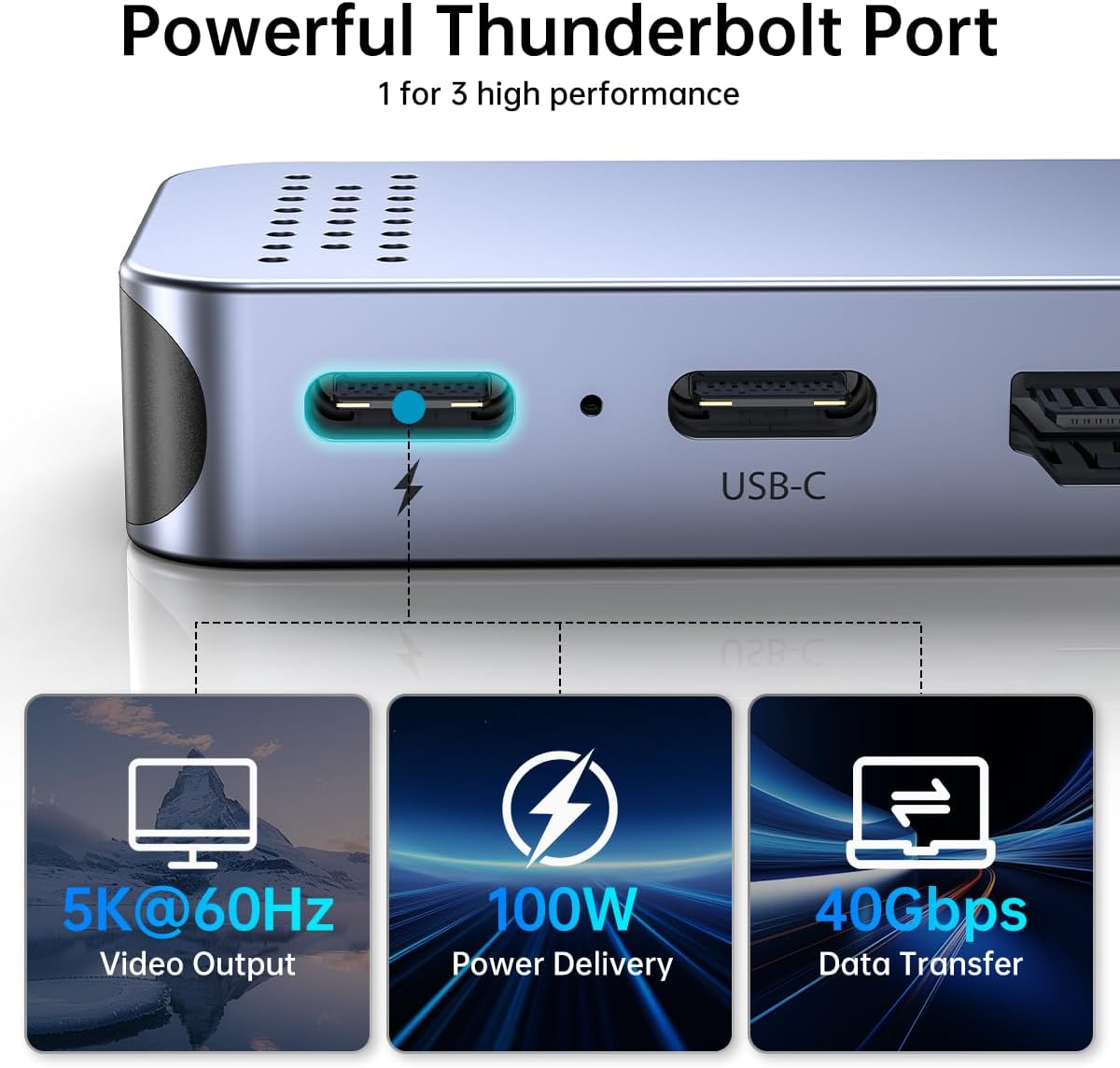
Melelink 8-in-2 USB-C Hub for MacBook with 4K HDMI, Thunderbolt 3 and SD Readers
Product description
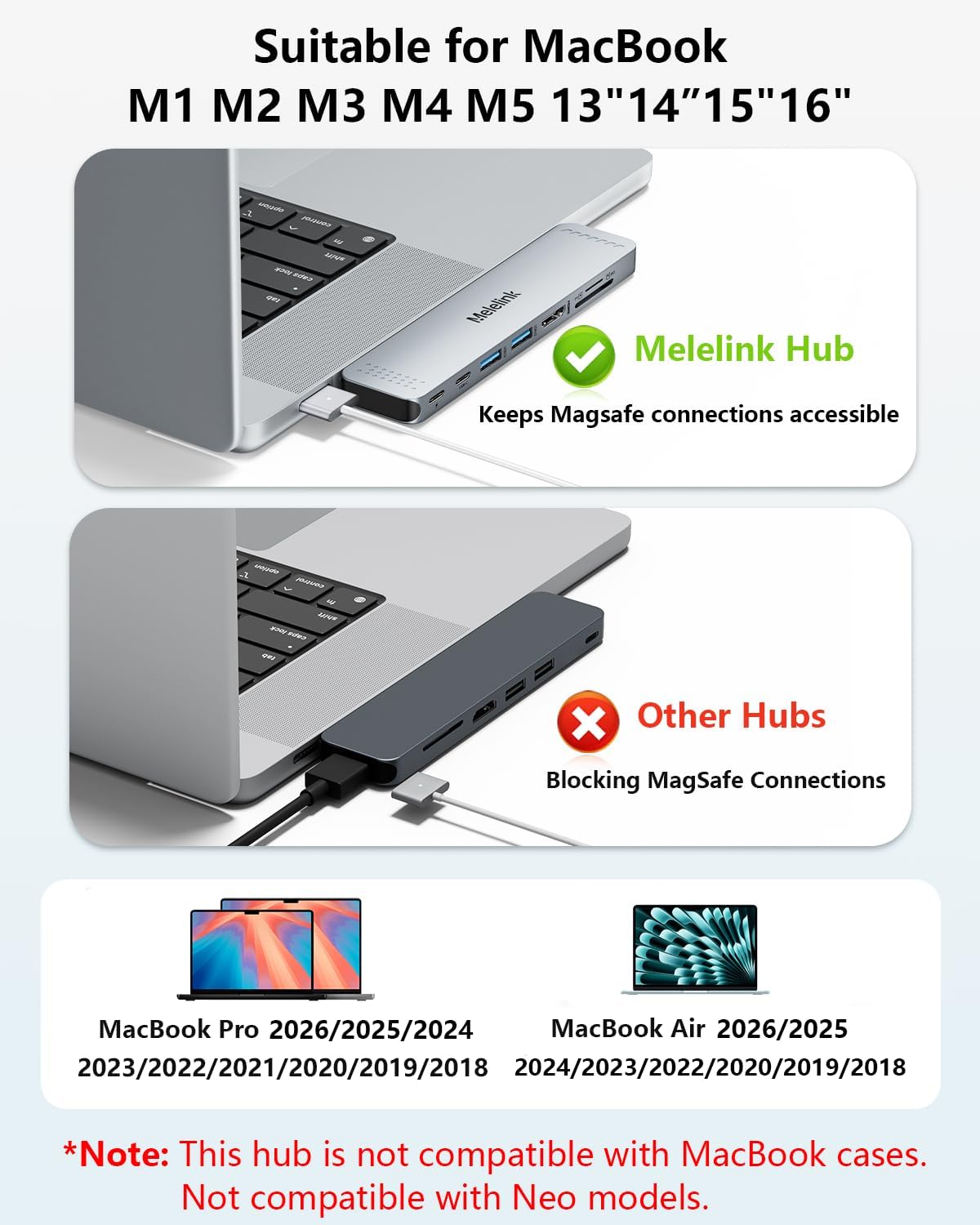
Connect a monitor, card reader, and everyday peripherals to your MacBook through one compact hub. The Melelink 8-in-2 adapter combines display, data, and charging connections in a gray aluminum enclosure. It is designed for MacBook Air models from 2018–2026 and MacBook Pro models from 2016–2026.
Key points
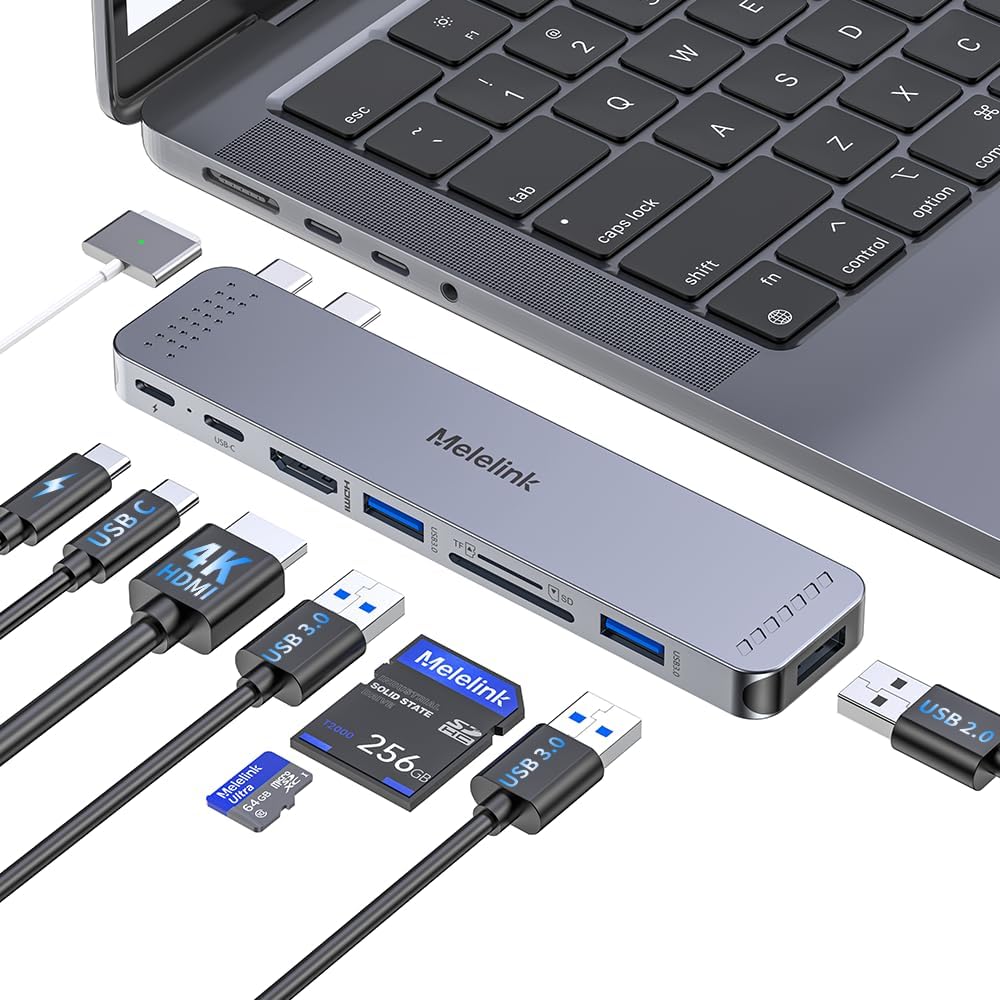
Eight connections bring useful ports together: HDMI, Thunderbolt 3, USB 3.0, USB-C, USB 2.0, and SD and microSD card readers. That makes it easier to build a workspace around a laptop with a mix of accessories, or connect a camera card and external display while working with photos. The aluminum enclosure gives the hub a defined place in a desk setup, while plug-and-play operation keeps setup straightforward.
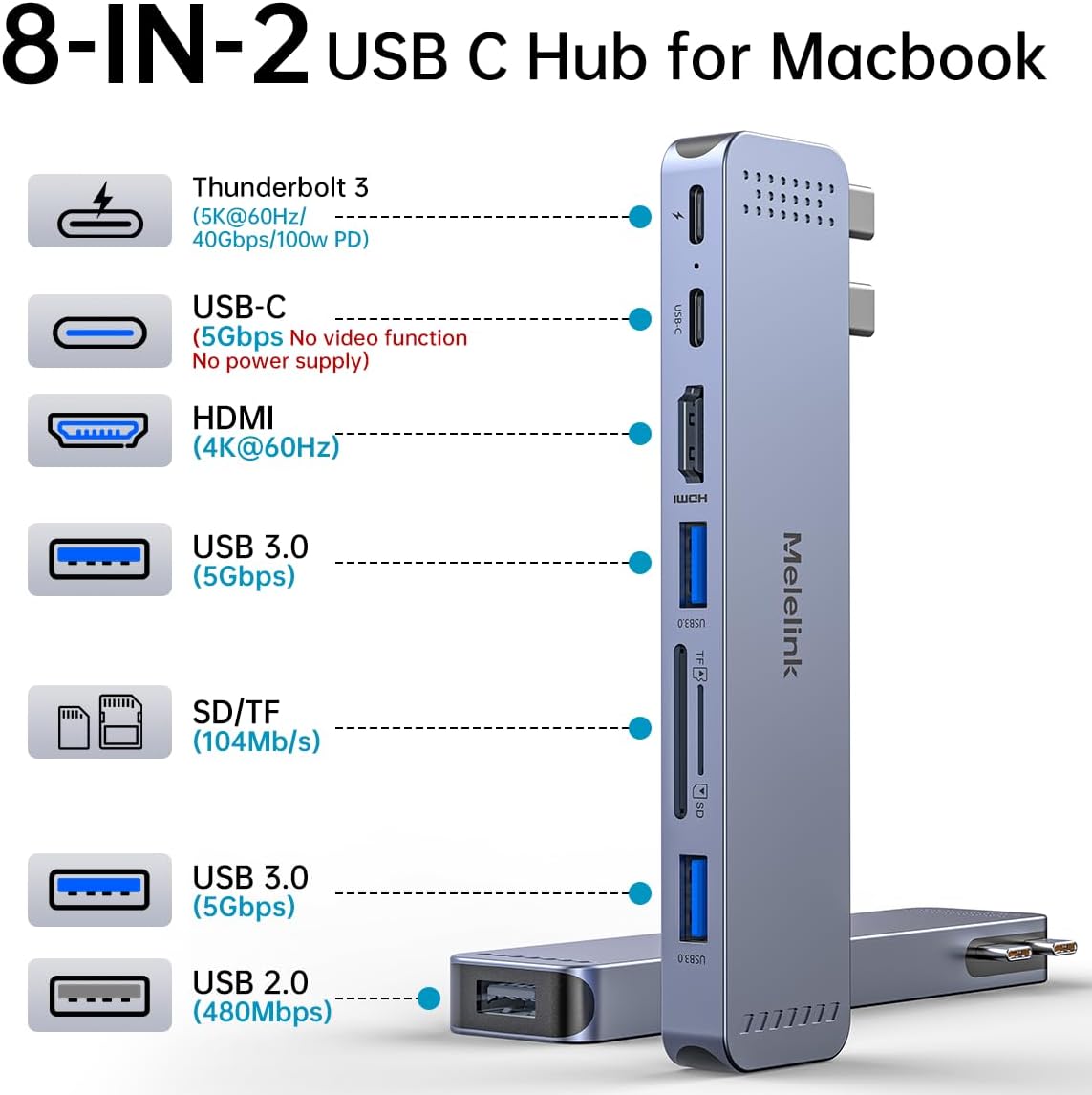
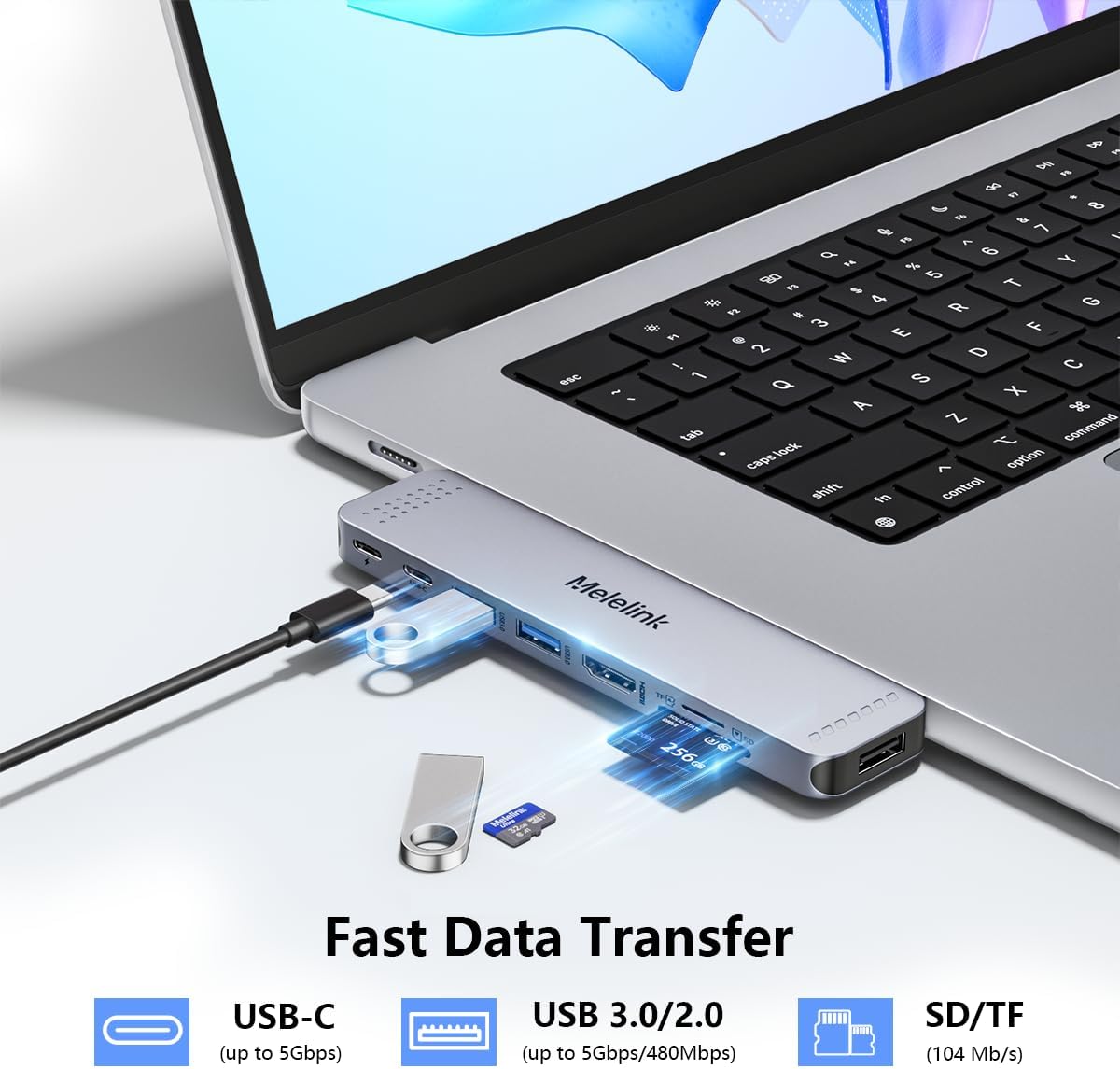
For files and peripherals, Thunderbolt 3 supports data transfer up to 40Gbps, USB 3.0 and USB-C up to 5Gbps, and USB 2.0 up to 480Mbps. Both card readers can be used at the same time, with transfer speeds up to 104MB/s. Buyers often highlight the port selection, design, and ease of use. Feedback on connectivity, charging, and long-term reliability is mixed, so the hub’s strongest appeal is its combination of ports and functions in one adapter.
Practical tips
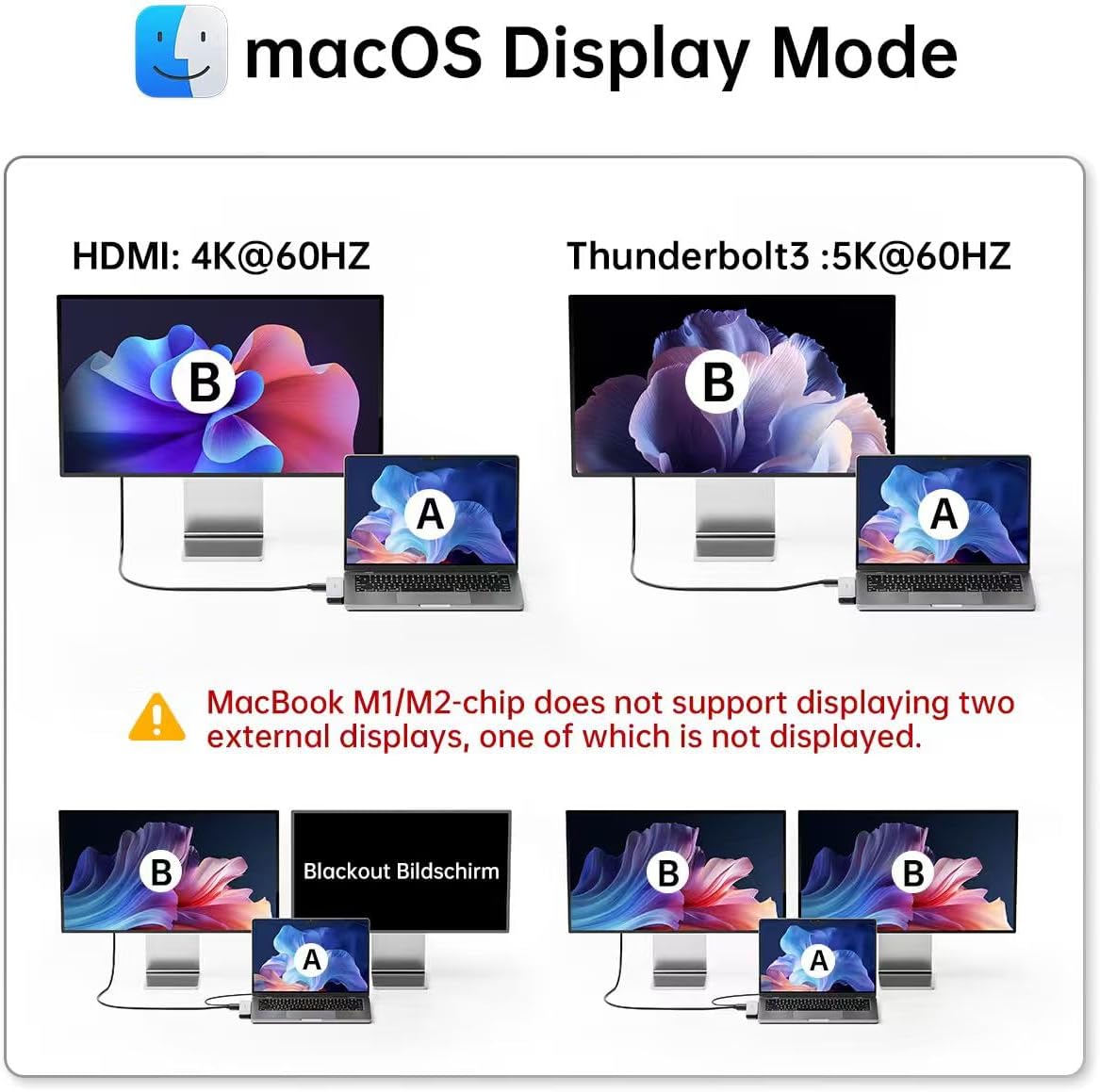
The hub is made for direct use with the listed MacBook Air and MacBook Pro models. A case on the bottom of the laptop can prevent the adapter from fitting, so use it with the MacBook’s connection area unobstructed. For a dual-display setup, the hub supports mirroring or extending a display, but MacBooks with M1 chips do not support two external displays through this adapter, one external screen will show a black screen in that configuration.
How to use it
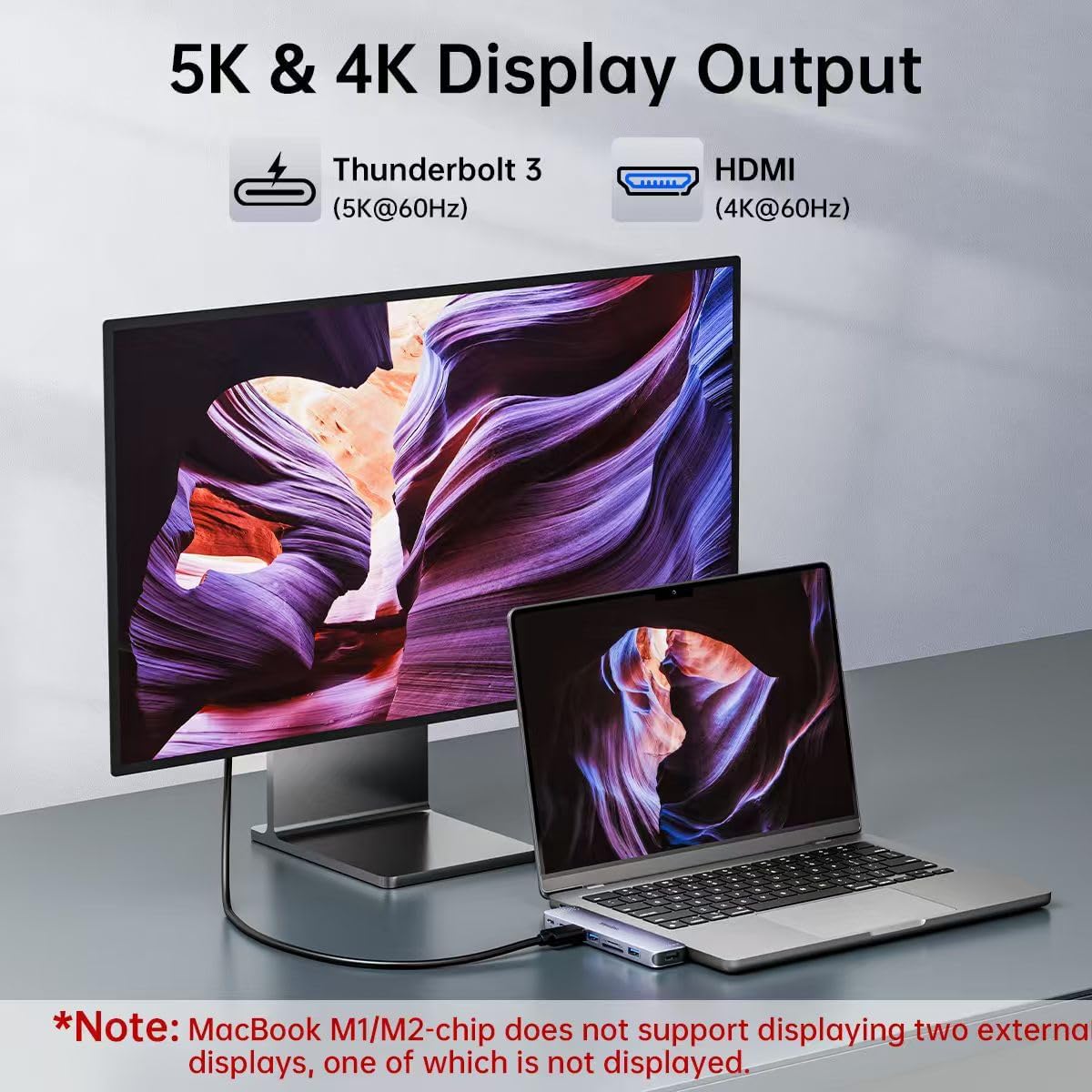
Connect the adapter to your MacBook, then attach the display, storage, input devices, or memory cards you need. Use HDMI for a monitor, TV, or projector at up to 4K@60Hz, or connect a display through Thunderbolt 3 at up to 5K@60Hz. USB 3.0 and USB-C ports support accessories such as a keyboard, mouse, or drive, the USB 2.0 port provides another connection for compatible peripherals. Avoid pairing the adapter with high-power devices for a stable connection. It supports one hard drive and does not work with the Apple USB SuperDrive.
The Thunderbolt 3 port also supports 100W Power Delivery input and 85W output for charging a connected MacBook while using the hub. For photo transfers, insert an SD or microSD card into its reader, both readers can be active at once, making it practical to access cards from more than one device during a work session.
Practical questions
What display resolutions does the hub support? HDMI supports up to 4K at 60Hz, and Thunderbolt 3 supports up to 5K at 60Hz. The hub can mirror or extend a display. With an M1 MacBook, it does not support two external displays.
Can it charge a MacBook while connected? Yes. The Thunderbolt 3 port supports 100W Power Delivery input and up to 85W output for charging.
Can I read SD and microSD cards at the same time? Yes. Both card readers can be used simultaneously, with speeds up to 104MB/s.
Is it worth it?
For a MacBook setup that needs display output, card access, charging, and several types of peripheral connections, this hub consolidates those jobs in one adapter. Its 4K HDMI output, Thunderbolt 3 connection, and simultaneous SD and microSD readers are especially useful for desk work and photo handling. Choose it when bringing those connections together matters more than using separate single-purpose adapters.