

Acer ODK540 4-in-1 USB-C Hub with Dual HDMI, 4K@60Hz and 100W PD
Product description
Some setups need a simple way to connect one screen, others call for dual displays, data transfer, and power through one hub. The Acer ODK540 brings those connections together in a compact USB-C hub for a desk or workstation.
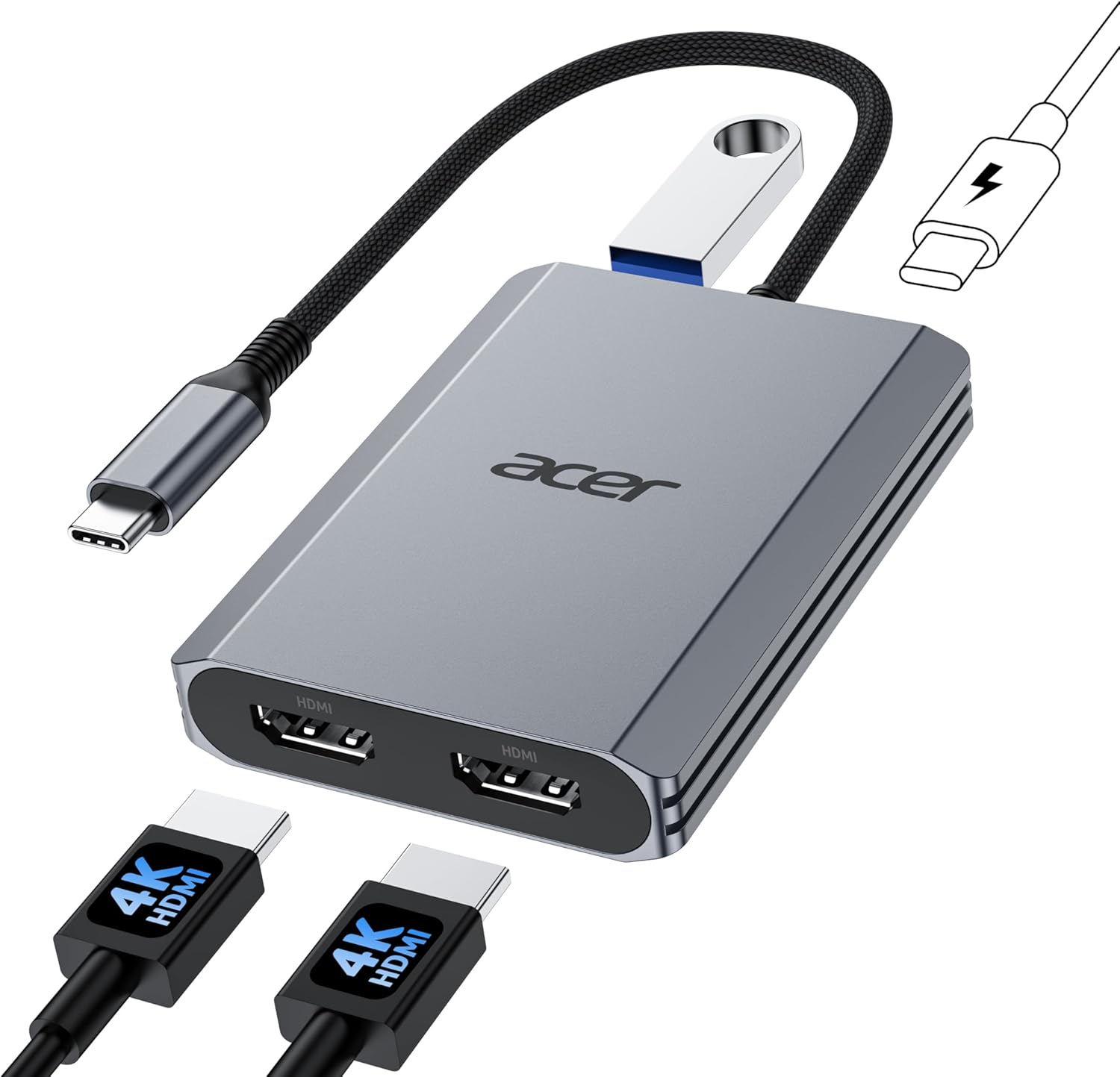
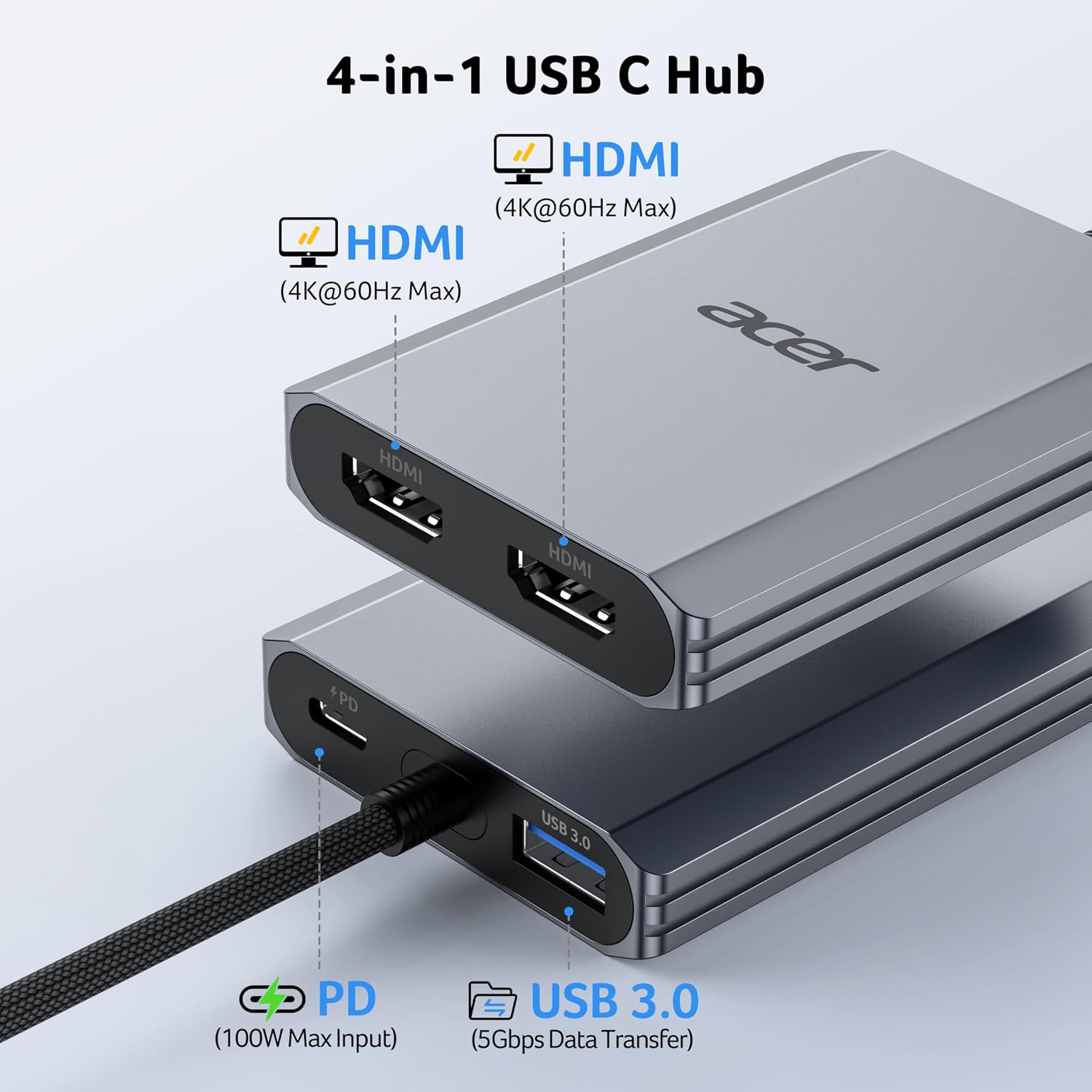
Its two HDMI ports, USB-A port, and 100W Power Delivery port support a practical multi-device setup from a single hub connection.
How it fits
Connect the hub to a USB-C device that supports DisplayPort Alternate Mode (DP Alt Mode) for video output. It works with compatible Windows and macOS devices, including laptops and smartphones. For a desk setup, the built-in 0.65 ft cable keeps the hub close to the host device while you connect HDMI displays and a USB accessory.
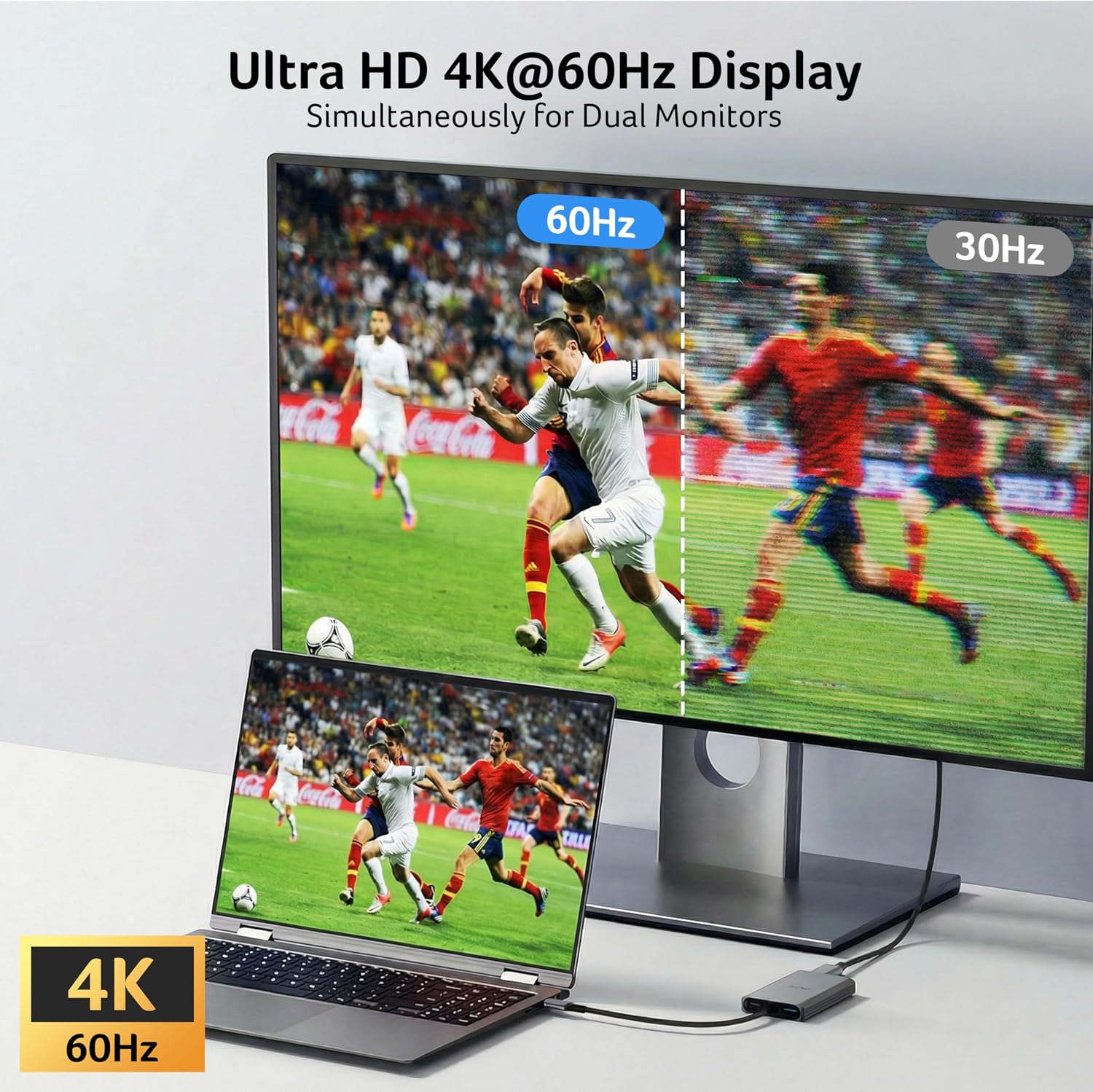
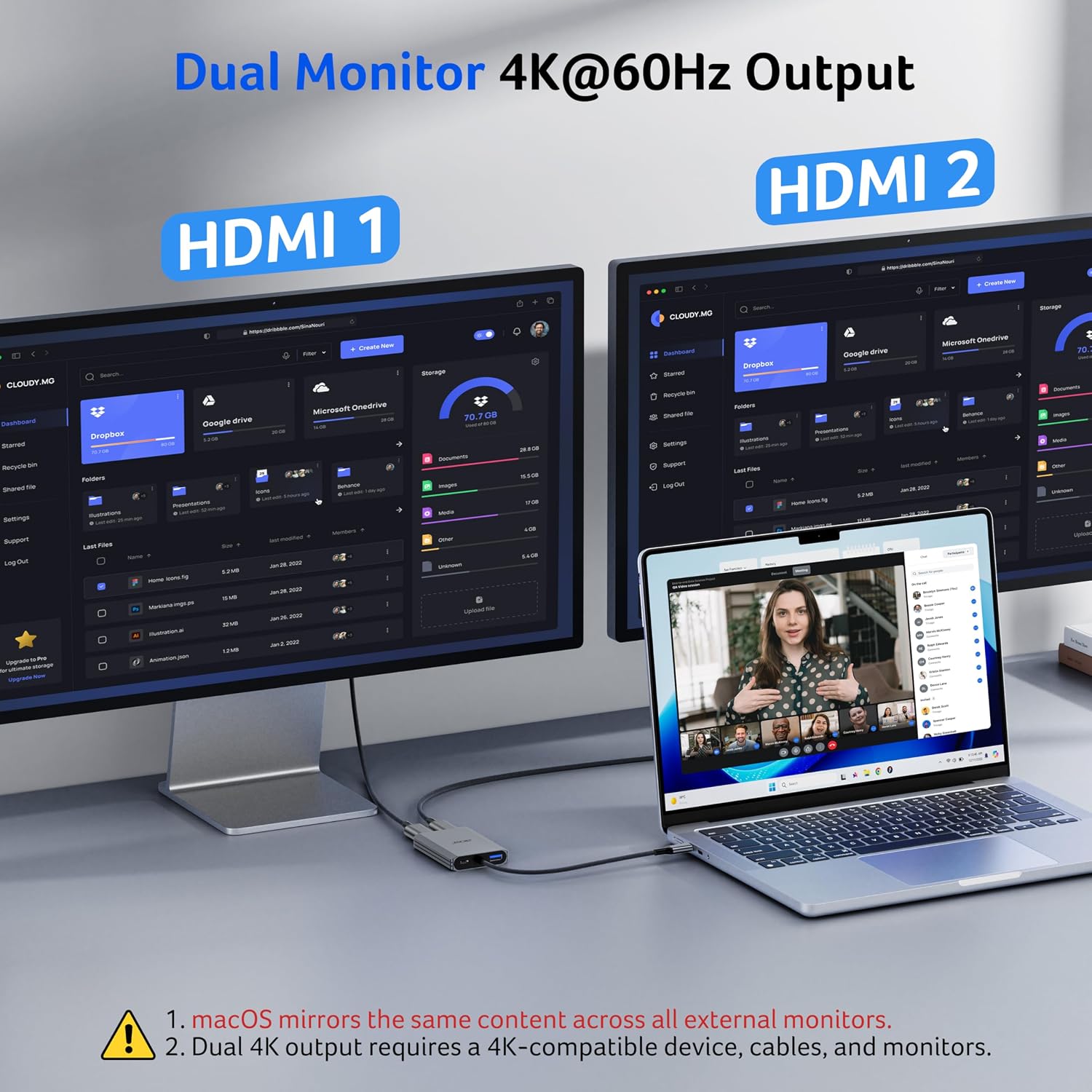
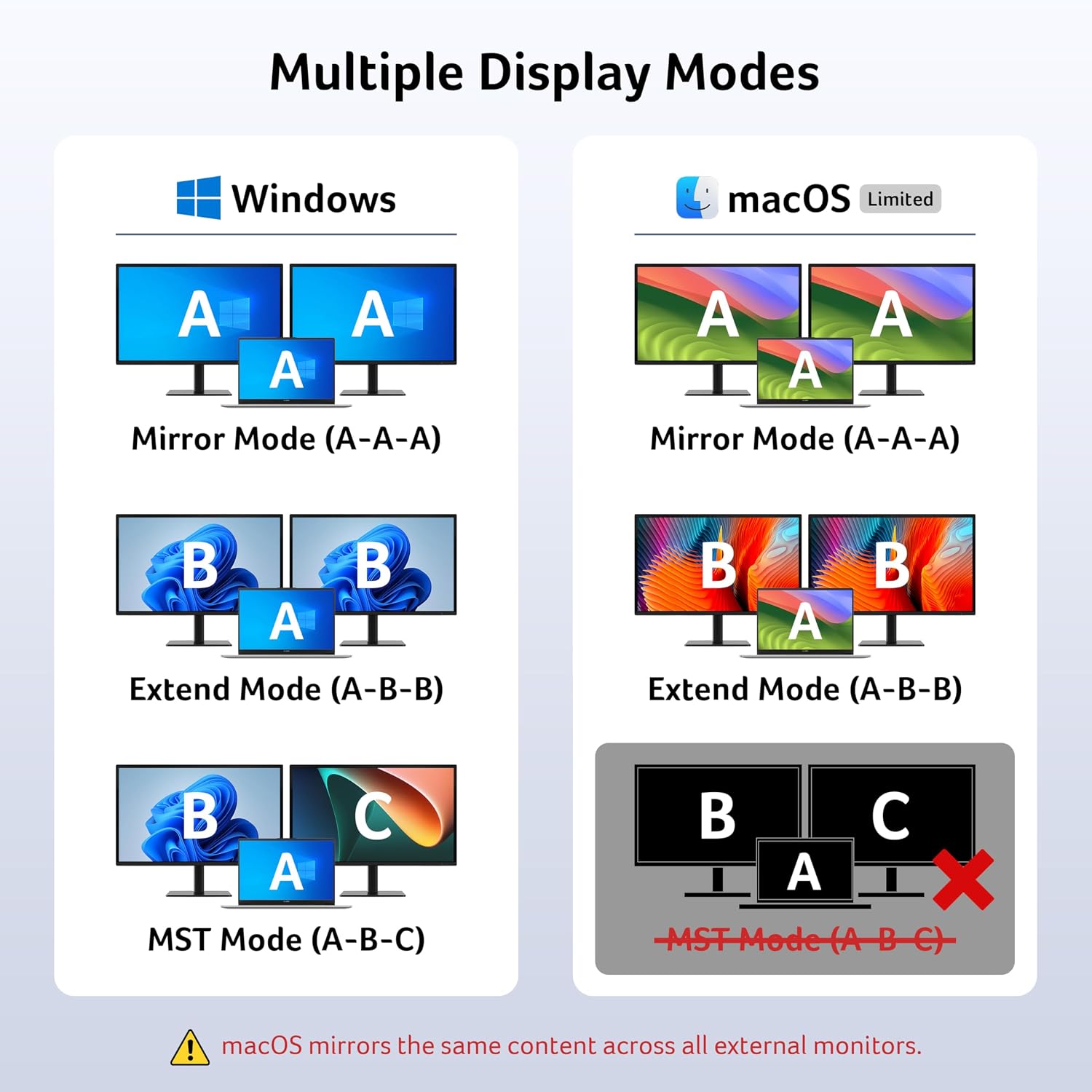
Use either HDMI port for a single display or both for a dual-display arrangement. Each port supports up to 4K@60Hz, actual output depends on the host’s bandwidth and the connected displays and cables. On Mac, external monitors mirror the same content. Chromebook dual-display support requires MST capability.
Pros
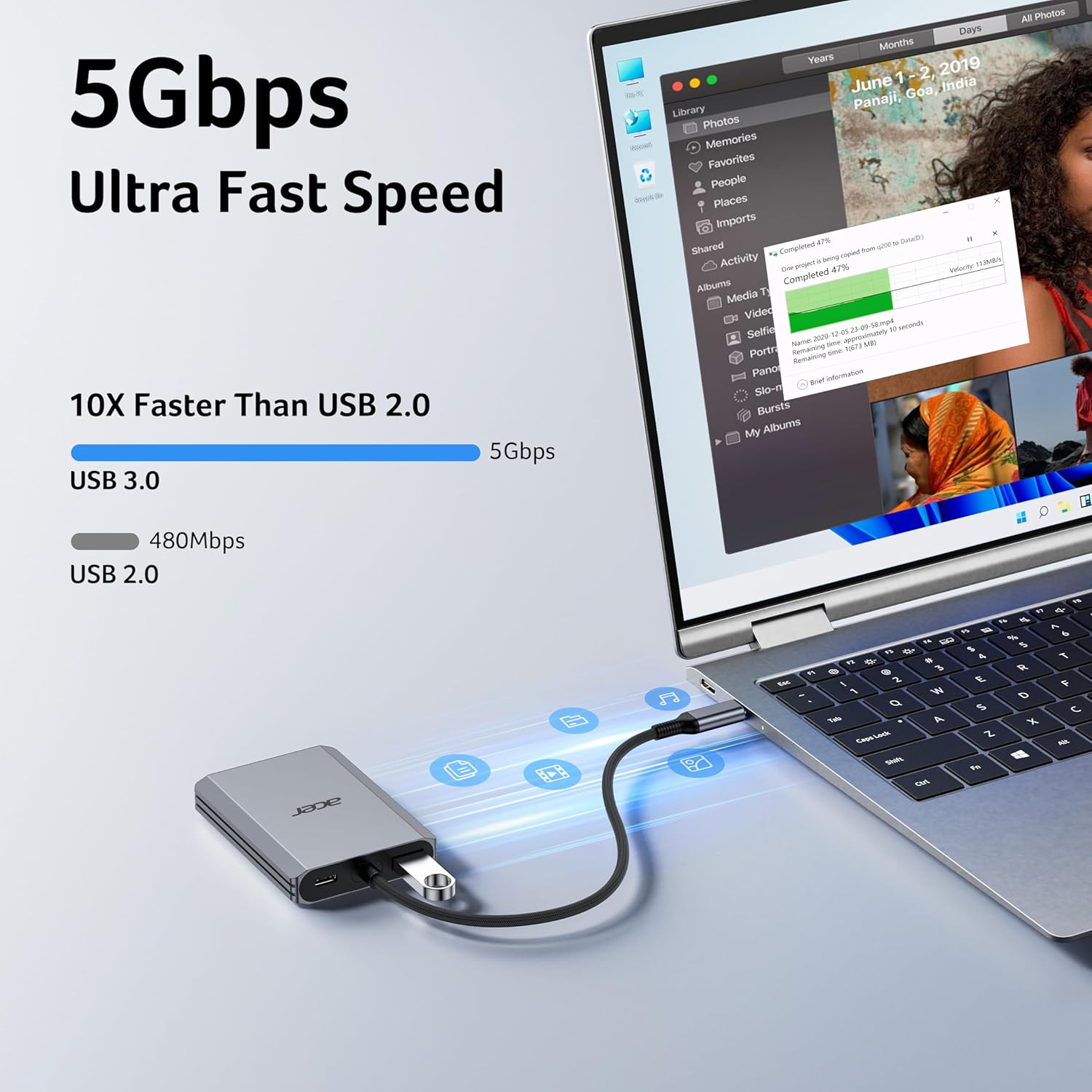
The four-in-one layout combines two HDMI outputs, a USB-A 3.0 port, and USB-C power delivery, reducing the need to connect separate adapters for each task. The USB-A port transfers data at up to 5Gbps, useful for moving files or connecting a mouse or keyboard while the HDMI ports handle external screens.
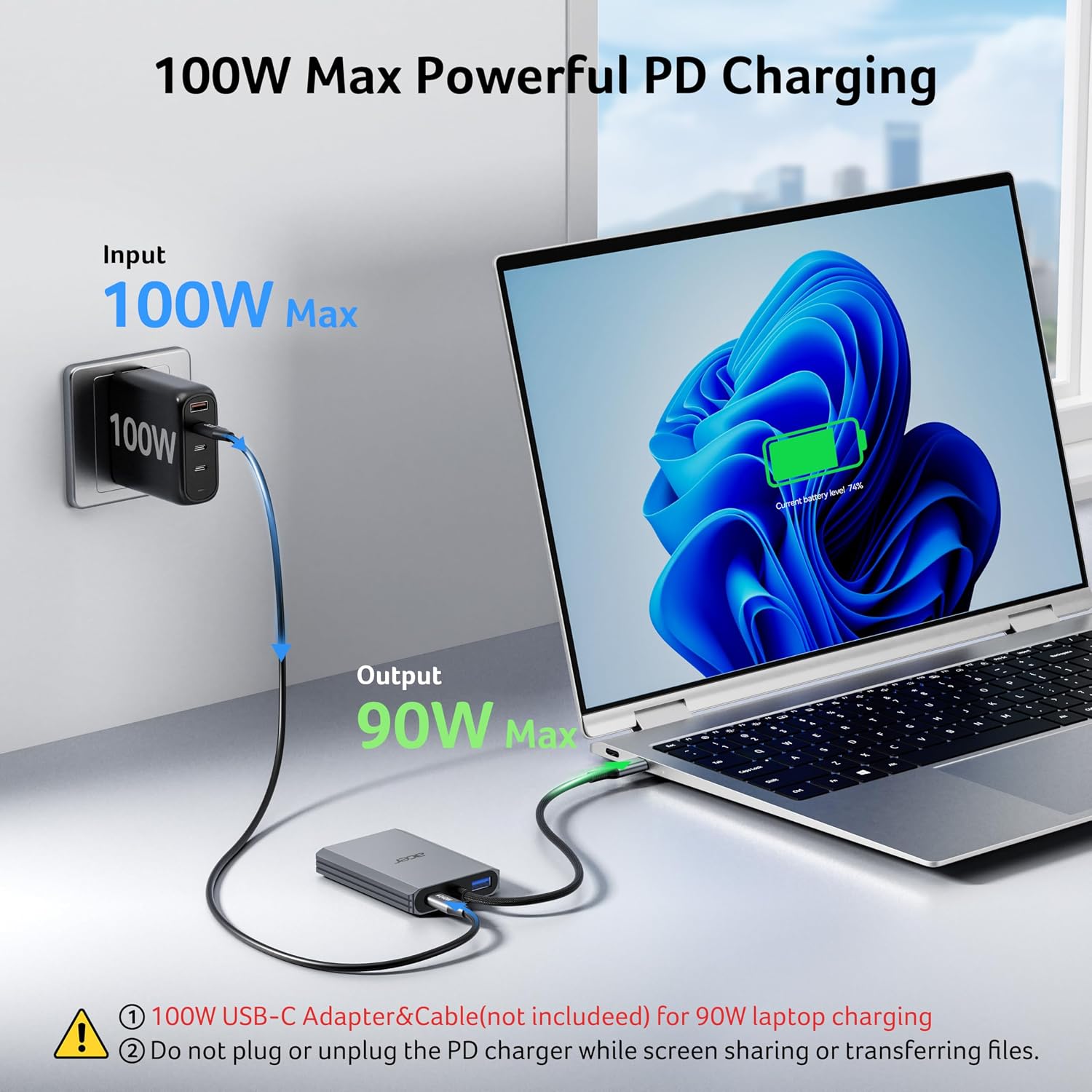
Need to keep a laptop powered while using the hub? The PD port supports up to 100W pass-through when used with a 100W power adapter and cable, the connected computer’s USB-C port must support Power Delivery. Buyers often appreciate the plug-and-play setup, while feedback on compatibility and display behavior is mixed. Matching the hub to the host’s video capabilities and intended screen arrangement helps make the most of its connections.
Key specifications
- Type: 4-in-1 USB-C hub with dual HDMI
- Display output: Up to 4K@60Hz per HDMI port
- Data transfer: USB-A 3.0, up to 5Gbps
- Power delivery: Up to 100W, requires a 100W external power adapter and cable
- Cable length: 0.65 ft
- Color: Gray
- Operating systems: Windows 11 and macOS 14 Sonoma
Questions before you buy
What USB-C port does the hub require? The host device’s USB-C port needs DP Alt Mode support for video output. For pass-through charging, the host port must also support Power Delivery.
Can two external monitors show different content? Windows dual-display use depends on the device and its display capabilities. macOS mirrors the same content across external monitors. On Chromebooks, dual display requires MST capability, otherwise, use mirror mode or a single external display.
What do I need for pass-through charging? Connect a 100W external power adapter and cable to the hub’s PD port, then connect the hub to a host that supports USB-C Power Delivery. The port is for charging the connected host device.
Buying verdict
Choose the Acer ODK540 when you want dual HDMI connections, USB-A data, and host-device power delivery in one compact hub. Its short built-in cable suits a workstation where the hub can sit near the laptop, while the 5Gbps USB-A port and high-resolution HDMI outputs make it useful for a combined display-and-accessory setup.