

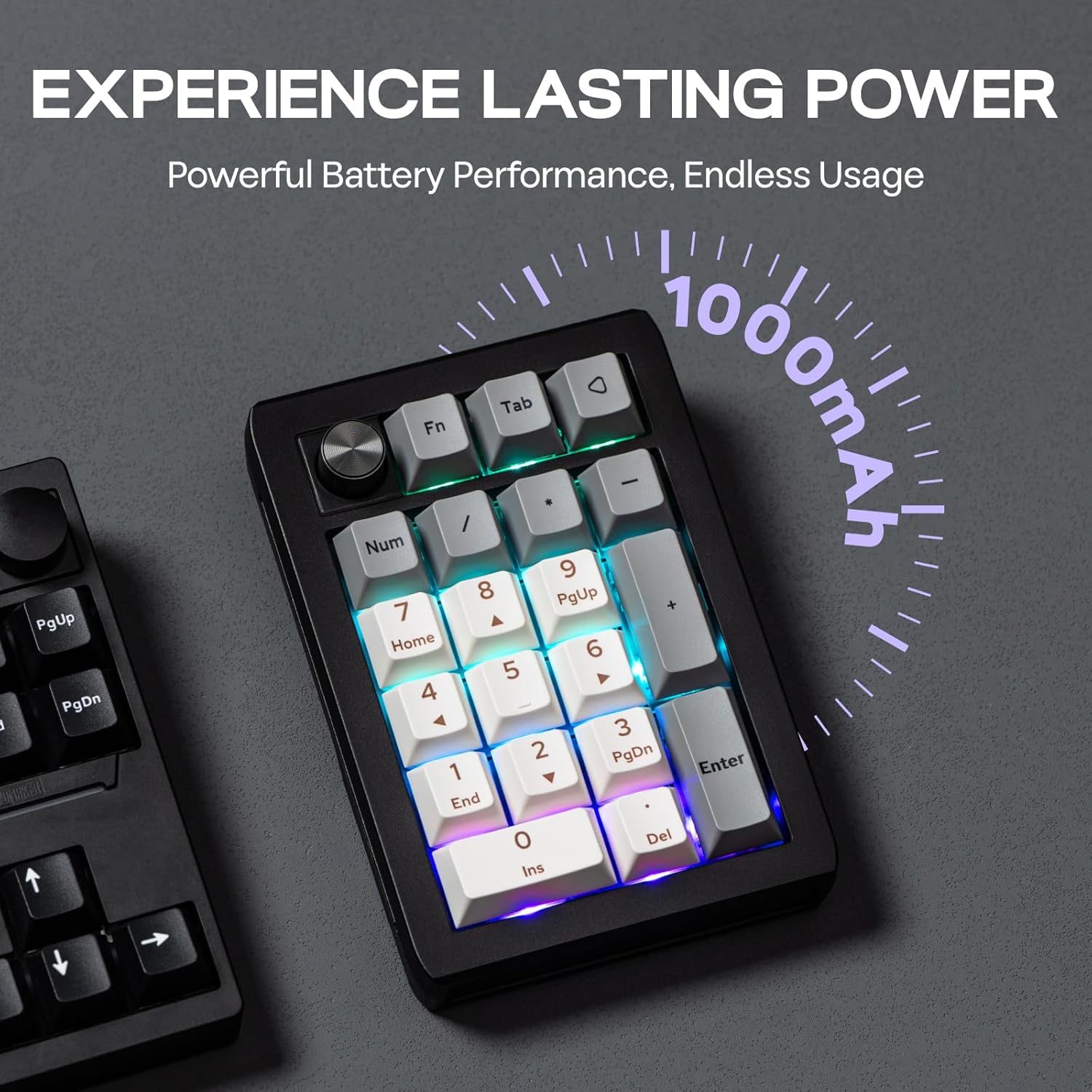
EPOMAKER EK21 VIA Gasket Number Pad, 20 Keys, RGB, Tri-Mode Wireless
Reviews
Price
Product description
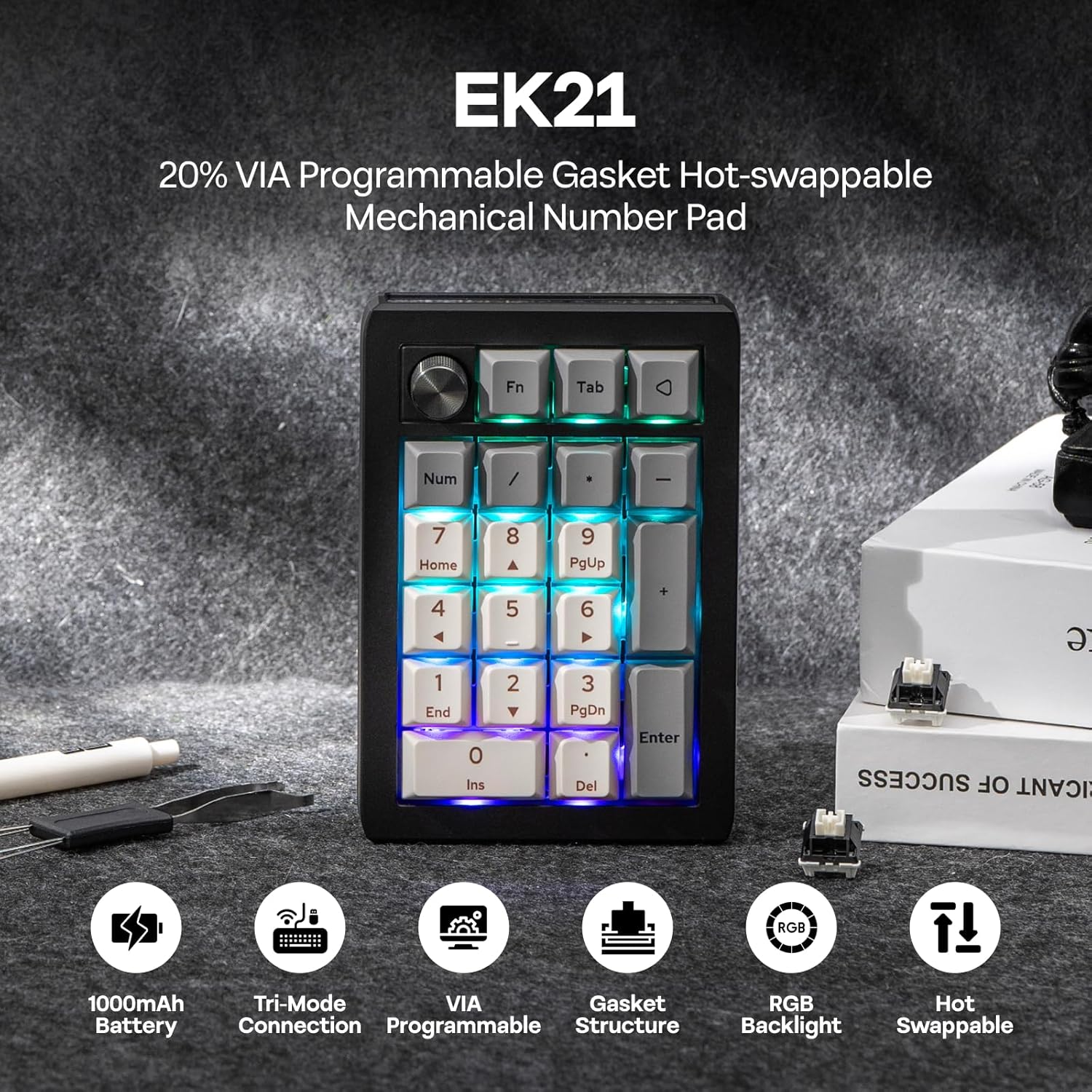
A dedicated number pad helps keep frequent numeric entry within reach, while programmable controls can support a more tailored desk setup. The EPOMAKER EK21 combines a 20-key layout with a customizable aluminum alloy knob. Choose Bluetooth, 2.4GHz wireless, or a wired USB-C connection to suit your setup. RGB backlighting adds a visual element to a compact keypad built for work, gaming, and everyday tasks.
Why it makes sense
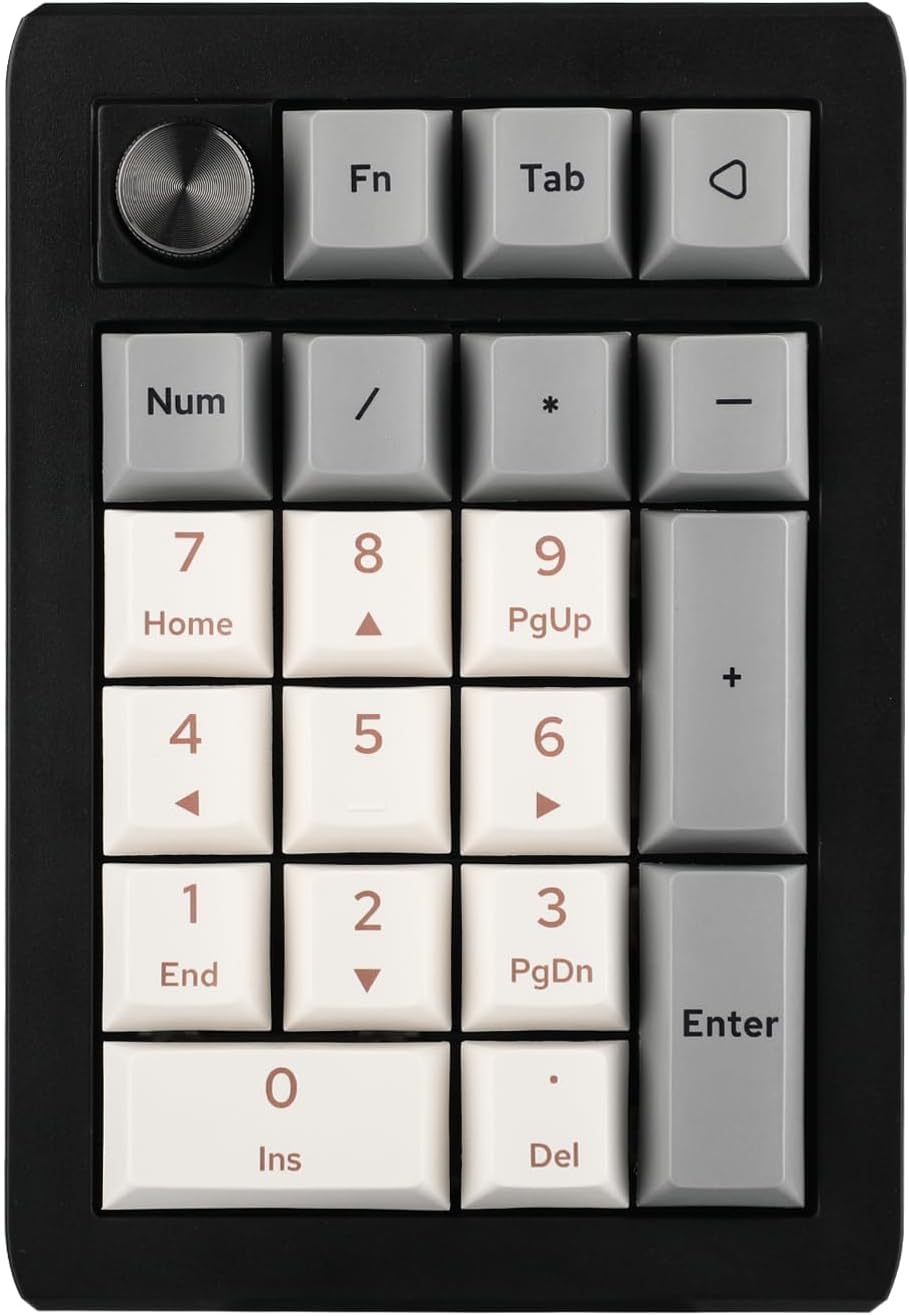
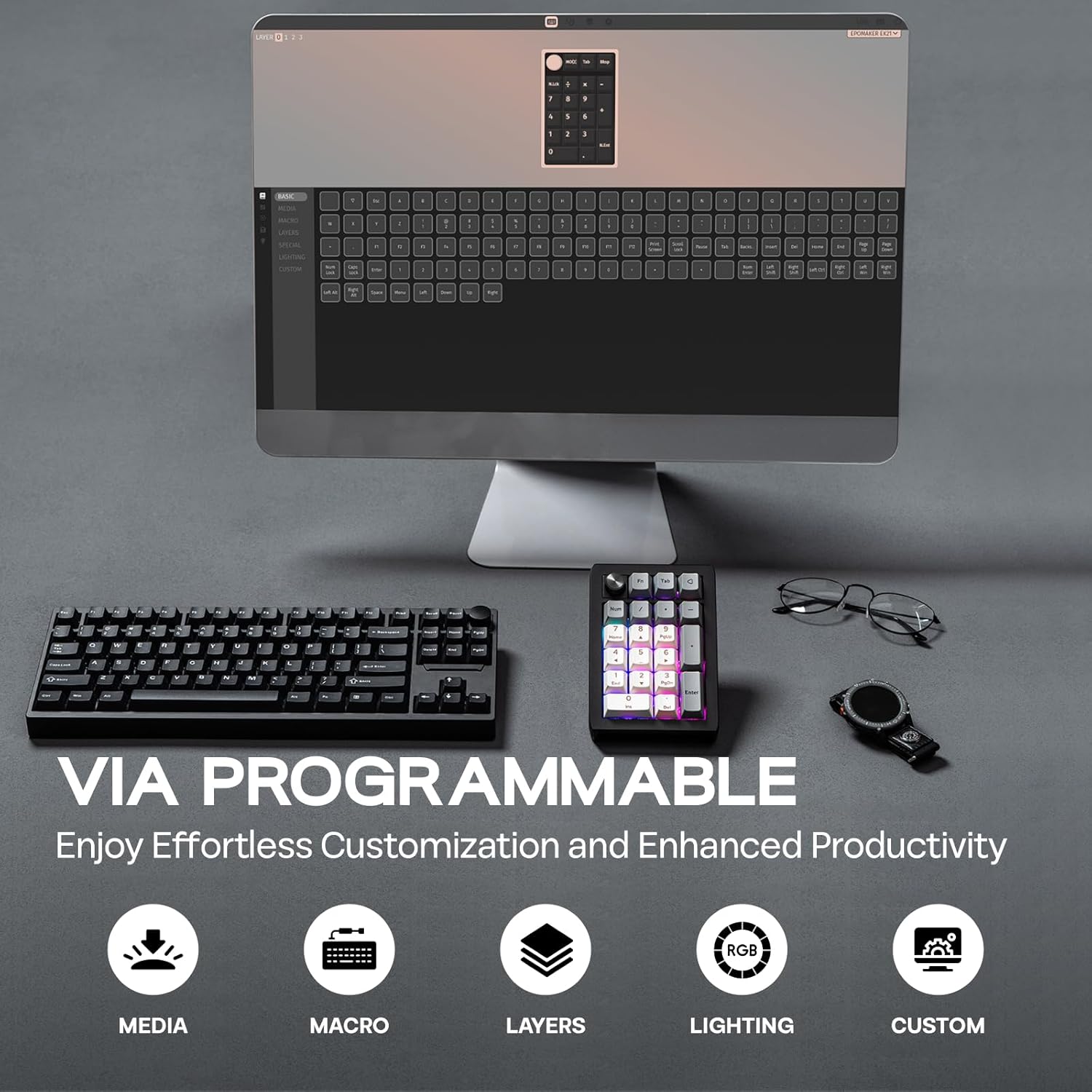
The EK21 is designed for people who want a separate numeric keypad with more flexibility than number entry alone. VIA programming lets you remap keys and create macros for recurring tasks, so the keypad can be configured around a workflow or gaming setup. The aluminum alloy knob adds a physical control for volume, and VIA lets you assign it a different function to suit your preferences.
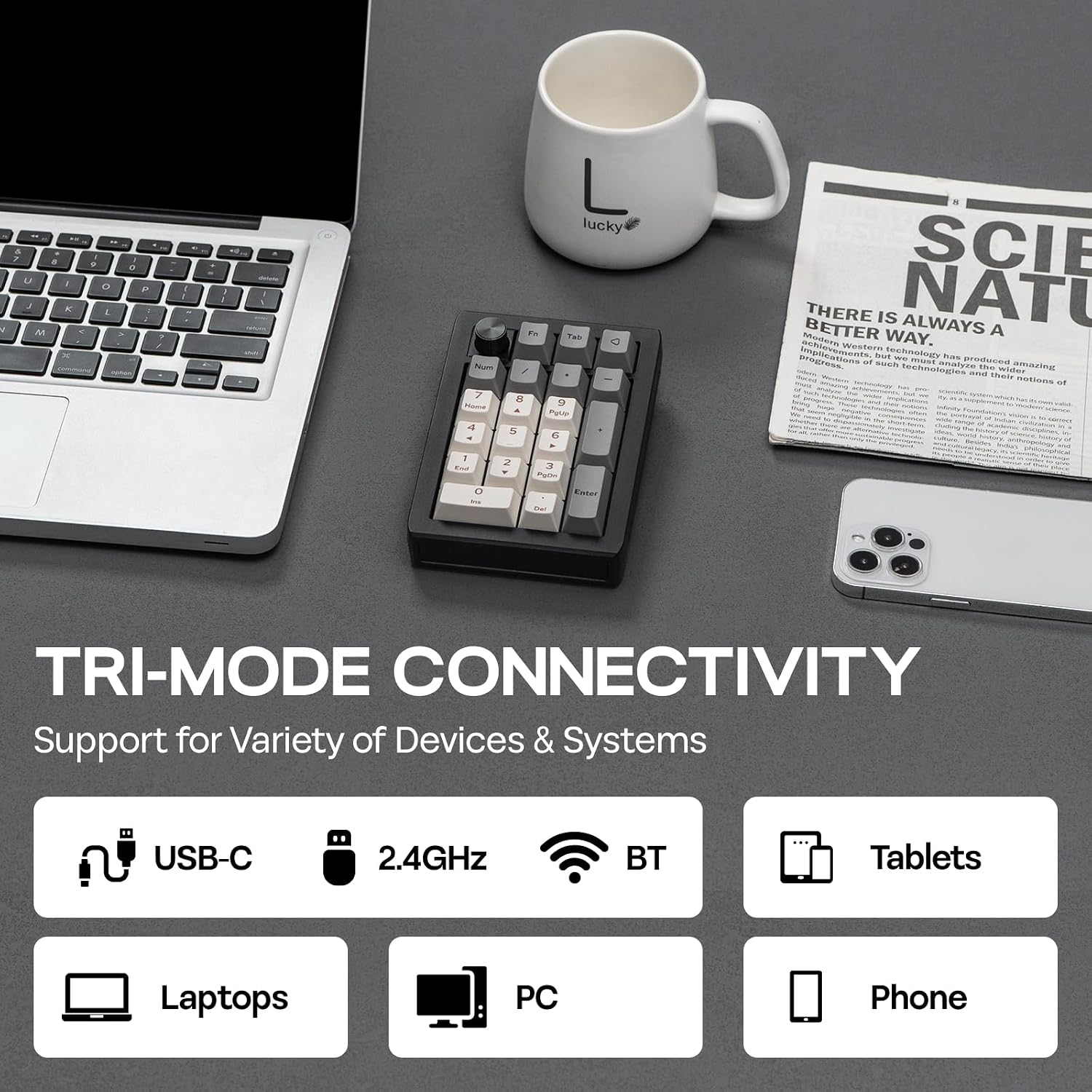
Its three connection modes make it adaptable to different desk arrangements: use Bluetooth or the 2.4GHz wireless dongle for a wireless setup, or connect by cable when you prefer a wired connection. A 1000mAh battery supports wireless use, and the detachable USB-A-to-USB-C braided cable can also be used to connect the keypad. The hot-swappable design lets users change compatible switches, offering another way to personalize the typing setup.
The essentials
The EK21 pairs a gasket-style design with a polycarbonate plate and a cushioning stack that includes a Poron bottom layer, sandwich foam, and an IXPE switch pad. Its linear switches and tuned stabilizers are intended to give the keys a consistent feel, while RGB backlighting lets you customize the keypad’s appearance through VIA. The enclosure is plastic, with an aluminum alloy knob.
- Layout: 20 keys, QWERTY
- Connectivity: Bluetooth 5.0, 2.4GHz wireless, USB-C wired
- Battery capacity: 1000mAh
- Dimensions: 3.66 x 5.43 x 1.14 inches
- Included: USB-A-to-USB-C braided cable, 2.4GHz wireless dongle, keycap-and-switch puller, extra Back keycap, user manual
Buyers often praise the keypad’s solid feel, key feel, sound, and usefulness for tasks such as data entry. Feedback is more varied on wireless connectivity and the ease of customization, so the connection method and VIA setup are worth considering as part of your preferred workflow.
Tips for day-to-day use
For VIA customization, connect the EK21 to a computer in wired mode. The manufacturer’s setup steps use an EK21 JSON definition: load it in VIA’s Design page after enabling “Show Design Page” in Settings, then configure key remaps, macros, RGB, or knob functions. This gives you a practical starting point for setting up shortcuts before relying on them in daily work or play.
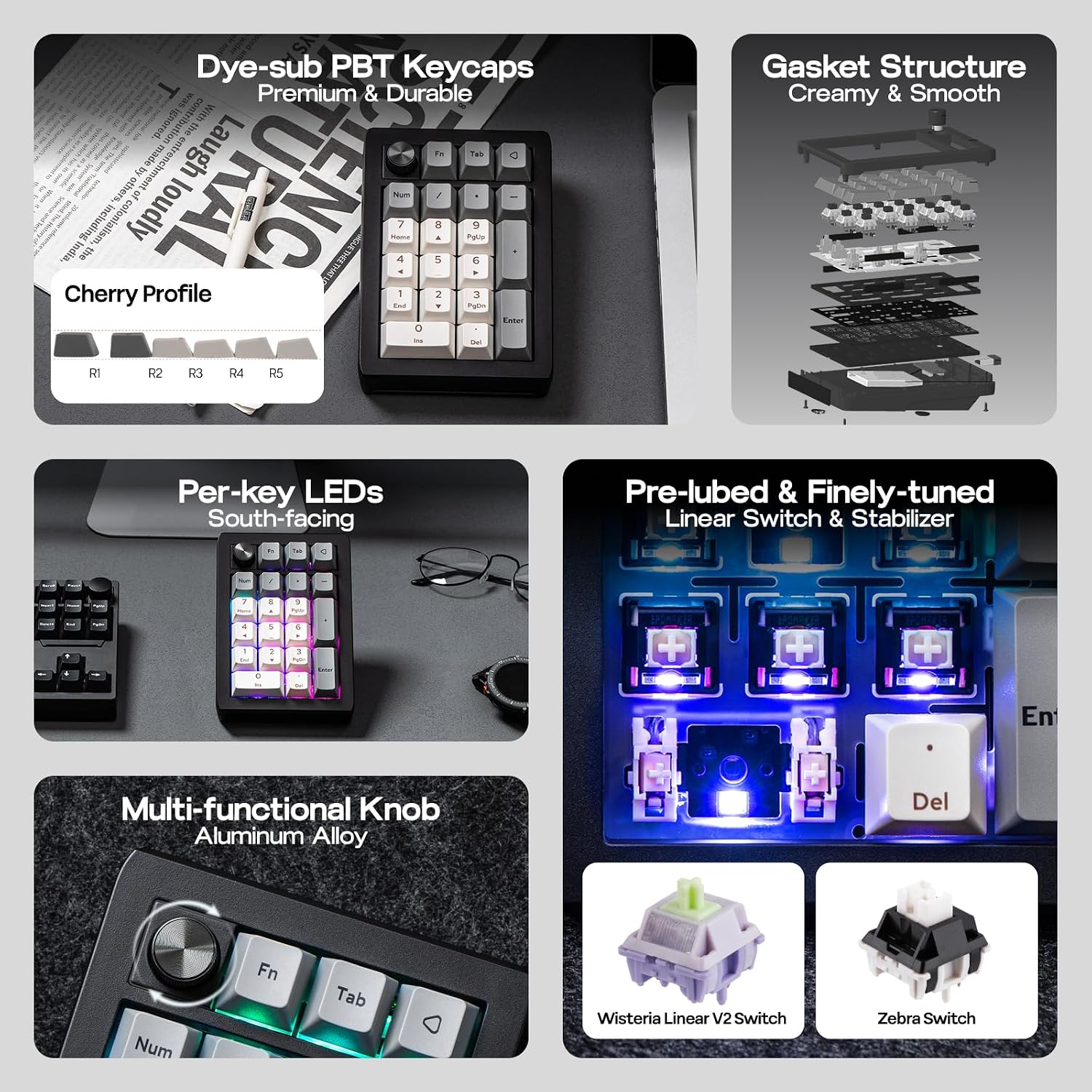
The detachable cable, wireless dongle, and Bluetooth option also make it straightforward to choose a connection style for a particular desk setup. Use the number keys for data entry, then assign frequently used commands or macros to suit the tasks you handle most often.
Questions before you buy
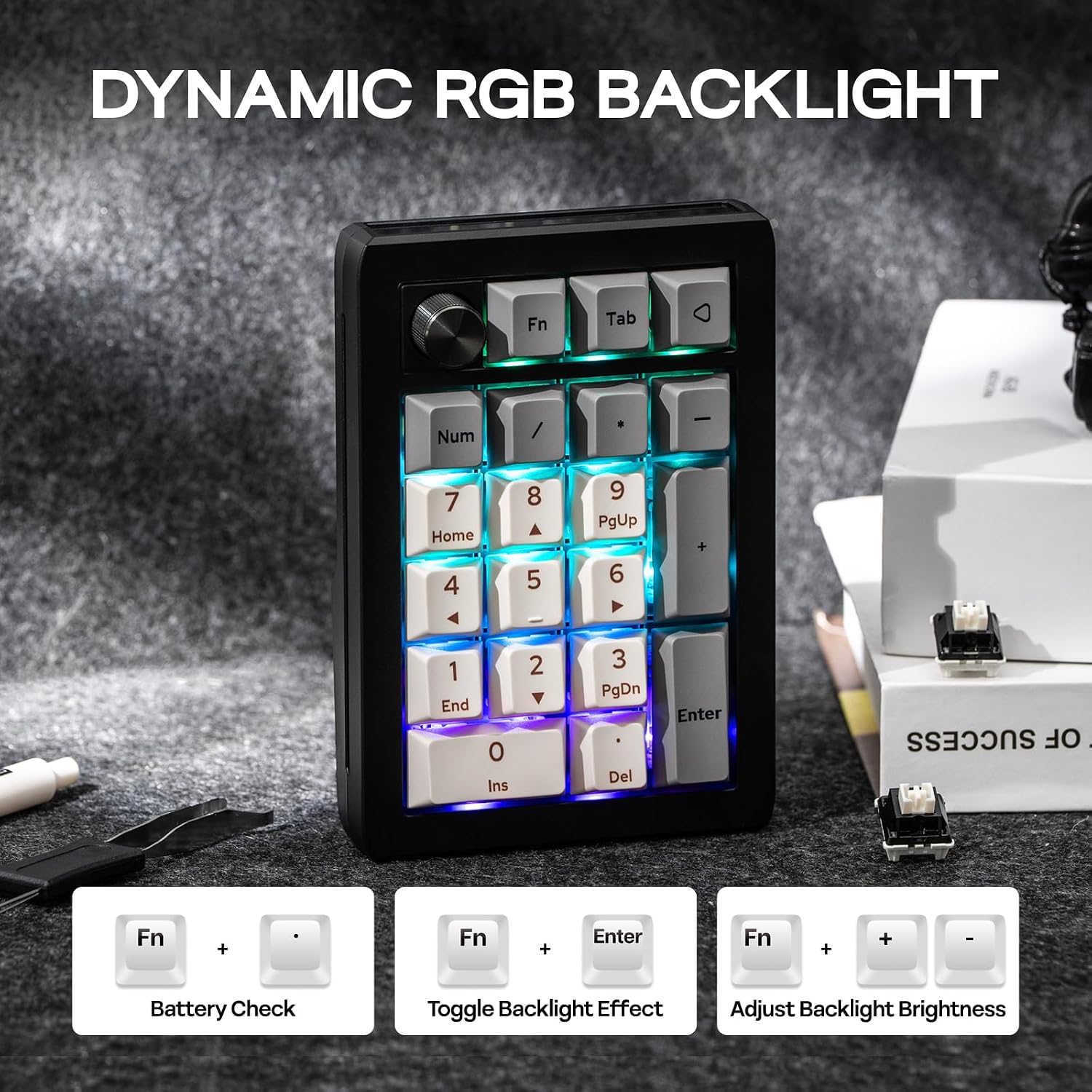
Can the keys and knob be customized? Yes. VIA supports key remapping, macros, RGB setup, and changes to the knob’s function. The EK21 is also hot-swappable, allowing switches to be changed.
What connection options does the EK21 offer? It supports Bluetooth 5.0, 2.4GHz wireless through the included dongle, and a wired USB-C connection using the included USB-A-to-USB-C cable.
What is included for setup? The package includes the detachable braided cable, 2.4GHz dongle, a combined keycap-and-switch puller, an extra Back keycap, and a user manual.
Final verdict
The EPOMAKER EK21 is a useful fit for anyone who wants dedicated numeric input alongside programmable shortcuts and a physical control knob. Its three connection options, hot-swappable switches, and VIA customization make it especially suited to desk workflows or gaming setups where a compact keypad can handle both number entry and personalized commands.