

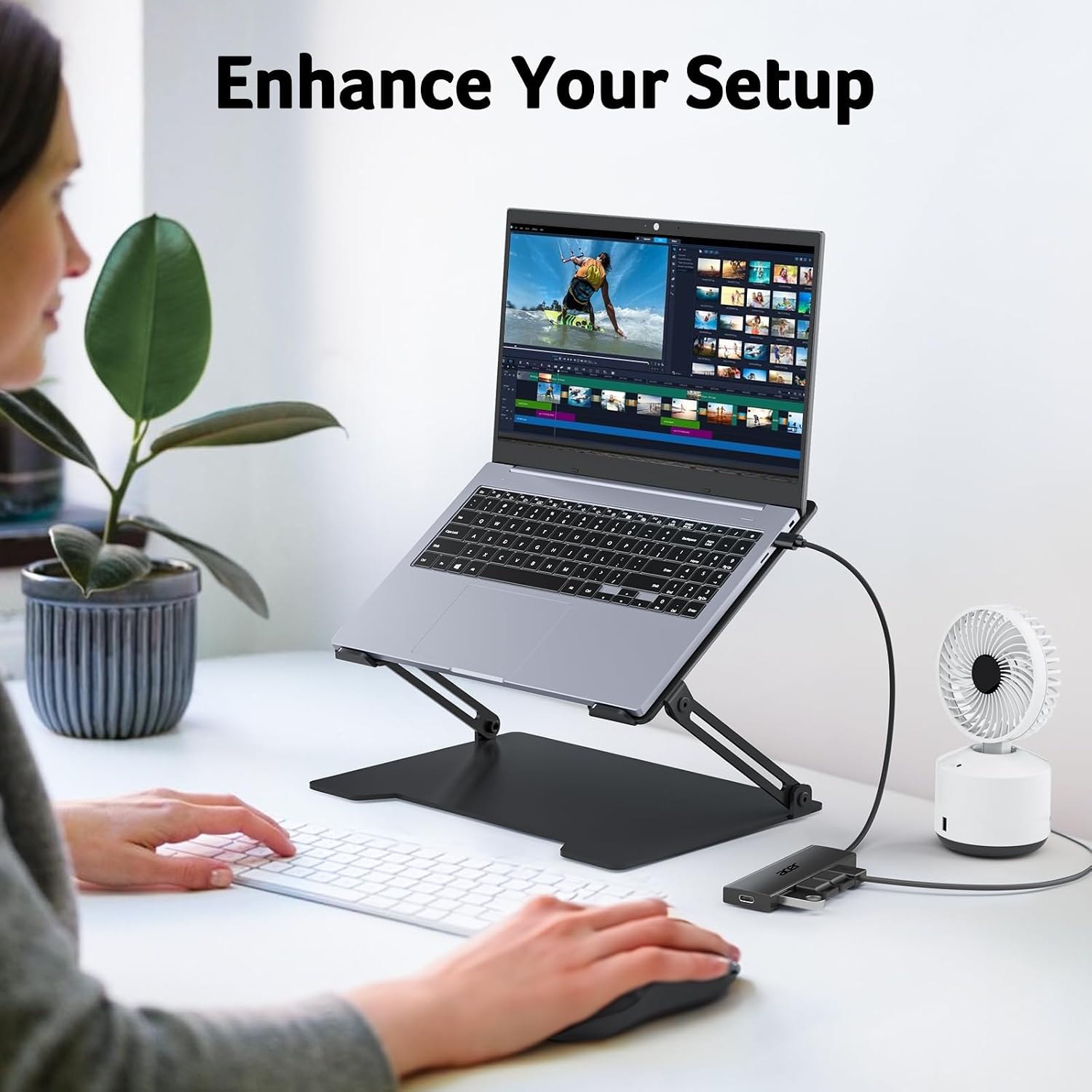
Acer USB Hub 4 Ports (USB 3.0) with 2ft Cable
Reviews
Price
Product description
What it is
The Acer USB Hub 4 Ports is a compact USB 3.0 splitter designed to broaden the number of available USB connections for laptops and PCs. It adds four USB-A ports to your device, enabling easier access to a keyboard, mouse, flash drive, printer, or external hard drive without swapping cables.
Why it matters
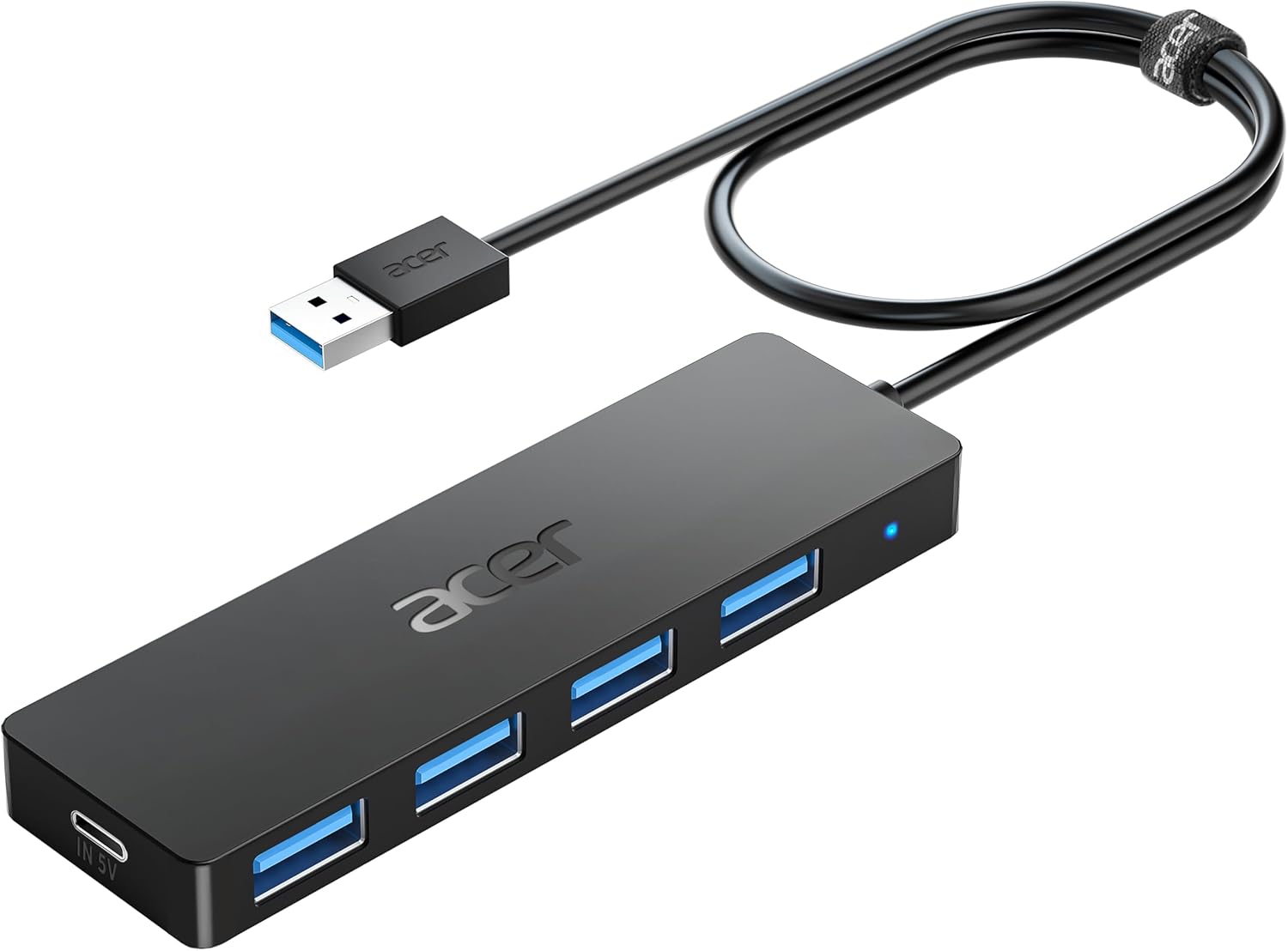
If your laptop or PC has a limited number of USB ports, this hub can help you work more efficiently by reducing the need to constantly unplug devices. The four ports work simultaneously, which is useful when you’re setting up a workstation or need quick access to multiple peripherals.
Key features and what they mean in practice
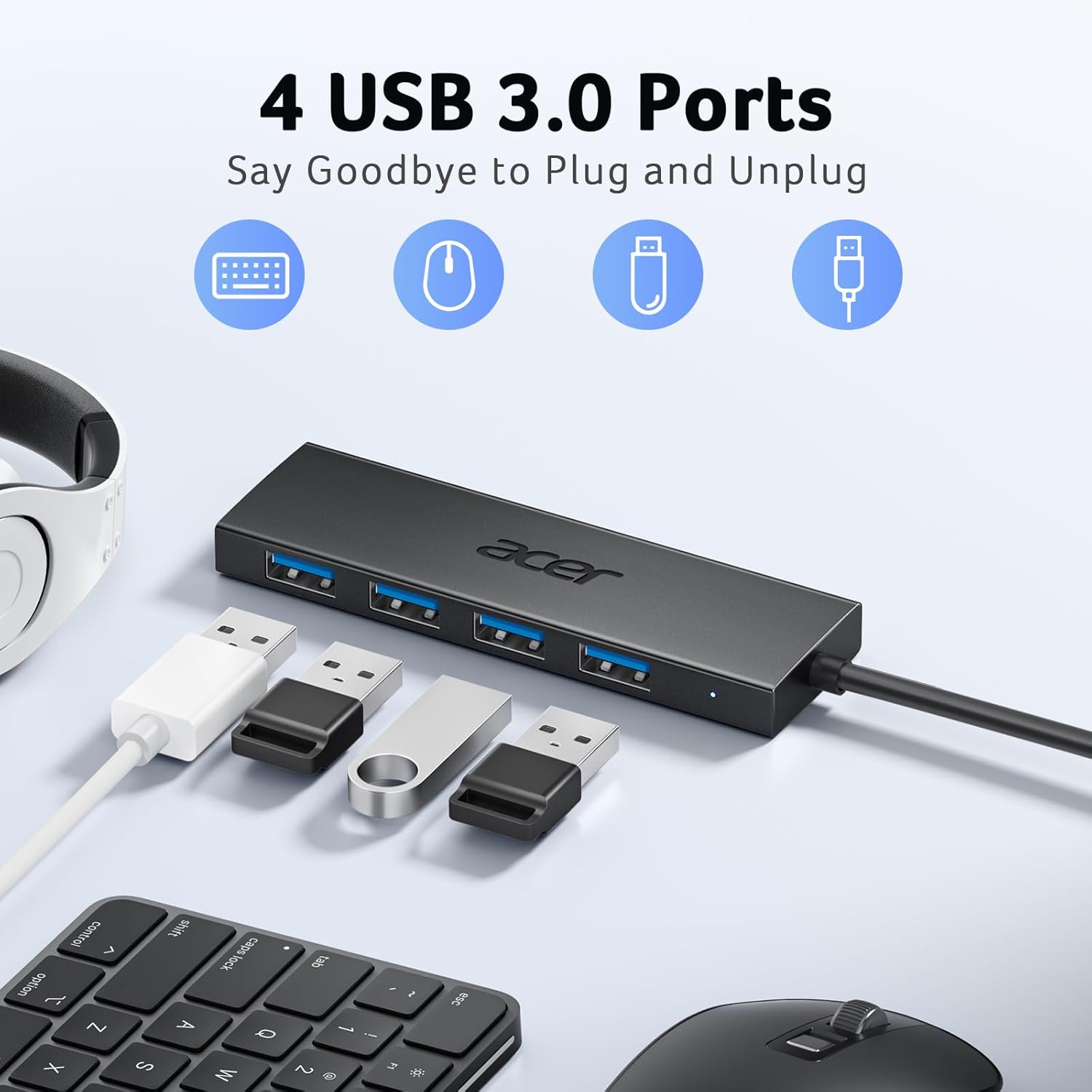
- Four USB 3.0 ports offer data transfer up to 5Gbps, which can speed up file transfers of photos, videos, and documents compared with older USB standards.
- Built-in GL3510 chip with attention to thermal design helps keep devices and data safer during use.
- Plug-and-play: no driver installation required, so you can set it up quickly with minimal friction.
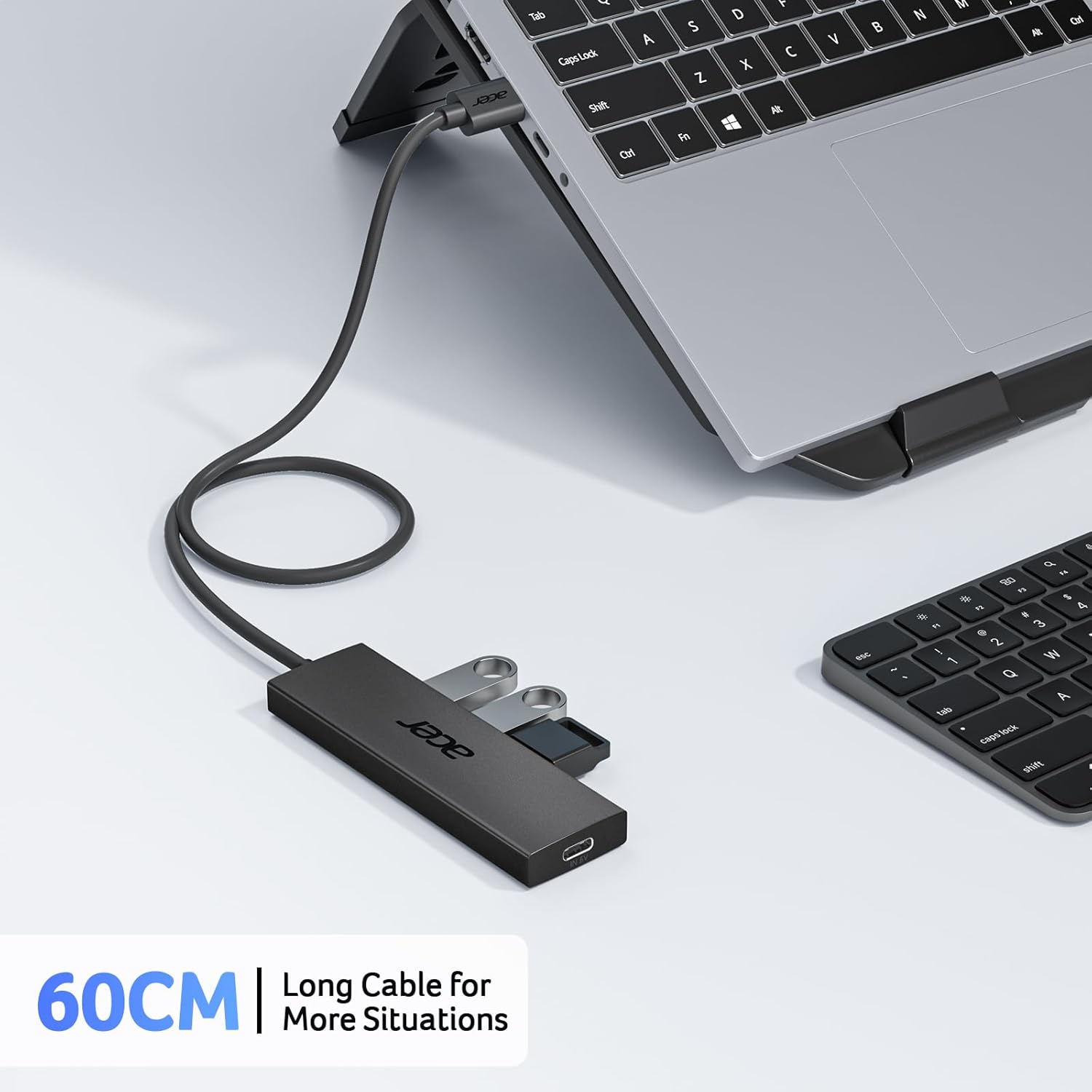
- 2-foot cable for flexible placement on a desk or within a bag for travel. LED indicator helps confirm when the hub is powered and active.
- Wide compatibility: designed to work with a range of devices and operating systems, including laptops, desktops, and various gaming consoles.
- Note on power: when connecting hard drives or high-powered peripherals, you should power the hub through the 5V USB-C port to maintain stable data transmission. The USB-C port labeled IN 5V cannot be used for data transfer or charging other devices.
How to use it
Simply plug the hub into a free USB port on your laptop or PC. Connect your peripherals to the four USB-A ports. If you’re running power-hungry storage devices, connect the hub to power via the USB-C power input to keep speeds stable during transfers.
What it’s good for (use cases)
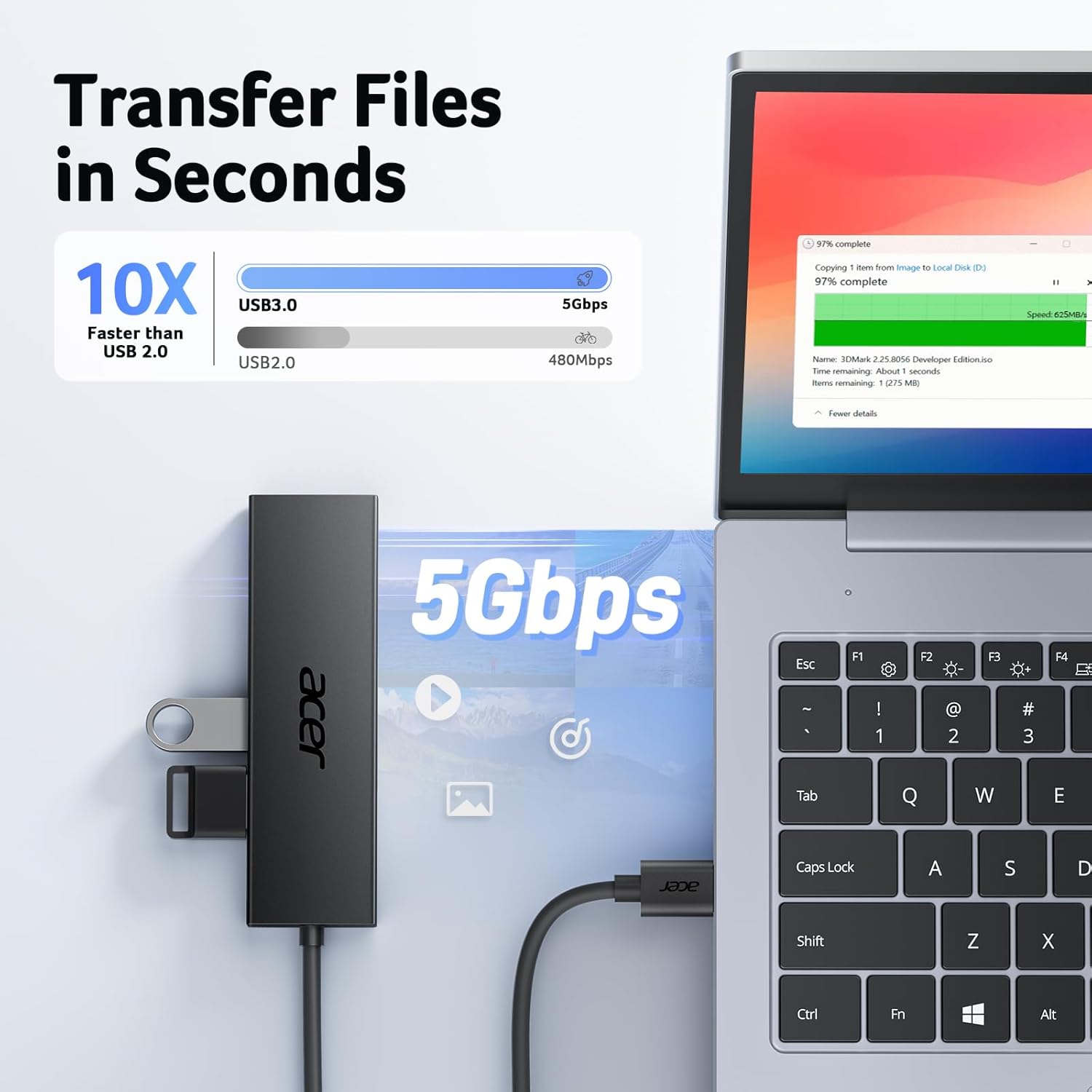
- Extending a thin laptop’s connectivity for a home office or travel setup.
- Quickly adding a mouse, keyboard, or USB drive to a workstation without reconnecting other devices.
- Light file transfers and peripheral connections where peak speed is beneficial but not mission-critical.

Limitations and things to keep in mind
- The USB-C 5V input is for power, it does not enable data transfer through that port. Use it when you need extra power for attached drives.
- Data transfer speeds reflect USB 3.0 capabilities, real-world speeds vary with the host computer, cable quality, and connected devices.
- It’s a generic USB expansion hub, so it won’t replace a dedicated docking station if you need Ethernet, video output, or charging via a single unit.
Buying considerations
- If you frequently connect multiple USB peripherals at once and prioritize quick setup, this hub can help streamline your workspace.
- If you rely on high-wattage devices or require sustained high-speed transfers to external drives, consider whether the hub’s power handling meets your needs when used with powered USB-C input.
- For users who want a simple, portable upgrade for light to moderate USB use, this Acer hub offers a straightforward solution.
Is it worth it?

Is it worth it?
It’s a practical upgrade for users with limited USB ports who want a simple, plug-and-play expansion. It may not be the best fit if you need a docking setup with video outputs, multi-port charging, or consistently maximum USB 3.0 throughput for large transfers. If you value portability and a low-friction setup, this hub can be a sensible addition to a laptop bag.
FAQ
Q: Can I use the USB-C power input to charge my laptop? A: No, the 5V USB-C port is intended to provide power for the hub’s connected USB-A ports, it does not support data transfer or laptop charging.
Q: Will all four USB 3.0 ports run at full speed simultaneously? A: The hub supports four ports operating at once, with speeds up to 5Gbps, but actual performance depends on the connected devices and host capabilities.
Q: Is this compatible with macOS, Windows, and Linux? A: Yes, it’s designed for broad compatibility across major operating systems, though performance can vary by system and device.