

Acer ODK4L0 USB-C Hub with 4 Data Ports, 100W PD, and Shared 10Gbps
Product description
Connect USB-C storage, a keyboard, and other peripherals to a laptop through one compact hub. The Acer ODK4L0 adds four USB-C data ports and a separate USB-C Power Delivery port. Its shared 10Gbps bandwidth is designed for data transfer, not video output.
What you’ll notice day to day
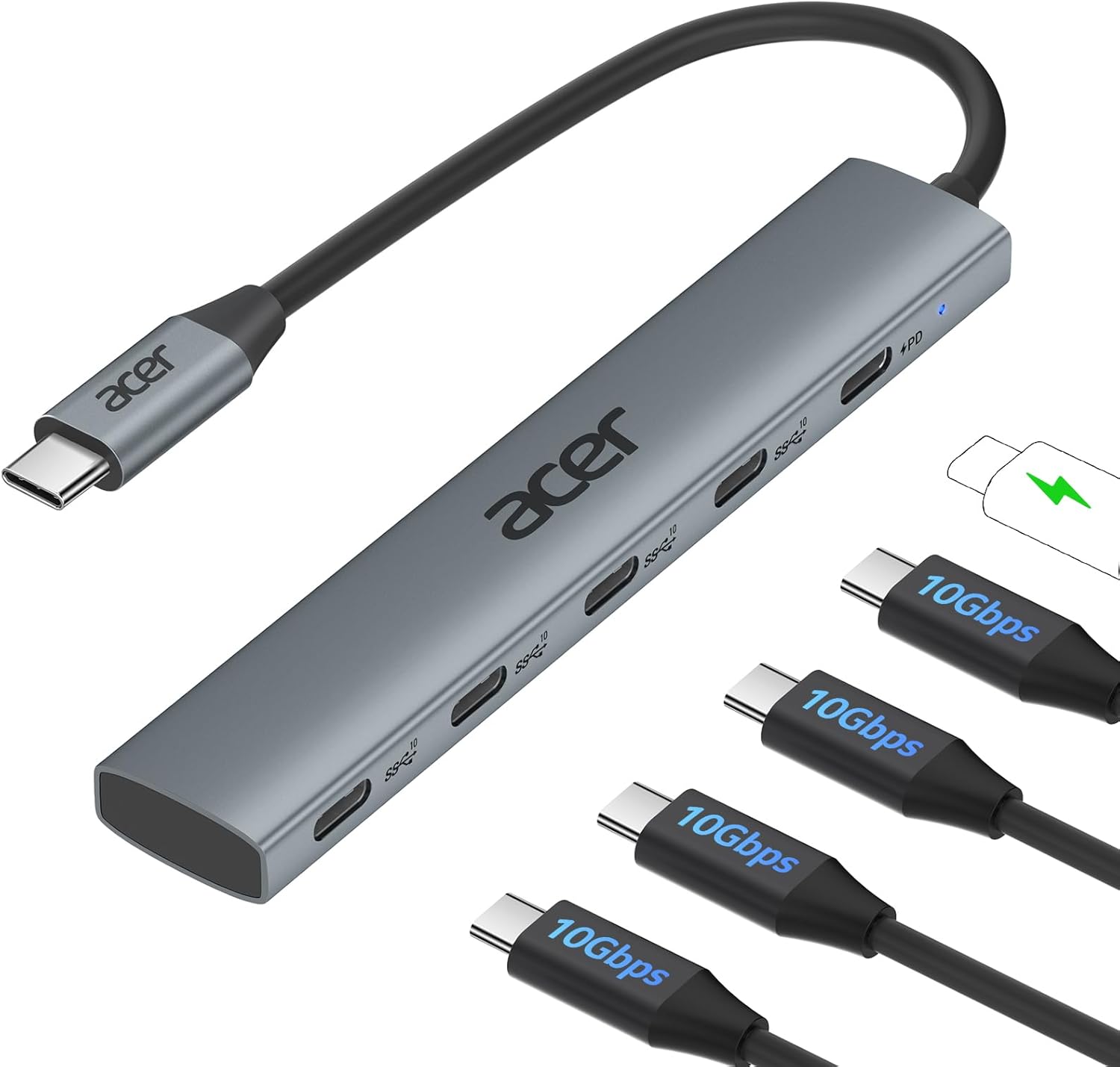
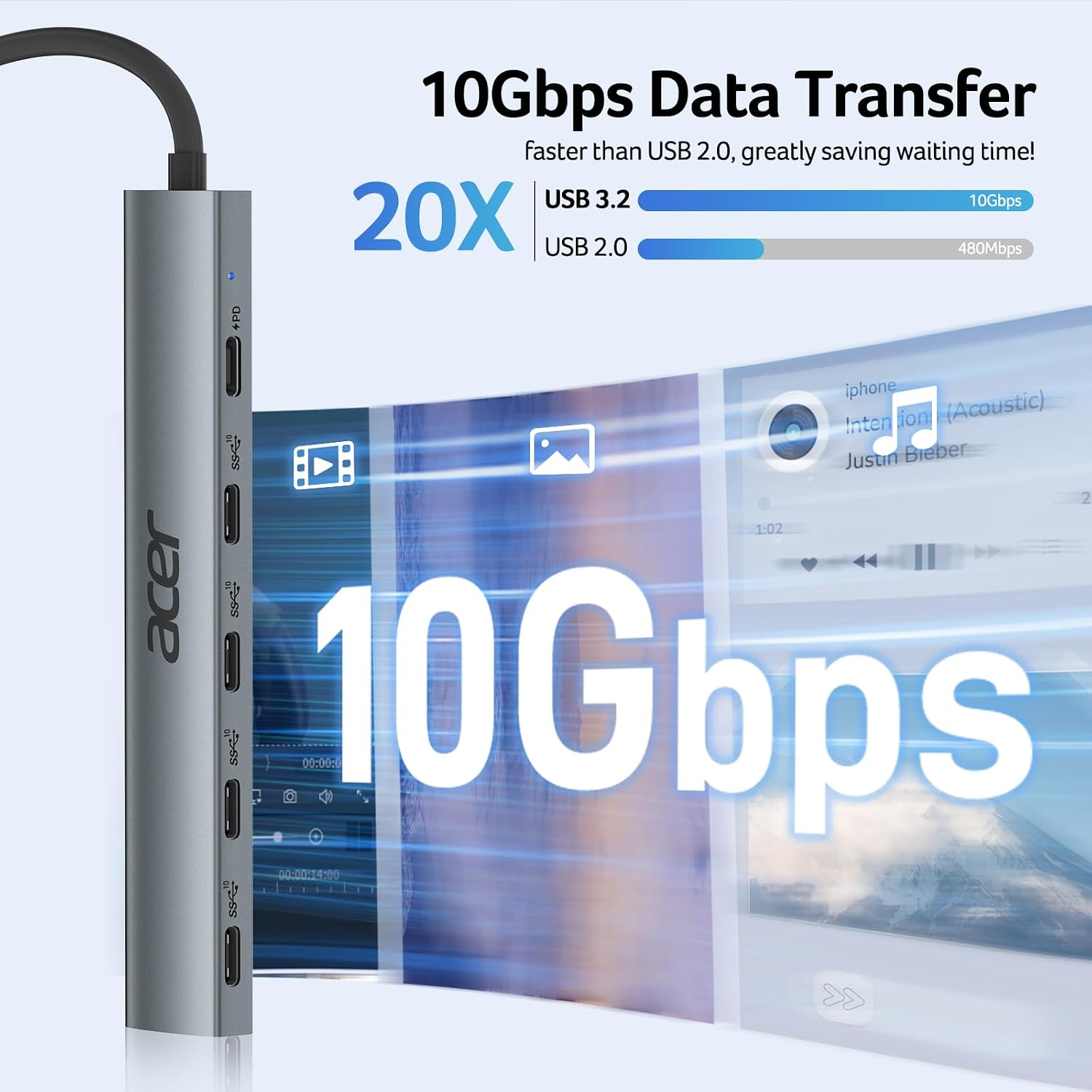
The four USB-C 3.2 Gen 2 data ports let you connect several compatible devices at once, such as external drives, a smartphone, or a keyboard. Together, those ports share up to 10Gbps of bandwidth, so the available data capacity is shared when multiple devices transfer files. For example, you can connect a drive for backups while keeping other USB-C accessories plugged in, the host device, cable, and connected storage also affect actual transfer speeds.
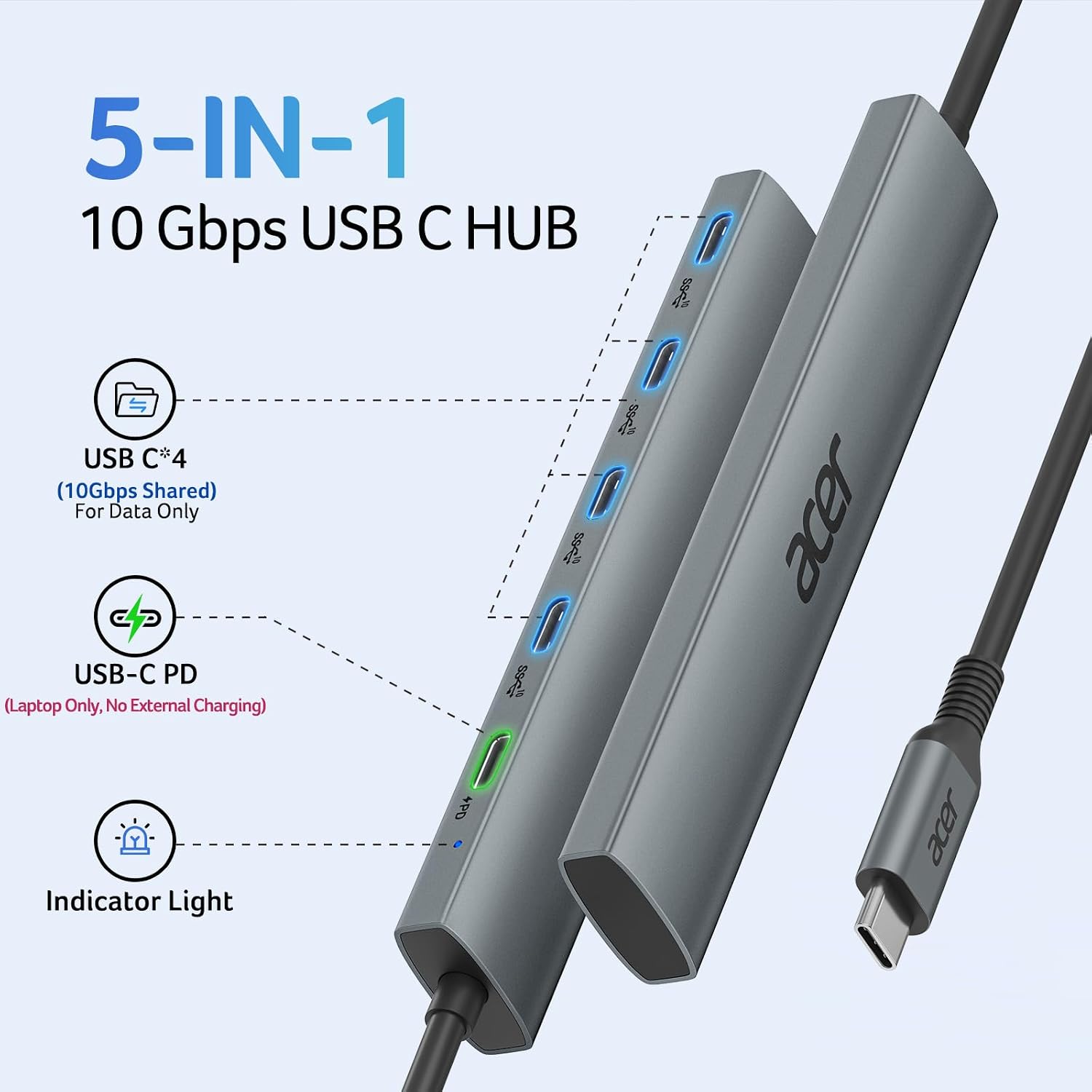
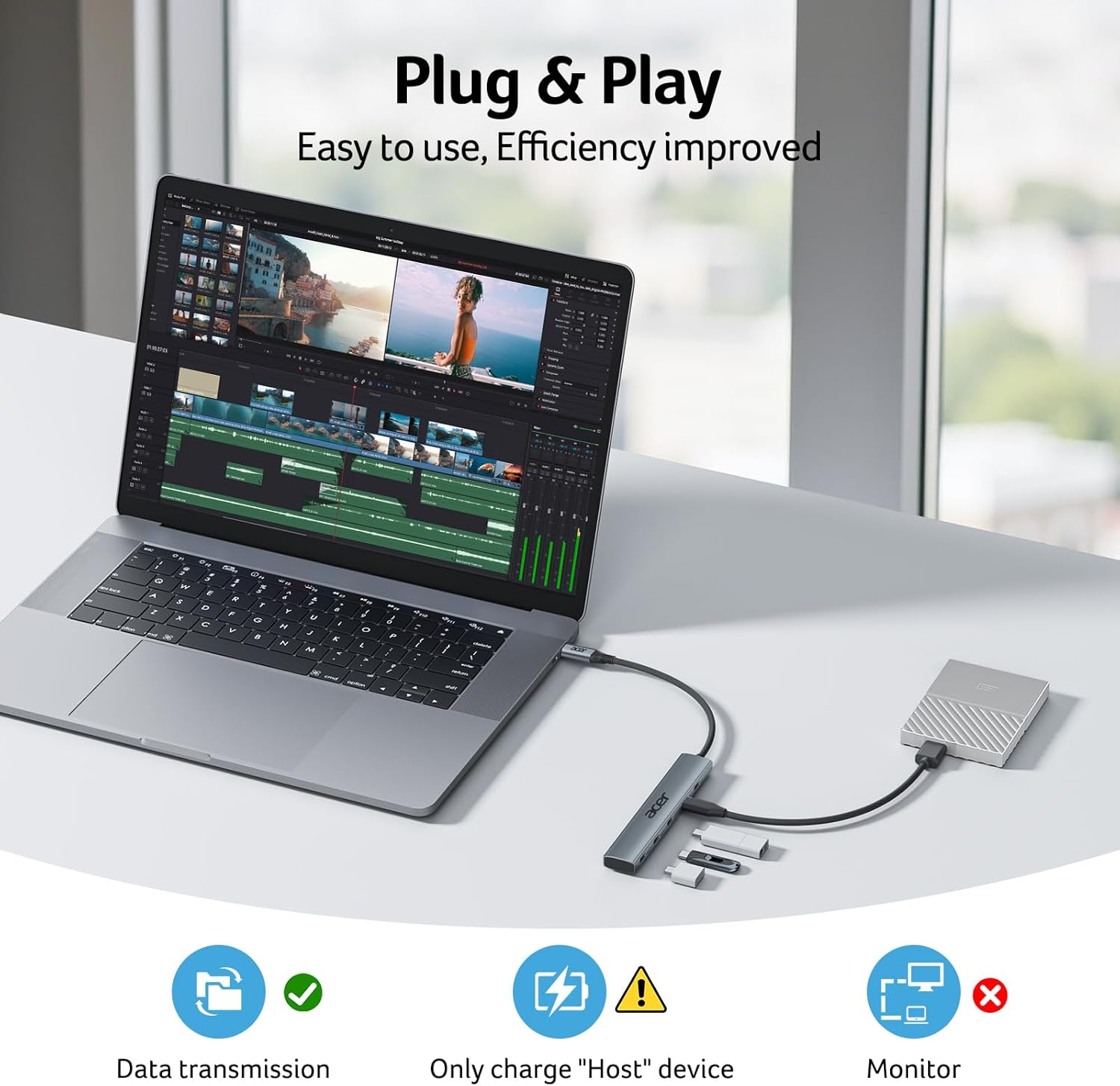
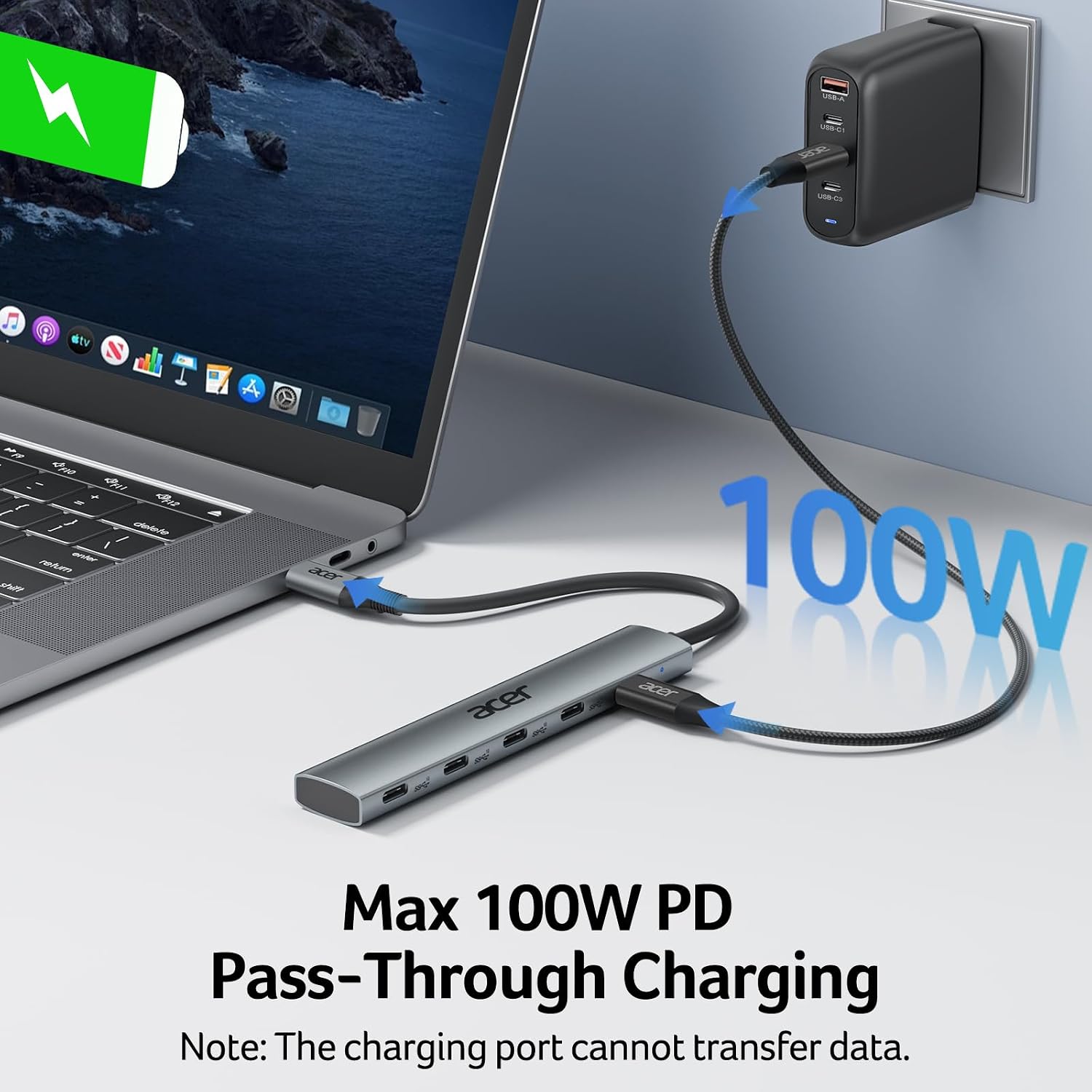
The separate 100W PD port is for charging the host device, such as a compatible laptop, rather than powering peripherals. The host’s USB-C port must support PD, and the manufacturer recommends using a 65W-or-higher charger for best performance. Buyer feedback often praises the transfer speed and build, while comments on speed and power delivery are mixed, some also find the cable length short.
Highlights
This five-port layout combines four USB-C data connections with one USB-C PD charging port, keeping data peripherals and host charging in a single adapter. The hub is plug-and-play and lists compatibility with Windows, macOS, Linux, Chrome OS, iPadOS, iOS, and Android, as well as laptops, tablets, smartphones, and storage devices. A compatible USB-C connection on the host is needed to use the hub.
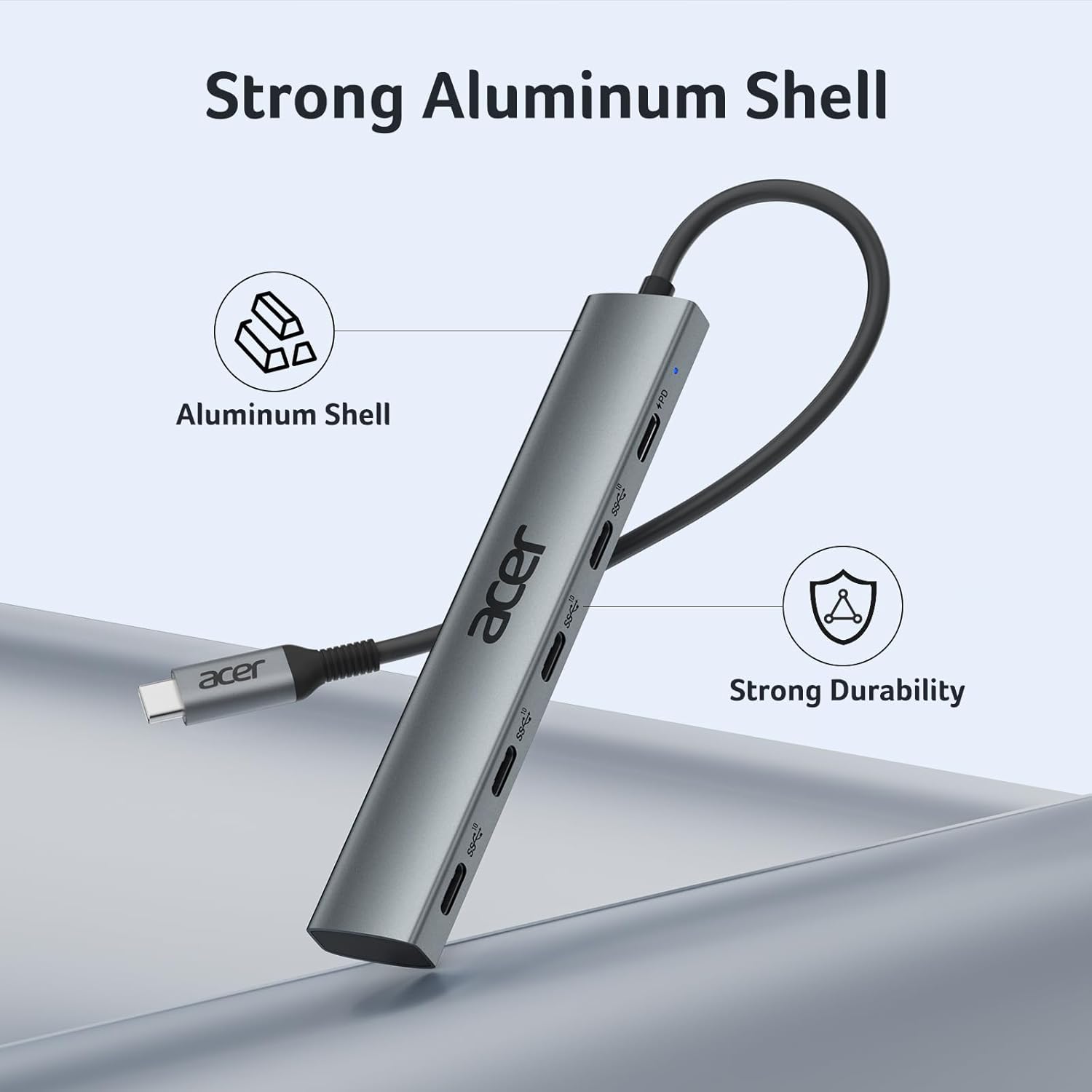
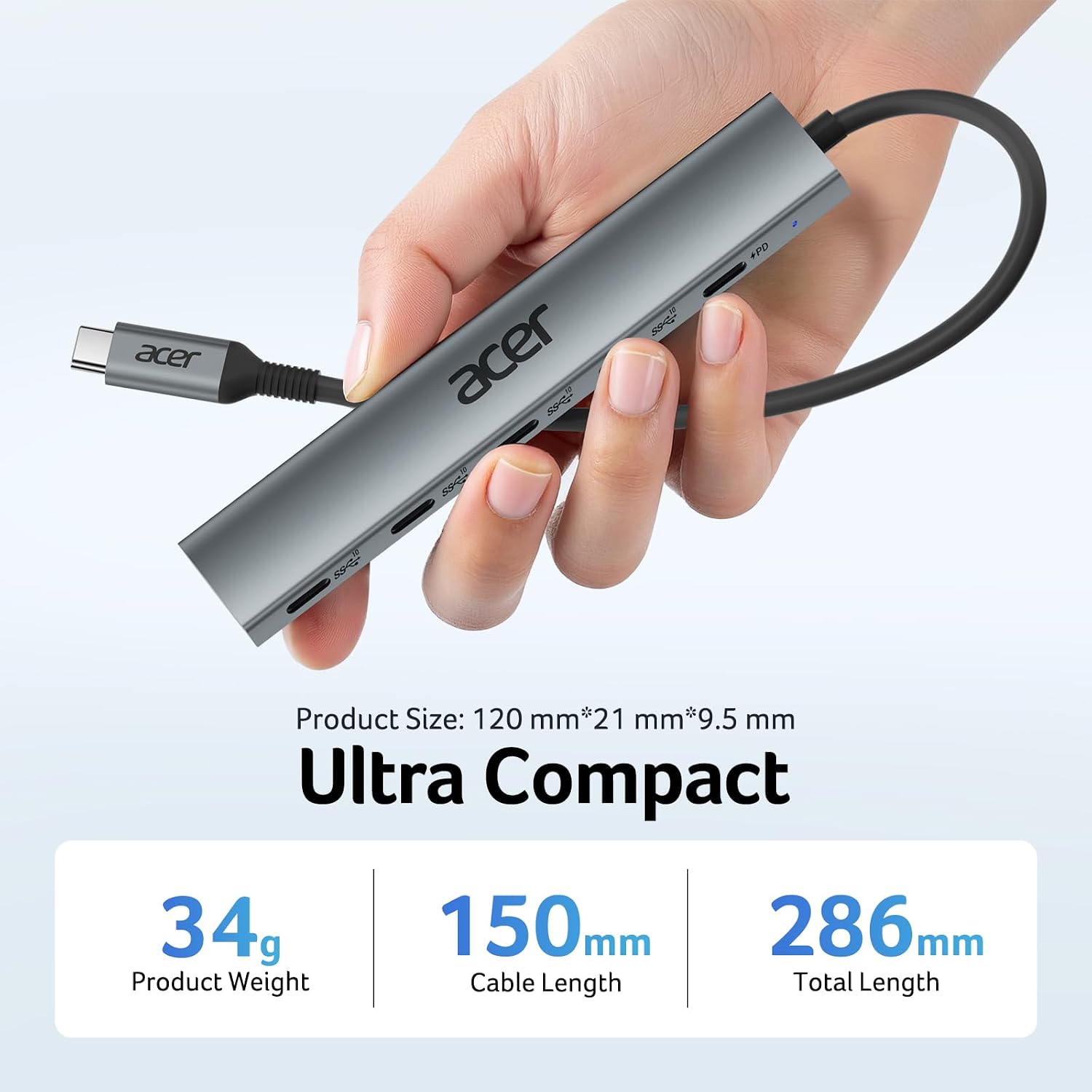
The enclosure is aluminum, and the hub weighs 60 g, making it a practical accessory to carry between a desk and a mobile workspace. Its USB-C ports are for data transfer, the hub does not provide DisplayPort Alt Mode or HDMI video output. Choose it for USB-C connectivity and charging rather than for connecting an external display.
Who it’s for
It suits you if your laptop or tablet has a compatible USB-C port and you want to connect multiple USB-C data accessories through one hub. The four data ports can accommodate a mix of items such as an external drive, phone, and keyboard, while the PD port can charge the host when the device and charger support USB-C Power Delivery. The shared bandwidth is worth keeping in mind when transferring data across several connected devices, particularly with external storage.
When it makes sense
Compared with a basic adapter that adds a single connection, the ODK4L0 is a better fit for a workspace built around several USB-C peripherals and host charging. It can be useful when moving between work locations: connect the hub to a compatible laptop, then attach data devices and a PD charger at the hub. For a setup that needs display output, choose a hub designed for video instead. For data-focused connections and a dedicated host-charging port, this Acer hub brings those functions together in a portable aluminum design.