

MOKiN UC0501 9-in-1 USB-C Hub with HDMI, Gigabit Ethernet and 100W PD
Reviews
Price
Product description
If your USB-C laptop needs more ways to connect, the MOKiN UC0501 brings display, wired networking, card reading, USB expansion, and pass-through charging together in one compact hub.
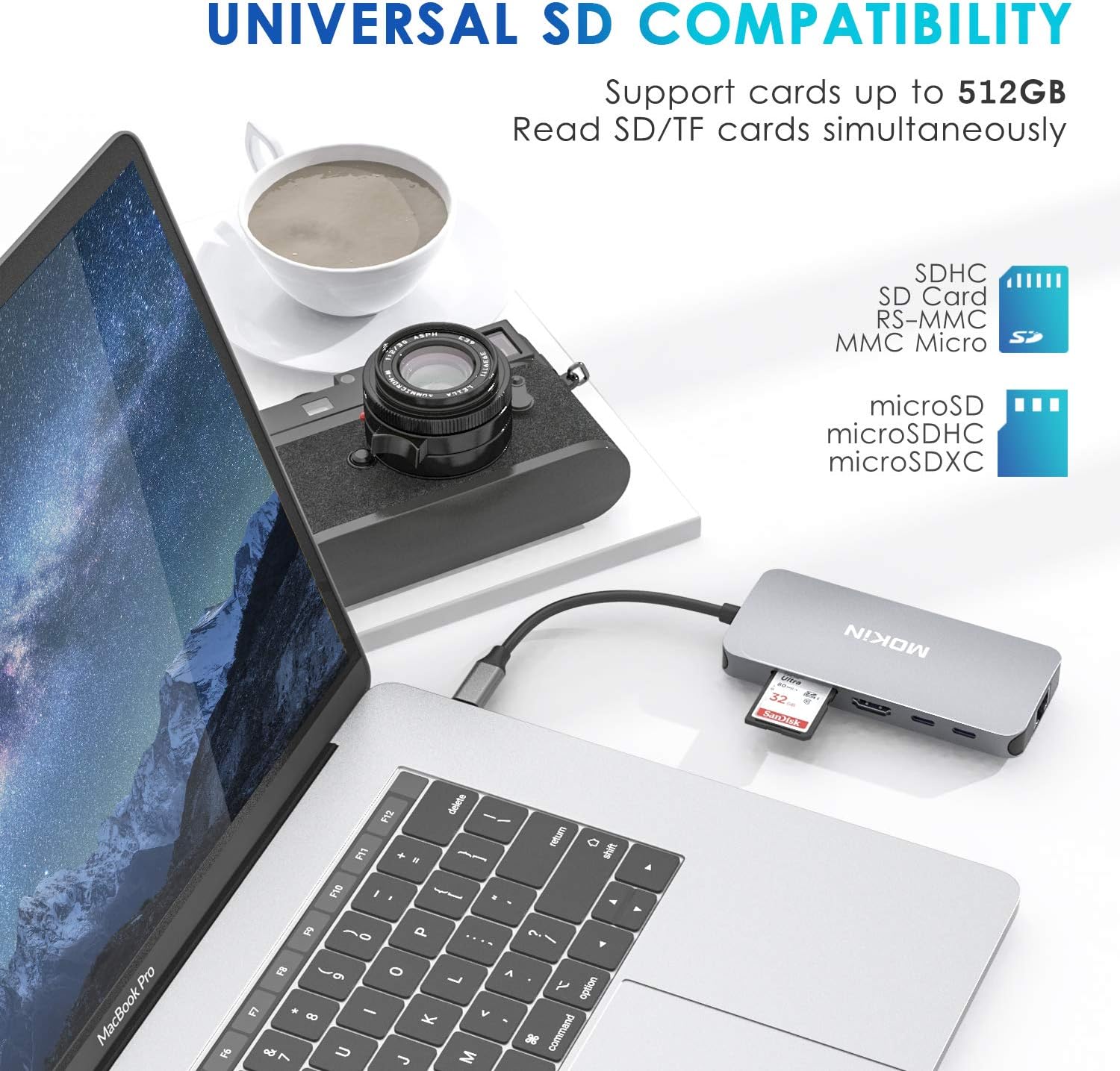
Connect an external screen through HDMI, access SD and microSD cards, or use the Gigabit Ethernet port for a wired network connection. Three USB ports provide room for peripherals and storage devices.
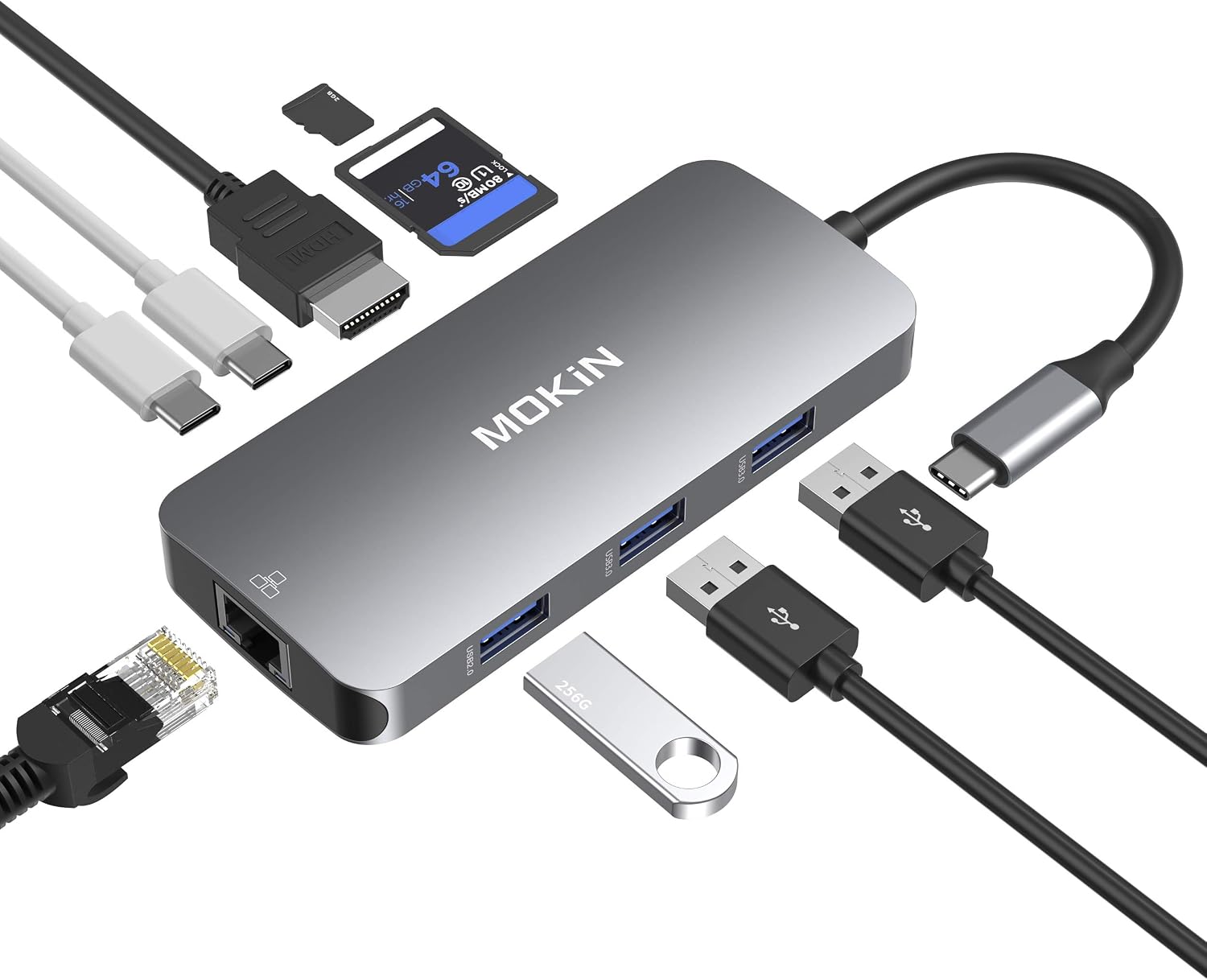
The hub measures 4.33 x 1.97 x 0.59 inches, making it easy to pack for a commute or travel. It is designed for USB-C devices, including MacBook Pro and MacBook Air models.
Highlights
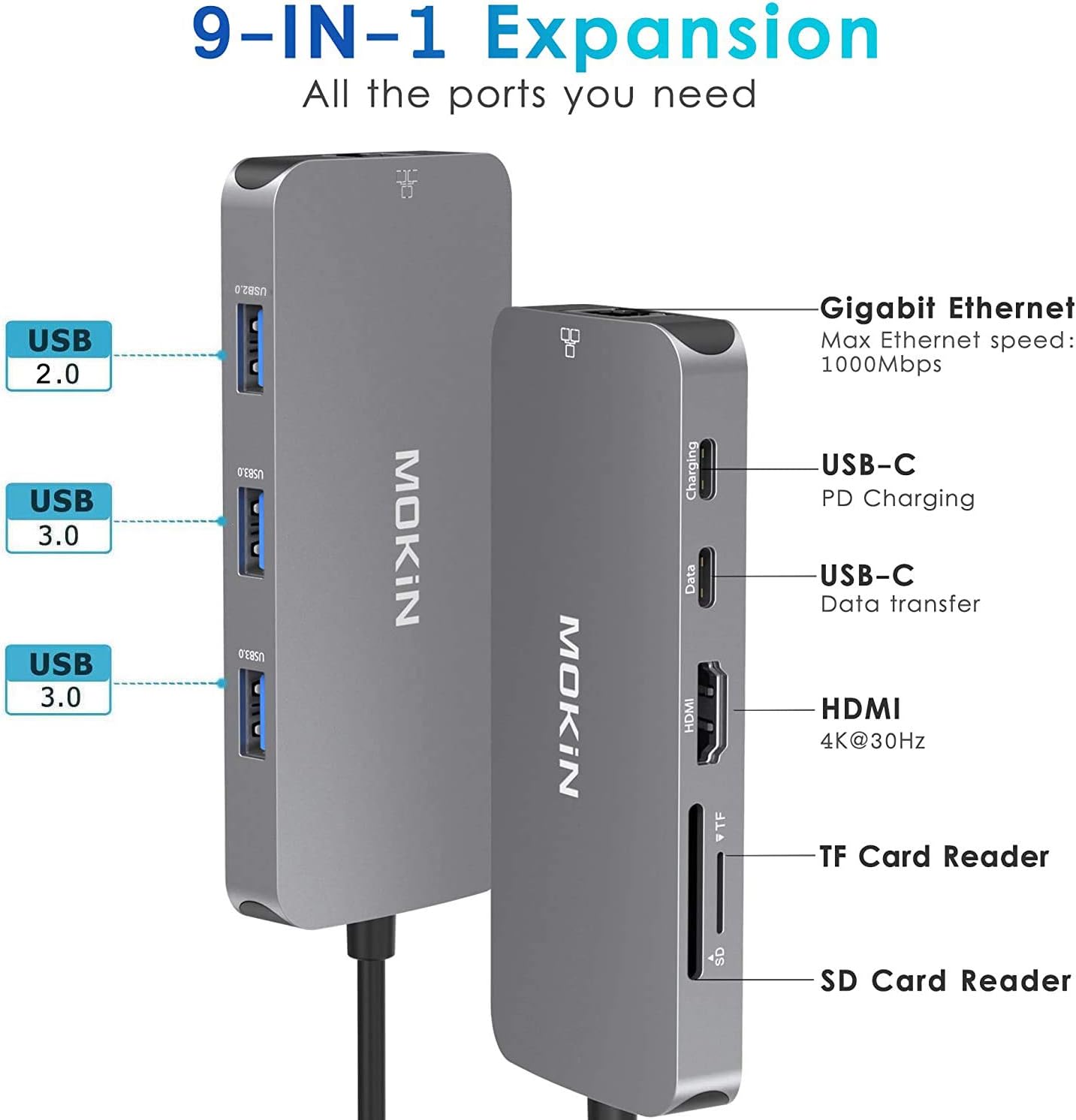
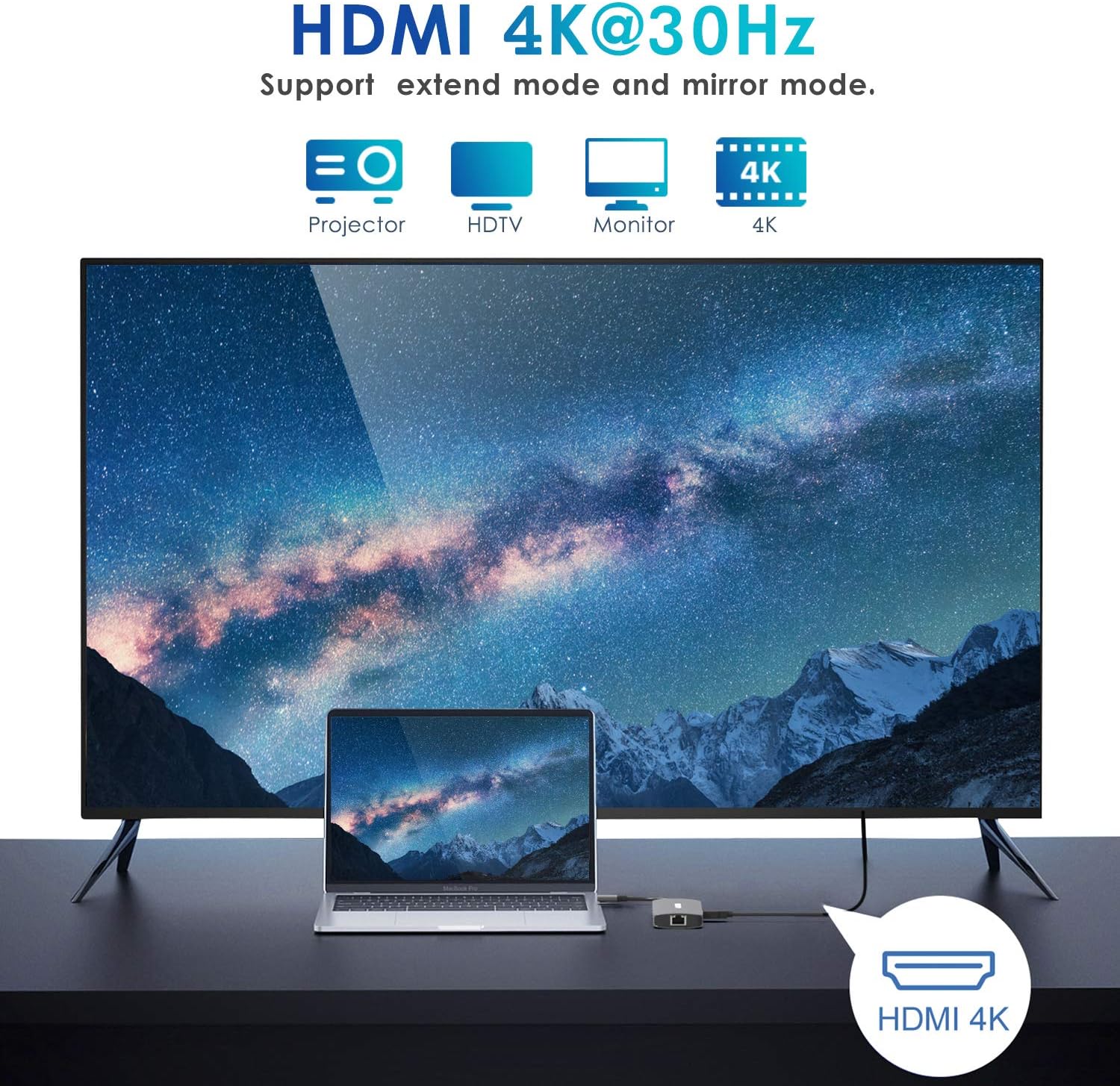
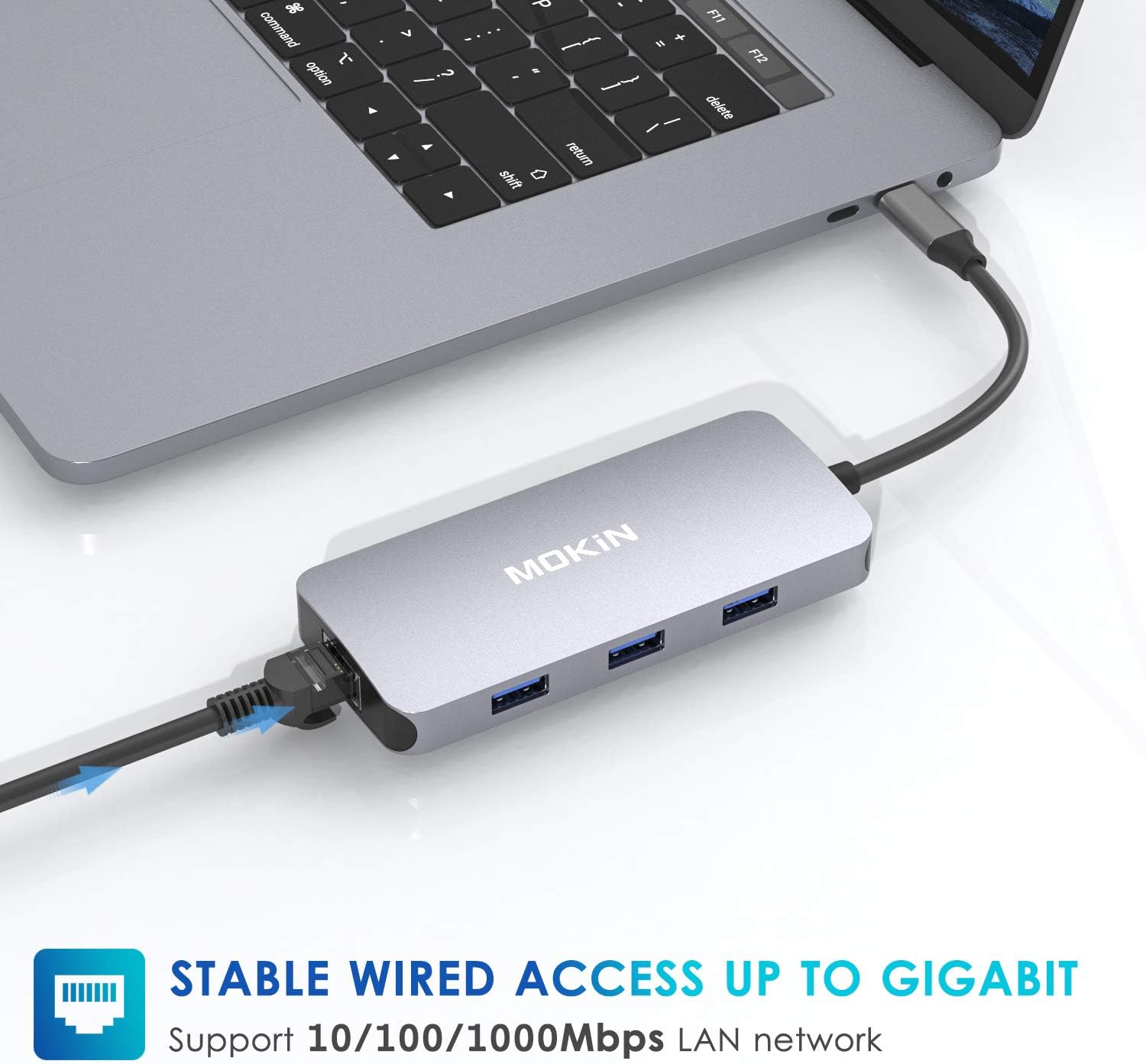
The 9-in-1 design combines several everyday connections in one accessory. HDMI supports 4K video output to a compatible TV, monitor, or projector, while the Ethernet port supports speeds up to 1 Gbps. The USB 3.0 ports support data transfer up to 5 Gbps and are backward compatible with USB 2.0, so you can connect common peripherals as well as external drives.
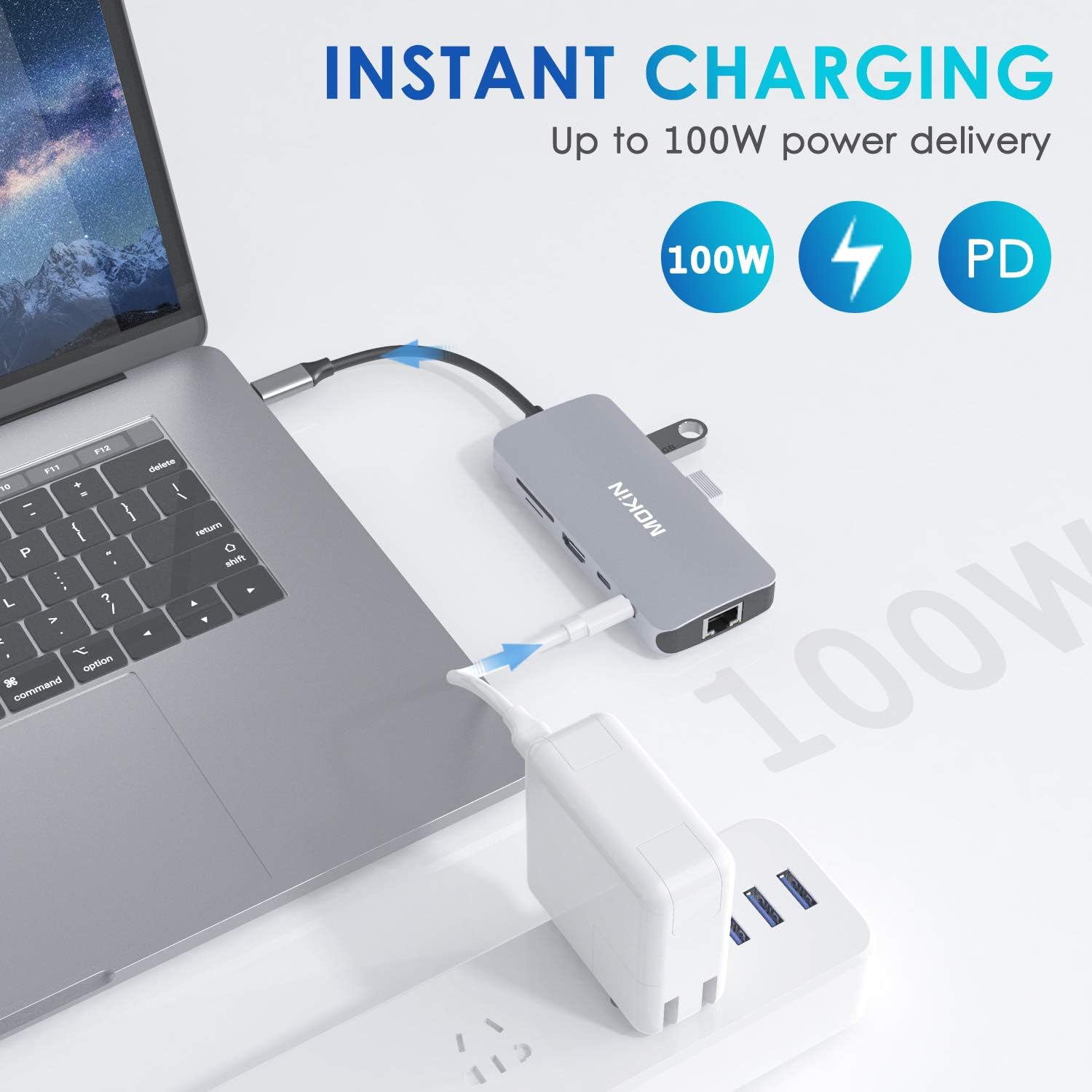
SD and microSD card readers give you direct access to files on either card type, and both card slots can be used at the same time. For desk setups, the USB-C PD input supports up to 100W of power, power delivered to the host computer is limited to 87W. That lets you keep a compatible laptop charging while using the hub’s other connections.
Buyers appreciate the range of ports, compact travel-friendly size, and ease of use. Feedback on connectivity and durability is mixed, and some customers mention that the hub gets hot during use. These are useful considerations when choosing a multiport hub for a setup you plan to use regularly.
Practical tips
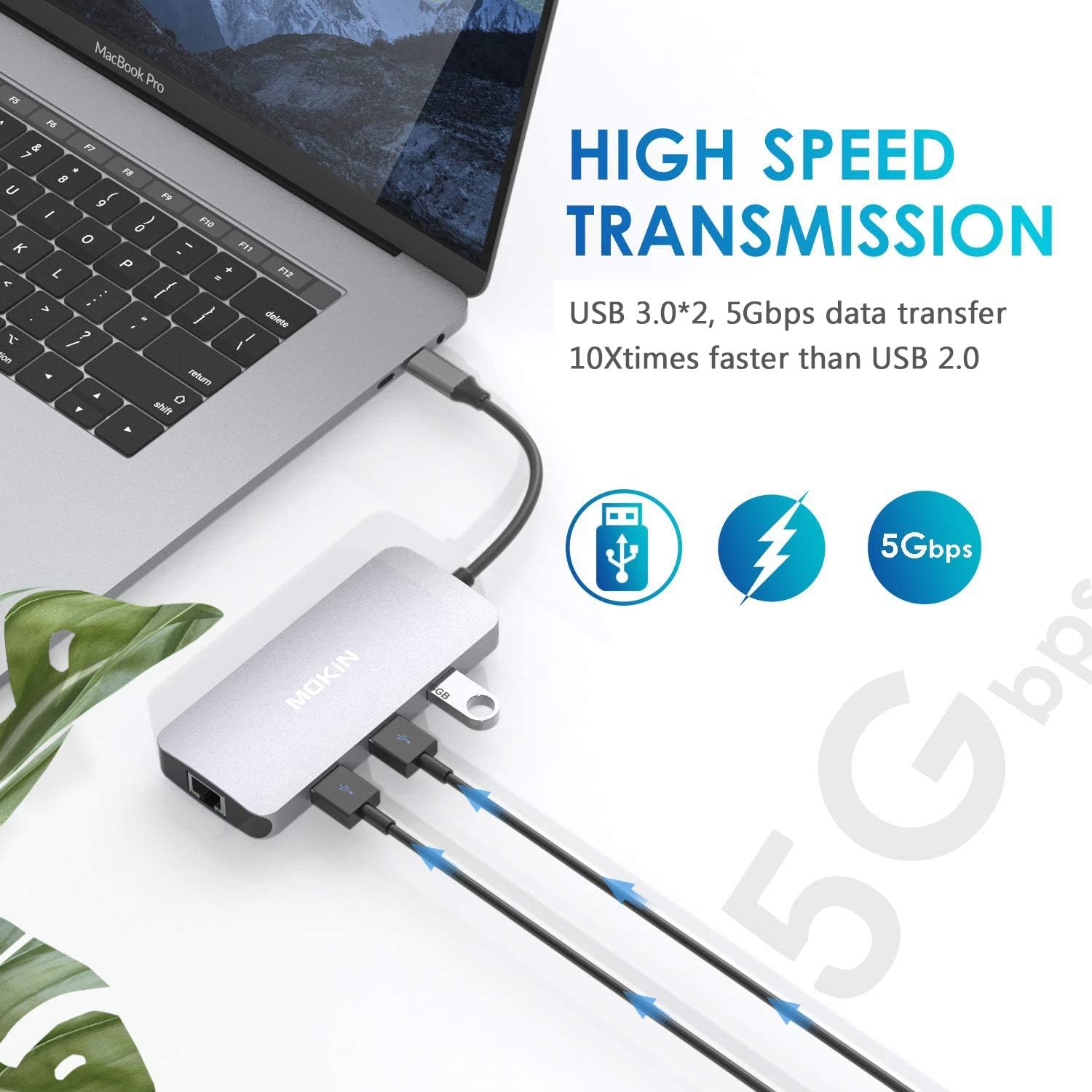
Choose this hub when you want to consolidate several connections rather than carry separate adapters for a display, wired network, USB devices, and memory cards. It suits a work setup with a monitor and external storage, or a travel kit where access to card-based files and wired internet is useful. Its compact dimensions make it practical to keep alongside a laptop without taking up much bag space.
For video output, connect the hub to a USB-C device that supports display output. For charging, connect a USB-C PD power source to the hub’s PD input, up to 100W can enter the hub, with up to 87W delivered to the host computer. Actual transfer speed depends on the connected port and device.
How to use it
Connect the hub to your device’s USB-C port, then attach the display, USB peripherals, Ethernet cable, or SD and microSD cards you need. To use wired internet, connect an Ethernet cable to the RJ45 port. For file access, insert the relevant memory card into its slot, the two card readers support simultaneous use.
When you want to charge the laptop while using connected devices, attach a USB-C PD power source to the hub’s PD input. Check that your host device supports the connections you plan to use, particularly USB-C display output for HDMI. Keeping the hub accessible on a desk or in a travel bag makes it easy to switch between a streamlined mobile setup and a multi-device workspace.
Before you decide
Can it connect to a monitor or projector? Yes. The HDMI port supports 4K video output to a compatible display, TV, or projector. The connected USB-C device must support display output.
Can I read SD and microSD cards at the same time? Yes. The hub supports simultaneous reading from its SD and microSD (TF) card slots.
Can it charge a laptop while the other ports are in use? The USB-C PD input supports up to 100W, and the hub can deliver up to 87W to a compatible host computer while its other connections are being used.
Is it worth it?
The MOKiN UC0501 is a practical fit for USB-C laptop users who want display output, wired Gigabit Ethernet, card readers, and USB ports in one compact accessory. Its combination of everyday connections and pass-through charging is especially useful when setting up a temporary workspace, connecting peripherals at a desk, or carrying a flexible hub while traveling.