

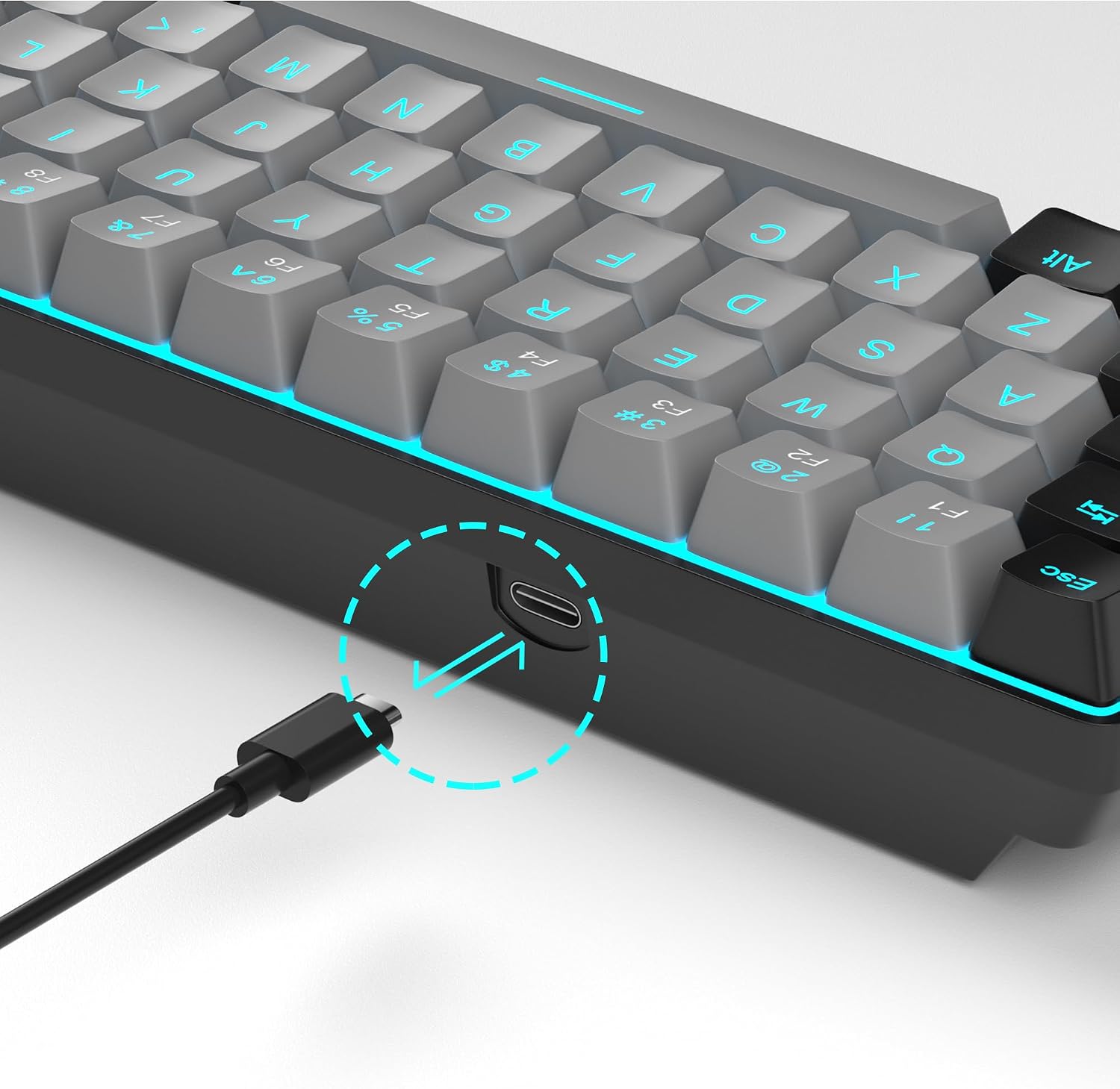
MageGee MK-Box 60% Mechanical Keyboard, 68 Keys, Blue Switches and LED Backlighting
Reviews
Price
Product description
Tech summary
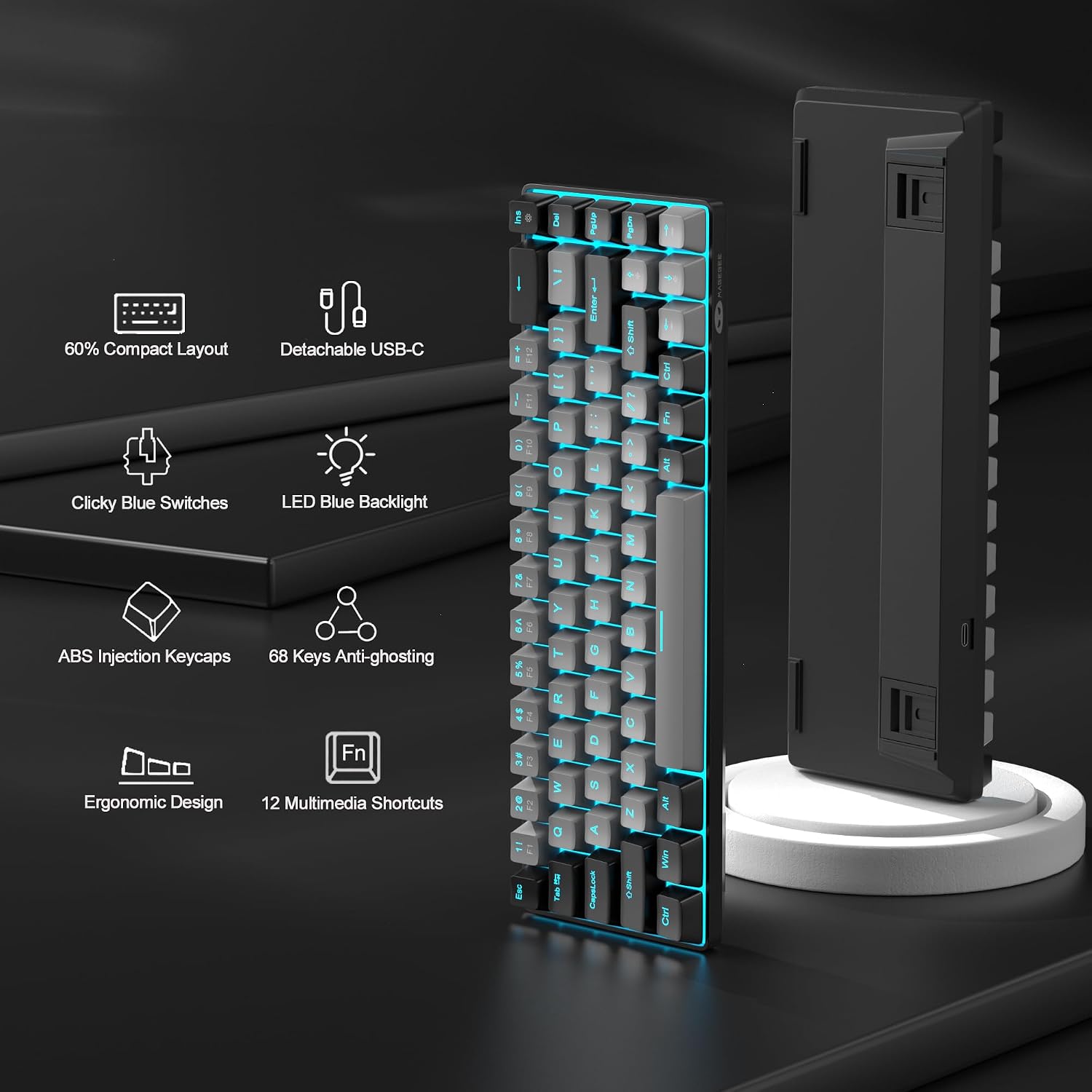
For users who want a smaller keyboard without giving up dedicated arrow keys or F1–F12, the MageGee MK-Box packs 68 keys into a compact 60% layout. Its clicky blue mechanical switches provide audible, tactile feedback for gaming and everyday typing, while the grey-and-black design keeps the setup understated.
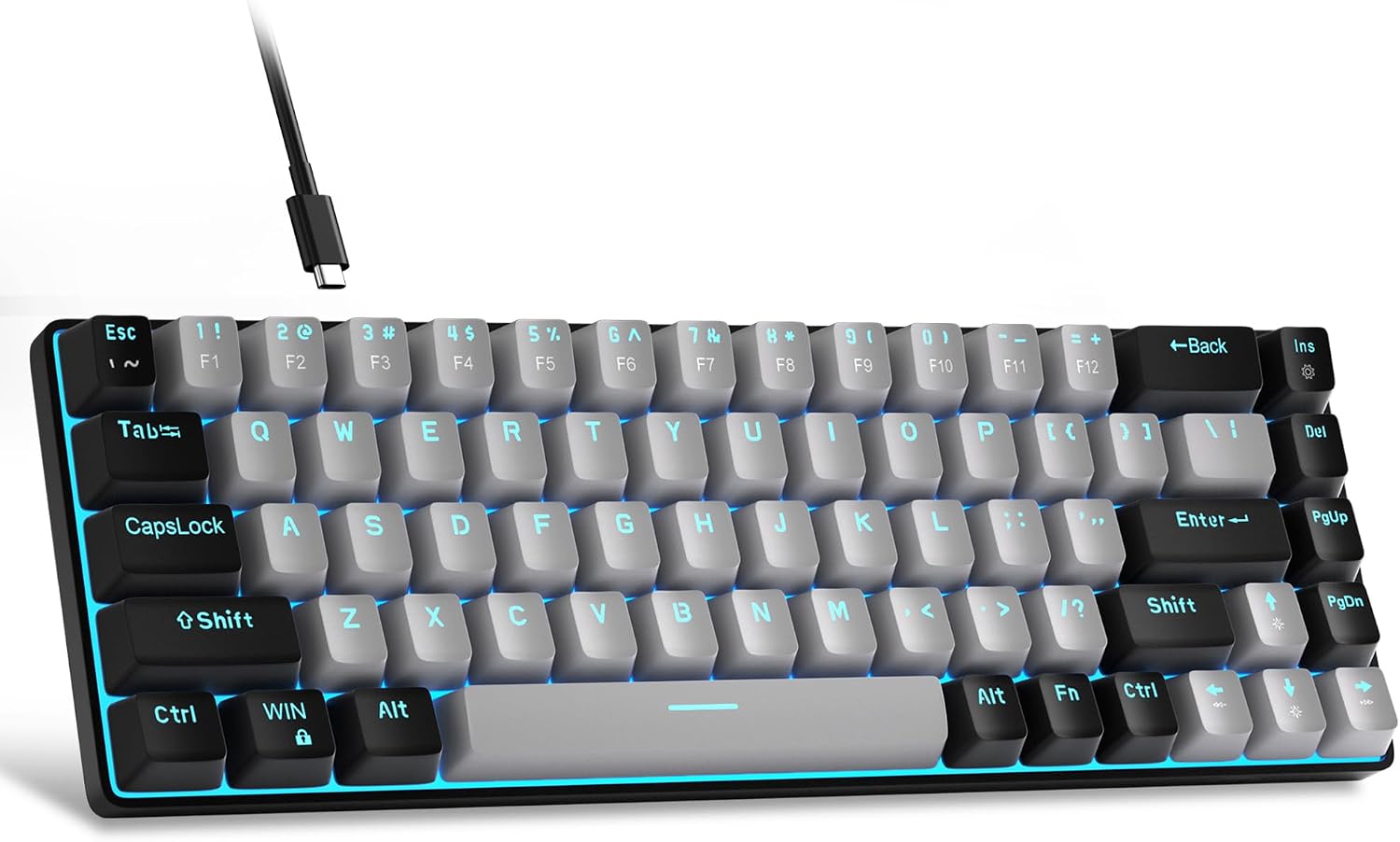
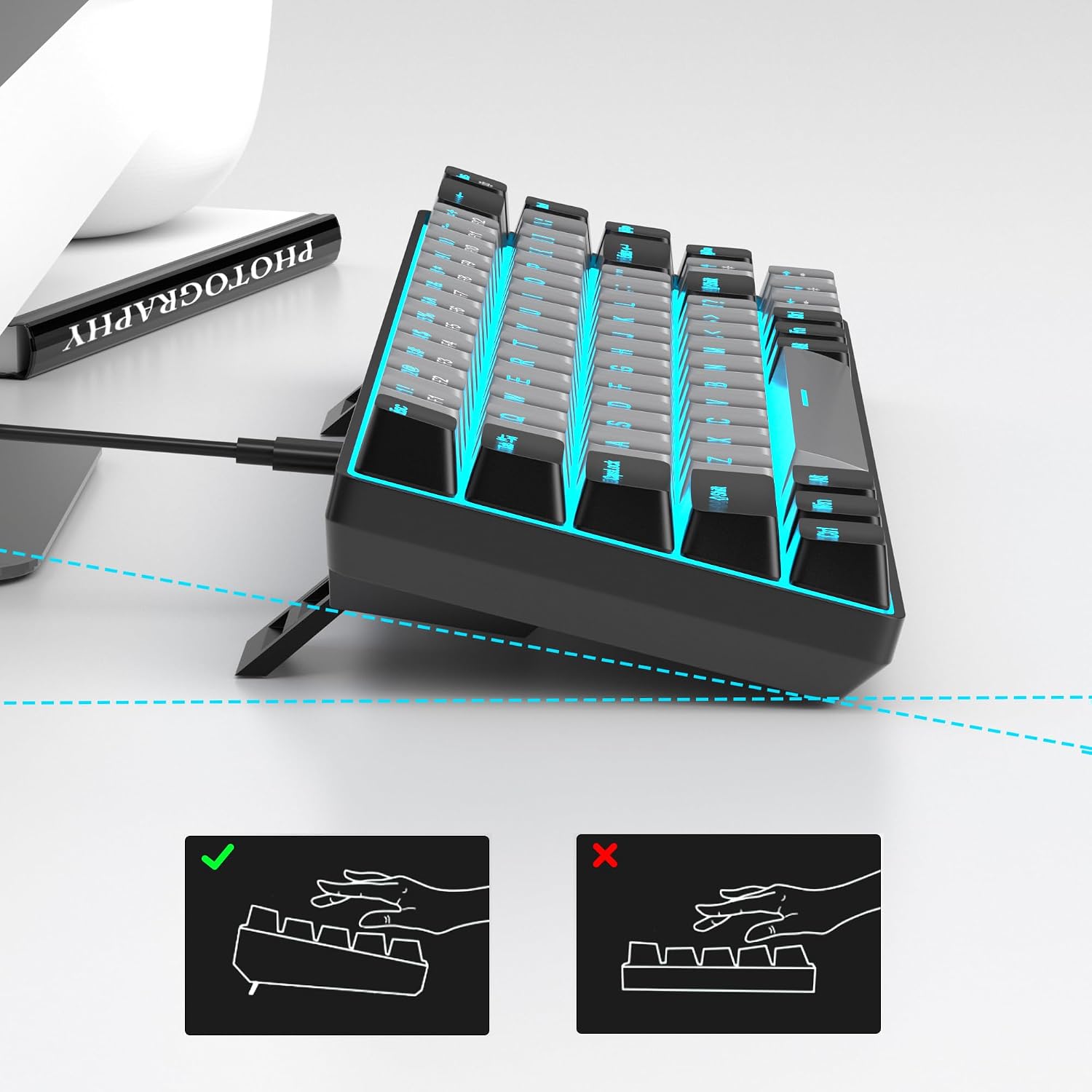
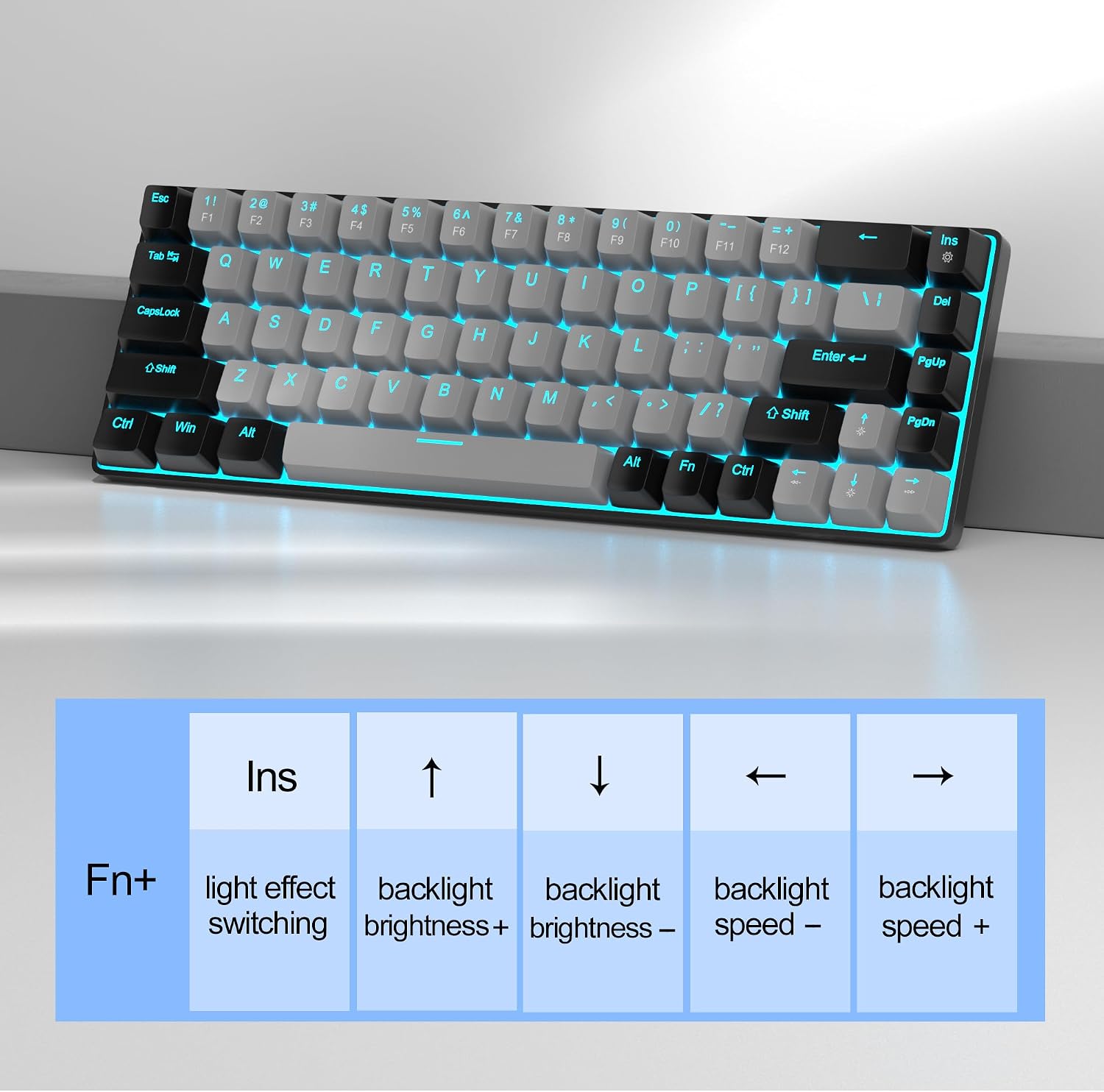
Blue LED backlighting offers about 15 lighting effects, with shortcuts to change the mode, brightness, and speed. The detachable USB-C cable, adjustable kickstand feet, and ergonomic ABS double-shot keycaps add practical touches for desk use or a more portable setup.
- Type: Wired mechanical keyboard
- Layout: 68-key QWERTZ, with separate arrow keys and F1–F12
- Switches: Clicky blue
- Backlighting: Blue LED, about 15 effects
- Dimensions: 12.1 x 3.9 x 1.5 inches
- Compatibility: Windows, macOS, and Linux
What it works with
Connect the MK-Box to a laptop or PC over USB for gaming, writing, and general office tasks. It supports Windows, macOS, and Linux, and is described as plug and play, so setup does not require separate drivers or software. The wired connection keeps the keyboard ready for use without a separate keyboard battery.
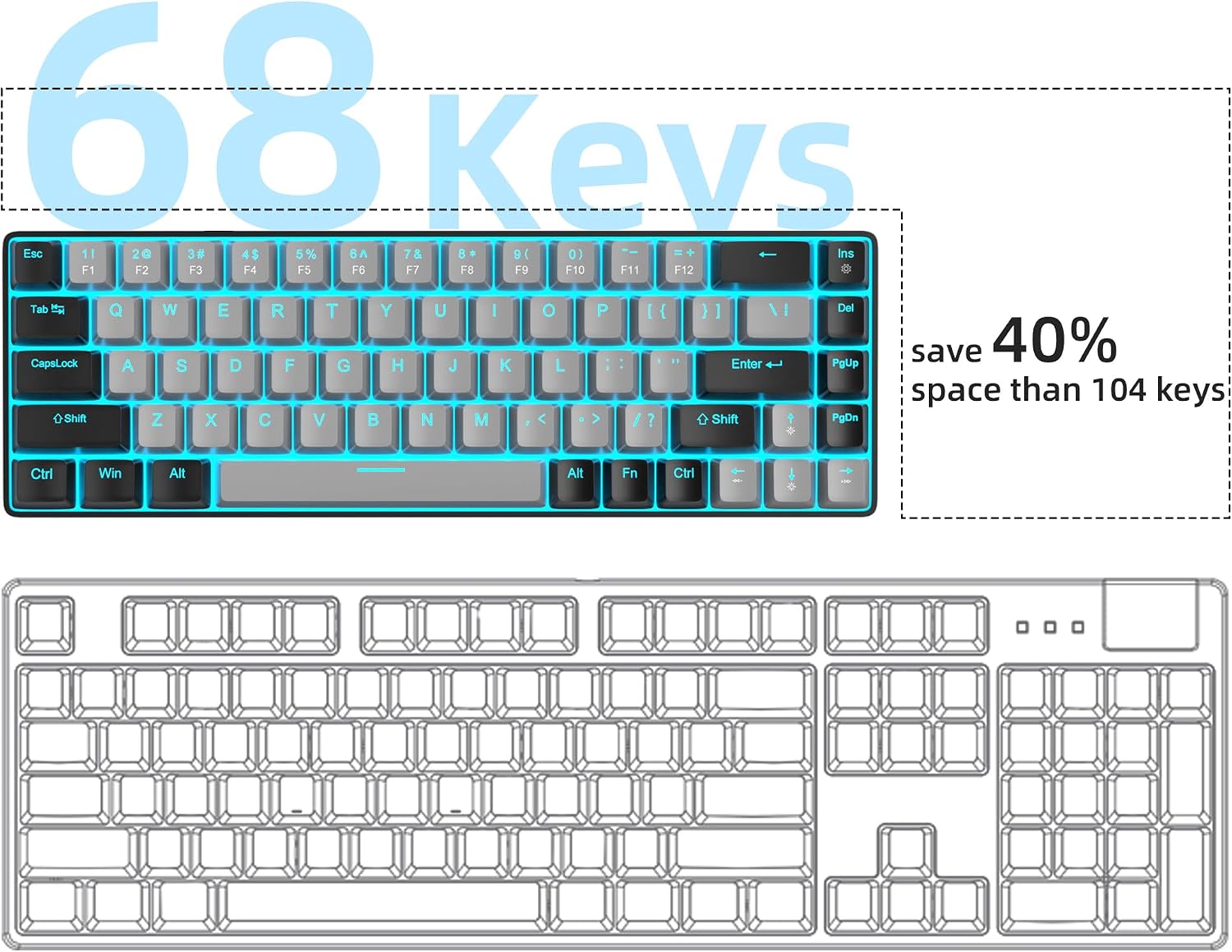
Its compact layout makes sense when a full-size keyboard takes up more desk space than you want, such as at a smaller workstation or a gaming setup that needs room for mouse movement. Unlike a standard full-size board, this 68-key design trims the footprint while retaining dedicated arrow keys and F1–F12. The Fn shortcuts provide access to those functions as well as media controls, so everyday tasks remain within reach.
Practical tips
Use Fn + Ins to cycle the lighting effects, Fn with the left or right arrow adjusts lighting speed, while Fn with the up or down arrow adjusts brightness. This makes it easy to tailor the blue backlight to the room and your preferred look. For media control, the Fn shortcuts cover functions such as play/pause, track navigation, mute, and volume.
The adjustable kickstand feet let you set the typing angle, and the detachable USB-C cable is useful when packing the keyboard away between sessions. The clicky switches produce a clear audible sound as you type, a defining part of their tactile feel. Customer feedback reflects both sides of that character: some appreciate the crisp clicks, while others find the sound loud. Buyers also praise the compact form and key feel, though feedback on lighting and long-term reliability is mixed.
Before you decide
Does the compact layout still have arrow keys and function keys? Yes. It has separate arrow keys, and F1–F12 are available alongside Fn functions in the 68-key layout.
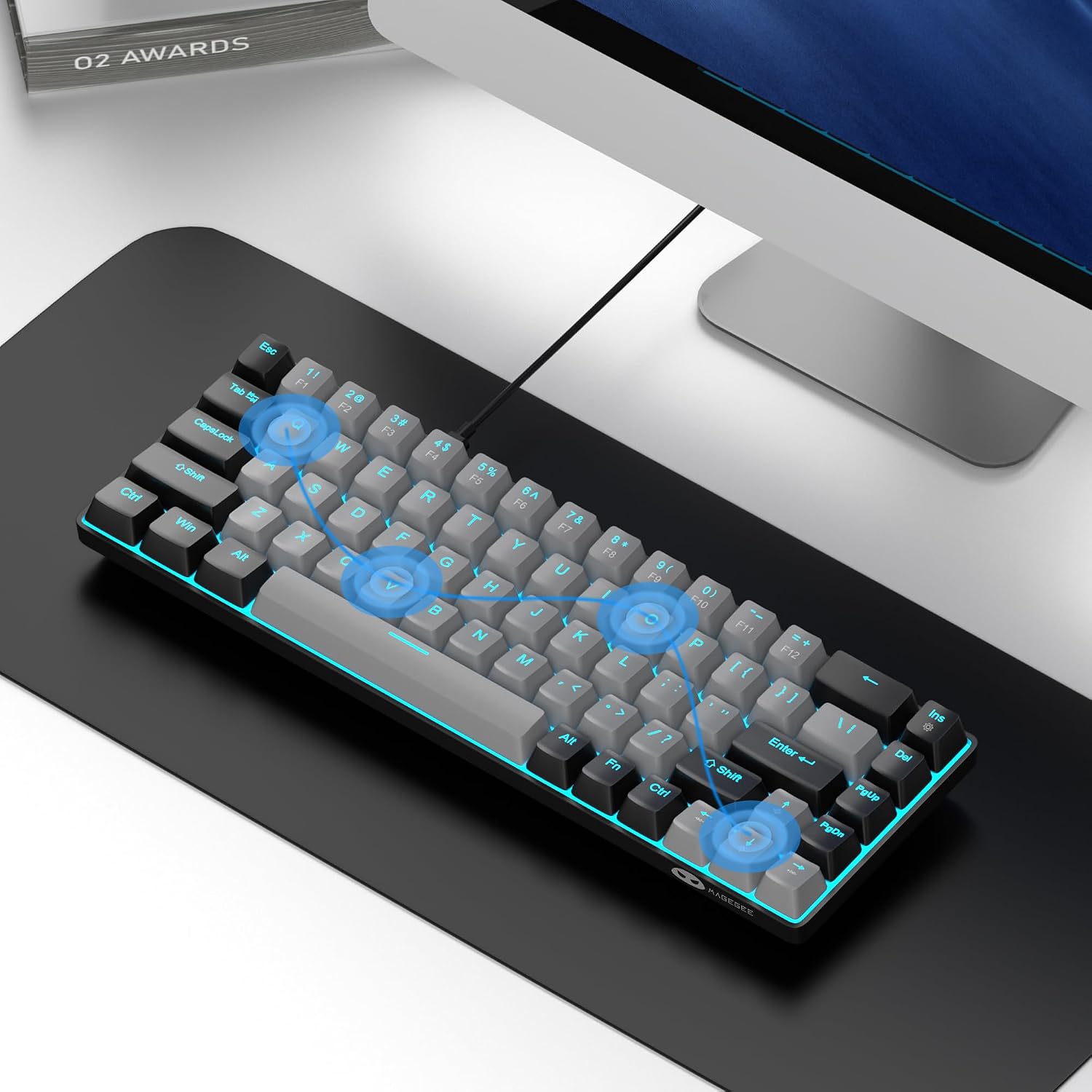
Can the backlighting be adjusted? Yes. The blue LED offers about 15 effects, and keyboard shortcuts let you change the effect, brightness, and speed.
Does it need software to connect? The keyboard is described as plug and play over USB, with no drivers or software required, and supports Windows, macOS, and Linux.
Final verdict
The MageGee MK-Box suits buyers who want a compact wired mechanical keyboard for gaming, office work, or a smaller desk, but still value dedicated arrow keys and access to F1–F12. Its clicky blue switches, adjustable typing angle, detachable cable, and customizable blue lighting give the reduced layout useful everyday flexibility.