

Dragon Touch 15.6-inch Digital Calendar Chore Chart – Smart Family Planner with 15.6-inch FHD touchscreen
Product description
What it is and who it's for
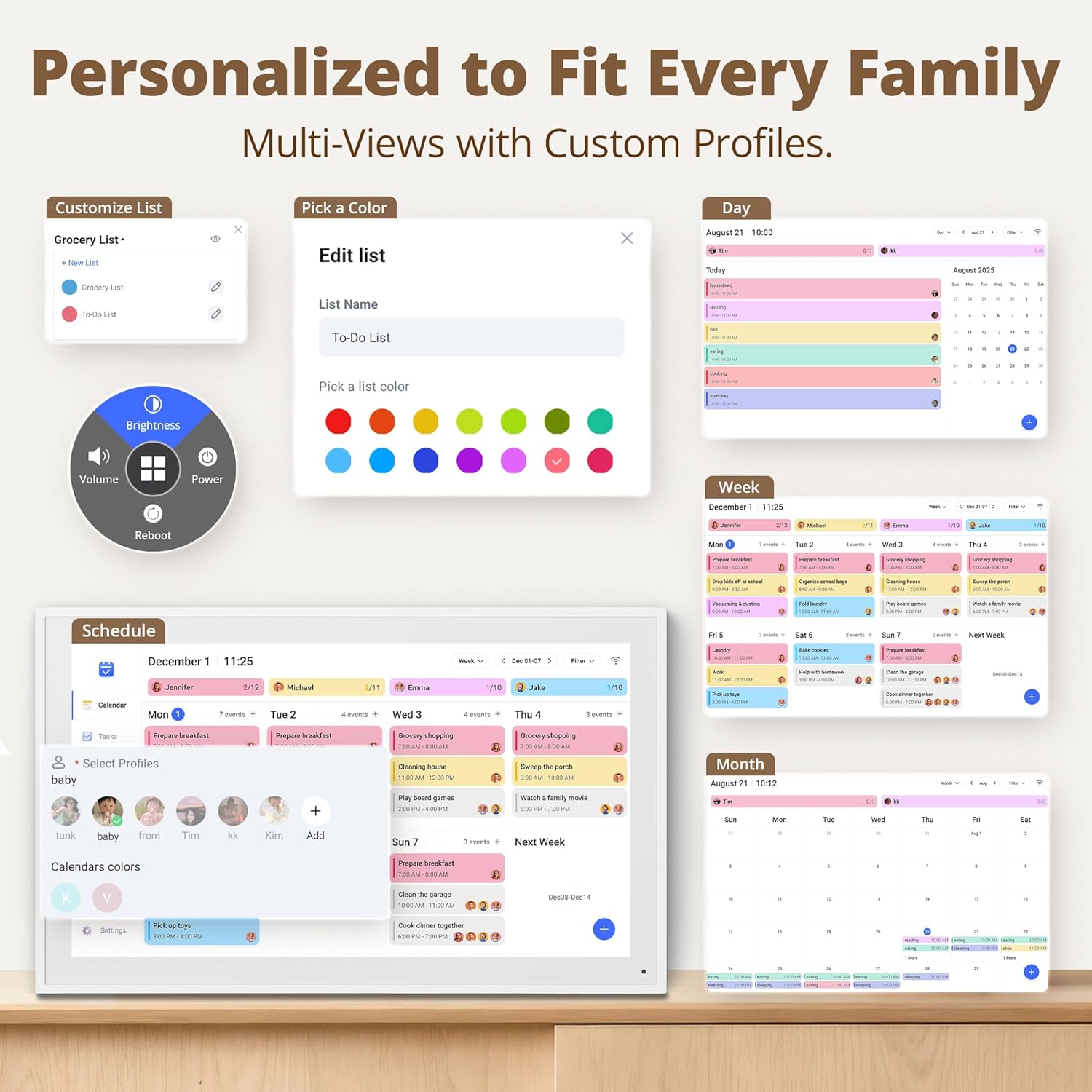
The Dragon Touch 15.6-inch Digital Calendar Chore Chart is a family-focused smart calendar that combines scheduling, chore tracking, and display duties in one device. If you juggle multiple calendars for adults and kids, this frame aims to unite them and reduce the daily back-and-forth over “what's for dinner” or “who has which chore.” On paper, it promises an at-a-glance view of family plans with color-coded tasks for each member, plus a built-in digital photo frame when extra content isn’t in use.
Setup and calendar integration
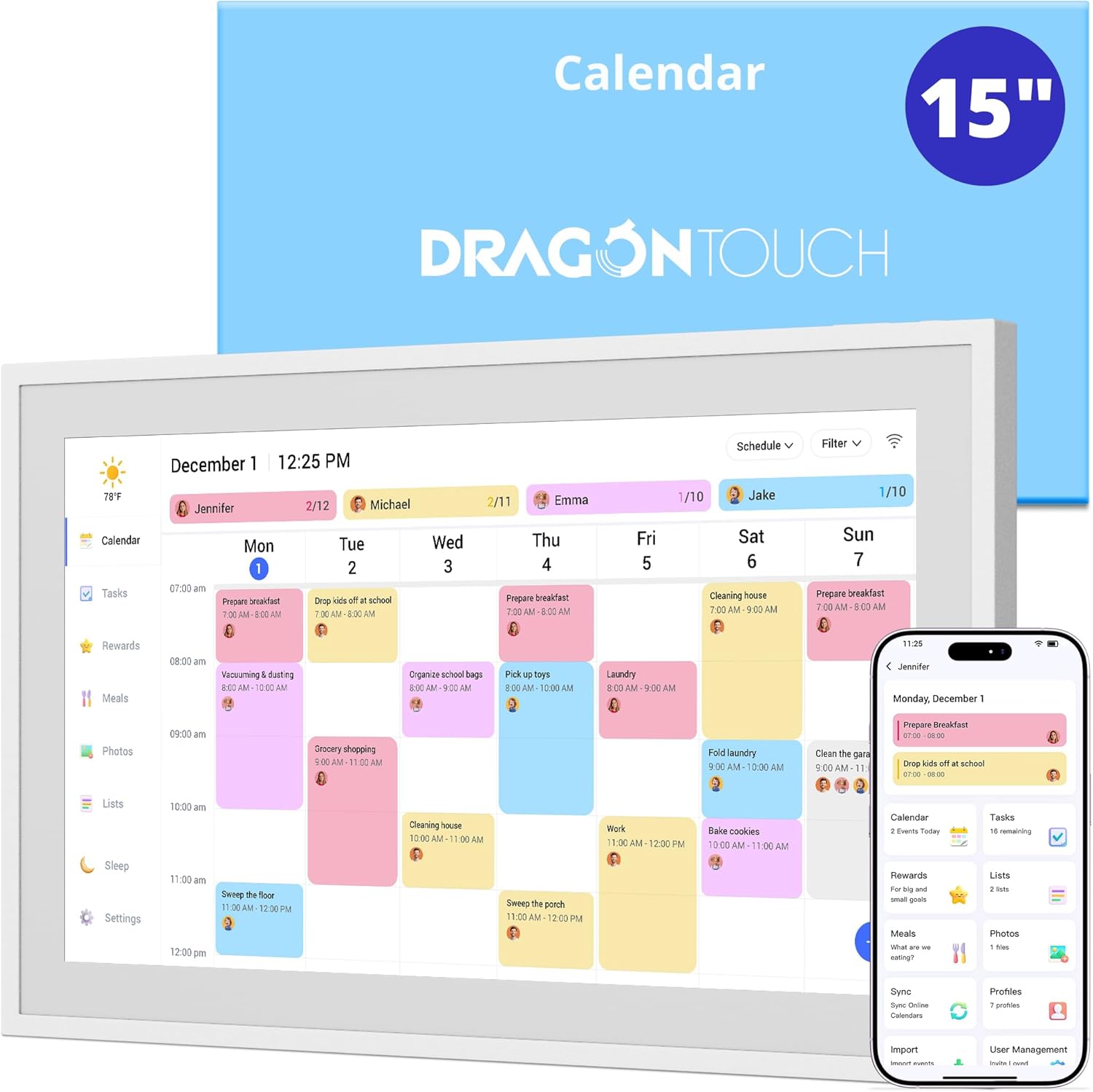
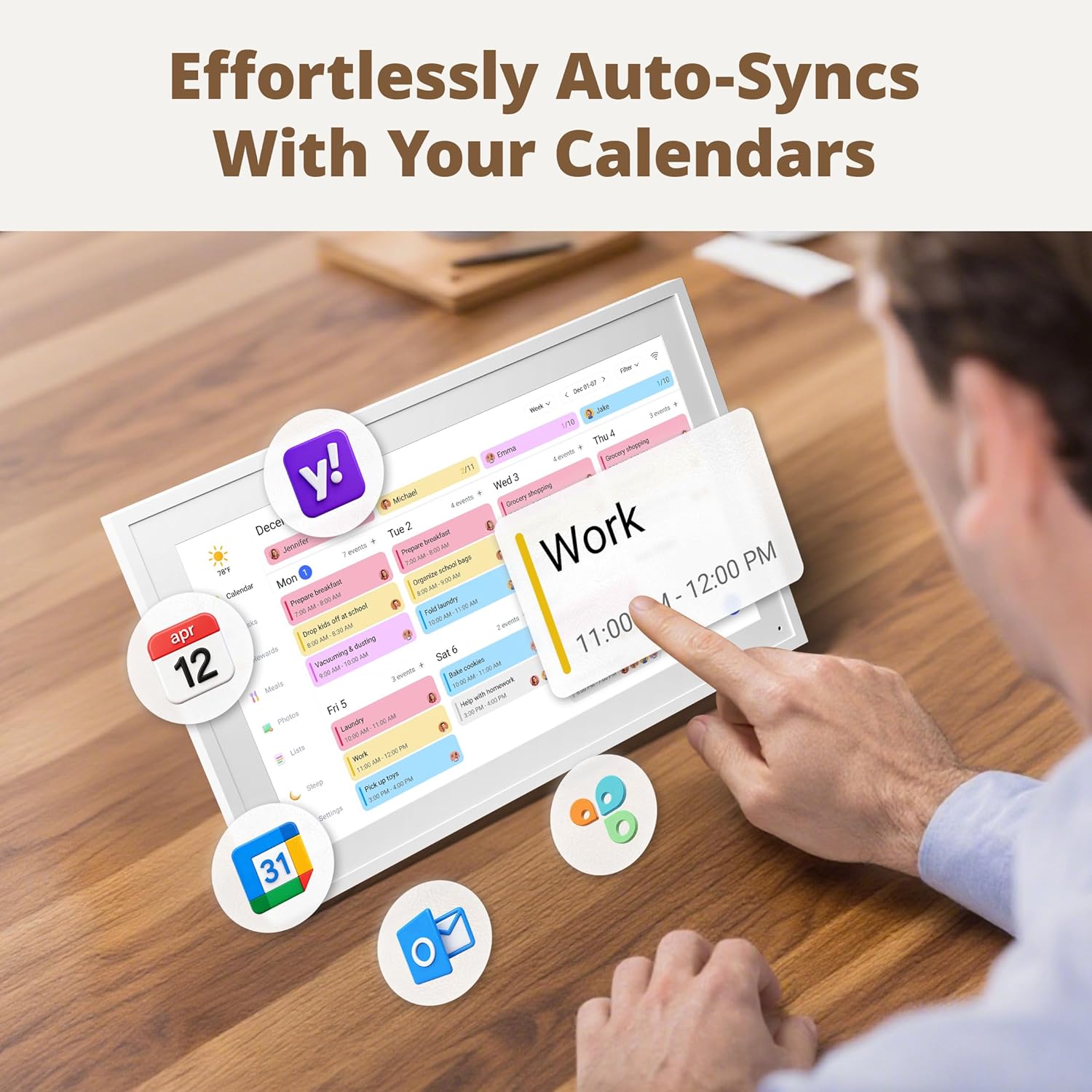
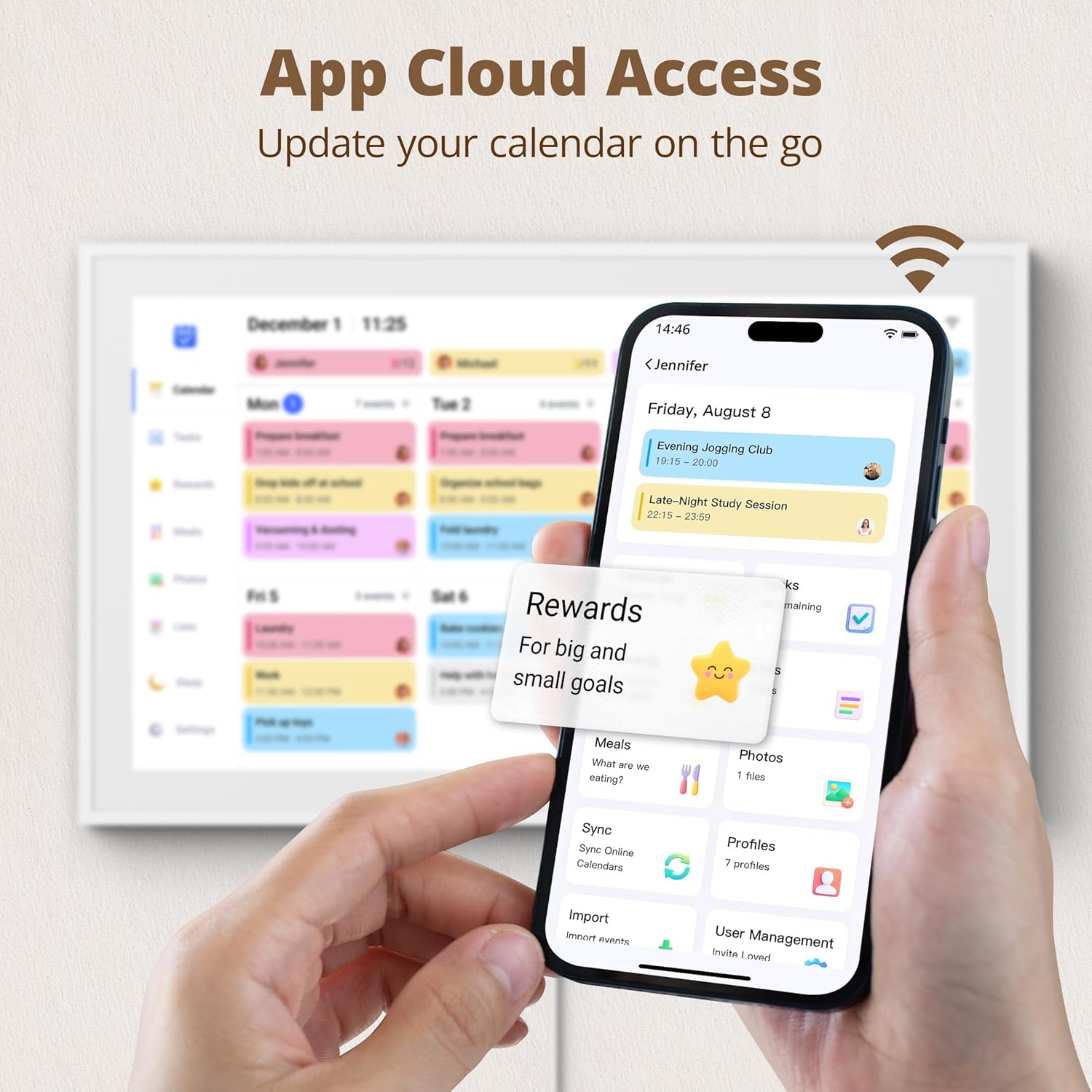
Setup is described as straightforward: plug in, connect to Wi-Fi, and link your calendars through the Mobile App. The device is said to sync multiple personal calendars (like iOS and Google) into one unified interface. You can authorize additional devices to extend the convenience. If you’re not ready to go fully digital, this approach is still useful for keeping everyone on the same page with a single view.
How it helps with chores and meal planning
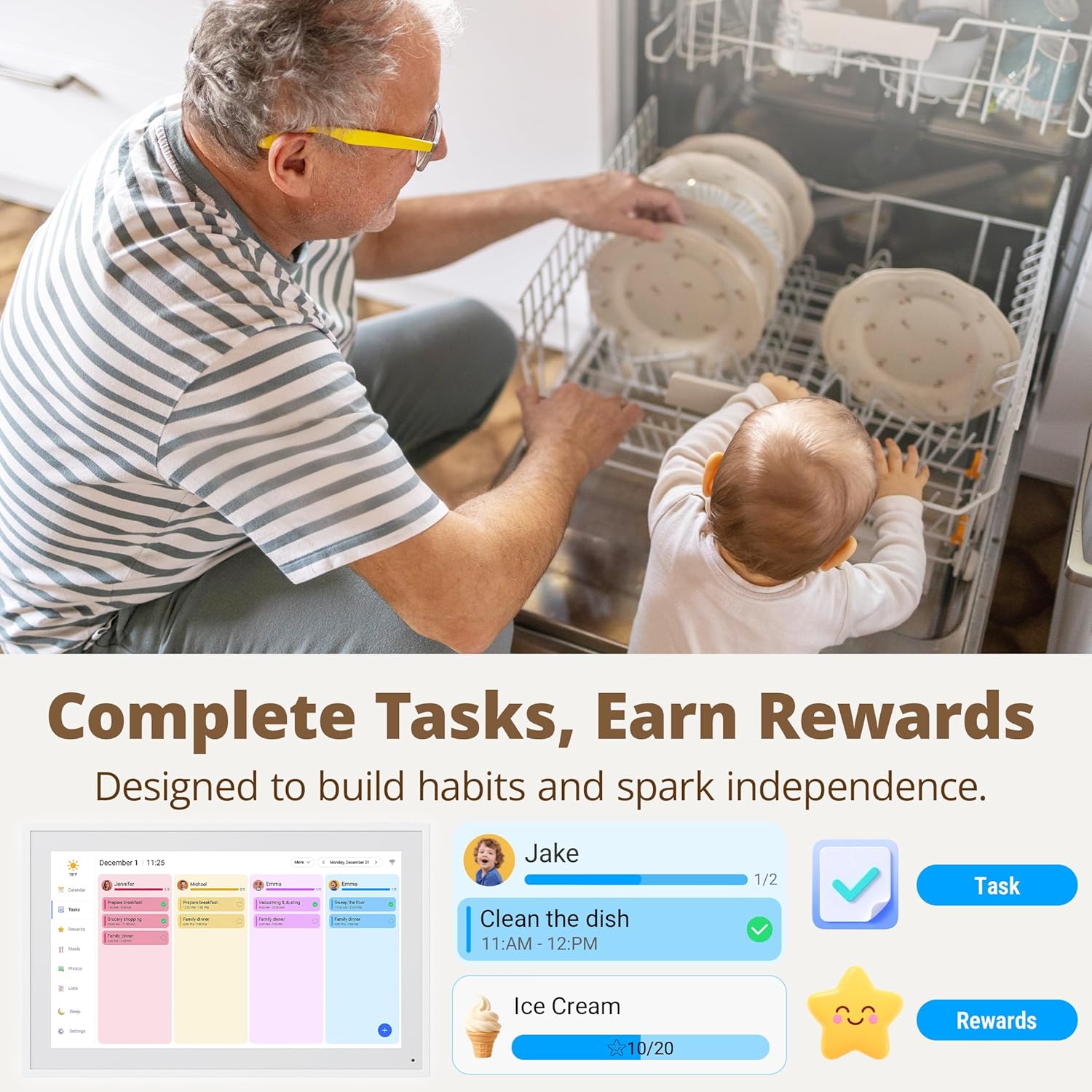
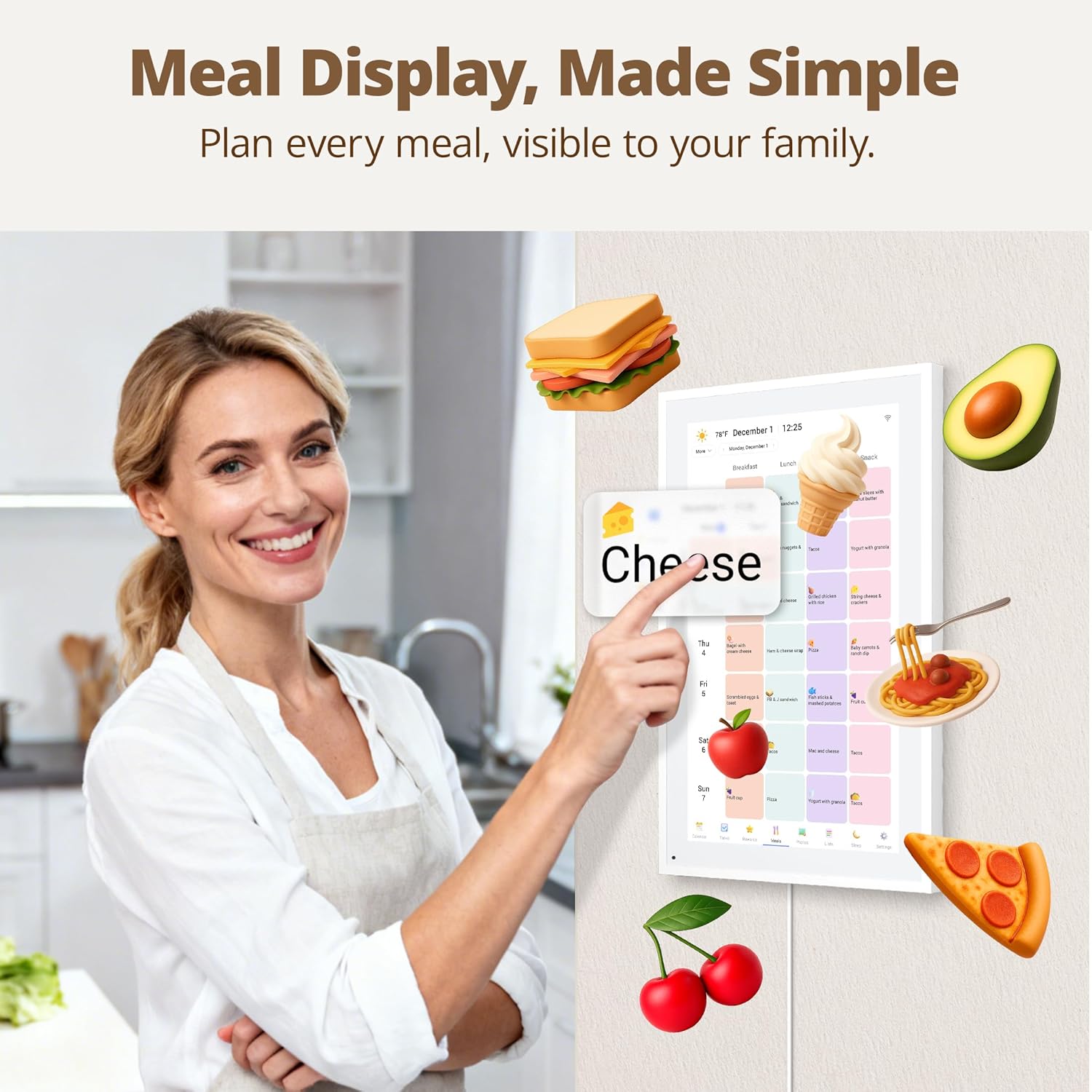
A standout feature is the interactive chore chart. It’s designed to motivate children and streamline household tasks, potentially turning routine duties into a visible schedule rather than an ongoing negotiation. The built-in dinner planner aims to cut down the “What’s for dinner?” questions, which can ease weekday planning and reduce decision fatigue.
Everyday use and practicality
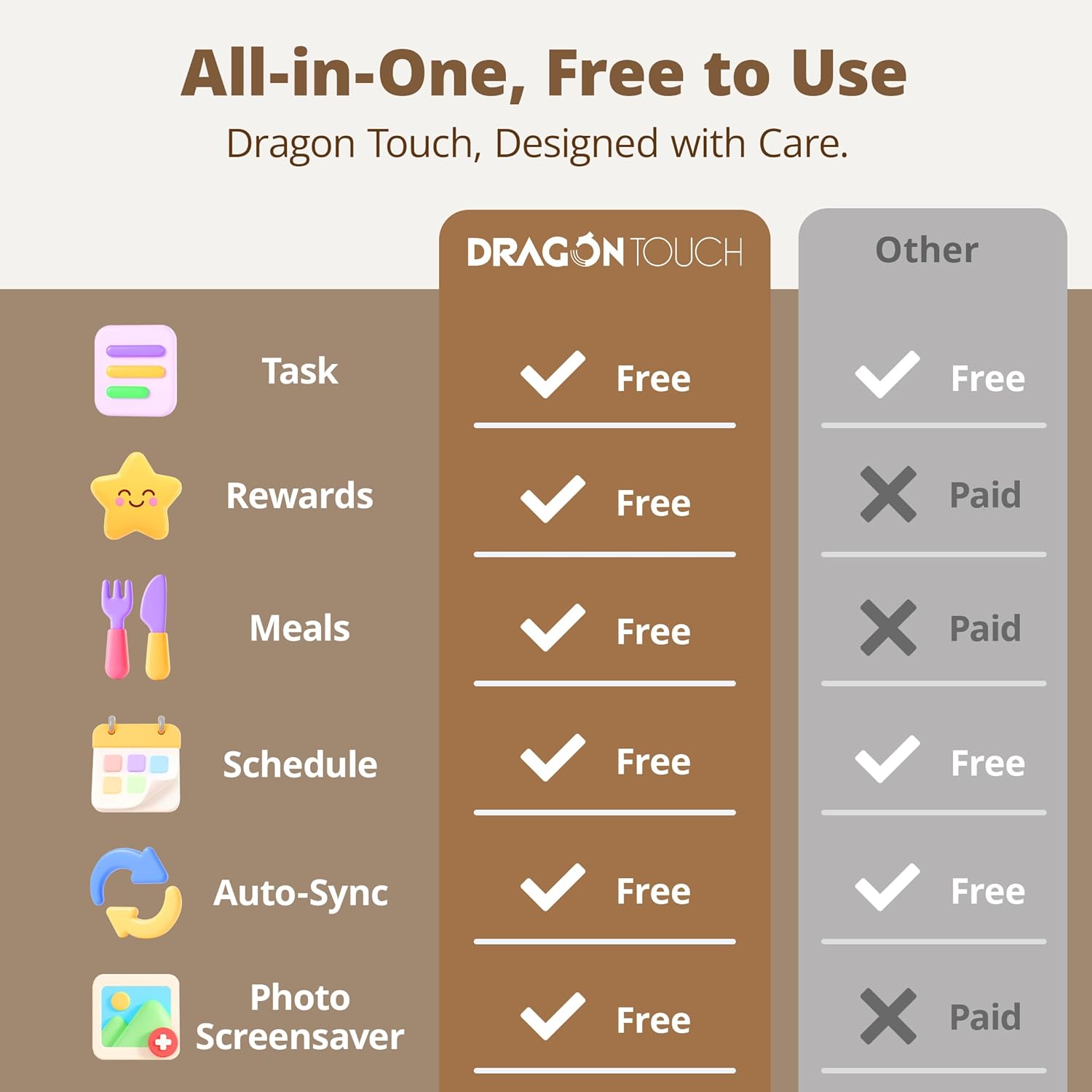
During the day, it doubles as a digital photo frame, so it can blend with home decor when you’re not actively using the calendar. The touchscreen interface is intended to be intuitive for quick updates, and the app ecosystem (including free and paid functions) suggests a scalable experience—useful if you want more advanced tools later on. Practically, you’ll be weighing how often you’ll rely on chore assignments and dinner plans versus just a shared calendar on a phone.
Pros and notable limitations
What stands out is the integration of multiple calendars into one view plus the dual purpose as a family planner and display. The color-coding by family member helps with quick recognition, and the wall/desk mountability adds flexibility in placement. On the flip side, there’s no hard data here about performance specifics like processor speed or battery life (not surprising since this is a wall-mounted calendar). The success of automation and reminders depends heavily on your willingness to set up and maintain the color-coded system and chore charts.
Who it’s for and who should reconsider
It fits households that want a centralized, visual planning hub and that value chore tracking alongside scheduling. If you’re already deep into a different calendar system and don’t plan to use the chore or dinner features, you might not extract the same level of value. It’s also worth noting that if you expect a feature-rich smart home hub with broad third-party integrations beyond calendar syncing, you may find it limited.
When to buy and when to pass
Consider buying if you want a dedicated family planning center that doubles as a decorative digital frame and you’re motivated to maintain a coordinated schedule for several people. If your priority is a full-featured smart assistant with extensive automation across devices, you may want to assess whether this solution aligns with that goal. If your household rarely uses chore charts or dinner planning, this device might feel like overkill.
What to check before buying
- Confirm your primary calendars (iOS, Google, etc.) are supported for sync.
- Decide placement (wall vs. desk) and ensure you have a stable Wi-Fi environment for reliable updates.
- Consider how you’ll use the chore chart and dinner planner—will you regularly update tasks and meal plans for family members?
- Think about whether you want the frame to occasionally display photos, this affects how you balance calendar usage with image display.
Inference and comparison
Compared to a traditional wall calendar or standalone scheduling app, this Dragon Touch model tries to combine planning with habit-building features in one device. If you value a physical-looking daily overview with color-coded tasks and a visual reminder system, it may be a good fit. If you prefer quick, on-the-go edits from a phone or need deeper automation across other smart devices, you might lean toward a simpler calendar app or a different household planner approach.
Final verdict
Final verdict: Worth considering if you want a centralized family planning hub that also doubles as a digital frame, and you’re prepared to invest time in initial setup and ongoing updates of chores and meals. It may not be the best choice if you’re looking for a highly programmable smart-home assistant or if your household rarely uses chore charts.
FAQ
- How do I sync multiple calendars? The device supports linking to a Mobile App to pull in calendars like iOS and Google into one interface.
- Can it stand alone without internet? The setup requires Wi-Fi for syncing, without it, some features may be limited.
- Is it suitable for a large family? Color-coding per member helps manage multiple people, but effectiveness depends on how you implement the chores and dinner plans.