

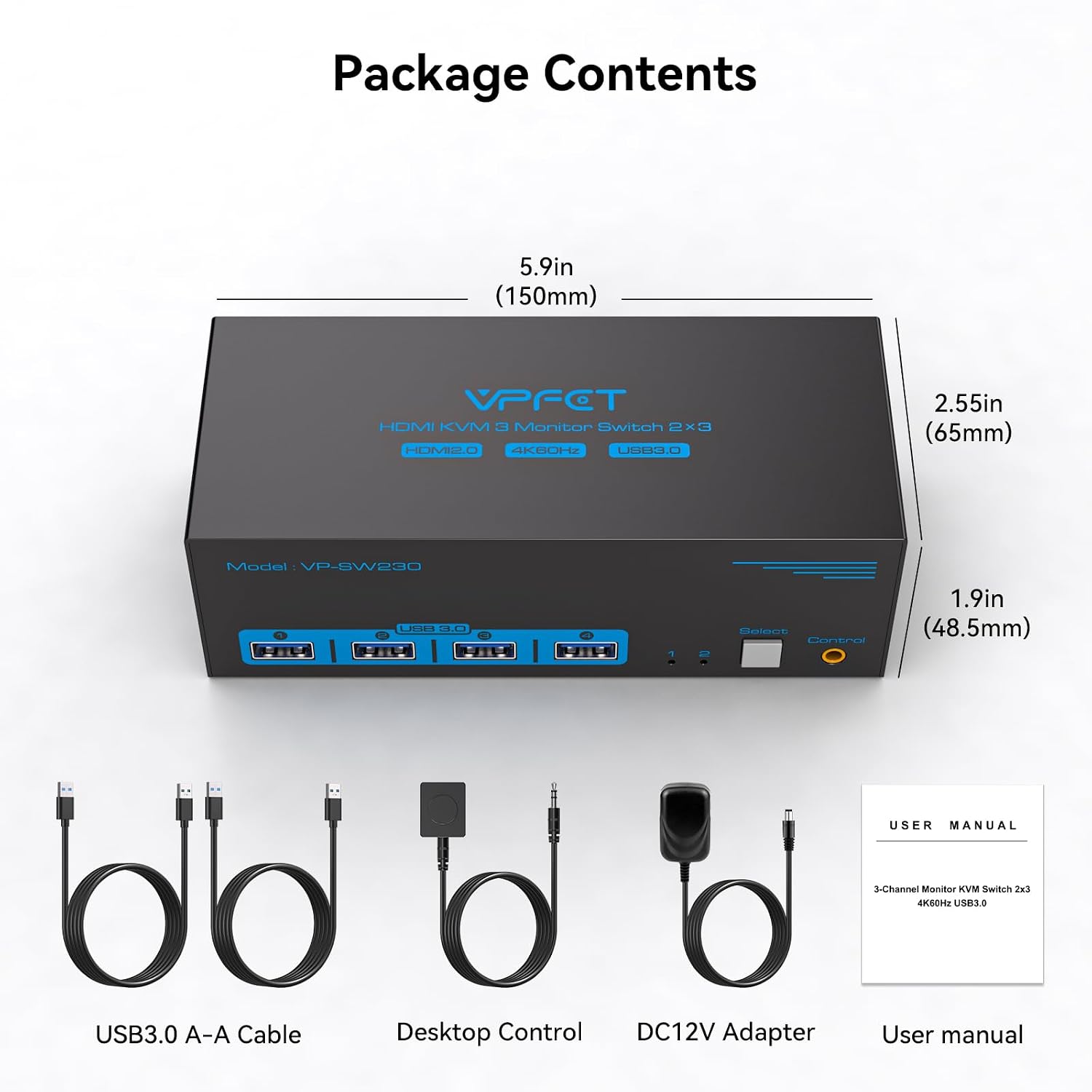
VPFET SW230-Deep Blue 3-Monitor HDMI KVM Switch, 4K@60Hz, USB 3.0
Reviews
Price
Product description
Three HDMI displays can stay connected while you switch control between two computers, making the VPFET SW230-Deep Blue a practical way to organize a multi-screen workstation. It also shares four USB 3.0 ports for peripherals such as a keyboard, mouse, printer, webcam, or hard drive.
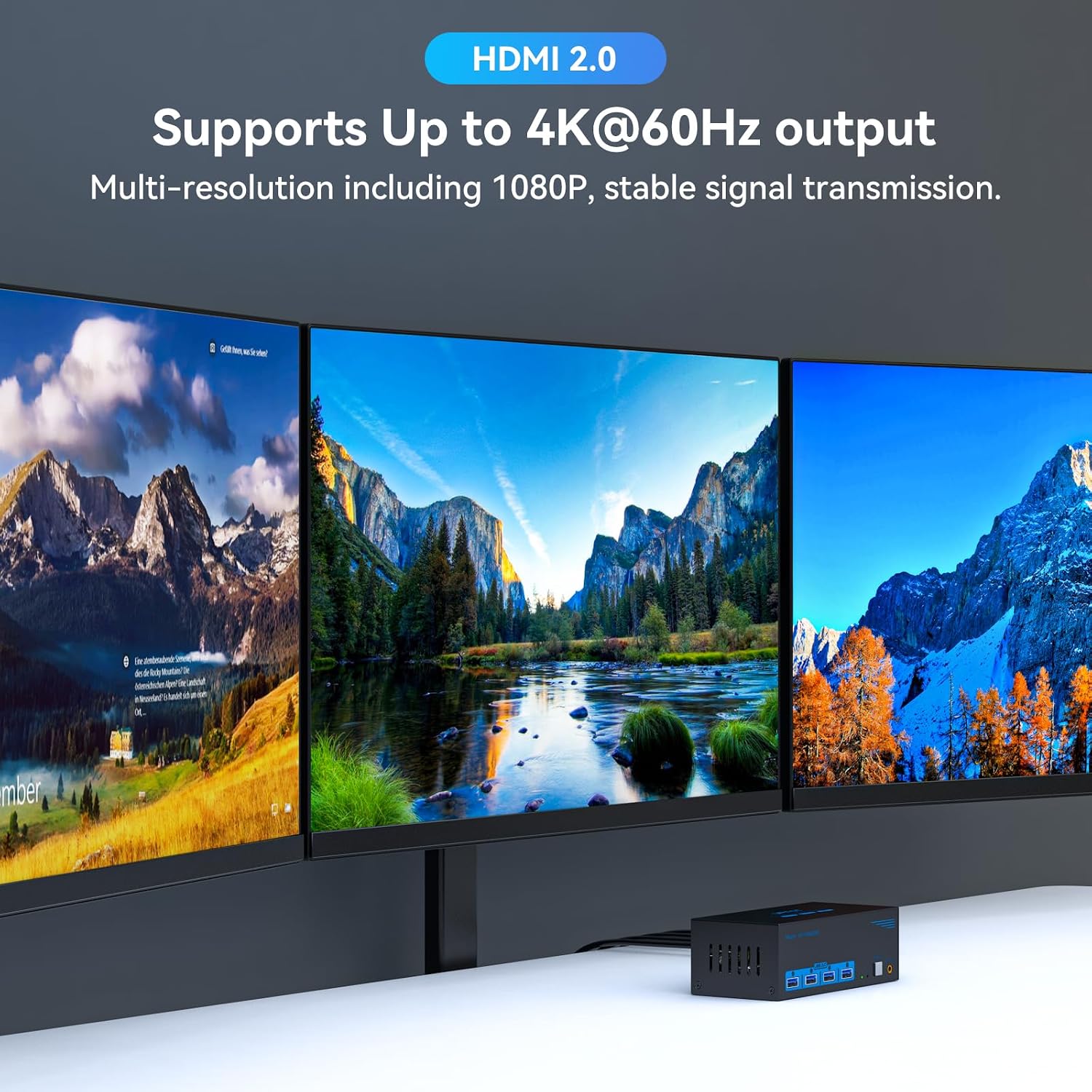
With support for resolutions up to 4K@60Hz, the switch can keep a detailed display setup available for work or everyday computing. The source computer, monitors, and HDMI cables must support 4K@60Hz to use that resolution and refresh rate.
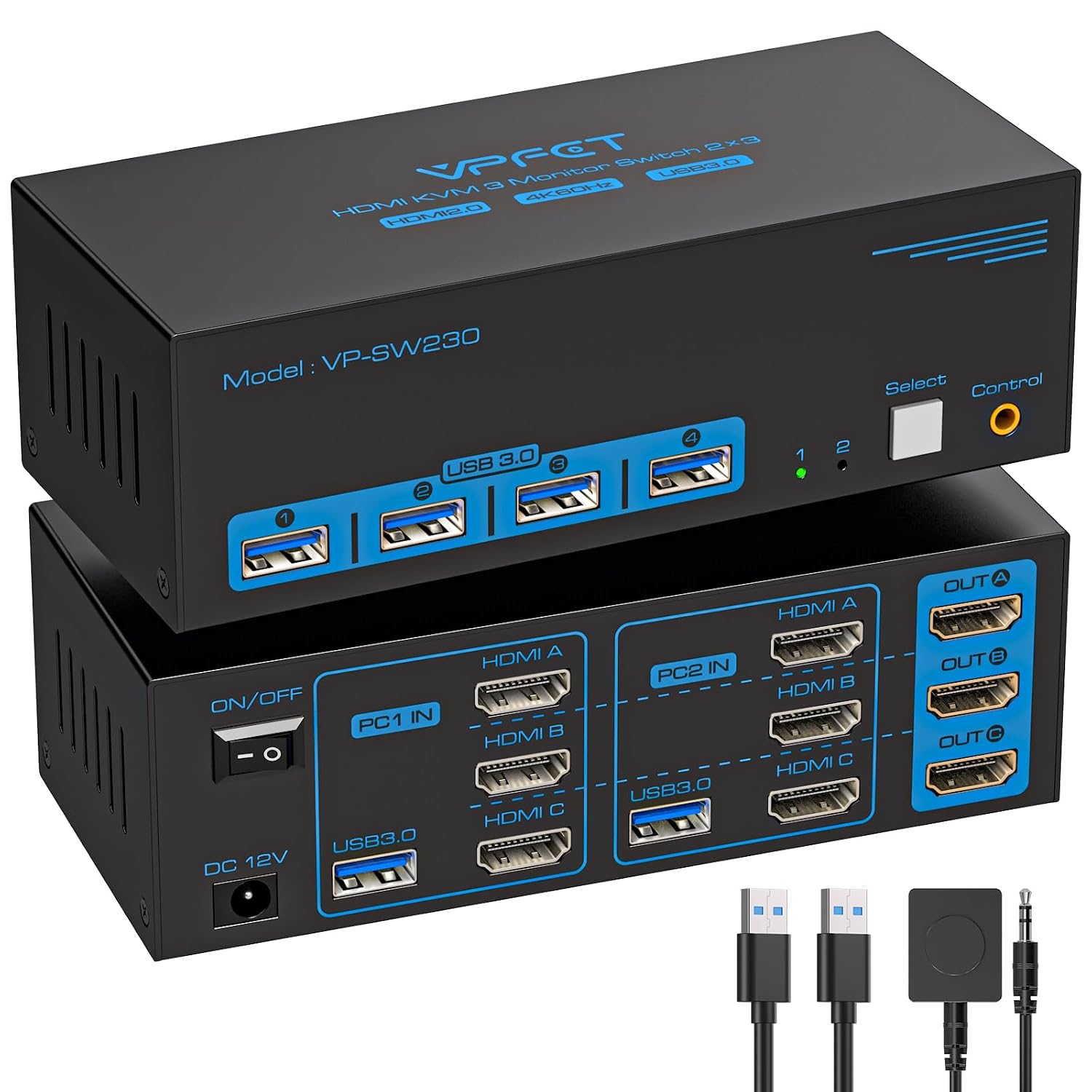
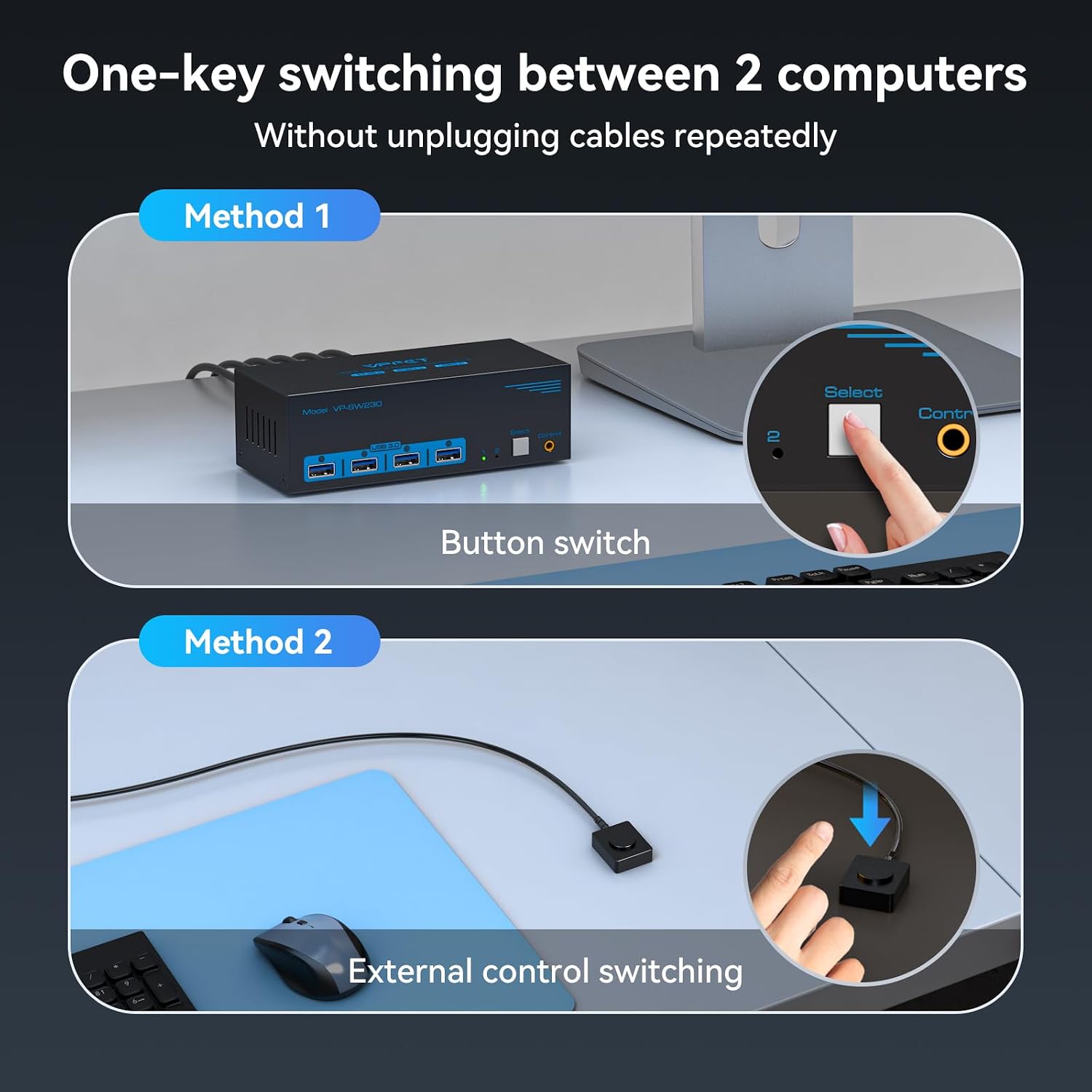
Choose the source with the switch’s button or the included wired desktop controller. An LED indicates the active computer, so you can see which system is selected without repeatedly reconnecting cables.
Why it makes sense
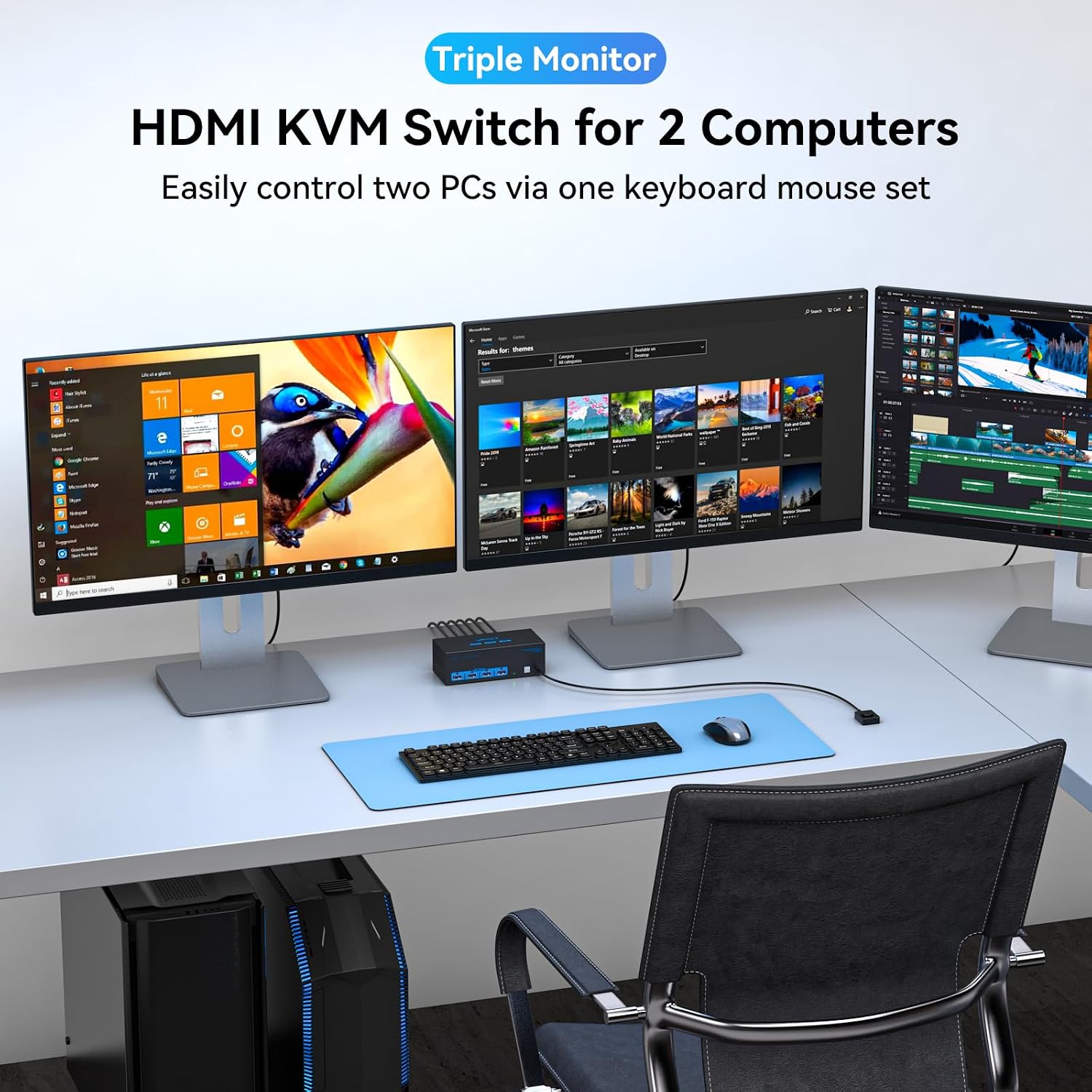
This KVM switch brings video and USB sharing into one setup: two computers connect to three HDMI outputs, while four USB 3.0 ports provide shared access to peripherals. That arrangement is useful when a desk serves both a work computer and a personal computer, or when two systems need access to the same display and USB devices. Instead of moving each connection by hand, select the computer at the switch or with the wired controller.
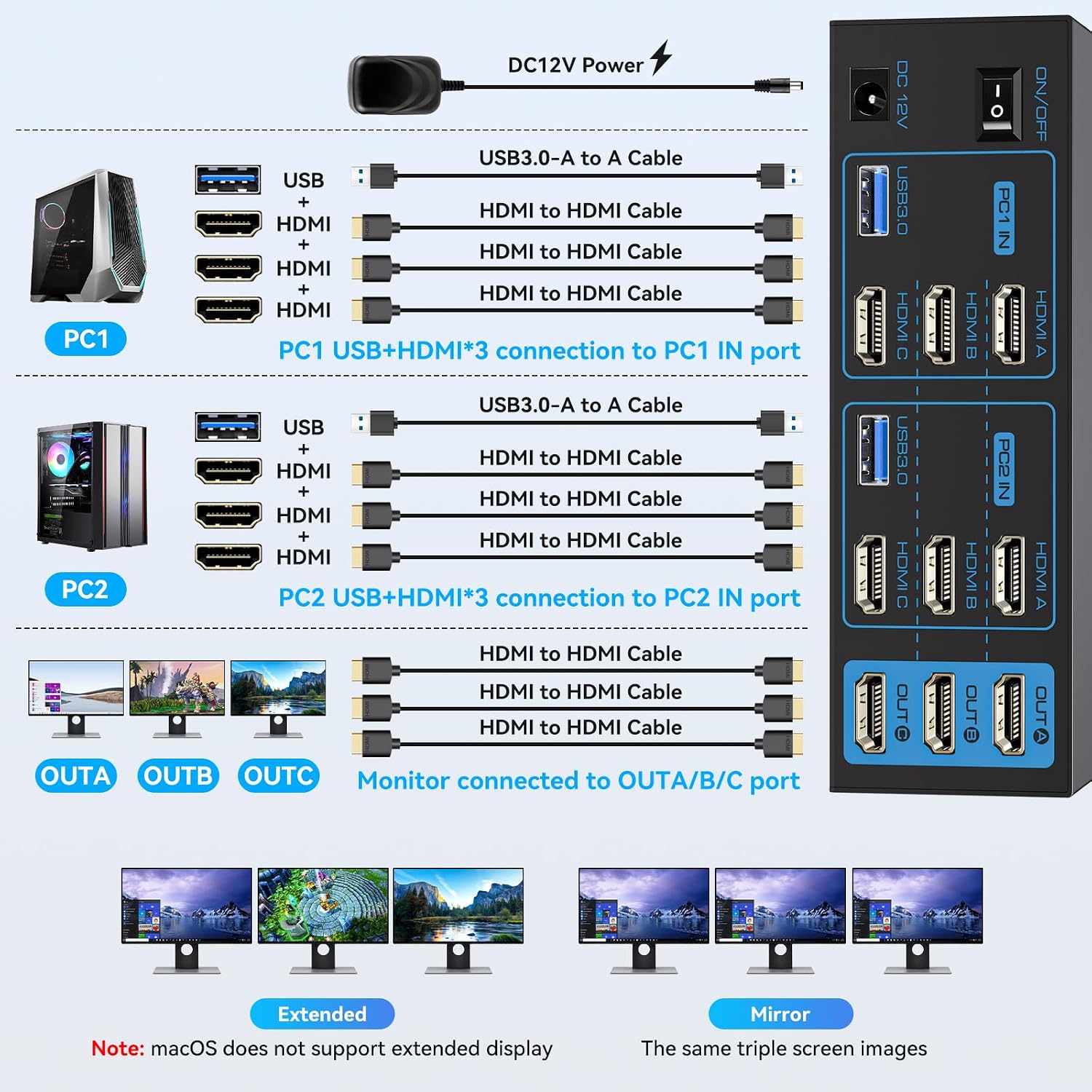
The video and USB switching functions can be used together or independently, giving you flexibility over which connected system uses the displays and peripherals. For extended or duplicated desktop viewing, select the corresponding display mode in Windows with Windows+P. Each computer needs triple-display support to drive all three monitors through the switch.
Highlights
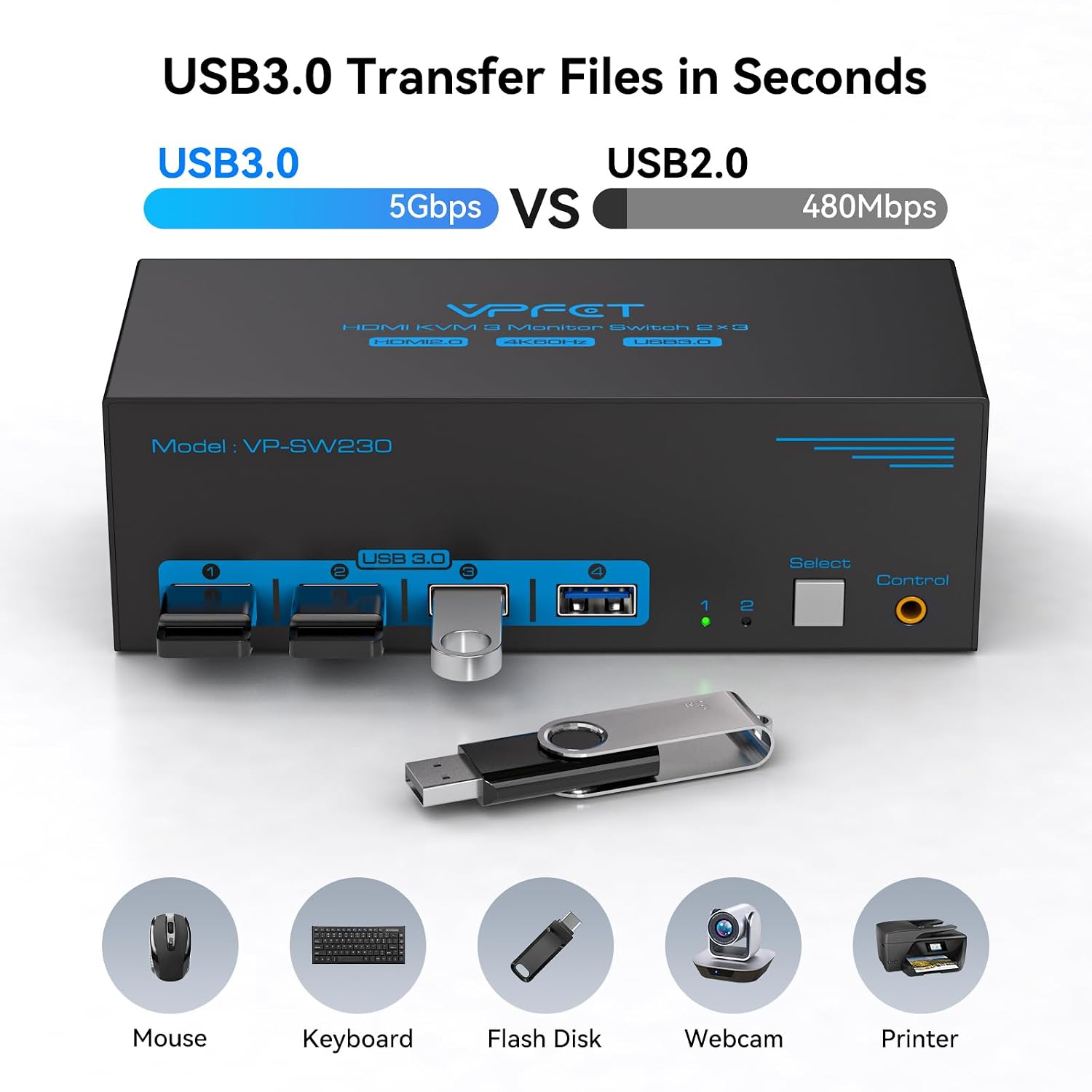
The HDMI connections support up to 4K@60Hz, with backward compatibility for lower resolutions. The four USB 3.0 ports support data transfer speeds of up to 5Gbps and are backward compatible with USB 2.0 and USB 1.1 devices. This makes the switch useful for sharing common accessories as well as displays, from input devices to storage and webcams.
For the video setup, connect each computer to the switch with three HDMI cables—one for each display signal. Connect each computer to the switch with one USB 3.0 cable for access to the shared USB ports. The package includes two USB 3.0 cables. The 12V DC power adapter must be connected for the switch to operate, it also supports peripherals that need additional power, such as hard drives and webcams.
Usage tips
Before connecting the displays, check that each computer supports three displays and prepare three HDMI connections from each computer to the switch. For 4K@60Hz, the computer’s video output, monitor, and HDMI cable must each support that mode. Once connected, use Windows+P to choose Copy or Extend on a Windows computer, then select the active source with the front button or wired controller.
The switch supports Windows, Vista, XP, macOS, Linux, and Unix. Its wired control and status LED are handy when the switch itself is placed within reach but the desktop controller is more convenient to access. Connect the required DC 12V adapter before use, and connect one USB 3.0 cable from each computer so the shared USB ports are recognized.
Buying verdict
The VPFET SW230-Deep Blue is suited to a desk where two computers need to share three HDMI monitors and a set of USB peripherals. Its 4K@60Hz support, four USB 3.0 ports, independent video and USB switching, and wired controller make it a useful fit for switching between systems while keeping a multi-monitor workspace connected.