

ActionRing N1 Streaming Deck, 15 Customizable LCD Keys, 3 Modes and Dial
Product description
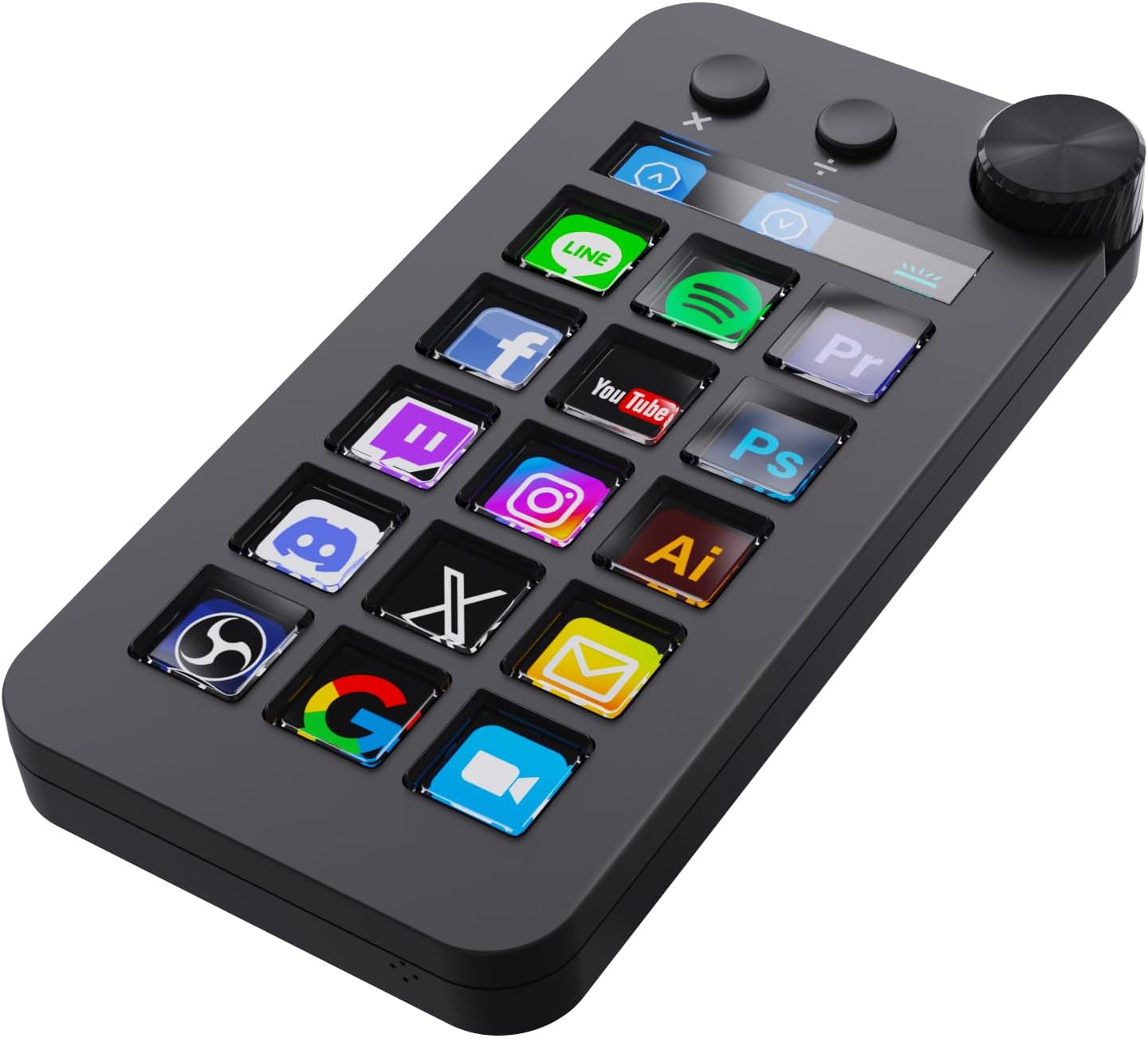
When streaming, editing, or entering figures at a desk, a dedicated control pad can put frequently used actions within easy reach. The ActionRing N1 combines 15 customizable LCD keys with a large dial and three switchable modes: shortcut keys, calculator, and numeric keypad. Its vertical layout keeps the controller compact on the desktop while giving you a place for personalized controls.
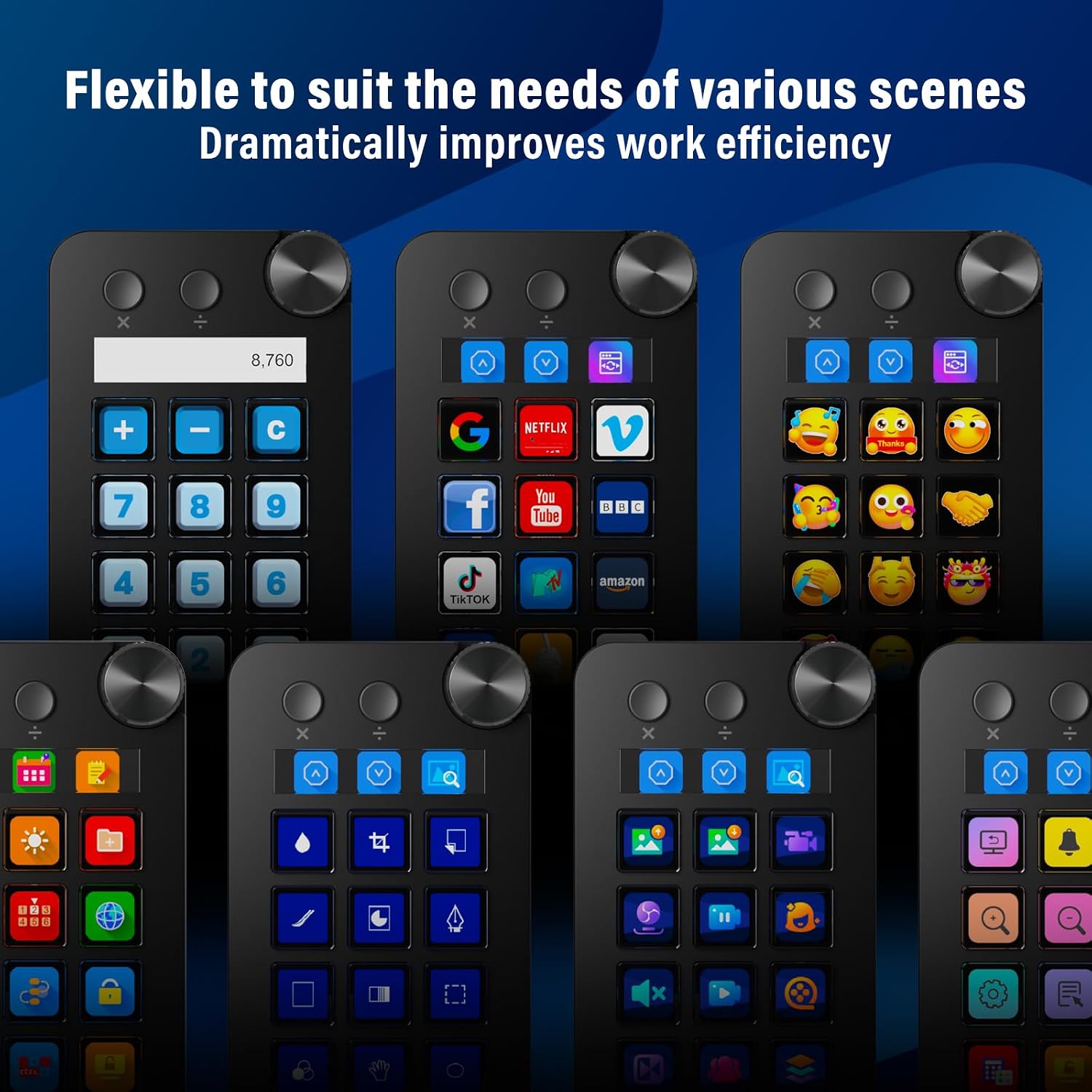
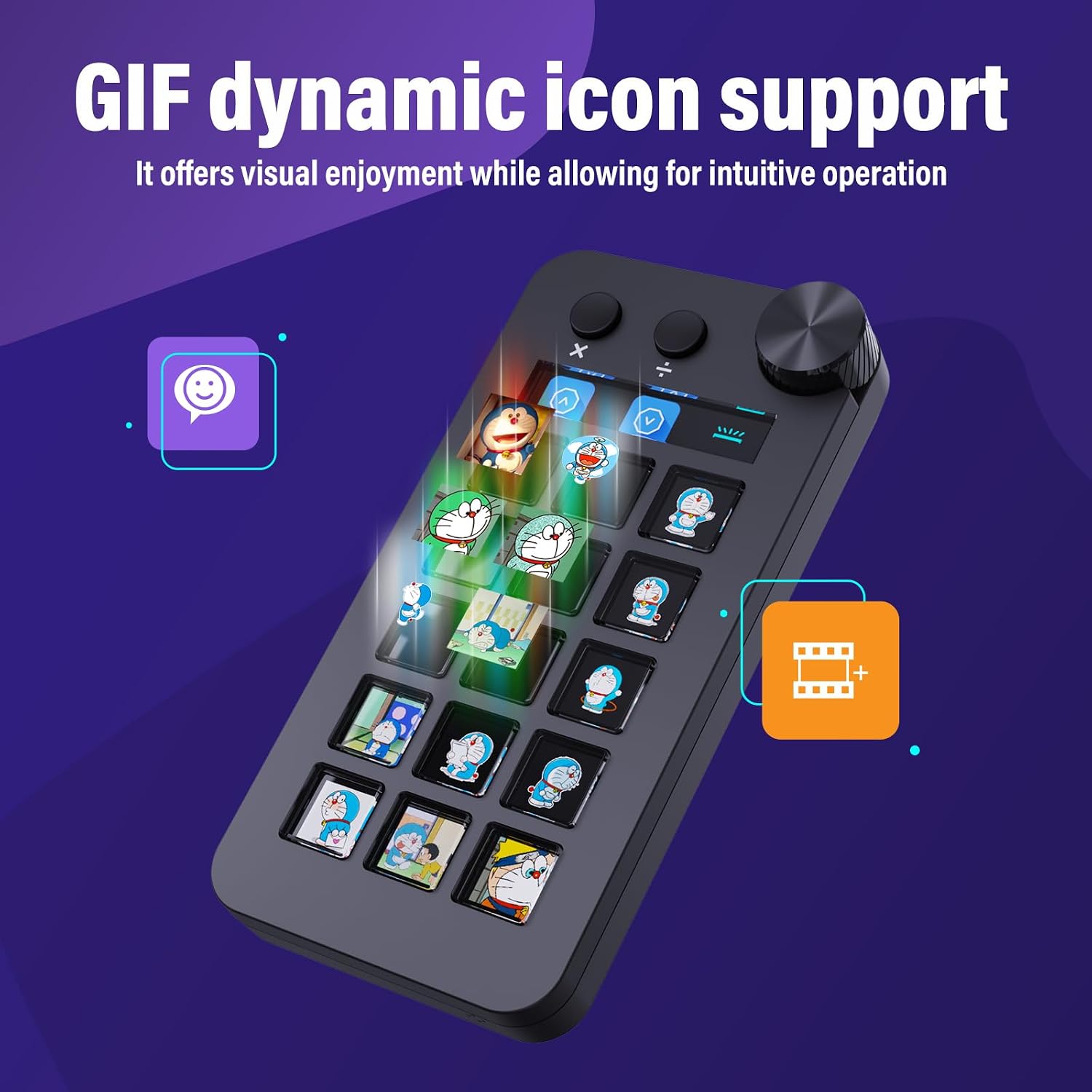
Connect it to a Windows PC or Mac with the included USB cable, then customize keys for quick access to commands, apps, files, or media. The LCD keys can use images, screenshots, and GIFs, making it easier to recognize the actions you assign. Customer feedback also highlights its programming and practical keypad functions.
The essentials
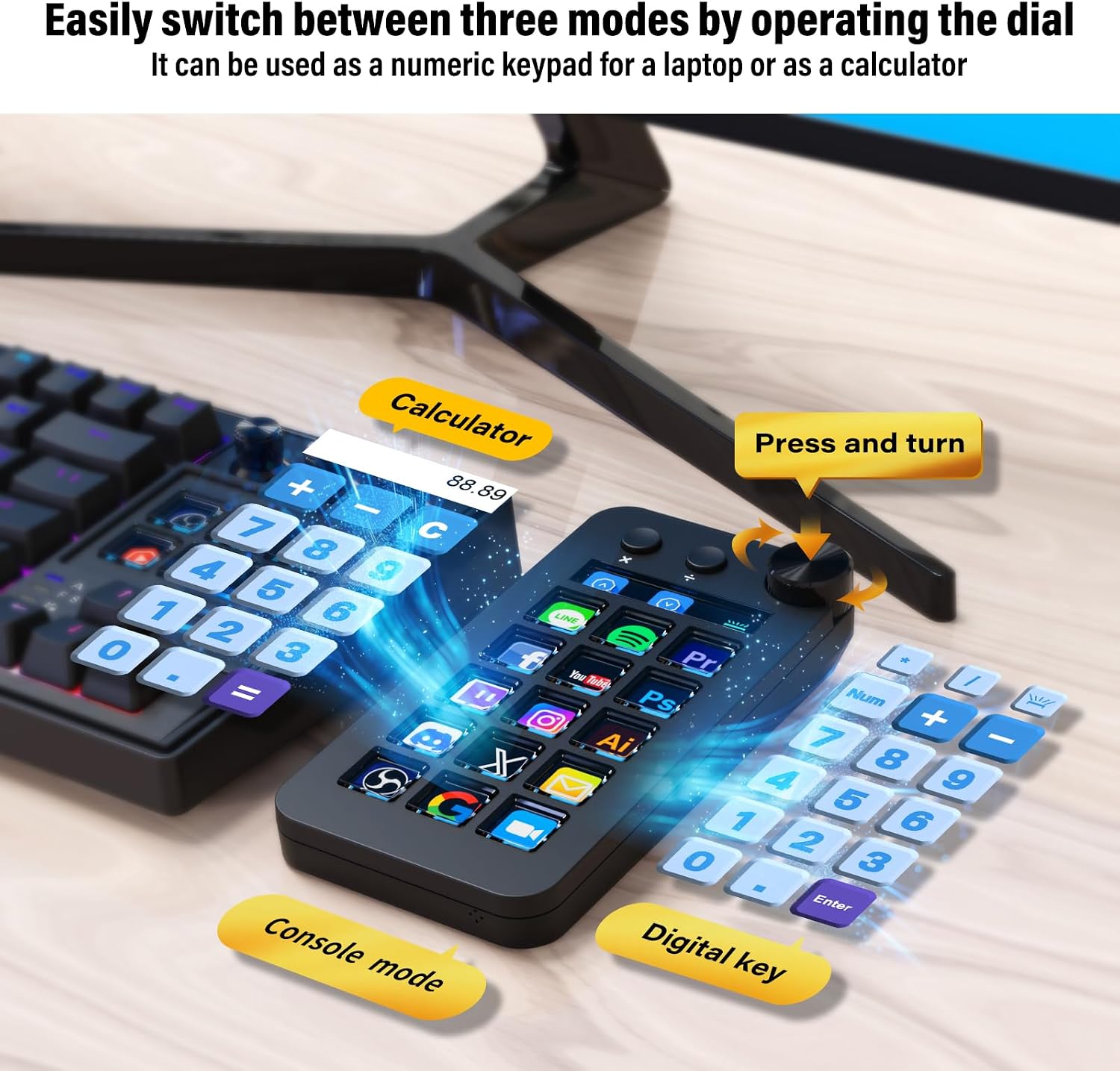
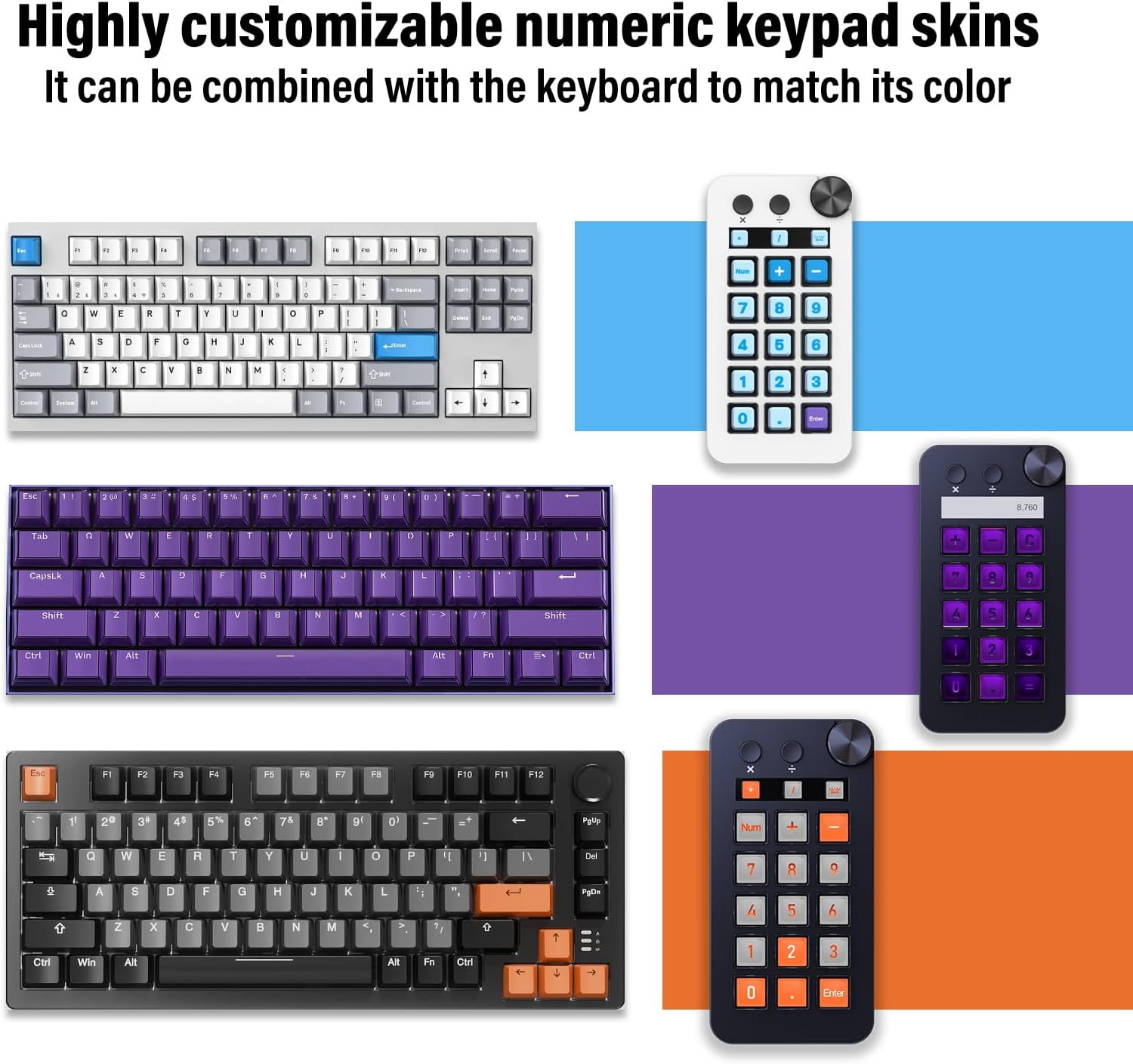
The N1 is more than a shortcut pad. Turn the dial to switch between its three modes: use shortcut mode for assigned commands, calculator mode to work through figures without opening a separate calculator app, or numeric keypad mode for number entry. That last option is especially useful alongside a tenkeyless keyboard or when working on a laptop without a built-in number pad.
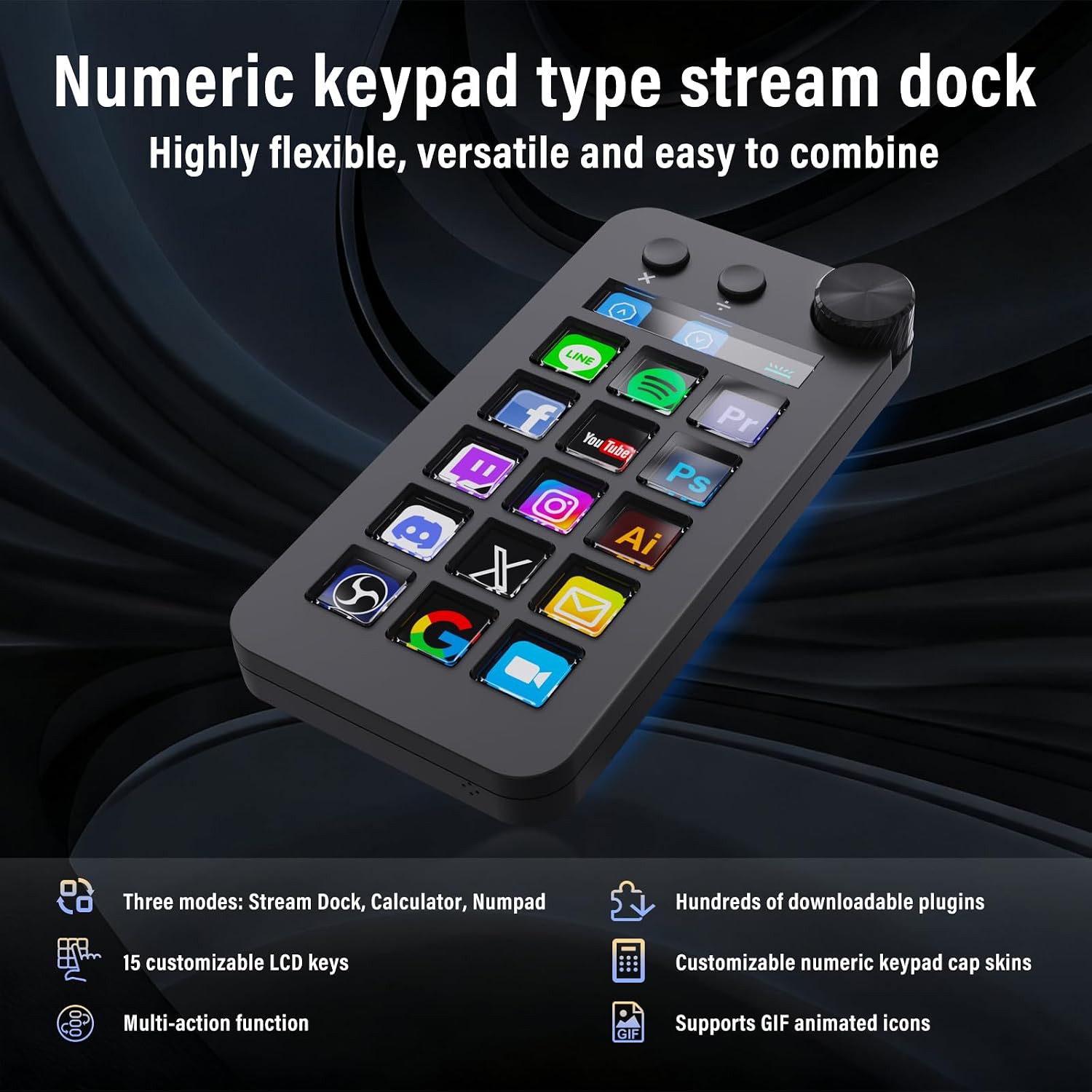
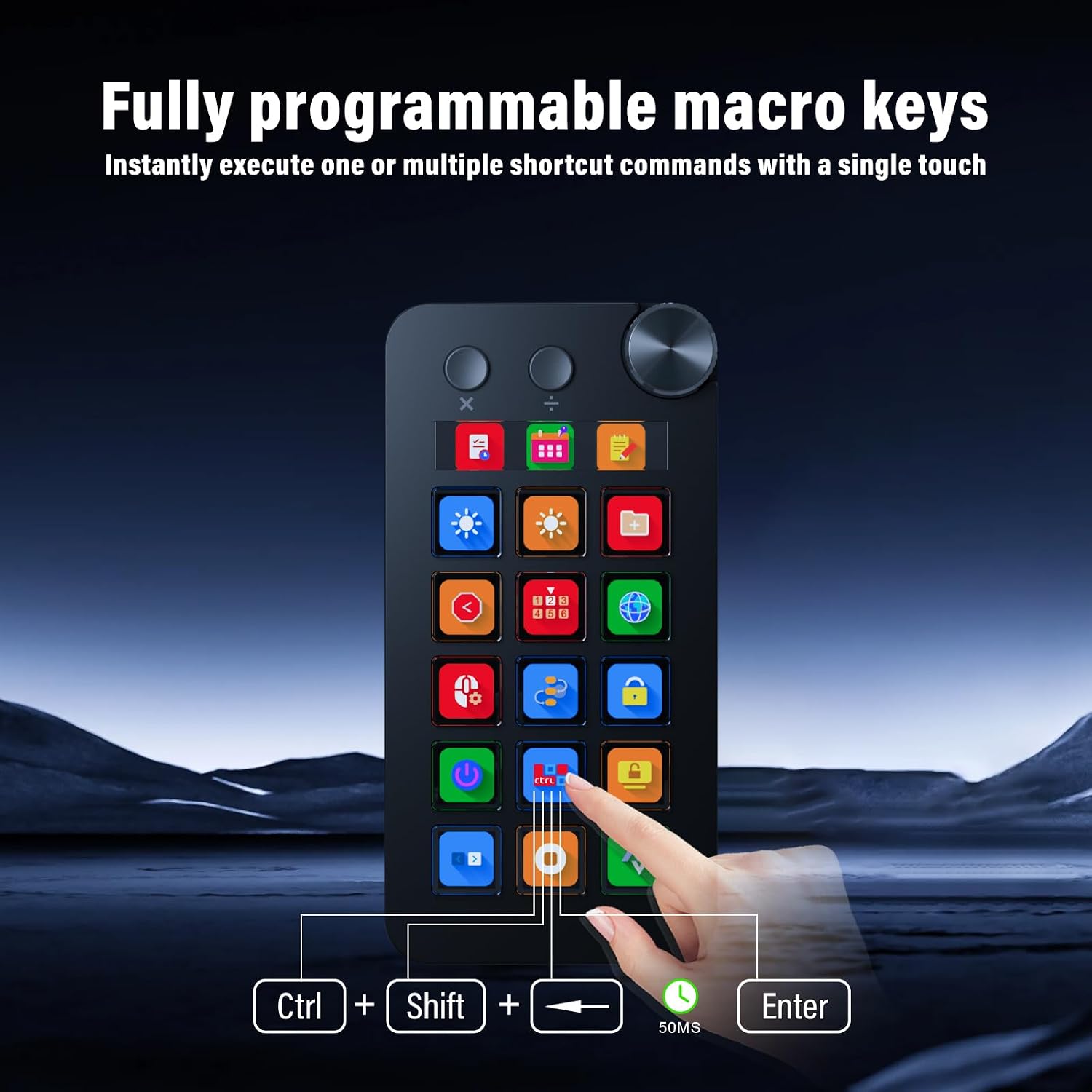
In shortcut mode, the 15 customizable LCD keys can be assigned to frequently used files, browsers, apps, images, and videos. This suits repeatable desktop tasks where a direct button is more convenient than searching through menus. The dial offers a simple way to change modes, while the angled, vertical design supports left-hand use and takes up less desk space than a horizontal controller layout.
The controller connects over USB and works with Windows and macOS. Supported software examples include OBS, PowerPoint, YouTube, Discord, Excel, Word, Photoshop, and Adobe Premiere Pro. Ready-made plugins are available through SPACE STATION for controlling mainstream apps and adding functions such as calendars, weather, and reminders. Buyers commonly praise the programming experience, construction, and usefulness of its calculator and number-pad modes, these are user impressions rather than a guarantee of a particular setup or workflow.
Getting the most from it
Install and run the supporting software to use the N1, then assign the commands and visual labels that suit your routine. For example, a creator can set keys for recurring streaming or editing actions, while someone working in spreadsheets can switch to number-pad mode for data entry. The customizable LCD labels help distinguish assigned actions at a glance, and downloadable keypad skins offer another way to personalize its appearance.
The package includes the N1 controller, a USB-A-to-USB-C data cable, and a user manual. Its enclosure is made from acrylonitrile butadiene styrene (ABS), and its dimensions are 5.89 x 2.98 x 1.43 inches.
Best use cases
Choose the N1 when your desk routine combines quick commands with frequent number entry or calculations. Streamers and video editors can map repeated actions to LCD keys, office users can keep shortcuts close while working in Excel or Word, and laptop users can add a dedicated number-pad mode. If your priority is simply a conventional keyboard, a standard keyboard is a more direct choice. The N1 is designed for a more customizable, multi-mode control setup.
What to clarify
What are the three modes? Shortcut keys, calculator, and numeric keypad. Use the dial to switch between them.
Which operating systems does it support? It is compatible with Windows and macOS. The listed minimum operating system versions are Windows 10 and macOS 14 Sonoma.
Does it connect wirelessly? No. The N1 connects to a computer by USB, and its supporting software must be installed and running for the controller to function.
Should you buy it?
The ActionRing N1 is a practical fit for people who want custom desktop shortcuts and a calculator and number pad in one compact controller. Its LCD keys, dial-based mode switching, and vertical layout make it especially useful for streaming, creative software, spreadsheet work, and laptop setups where quick controls and number entry share the same workspace.