

EMEET C980 Pro 3-in-1 1080P Webcam (Wide Angle) with Microphone and Speaker
Reviews
Price
Product description
If your calls sound muffled or your video looks washed out, the EMEET C980 Pro is built to fix the basics in one go. It’s a 3-in-1 USB webcam setup that combines 1080P video, a multi-mic array, and two speakers—so you’re not stuck hunting for separate audio gear before every meeting.
It’s not perfect for every situation, though. Depending on your lighting and how chaotic your room is, you may still prefer headphones to control echo. Still, for day-to-day conferencing and classes, this one targets the “plug it in and start” crowd.
The essentials
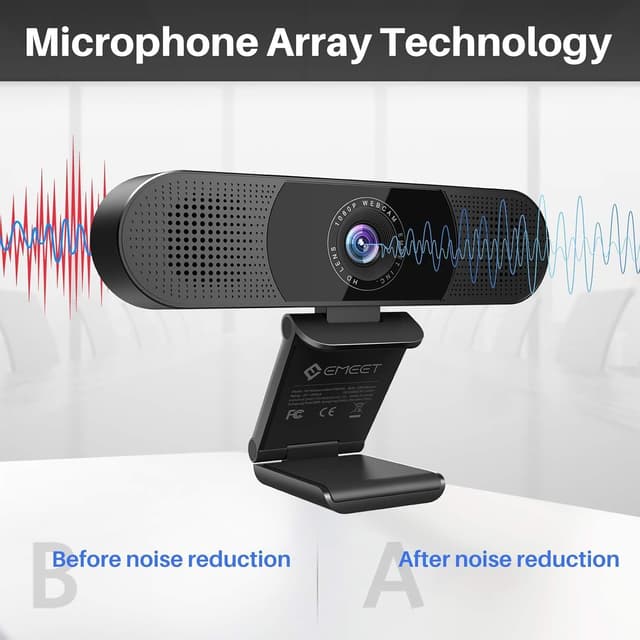
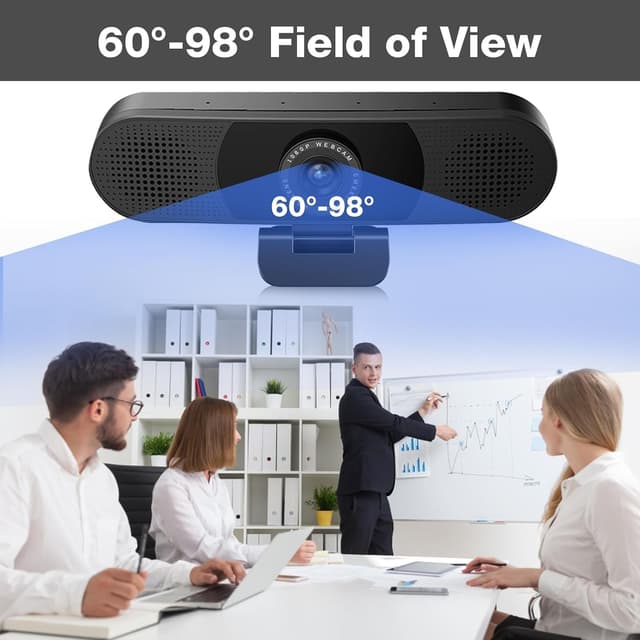
The EMEET C980 Pro brings together a 1080P webcam with four omnidirectional noise-canceling microphones and two built-in speakers. The idea is simple: clearer voice capture and usable sound from the camera itself, while the wide-angle view helps keep more of your space (like desks, whiteboards, or group seating) in frame.
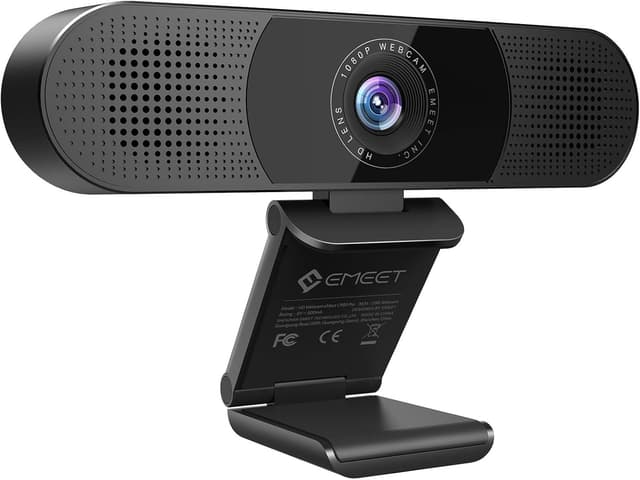
On paper, it’s also designed to be forgiving. The auto low-light correction aims to reduce graininess in darker rooms, and you don’t have to adjust focus manually thanks to the fixed/auto approach described for its wide range.
What matters most day to day
Where this webcam makes the most practical difference is in the everyday friction of remote meetings. A multi-mic design can help keep your voice more consistent, especially in environments that aren’t perfectly quiet. The wide viewing angle is another real-world win: if you’re in a room where you need to show more than your face, you’re less likely to feel “cropped” when you sit back or move.
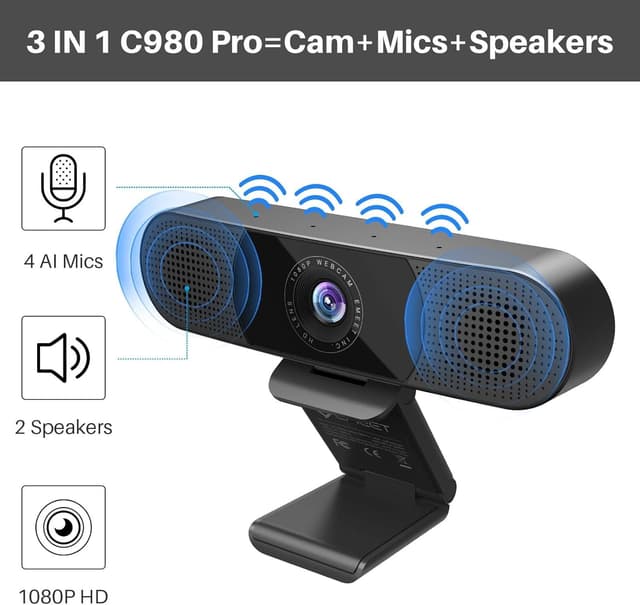
One small caution: built-in speakers can be convenient, but they can also contribute to echo depending on your setup and room acoustics. If you’re in a noisy space or you notice feedback, using headphones may still be the smoother experience.
Key takeaways
- Built-in microphones and speakers mean fewer separate accessories to manage.
- Wide-angle framing helps with classrooms, group calls, and showing a whiteboard.
- Auto low-light correction is meant to improve clarity when lighting isn’t great.
- “Plug and play” setup is emphasized, with no driver requirement.
Tech specs
- Name: EMEET C980 Pro 3-in-1 1080P Webcam with Microphone and Speaker
- Type: USB webcam for online conference/class
- Format: USB camera
- Display: not specified
- Resolution: 1080P (Full HD)
- Color: not specified
- Refresh rate: not specified
- Processor: not specified
- Memory: not specified
- Material: not specified
Who it suits (and who should think twice)
This is a solid pick if you want one USB camera that covers video plus audio basics for meetings, group sessions, or teaching—especially if you don’t want to assemble a separate mic and speaker arrangement each time.
It may not be the best match if you’re very particular about sound routing. Because it includes two speakers, you might still prefer external audio control in echo-prone rooms, or if you’re running larger conference audio setups. Also, the provided guidance is clear that you shouldn’t use it with a USB hub due to insufficient power—so if your setup depends on a hub, that’s worth reconsidering.
Compatibility and requirements
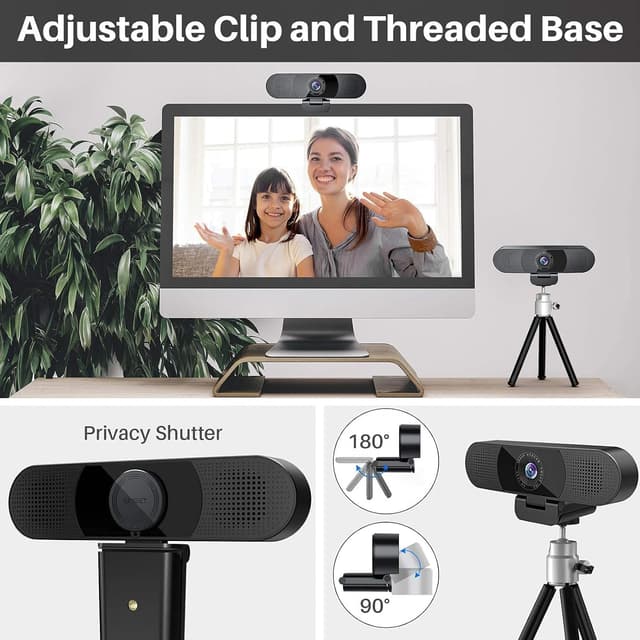
The C980 Pro is described as compatible with Mac OS 10.10 or later, Windows 7/8/10 or later, Android v5.0 or higher, Chrome OS, and many common video calling apps such as Skype and Google Hangouts. It also includes a universal clip that’s meant to fit laptops and monitors, and it can be used with a tripod. The manufacturer notes not to use it with a USB hub because of current/power limits.
Is it worth it?
Buy it if you want a straightforward 3-in-1 USB webcam for 1080P calls where wide framing, built-in voice pickup, and auto low-light correction matter more than chasing premium audio. It’s especially compelling for home offices, study rooms, and small group teaching where “set up fast” is the priority.
Skip it—or at least plan for backups—if your room acoustics are tricky or you rely on a USB hub for connections. In those cases, the built-in speakers and power requirement may be more hassle than help, and you may end up using headphones or a different connection approach anyway.
Mini FAQ
1) Does the EMEET C980 Pro need a driver to work?
The description says it doesn’t require a controller/driver, focusing on plug and play setup.
2) How wide a view does it cover?
It’s described as a wide-angle webcam with a stated 60°-98° range, and a field of view of 90 degrees for capturing more of your space.
3) What helps in darker rooms?
Auto low-light correction is included to reduce grain and increase detail in lower-light conditions.
4) Can I use it with a USB hub?
No—there’s specific guidance not to use it with a USB hub due to insufficient current.
5) Is the microphone noise canceling?
It’s described as having 4 omnidirectional microphones with built-in noise reduction technology and automatic echo cancellation.