

Liene Amber M110 Bluetooth Photo Printer 80-sheet bundle
Reviews
Price
Product description
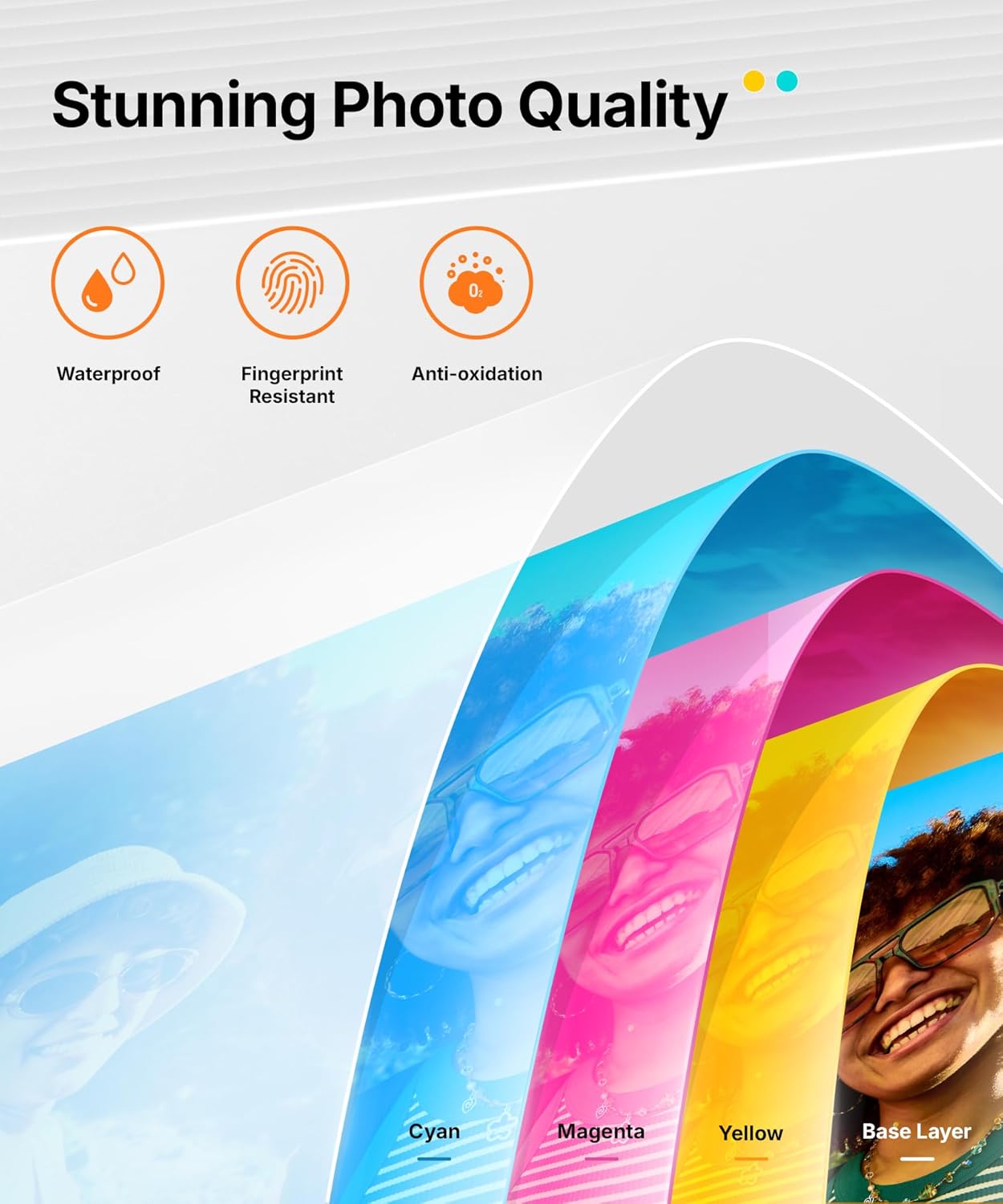
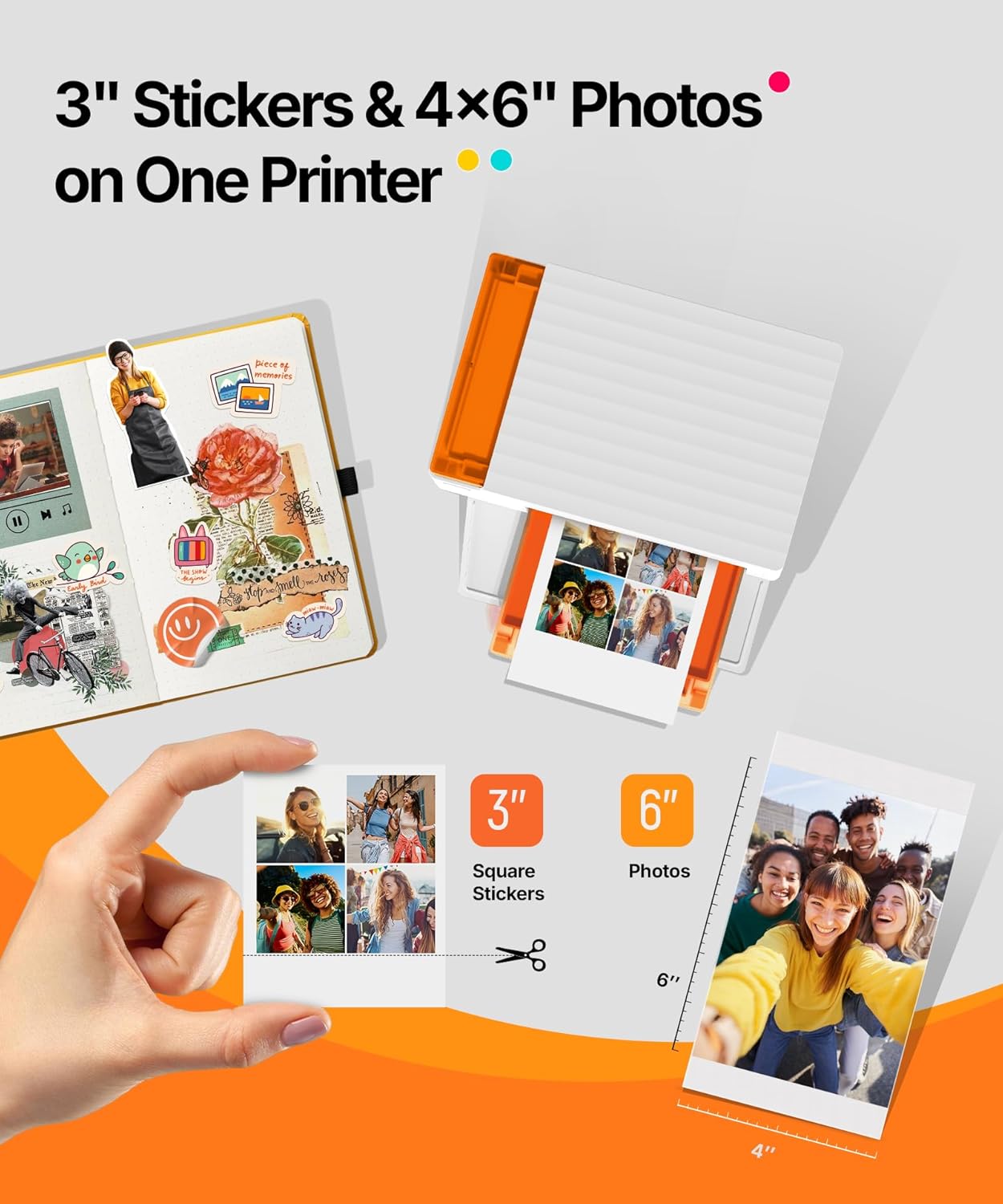
This compact portable photo printer turns smartphone snapshots into durable prints for scrapbooks, parties, and on-the-go sharing. It supports both 4 x 6 photo paper and 3 x 3 sticker paper using a dual-tray layout, so you can switch between standard photos and adhesive squares without fuss. The main benefit is quick Bluetooth printing with thermal dye sublimation that produces water-resistant and scratch-resistant finishes for lasting color.
Key Points
The printer accepts two common paper formats in one device, simplifying events where you want both full-size photos and small stickers. According to the manufacturer, Bluetooth pairing can take as little as 13 seconds, which helps when multiple guests want copies during gatherings. The unit is compact and easy to store, making it a practical addition for travel, parties, or small home studios. Note that while the output is designed to resist water and fingerprints, heavy-duty archiving may still require protective storage.
Technical Specifications
- Name: Liene Amber M110
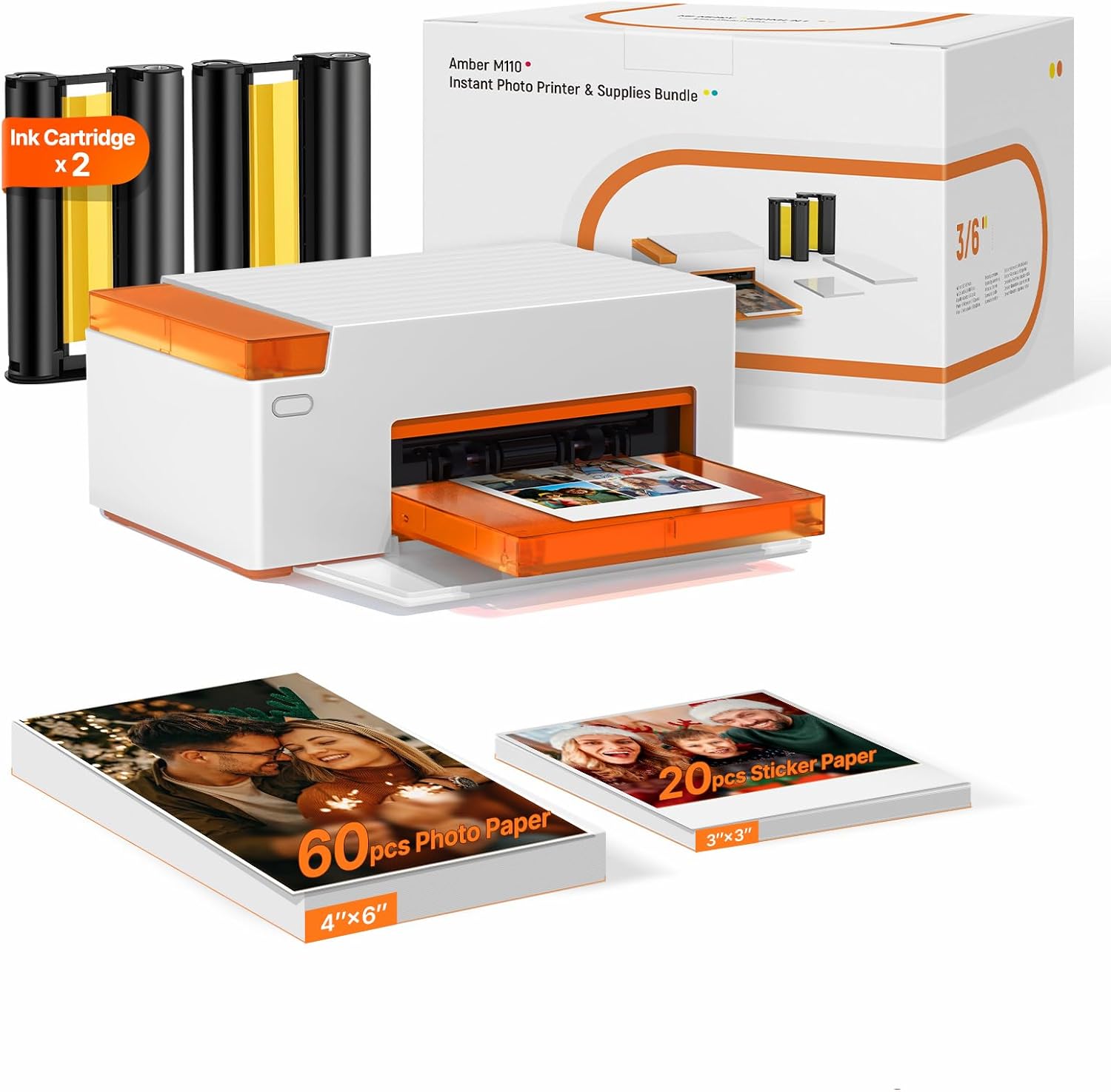
- Paper included: 60 sheets 4 x 6 photo paper, 20 sheets 3" square sticker paper
- Printing technology: Thermal dye sublimation
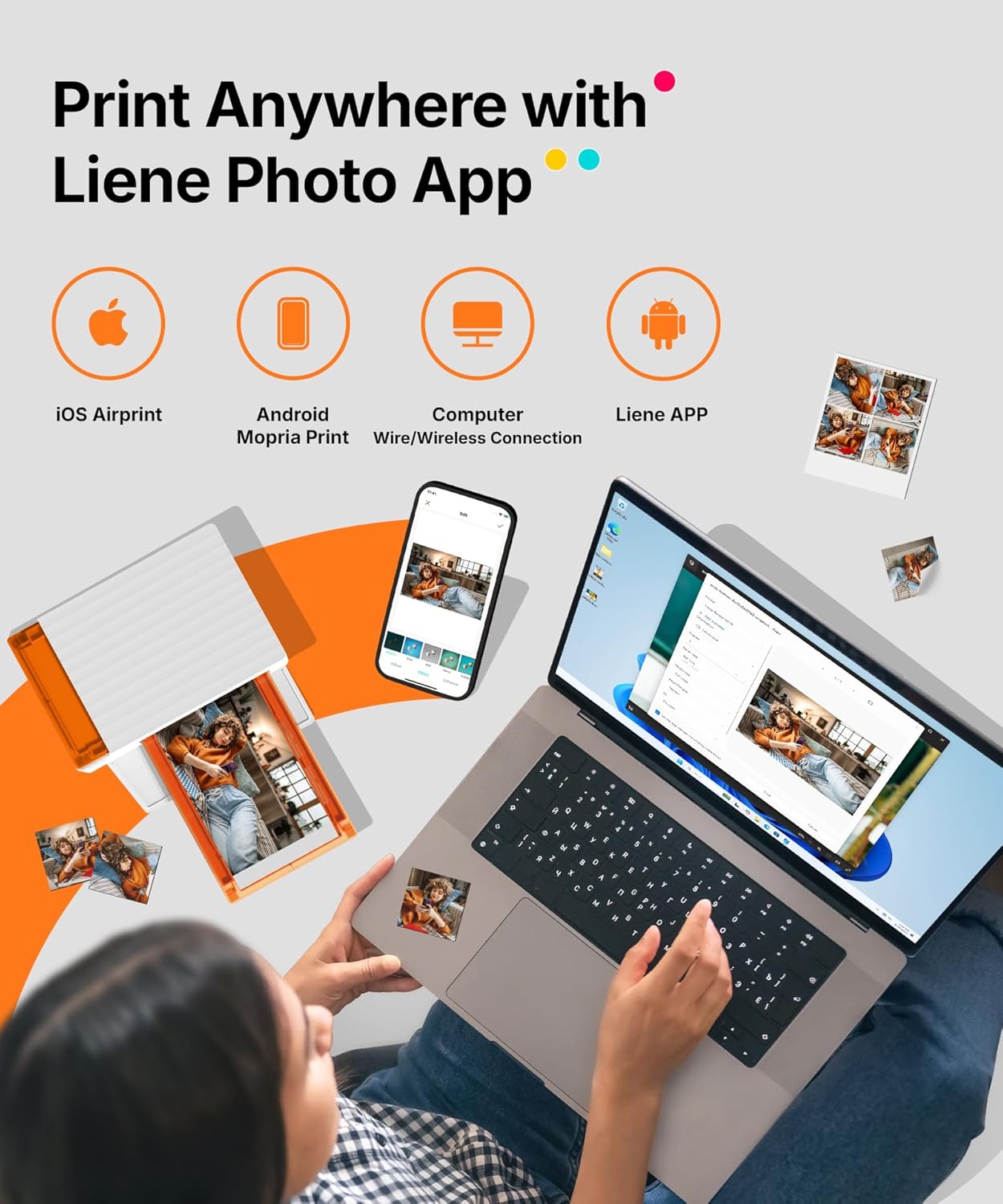
- Connectivity: Bluetooth, up to 5 simultaneous connections
- Cartridges: 2 cartridges included
Benefits
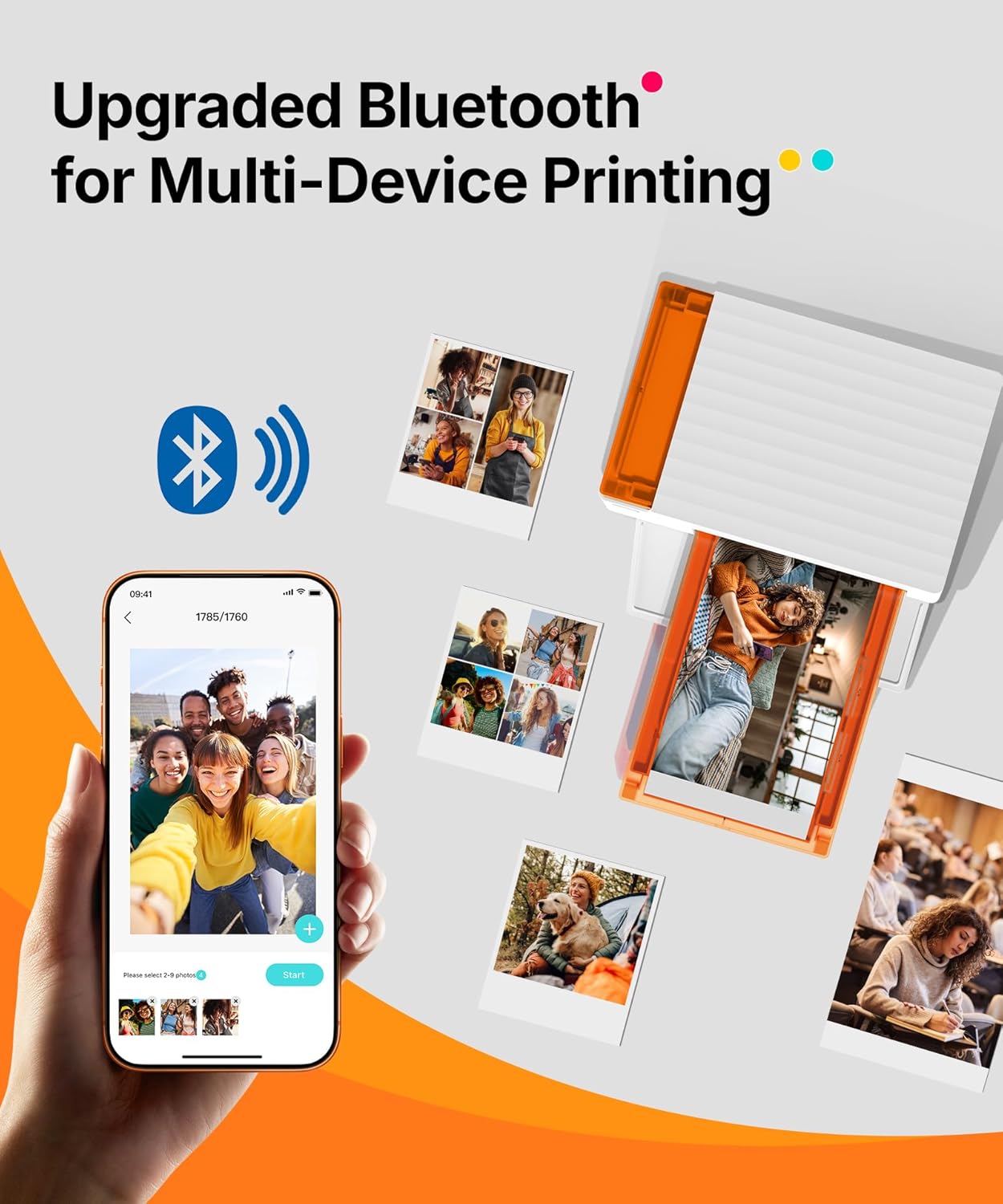
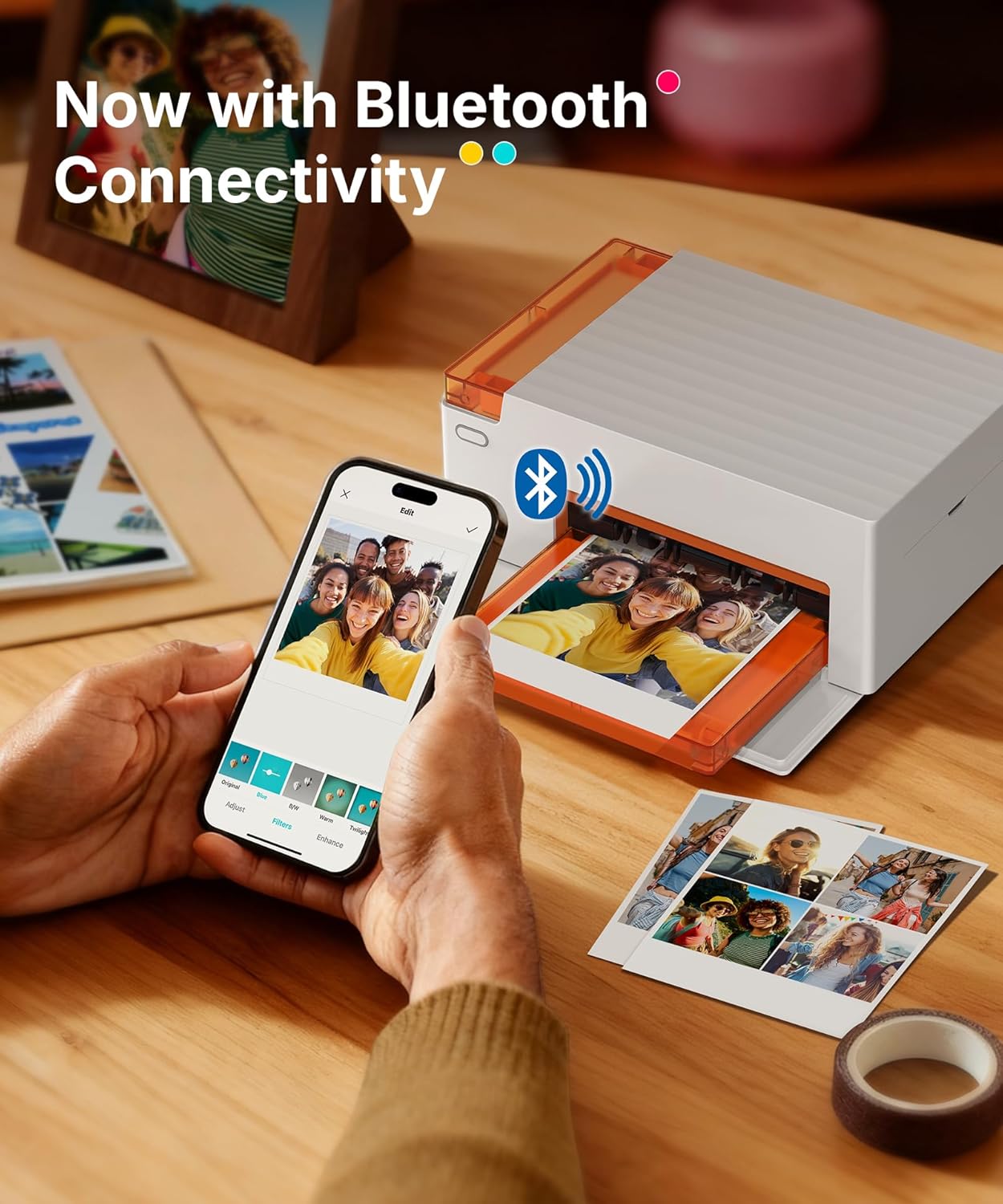
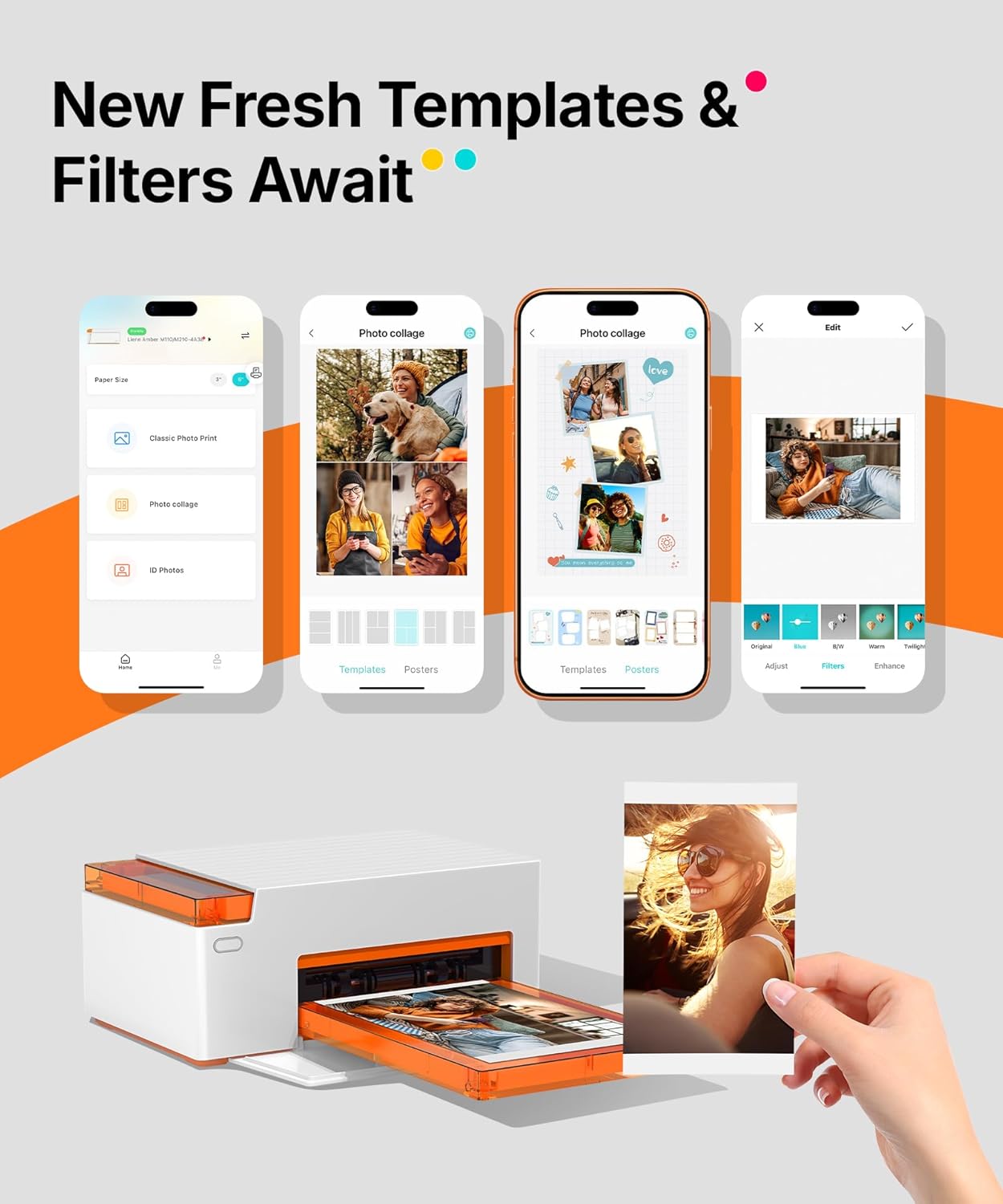
Prints have a laminated surface that helps prevent fading and common surface damage, which is useful when you want photos that last on display or in albums. The ability to connect several devices at once encourages group printing at parties and small events. The small footprint of the unit makes it easy to place on a table or tuck into a bag, so it can travel to gatherings without occupying much space. For those who enjoy customizing images, the companion app offers borders, filters, and basic editing before printing 🎨.
Usage Recommendations
Load the dual-tray correctly to avoid paper jams and select the appropriate format in the app before sending a job. For better color consistency, use the included cartridges and paper sets from the same production batch when possible. Keep in mind this model is built for occasional to moderate personal use and may not be the most cost-effective option for high-volume commercial printing. If printing from varied devices, check Bluetooth permissions on each phone to ensure smooth pairing and printing. 😊.