

Micomlan Led Desk Lamp 24W ⚡
Reviews
Price
Product description
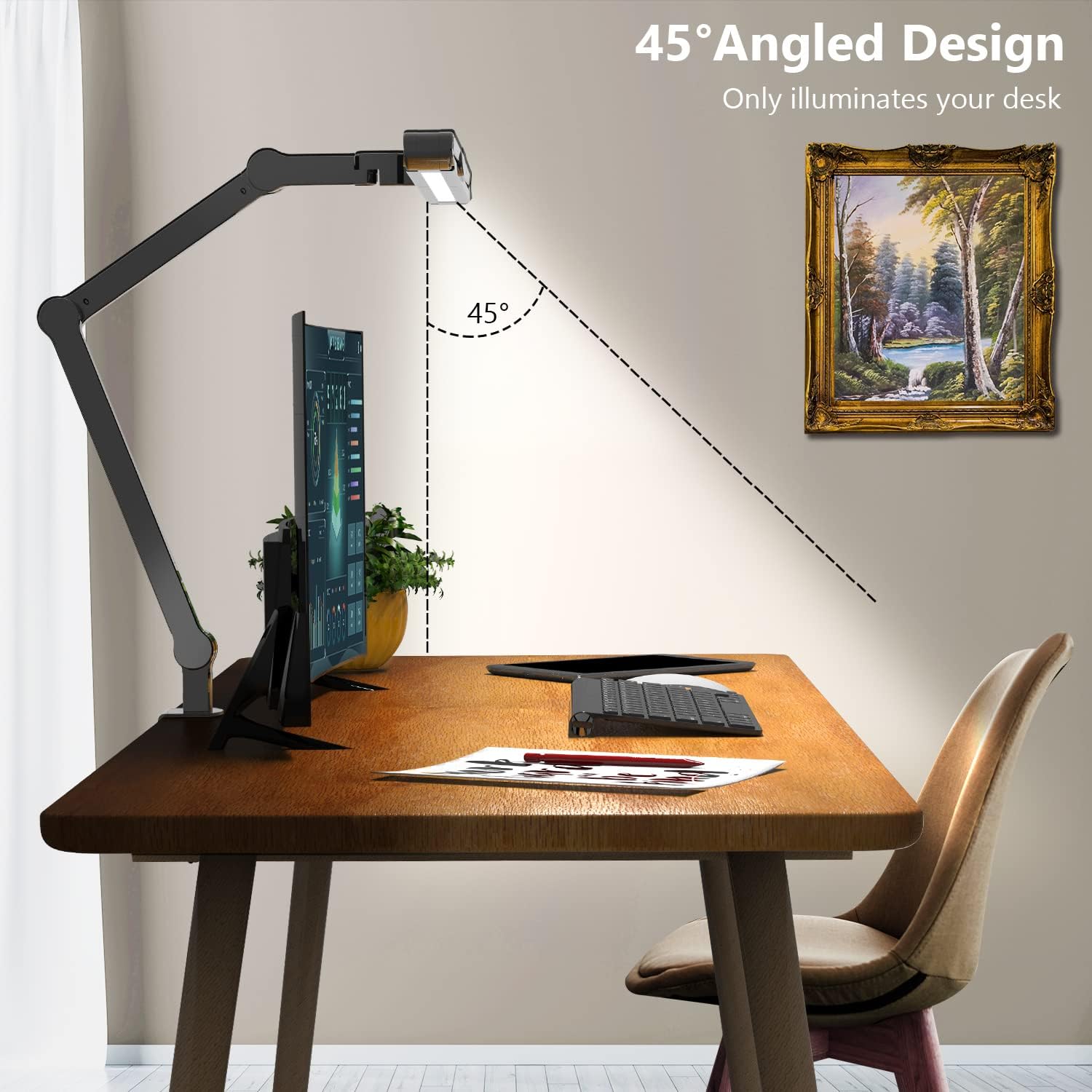
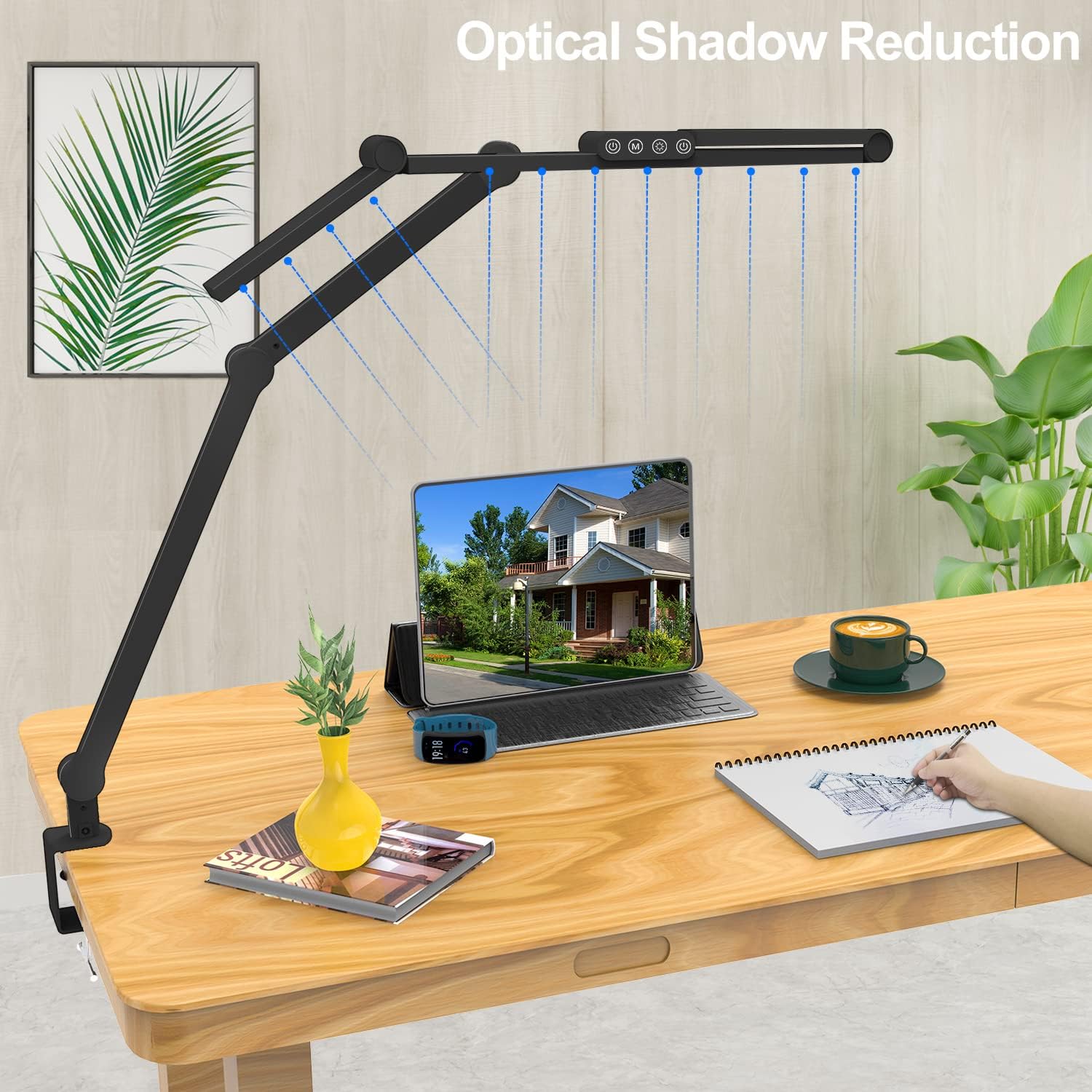
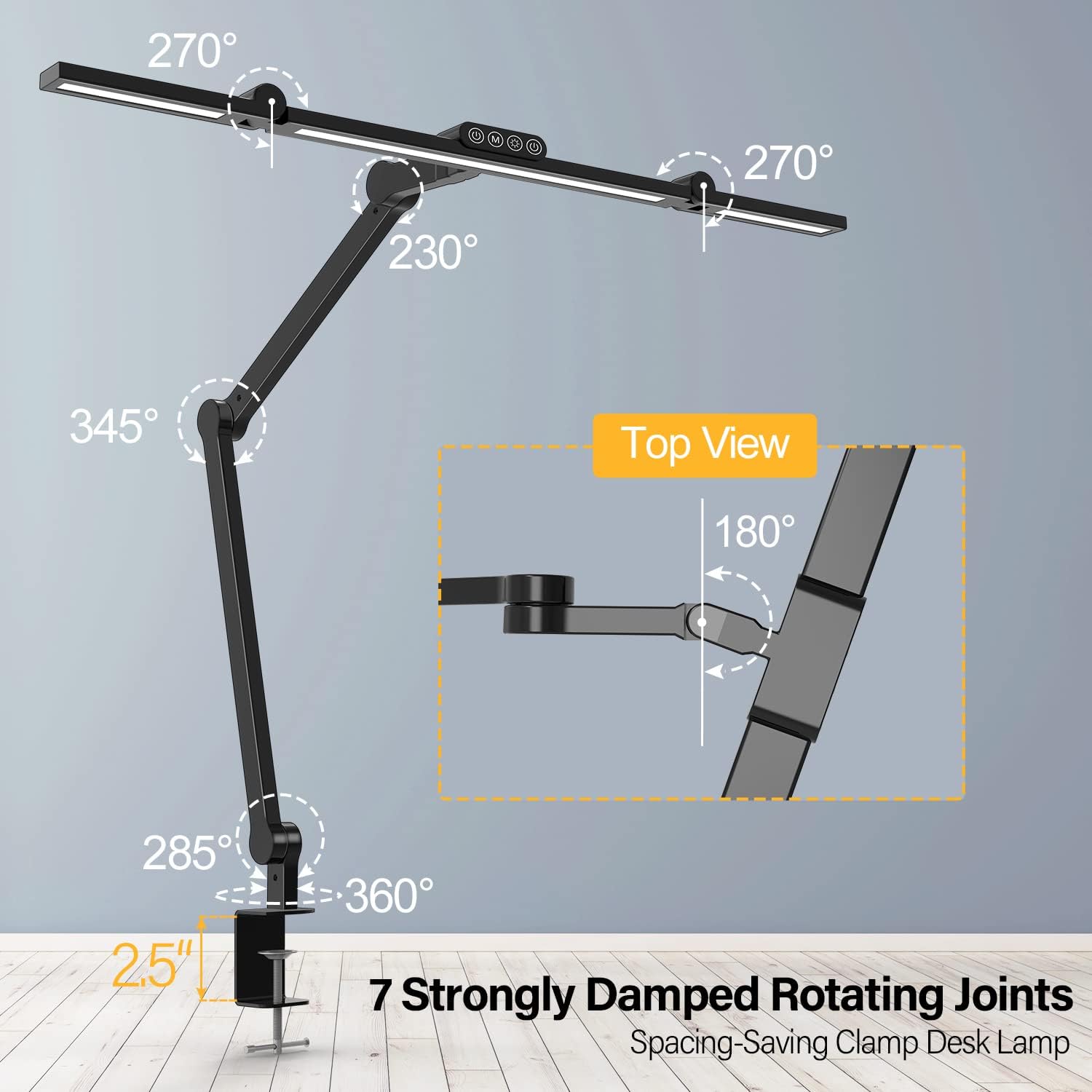
This Micomlan 24W LED desk lamp delivers focused, glare-free illumination ideal for detailed tasks like reading, drafting, or working on creative projects. With its 7 rotatable joints and asymmetric 45° angled lighting, it offers precise control over light direction and intensity, reducing eye strain during long sessions.
Key Points
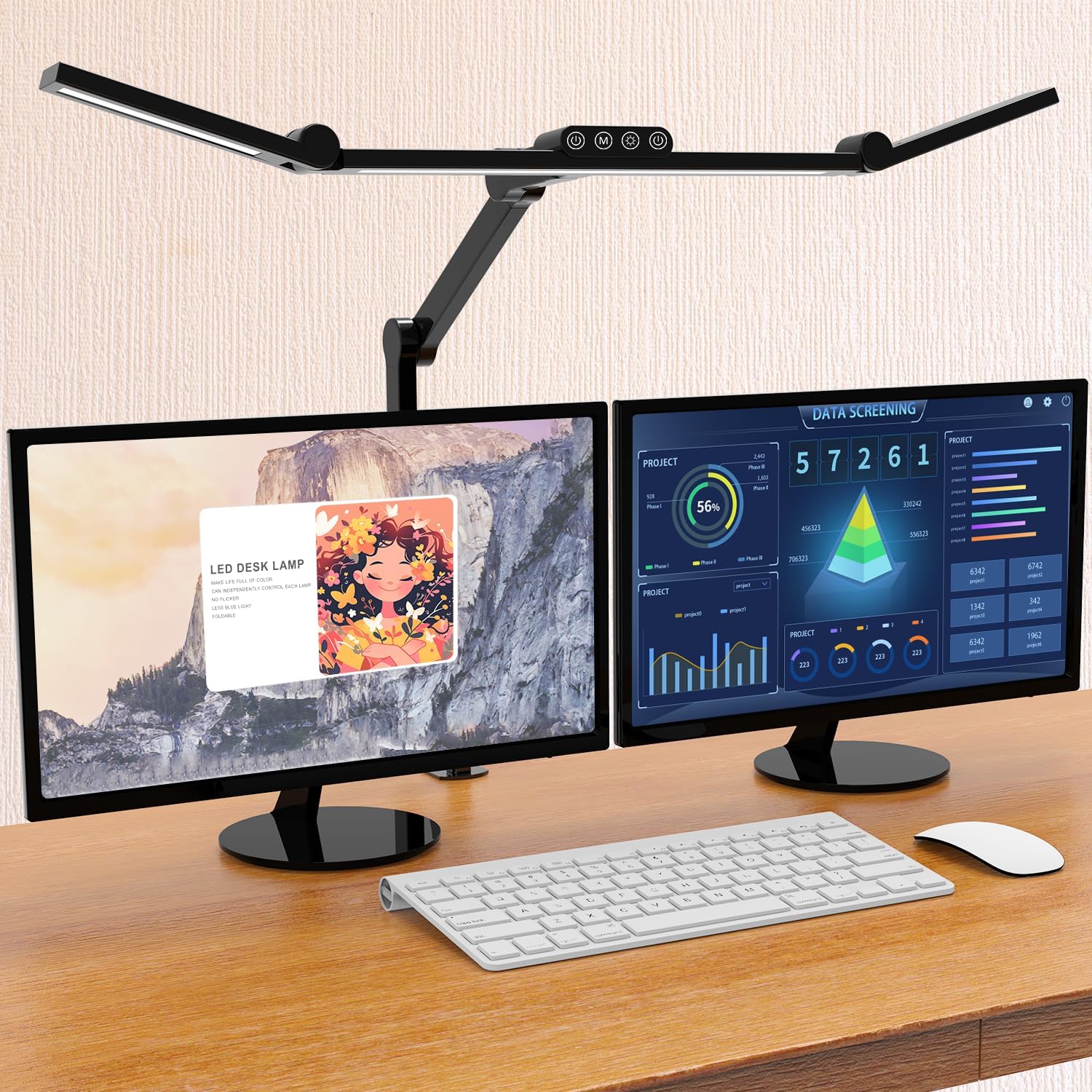
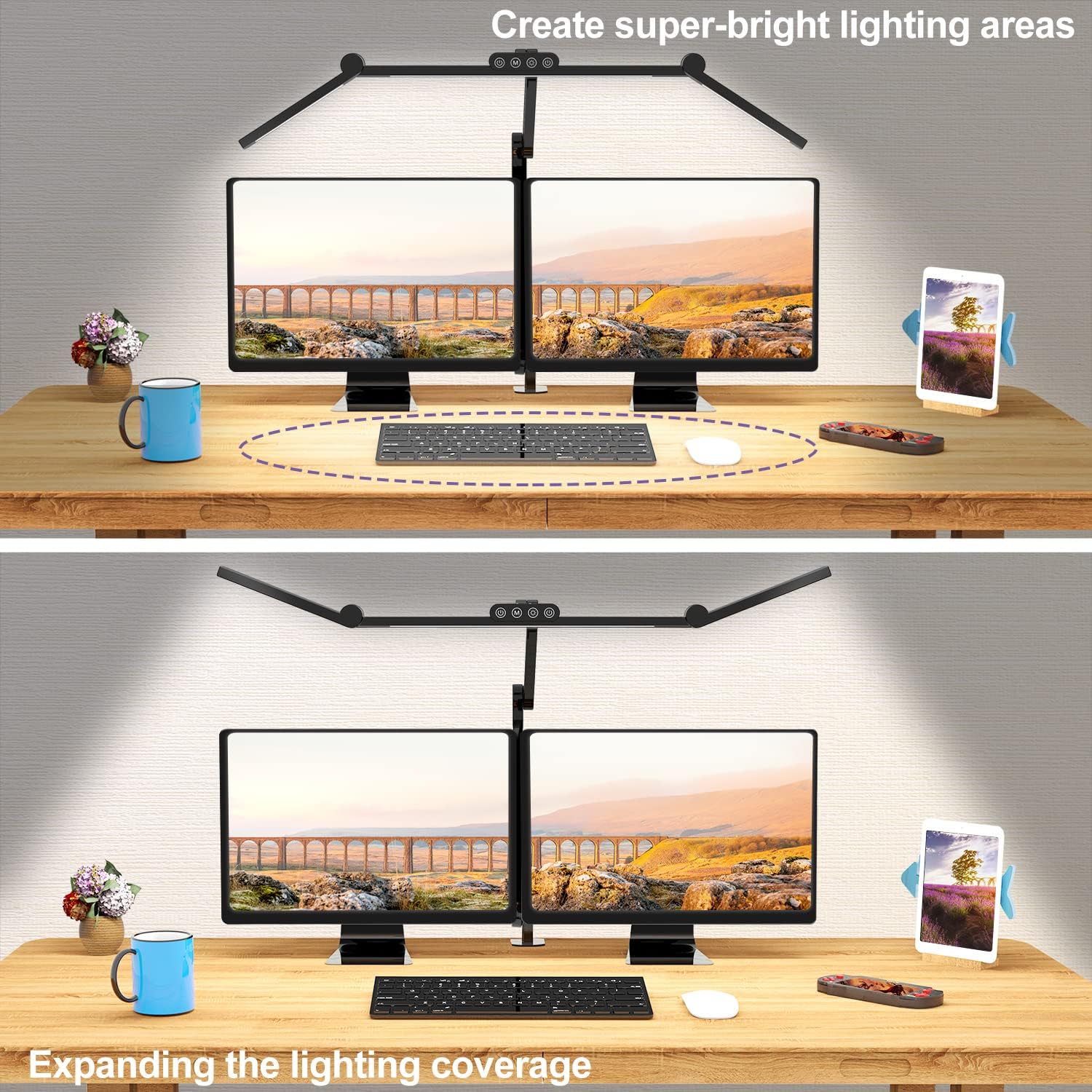
The lamp features seven strongly damped joints that allow smooth vertical and horizontal adjustments, giving users full control over light placement. The dual light bars can be rotated to either widen coverage across the desk or concentrate brightness on a specific area, such as a sewing station or drafting surface. A 45° angled LED design directs light toward the work surface while minimizing screen reflections. A built-in light sensor automatically adjusts brightness based on ambient conditions, helping maintain comfortable lighting levels. The lamp includes a memory function that saves your last brightness and color temperature setting.
Technical Specifications
Brand + model: Micomlan LED Desk Lamp 24W
Light output: 24 watts
Color Rendering Index (CRI): >90
Color temperature range: 3000K to 6500K (white to daylight)
Brightness levels: 5 preset levels with stepless dimming (20%–100%)
Adjustment range: Vertical and horizontal rotation with base tilt
Light source: High CRI LEDs with anti-glare technology
Benefits
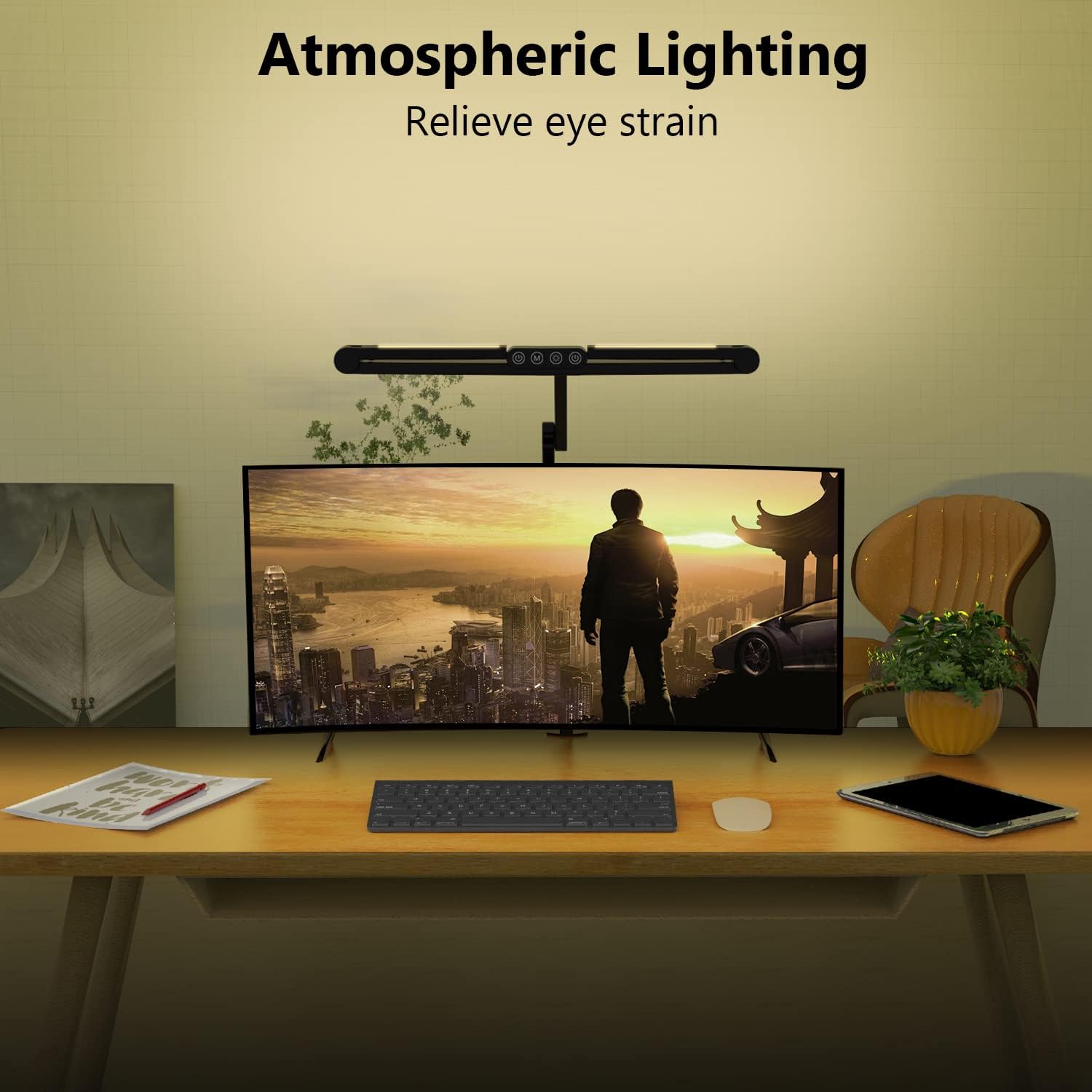
This desk lamp reduces screen glare by focusing light on the work surface, which helps prevent eye fatigue during extended use. The high CRI LEDs render colors accurately, making them especially useful for design or art work. The ambient lighting feature adds a soft glow when the auxiliary lights are on, enhancing comfort in low-light environments. Users can switch between different color temperatures to match natural daylight or indoor lighting conditions.
Usage Recommendations
For reading or writing, position the lamp so the main light is slightly angled downward to avoid casting shadows. Turn the auxiliary light down to eliminate glare on specific areas like a drawing board or sewing surface. When working in a room with natural light, let the built-in sensor manage brightness to prevent overexposure. Use the touch panel to adjust settings gradually, especially when switching between tasks that require different lighting levels. Avoid using the lamp in very dark rooms without the sensor, as it may not respond effectively.