

E-Z Ink 63XL Black & Color Remanufactured Cartridges (2-Pack) for HP 63XL
Product description
What this is for
If your HP printer is asking for replacement ink more often than you’d like, this combo pack targets that exact problem: it replaces both the black and color cartridges in one go. This is a remanufactured replacement set for HP 63XL cartridges, bundled as a 2-pack (black + color). On paper, it’s built to keep everyday office printing moving without treating every refill like a major project.
The core idea is simple: use compatible 63XL ink cartridges designed for HP printers that take HP 63/63XL ink. If you mostly print documents, forms, and normal text-heavy pages, the yield and coverage details included in the listing are meant to help you estimate how long the cartridges may last.
The essentials (and the part to double-check)
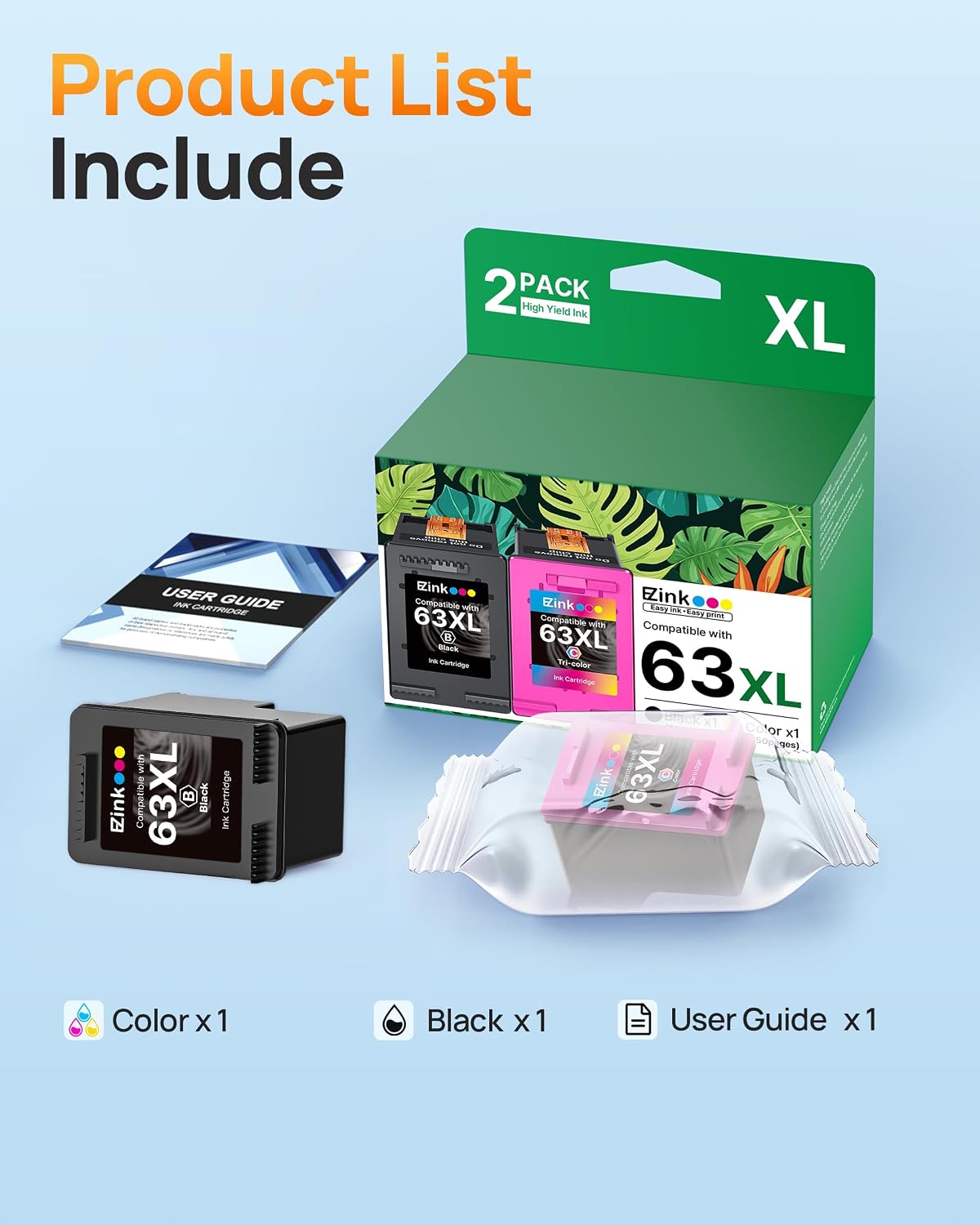
This combo pack includes:
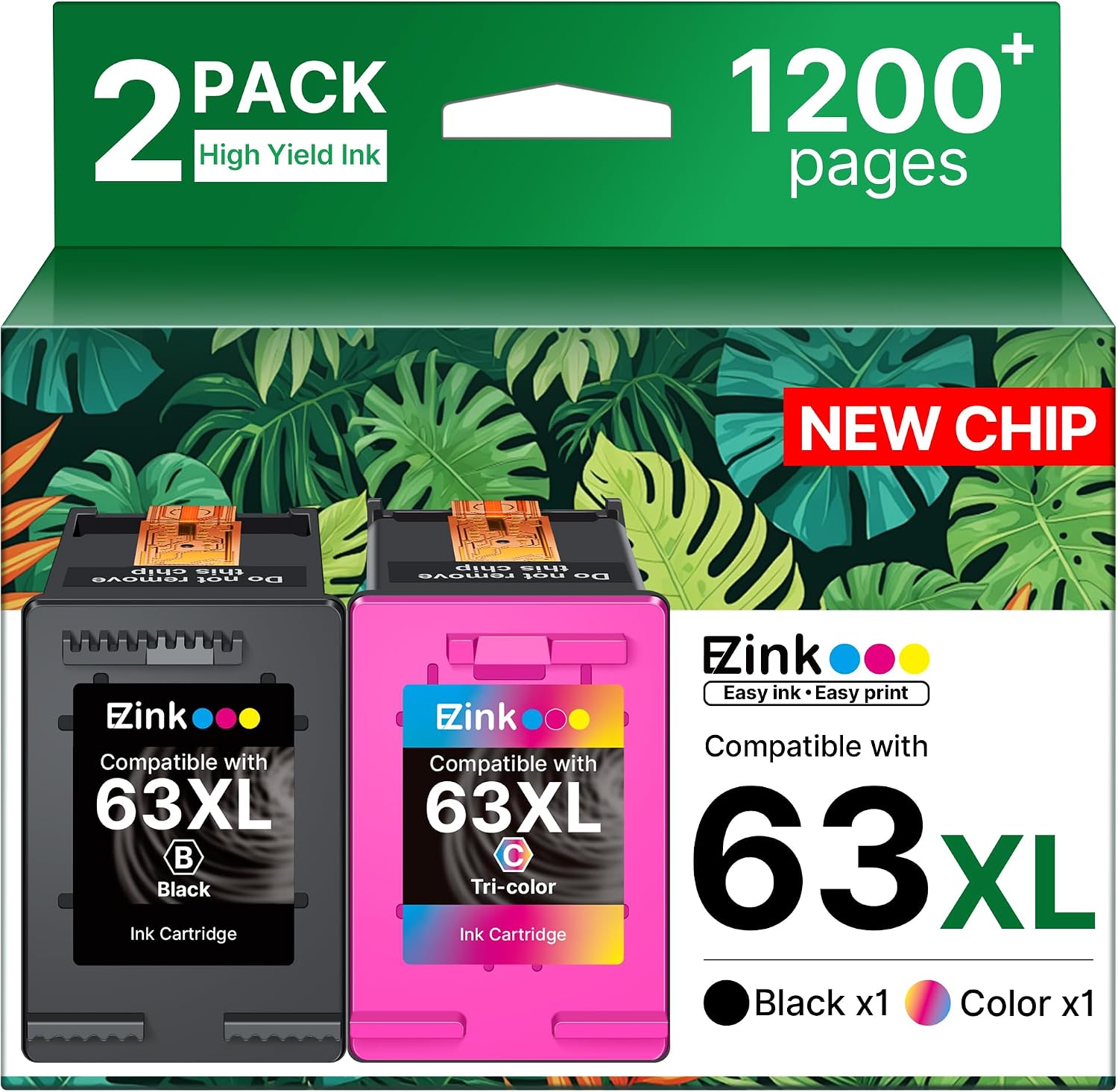
- 1x 63XL black replacement cartridge
- 1x 63XL color replacement cartridge
- A user guide is listed as part of the package
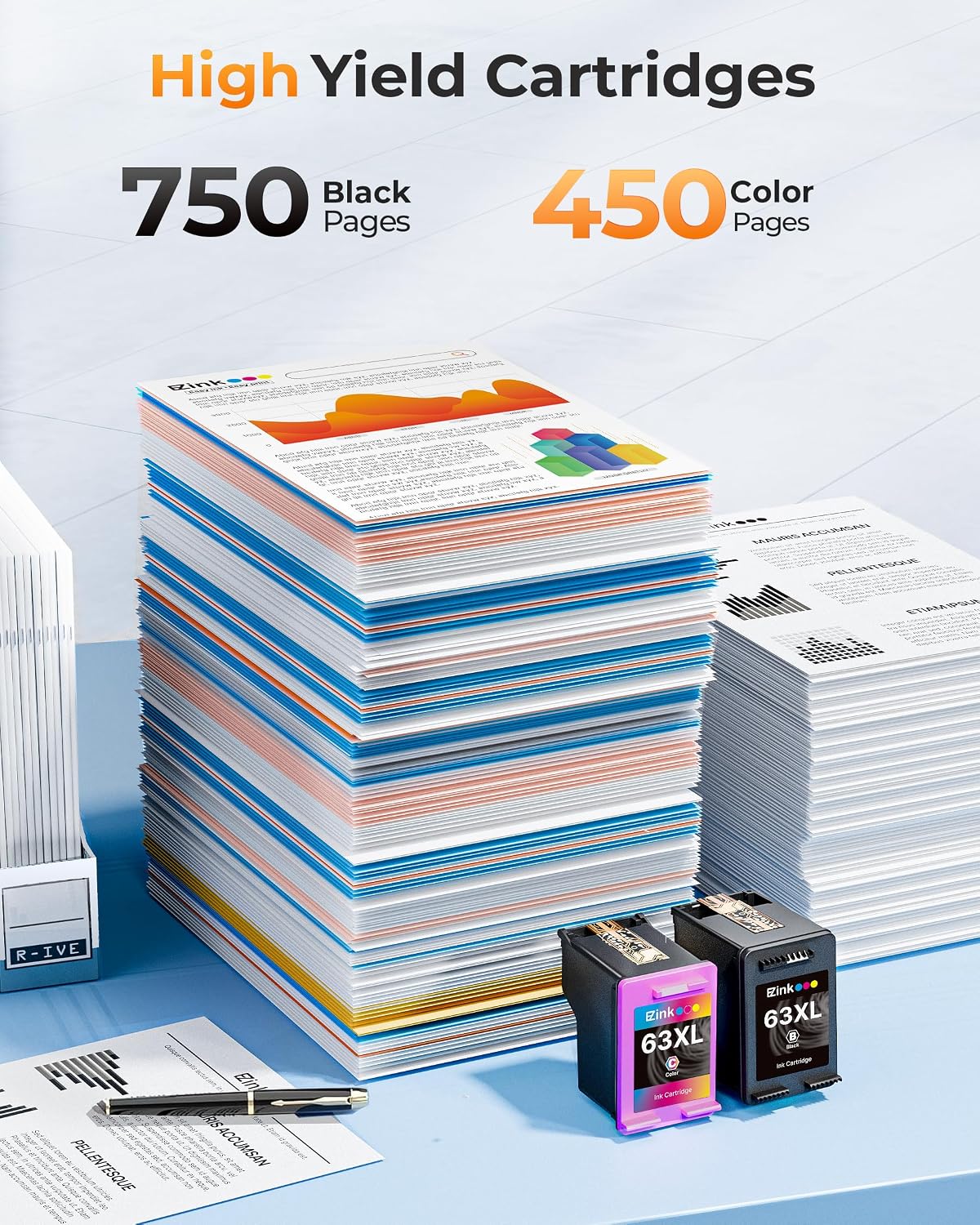
The listing also provides estimated yields based on coverage. Black is listed as 750 pages per cartridge, and color is listed as 450 pages per cartridge at 5% coverage. That “5% coverage” detail matters—real-world results can vary a lot if you print lots of graphics, dense pages, or photos.
Before buying, the practical step is to confirm your printer model is one of the ones the cartridges are stated as compatible with, and confirm your printer currently uses HP 63 or HP 63XL cartridges. If your printer’s setup is picky, it’s better to verify than to assume.
Key compatibility and printer models listed
The cartridges are described as compatible with a range of HP DeskJet, Envy, and OfficeJet models listed in the product details. The lineup includes (as stated): HP DeskJet 1110/1111/1112, 2130–2136/2136, and several others, HP Envy models like 4510–4528, and HP OfficeJet models like 5200/5255/5258 and 4650/4652/4656/4658 (plus additional numbers shown in the listing).
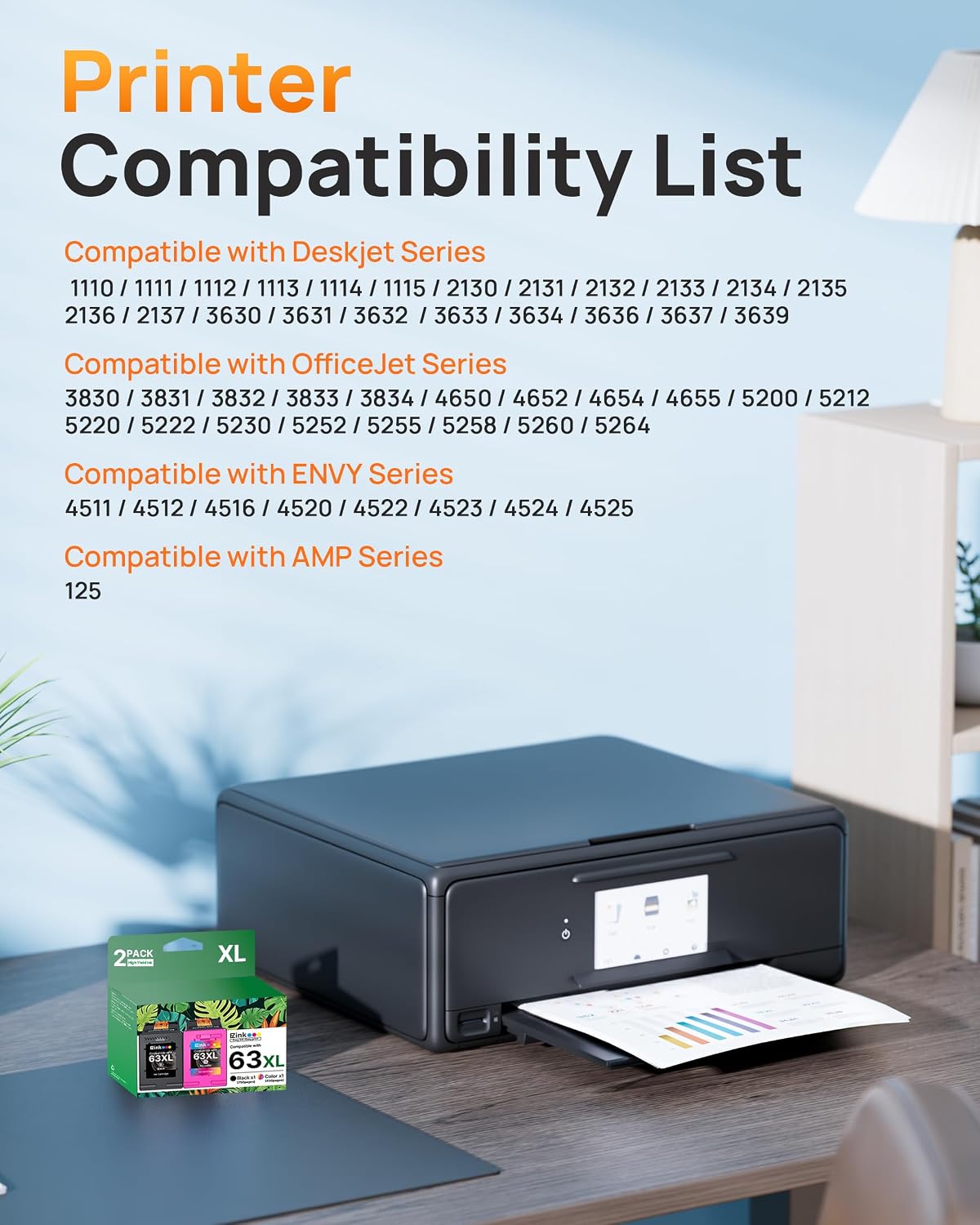
Because the compatibility list is long, it’s worth taking 30 seconds to locate your exact printer model number. Not all “close enough” models always work the same way with ink cartridges, even within a brand family.
What it’s like in everyday use
This set is positioned around regular office printing: crisp text for documents and color output for charts or everyday graphics. Remanufactured ink cartridges can be a great way to reduce replacement costs, but they’re not always identical in behavior to brand-new cartridges—especially when it comes to consistency after long idle periods.
A realistic micro-scenario: imagine you print a few weekly work documents. After installing new black + color cartridges, you should expect normal text output right away if the cartridge contacts and printer settings agree. If you go several weeks between printing, you may need a small cleaning cycle to get the first page looking right—nothing guaranteed here, but it’s a common pattern with cartridges in general, and remanufactured options can be slightly less forgiving.
Where it may fit best (and where it might not)
It’s a solid pick if you:
- Need both black and color replacements as a combo, not one at a time
- Print mostly text and light-to-moderate coverage content
- Want to stay with HP 63/63XL cartridge compatibility for listed HP printers
It may not suit you if you:
- Have a printer model that isn’t clearly listed in the compatibility section
- Print extremely graphics-heavy pages where “5% coverage” yield won’t reflect your usage
- Are very sensitive to how consistently color prints after idle time
Worth noting: remanufactured cartridges can be dependable, but if you’re the type who demands perfect output every single day without any troubleshooting, you may prefer sticking with a more straightforward “new cartridge” approach.

Pros, limits, and buying checklist
What stands out
- Combo pack includes both black and color in one purchase
- Listing provides yield estimates for both black and color cartridges
- Designed specifically for HP 63/63XL compatibility for multiple DeskJet/Envy/OfficeJet models
The limitation to keep in mind
- The yield figures are based on 5% coverage for color, so your actual page count can be lower depending on what you print.
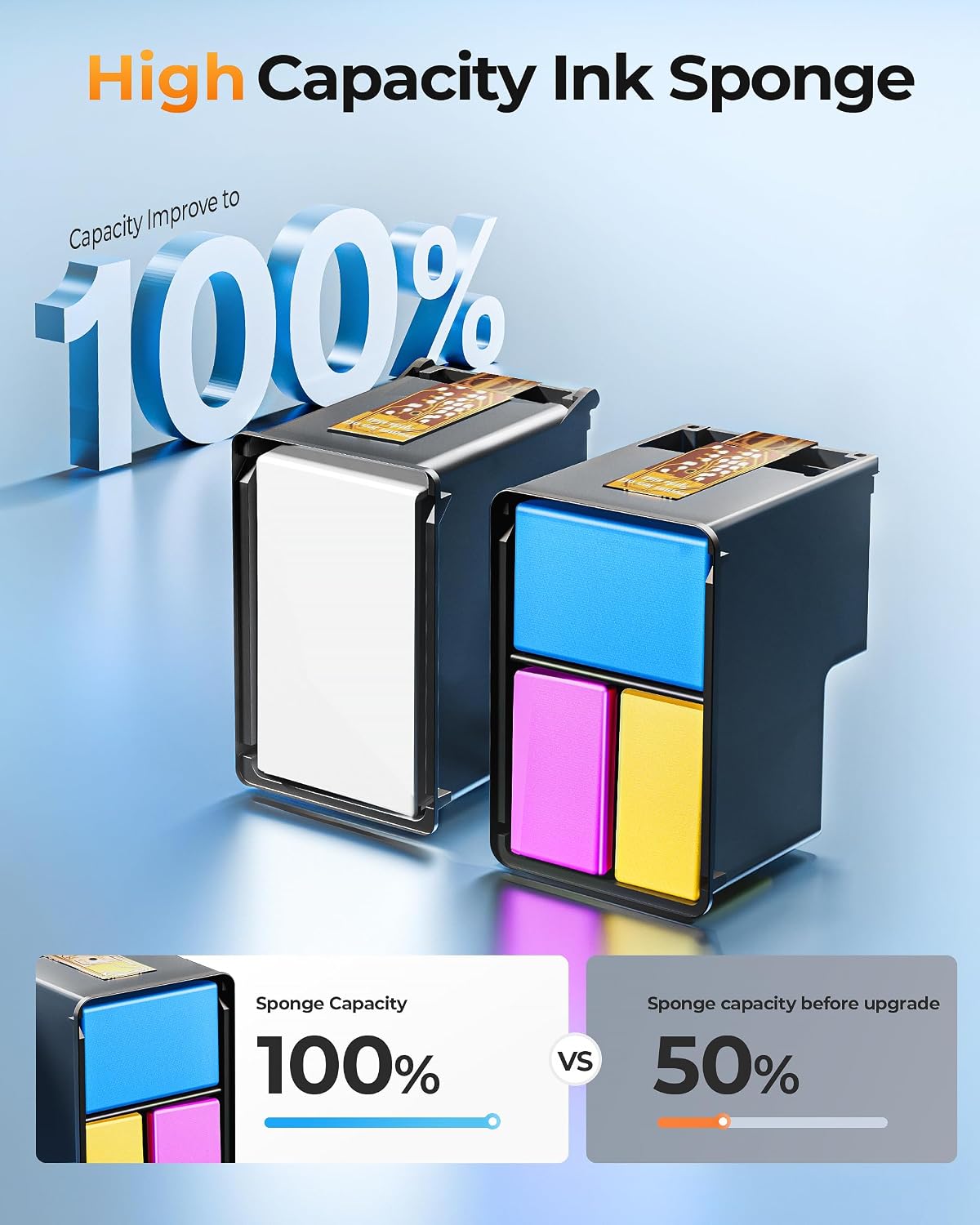
Before you hit buy, check:
- Your printer model number matches the ones listed
- Your printer uses HP 63XL (or HP 63) cartridges as described
- Whether you print at a level that aligns with light coverage expectations
Is it worth it?
If you’re trying to keep an HP DeskJet/Envy/OfficeJet that uses HP 63XL ink running with both black and color cartridges, this 2-pack can make sense—especially when your printing is mainly document-focused and you want to replace both inks together. The included yield estimates give you a rough way to judge whether it fits your expected refill cycle.
On the other hand, it may not be the best choice if your printer model isn’t an exact match from the compatibility list, or if your work is heavy on dense graphics where the “5% coverage” math won’t translate well. For most office-style usage, it’s easy to see why people consider combo 63XL replacements—but as with any remanufactured option, it’s smart to verify compatibility first.
Mini FAQ
Will this work with any HP printer that uses ink 63?
Not necessarily. The listing describes compatibility with specific HP DeskJet, Envy, and OfficeJet models. Confirm your exact printer model number and whether it uses the HP 63/63XL cartridge type.
How many pages will I get from these cartridges?
The listing states 750 pages for black and 450 pages for color at 5% coverage. Your real page count can be lower if you print heavy graphics or pages with more ink coverage.
What’s included in the package?
The listing includes 1x 63XL black cartridge, 1x 63XL color cartridge, and a user guide.
What if my printer sits unused for a while?
Ink performance can vary after idle time. If you don’t print often, you may need a brief maintenance/cleaning process to improve initial print quality—this isn’t guaranteed by the listing, but it’s a common practical consideration with cartridges.
Is this better than buying only black or only color?
This depends on your needs. If you frequently replace both black and color, a combo pack can be more convenient. If one color rarely runs out, buying separately could be a better match—though that’s only sensible if you avoid ending up with unused ink.