

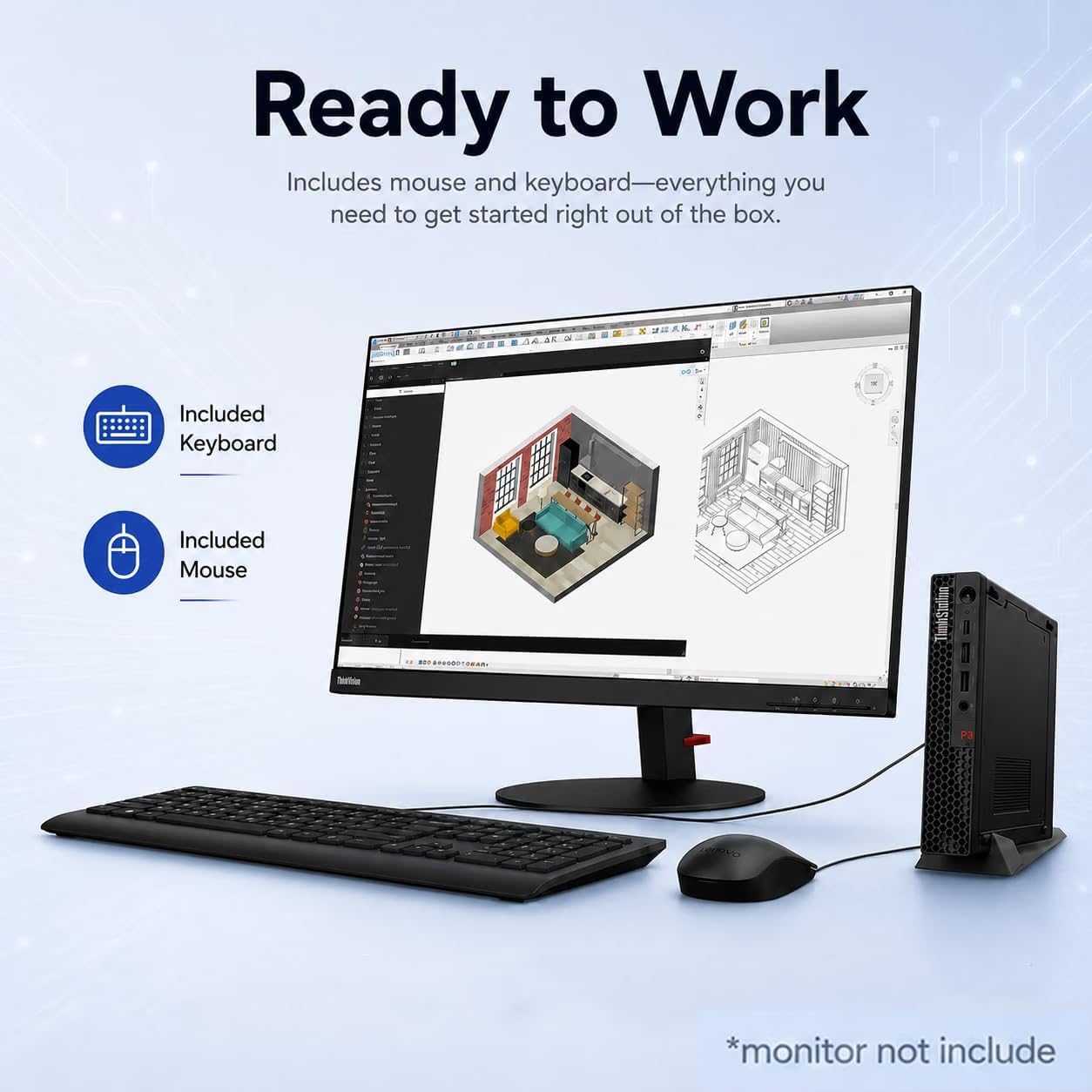
Lenovo ThinkStation Tiny workstation with Intel Core i7-14700
Product description
Engineers, architects, designers, and business users who need a workstation in a small footprint are the clearest audience for the Lenovo ThinkStation P3 Tiny. It’s built for professional applications and multitasking, not just basic browsing and email.
Picture a compact office desk with a CAD project open on one display and reference material on another. Native dual-display support can help make that setup possible without a traditional tower taking up floor space.
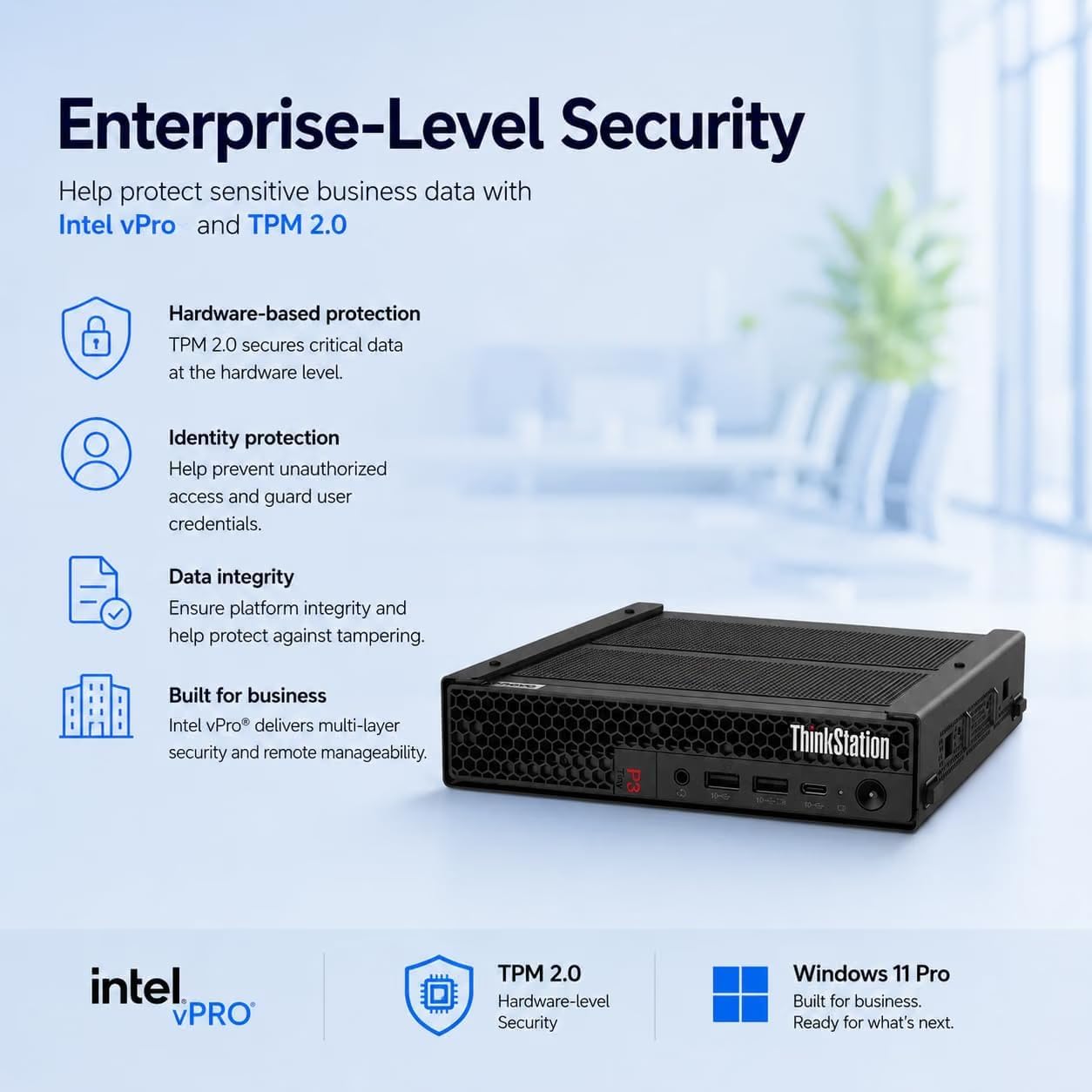
It’s a great fit if you want a Windows 11 Pro desktop with workstation-oriented software certifications and room for everyday business peripherals. The listing also says the computer has been resealed for a system upgrade, a detail worth weighing before you buy.
Best use cases
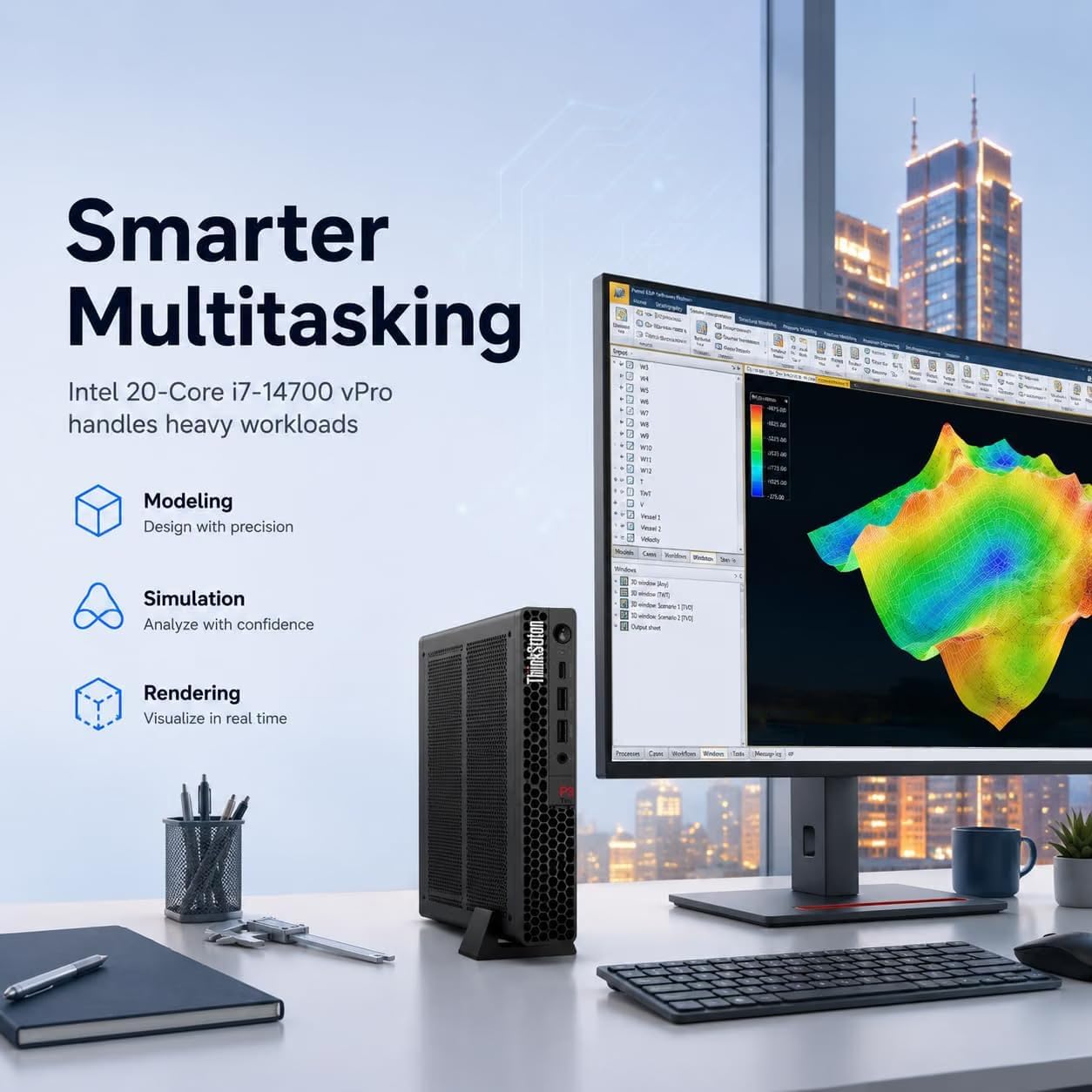
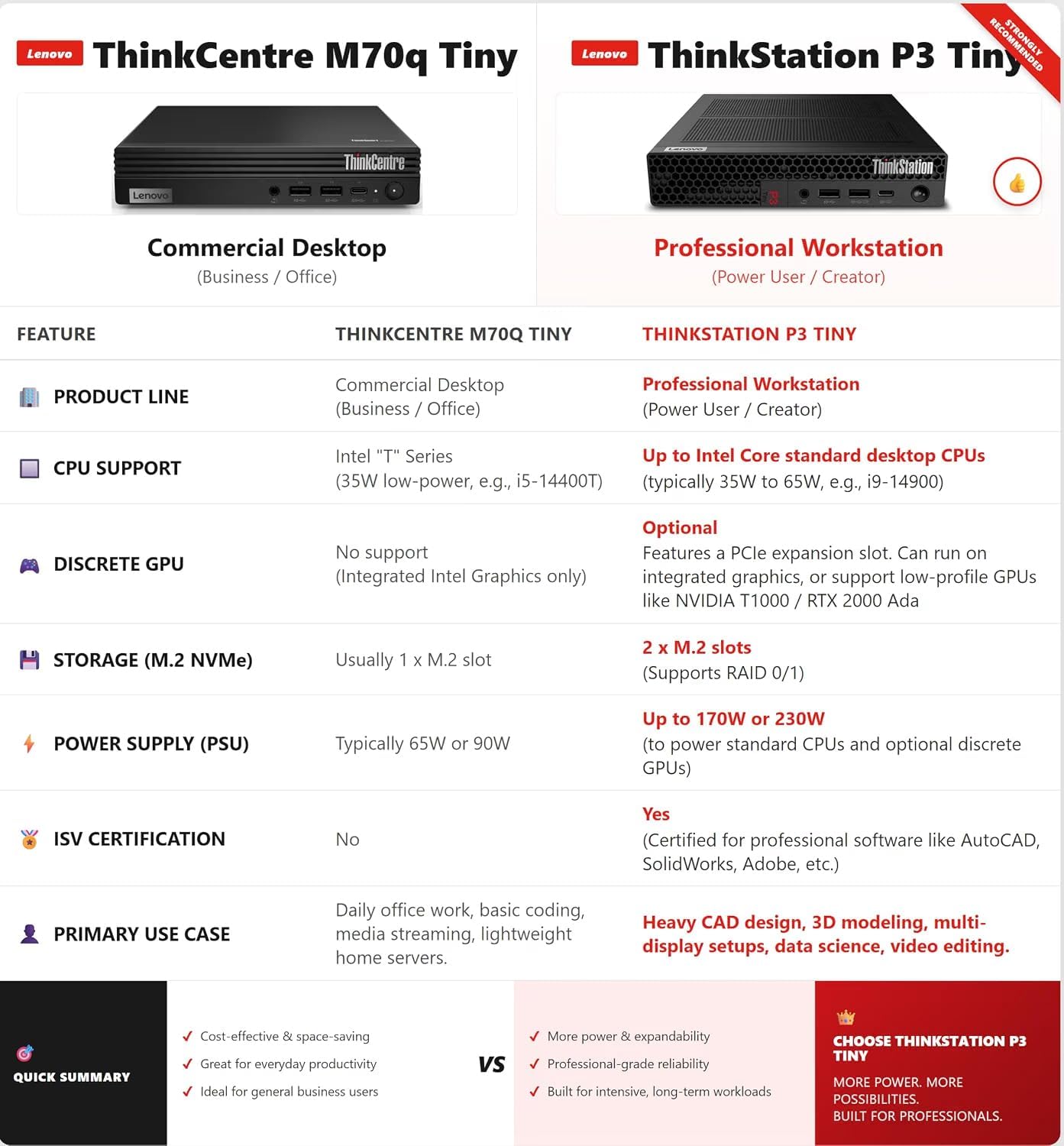
The P3 Tiny is aimed at workloads such as CAD, 3D modeling, data analysis, content creation, and multi-display productivity. The listing names ISV certification for AutoCAD, SOLIDWORKS, ArcGIS, Creo, and MATLAB, which gives professionals in those software ecosystems a useful compatibility point to consider. It also positions the system for corporate offices, engineering firms, STEM education, and hybrid workspaces.
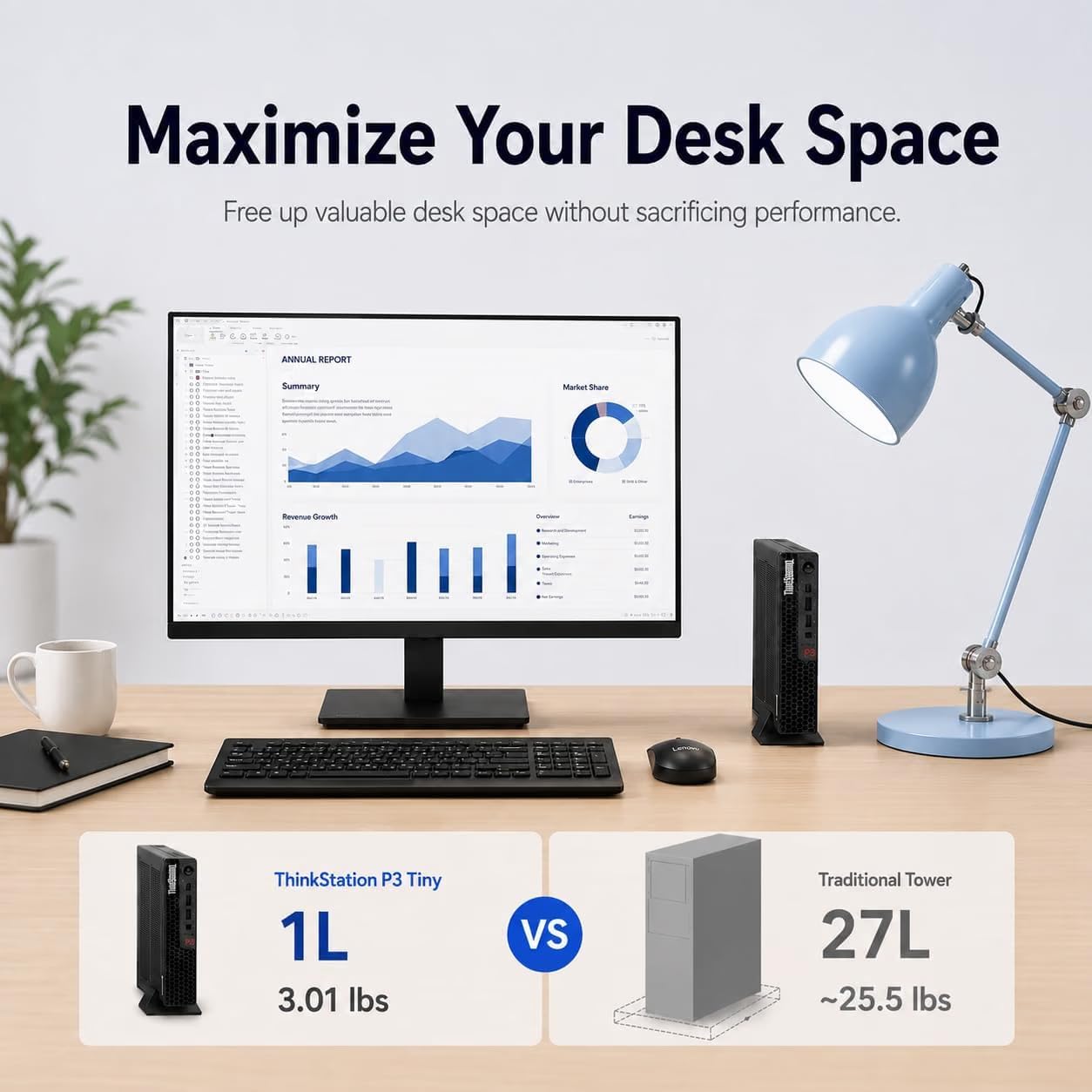
A small desktop can be easier to fit into a crowded workspace than a traditional tower, while the included USB keyboard with numeric keypad and USB mouse mean basic input devices are part of the package. For a fixed desk where a full-size desktop feels excessive, that compact approach may make more sense. What do you give up by choosing a smaller workstation? The listed configuration specifies Intel UHD Graphics 770, but does not mention a separate graphics card, so buyers with graphics-heavy needs should take that distinction seriously.
Product specs
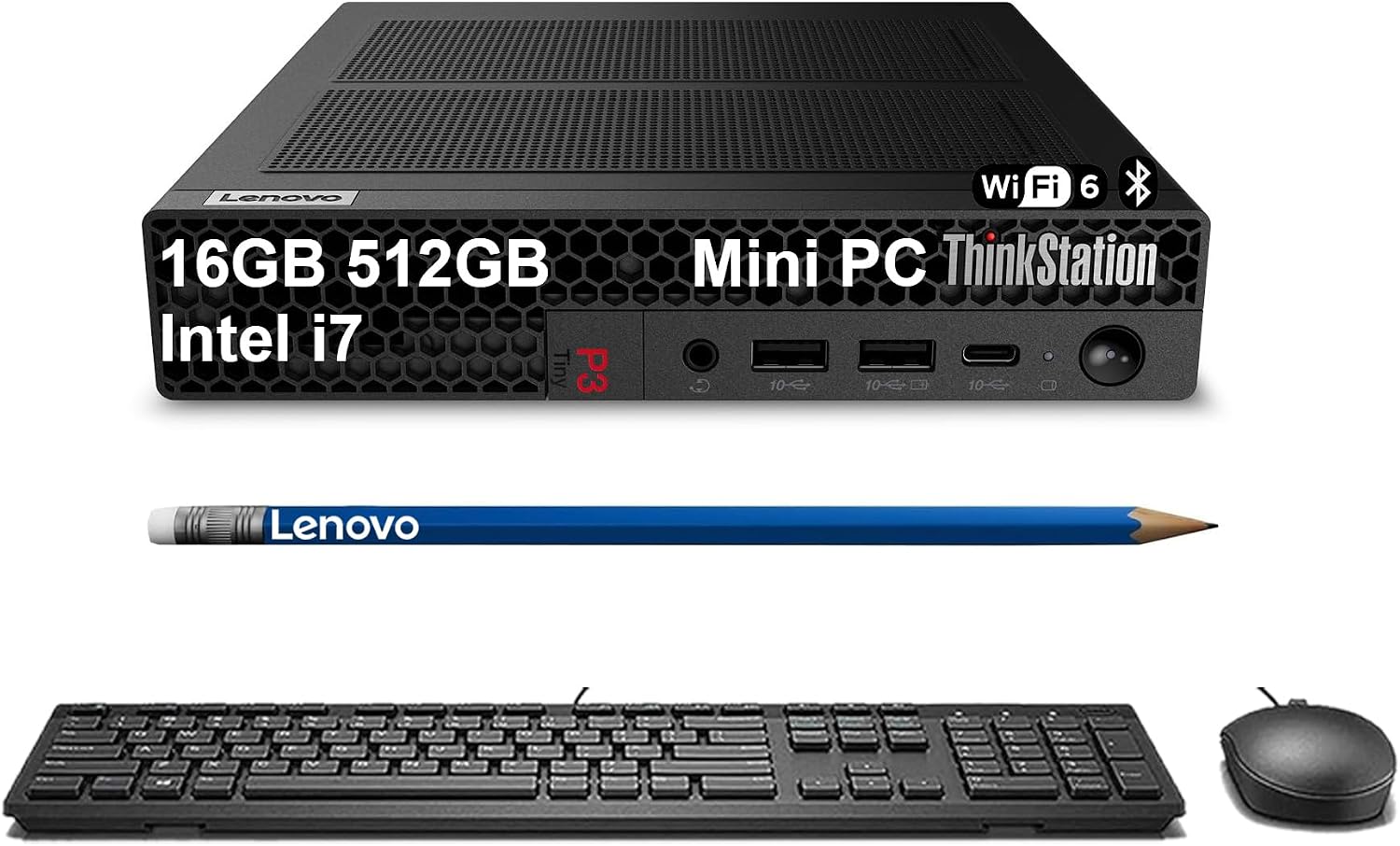
The system pairs an Intel Core i7-14700 processor with 16GB of DDR5 memory and a 512GB SSD. Windows 11 Pro is included. The chassis is listed at 3.01 lb, and Lenovo describes the Tiny design as up to 96% smaller than a traditional desktop. The product description also cites military-grade durability standards, it does not provide specific test results in the supplied details.
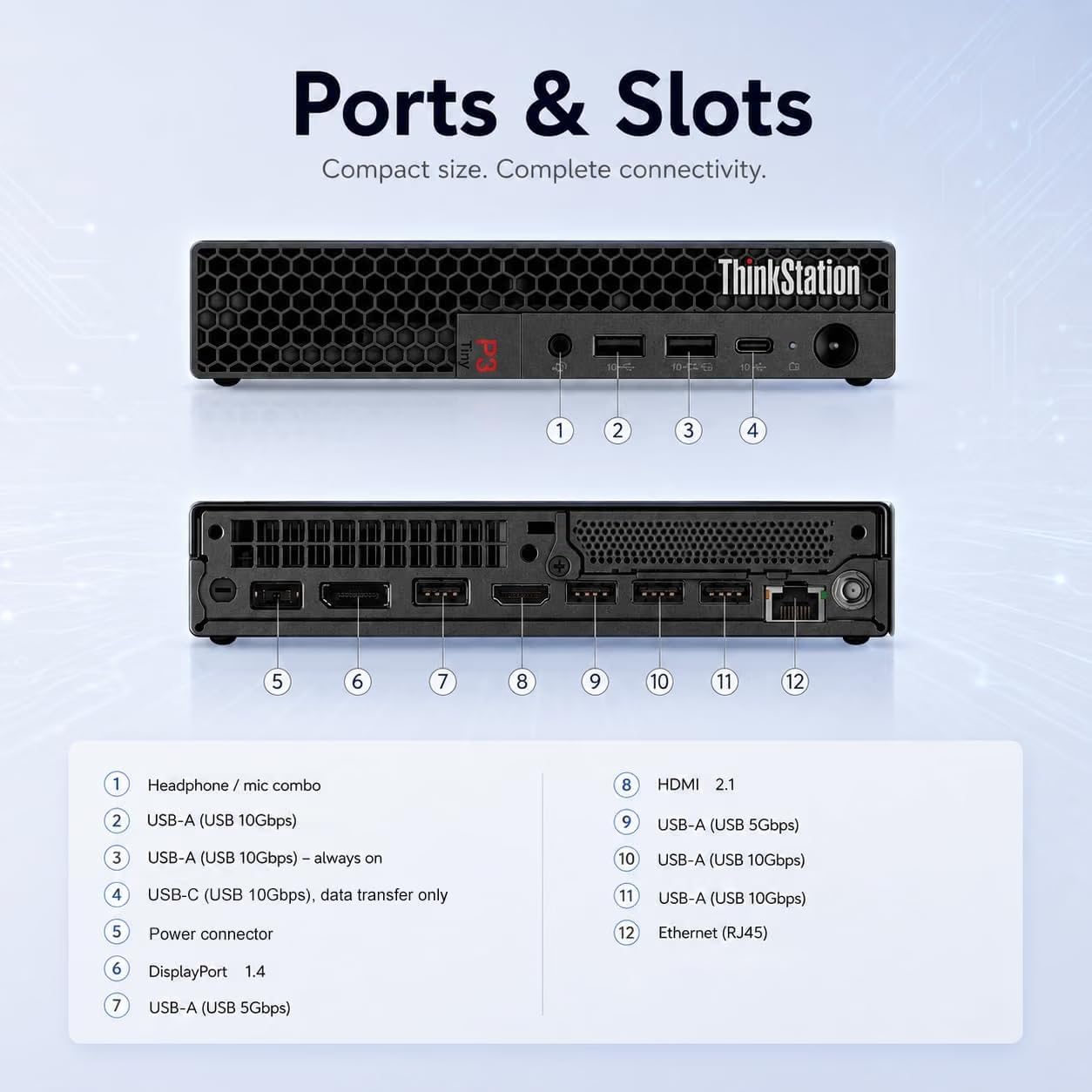
For wired connections, the listed ports include six USB-A ports, one USB-C port, HDMI 2.1, DisplayPort 1.4, Ethernet, and an audio combo jack. The stated display support is dual monitors, with up to 8K at 60Hz through DisplayPort 1.4 and 4K at 60Hz through HDMI 2.1. Wi-Fi 6 and Bluetooth 5.1 cover wireless connections. Without having tried it, those listed connections suggest a flexible desk setup, though the exact ports and display outputs should match the monitors and accessories you plan to use.
Where it shines
Its strongest appeal is combining a small physical footprint with a business-focused processor, Windows 11 Pro, and connections for a multi-monitor workstation. If your routine involves switching between professional applications, spreadsheets, and reference windows, the extra display space can be more useful than buying a larger tower just for its size. The supplied keyboard and mouse also make it easier to get a basic workstation started.
The trade-off is configuration clarity: the listing calls this a workstation, but it names integrated Intel UHD Graphics 770 and 16GB of memory. That may suit many office and professional workflows, but the provided information does not establish how it will perform on a particular demanding project. Buyers who need a dedicated graphics card or a different memory configuration should compare those requirements against the exact system being offered.
Buying verdict
It may not suit you if a dedicated graphics card is essential to your workflow or if you need confirmed performance for a specific complex 3D workload, that information is not provided here. For a compact professional desktop centered on the listed processor, SSD, Windows 11 Pro, and dual-display connections, the P3 Tiny has a clear use case.
One more detail matters: the listing discloses that the brand-new computer has been resealed to upgrade the system and states a one-year warranty. Consider that alongside the 16GB memory and integrated graphics when deciding whether this configuration fits your work. Choose it when space-saving workstation features and its stated software certifications match your needs, look at a more graphics-focused configuration if your work depends on dedicated GPU hardware.