

Lenovo all-in-one desktop 512GB SSD
Product description
Key specifications
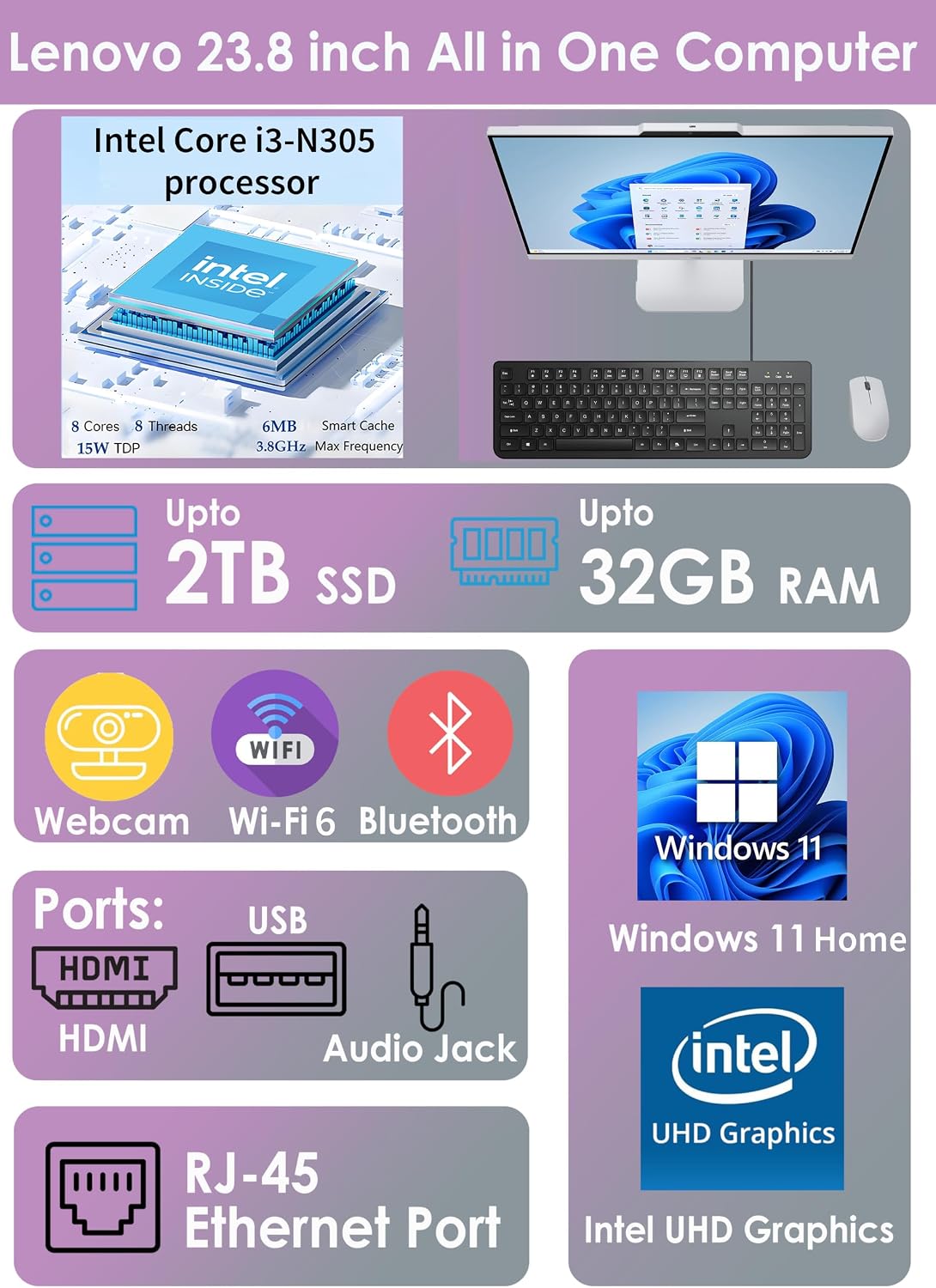
A shared home desk or student workspace can get crowded quickly, and this Lenovo all-in-one keeps the computer and display together instead of adding a separate tower. Its listed configuration pairs an Intel Core i3-N305 processor with 8GB of RAM and a 512GB SSD.
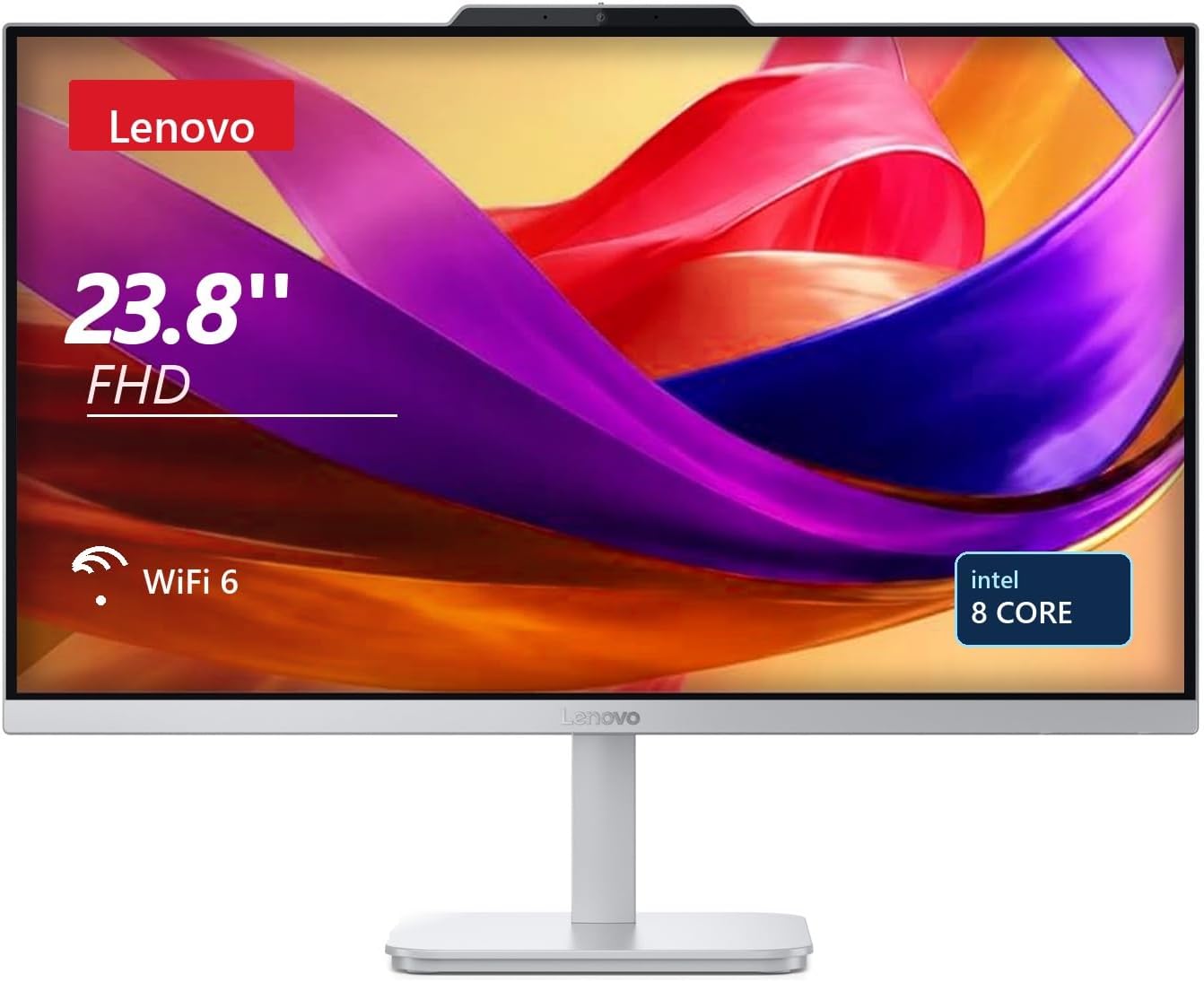
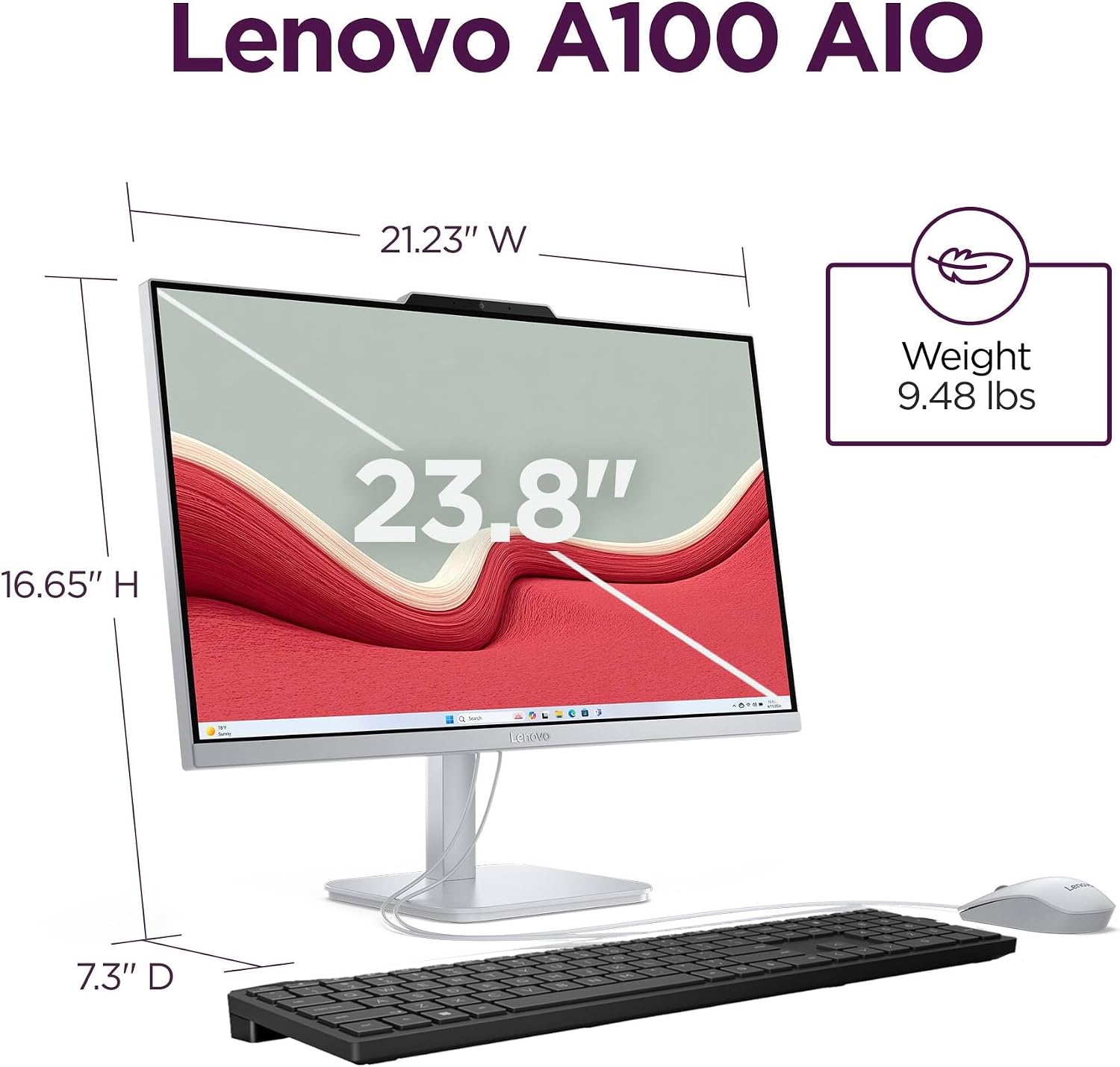
The 23.8-inch Full HD IPS screen has an anti-glare finish, the stand tilts for positioning.
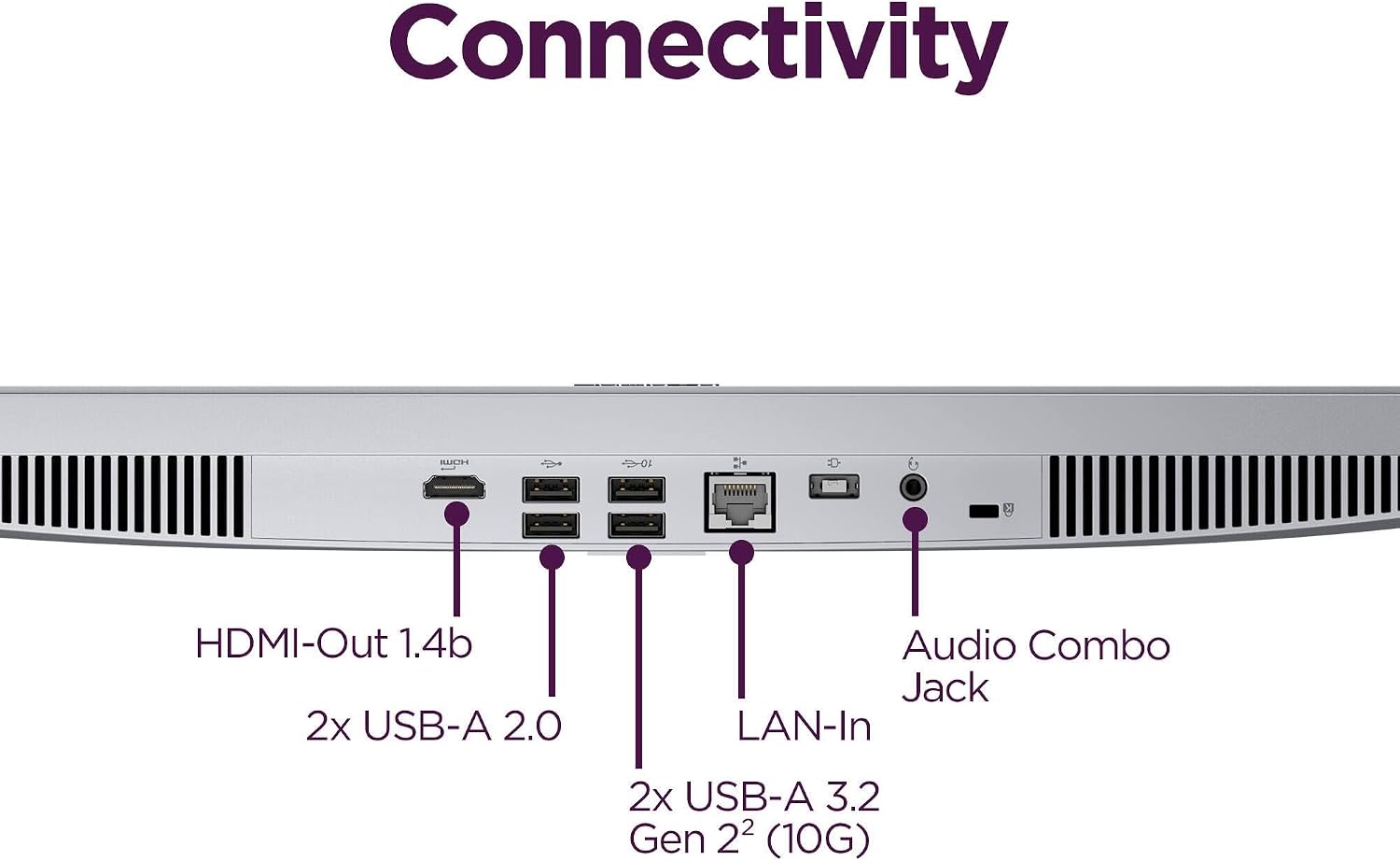
The processor is specified as 8-core, 8-thread, and up to 3.8GHz, with integrated Intel UHD Graphics. The screen resolution is 1920 × 1080, with 250 nits brightness and stated 99% sRGB color coverage. Wireless options include Wi-Fi 6 and Bluetooth 5.2, wired connections include Gigabit Ethernet, four USB ports, HDMI 1.4b output, and a 3.5mm audio jack. A webcam with microphone and dual 2W speakers are built in. Windows 11 Home comes preinstalled.
That combination points to everyday tasks such as web browsing, office apps, video calls, streaming, and schoolwork. The 8GB of RAM is the main detail to weigh if you regularly keep many demanding apps open. Integrated graphics are aimed at routine computing rather than a dedicated graphics workload, and the listing doesn’t specify upgrade options.
Who it’s for

It suits you if you want one desktop for homework, household admin, video meetings, and entertainment without arranging a separate monitor and tower. For example, you can join a call using the built-in webcam and microphone, then switch to documents or browser tabs on the same screen. The anti-glare display and tilting stand may also help when a desk position or room lighting makes screen placement matter.
You may want to skip it if your priority is graphics-heavy gaming, intensive creative work, or a system with more memory for heavy multitasking. The listing gives no performance figures for those workloads, so it’s better to choose based on the tasks you actually run rather than the core count alone. A conventional desktop with a separate monitor may make more sense if you specifically want to choose those components individually.

In the box
The listed package includes a wireless mouse and a wired keyboard, alongside the all-in-one computer. That gives you the basic input devices for getting started at a desk, though the keyboard still needs a cable connection. The product details don’t identify additional accessories, so don’t assume a separate monitor, speakers, or other peripherals are included.
Before you decide
Does it include Windows? Yes. Windows 11 Home is listed as preinstalled.
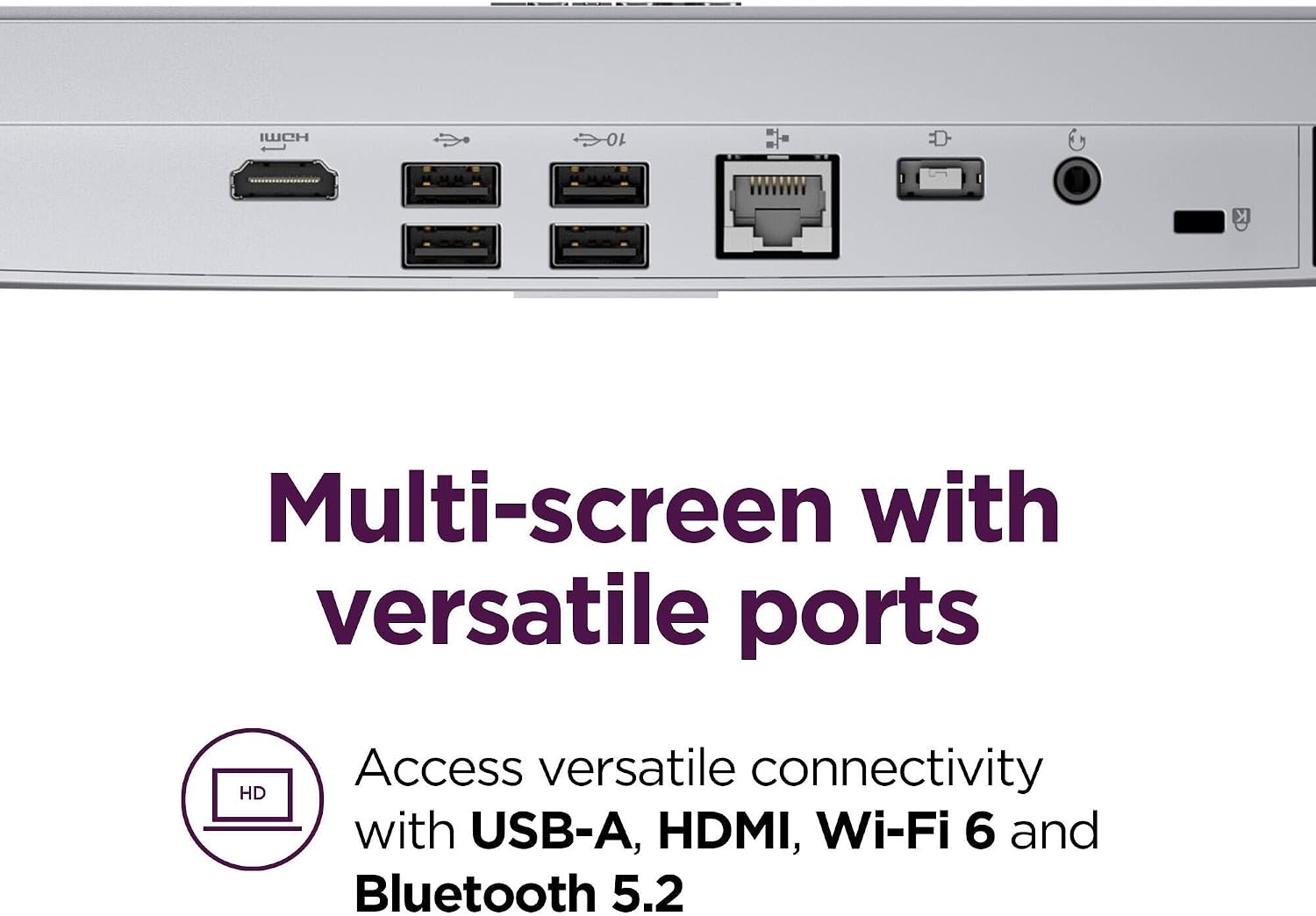
Can it connect to another display? The specifications list HDMI 1.4b output for a dual-display setup. They don’t give further details about supported monitor configurations.
Is it suitable for video calls? It has a built-in HD webcam, microphone, and dual 2W speakers. That keeps the basic call setup integrated, though the listing doesn’t provide webcam resolution details.
Is it worth it?
For a compact, ready-to-use home or study desktop, the appeal is straightforward: screen, computer, webcam, speakers, keyboard, and mouse are brought together in one setup. From the way it is set up, it makes more sense for everyday productivity and shared household use than for shoppers seeking a high-performance upgrade path or dedicated graphics. Choose it when reducing desk clutter and covering routine tasks matter most, look elsewhere if demanding software or extensive multitasking is central to your day.