

Lenovo All-in-One Desktop 24-inch
Product description
A desktop tower, monitor, and separate accessories can make a home workspace feel crowded before the workday even starts. This Lenovo all-in-one brings the computer and 23.8-inch Full HD display together, with a keyboard and mouse included, so the setup is more contained. Its Intel Core i3-N305 processor, Wi-Fi 6, and Windows 11 are aimed at everyday tasks such as email, documents, video calls, and online learning. One detail needs sorting out before you buy: the product name lists 16GB of RAM, while the description says 8GB.
Key points
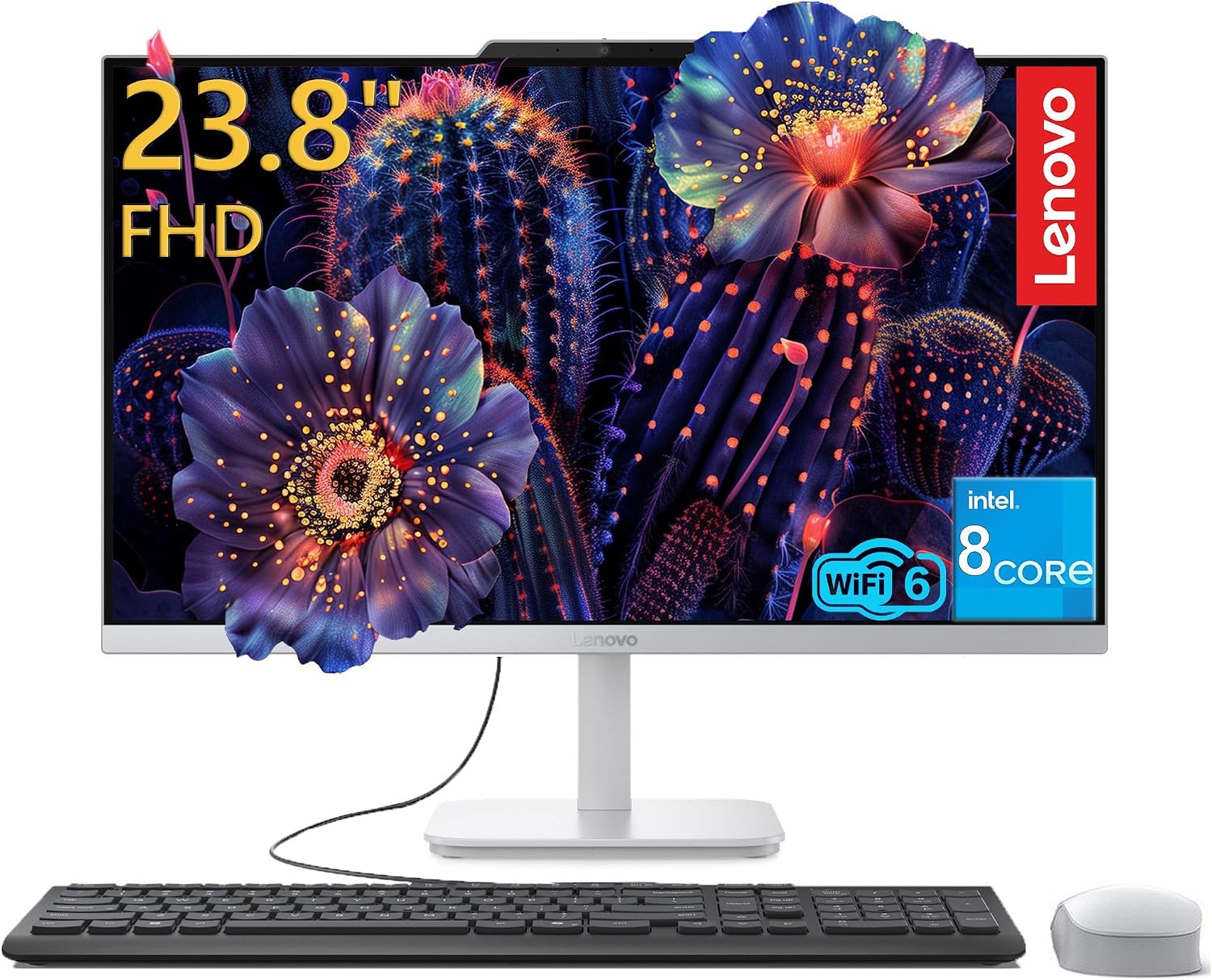
The 23.8-inch, 1920x1080 IPS screen has an anti-glare finish, which is useful when a desk faces a bright window or overhead lighting. The listing also states 99% sRGB color accuracy and 250 nits brightness. Those details suggest a screen suited to office work, streaming, and casual photo edits, they don’t make this a dedicated high-end creative display. Integrated Intel UHD Graphics is described for video and casual entertainment, rather than demanding graphics work.
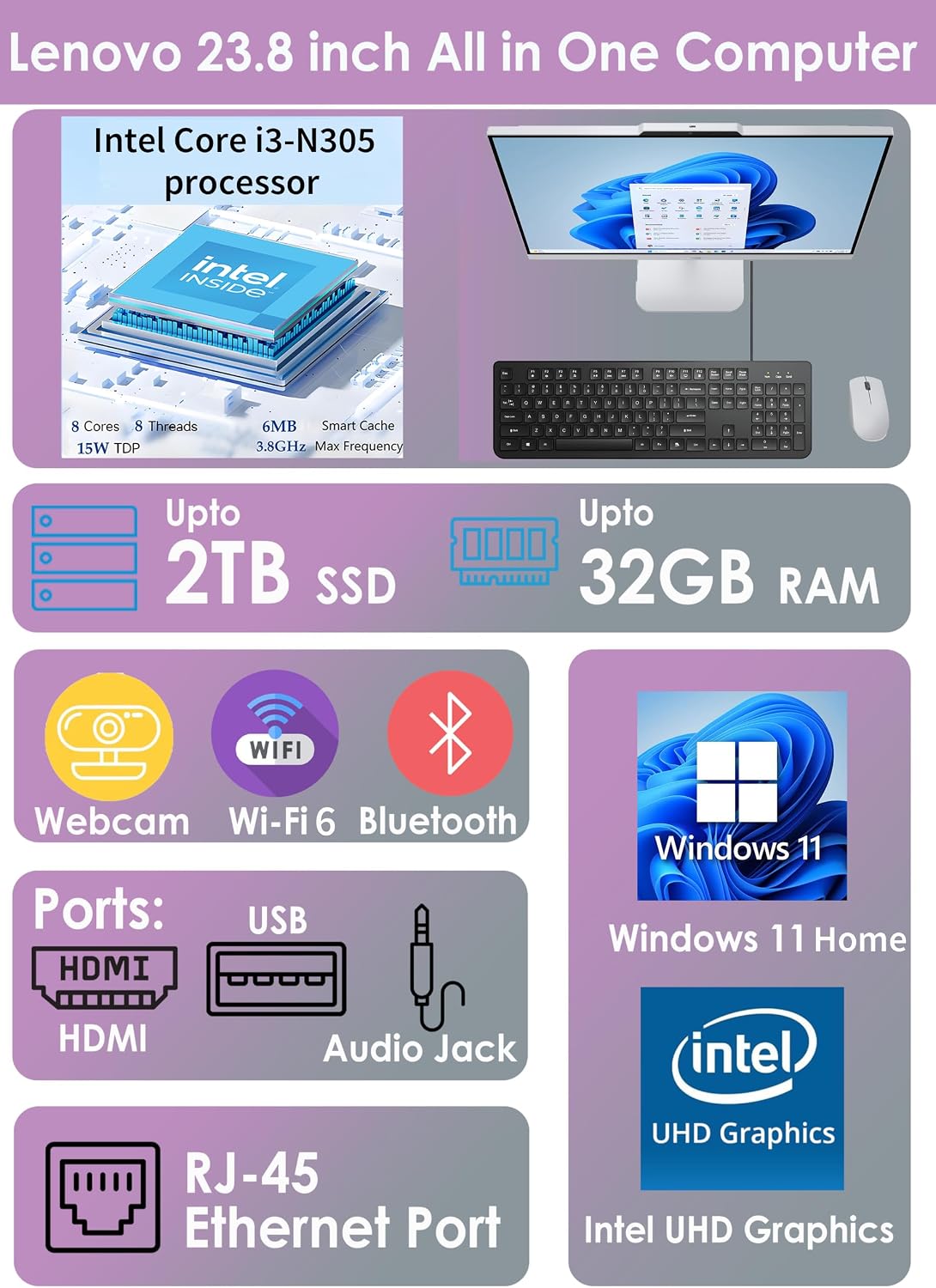
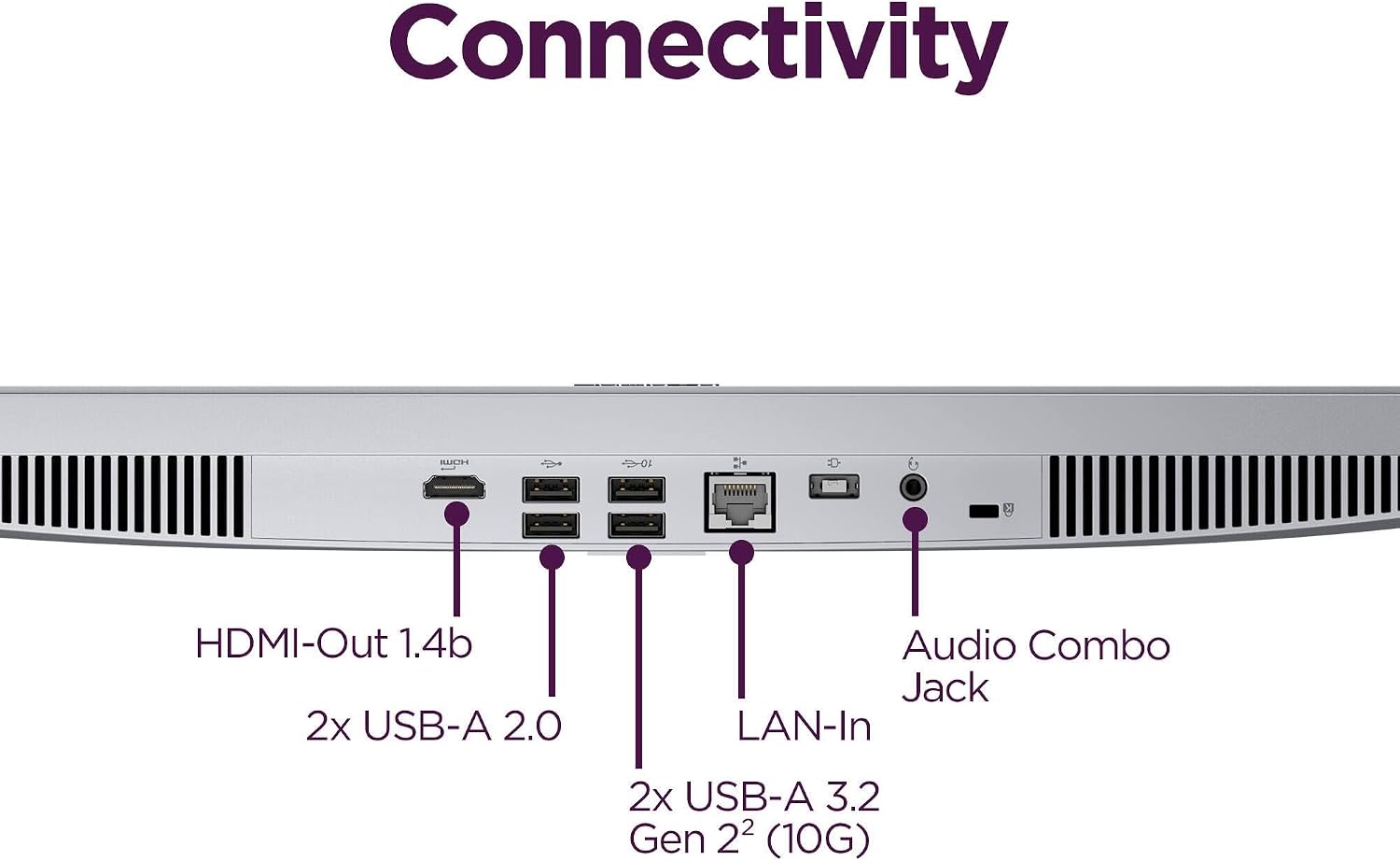
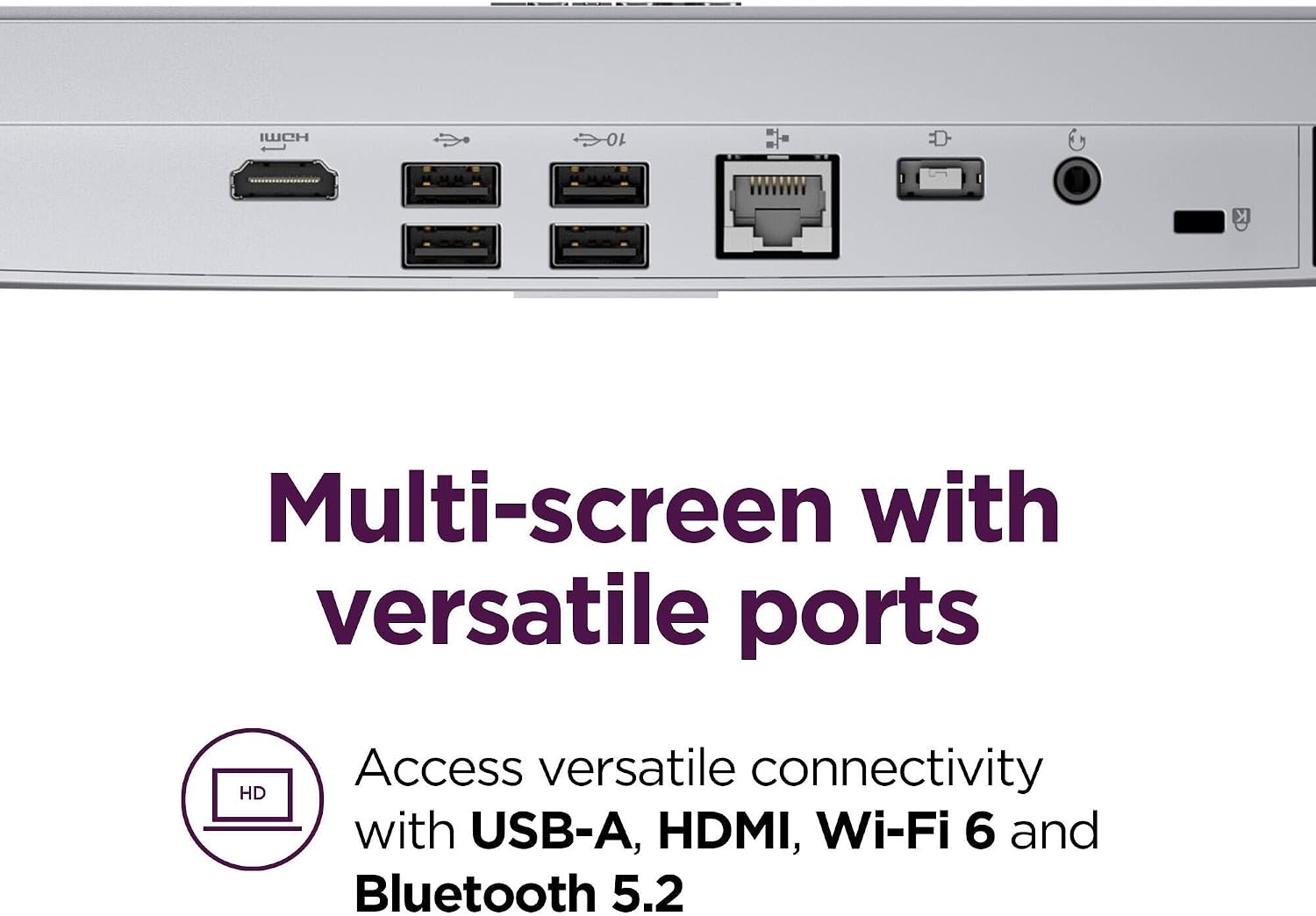
The eight-core Intel Core i3-N305 is listed with speeds up to 3.8 GHz. Storage is specified as a 512GB PCIe NVMe SSD, and the connection options include Wi-Fi 6, Bluetooth 5.2, Gigabit Ethernet, four USB-A ports, HDMI-out, and a headphone/microphone combo jack. Windows 11 Home, an HD camera, a mono microphone, a wired keyboard, and a wireless mouse are also listed. Ten in mind that the RAM information conflicts: the product name says 16GB, but the detailed description says 8GB DDR4. Confirm which configuration is being sold before relying on a particular multitasking workload.
How to use it
This setup makes sense for a fixed desk where you want fewer separate components to arrange. For example, you could connect the included keyboard and mouse, join a video meeting using the built-in camera, then switch to a spreadsheet or browser without needing a separate tower on the floor. The SSD should also make everyday startup and app access feel more direct than a traditional hard drive, although the listing doesn’t establish performance for specialized or demanding software.


Practical tips
Think about where the display will sit and how you connect to the internet. Wi-Fi 6 offers a wireless route, while Gigabit Ethernet is listed for a wired connection, HDMI-out is available if your setup calls for another display. The all-in-one design keeps the computer with the screen, but it also means this isn’t the same kind of purchase as a standalone monitor that you can pair with a separate, more powerful tower. If you need demanding graphics performance or a configuration with confirmed memory capacity, those priorities deserve more attention than the tidy desk layout.
It suits you if you want a ready-to-use home or office computer for everyday productivity, video calls, and learning, and prefer an integrated screen-and-computer setup. You may want to skip it if you need clearly verified memory for heavy multitasking or expect to run graphics-intensive work.
Questions before you buy
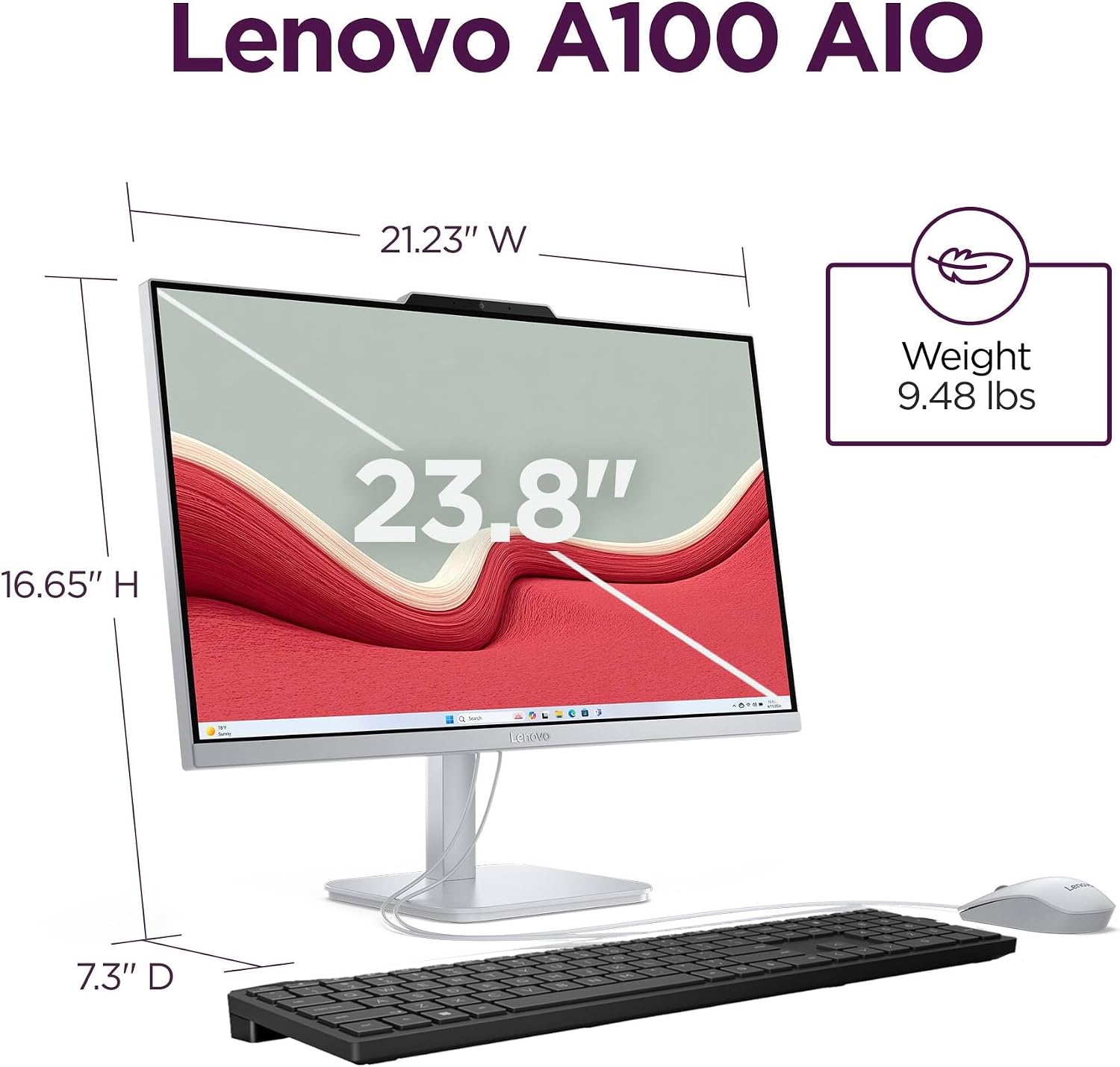
Does it include a keyboard and mouse? The listing says a wired keyboard and wireless mouse are included.
Can it connect to a wired network? Yes. Gigabit Ethernet is listed alongside Wi-Fi 6.
Can it be used with another display? HDMI-out is specified for a dual-display setup.
Should you buy it?
Choose this Lenovo if your priority is a compact, straightforward desktop for routine home or office use, and the built-in display and included input devices fit your workspace. Its feature set covers common productivity needs without requiring a separate tower, and the listed ports give you wired and wireless connection choices. Hold off if the RAM difference matters to your plans: the product name and detailed description disagree, and the supplied information doesn’t resolve which amount applies. That uncertainty is more important than the convenience of the all-in-one format if you’re buying around a specific multitasking requirement.