


Dell Mini Business Desktop with 16GB RAM
Product description
If your workspace needs a full Windows desktop but not a bulky tower, this OptiPlex Mini is built around that tradeoff. Its Core i3-14100T, 16GB of memory, and 512GB PCIe SSD target everyday office work, browsing, cloud apps, and remote tasks. The compact chassis can suit a desk, front counter, or kiosk area where space is at a premium. The main boundary is graphics: integrated visuals make sense for productivity and routine media, not demanding graphics workloads.
How to use it
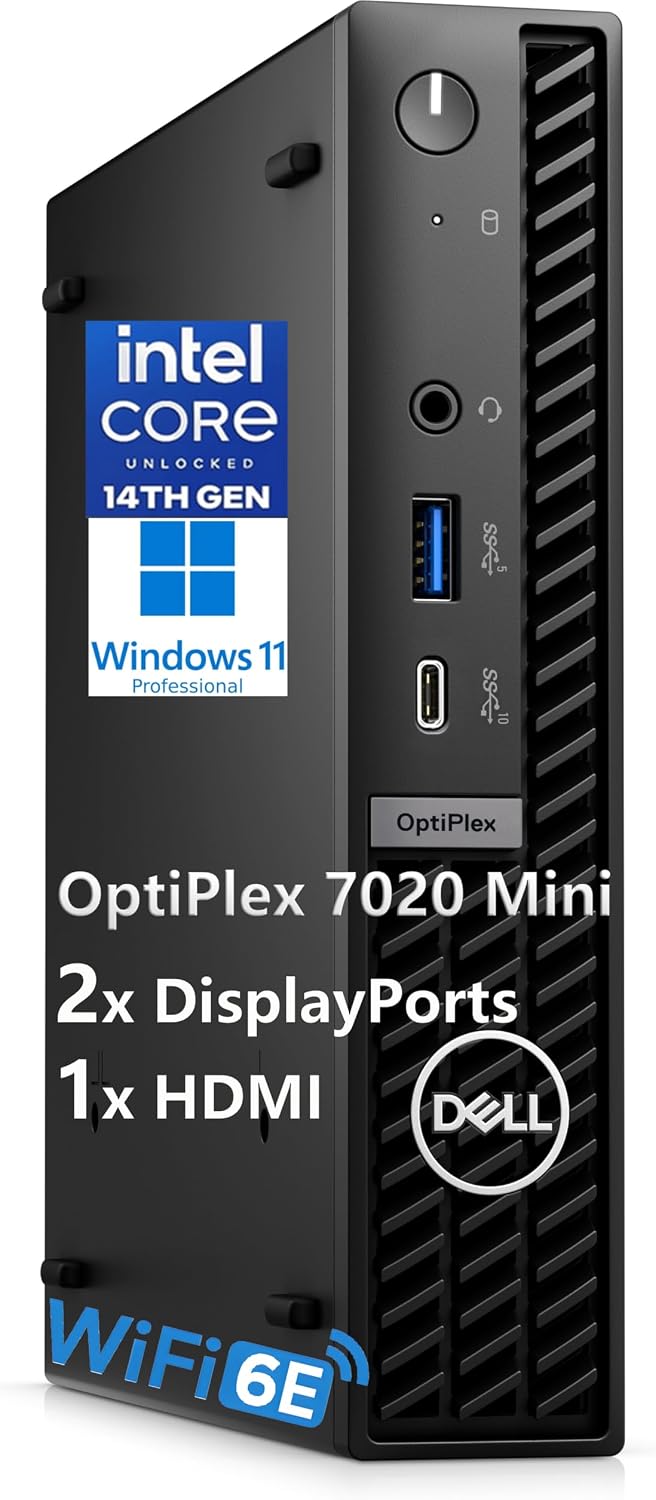
Think of this as a fixed workstation for documents, web-based tools, video calls, and business applications, rather than a portable computer you move between rooms. The small form factor can help keep a reception desk or home office less crowded, while Wi-Fi 6E and an RJ-45 Ethernet connection offer wireless and wired networking options. Bluetooth is also listed for compatible peripherals, though the product details don’t identify a Bluetooth version.
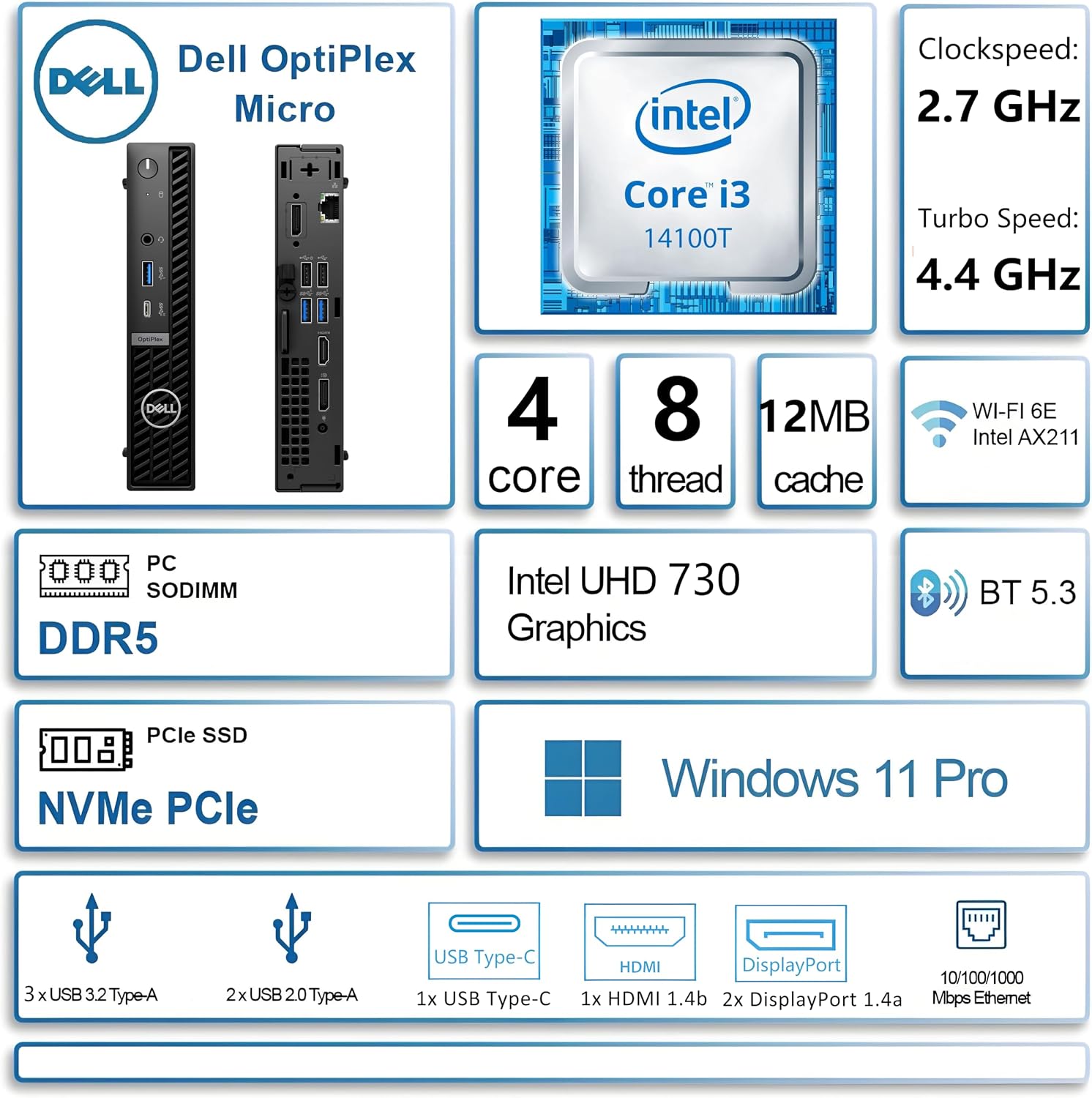
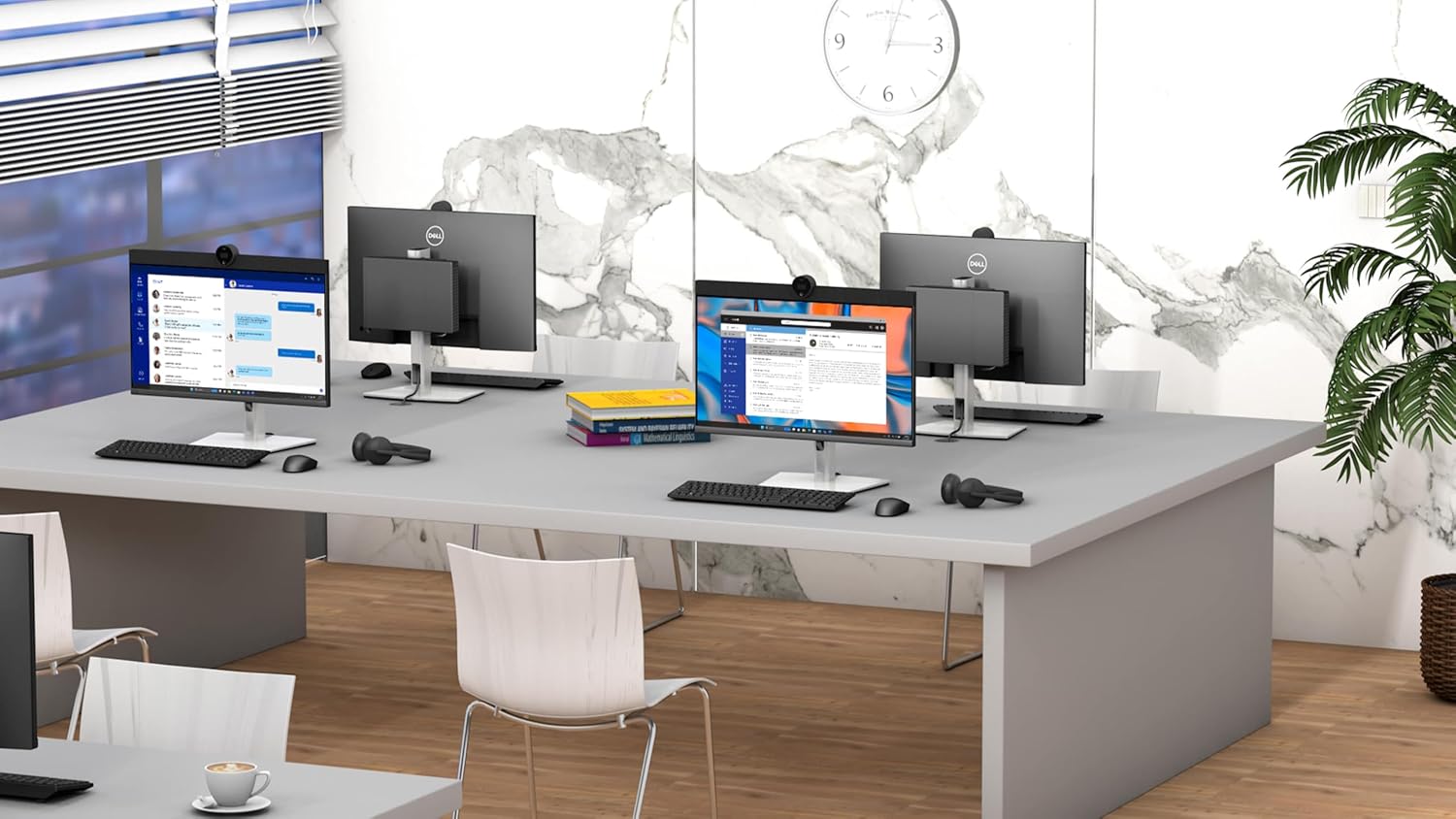
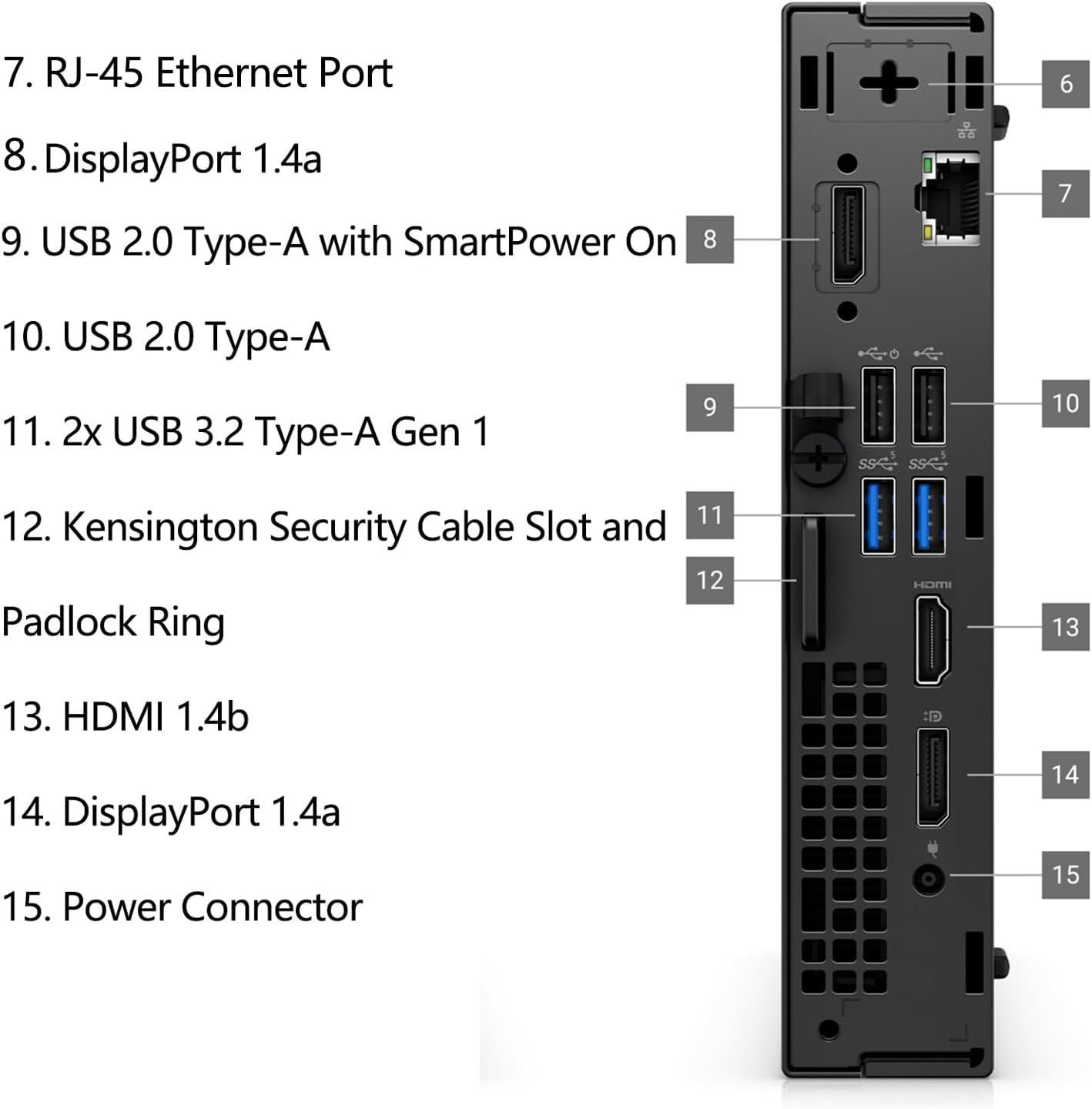
A practical setup might be a front-counter workstation with a primary display for customer or scheduling software and two more screens for reference pages and communication tools. The system supports up to three displays through HDMI and two DisplayPort outputs. Do you need all three every day? If not, the display flexibility is still useful for adding screens later, but it shouldn’t be the only reason to choose this desktop.
Pros
- The 16GB RAM and 512GB PCIe SSD are a practical starting point for multitasking across routine office apps, browser tabs, and local files.
- Windows 11 Pro is included, which suits a business-oriented setup rather than a basic home-only configuration.
- Multiple display outputs give a small desktop room to support a more involved workspace without taking up much desk area.
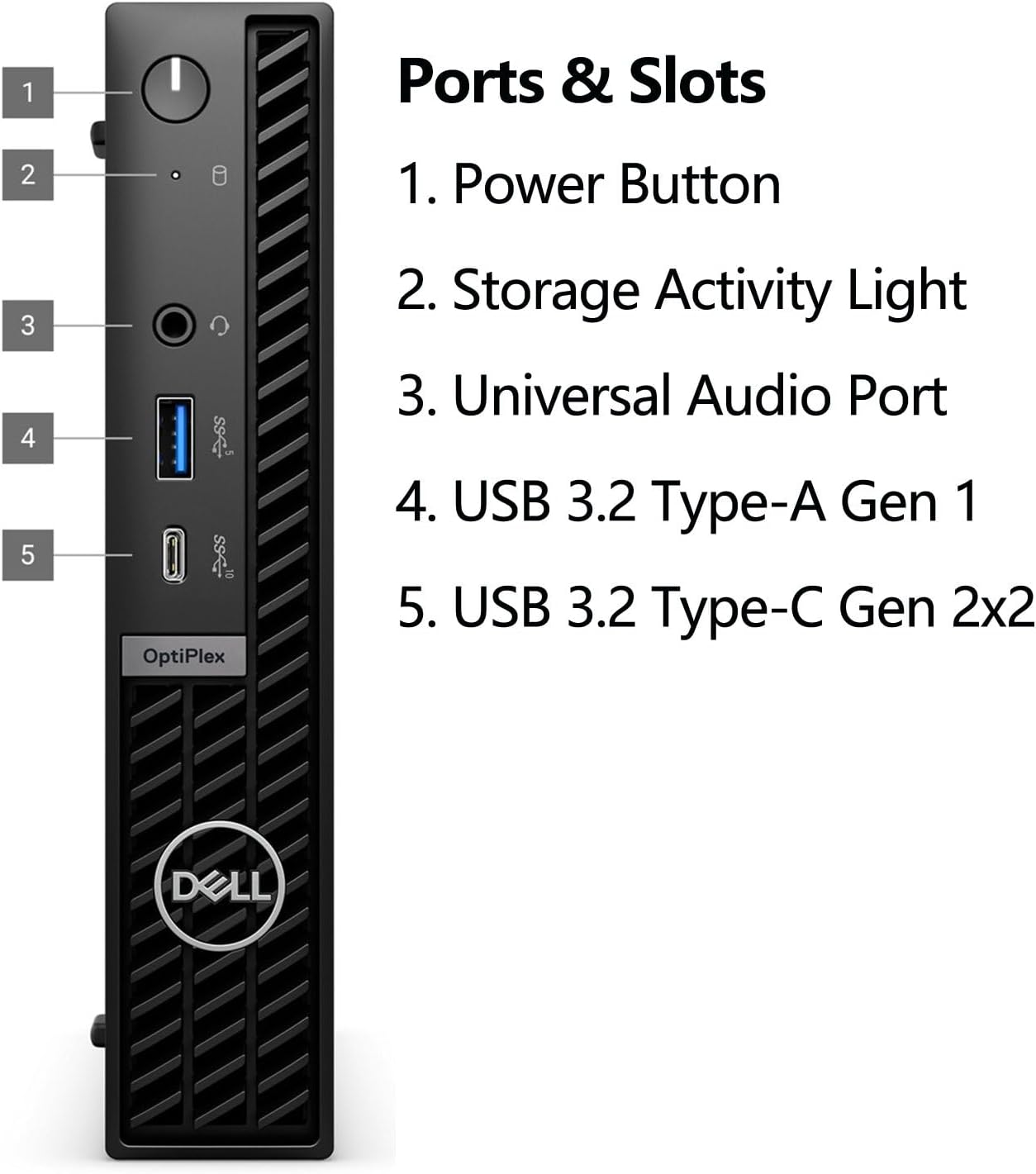
- Front USB Type-A, USB Type-C, and audio ports make everyday peripheral access convenient, rear USB connections provide additional options.
The tradeoff is that the listed configuration relies on Intel integrated graphics. It’s a great fit if your workload is mostly office software, web work, and multitasking across screens. Better avoided if your priority is graphics-intensive creative work or gaming, no discrete graphics card is listed. Without having tried it, the clearest buying judgment is to match it to the workload rather than assume the compact design makes it suited to every desktop task. A larger, more performance-focused system may make more sense for demanding applications.
Spec sheet
- Name: Dell OptiPlex 7000 Mini Business Desktop
- Processor: Intel Core i3-14100T, 14th Gen
- Memory: 16GB DDR5
- Storage: 512GB PCIe NVMe SSD
- Display: Intel integrated graphics, up to three displays
- Resolution: Not specified
- Connectivity: Wi-Fi 6E, Bluetooth, and RJ-45 Ethernet
- Ports: HDMI, two DisplayPort outputs, USB Type-A, USB Type-C, USB 2.0, USB 3.2 Gen 1, and audio jack
- Operating system: Windows 11 Pro
- Chassis: Compact black mini form factor
When it makes sense
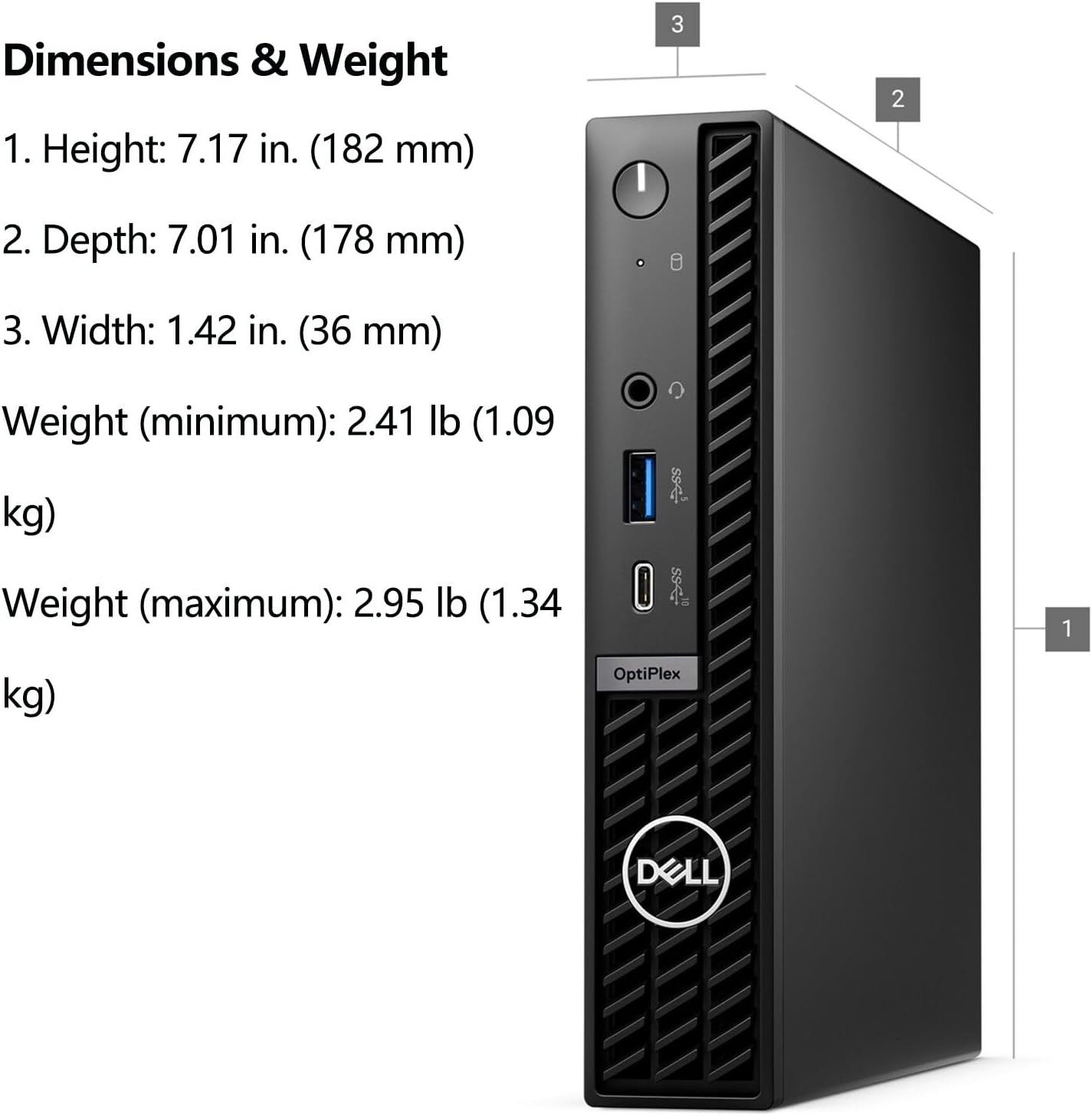
This Dell is worth considering when you want a compact Windows 11 Pro workstation for office applications, remote work, student tasks, reception duties, or digital signage, and its three-display support fits your setup. It favors a tidy, space-conscious installation over the expansion room of a traditional tower. The available details don’t give exact chassis dimensions or a full upgrade path, so buyers who need precise fit information or plan substantial hardware changes should treat those as open questions before choosing. For routine productivity in a fixed spot, its configuration is more relevant than a larger desktop’s unused space, for heavier graphics or upgrade-led needs, a different desktop approach is the safer match.