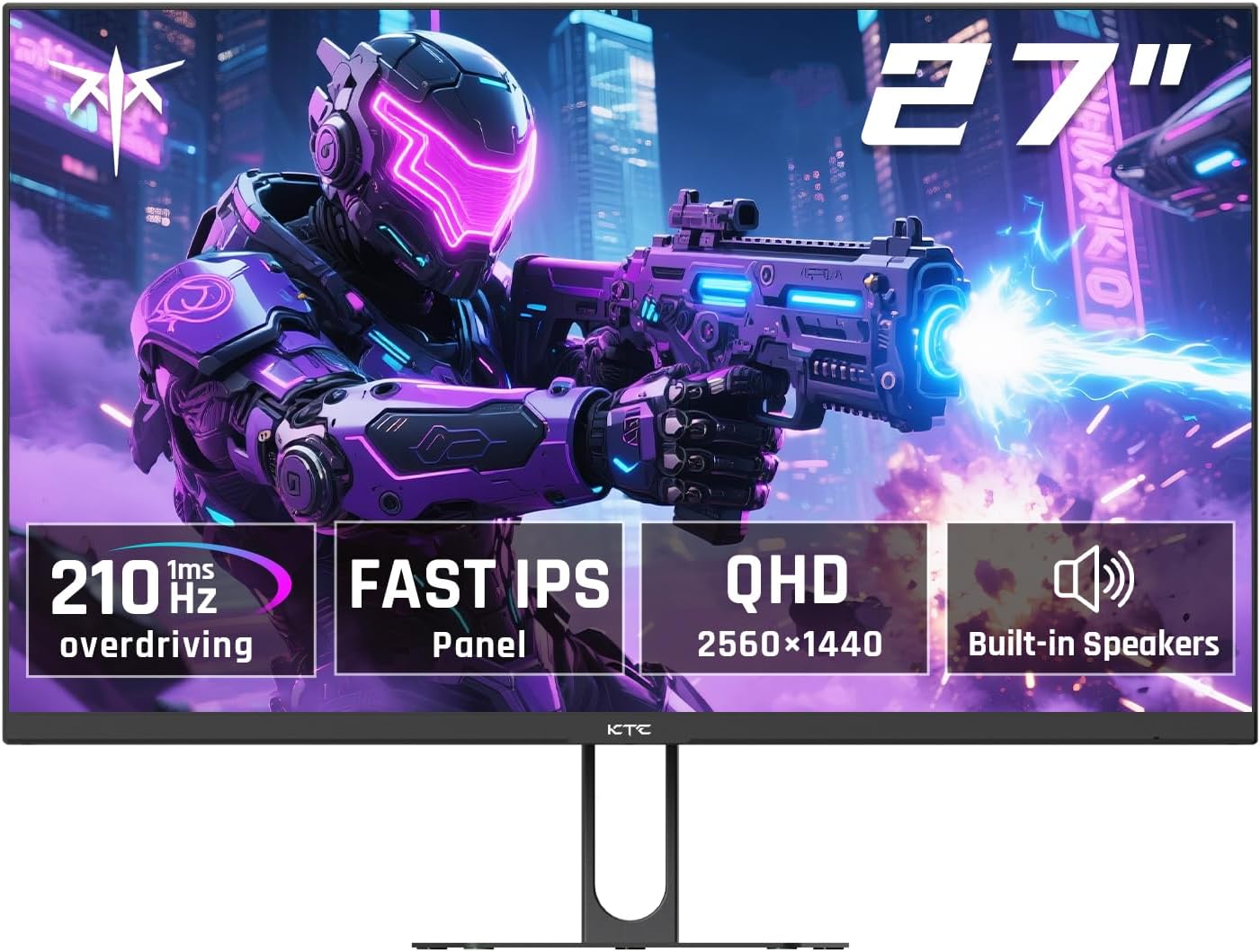
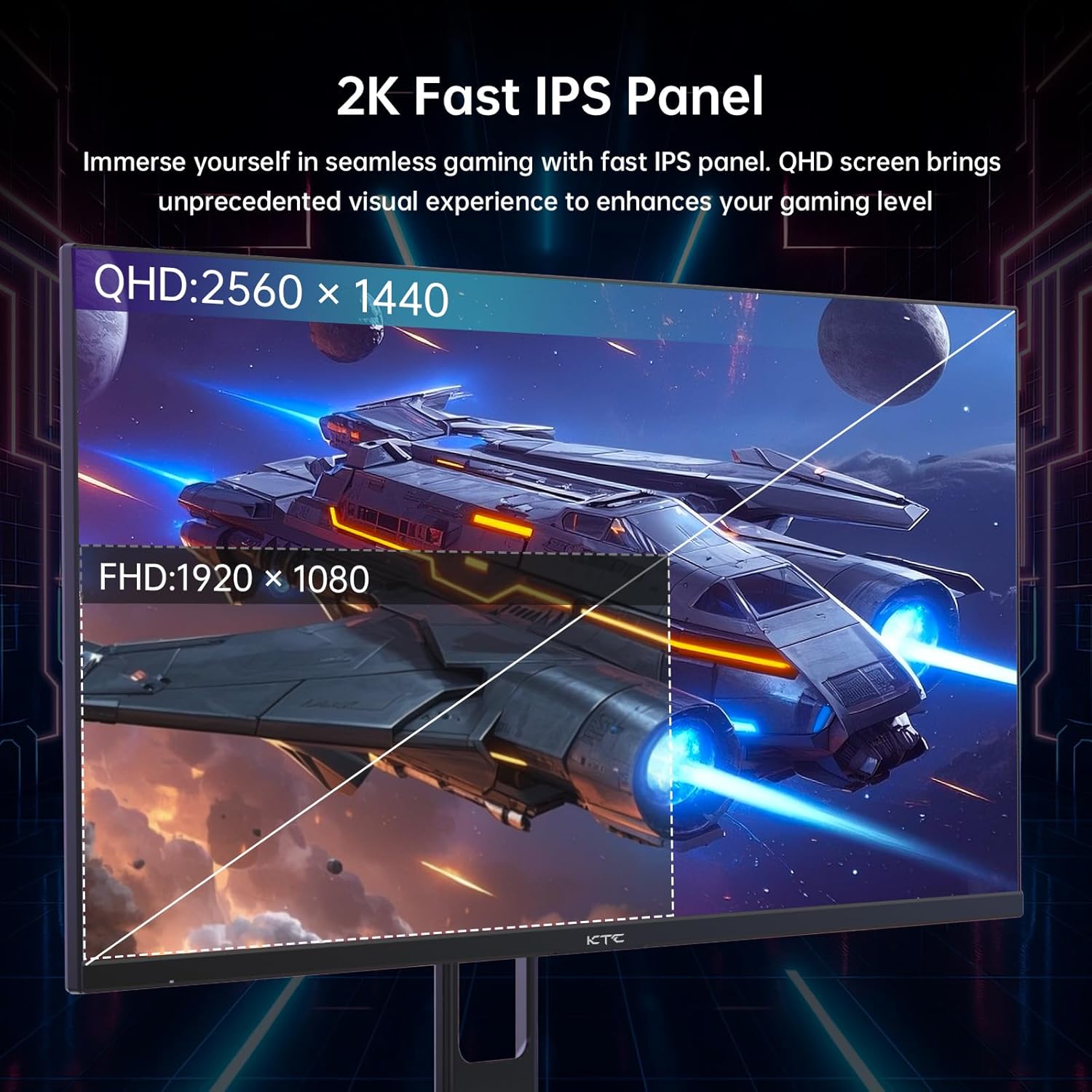
What this monitor is and who it’s for\nThe KTC 27-inch gaming monitor offers a QHD 2560x1440 panel with a fast IPS design and adaptive sync, built for gamers who want smoother motion and sharper images without stepping up to a higher-end workstation setup. It’s a solid option if you’re assembling a mid-range gaming rig or a multi-purpose desk setup where you want both competitive performance and good color reproduction for media consumption. On paper, the core strengths are clear: a 200Hz refresh rate (overclockable to 210Hz via DP), 1ms response time, HDR400 support, and a wide viewing angle. Whether you’re chasing competitive edge in fast shooters or immersive visuals in story-driven titles, this model aims to deliver.
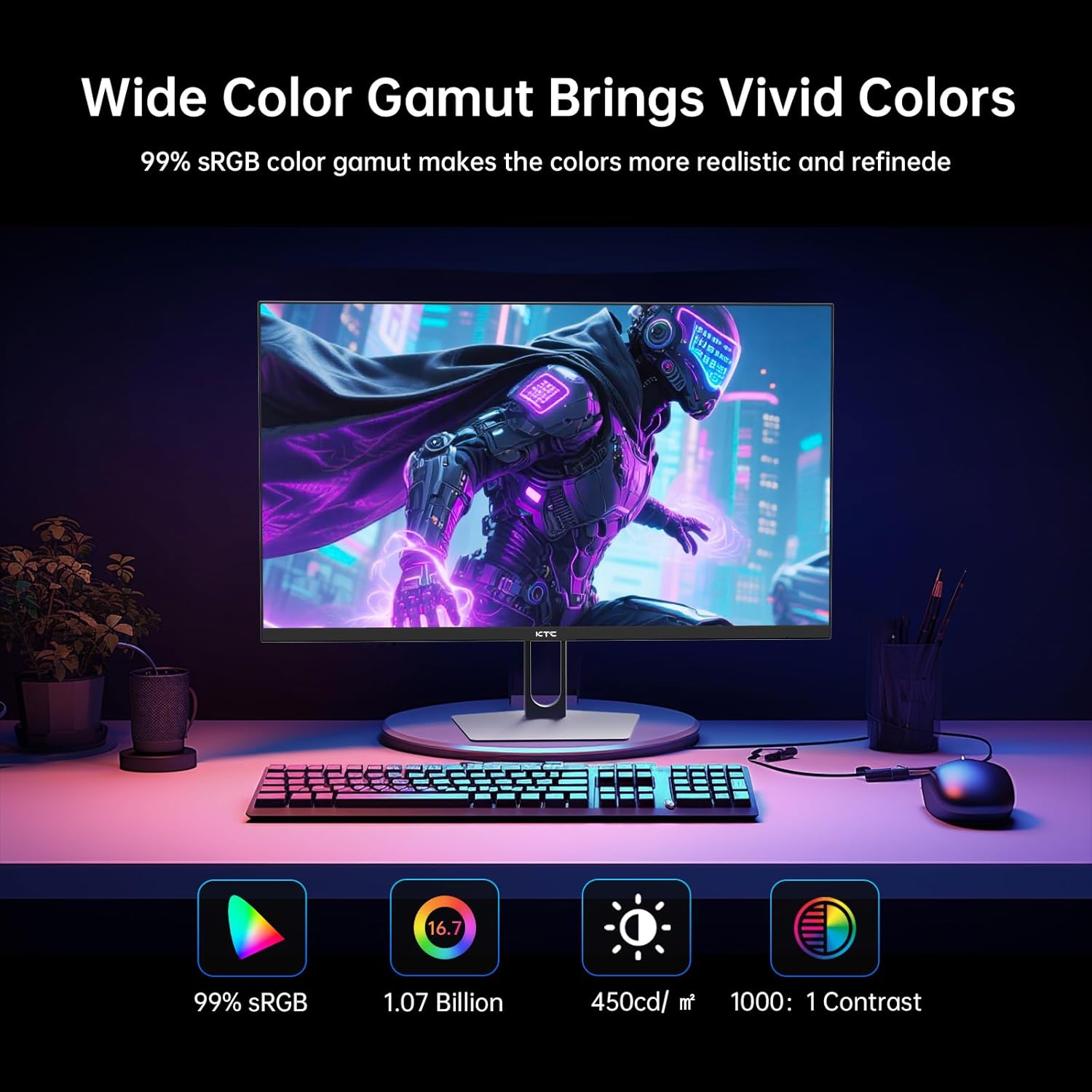
How it performs in practice\nThe 27-inch size and QHD resolution strike a practical balance between sharpness and performance. The 178° viewing angle helps keep color and clarity consistent as you move off-center, which is handy for couch gaming or multi-monitor setups. The panel is advertised as a Fast IPS with HDR400, suggesting improvements in color accuracy and brightness over basic IPS panels, though the final experience will still depend on your content and room lighting. The 450 cd/m² brightness is respectable for most indoor environments, and the 99% sRGB color gamut (with about 1.07B colors) supports vibrant scenes and accurate skin tones in gaming cutscenes or streaming.
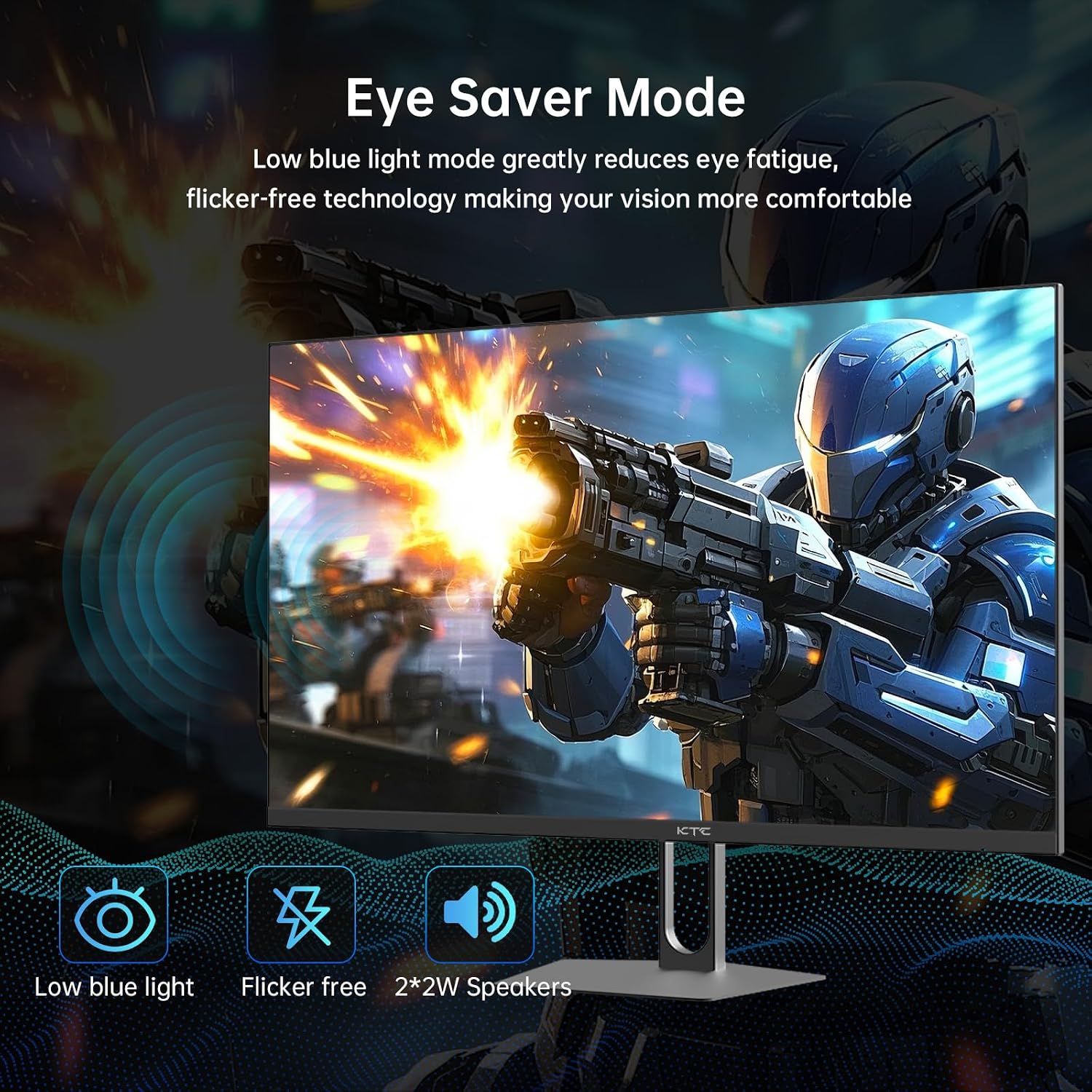
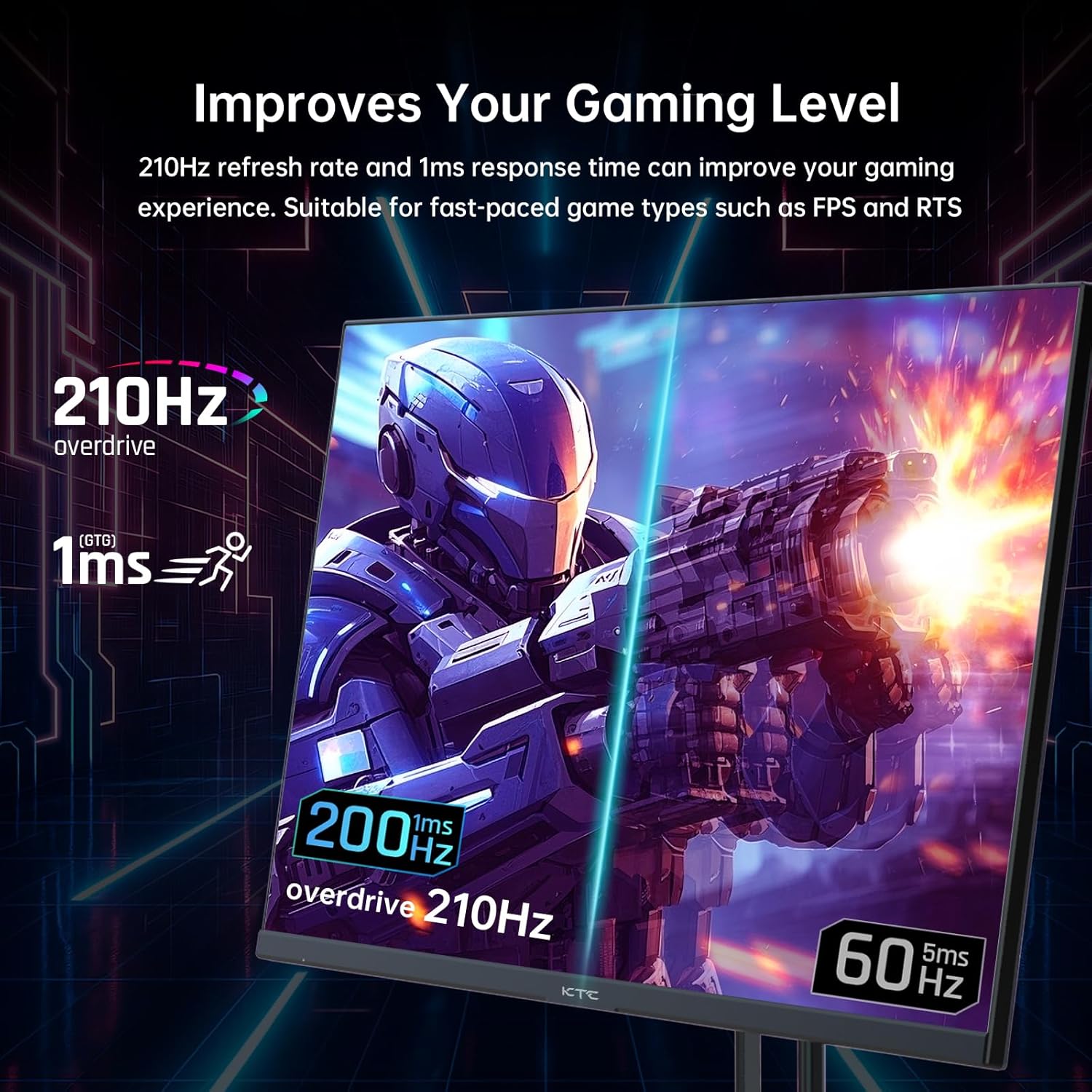
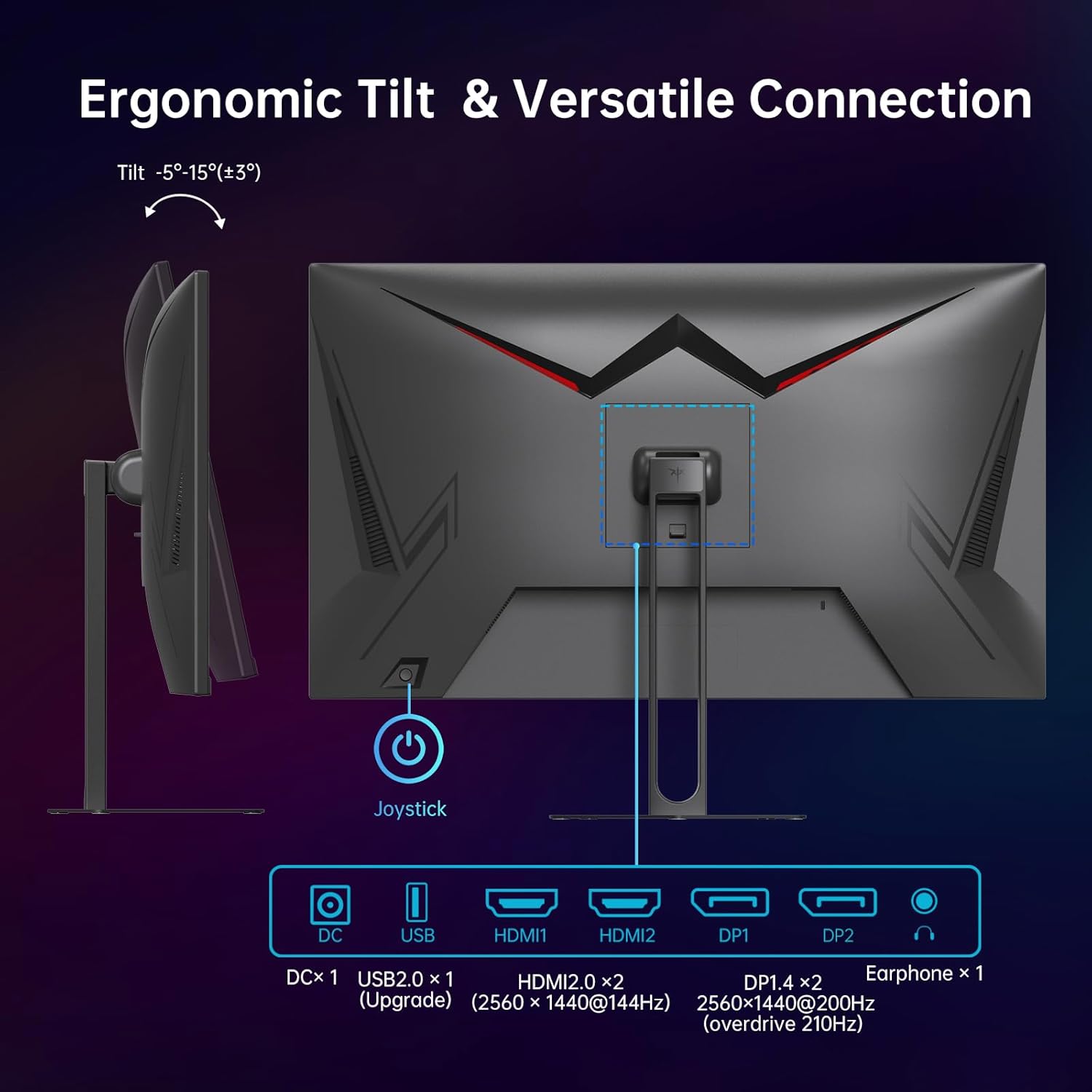
Key strengths that stand out\n- High refresh potential: 200Hz, overclockable to 210Hz via DP, with 1ms response time promises smoother motion and reduced ghosting for fast-paced titles.\n- Visual clarity and color: QHD resolution with a wide color gamut and HDR400, which helps dark scenes reveal detail without washing out highlights.\n- Flexible connectivity: Dual HDMI 2.0 and dual DP 1.4 ports, plus USB and built-in speakers, enabling easy setup with contemporary desktops and consoles.\n- Comfort and convenience: Low Blue Light tech, tilt adjustment, and VESA compatibility for flexible mounting.\n
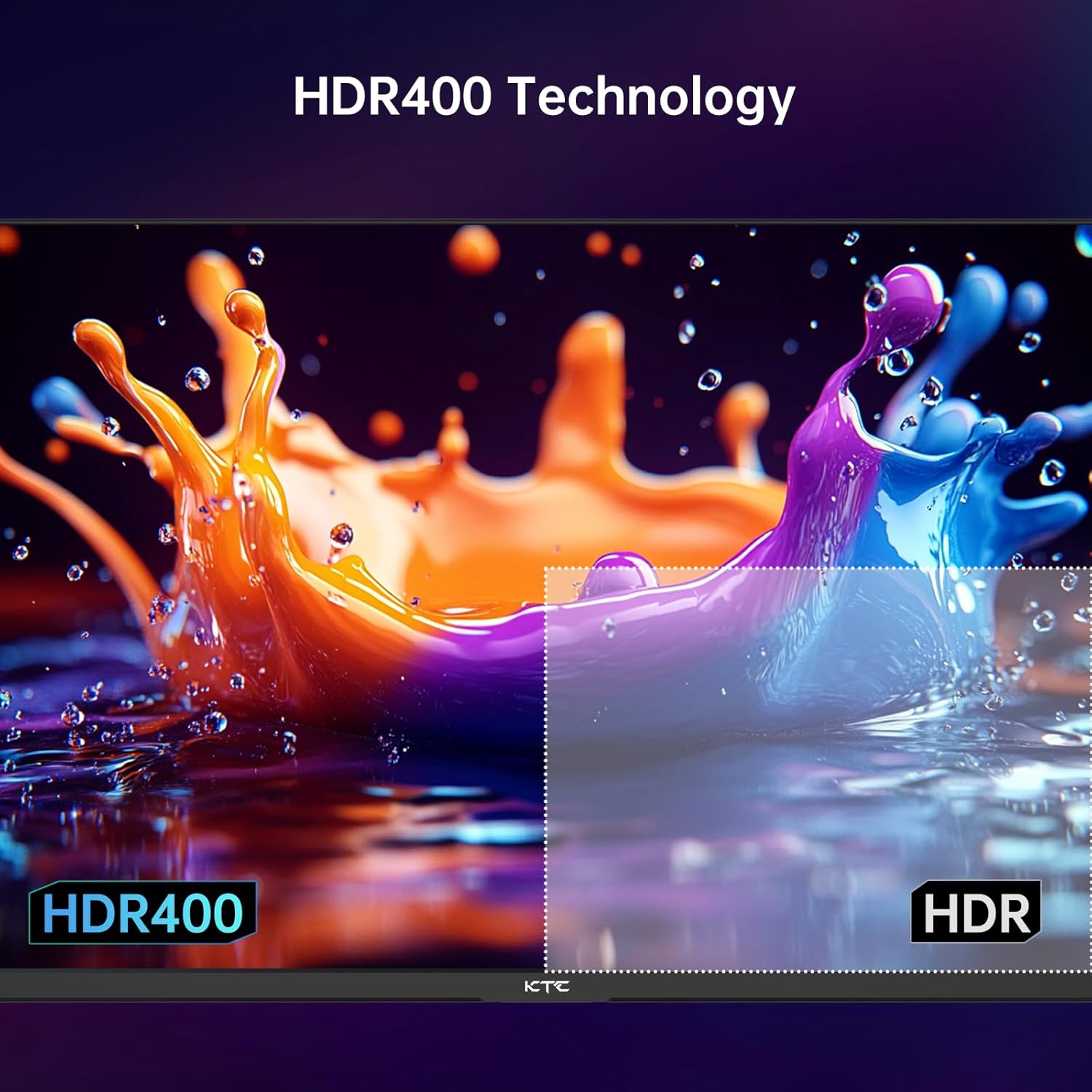
What may hold it back\nNot everything is perfect on paper. HDR400 is a modest level of high dynamic range, so you shouldn’t expect theater-like brightness or spectacular specular highlights in every game. The quality of HDR performance will depend on the title and how well the content is mastered for 10-bit-like reproduction. While overclocking to 210Hz sounds appealing, actual gains depend on your GPU output, game engine, and cabling. If you’re aiming for top-tier ultrawide immersion or ultra-high-end HDR with the latest titles, you might still crave premium panels. Also, the built-in speakers—while convenient—likely won’t replace a dedicated audio setup for extended sessions.
Who this monitor is for\n- Competitive gamers who value a high refresh rate at 2K resolution and responsive input.\n- Desk setups that need solid color accuracy for both gaming and media.\n- Buyers who want a multi-port panel with simple, integrated audio and mounting options.\n
Who it isn’t the best fit for\n- Purists chasing extreme HDR performance or overwhelming brightness.\n- Those who demand a single-input-only, borderless ultra-wide experience.\n- Users who prefer a 27-inch size with a higher-end color volume beyond HDR400.\n
When it makes sense to buy\nIf your priority is smoother gameplay at a crisp 2K resolution without stepping into premium-grade hardware, this monitor offers a compelling feature set for its price bracket. It works well for fast shooters, racing sims, and action RPGs where motion clarity and quick reflexes matter. It also suits mixed-use setups where you want decent speakers and easy connectivity in one package.\n
When you might want to pass\nIf you already own a high-end 4K panel or you care deeply about maximum HDR performance and color volume, this model may feel middle-of-the-road. Also, if you’re building a workstation or content-creation rig that benefits from higher color accuracy or professional calibration, you might prefer a panel with a higher brightness spec or wider color gamut.
What to check before buying\n- Verify DP connectivity and ensure you have a DP-enabled GPU to reach 210Hz.\n- Confirm mounting needs with your desk and ensure VESA 100x100 compatibility fits your setup.\n- Consider room lighting, HDR400 helps, but overall brightness matters in bright environments.\n- Test the audio as an add-on, built-in speakers are convenient but not a primary audio solution for most gamers.\n
Practical usage example\nImagine a fast-paced arena shooter: you sit close to the screen, your peripheral vision catching motion from the sides, and you dodge a burst of incoming fire with the display updating in near real-time. The 2K resolution keeps textures crisp, while the 200Hz refresh keeps motion smooth, helping you react quicker than with a standard 60Hz panel. You can switch between gaming and a quick spreadsheet at work thanks to multiple inputs and a clean, readable UI.
Final decision: Is it worth it?\nThis monitor makes sense if you prioritize a strong balance of high refresh, solid color, and flexible connectivity in a 27-inch 2K format. It’s not a flagship HDR monster, but it’s a practical choice for gamers who want responsive performance without breaking the bank. If your use case leans toward competitive play and general media consumption in a mid-range setup, it’s worth considering.
Quick FAQ\n- Does it support variable refresh rate? Yes, via Adaptive Sync.\n- Can I overclock the refresh rate? Yes, up to 210Hz through DP.\n- Are the speakers adequate for gaming? They’re there for convenience, you’ll likely prefer external audio for longer sessions.\n- Is HDR performance good? HDR400 provides improved brightness and contrast over base panels, but it’s not a top-tier HDR experience.\n