

iPad Stylus Pen with Palm Rejection
Product description
Key specifications
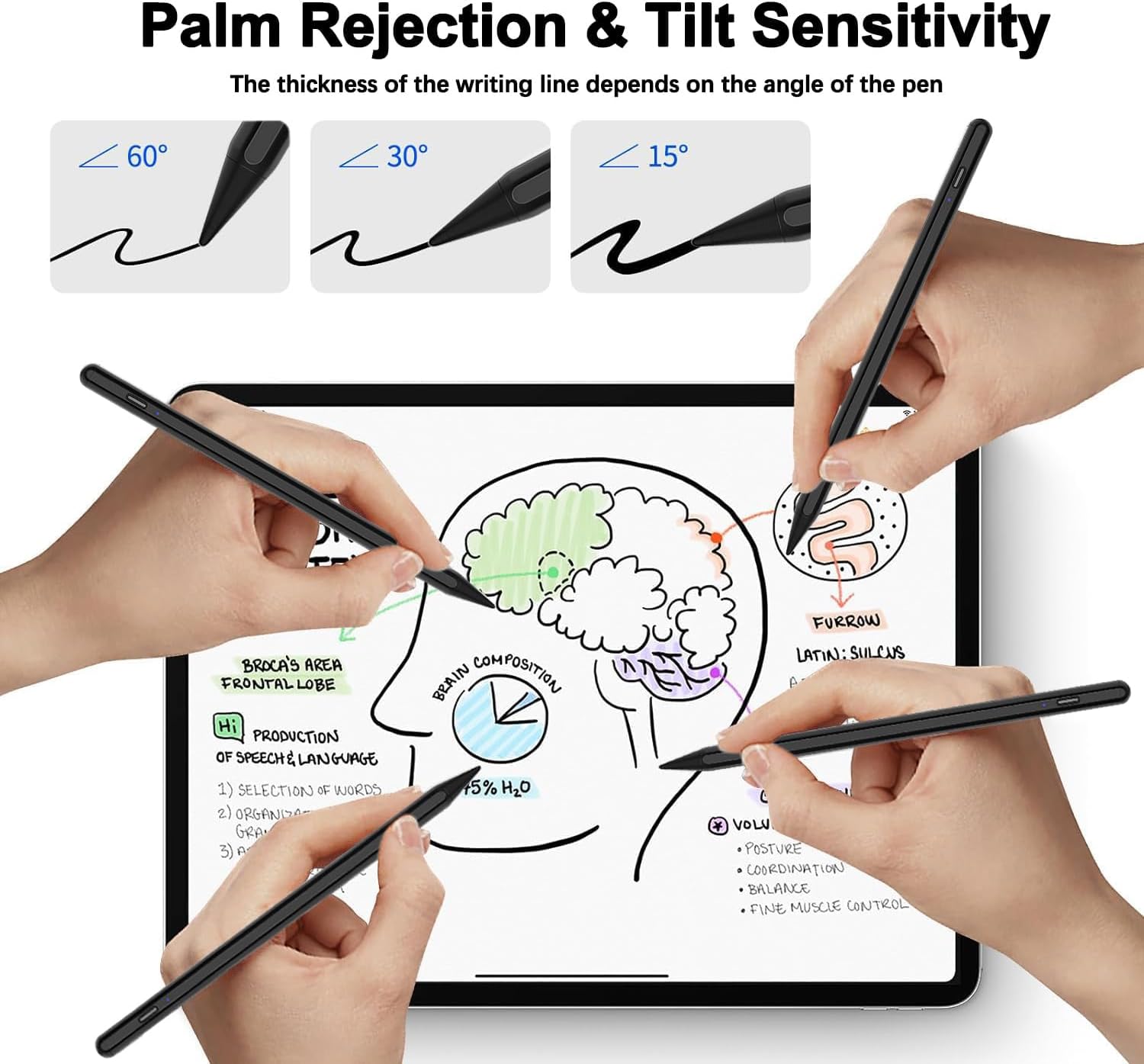
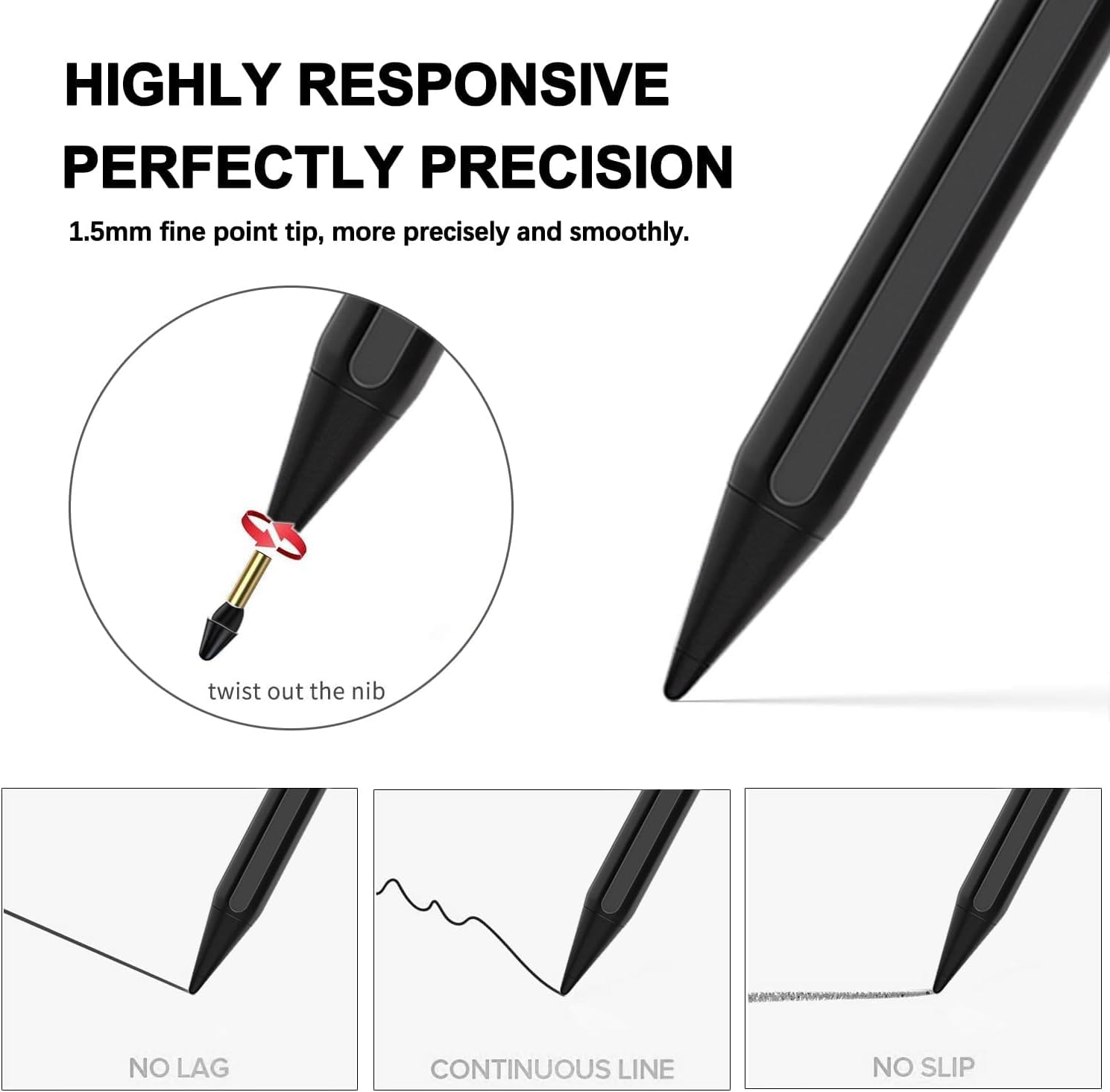
Palm rejection lets you rest your hand on the iPad while writing or drawing, reducing accidental screen input. The pen also has a 1.5 mm tip and tilt sensing, which can vary line thickness as you change the angle. One important limitation: it does not support pressure sensitivity, so pressing harder won’t create pressure-based strokes.
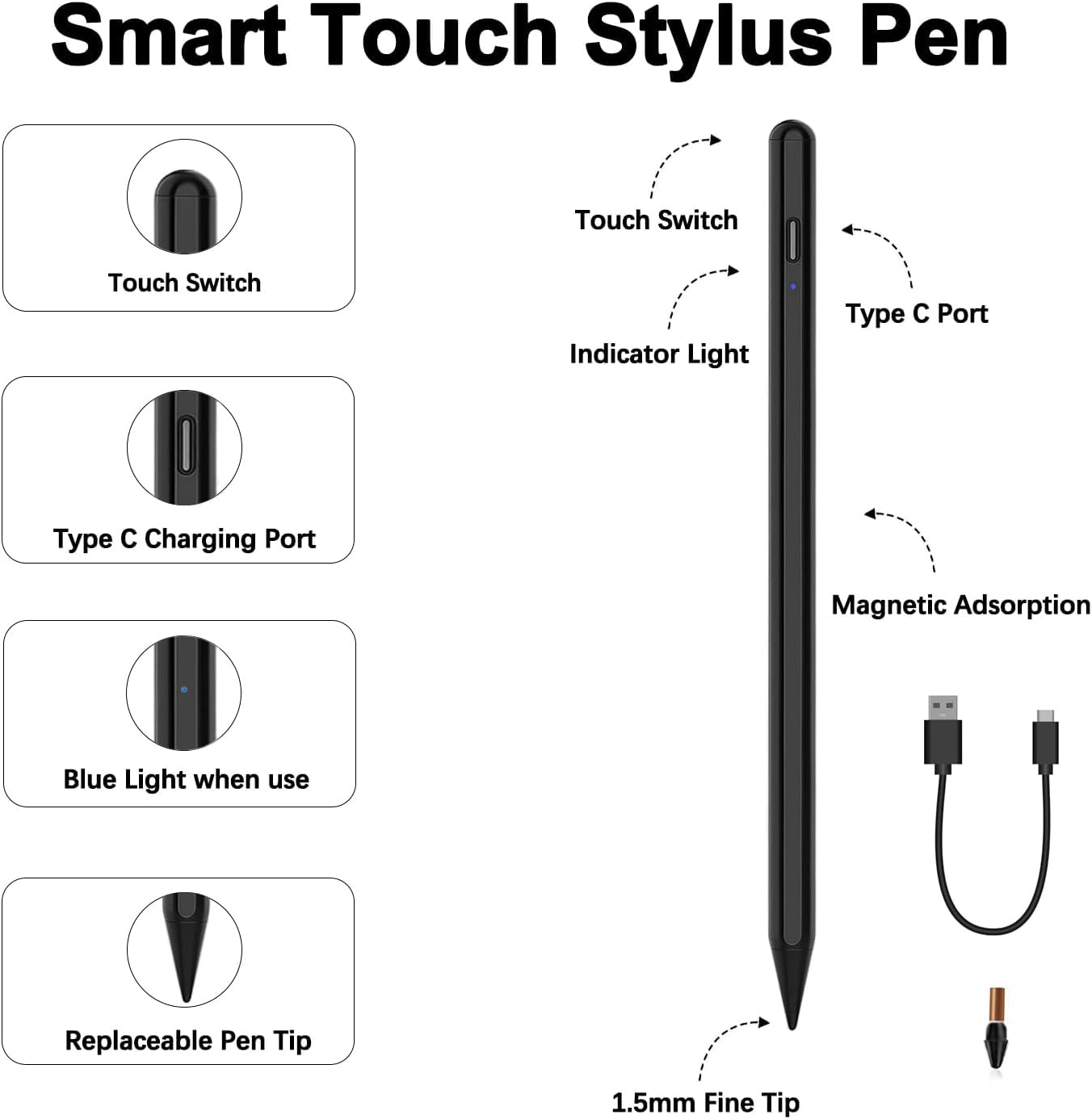
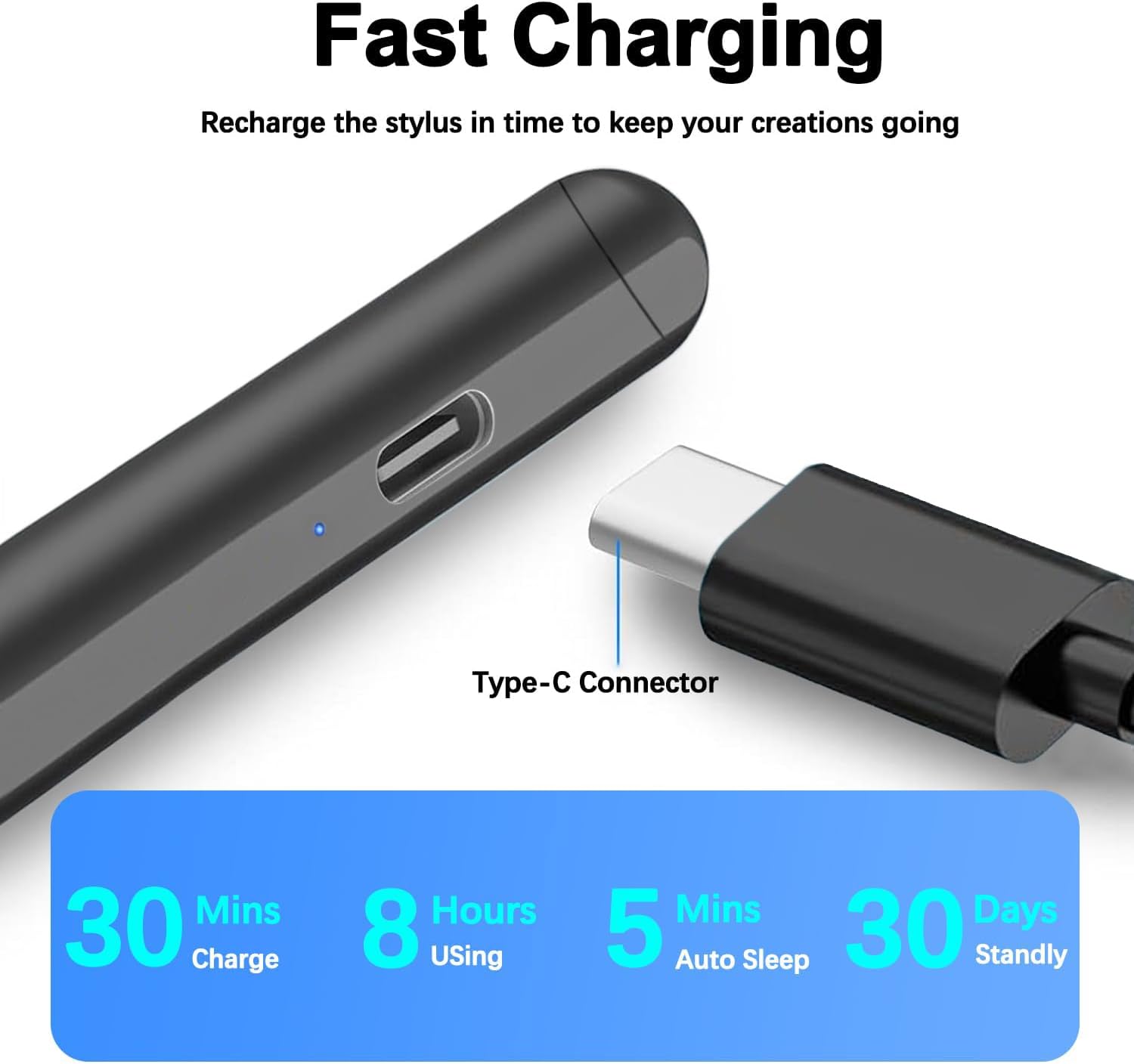
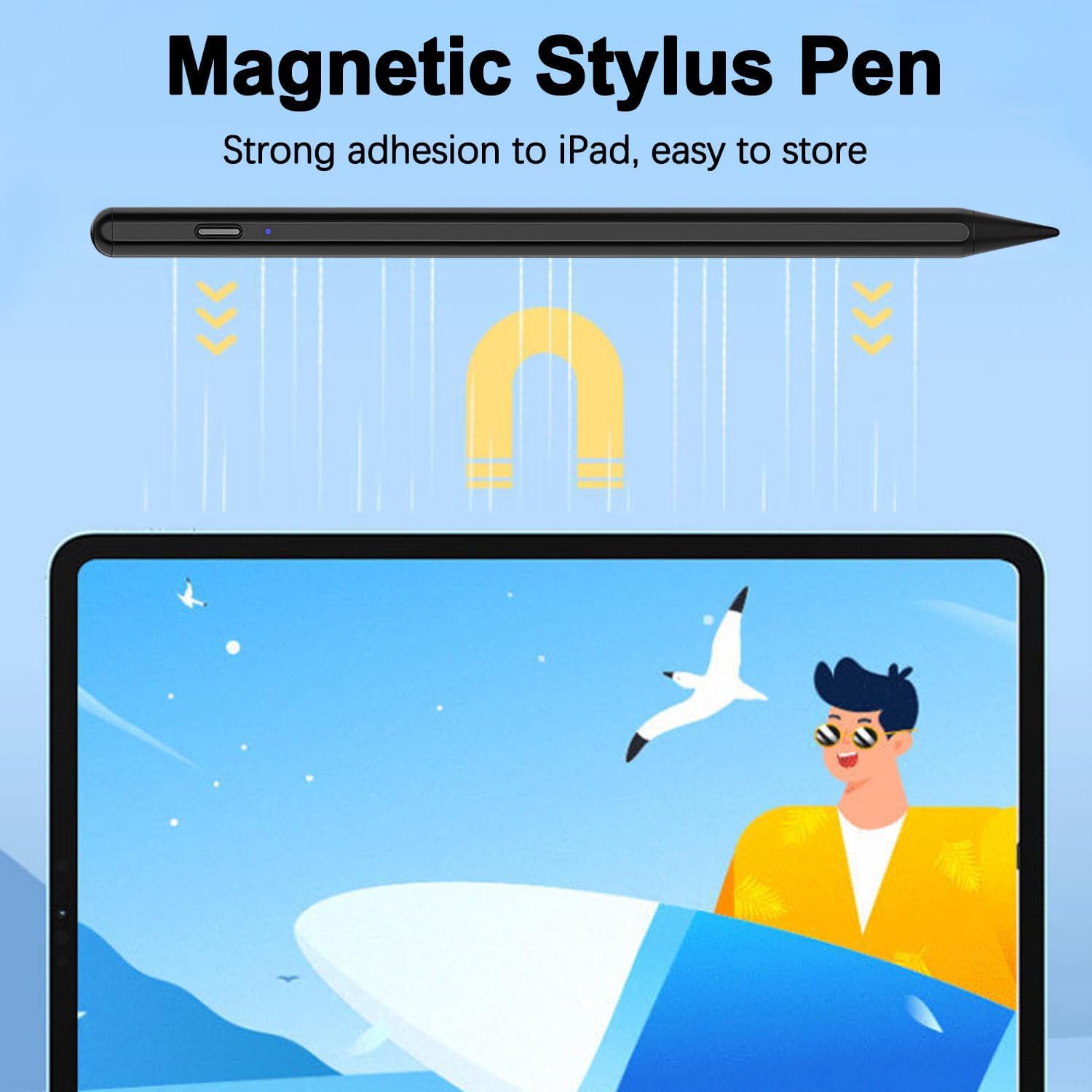
The maker lists a 30-minute charge time and up to 10 hours of continuous use, plus magnetic attachment to the side of an iPad. Those details may appeal if you want a rechargeable pen that can stay close at hand between tasks, the listing doesn’t specify battery capacity.
Who it’s for
This active stylus is aimed at iPad owners who take handwritten notes, mark up documents, or sketch with tilt-based line variation. For example, you could rest your palm on the display while annotating a PDF, then use the angled tip for broader strokes in a drawing app. The listing claims pixel-level precision, but that shouldn’t be confused with pressure-sensitive control.
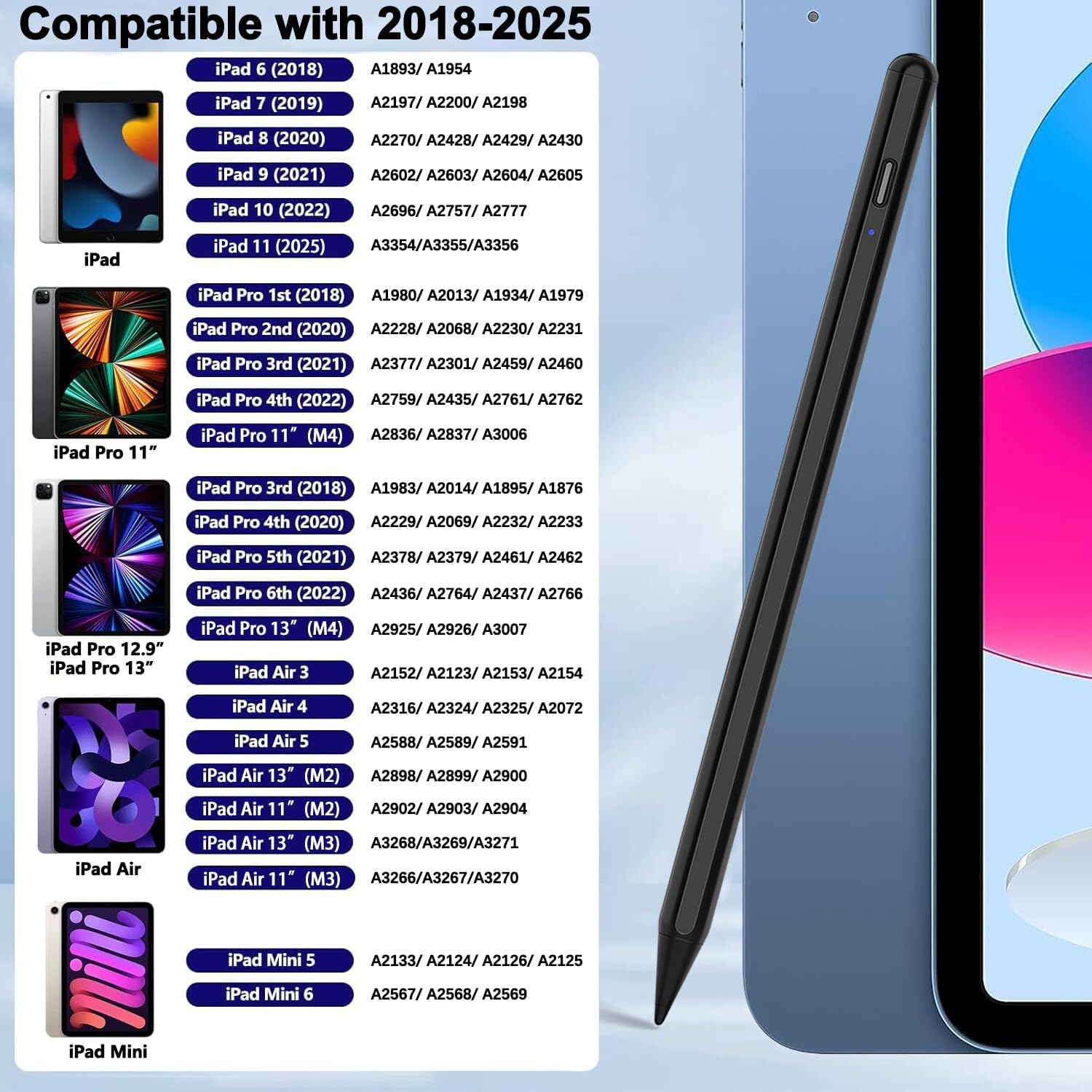
Compatibility is limited to iPads released in 2018 or later, and the product description names a range of iPad, Pro, Air, and mini models. There’s a detail worth checking: the product name lists iPad mini A16, while the compatibility description lists mini A17. A solid pick if your exact iPad model is clearly covered and palm rejection matters to your work. You may want to skip it if you need pressure-sensitive drawing or don’t want to verify model compatibility before choosing.
In the box
The package includes one black stylus pen, one replacement tip, a USB-C charging cable, and a user manual. The listing doesn’t give details about extra nibs beyond the single replacement, or describe other included accessories. If you already have a preferred charging setup, note that a cable is supplied, but no further charging specifications are provided.
Questions before you buy
Does the pen respond to pressure? No. The product description explicitly says it has no pressure-sensitive design. Tilt sensing is listed, but it works differently: changing the pen angle can change line thickness.
How long does charging and use take? The maker states that a full charge takes 30 minutes and supports 10 hours of continuous use. Actual use may vary, and the listing doesn’t provide further battery details.
How can you confirm compatibility? Check your iPad’s model under Settings > General > About, as the listing recommends. This matters especially for the mini models, since the product name and compatibility details don’t match on that point.
When it makes sense
Choose this stylus if your main tasks are notes, document markup, or casual drawing on a supported iPad, and you value palm rejection, tilt response, and a replacement tip in the box. Its magnetic attachment and stated charging figures also suit someone who wants a pen that can stay with the tablet rather than be stored separately. According to the maker, it attaches to the side of the iPad, including the 11th-generation model.
A simpler passive stylus may be enough for occasional tapping, while a pressure-sensitive pen is a better fit for art workflows that depend on pressure variation. This model sits between those approaches: more drawing-oriented than a basic touch pointer, but without pressure control. Choose it when its specific features match your routine—and confirm your iPad model first.