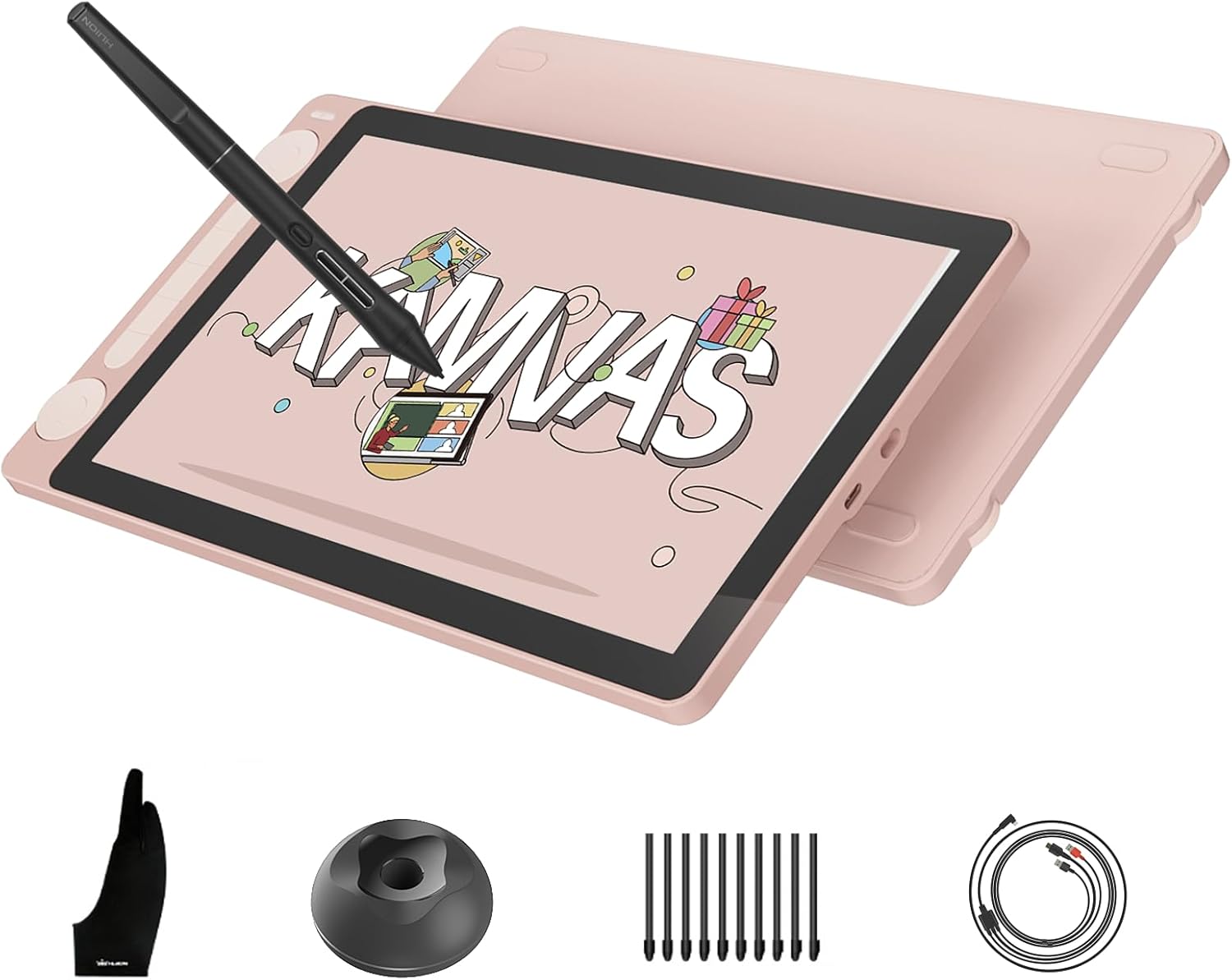
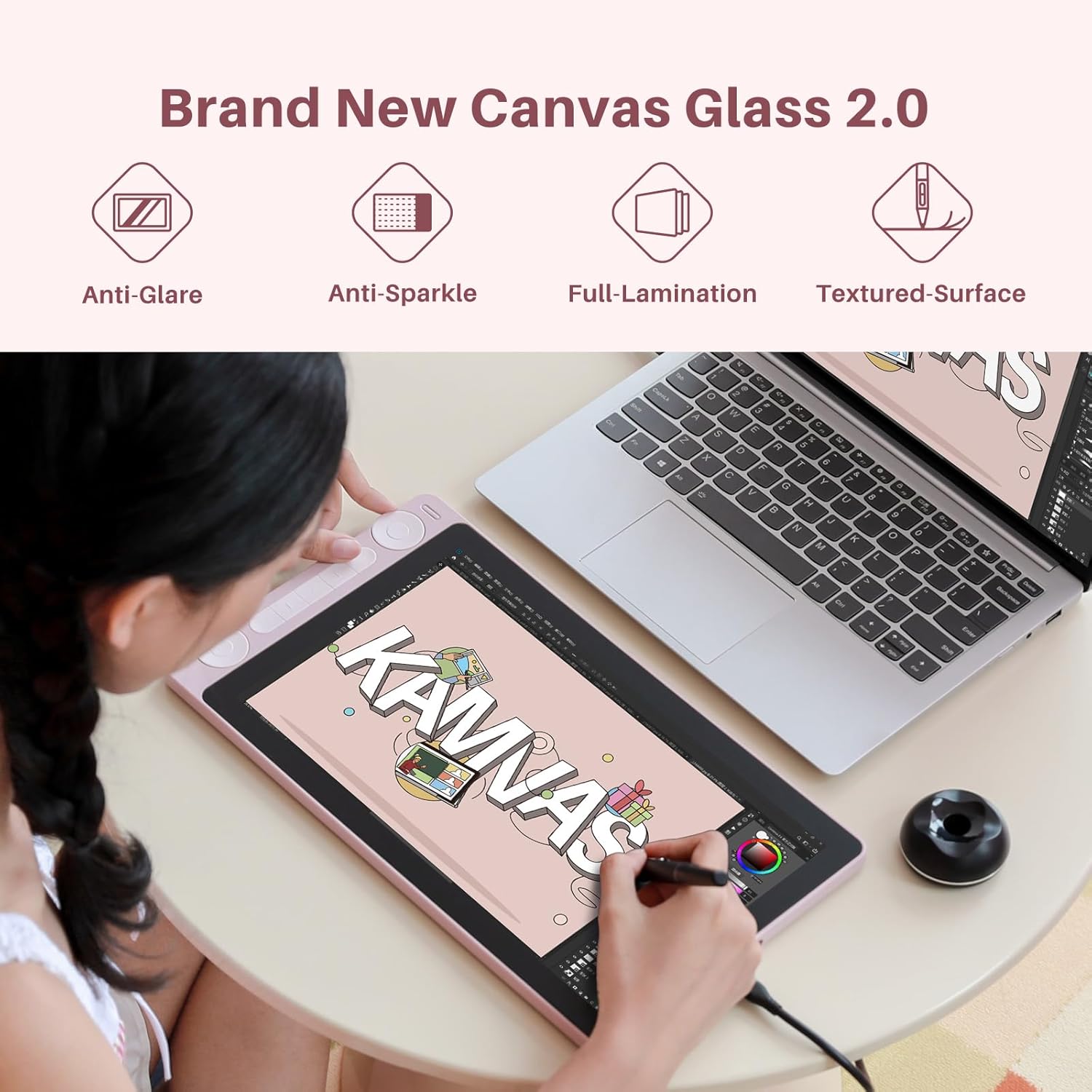
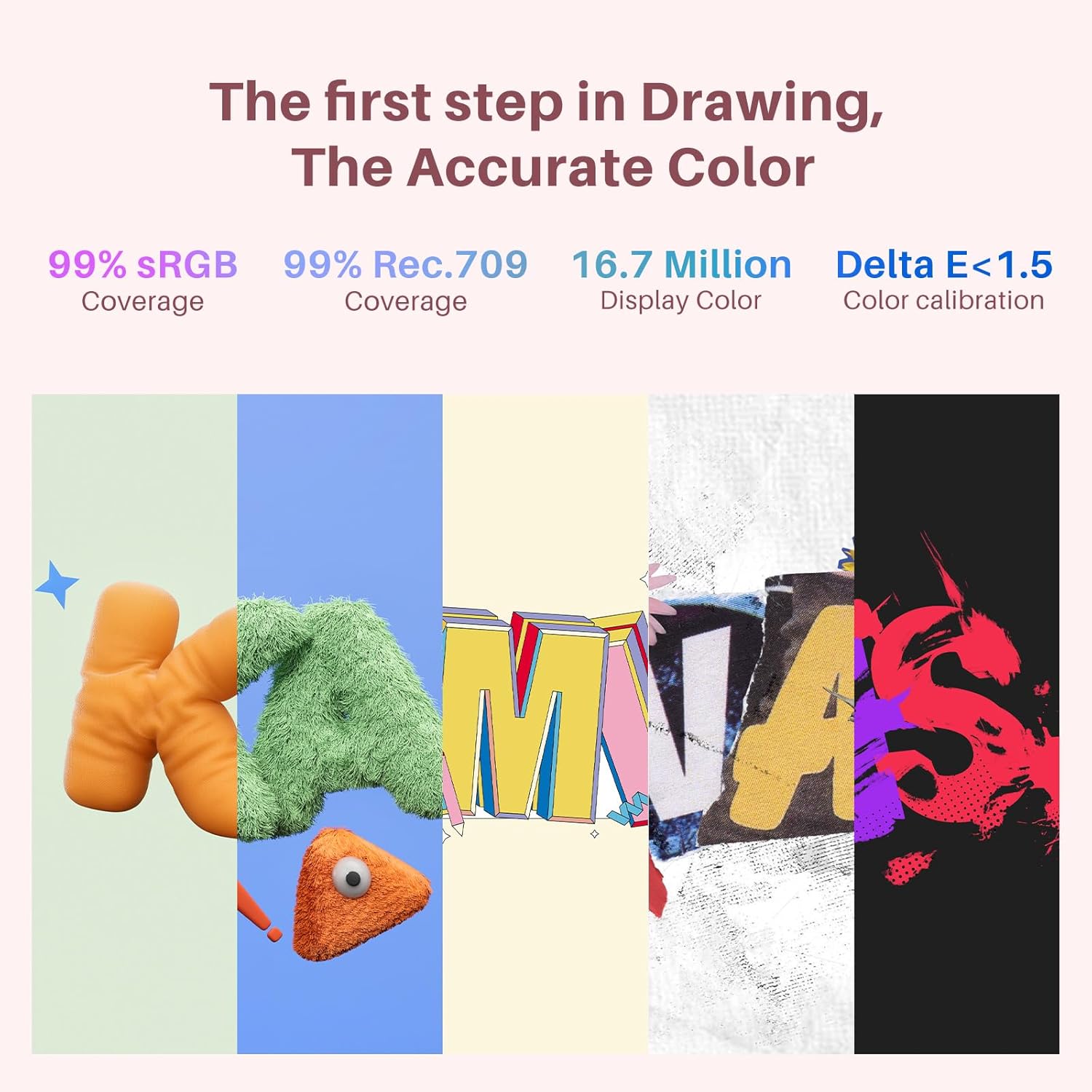
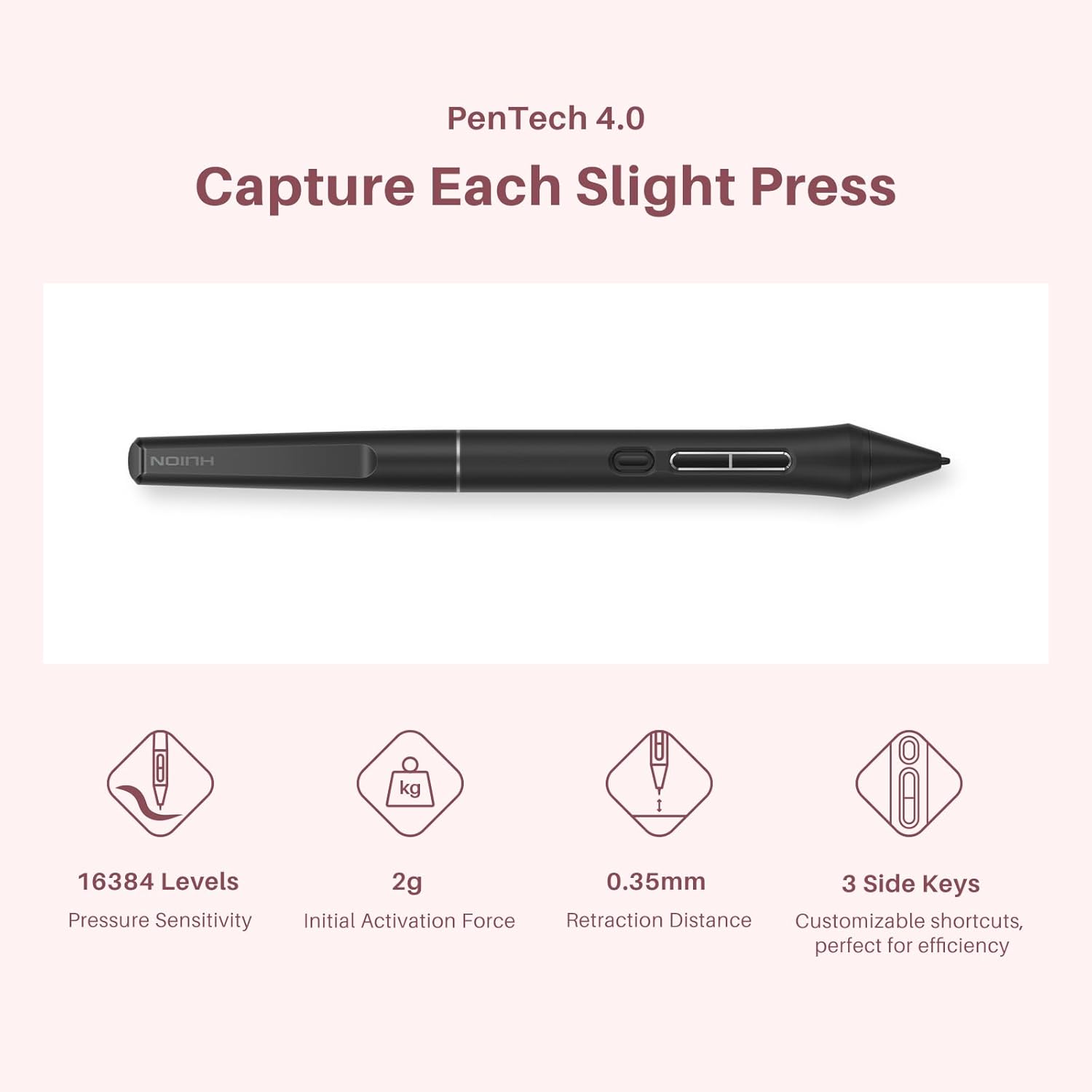
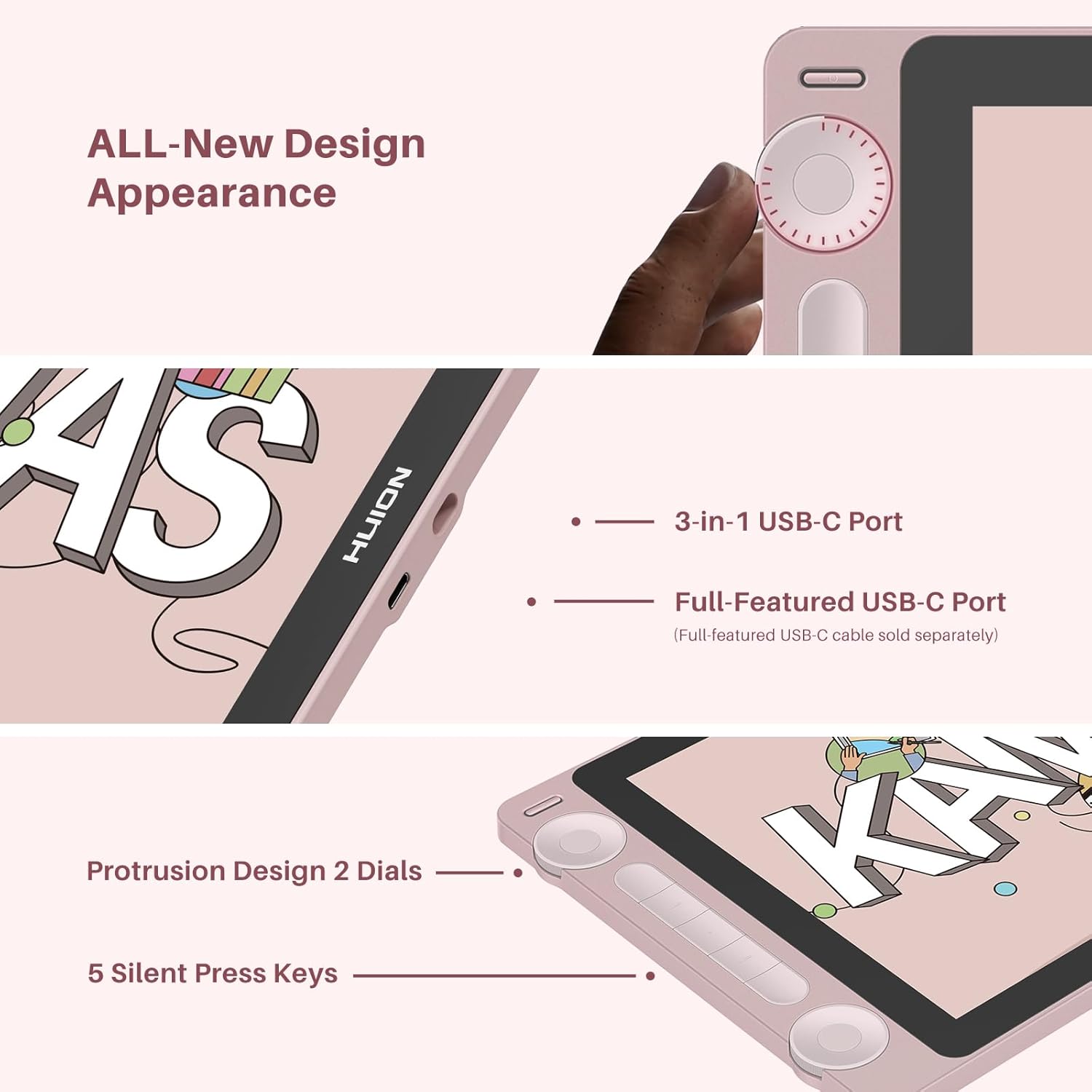
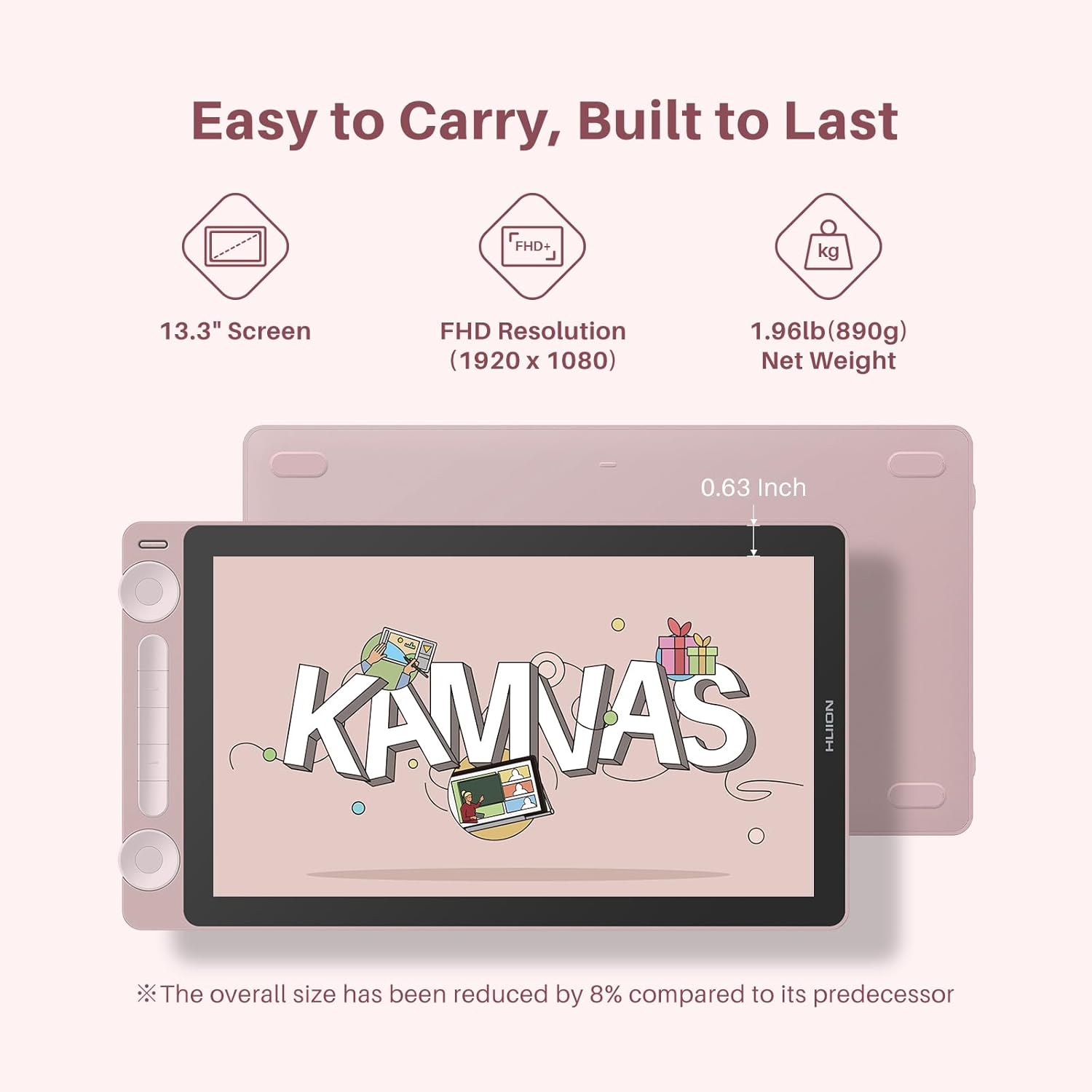
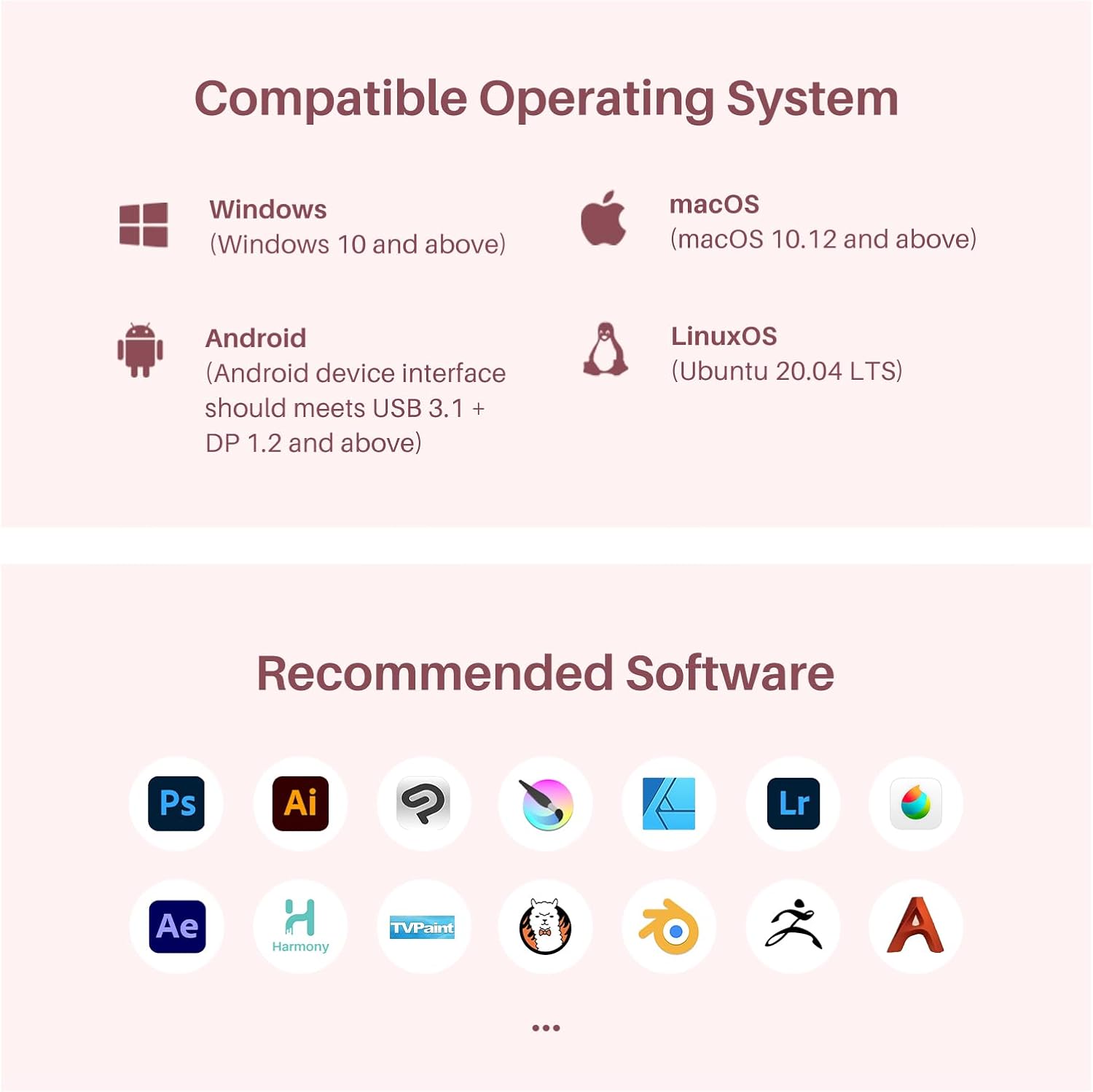
What it is and what problem it solves\nThe HUION Kamvas 13 (Gen 3) is a 13-inch pen display that must be connected to a computer or laptop to work. It’s designed for artists who want a compact, screen-integrated drawing surface, helping you sketch directly on a tablet with a pen rather than drawing on a separate pad. The goal is to provide a more natural drawing experience, reduced parallax, and accurate color output for digital artwork.\n\n## What stands out in use\nOn paper, the Kamvas 13 (Gen 3) blends several thoughtful improvements. The all-new Canvas Full-laminated Glass 2.0 with nano-etching minimizes glare and sparkle, while the paper-textured surface aims to feel like real drawing paper. In practice, this combination tends to give a more immersive feel and clearer line work, especially under bright lighting. The PenTech 4.0 core offers 16384 pressure levels and 2g IAF for nuanced strokes, plus tilt auto-alignment to reduce parallax. The result can translate to more precise lines and better control, which matters for inking, shading, and fine detail work.\n\n## Color accuracy that matters\nColor fidelity is a practical strength here. The display covers about 99% sRGB/Rec.709 and 90% Adobe RGB, with factory calibration achieving ΔE < 1.5. If you’re aiming for work that looks the same on screen and in print, you’ll want to verify how your workflow handles color—but on the surface, you’re getting a lot of color realism out of the box.\n\n## how you’ll interact with the tablet\nTwo dials and five customizable keys offer quick access to brushes, sliders, opacity, frames, and other drawing controls. This setup can shave steps off common tasks and keep your workflow flowing. The design also emphasizes dust resistance on the pen grip and side buttons, which helps with longer sessions.\n\n## Real-world strengths and limitations\nIt’s not a standalone product, you’ll need a computer. The build sensibly prioritizes a compact form factor without sacrificing essential control—great for small studios or limited desk space. However, if you’re looking for standalone portability with built-in processing, this model won’t replace a stand-alone tablet. Also, while the color suite is strong, it isn’t a guaranteed professional-grade color pipeline without external calibration or display workflows.\n\n## Who it’s for\nThis model suits digital artists who value precision, color realism, and a natural drawing experience in a relatively compact package. It’s a fit if you want a screen-based workflow with pen control, and you don’t mind coupling it with a desktop or laptop. It’s less ideal if you need a standalone device, or if your workspace requires a larger drawing area for wide compositions.\n\n## What to check before you buy\n- Confirm your computer or laptop meets the device’s connection needs (the Kamvas 13 Gen 3 uses a dual-interface setup and supports USB-C connections).\n- Consider your lighting environment to judge how the Canvas Glass 2.0 glare reduction performs for you.\n- If color fidelity is critical, plan for color workflows that leverage the stated coverage and ensure your software supports ICC or external calibration where you work.\n\n## How it compares to common approaches\nIf you’ve previously drawn on a standalone tablet or a non-screen pen tablet, this model offers the advantage of direct screen drawing with a pen, reducing the gap between idea and execution. For those who only need basic sketching, a non-display tablet might be cheaper, for seasoned digital artists, the 13 Gen 3’s combination of full lamination, tilt sensitivity, and color coverage can be a meaningful upgrade.\n\n## FAQ snapshot\n- Do I need a powerful PC to run it smoothly? It depends on your software and project size, the device requires a computer to function, so performance hinges on your system specs.\n- Is the color calibration certificate included? Yes, each unit ships factory-calibrated with a ΔE < 1.5 and includes a calibration certificate.\n- Can I use it with Android or Mac out of the box? It supports PC, Mac, and Android connectivity via the dual-interface design, check your device compatibility for input devices and drivers.\n\n## Final verdict\nIs it worth it? If you prioritize a compact display tablet with strong color accuracy, natural drawing feel, and customizable controls, the Kamvas 13 Gen 3 offers a balanced proposition for its size. It’s not the cheapest option, and it won’t replace a standalone device for everyone, but for artists who want a plug-in, screen-based workflow in a modest footprint, it’s a solid candidate. If your setup benefits from tighter control and reliable color response, this model tends to deliver on those fronts.\n