


Samsung Galaxy Tab S10 FE (WiFi, 256GB) with S Pen — IP68 water resistant, 90Hz display
Reviews
Price
Product description
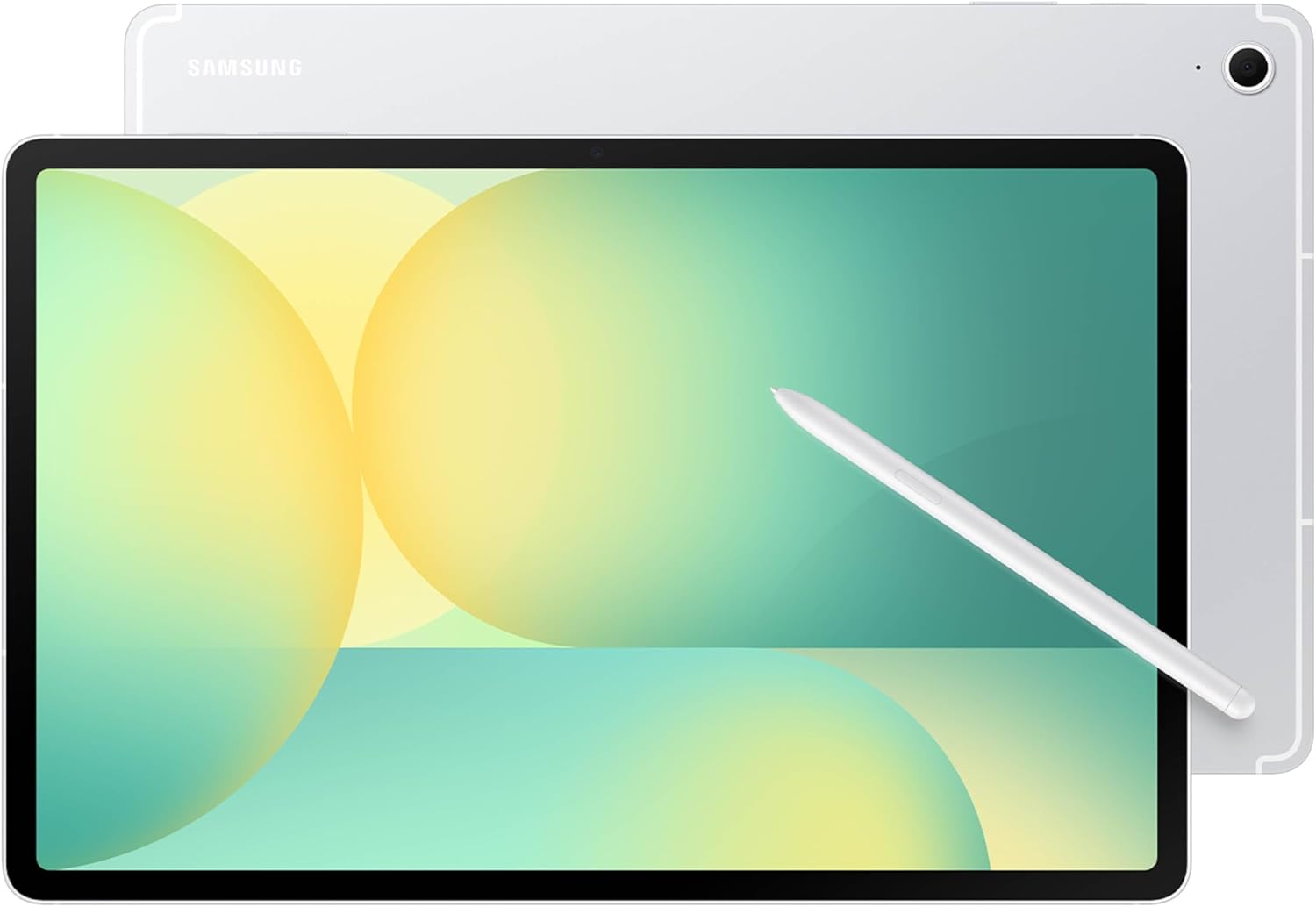
If you want a big-screen Android tablet that feels made for both entertainment and handwriting, the Samsung Galaxy Tab S10 FE is worth a look on paper. It combines a large display with a 90Hz refresh rate for smoother viewing, plus features that lean into note-taking and drawing with the included S Pen. It’s also built to handle real-life messes better than many tablets thanks to IP68 water resistance.
That said, not every buyer needs S Pen tools or the extra resilience. If you’re mostly after a basic streaming tablet or you don’t plan to write/draw on it, the S Pen and durability story may not matter much to your day-to-day.
The essentials
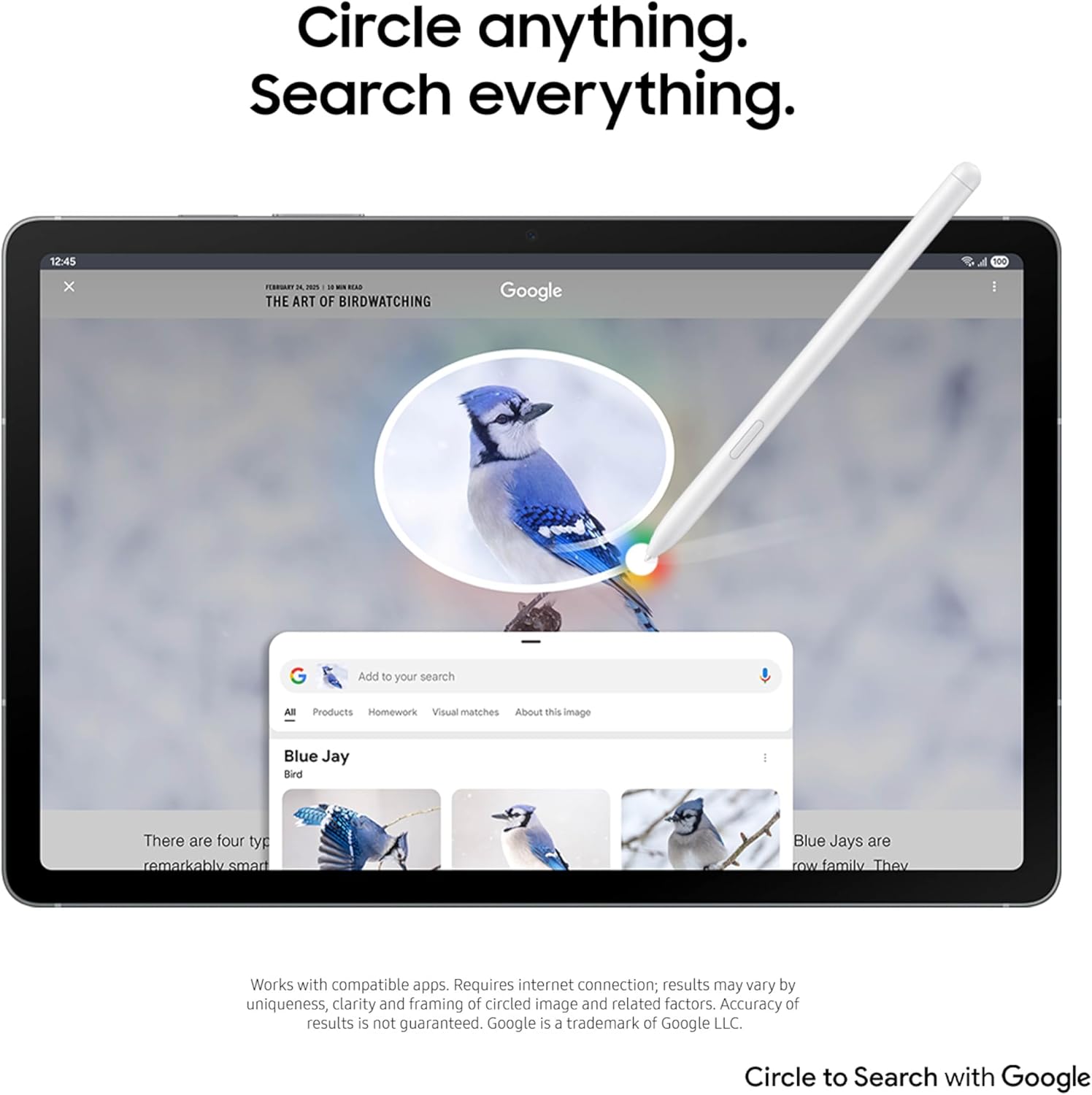
The Galaxy Tab S10 FE positions itself as a “do more at once” tablet: watching content with a large, bright display, gaming with a higher refresh rate, and capturing notes with handwriting-focused tools. The package also includes S Pen support for writing and organizing handwritten notes, plus a set of apps/features designed to help with math and search-from-screen interactions using “Circle to Search with Google.”
On the audio side, Samsung includes two speakers, which is a practical detail for anyone who watches shows or listens without constantly pairing headphones.
What to know about performance and display
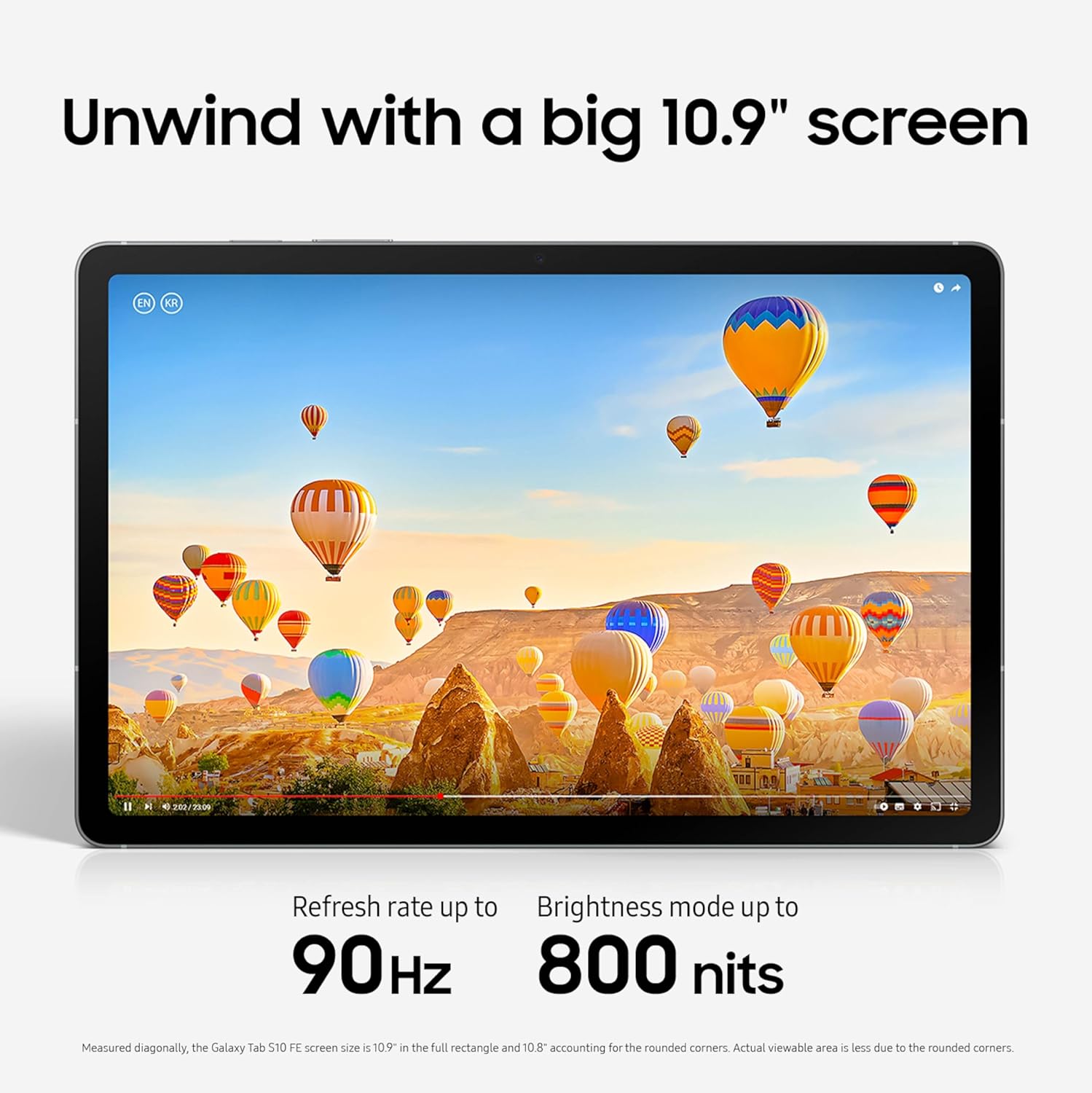
The tablet is built around an Exynos 1580 processor, aiming to support smooth everyday use and casual multitasking, as well as gaming experiences. It also brings a 90Hz refresh rate, which is the kind of feature you notice quickly when scrolling, moving through menus, or using the tablet for content and games.
The display and the 90Hz refresh rate are a core part of the pitch here. If your tablet time is mostly about videos, social apps, and gaming, that’s the area where this model is trying to earn its keep.
S Pen tools and handwriting support (where this stands out)
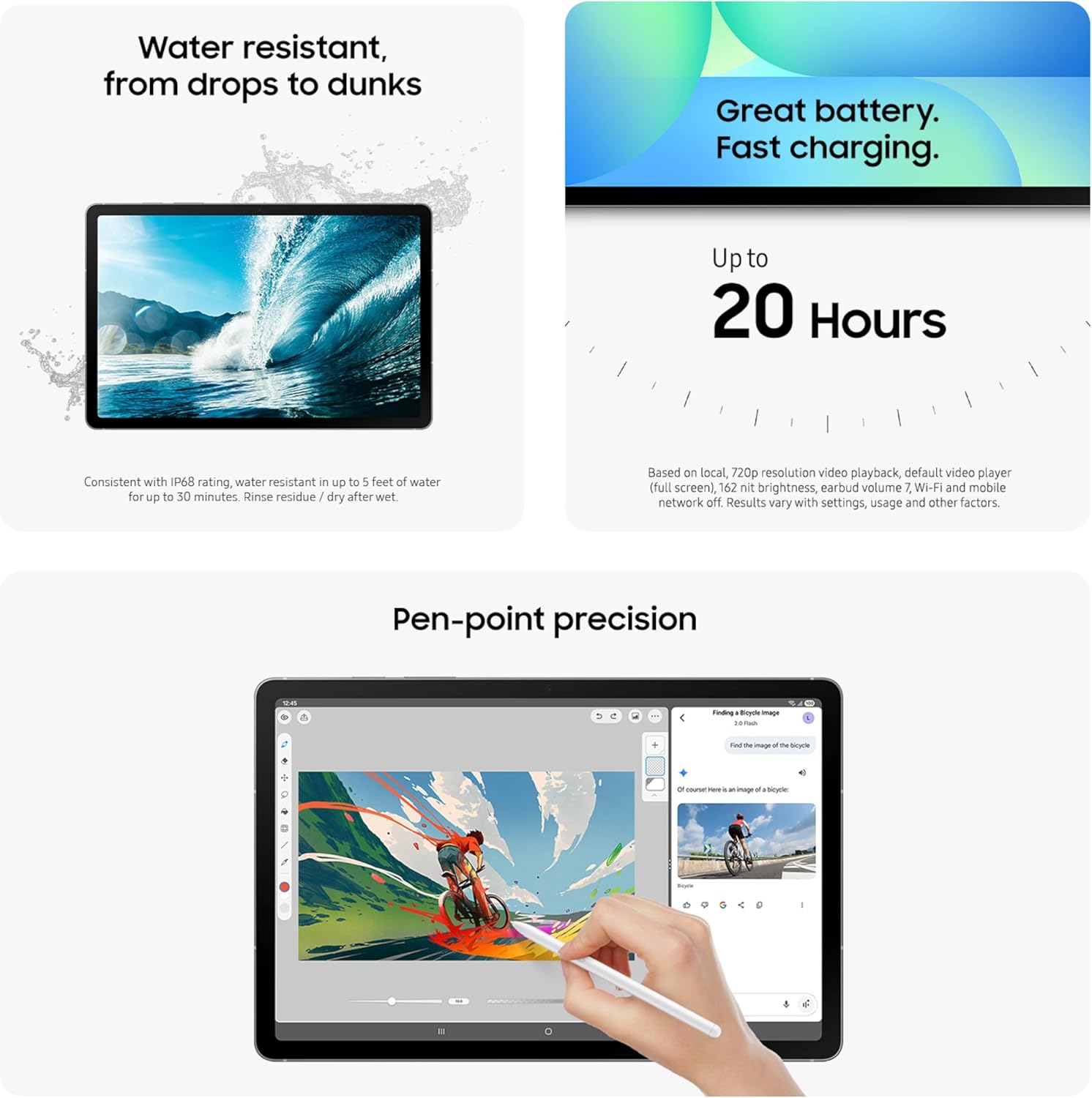
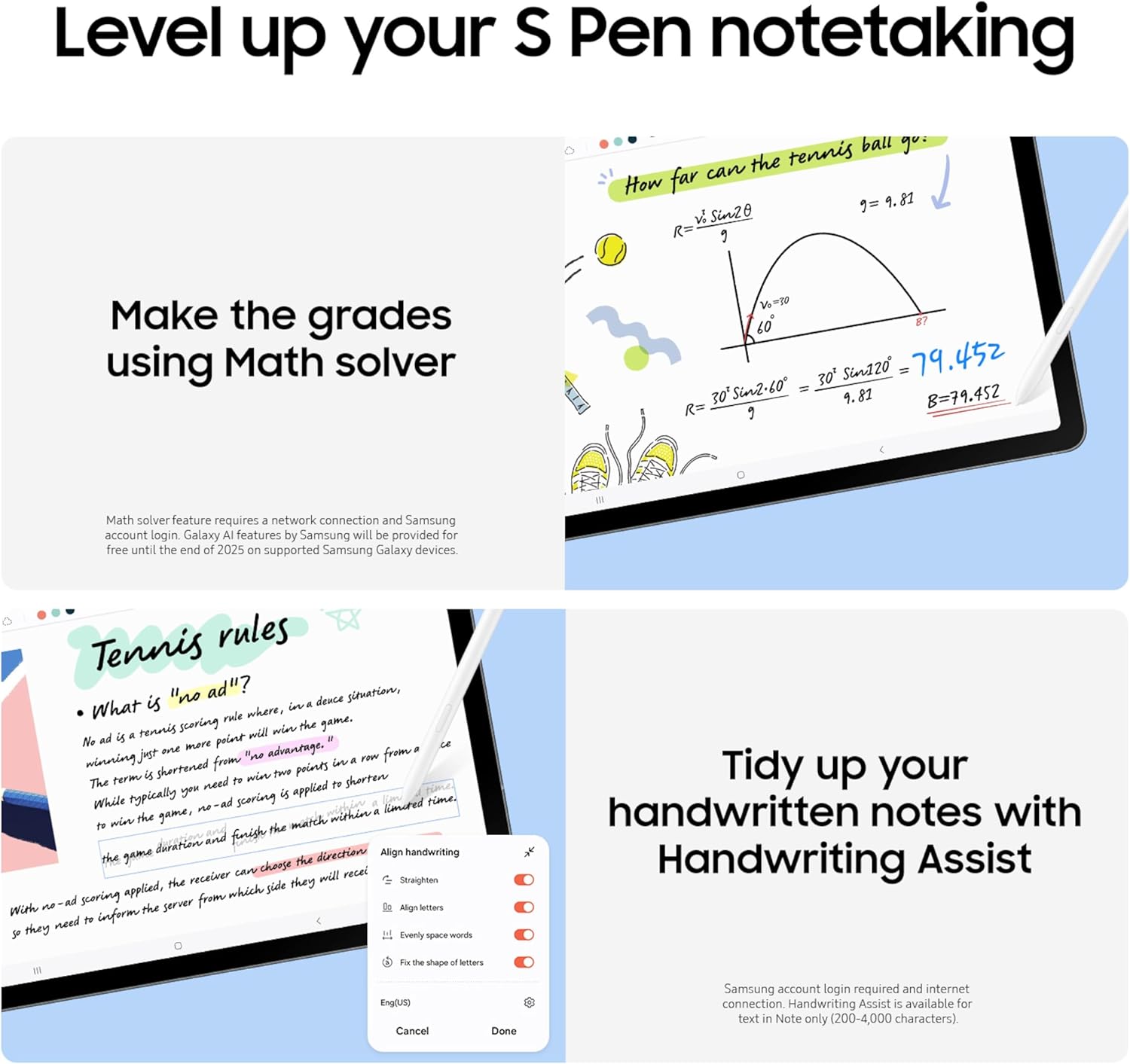
This is one of the most distinctive parts of the Galaxy Tab S10 FE. The S Pen experience is supported with an “handwriting assistance” feature that helps straighten, align, and adjust the spacing of words so handwritten notes come out more organized.
There’s also a writing-to-help layer: a Math Solver feature that can clean up equations by converting them into text when you write them on the display. In practice, that means you can sketch out an equation in your own handwriting style and then have it tidied into something more readable.
If you’re the type who uses a tablet for planning, study notes, quick sketches, or meeting notes, this approach can feel more natural than relying on pure typing.
Durability you can actually live with (IP68 water resistance)
Many tablets assume you’ll baby them. This one doesn’t lean that way. Galaxy Tab S10 FE is rated IP68, described as being reliable from droplets and splashes to full immersion in water.
That’s a meaningful consideration if you take your tablet outside, use it in shared spaces, or simply want the confidence to keep going when life gets messy. Still, do note that “water resistant” doesn’t mean you should ignore common-sense care—it's more about reducing risk than inviting abuse.
Battery life and storage you can plan around
Samsung claims up to 20 hours of battery life, along with fast charging so you can get back to using it sooner. If you’re buying a tablet as an everyday entertainment device—movies on the couch, content in the evening, or long stretches between charges—that claimed endurance is a real deciding factor.
Storage is set at 256GB, and the description says you can expand up to 1TB more with a microSD card. For people who keep downloaded content, store school materials, or save lots of photos and documents, that combination is the kind of practical setup that reduces “space anxiety.”
The essentials for buying: what to double-check
A few details are worth confirming based on your use case. First, this is the U.S. version, so if you’re buying for a specific region or expect certain service behavior, make sure the U.S. setup matches what you need.
Second, while the included S Pen and handwriting features are a big part of the value here, they only matter if you’ll actually use them. If you mostly plan to consume media and browse, you may get less “wow” from features that are designed around writing, organizing notes, and math help.
Third, this model is positioned around a mix of entertainment, productivity, and durability. If you’re trying to maximize performance for heavy workloads beyond casual gaming/multitasking, you may want to compare how different chips and power approaches fit your specific expectations.
When it makes sense
It’s a solid pick if you want a big Android tablet with a smoother 90Hz experience, strong emphasis on S Pen note-taking, and a tablet that’s rated IP68 for better day-to-day resilience. You’ll appreciate it if your routine includes reading and streaming, plus regular handwritten notes for school, work, or personal planning.
It may not be a great match if you’re mainly buying for simple media playback and you don’t plan to write/draw on the screen. In that scenario, some of the S Pen-focused tools might feel like extra features rather than something you’ll use.
Mini FAQ
Does the Galaxy Tab S10 FE include the S Pen?

The description explicitly mentions S Pen support and features tied to it, so it’s designed to be used with an S Pen from the start. If you want full confirmation for your exact listing, check the “in the box” details on the product page you’re viewing.
What does Circle to Search do here?
The tablet includes Circle to Search with Google, described as letting you circle something on the display to quickly get search results in place.
Is it really water resistant?
It’s described with an IP68 rating, covering droplets, splashes, and full immersion in water. That’s the kind of spec to look for if you want confidence in messy real-world use.
How much storage does it have and can it expand?
It includes 256GB, and the description says you can add up to 1TB via microSD.
Will the 90Hz display matter for gaming?
On a practical level, a 90Hz refresh rate is meant to make motion look smoother when scrolling, navigating, and playing games that benefit from higher refresh rates.