

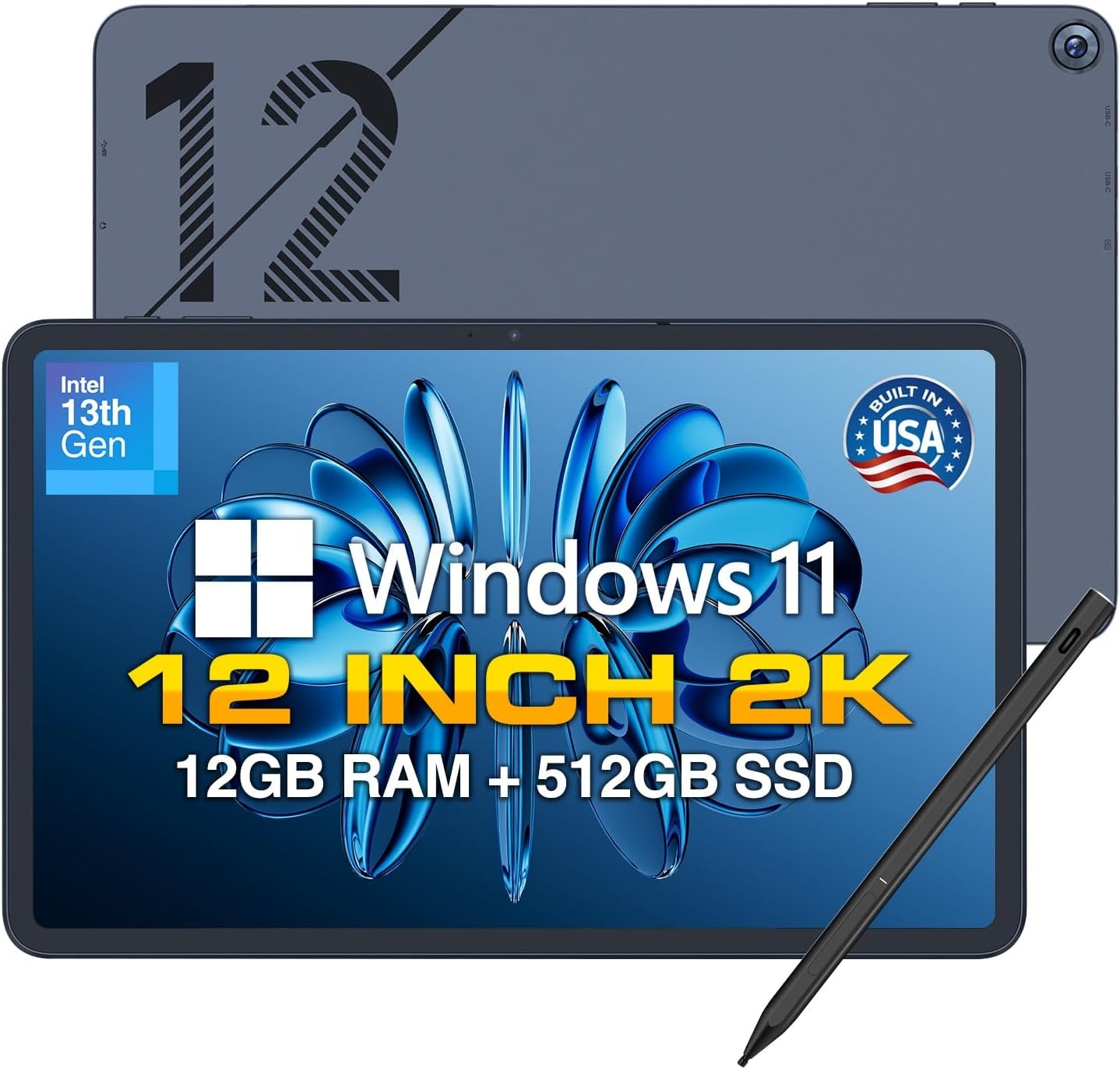
Fusion5 Helios 12" 2K Windows 11 Tablet PC (2026) with Stylus, 12GB DDR5 / 512GB SSD
Reviews
Price
Product description
Key takeaways for buying this Windows tablet
A 12-inch Windows tablet like the Fusion5 Helios is meant for people who want a real desktop-style OS in a more portable form. On paper, this one leans into productivity and creativity with a 2K 12" touchscreen, a stylus pen, and active cooling so the tablet can handle heavier workloads without instantly slowing down.
It’s not perfect—tablet performance can still vary depending on your exact apps, and you’ll want to think through how you’ll use it day to day (handheld, on a desk, or as a secondary work device). But if your goal is “Windows everywhere” plus a bigger screen for drawing, editing, and multitasking, this configuration looks built for that.
One small practical question to ask yourself: do you actually need a Windows tablet PC, or would a lighter tablet or laptop-like setup get you 80% of the way there with fewer compromises? If you do need Windows, the Helios 12 has enough going on to justify a closer look.
The essentials: display, stylus, and the “why it matters”
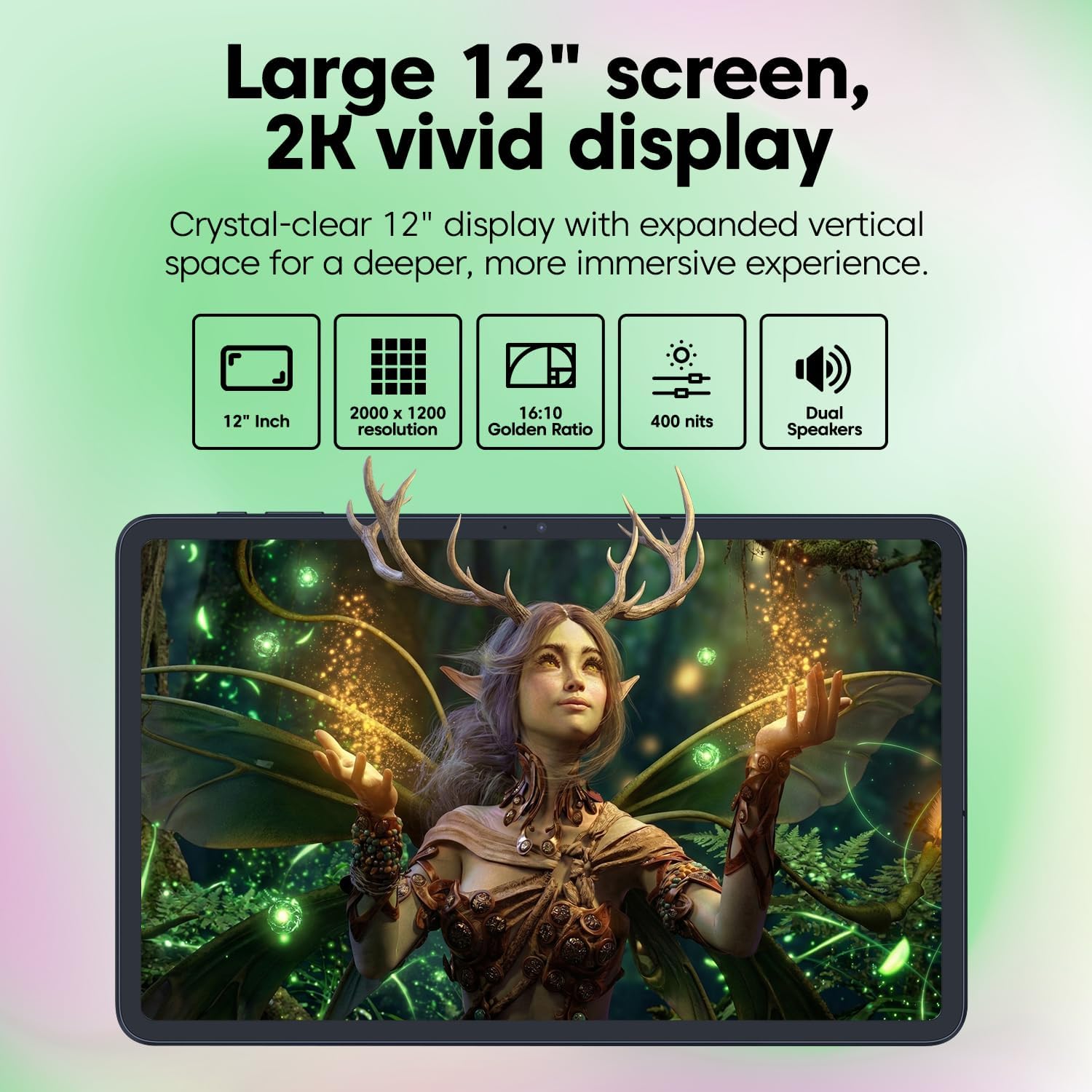
The Fusion5 Helios centers around a 12-inch 2K touchscreen with a 2000x1200 resolution and a 16:10 aspect ratio. That combination is aimed at giving you sharper detail and extra usable workspace compared with more basic panels. In plain terms: spreadsheets, document pages, and creative canvases tend to feel less cramped when the screen has more horizontal room.
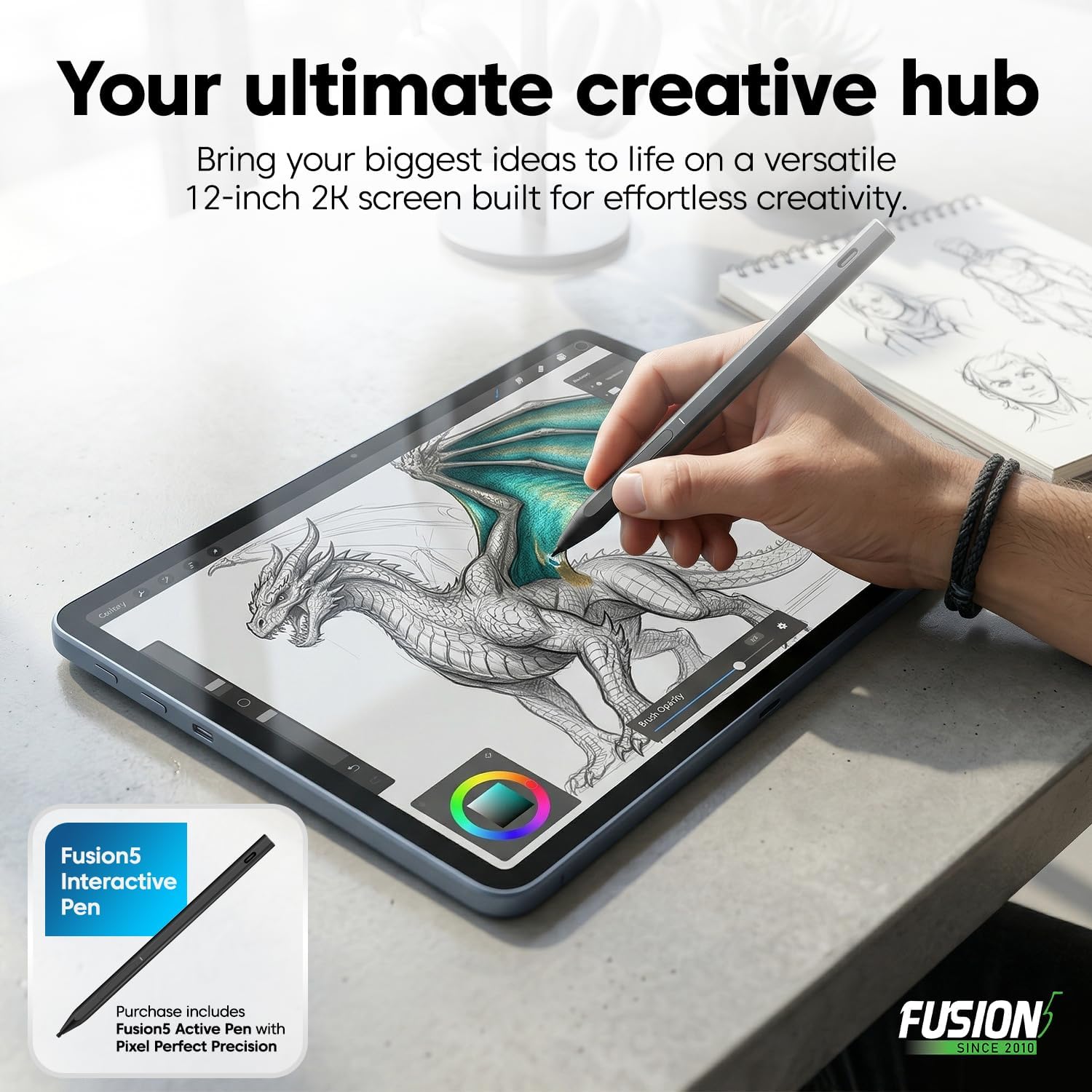
It also includes a Fusion5 stylus pen with “pixel-perfect precision” positioning. That’s the sort of language that’s hard to verify without testing, but the intended use is clear: annotate documents, work through creative workflows, and sketch directly on the screen. If your routine includes note-taking, markup, or digital drawing, having the pen included is a real convenience.
What stands out in everyday use: active fan cooling + fast charging
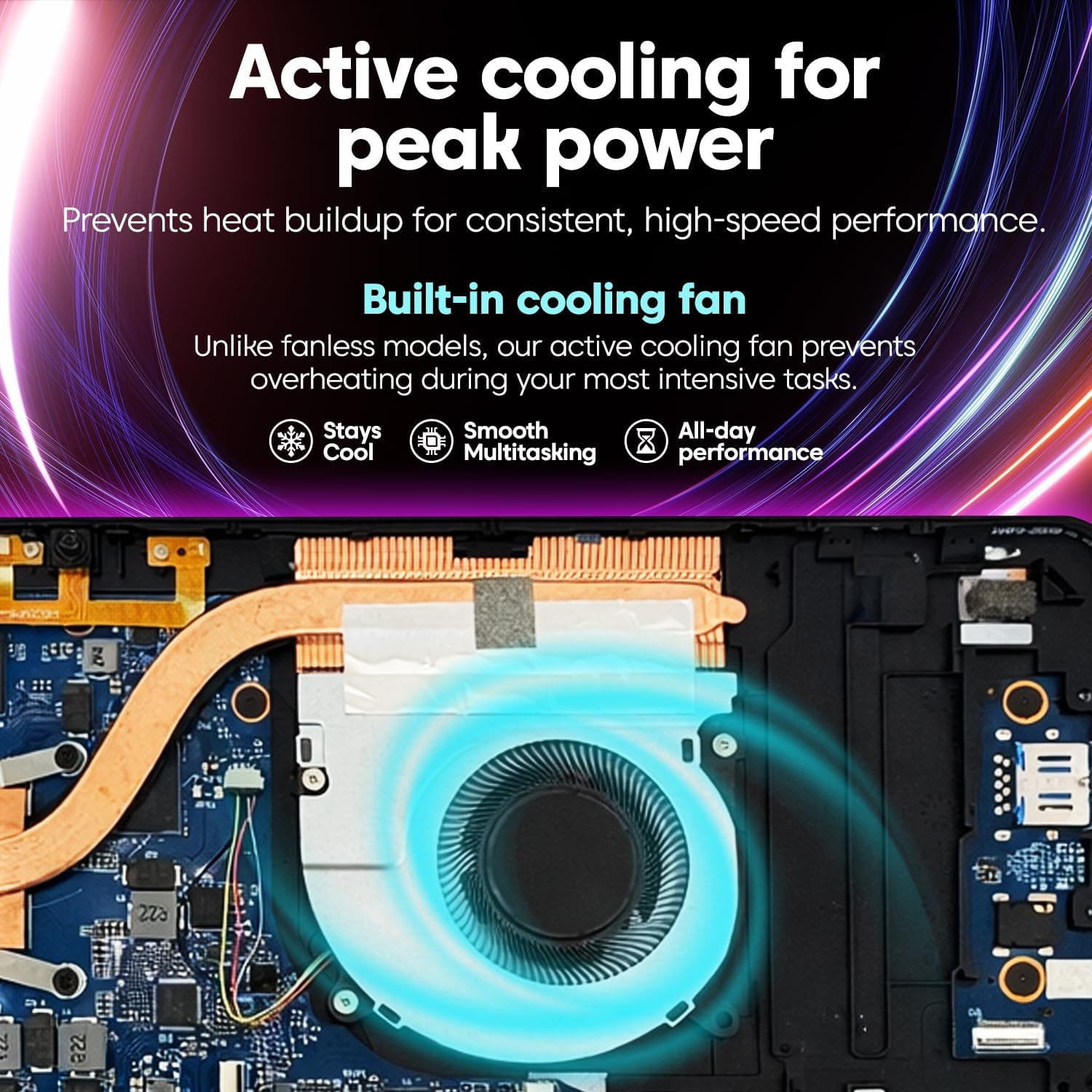
A built-in cooling fan is included specifically for heavier workloads. The benefit here is straightforward: steadier performance during extended use, with less risk of overheating-related throttling. Tablets can get warm quickly, so adding active cooling is a plus if you plan to multitask, use creative software, or run longer sessions.

On the power side, the tablet supports 36W USB-C Power Delivery fast charging. The base description also mentions a 7.6V 4500mAh battery, but the purchase-relevant point is the ability to recharge quickly via USB-C so you’re not constantly tied to a single outlet.
Performance and storage: 12GB DDR5 + 512GB SSD
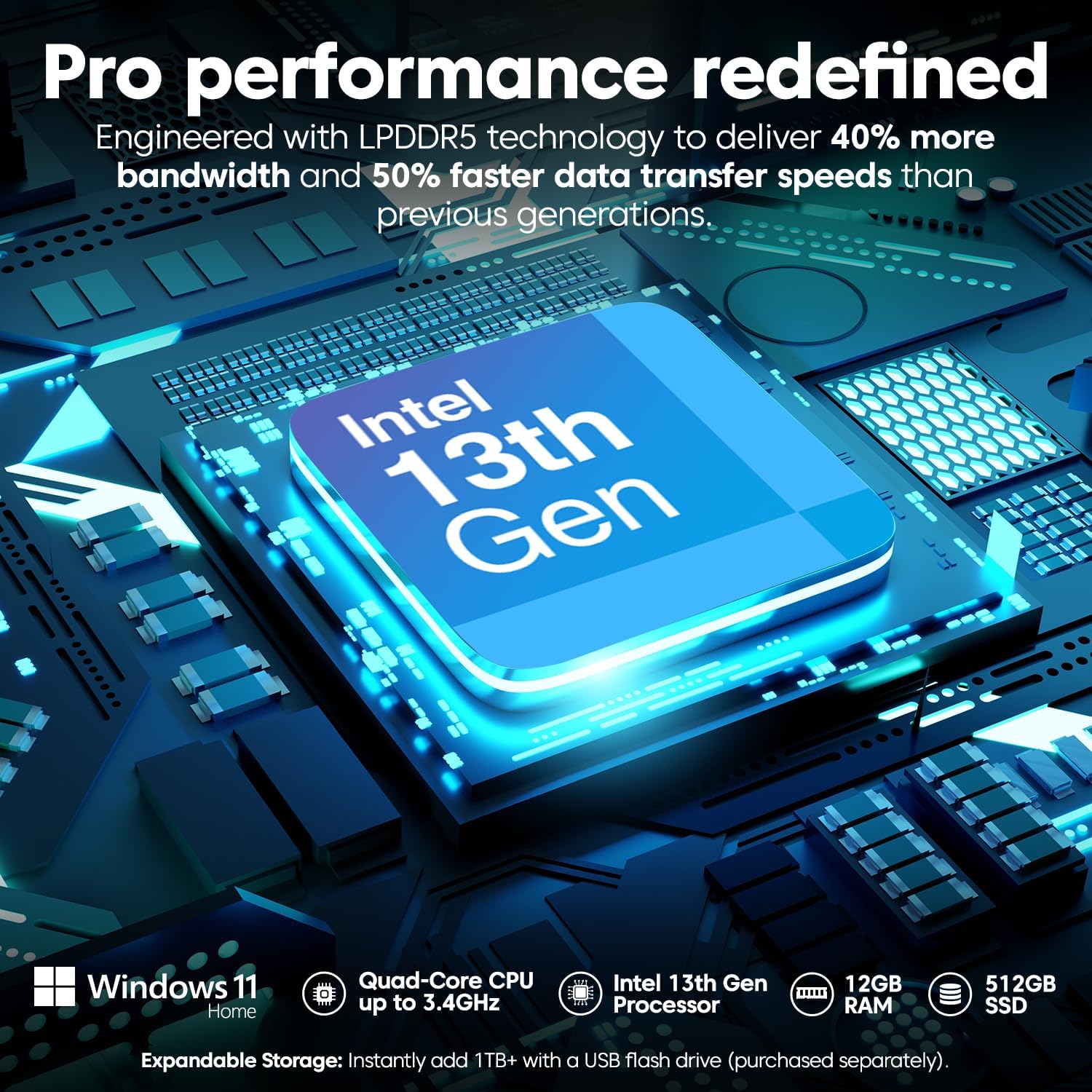
This model comes with 12GB DDR5 RAM and a 512GB SSD. For a Windows tablet, that pairing is often where “feels responsive” lives—especially when you’re juggling browser tabs, office-style work, and media files. DDR5 being next-gen is a marketing term, but in everyday use it generally signals modern memory support.
For storage, 512GB gives you room for apps, files, and media without immediately worrying about external drives. It’s also the kind of capacity that makes sense if you want the tablet to act more like a main device (at least for many tasks) rather than a constantly-offloading companion.
Connectivity and ports: flexibility you’ll actually use
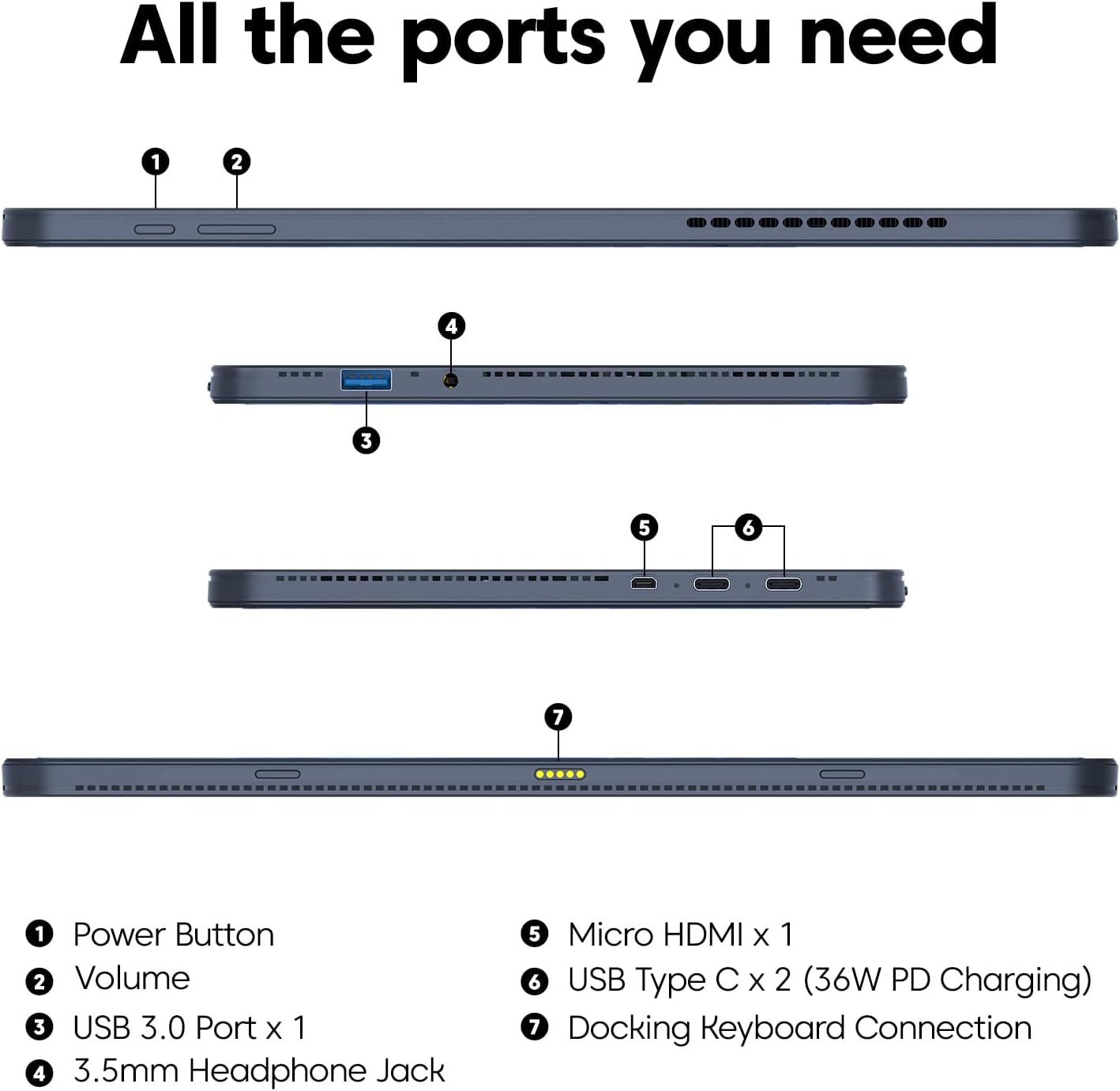
Connectivity is one of those “you don’t miss it until you need it” areas. This tablet includes two full-function USB-C ports, plus USB 3.0, Micro HDMI, and a 3.5mm headphone jack. If you plan to connect accessories, use audio, or mirror content to a display, those port options are a practical advantage.
The mention of Micro HDMI matters if you want simple output to a TV or monitor. And two USB-C ports can reduce the need for adapters—depending on what you use day to day.
Tech specs (from the provided info)
- Name: Fusion5 2026 Version 12" 2K Display Windows 11 Tablet PC
- Type: Windows 11 tablet computer (tablet PC)
- Display: 12-inch 2K touchscreen, 2000x1200 resolution, 16:10 aspect ratio
- Processor: Intel Qud-Core (as listed)
- Memory (RAM): 12GB DDR5
- Storage: 512GB SSD
- Charging: 36W USB-C Power Delivery (fast charging)
- Ports: two full-function USB-C ports, USB 3.0, Micro HDMI, 3.5mm headphone jack
- Cooling: built-in fan (active cooling)
- Battery (as listed): 7.6V 4500mAh
- Included: Fusion5 stylus pen
Who it’s for (and who should be cautious)
It makes sense if you want a 12-inch Windows tablet that can handle multitasking and heavier sessions more comfortably thanks to the built-in fan. It also fits well if you care about a stylus experience for annotating, creative work, or sketching—especially since the pen is included.
It might not suit you if you’re expecting a tablet to replace a power-heavy desktop for demanding workloads, or if your app usage is unpredictable. Also, the description emphasizes performance stability with the fan, but it’s still worth remembering that real-world results can depend on the software you run.
If you mainly need simple media consumption, basic reading, or very light tasks, you may find a smaller, simpler device meets your needs with less cost or complexity. This one is more “work-capable Windows tablet” than “casual slate.”
Is it worth it?
Buy it if you’re specifically shopping for a Windows 11 tablet PC with a 12-inch 2K touchscreen, a stylus pen included, 12GB DDR5 RAM, 512GB SSD storage, and active cooling for sustained use. The mix of ports (two USB-C, USB 3.0, Micro HDMI) plus 36W USB-C fast charging is the kind of everyday convenience that can make a tablet feel usable beyond the first week.
Skip it or keep expectations grounded if you don’t actually need Windows, don’t care about pen input, or you only want a device for short, light sessions. In that case, the specs may be more than what you’ll use.
Mini-FAQ
What’s the display resolution on this Fusion5 Helios 12" tablet?
It’s listed as 2000x1200 on a 12-inch 2K touchscreen with a 16:10 aspect ratio.
Does it include a stylus pen?
Yes. The listing says it includes the Fusion5 stylus pen.
Does it have active cooling?
Yes, it includes a built-in fan designed to help maintain performance during heavier workloads.
How does it charge?
It supports 36W USB-C Power Delivery fast charging.
What ports are available?
It lists two full-function USB-C ports, USB 3.0, Micro HDMI, and a 3.5mm headphone jack.