

15.6 Inch Digital Calendar 32GB
Product description
Key features
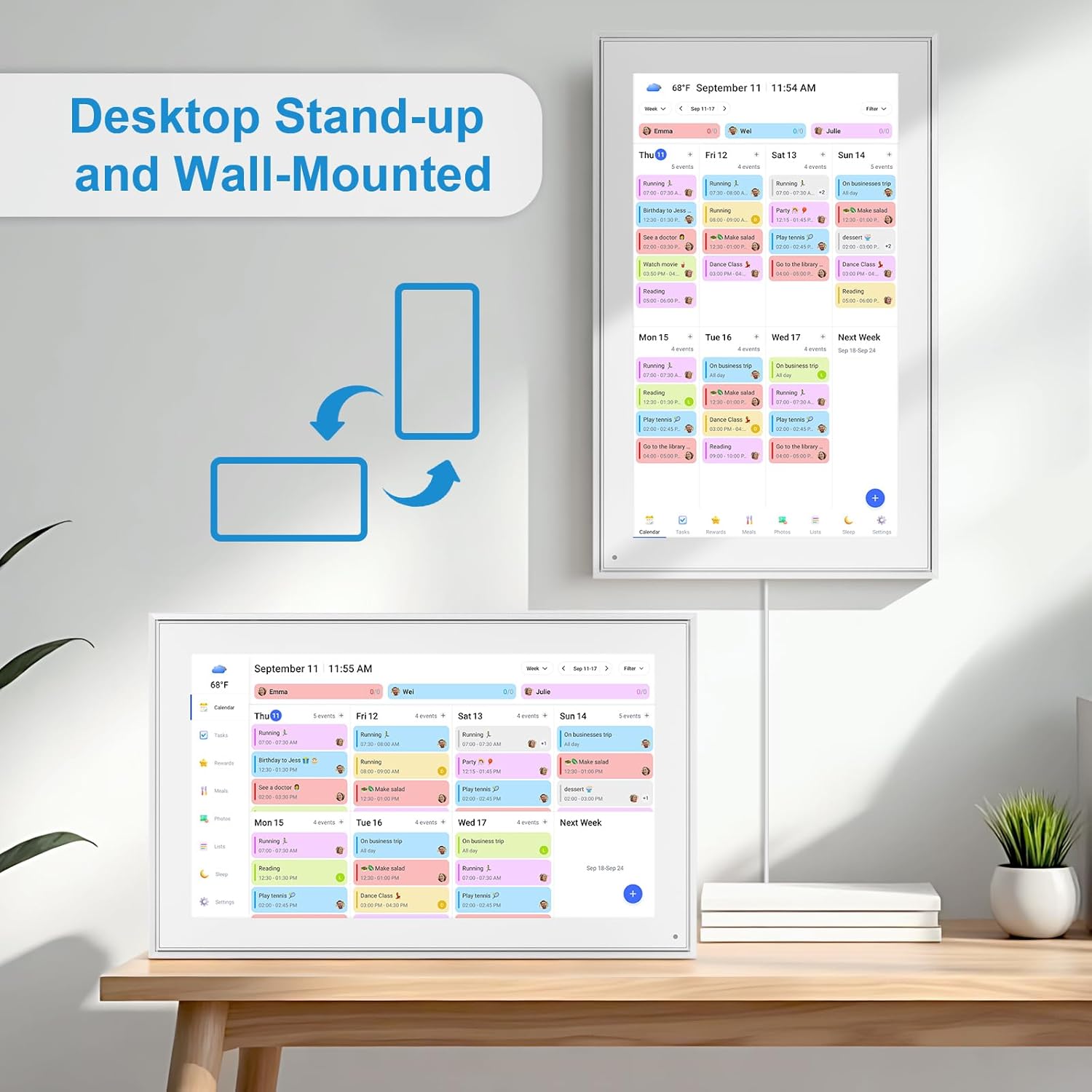
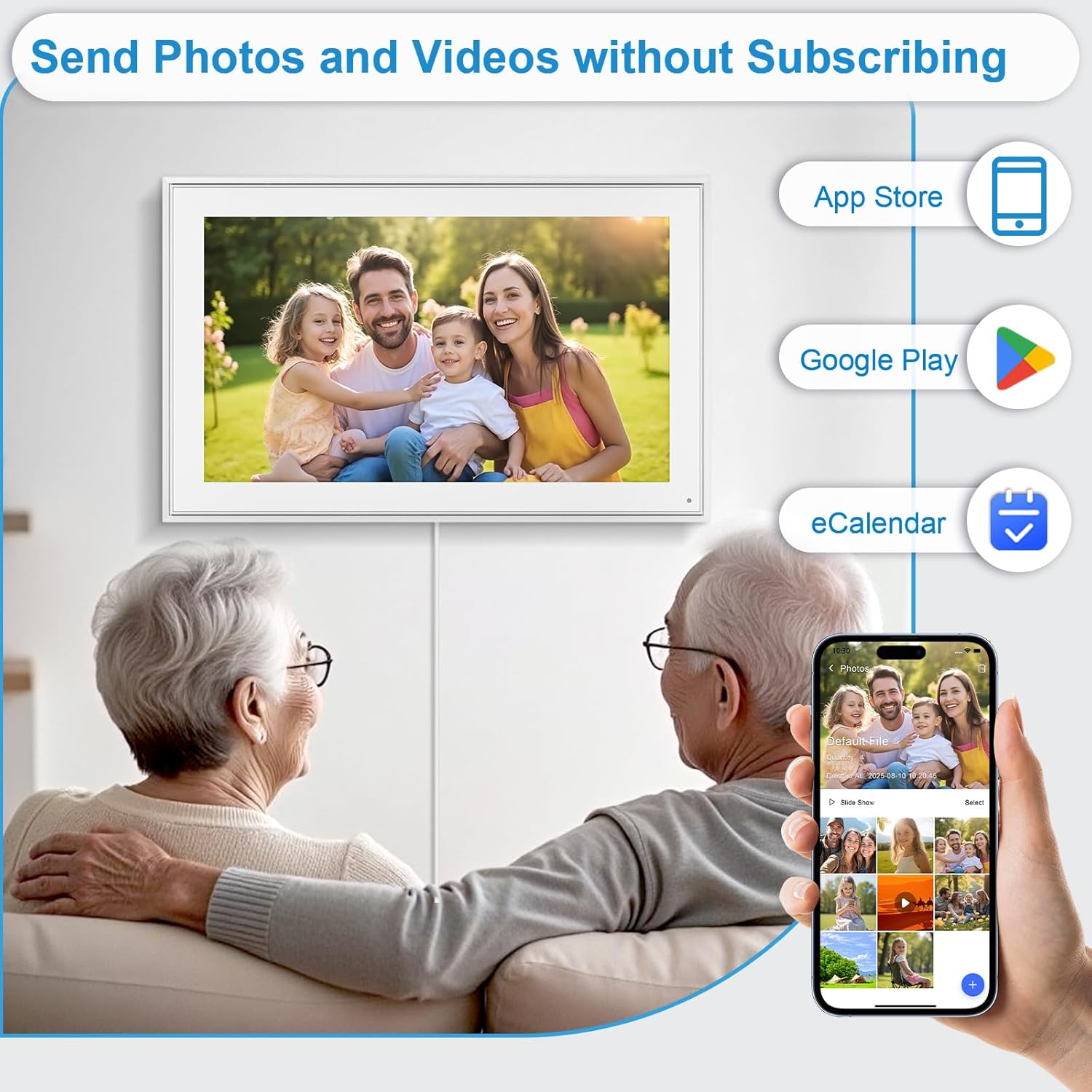
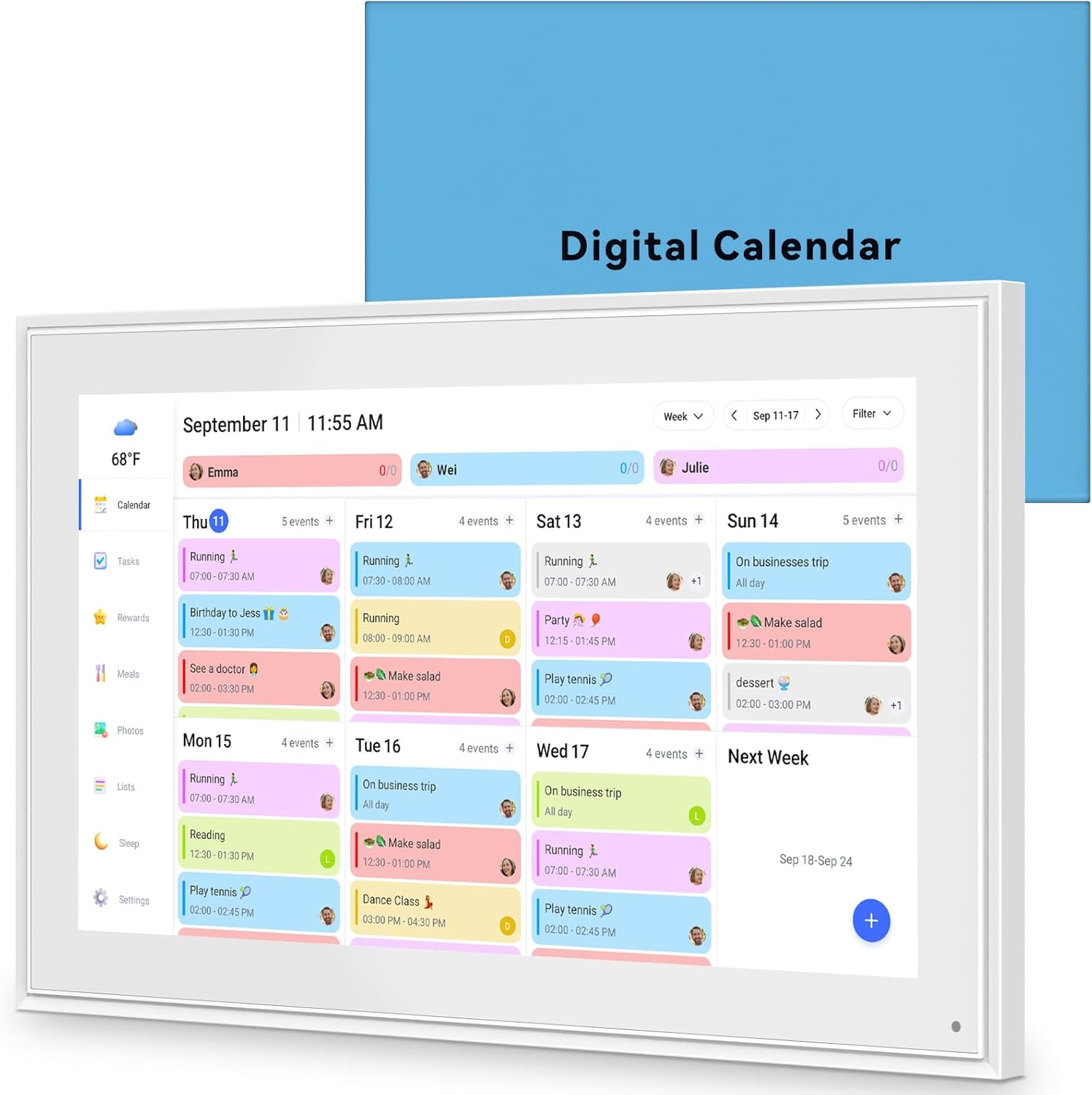
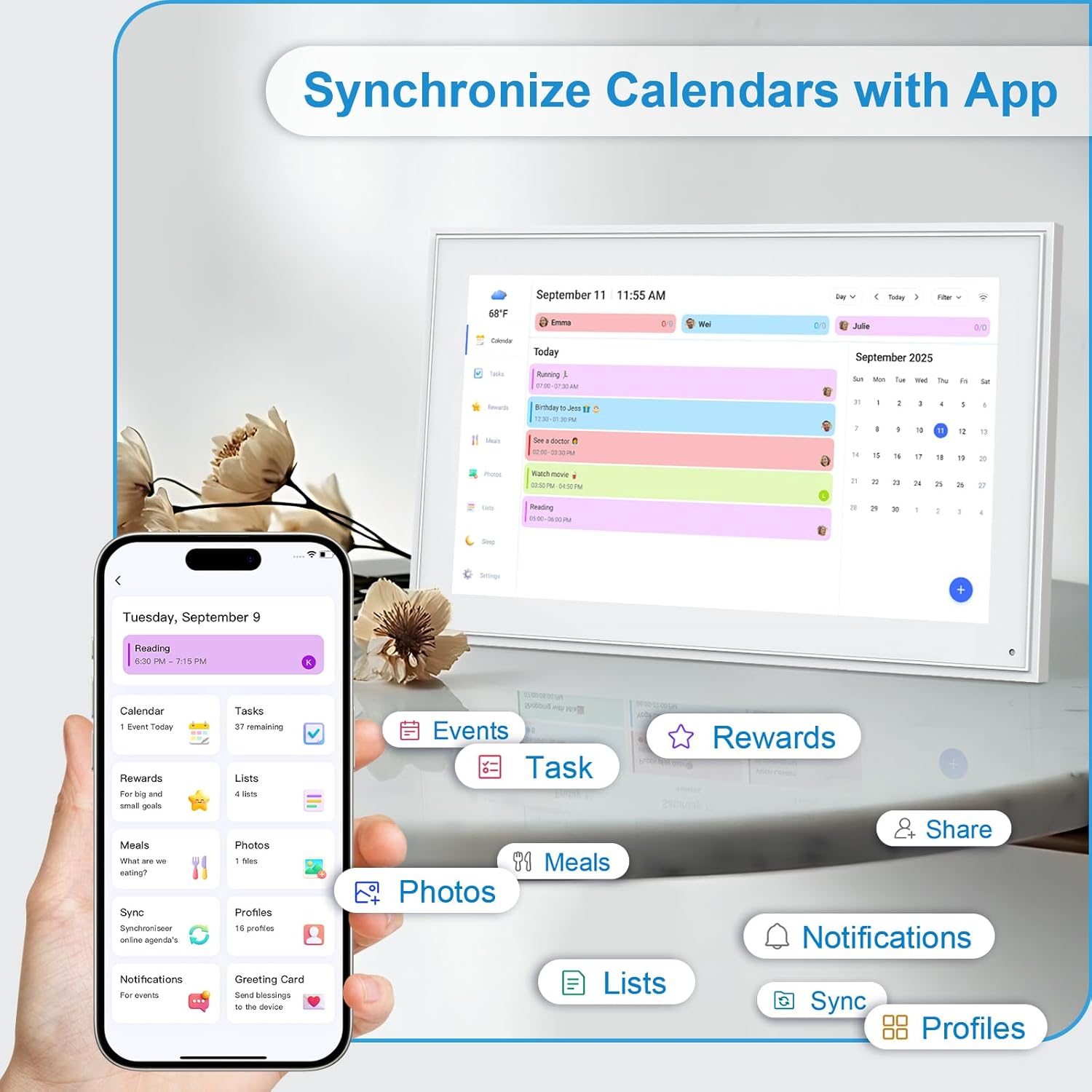
A touchscreen family planner that combines calendar syncing, chore charts, meal planning and a photo frame into a single 15.6 inch device. This smart calendar syncs with Google, iCloud, Outlook, Cozi and Yahoo, and connects over 2.4 or 5 GHz Wi-Fi so everyone's schedules live in one place. The built-in 32GB memory stores photos and videos, turning downtime into a scrolling album that keeps family moments on display.
Technical details
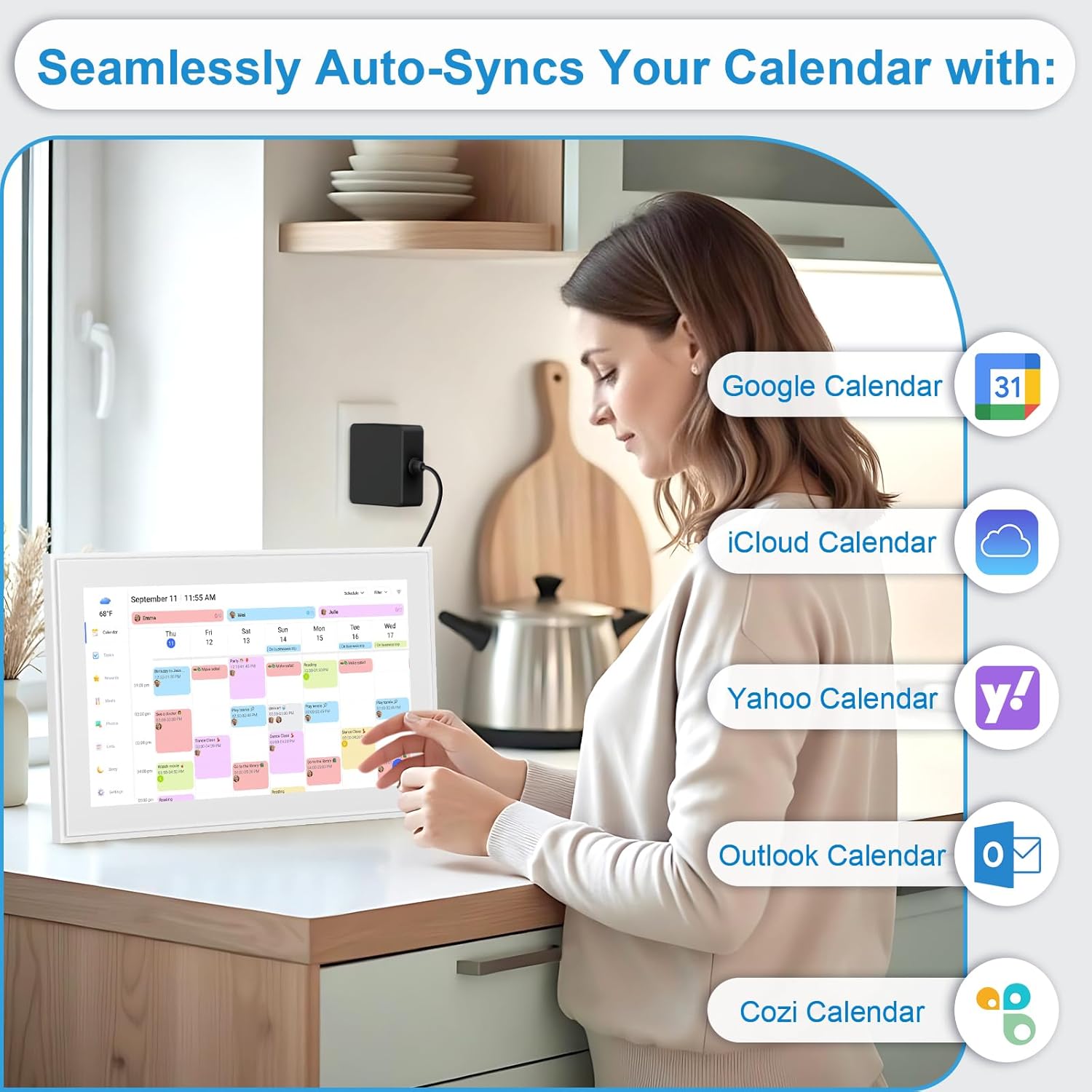
- Name: 15.6 Inch Digital Calendar Wall Touch Screen Chore Chart
- Size: 15.6 inch
- Capacity: 32GB
- Format: Touch screen display
- Connectivity: 2.4/5GHz Wi-Fi
Benefits
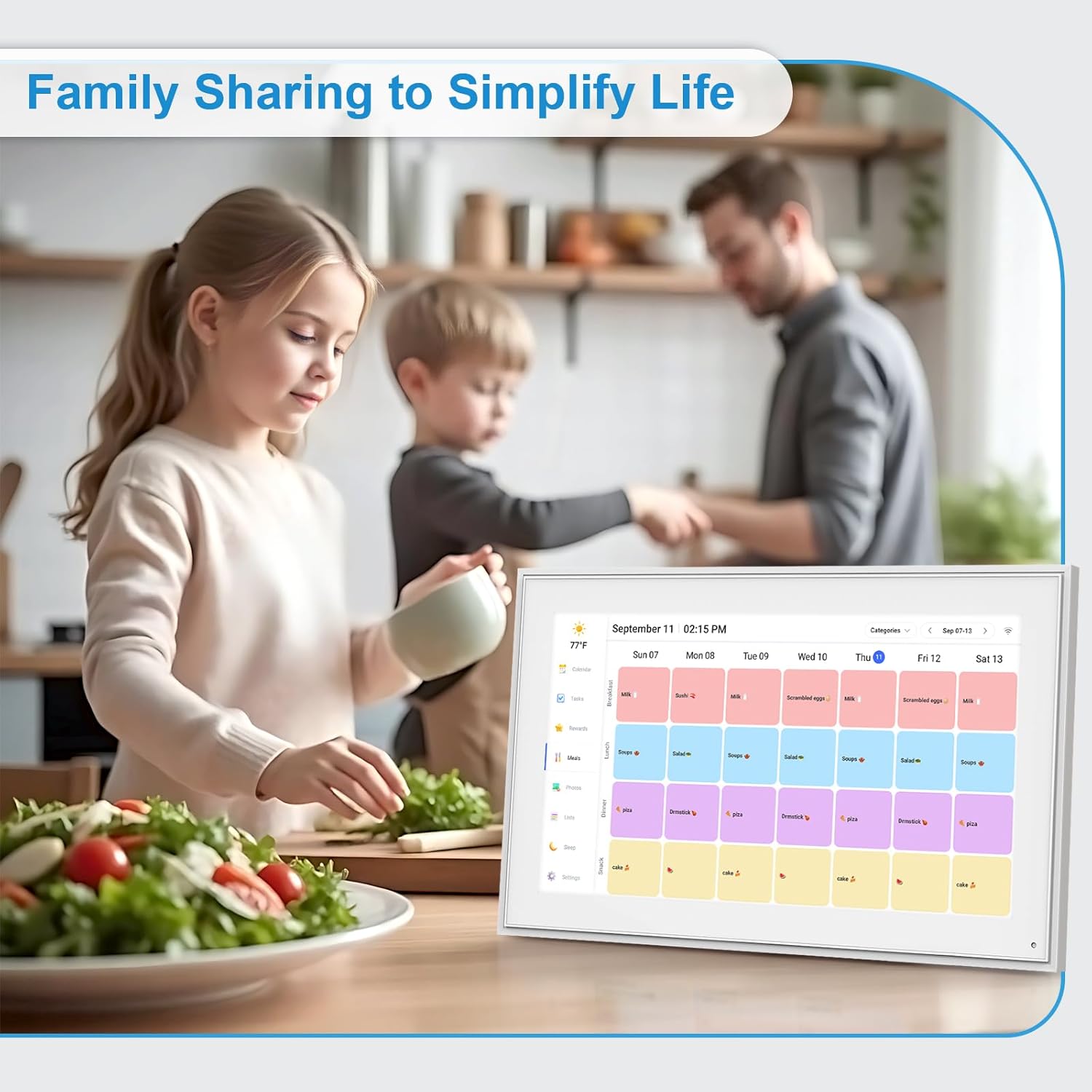
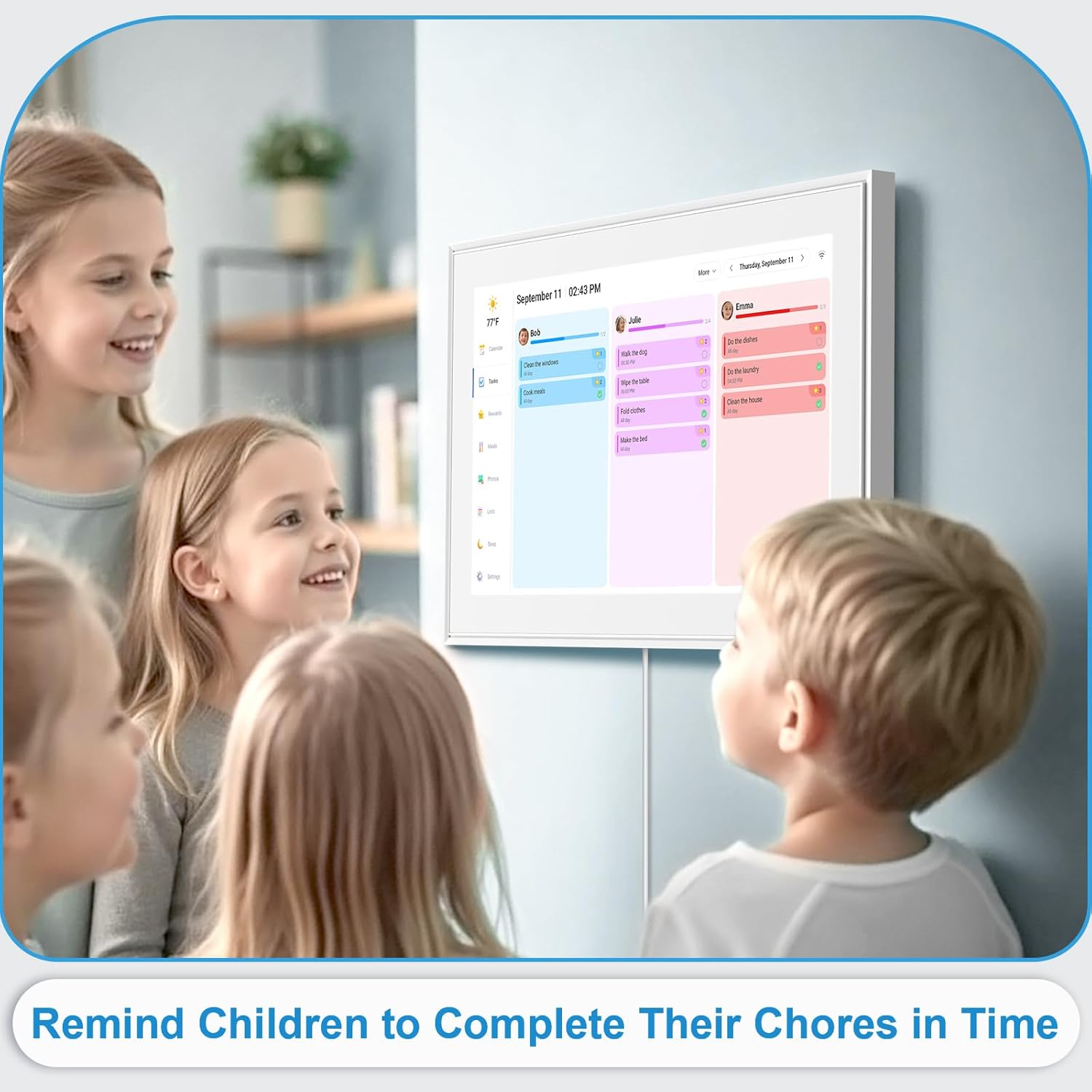
This device reduces daily friction by making schedules and tasks visible to the whole household. Assign colors to each family member so events are easy to scan, create recurring chores to build routine, and plan weekly meals to remove the nightly dinner scramble. The photo frame feature adds warmth to a busy room, and the option to wall mount or use the included desktop stand fits different spaces.
Who it’s for
It’s a great fit if you want a single hub for family organization and memories. Parents juggling activities will appreciate clear visual cues and shared access, while kids respond well to colorful chore charts that track progress. Ten in mind that full functionality depends on syncing with supported calendar services and a stable Wi-Fi connection.
Getting the most from it
Set up accounts and calendar sync first to populate events quickly, then assign member colors and add recurring chores in short sessions. Use the photo feature to rotate family pictures during evenings, and switch between wall and desk placement based on daily traffic and visibility. The device works best as a central family touchpoint, not a replacement for personal phones or calendars.