

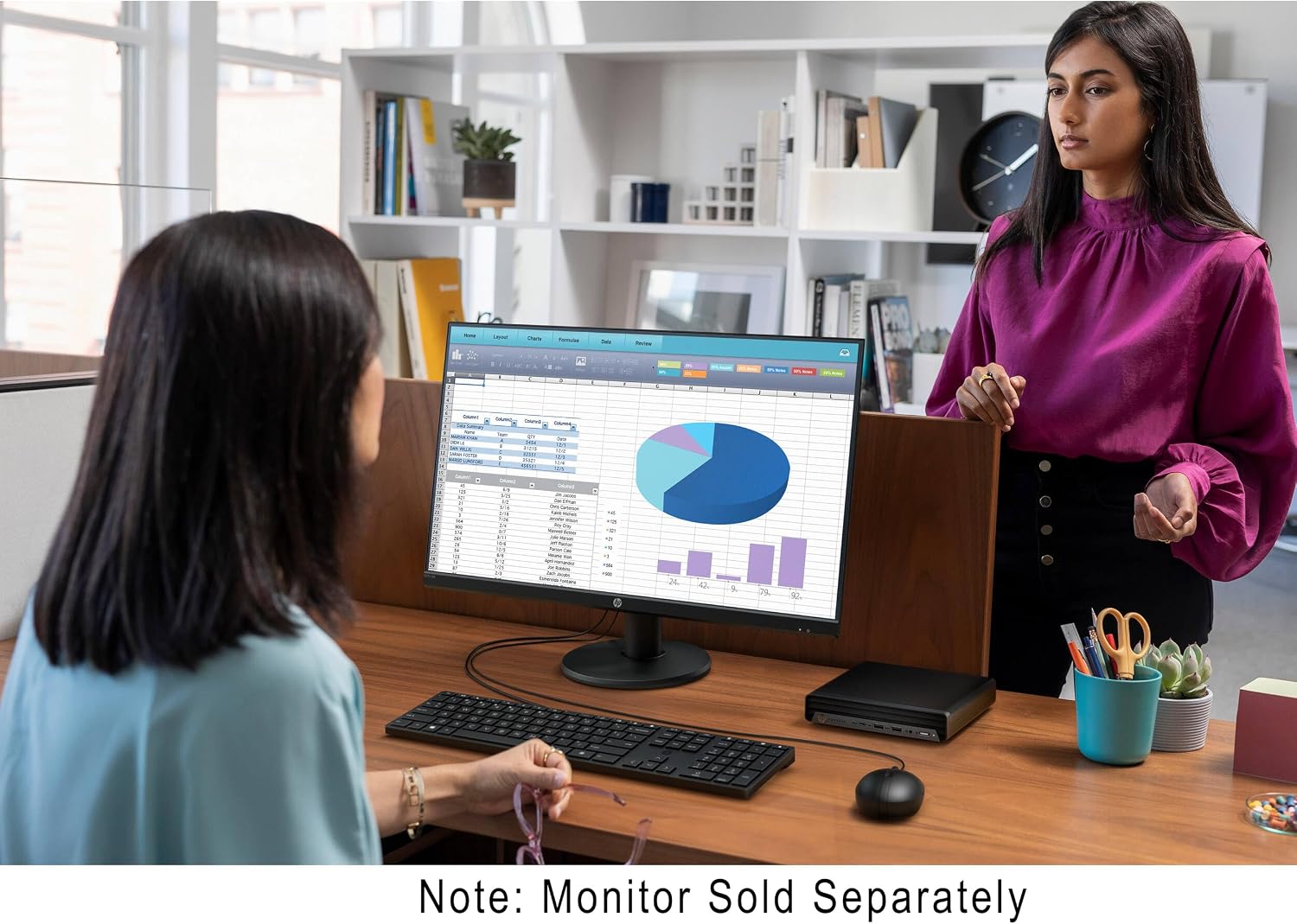
HP Mini Desktop PC with 16GB DDR4 RAM
Product description
For a desk where a full-size tower would take up more room than the work requires, this HP mini desktop keeps its focus on everyday business computing. Its compact format is paired with an Intel Core i5 six-core processor, 16GB of DDR4 memory, and a 512GB PCIe SSD.
That combination is aimed at common office tasks rather than a specific specialist workload. Windows 11 Pro is included, along with wireless connectivity and ports for a multi-display setup.
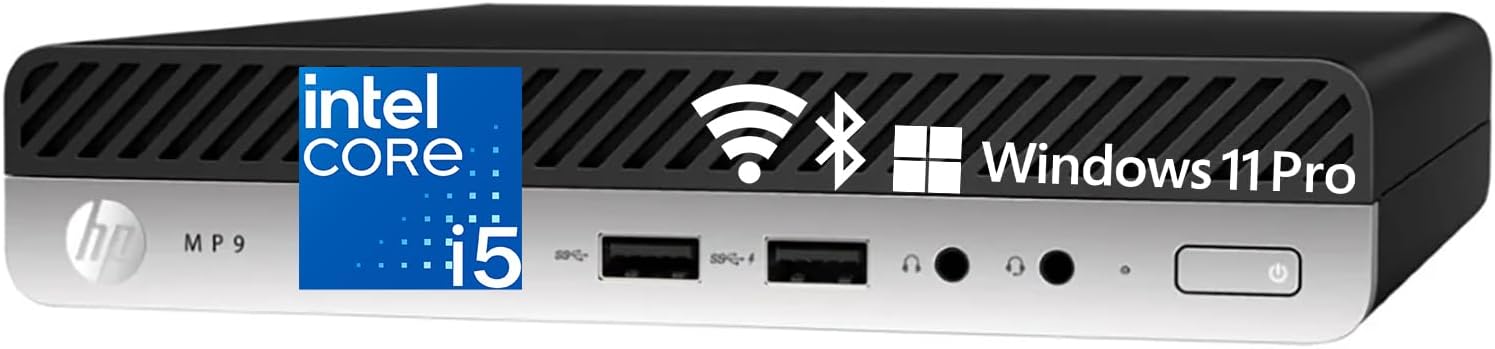
If you prioritize a small desktop with built-in business features, this is a more space-conscious approach than a traditional tower, if you prefer a system with clearly documented graphics or upgrade details, the listing leaves more questions open.
Where it shines
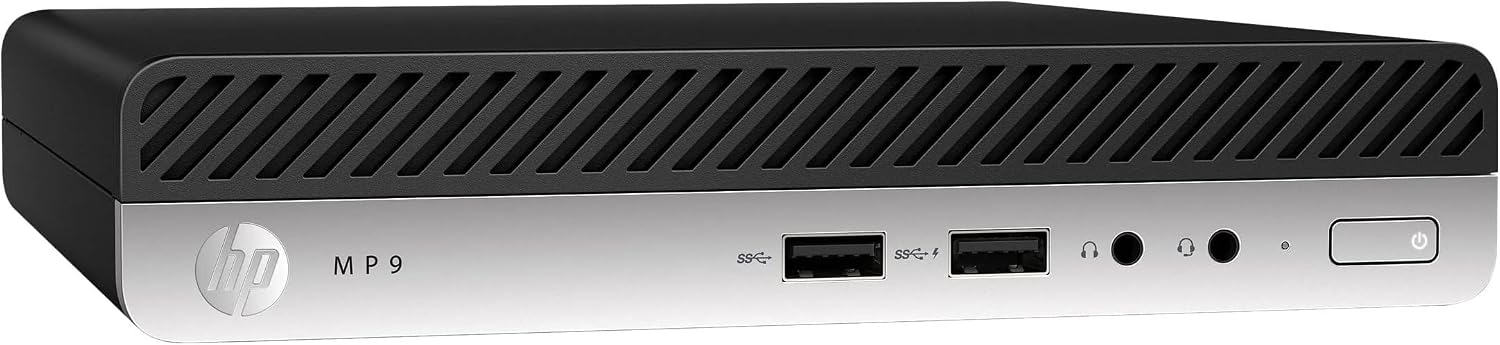
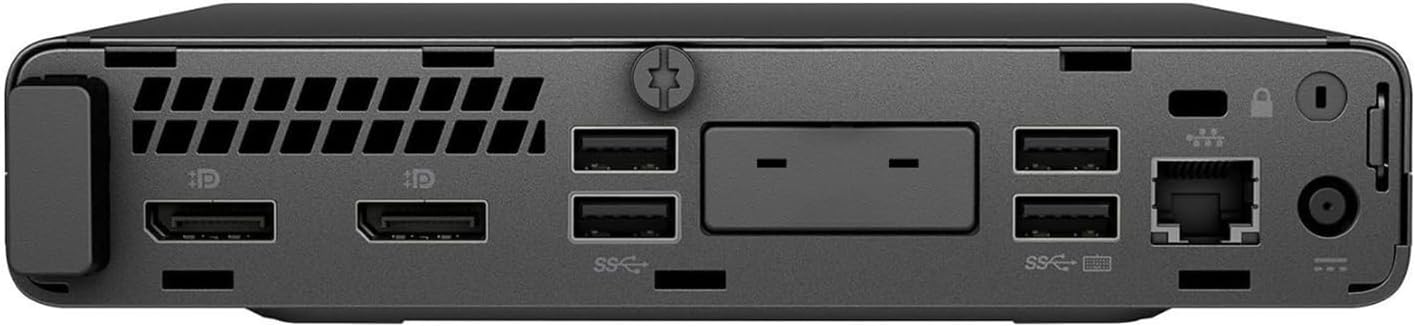
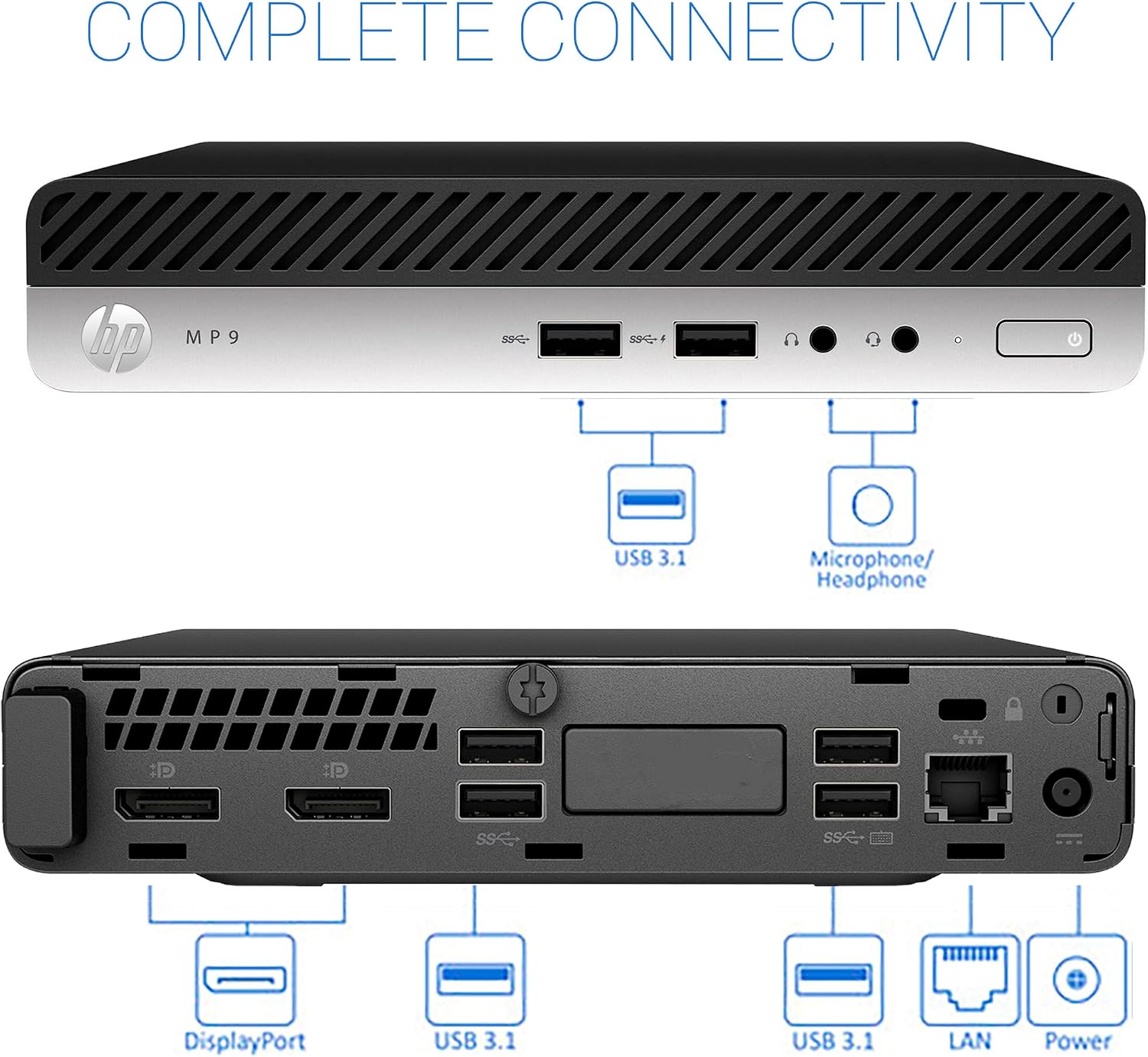
The clearest practical benefit is the option to connect two displays through the pair of DisplayPort 1.2 outputs. For example, you could keep a spreadsheet open on one screen while using the other for email or a video meeting. That setup may make routine office work easier to organize, provided you already have compatible displays and cables.
The 16GB of DDR4 RAM and 512GB PCIe SSD give this configuration a useful foundation for multitasking and storing work files. Wi-Fi and Bluetooth help reduce the need for wired network and accessory connections, while USB-C and multiple USB 3.1 ports provide options for connecting peripherals. The listing does not specify what accessories are included, so plan around the keyboard, mouse, and displays you already own rather than assuming they come in the box.
What to know
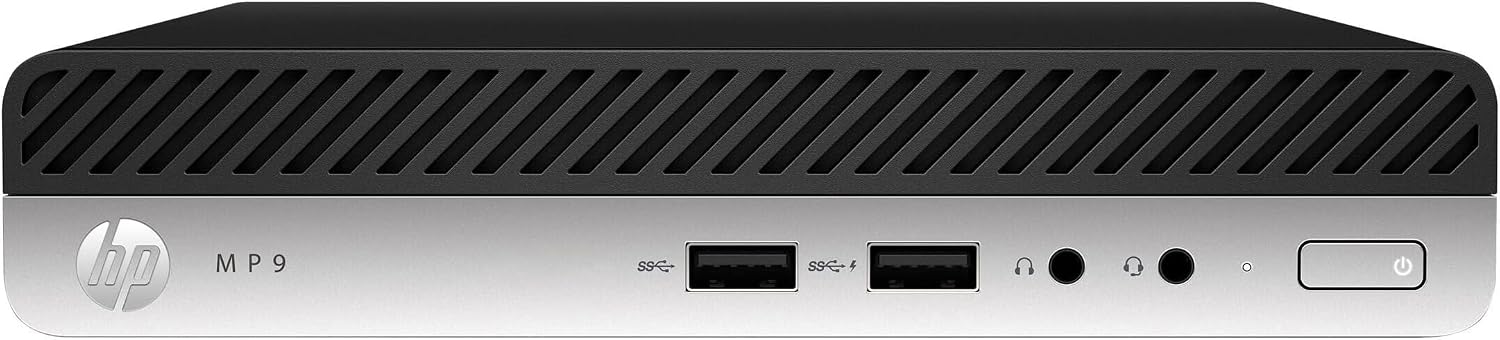
The processor is described as an Intel Core i5 with six cores, but there is no exact processor model listed. Graphics details are also absent. That makes it difficult to judge how this PC would handle specialized applications, graphics-heavy work, or workloads that depend on a particular CPU generation. Its stated configuration is easier to assess for general office use than for demanding professional tasks.
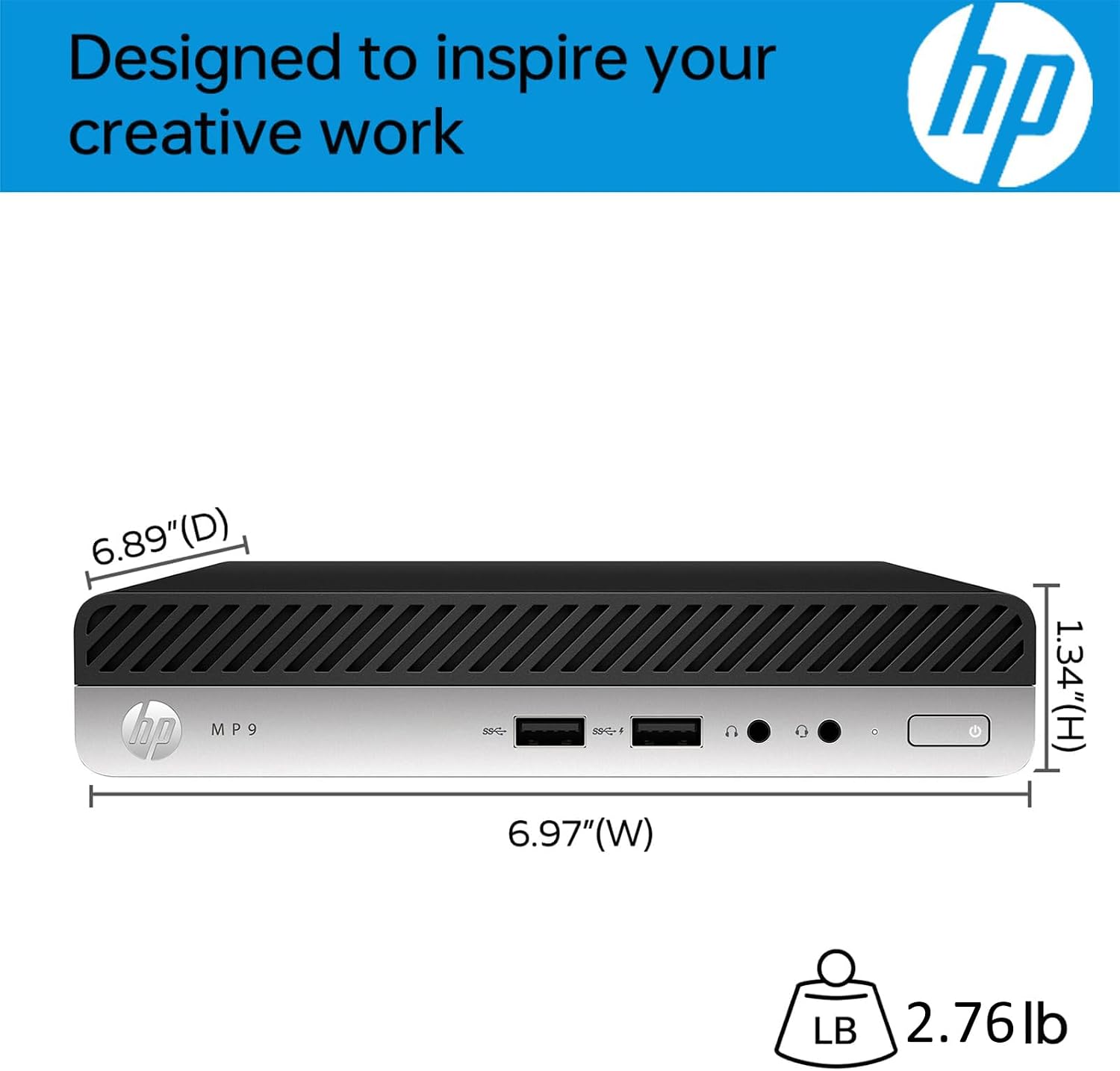
Windows 11 Pro 64-bit is part of the package, which may suit a business-oriented setup. Still, the description does not provide further details about upgrade options, physical dimensions, or wireless standards. If those specifics affect your workspace or software requirements, look for them in the full listing before making a decision. Worth considering if you need a compact computer for typical productivity and value having two DisplayPort outputs. It’s not for you if your work depends on confirmed graphics capabilities, a precisely identified processor, or documented expansion options.
Best use cases
This mini desktop makes the most sense for a home office, a small business workstation, or a desk that needs two screens without accommodating a larger tower. Picture switching between a document and a browser during a workday, with both displays connected directly to the computer. Wi-Fi, Bluetooth, and the available USB ports also give you several ways to connect without relying on one connection type.
Compared with a basic PC that has less memory or storage, the stated 16GB and 512GB configuration offers more room for everyday multitasking and local files. A larger, more fully specified desktop may be a better fit for graphics-intensive projects or users who want clear details about upgrades. The right choice depends less on the mini format alone and more on whether its listed ports and known specifications match your actual workload.
Is it worth it?
This HP is worth a closer look if your priority is a compact Windows 11 Pro desktop for routine business tasks, with 16GB of RAM, a PCIe SSD, and support for two DisplayPort monitors. Those are concrete reasons to consider it for a tidy office setup rather than choosing a bulkier tower by default.
The main trade-off is limited detail: the exact CPU model and graphics capability are not identified in the provided information. If your work is mostly documents, browsing, and standard office multitasking, the listed configuration may cover the essentials. If you need predictable performance for demanding software, or want to compare upgrade potential before choosing, a desktop with fuller specifications is the more informed buy.