

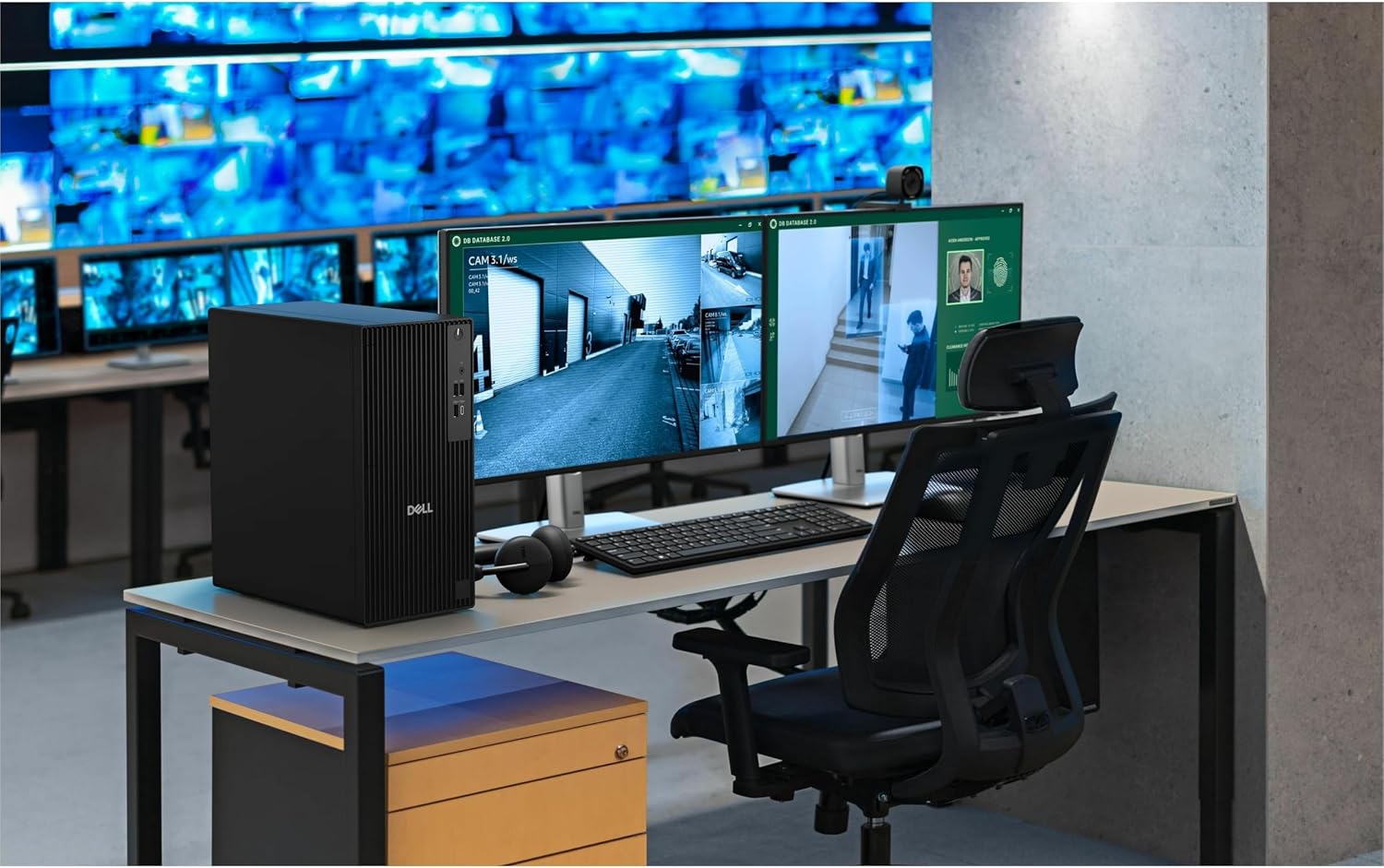
Dell Desktop PC, 1TB SSD
Product description
What to know
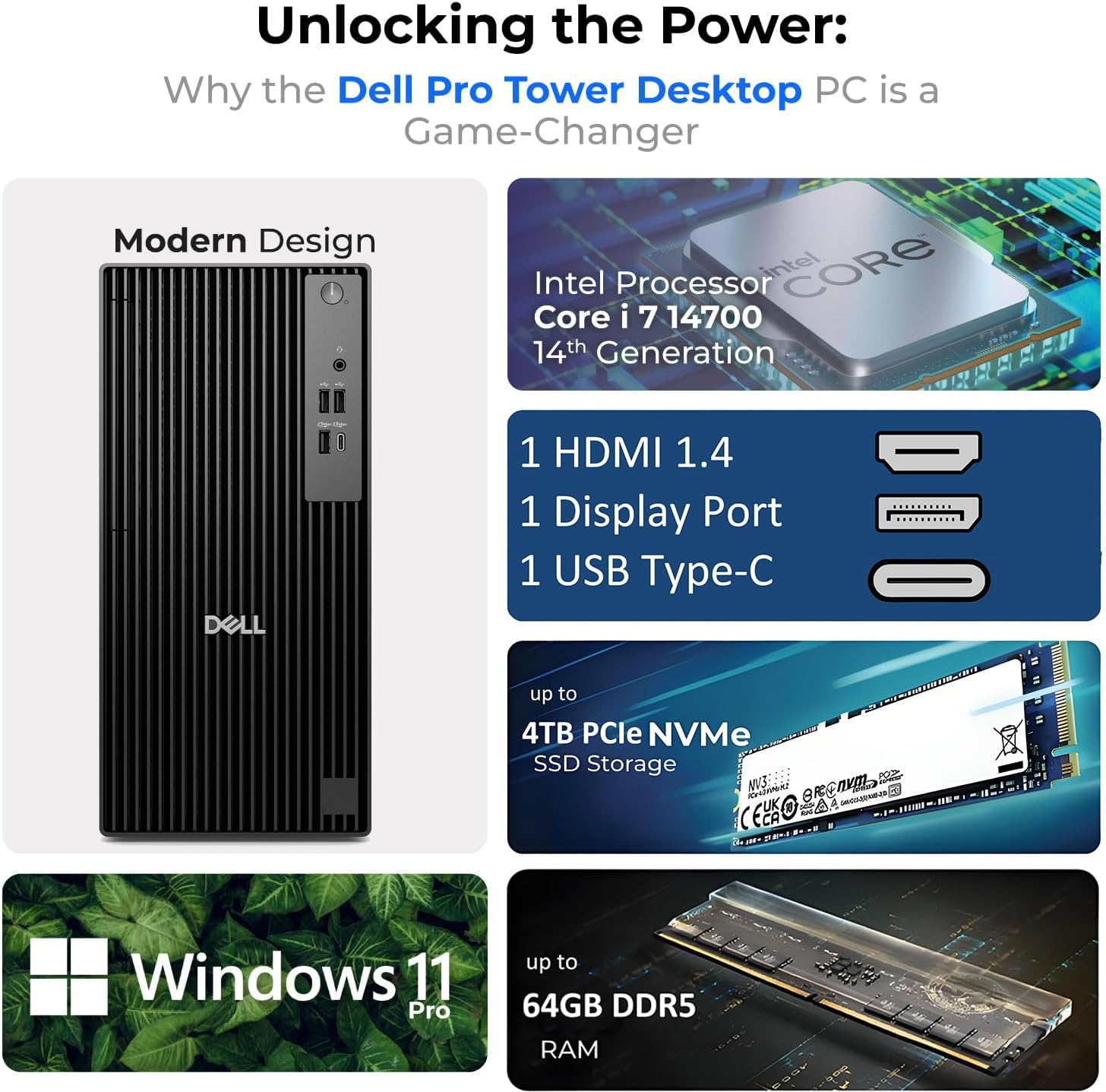
For small-business teams, office deployments, and IT departments managing multiple workstations, this Dell Pro Tower pairs an Intel Core i7-14700T vPro processor with 16GB of DDR5 memory and a 1TB PCIe NVMe SSD. Windows 11 Pro adds business-focused features such as BitLocker, Remote Desktop, and domain join, while vPro is intended to support security and remote management in managed environments.
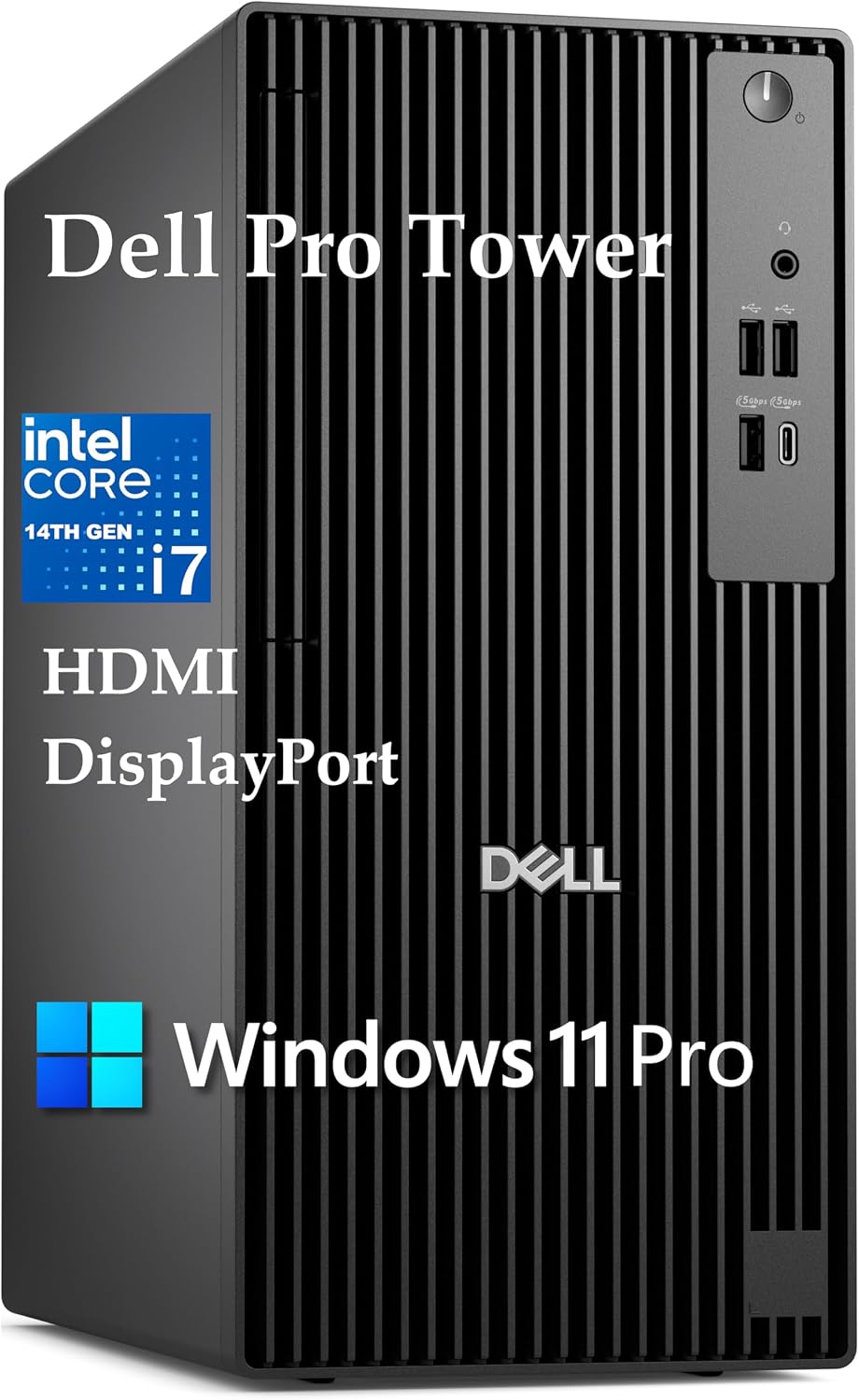
The practical appeal is a desktop built around everyday business workloads, with room for multitasking and a multi-display setup. Keep in mind that Wi-Fi is not built in, the listing specifies a USB Wi-Fi adapter instead.
Best use cases
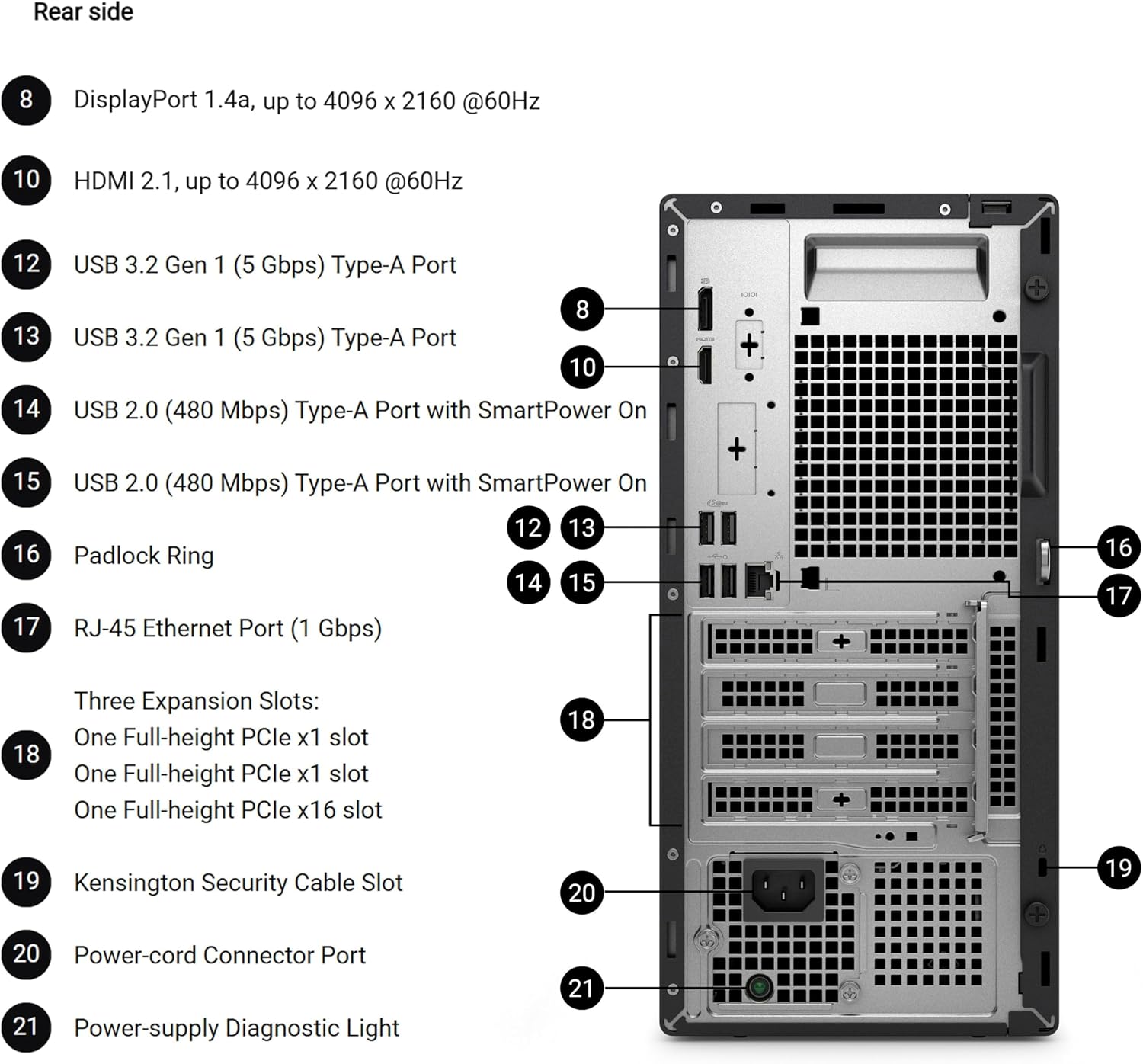
This configuration makes sense for office applications, business analytics, data processing, and workflows that benefit from several apps open at once. For example, someone handling a spreadsheet, a video meeting, and business software across two screens can make use of its multi-display support. Intel UHD Graphics 770 supports up to two 4K displays at 4096x2160 and 60Hz through HDMI 2.1 and DisplayPort 1.4a.
It also suits organizations that value centralized deployment and management more than a compact desktop. The tower format and stated remote-management capabilities are relevant when an IT team needs to maintain several systems. For demanding creative work, however, the listing names integrated Intel UHD graphics rather than a dedicated graphics card, so buyers focused on graphics-heavy production may prefer a workstation configured specifically for that use.
Tips for day-to-day use
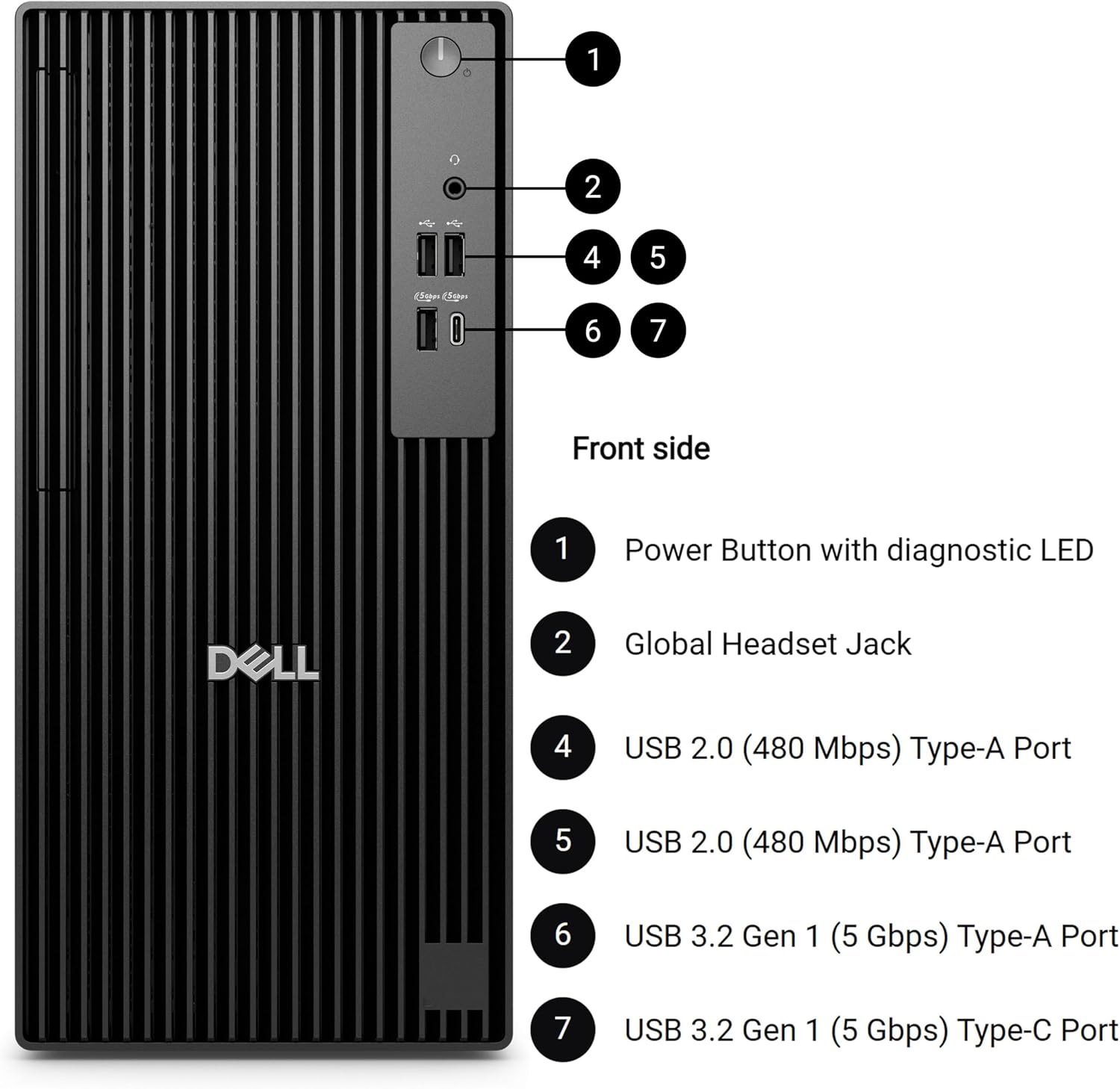
Plan your desk setup around the connections you actually need. The system lists eight USB ports across Type-A and Type-C, Gigabit Ethernet, HDMI 2.1, and DisplayPort 1.4a. A two-screen desk can use the HDMI and DisplayPort outputs, while Ethernet offers a wired network connection if you do not want to rely on the included USB Wi-Fi adapter.
For business use, Windows 11 Pro’s BitLocker, Remote Desktop, and domain join features may fit an existing IT setup, but their usefulness depends on how your organization manages devices and accounts. It suits you if you want a Windows business tower with vPro management features and a stated 1TB SSD. You may want to skip it if built-in Wi-Fi or graphics hardware aimed at intensive creative work is a requirement.
Questions before you buy
Does it include built-in Wi-Fi? No. The listing says there is no built-in Wi-Fi and specifies a USB Wi-Fi adapter.
Can it run two 4K displays? The listed Intel UHD Graphics 770 supports up to two 4K displays at 4096x2160 and 60Hz, using HDMI 2.1 and DisplayPort 1.4a.
Which business features come with Windows 11 Pro? The product description names BitLocker encryption, Remote Desktop, and domain join. Whether those features fit your setup depends on your organization’s IT environment.
Is it worth it?
This tower is worth considering when your priority is a business-ready Windows desktop with vPro, 16GB DDR5, a 1TB SSD, and support for two 4K displays. Its appeal is less about specialized graphics performance and more about office productivity, connectivity, and manageability. Without having tried it, the clearest tradeoff from the listed details is the lack of built-in Wi-Fi, plus integrated graphics for buyers considering demanding visual workloads. Choose it for managed business use and multi-screen productivity, look at a differently configured desktop if wireless convenience or dedicated graphics matters more.