

Gleeso Kids Tablet 10.1-Inch
Product description
A tablet can keep a child occupied with a video in the car or give them a place to try a learning app at home. The Gleeso kids tablet pairs a 10.1-inch touchscreen with preloaded UKIDOZ Kids Space.
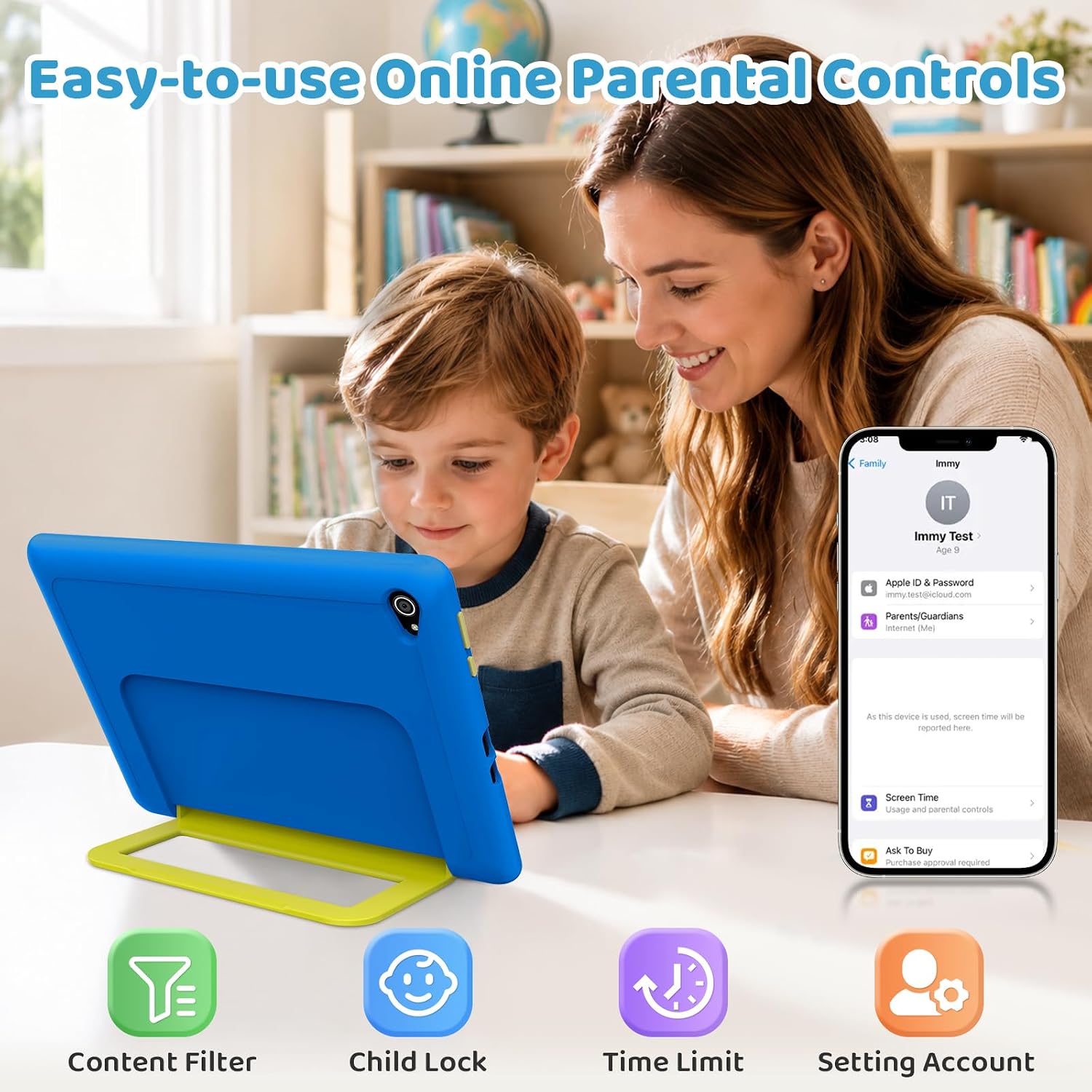
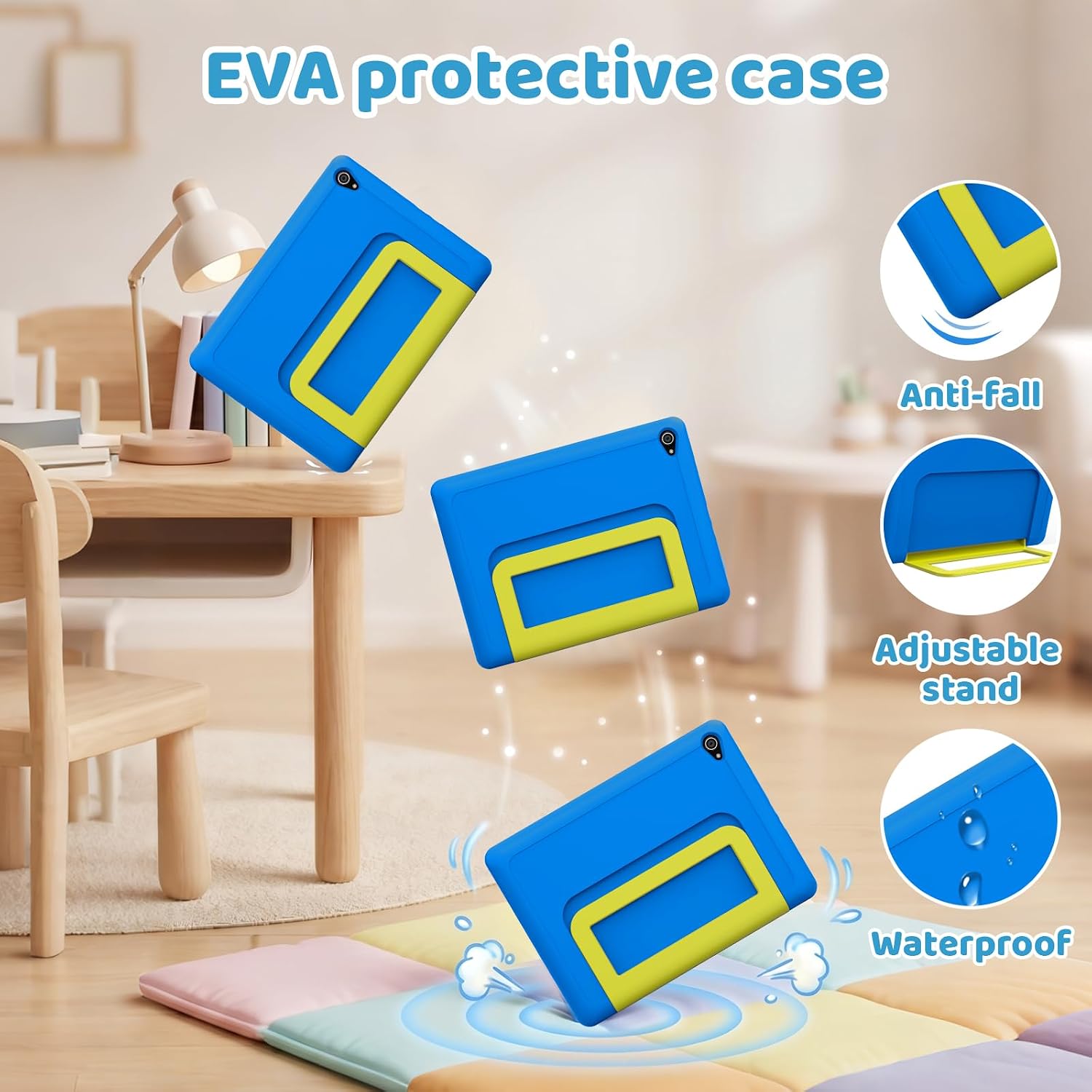
Its adjustable case stand is handy when little hands would rather watch than hold a screen. The listing describes UKIDOZ as intended for ages 3–12.
If you prioritize a child-focused setup with parental controls, this has more built-in guidance than a basic tablet. If you prefer a sharper display or a more demanding device for older users, its listed screen resolution is worth weighing.
Getting the most from it
Start by setting screen-time limits and choosing which apps your child can use. The parental controls are described as allowing remote app management, according to the maker. That can be useful when a child is settled on the couch and you want to manage access without taking the tablet away.
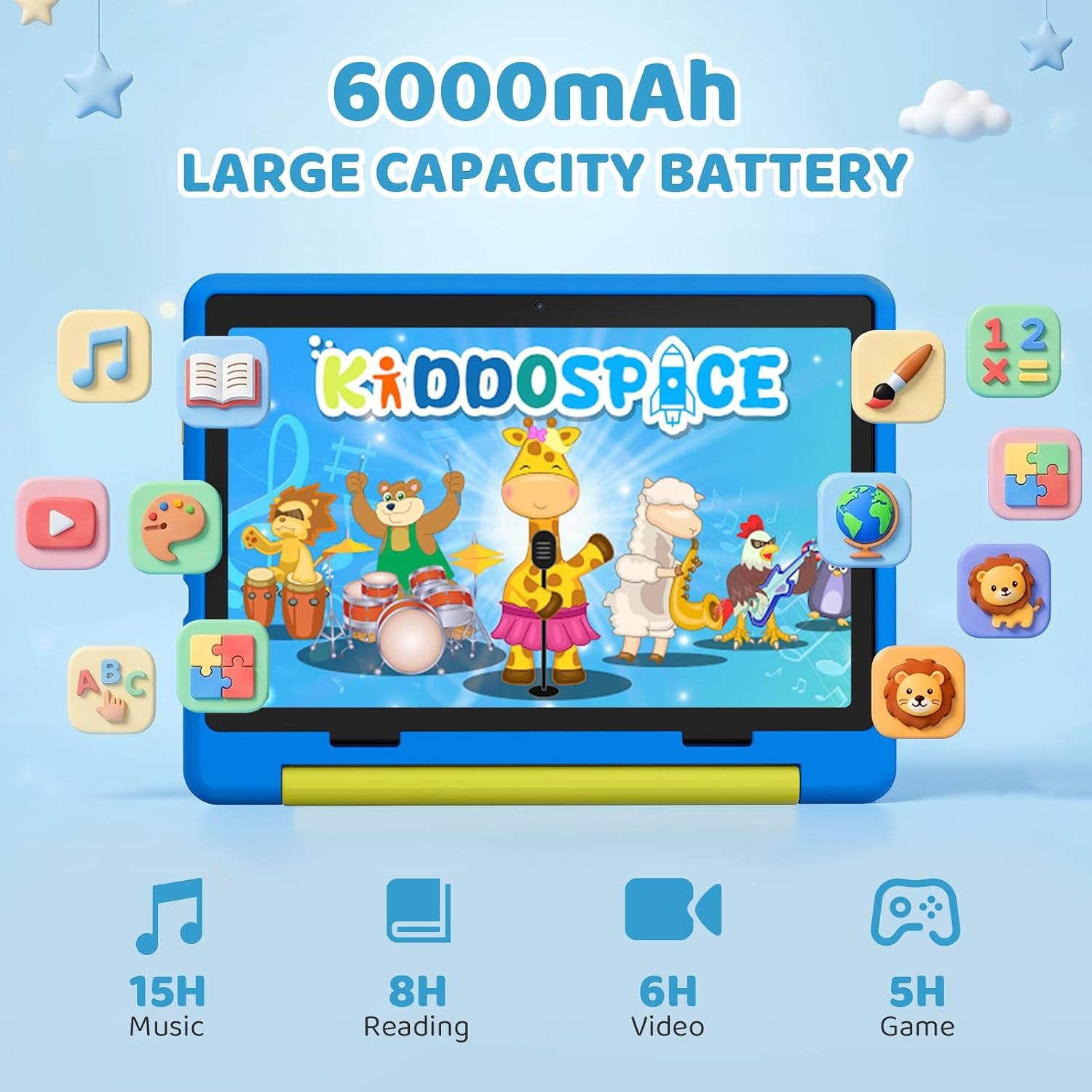
For a road trip, the stand can support the screen while a child watches a video or reads an e-book. The 6000mAh battery is intended for reading, video, and games, but the listing does not give a runtime in hours, so it’s hard to predict how long it will last between charges. USB-C charging is listed, with a full charge taking roughly 1.5 hours.
Why it’s worth it
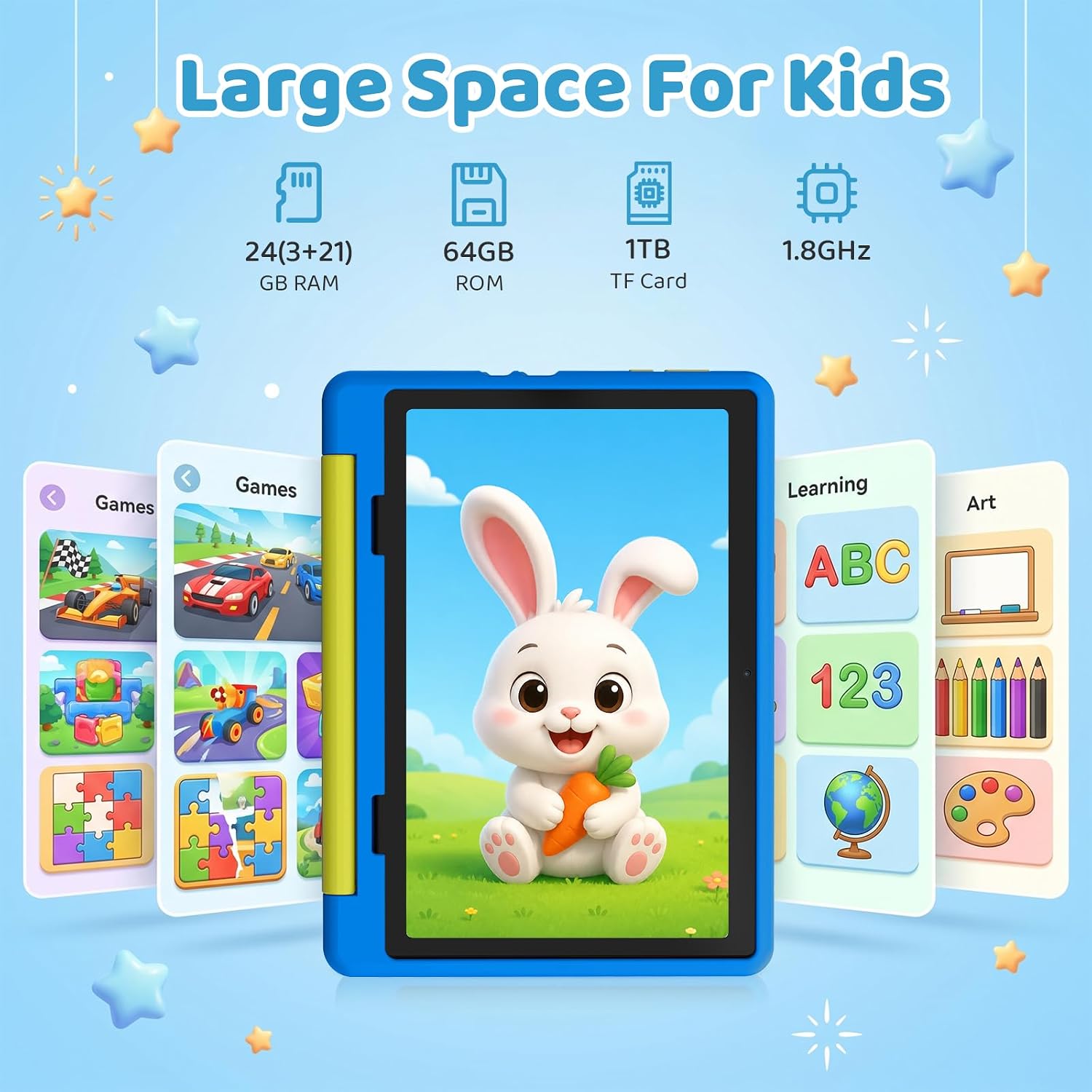
The appeal is having entertainment and child-focused learning features together, rather than starting with a general-purpose tablet and setting everything up from scratch. UKIDOZ Kids Space comes preinstalled with educational games, picture books, and creativity apps. The included case has an adjustable stand and is described as shock-absorbing, a practical touch for everyday use, there’s no drop rating provided, though, so it shouldn’t be treated as indestructible.
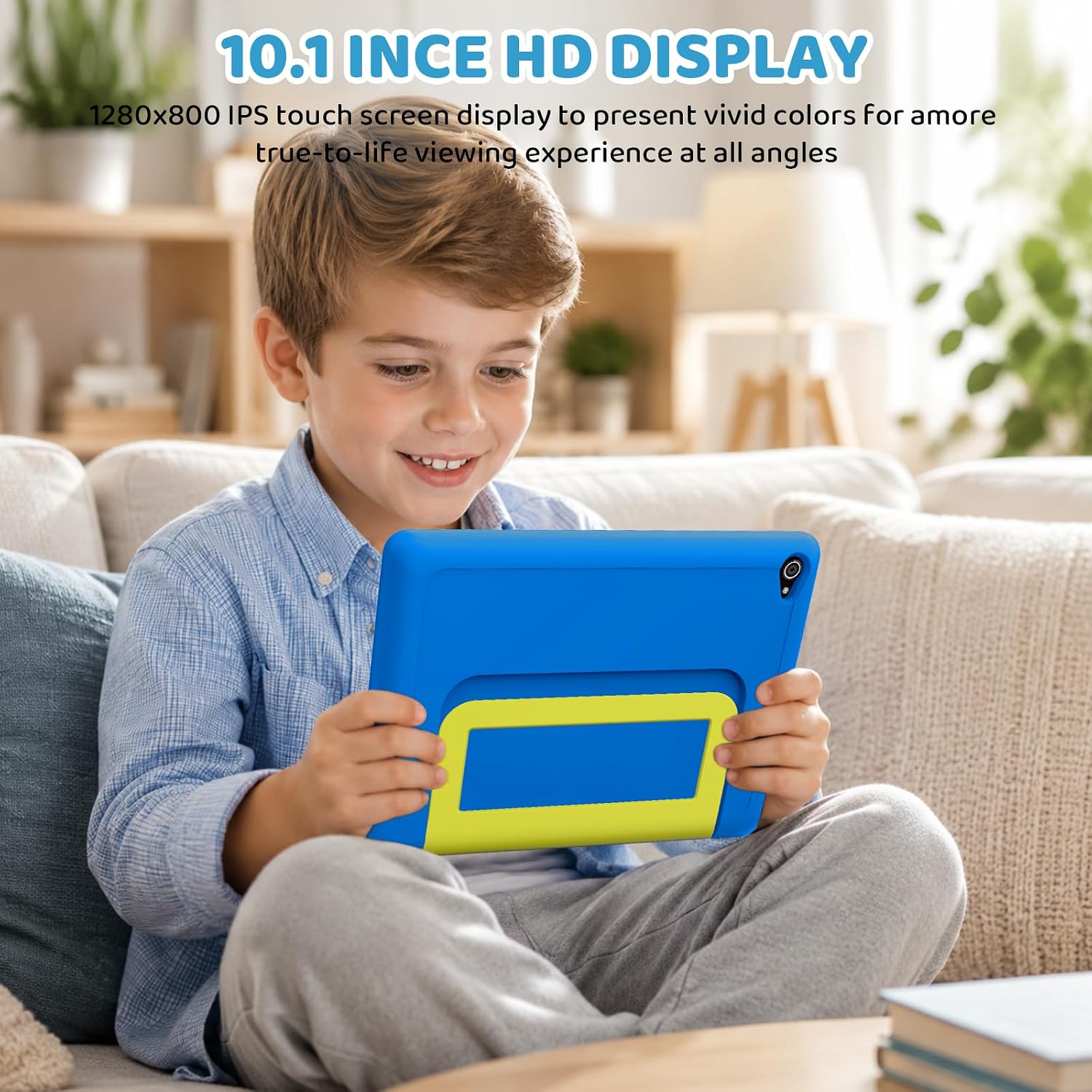
It’s a great fit if you want a device for supervised videos, simple learning activities, and casual games. Better avoided if the tablet will also need to serve as a high-resolution screen for a parent or older student. The 1280 × 800 IPS display is a clearly stated trade-off against tablets with sharper screens.
Key features
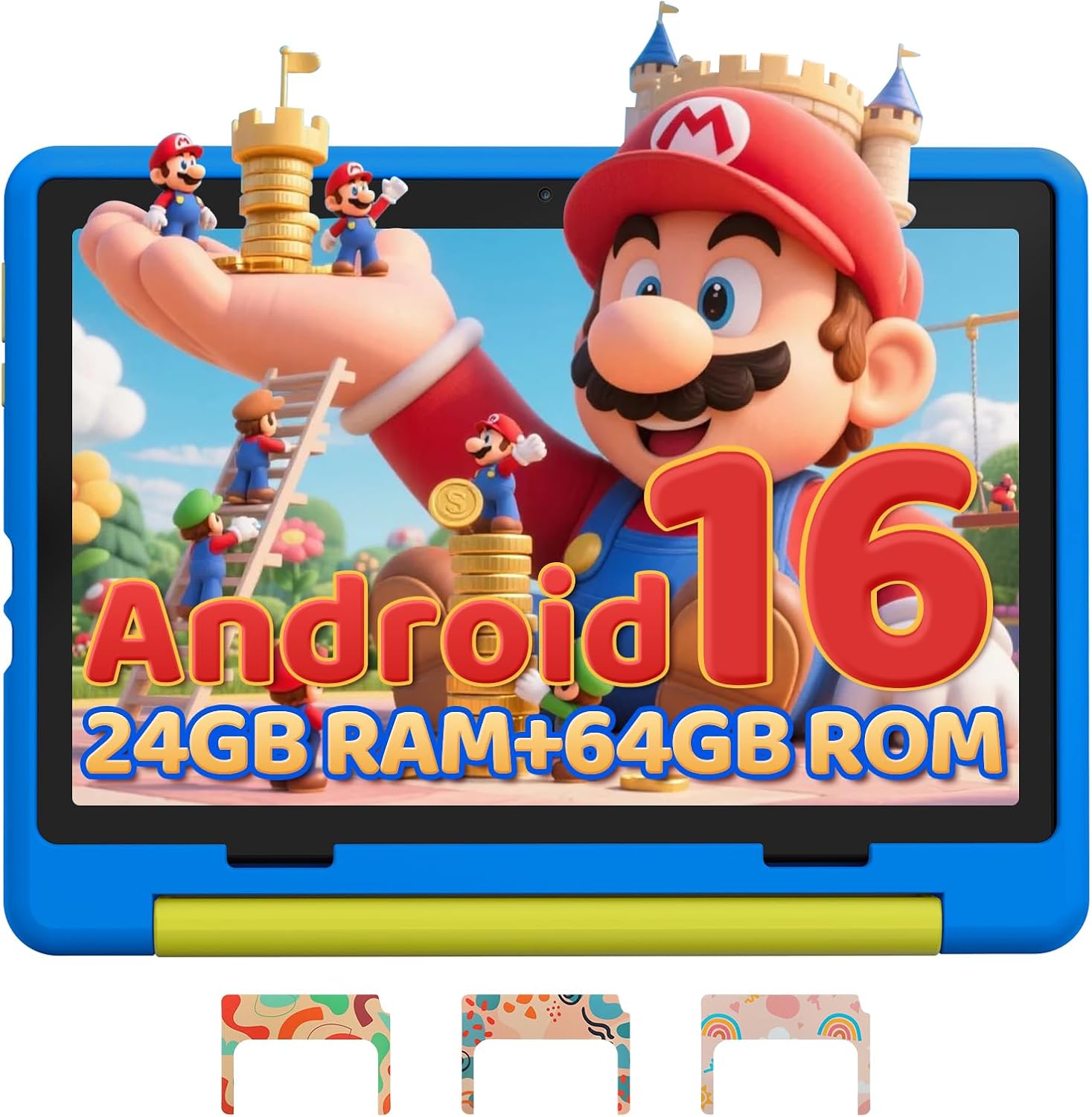
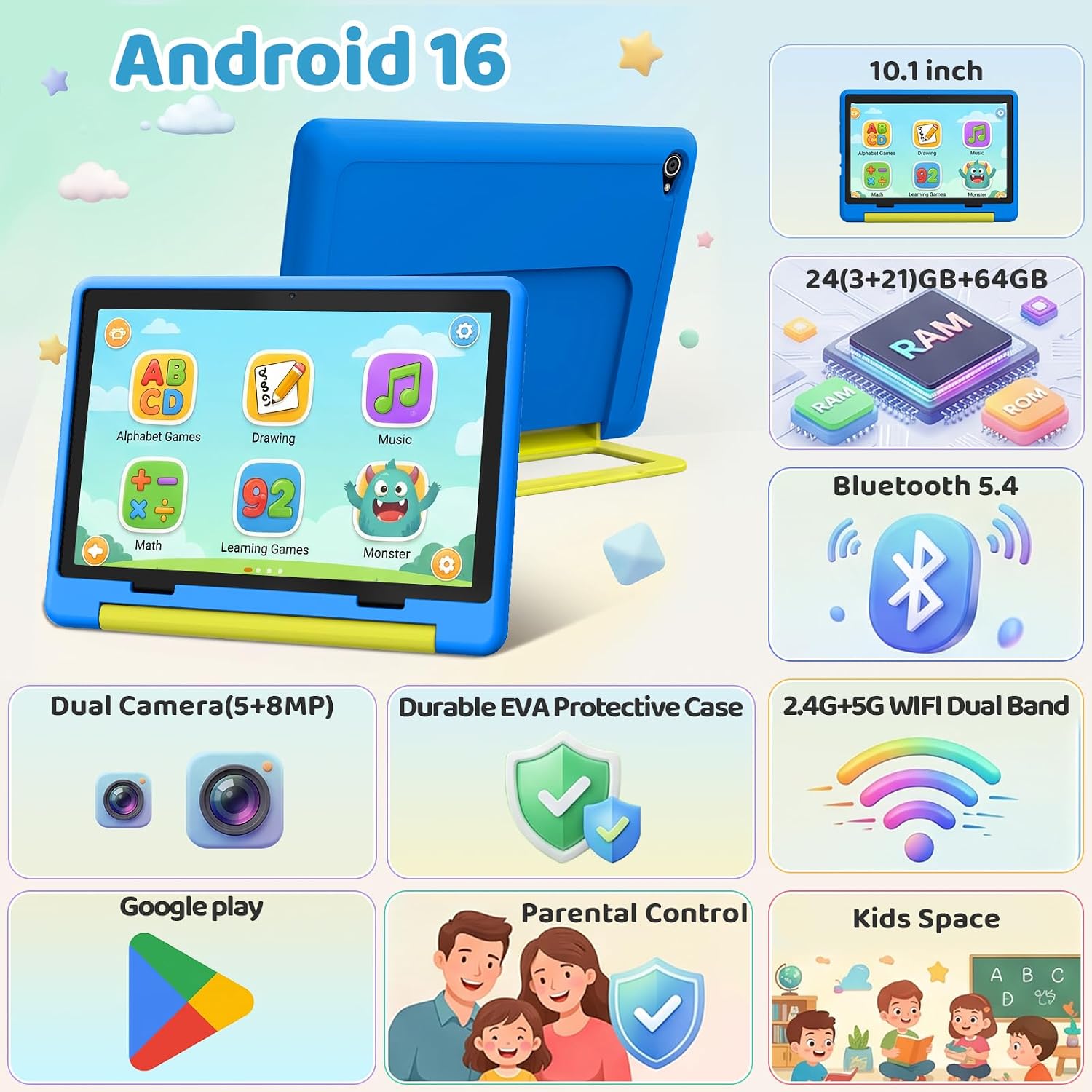
The listing specifies a 10.1-inch IPS touchscreen, Android 16, a 2.0 GHz octa-core processor, and dual cameras. It advertises 24GB RAM and 64GB of built-in storage, with TF card expansion supported up to 1TB. That expandable storage can help if you want to keep downloaded videos, e-books, and learning materials on the device rather than relying only on its built-in space.
Widevine L1 is listed for HD playback on services including YouTube, HBO, and Disney+. The screen’s resolution is still 1280 × 800, so the certification doesn’t change the panel’s stated pixel count. Consider both details if streaming is a major reason for buying.
Should you buy it?
This Gleeso tablet makes sense for families looking for a kids-oriented device with a preloaded activity space, app and screen-time controls, expandable storage, and a stand-equipped case. Picture a child using UKIDOZ for a short activity at the kitchen table, then watching a downloaded video with the tablet propped up in the car: those are the kinds of everyday jobs its feature set is aimed at.
Choose it if those child-focused extras matter more than having a higher-resolution screen, and if the stated storage and battery capacity suit your routine. Look elsewhere if you need a sharper display or need a dependable estimate of viewing time between charges, the available details don’t provide battery runtime or a drop-test rating.