

ProCase iPad Air case, 11-inch
Product description
Highlights
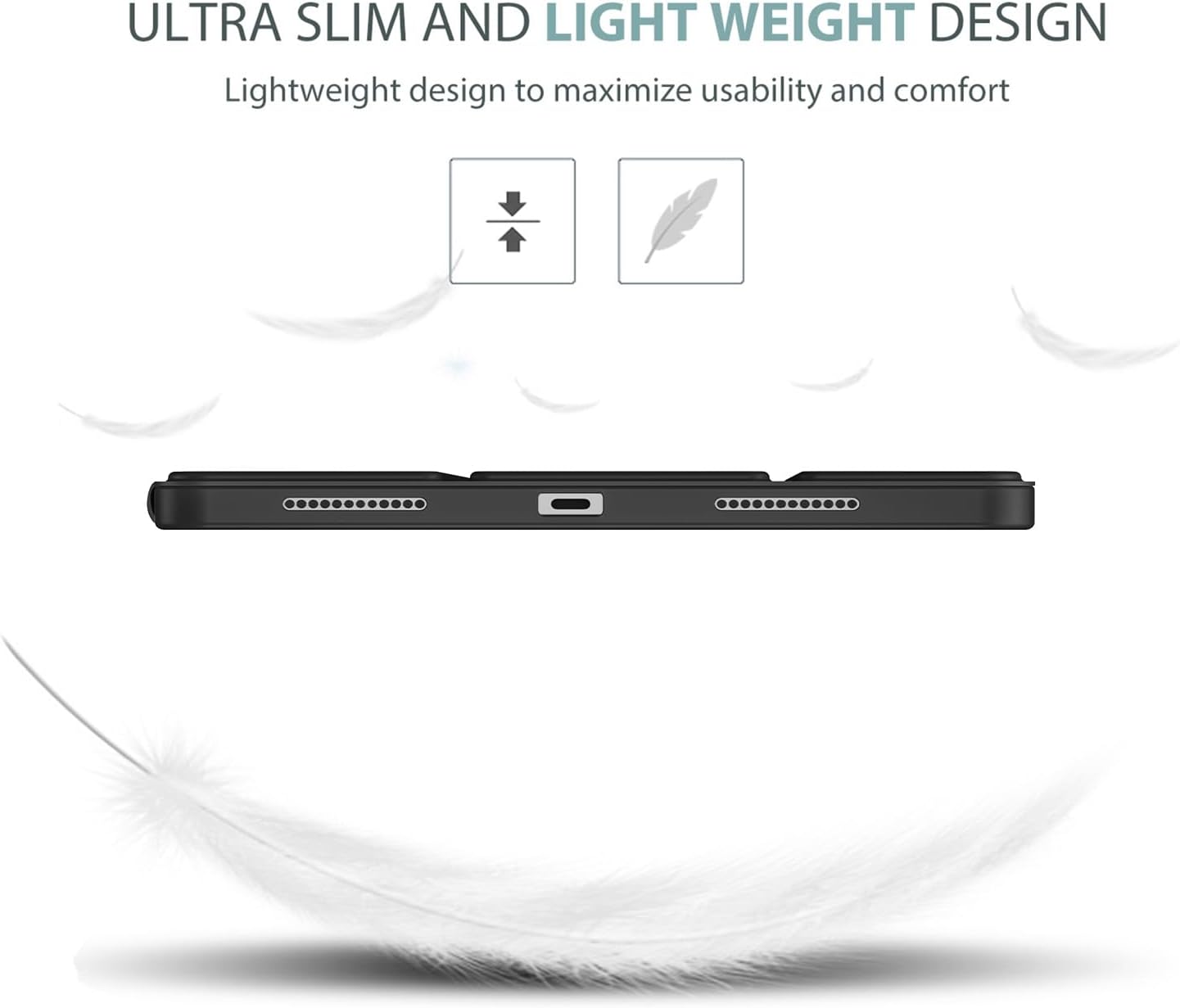
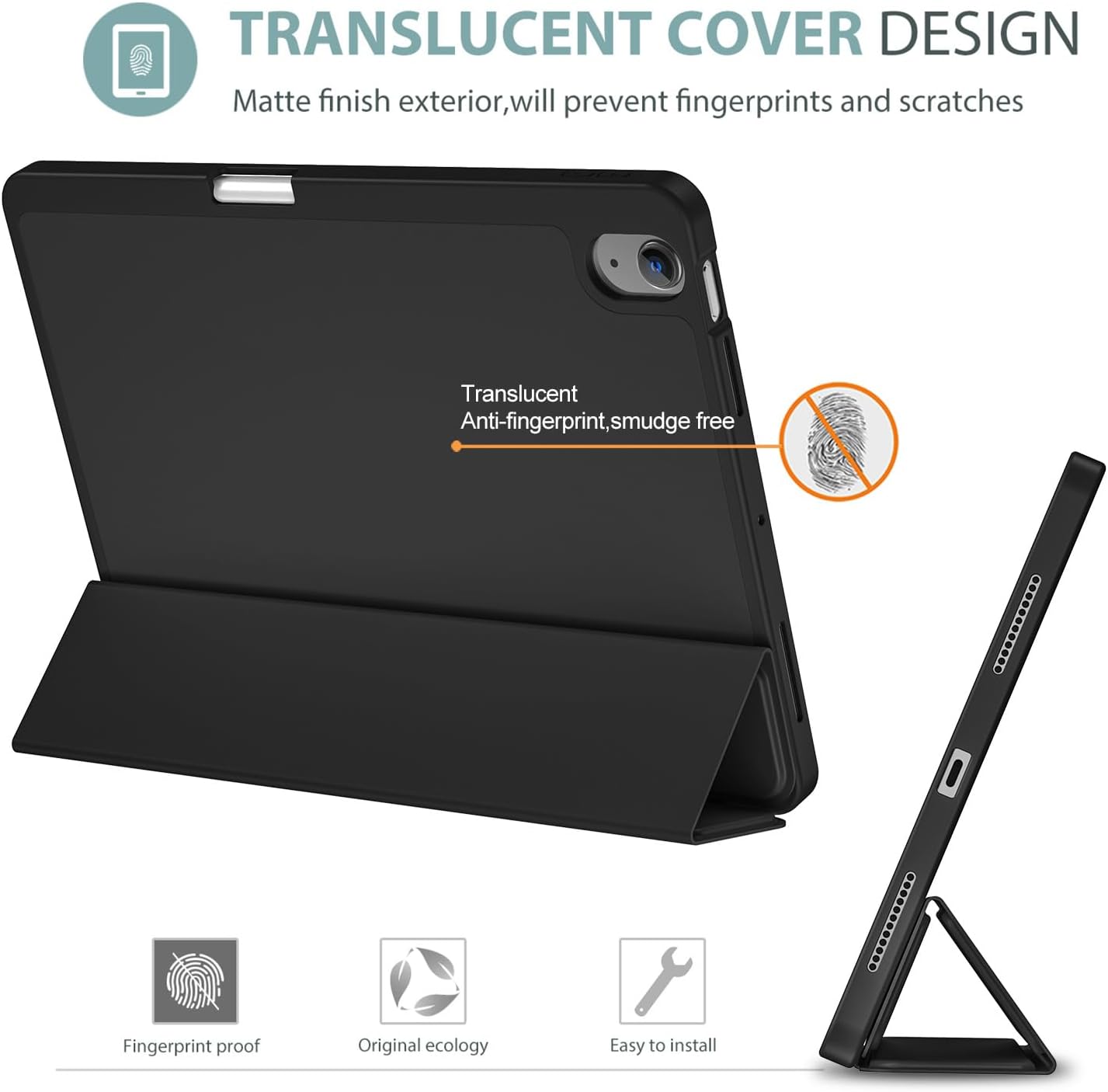
For reading on the couch, watching a video at a desk, or typing with the screen propped up, this ProCase cover combines a slim trifold front with a flexible TPU back. It’s designed for specific iPad Air generations, with a built-in Pencil holder and an automatic wake/sleep cover.
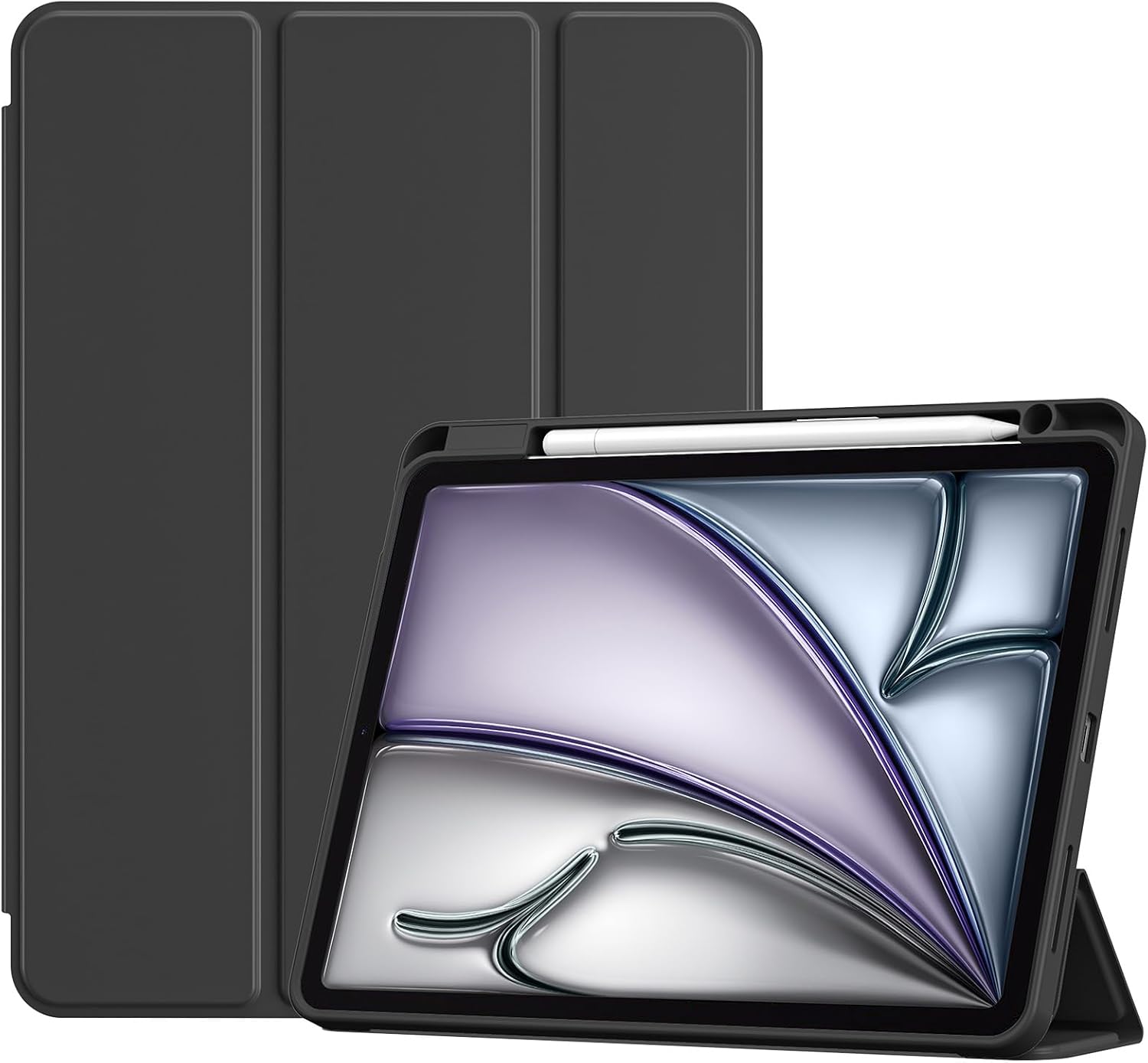
The folding cover offers viewing and typing positions, while the magnetic closure helps keep it shut between uses. Keep in mind that it does not work with a Smart Keyboard, and the Pencil is not included. The TPU back is intended to help protect against everyday bumps and scratches without adding a bulky profile.
How to use it
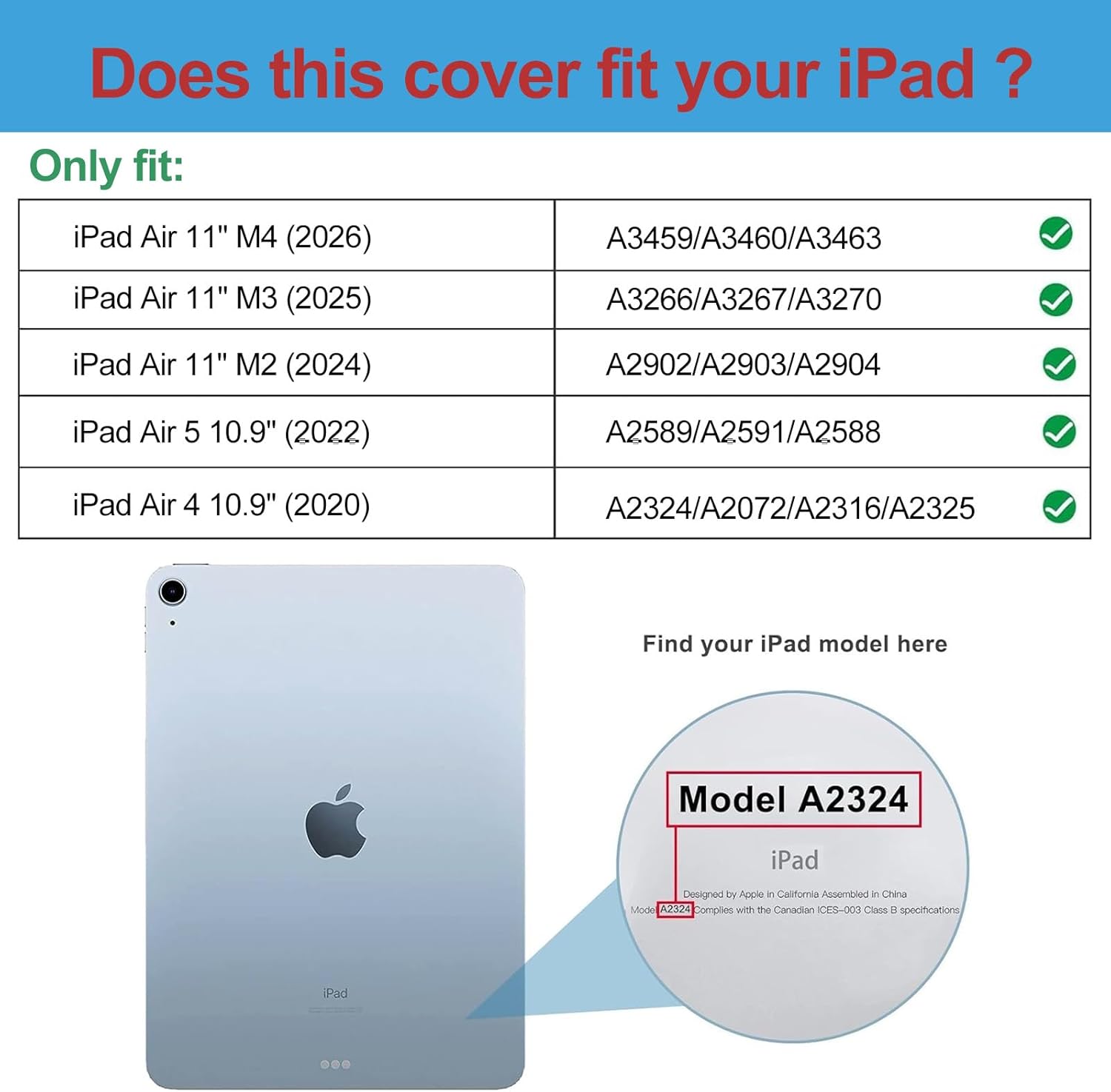
Check your iPad’s model number under Settings > General > About before choosing this case. It fits iPad Air 11-inch M4 (2026), M3 (2025), and M2 (2024), plus iPad Air 5th Gen 10.9-inch (2022) and Air 4th Gen 10.9-inch (2020). The product details list the corresponding model numbers, which are worth matching against your device. It is not for iPad A16 or 10th Gen models, or other iPad models.
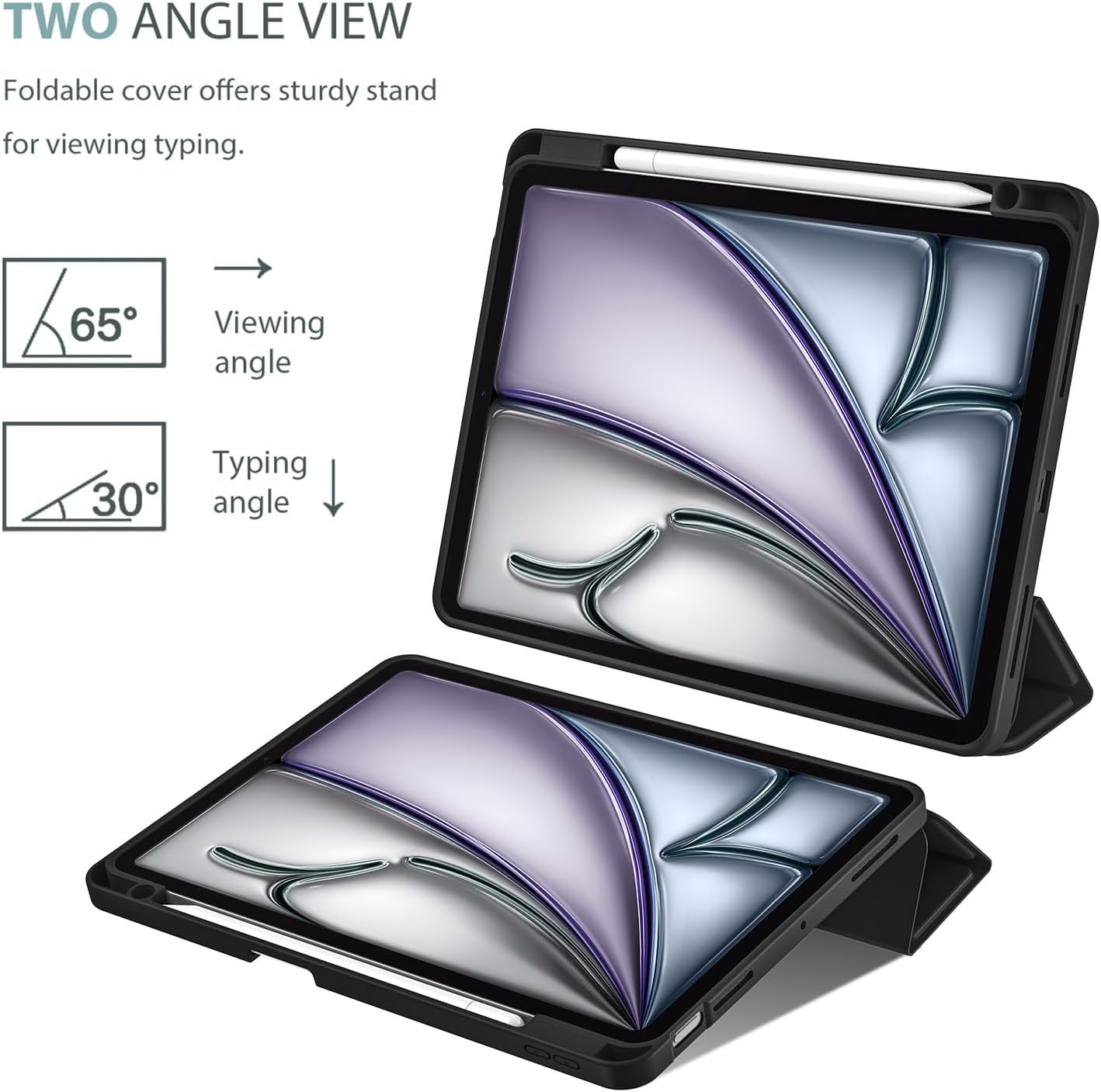
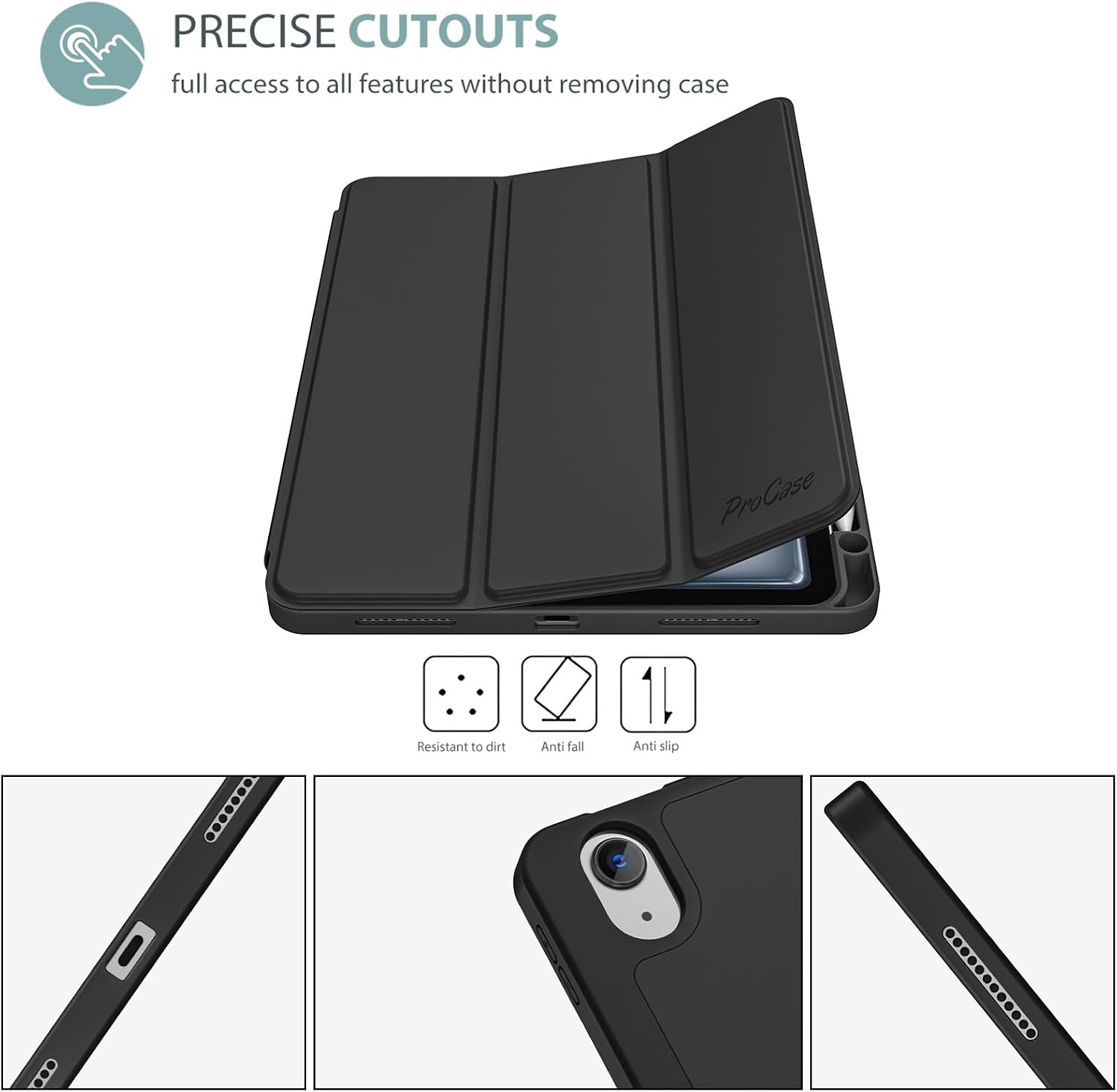
Once it’s fitted, fold the magnetic front cover into the position you need: upright for a video or flatter for typing. Opening and closing the cover is designed to wake or sleep the iPad automatically. The cutouts are intended to leave the camera, speakers, ports, and Touch ID accessible, so you shouldn’t need to remove the case for those functions.
Practical tips
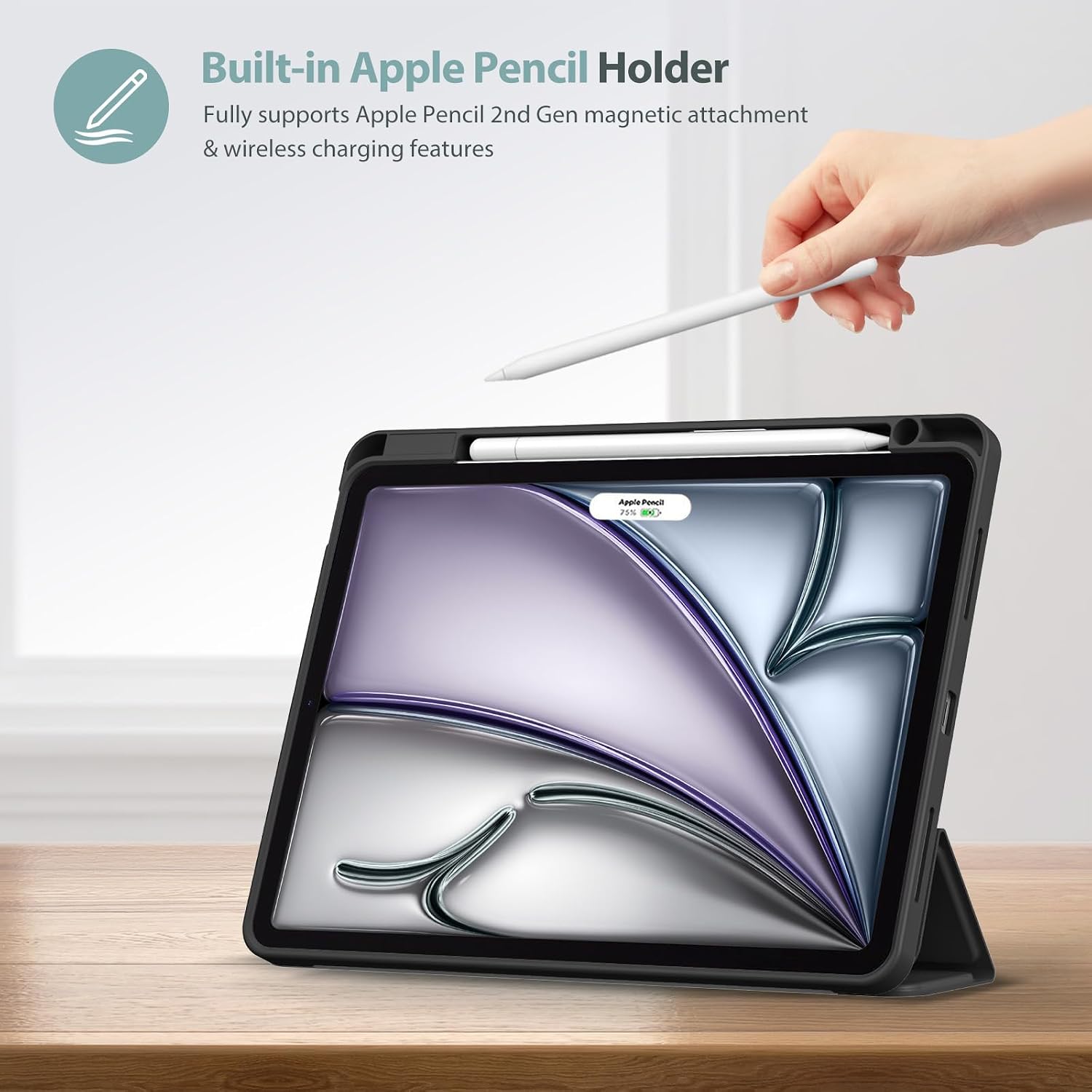
If you use an Apple Pencil, the holder gives you a place to store and retrieve it rather than relying on it staying attached separately. The listing specifies support for Pencil Pro, Apple Pencil (2nd generation), and USB-C Pencil wireless charging. Check that your Pencil matches one of those types before making that feature a deciding factor.
For example, when you’re moving from a video to a quick note, you can fold the cover down, take the Pencil from its holder, then prop the screen back up in a viewing position. If you switch often between typing and watching, the two stand angles offer a simple way to adjust without carrying a separate stand. A solid pick if you want those everyday cover and storage functions in one case. Not the best choice if you need Smart Keyboard compatibility or your iPad isn’t one of the listed Air models.
Before you decide
Will it fit an iPad A16 or 10th Gen? No. The listed compatibility excludes both, confirm your model number in Settings before ordering.
Is a Pencil included? No. The case has a built-in holder, but the Pencil must be purchased separately.
Can the cover be used as a stand? Yes. Its magnetic trifold design is described as offering viewing and typing positions, with two viewing angles.
When it makes sense
Choose this cover if your iPad is a listed Air generation and you want a slim case that combines a soft TPU back, a folding stand, automatic wake/sleep, and a place for a compatible Pencil. It suits everyday reading, video watching, and light typing, especially if you’d rather have a built-in stand than carry a separate one. Look elsewhere if your device falls outside the supported models, or if using a Smart Keyboard is part of your setup.